Leaderboard



Popular Content
Showing content with the highest reputation since 08/19/2011 in File Comments
-
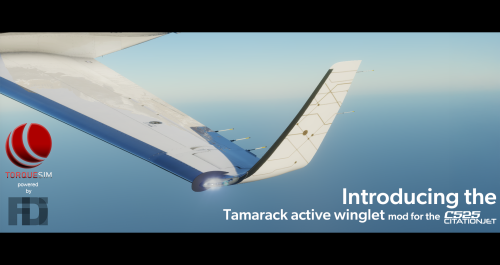 I wanted to share a simple modification I made to the flight model to make an allowance for the reduced drag from the winglets. In the TorqueSim Discord channel, ProfessorCrash said the range increase is 300nm from 1100nm to 1400nm, a 27% increase in range. I therefore reduced the fuselage coefficient of drag (cd) by 27% from 0.058 to 0.049. I assumed a min cd of 0.025 (Plane Maker manual states a very sleek fuselage has a cd of 0.025) and deducted 27% from the difference between the min cd and the current cd, i.e. 0.058 - (0.27 x (0.058 - 0.025)) = 0.049. In my test flights to date, I am achieving range proportionate with ProfessorCrash's Tamarack performance graph. If you want to try this, the line to change in the CJ525.acf file is: P _body/0/_part_cd 0.0495 points
 -
4 points
-
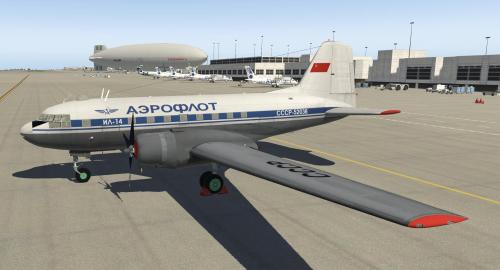 Do you know also the Yak-40? You can download it here: https://github.com/parshukov/Yak-40-Felis-for-X-Plane-113 points
 -
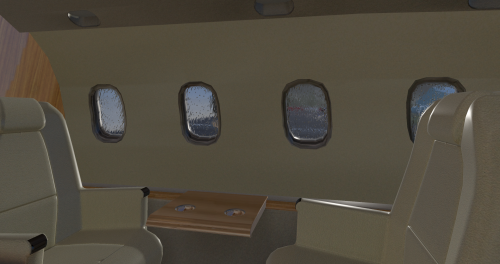 This is impossible now. There are a ton of stuff already adopted that are XP11 exclusively. From FMOD to even PBR materials.3 points
 -
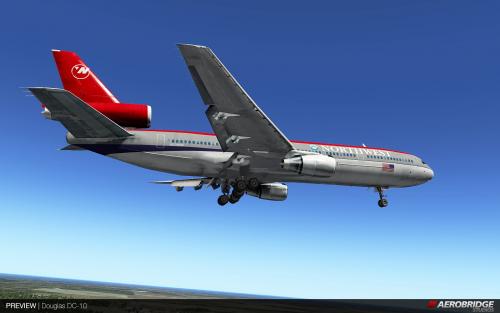 Hi, This aircraft work with XP11?3 points
 -
3 points
-
 Very nice2 points
 -
Thank you for the addon! At the moment you have two right (green) navigation lights on the port and starboard winglets. Line 16 in Winglet_Lights.obj should be changed to " LIGHT_PARAM airplane_nav_left_size 1.787966 5.7948413 -7.8896279 0.2 1.0088034".2 points
-
I'll try to find some time, to try the minimum to make her working in XP12, but no promises about when.2 points
-
Needs a lot of work to work properly in X-Plane 12. When I'll have some free time, I might updated her, but not any time soon.2 points
-
 Why is this uploaded twice?2 points
 -
 Those are both fair. You're right that the top of the wings on the real aircraft are white, I'm aware of that and will fix it at some point. The nose point is less about accuracy and more about the getting the texture to curve under the belly. This is one of the things I am going to revisit when the paint kit comes out, in the event that it contains any useful guide layers, etc.2 points
 -
Great work on this aircraft. It is surely a labour of love, and it is a pleasure to fly. I have just "rediscovered" X-Plane after several years with P3D and recently MSFS 2020, so this was a pleasant suprise. Even with my modest PC, the VC and gauges runs smooth in VR. The Collins gauges look and feels great.2 points
-
 I see that in this release here the IAE_fix.zip is missing, where can I get this from?2 points
 -
If you don't mind me asking, how's V2 looking? Ever since the neo release, I need a reason to fly a ceo again lol (Keep up the amazing work btw, I'm glad to see this still alive and well!)2 points
-
Yay, thank god this project isn't dead. Was scared when the Threshold link was removed. Wonder why...?2 points
-
 Very nice!2 points
 -
Here's a 3D cockpit for this plane https://forums.x-plane.org/index.php?/files/file/47993-dc-10-3d-cockpit/2 points
-
.thumb.png.8e92e18a842ca3b7b307d9b7f07a5d71.png) nice work @Delta_Who, important question : is it mandatory to fly it with an open fuel cap ? ;-)2 points
nice work @Delta_Who, important question : is it mandatory to fly it with an open fuel cap ? ;-)2 points -
You mean to close the popup window, not the Gizmo plugin, right? Re SASL: I'm using Gizmo in my payware projects (aka DC9), so when I have some to spend to do some stuff for Avanti, it is logical that I will go with what I'm using on a daily basis. After all it is proven that Gizmo is very powerful, with 2 of the best aircraft simulations, run on Gizmo (IXEG 733 and LES Saab 340A). And since I want that horsepower available to me, for things that will come, even for the free Avanti, I ask from you, that for now, accept the small annoyance to have to close that popup window. Regards2 points
-
Any chance this aircraft will be upgraded for X-Plane 11?2 points
-
Thank you verymuch for this gift…2 points
-
 I downloaded this archive, there are 2 livereies. But Aeroflot (fictional) is missing (2 points
 -
 Thanks a lot.2 points
 -
2 points
-
2 points
-
2 points
-
2 points
-
2 points
-
2 points
-
2 points
-
2 points
-
2 points
-
2 points
-
2 points
-
1 point
-
 thanks for this!1 point
 -
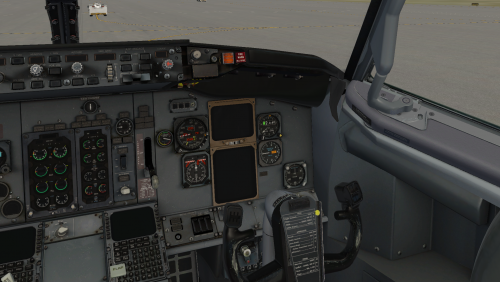 I like it, the epitome of a retrofit.1 point
 -
1 point
-
This is a great addon and I hope you will be continuing with this project!1 point
-
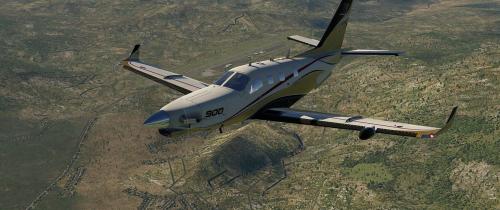 Hah! I got this now and there is nothing you can do about it. <31 point
 -
 Very cool!!!1 point
 -
1 point
-
1 point
-
1 point
-
1 point
-
1 point
-
1 point
-
1 point
-
1 point