Leaderboard




Popular Content
Showing content with the highest reputation on 04/28/2016 in Posts
-
Torp to Hamburg

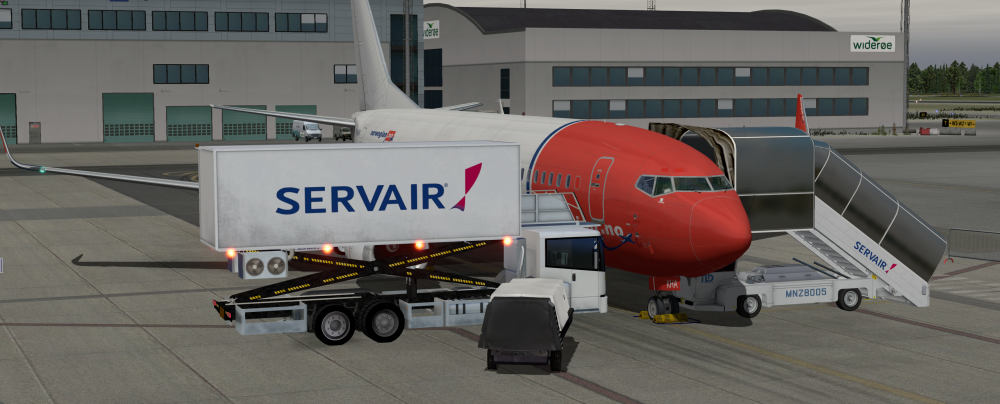
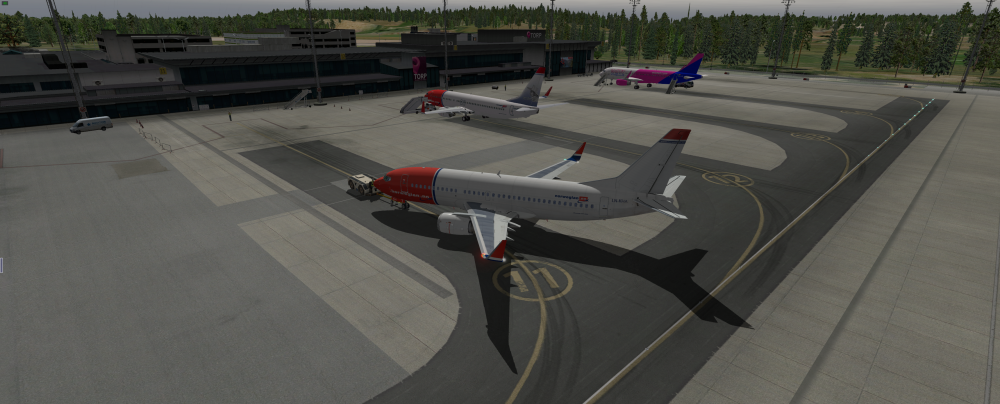
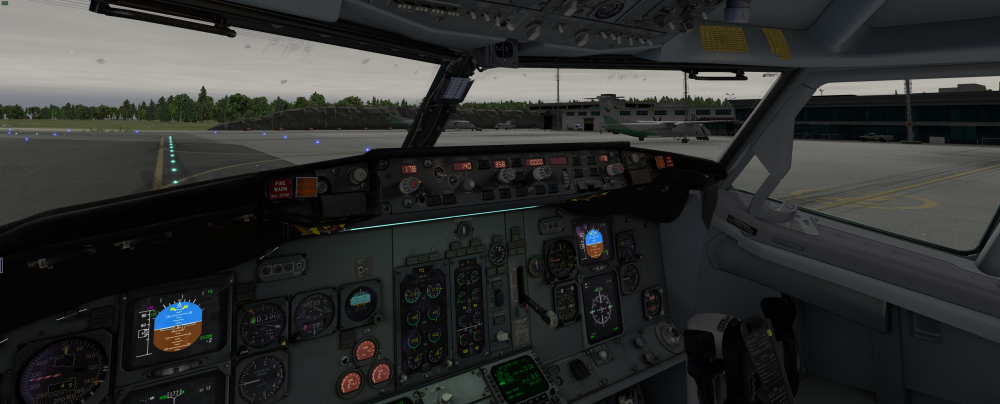 5 points
 -
3 points
-
The series consists of 3 videos as so far:3 points
-
Arriving to KLAS. IXEG733
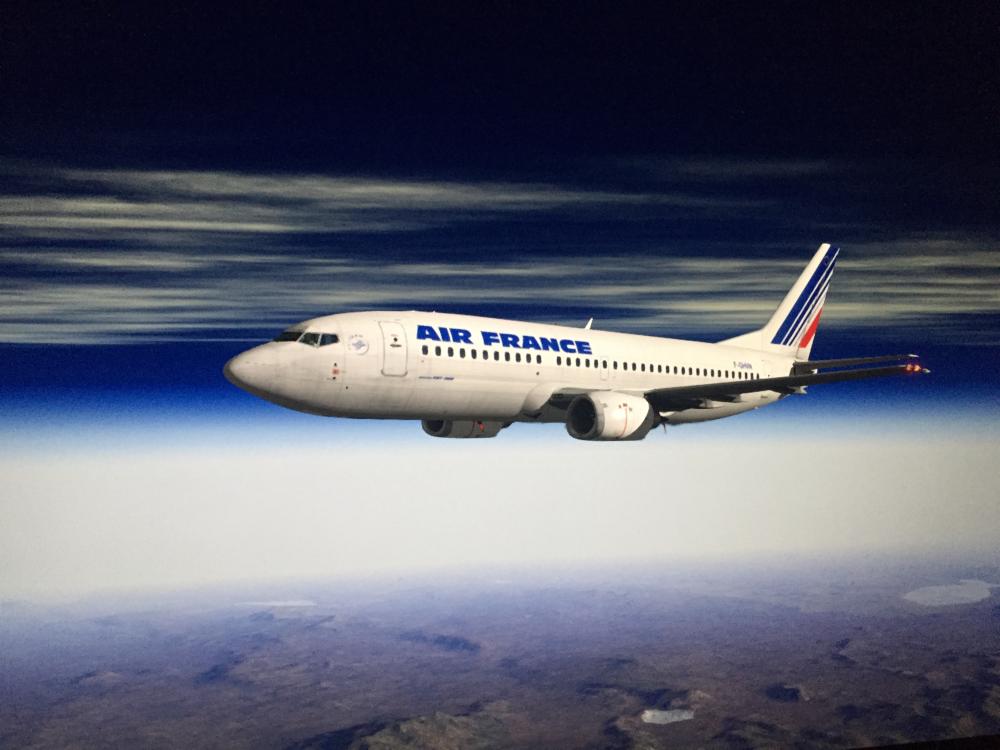
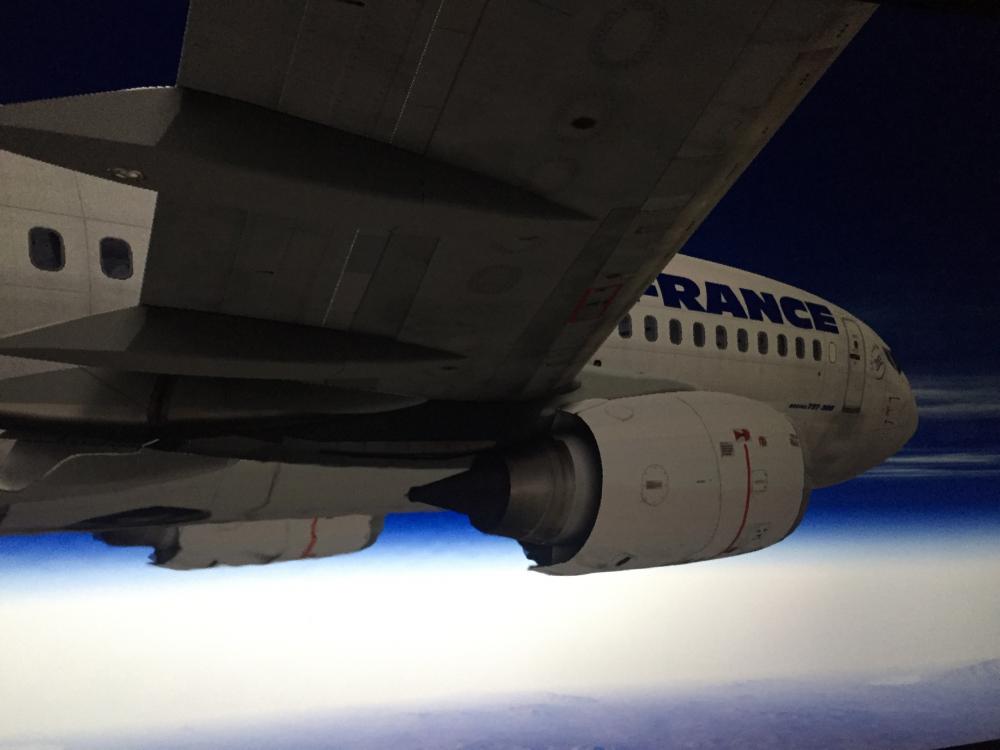
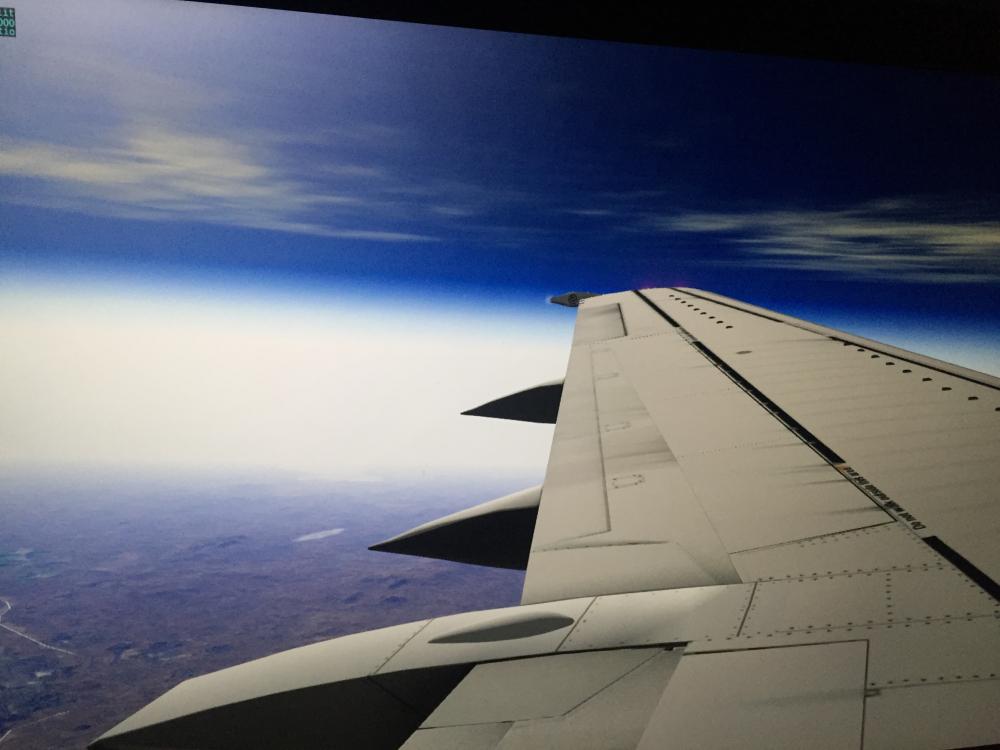 3 points
 -
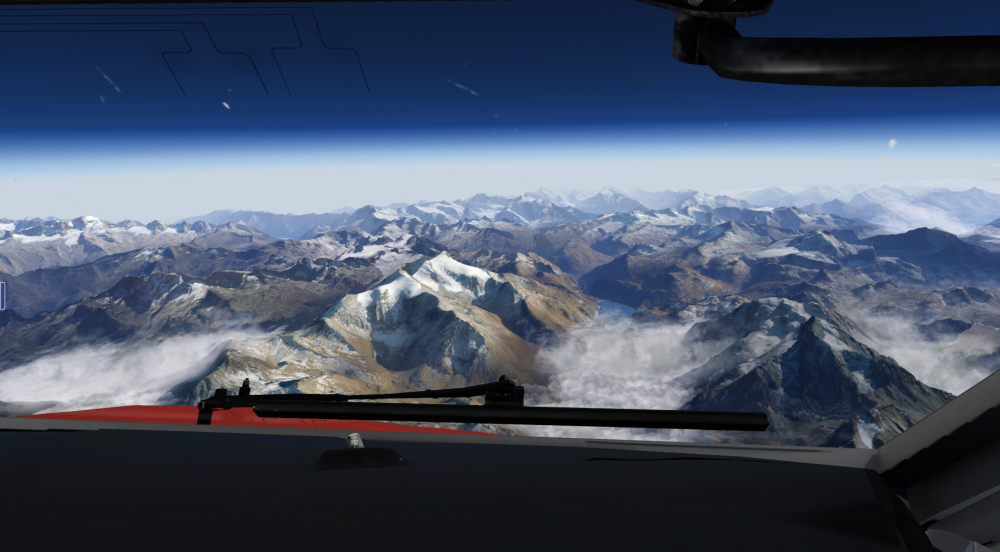
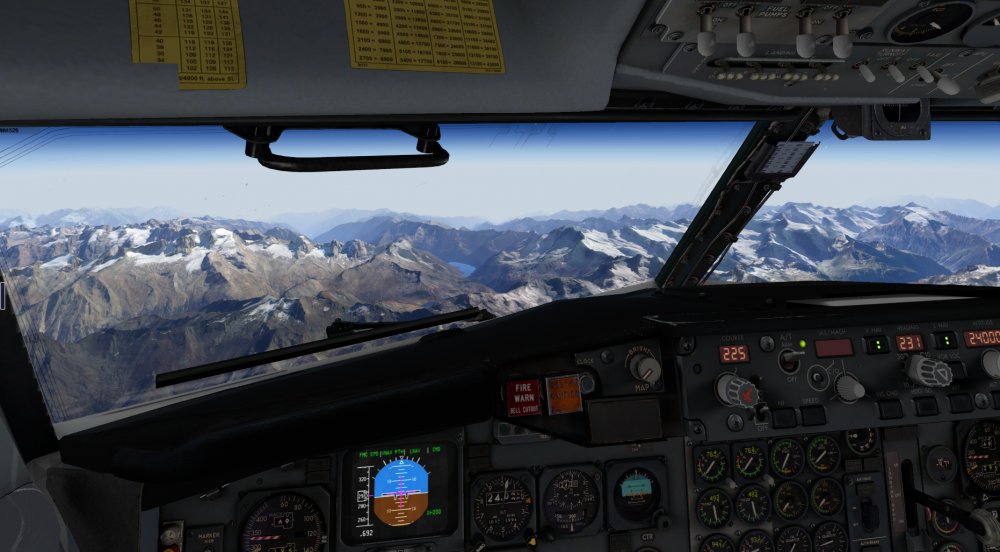
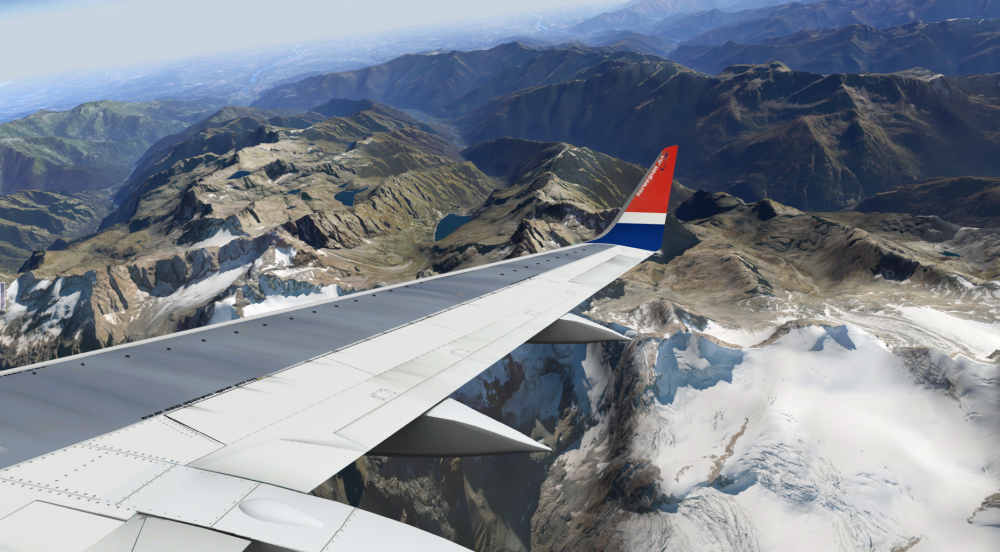
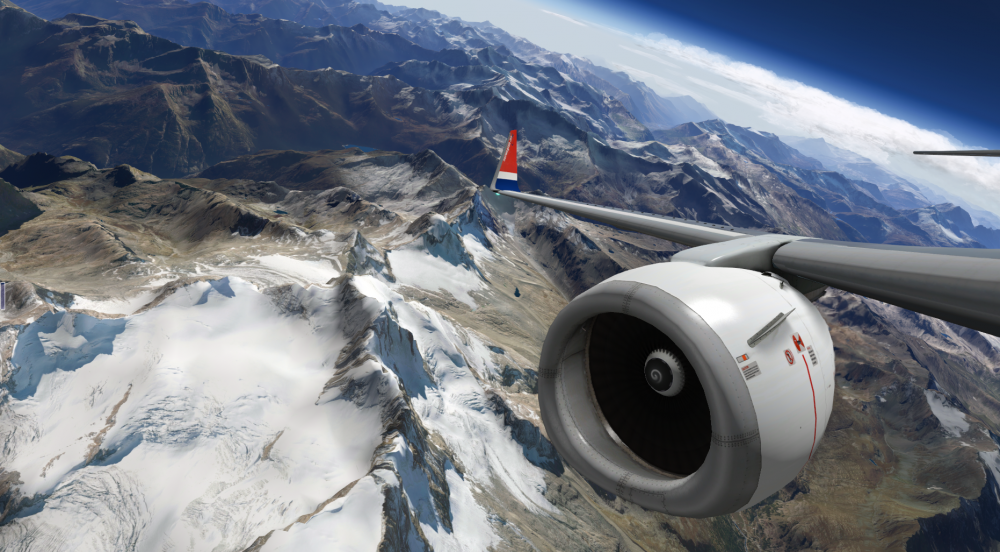
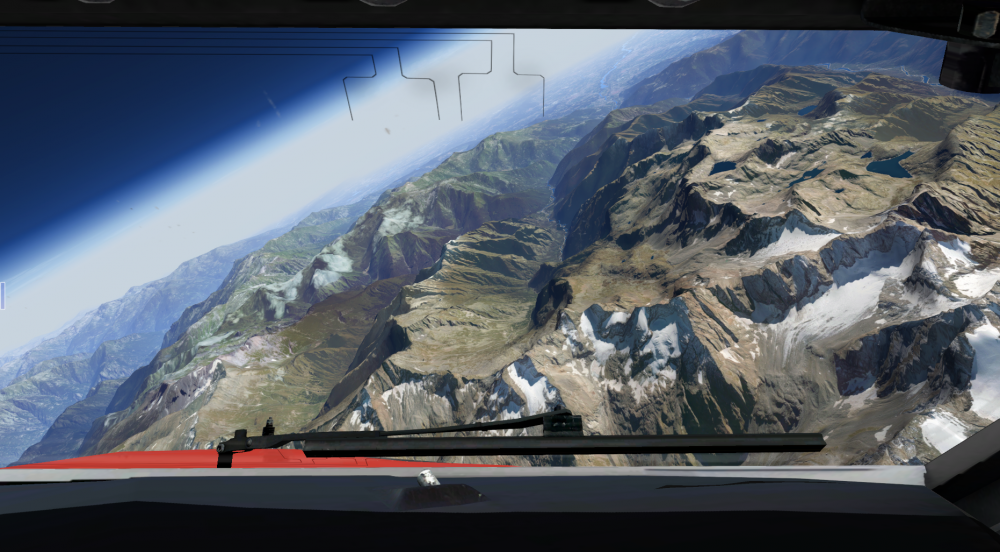
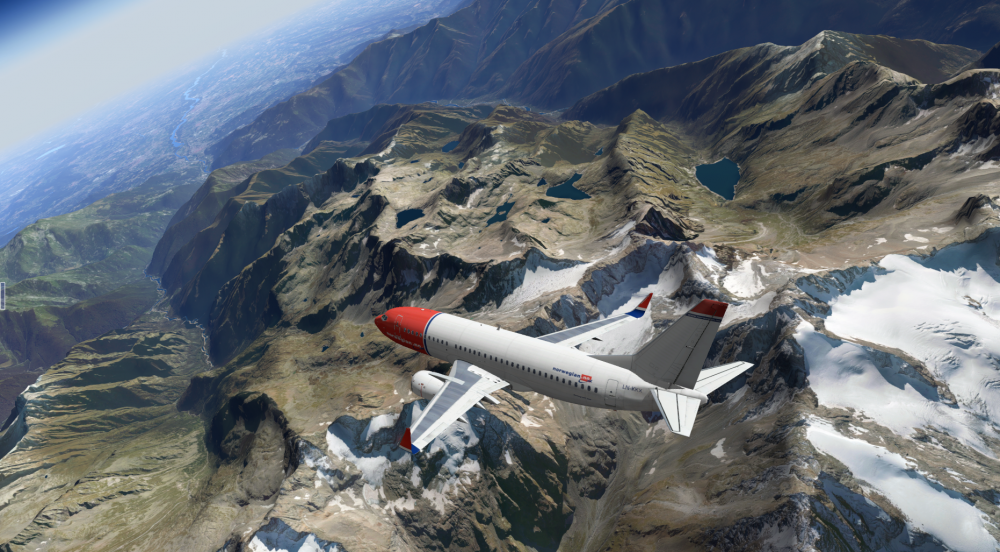
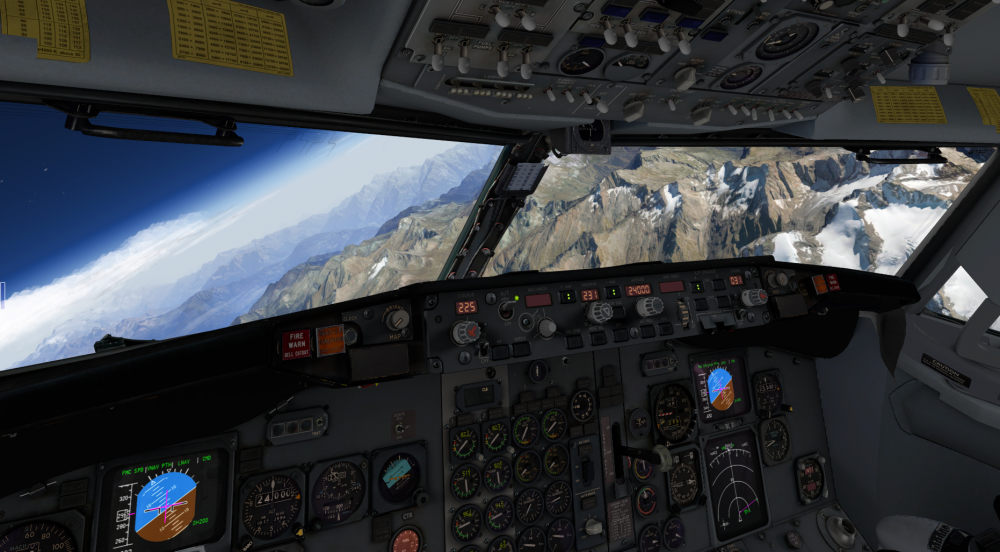
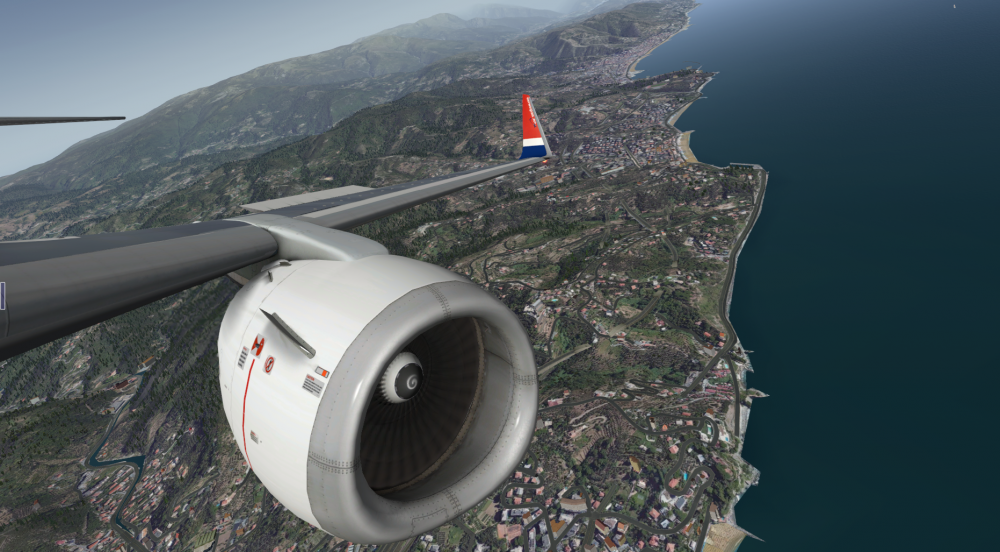
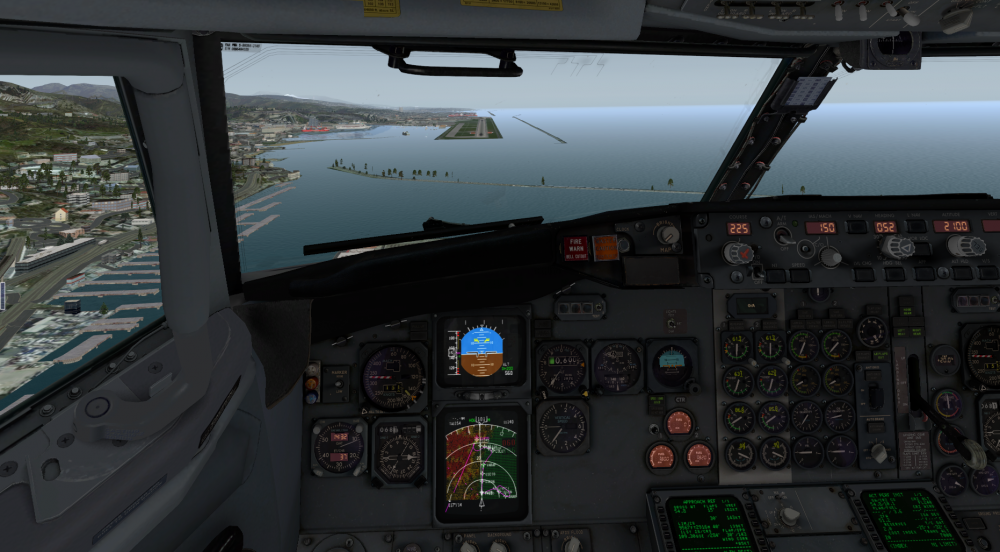
Geneve (LSGG) to Genoa (LIMJ). Photo Mesh built using g2xpl with European OSM Data. Come watch a live stream on Twitch here Cheers, Josh
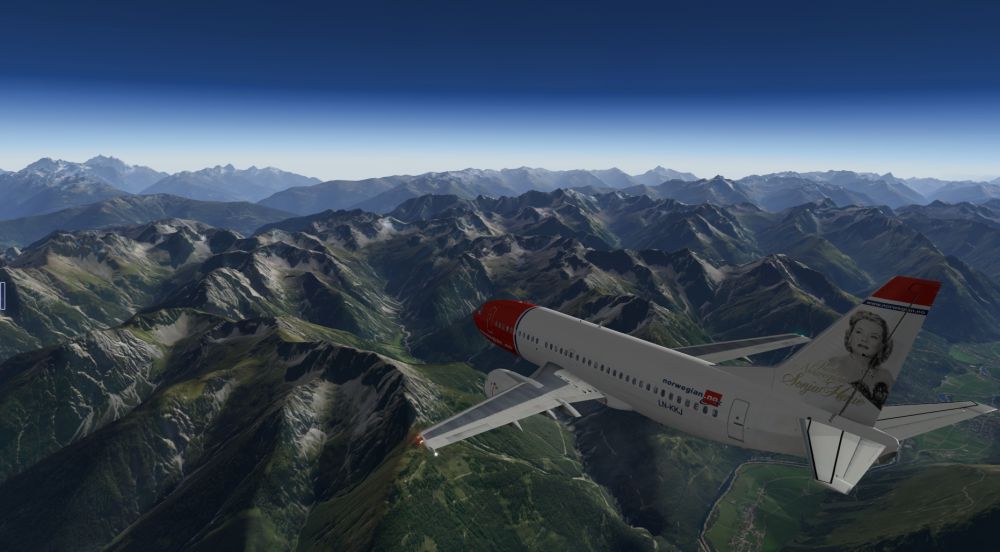
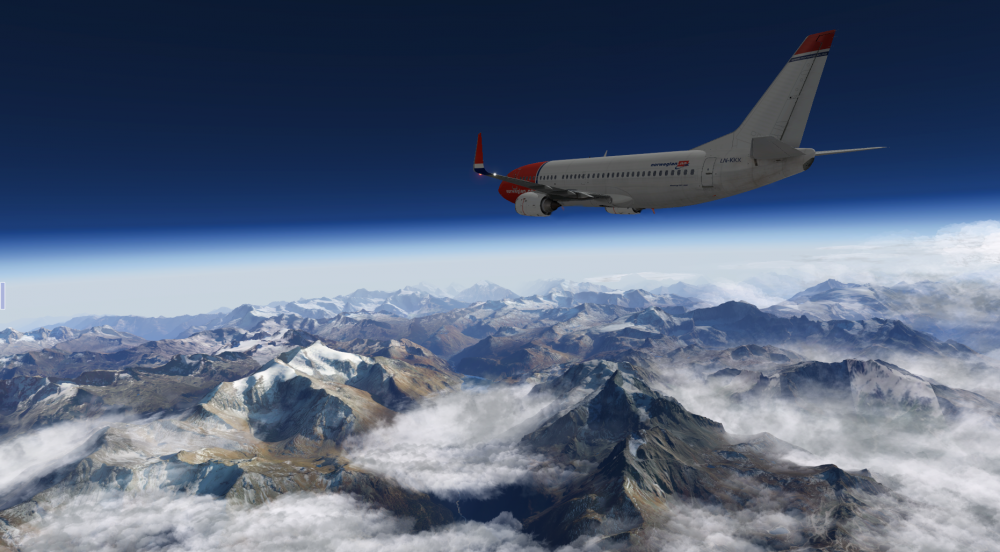
 2 points
 -
IXEG 737-300 ICELANDAIR TF-FIE View File By request v1.0 Icelandair TF-FIE livery for the IXEG 737-300. All Icelandair 733s were retired back in 2004. Enjoy!! Submitter Attitude Submitted 04/28/2016 Category Heavy Metal Livery For Click Here For Aircraft X-Plane Version(s)2 points
-
He is not the only one "Extremely Pleased" I have stopped using "Prepar3d Who"2 points
-
Hi Ben, it would be great if you do that. Of course the windows installer won't be such an issue. I was even thinking that a virtual machine windows can be used for that. I use virtualbox win10 frequently for the sake of pfpx, vatspy and fs global real weather and my xplane folder is visible and writable from the virtual machine. Sent from my iPad using Tapatalk2 points
-
mgeiss has it right - don´t arm the A/T until lining up (for this very reason - it has happened in real life, too!)... To cancel the modes, FD´s off then on SHOULD work... if it doesn´t please post so in the support section! Thanks, Jan2 points
-
The CG is not given in the ground service pop up menu, but has to be set (default is 20% MAC). I think HerrSchwarz's question is more pointing at "what CG would be realsitic for a GW of X tons". To illustrate that, I have emptied the aircraft of all payload and fuel to demonstrate that the CG still points at 20% (unless you change it - cf attached screenshots). If I remember correctly, this was already discussed during development phase - there's a thread about load mgmt somewhere, concluding that IXEG will not take care of the load management, since this is normally not the pilot's job. Remains the (very valid) question what is a good value to set... The CG is not directly depending on the GW. When the aircraft is empty (no fuel, no PAX, no cargo) it does have a distinct EW and CG (which is individual per aircraft, not by type, so usually you get this information alongside with the aircraft from the manufacturer). Adding fuel normally changes this in a characteristic way (since fuel is normally always distributed the same way when fuelling - wing tanks first and balanced, then center tank). So fuelling to an amount of x kgs should always result in the same CG (as long as there's no other payload). As soon as you change the ZFW (i. e. add PAX or cargo), the story starts becoming interesting: normally the CG impact is calculated based on seat row population and assignment of cargo to the FWD and AFT cargo compartments. Since you don't have most of this information (neither the neutral CG, nor the fuelling impact nor the redistribution of PAX and cargo), you cannot calculate the correct CG (even if you have a load mgmt software for a 733 at hand), you can only set the CG to something convenient. Something resulting in a TO trim of between 2 and 5 (i. e. valid TO trim range) is technically ok - just keep in mind that the CG is travelling forwards during flight (fuel is being stored behind the CG), so if you already take off with a very low CG (e. g. 4%) you will have a very "heavy nose" on flare... The proposed standard value (20%) is well chosen by IXEG - althoug you will rarely have such a nicely balanced aircraft, this hits quite the middle of the allowed TO trim range.2 points
-
Yea. Would be nice if the aircraft was in the state you left it in. COM/NAV freq, fuel, switches etc etc..2 points
-
Or just remember how much fuel you had from last flight would be cool!2 points
-
MOTOWN LIVE! for X-plane 10 KDTW and the Metro area by Attitude Simulations 750 sq miles of high quality orthophotos, accurate city and airport buildings, custom modeled airport mesh, animated objects and scenarios and so much more. The package will include KDTW and all smaller fields within the Metro Detroit area. update: 1/18/2016 - KARB and KYIP will be included in a separate package... Some of downtown Detroit will be released as freeware. Our web-site will be up later this millennium...Stay tuned! ATTITUDESIM.com (will remove slash once online) ENJOY!1 point
-
Hi, quick info for EFASS users: The Flightplan-Export plugin for the IXEG is ready. How to install: Start EFASS Click File -> Addon Downloader Double-Click the plugin "Export to IXEG 737" to download it Click away all those messages and restart EFASS Export-Path for flightplans: <X-Plane-Folder>\Aircraft\X-Aviation\IXEG 737 Classic\coroutes Loading the flightplan: Go to the RTE-Page of the FMC and enter the Departure-ICAO and the Destination-ICAO without space into the Co-Rte-Field. Example EDDLDTTA ALWAYS USE THE SAME AIRAC CYCLE FOR EFASS AND THE 737! ALSO THE SAME PUBLISHER (NAVIGRAPH/AEROSOFT). OTHERWISE YOU MAY GET A MESSAGE LIKE "AIRPORTS MISSING" Cheers, Cosmo1 point
-
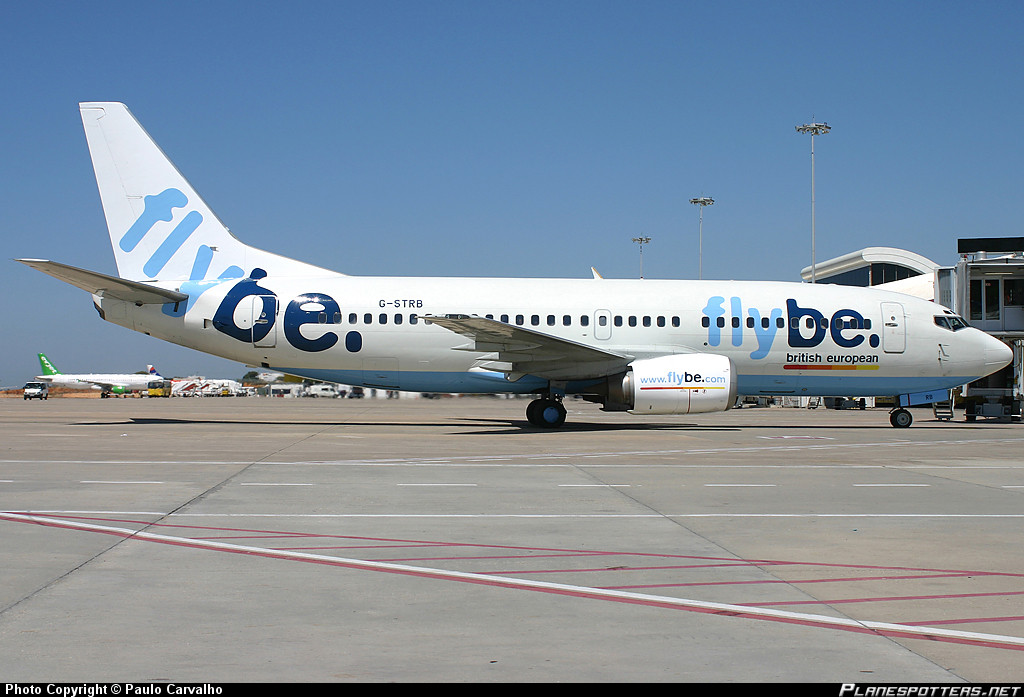
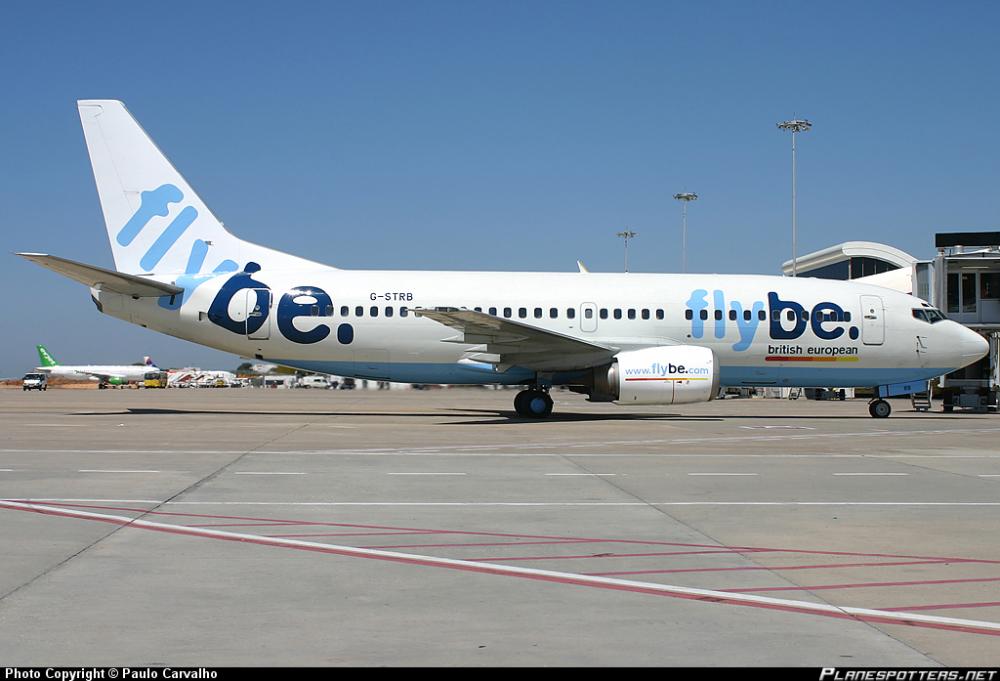
Would anybody be interested in making a Flybe livery?
 1 point
 -
Hello together, I was wondering why my Saitek radio panels work perfectly for NAV 1 but not for NAV 2. If I change the NAV 2 frequency on my Saitek radio panel, the frequency does not changed in the IXEG NAV 2 panel. So I took a closer look on the datarefs and what is happening in the background and found a difference on updating values for NAV 1 and 2. I set NAV 1 & NAV 2 in the IXEG Cockpit to frequency 111.50 On the datarefs I can see following situation. sim/cockpit/radios/nav1_freq_hz = 11150 ixeg/733/radios/radios_nav1_00001 = 11150. ixeg/733/radios/radios_nav1_00010 = 1115. ixeg/733/radios/radios_nav1_00100 = 111. ixeg/733/radios/radios_nav1_01000 = 11. Then I changed the dataref sim/cockpit/radios/nav1_freq_hz to 11365. Everything is fine and the frequency in the NAV 1 panel of the IXEG gets updated to 113.65 The datarefs show exactly that change: sim/cockpit/radios/nav1_freq_hz = 11365 ixeg/733/radios/radios_nav1_00001 = 11365. ixeg/733/radios/radios_nav1_00010 = 1136. ixeg/733/radios/radios_nav1_00100 = 113. ixeg/733/radios/radios_nav1_01000 = 11. Then I did the same For NAV 2 (sim/cockpit/radios/nav2_freq_hz). However, the NAV 2 panel of the IXEG does not change. It stays at 111.50 If you take a closer look on the datarefs, you can see that the IXEG internals were not updated automatically: sim/cockpit/radios/nav2_freq_hz = 11365 ixeg/733/radios/radios_nav2_00001 = 11150. ixeg/733/radios/radios_nav2_00010 = 1115. ixeg/733/radios/radios_nav2_00100 = 111. For me, it looks like there is a different logic behind NAV 1 and NAV 2 that causes the problem with the saitek panels. Maybe I am totally wrong but maybe you can have a look at it. It is not a priority for sure. However, it would be nice if you could add this to your list of things that need some attention :-) Many thanks in advance, Sebastian1 point
-
Hi, I would just like to say a big thank you to IXEG for letting me fly there wonderful 737-300 ( that's what it feels like im doing) In between all the bug reports and small issues I have flown for several hours now. Fine tuning my X-Plane to get the best performance. I have flown many circuits, routes, approaches and landings each one feeling like I was flying a living breathing airplane. I love FSX and a certain other 737 and J41 ( maybe IXEG can do a turbo prop ) I love the FS2Crew and VOXATC experience makes it feel part of living environment but I have now been spoilt with the feeling and flight model X-Plane and IXEG give me. Feel very bored in my FSX planes now! Great job Thank you Tony1 point
-
....crazy i am looking out the cockpit window to the engine and what do i see at this windy day: in addition to this Topsimulation they have added Windmilling and that in relation to the windgust you can hear .....crazy1 point
-
Hiya's, Got X-Plane 10 in December just gone Any new sim/game i head for hardware upgrades if needed before spending on software 'goodies' Besides a newer gpu i seem all set for a few years now hardware-wise So the above being the case, i have figured out the HD mesh, airports scenery and about all items to bring the eye-candy up to my liking, so i was zubbing around in some great freeware/donate-ware planes, finally mastered doing route plans with simbrief etc, had a ball the past month after sorting hardware failures, just flying routes enjoying the clouds and scenery below When the news of this plane release came about, i knew i had to have it, waited n waited (UK timezone here) , got it, love it, hard to learn, love it, but i do like to learn and hate easy games or sims, love it, ohh and a love it lol Not being a rl pilot or even a modern-sim hardened user (AH my last sim i was addicted to (WWII era)), most can imagine coming from a basic fms/fmc however you want to call it supplied with the great free/donate planes it's a sharp learning curve regarding the one in this beauty I can almost do a cold n dark off by heart now My milestone is ............. will mean nothing to most though so you can laugh if you want I am now flying the Babe (nicknamed after My Babe fiancee) from LEIB to EGLL, ok it's a direct route nothing fancy, but at least i'm starting to get to grips with all this compexity And all i can say is i am chuffed, and will stick with it until i master the whole flight plan experience So if any noobs like myself feel disheartened about the learning curve, just stick with it, you'll get there in the end As i alt/tab into the sim, i am now passing clouds long my 6 with nice hills below, all in hd v3 which is yummy Still amazed at x-plane 10 and of course my first payware plane Cheers Tony1 point
-
Hey Tim, I will hopefully stream a flight soon, maybe late next week. I have X-plane though, I was on the Beta team . Yeah I fly the Classic and the NG Regards Shifty1 point
-
Ansett Australia VH-CZI for IXEG B733 View File Ansett Australia livery (old) for the IXEG B733 Submitter rmlangbroek Submitted 04/28/2016 Category Heavy Metal Livery For Click Here For Aircraft X-Plane Version(s)1 point
-
Flight Directors are for wimps .1 point
-
Thumbs up for storing the state of the beast ,-)1 point
-
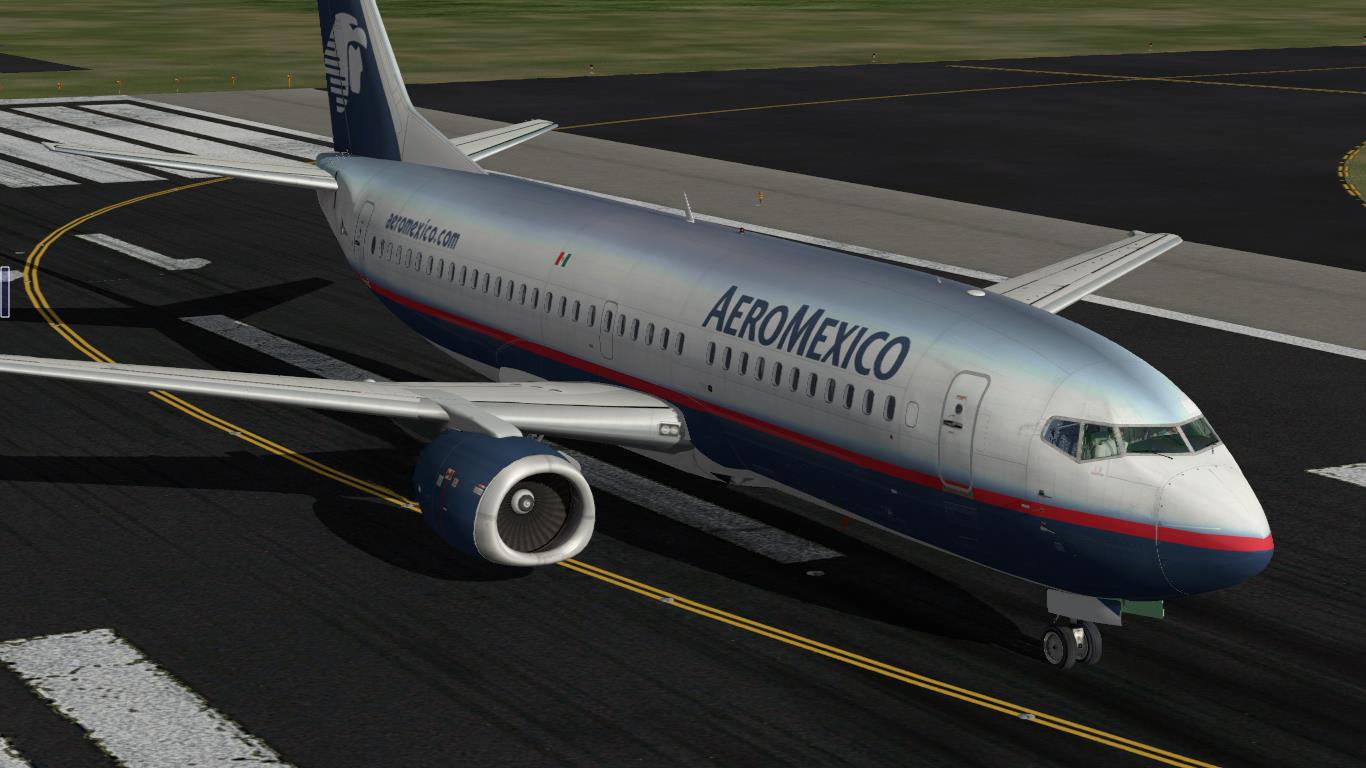
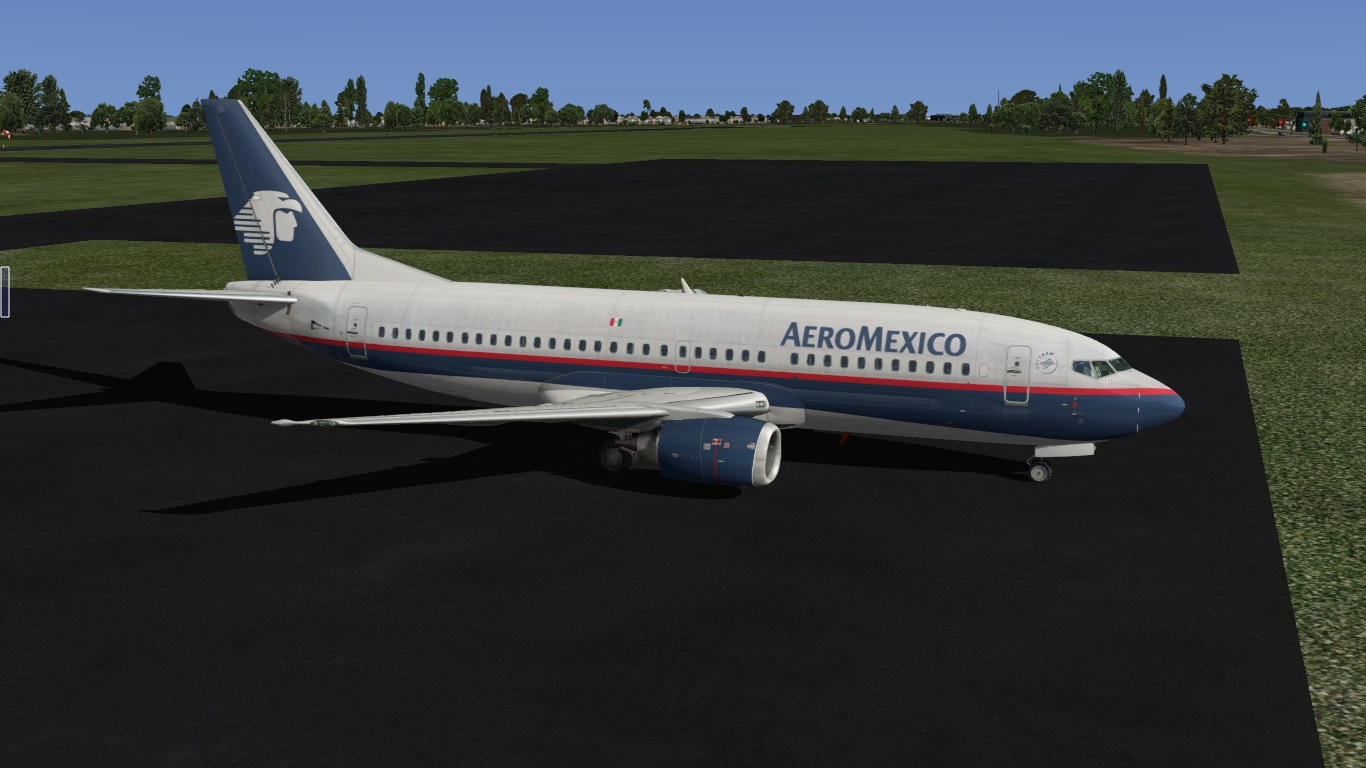
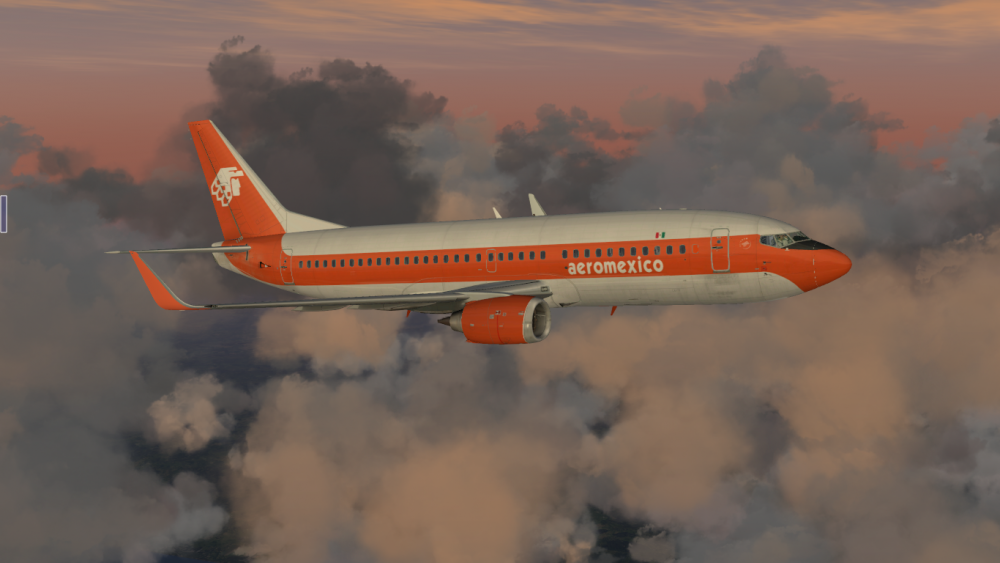
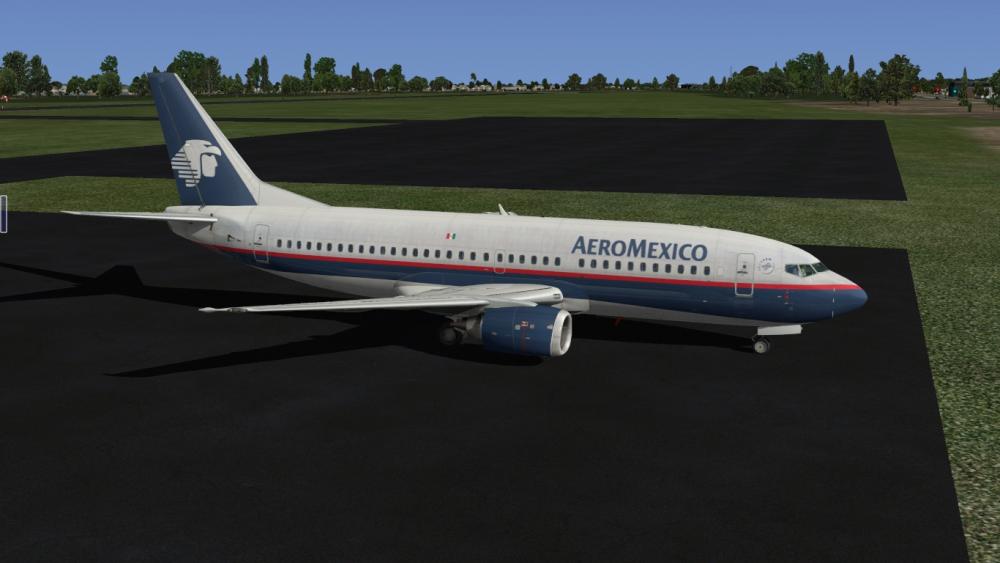
IXEG 737-300 Aeromexico View File Aeromexico Liverie for IXEG 737 Classic. Thanks for downloading. Submitter Celis Submitted 04/28/2016 Category Heavy Metal Livery For Click Here For Aircraft X-Plane Version(s)1 point
-
LOT Polish Airlines current livery Boeing 733 IXEG View File The second generation of Lauda Air jets after -200 was the 300. This particular jet was named Bob Marley. Reg: OE-ILF Submitter Niilo Submitted 04/28/2016 Category Heavy Metal Livery For Click Here For Aircraft X-Plane Version(s)1 point
-
Lauda Air "Bob Marley" livery Boeing 733 IXEG View File The second generation of Lauda Air jets after -200 was the 300. This particular jet was named Bob Marley. Reg: OE-ILF Submitter Niilo Submitted 04/28/2016 Category Heavy Metal Livery For Click Here For Aircraft X-Plane Version(s)1 point
-
IXEG Air New Zealand Livery View File ZK-NGI The last flying 737 for Air New Zealand. Retired September 2015. Submitter HenryT Submitted 04/28/2016 Category IXEG 737 Classic Livery For Click Here For Aircraft X-Plane Version(s)1 point
-
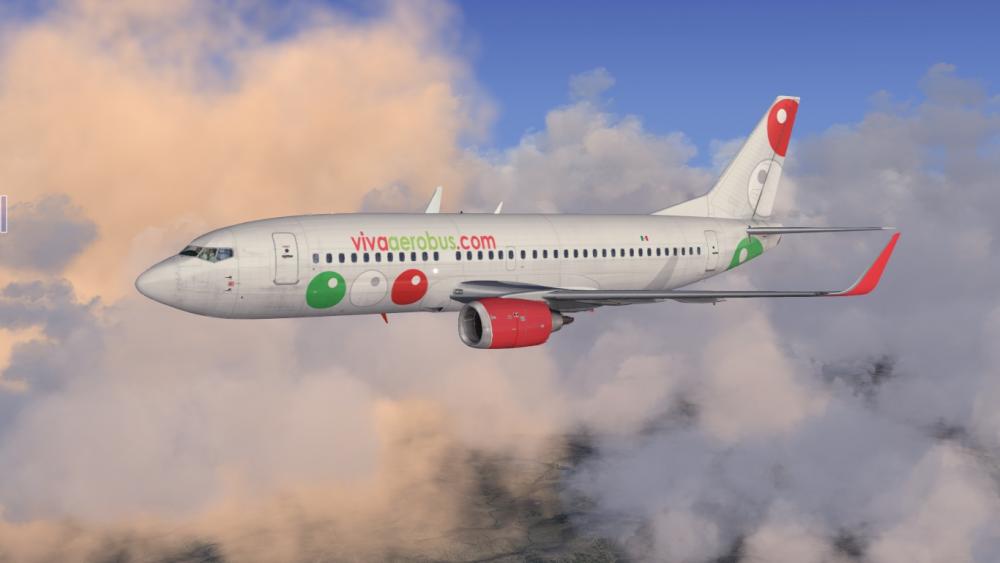
IXEG 737-300 vivaerobus View File Vivaaerobus is a Low Cost Airline of Mexico, with a fleet of 19 Boeing 737-300 airplanes. The aircraft: IXEG 737 Classic Thanks for downloading. Submitter Celis Submitted 04/28/2016 Category Heavy Metal Livery For Click Here For Aircraft X-Plane Version(s)1 point
-
Thanks Everyone. I'll modify my routine to keep the auto throttle off until I'm lining up. @Litjan I'll try the reset process out tonight. I've heard tell of a "Southwest Taxi" but doing 90 kts was a little excessive.1 point
-
I cracked it !!! Just did KLAS KSAN Short n sweet run I remembered to tune to 275deg for the landing approach lol Went manual for landing, was way too fast, but, i didn't end up much past the runway tarmac and was short of water, a ditch/drainage cut i think it is hehe Now for a longer route to keep me learning Tony1 point
-
Our updates are generally driven by what customers are asking for, but I don't want to go into details at such an early stage! I do have a couple of new features in mind for a future update already, though.1 point
-
1 point
-
Do you sport a 60hz Screen? In your Nvidia Settings it says: Vertical sync: Adaptive (half refresh rate) That would explain why you're locked to 30fps!1 point
-
Airlines´ procedures for this may vary, but this is how we do it: Use LNAV and VNAV (if desired) to get to the intermediate descent point (usually ca. 10NM for runway, 3000´ AAE). Then set the MCP altitude to a HIGHER altitude (we don´t set it to MDA, because it´s really easy to forget and the plane would level off, screwing up your approach). When coming up on the intermediate descent point (in LNAV and ALT HOLD), turn down the V/S wheel to get onto the "virtual glideslope" - refer to the vertical deviation indication (just like a glideslope) to stay on the vertical profile. Once ca. 1000 feet below missed-approach altitude, set the MCP to missed approach altitude (to have it ready in case of a go-around). When approaching the MDA, click on the SPEED button to disengage autothrottle (we rarely disconnect it, as eveyone seems to be doing in their youtube vids - it would not be able to save you when you get too slow, if you completely disconnect it). When pushing SPEED button, the A/T will revert to ARM (dormant, bur ready to help if you need it for go-around). Now align the hardware throttles and gain control of the thrust levers. At MDA disconnect the autopilot and complete the landing manually. If airport not in sight, hit TOGA buttons for go-around (careful, AP will disengage!!) Jan1 point
-
Hi, great great product of not the best for me for XP. Seriously achieved ! WAOU !!!Just seems like the sound of wheels when taking off is fine but at the exact time when rotating from the floor seems like the sound of rolling wheels continue even when in the air. Should decrease and diminue in term of noise as wheels are not in contact of the floor. + I would erase the reflection of the wiper on captain window.1 point
-
Will check how to upload...
 1 point
 -
when you open the aircraft menus on the left, or pressing IDENT on the FMC says 1.0 or 1.0.1? if 1.0 then you need to pull up the email from x-aviation it contains the instructions to install the HFIX1 point
-
Known issue, will be fixed! Jan1 point
-
Hi, yes, this was removed last second (after I did the tutorial) due to some issues... we will hopefully get it back, but it´s also easy to just use a text editor to make your COROUTE... Jan1 point
-
I registered to say thanks for this wonderful aircraft and speedy update. It handles so much better in the taxi phase now. You guys really have 'completed' XPlane for me with the 737-300, amazing job, well done. Looking forward to future updates and enhancements.1 point
-
And DONT enter PLAN fuel, as I see many doing... It disables the automatic function of calculating actual weight form ZFW+ fuel on board! Jan1 point
-
Yep, that would be the outcome... we really can´t take credit for it, though - Laminar Research can ;-) Cheers, Jan1 point
-
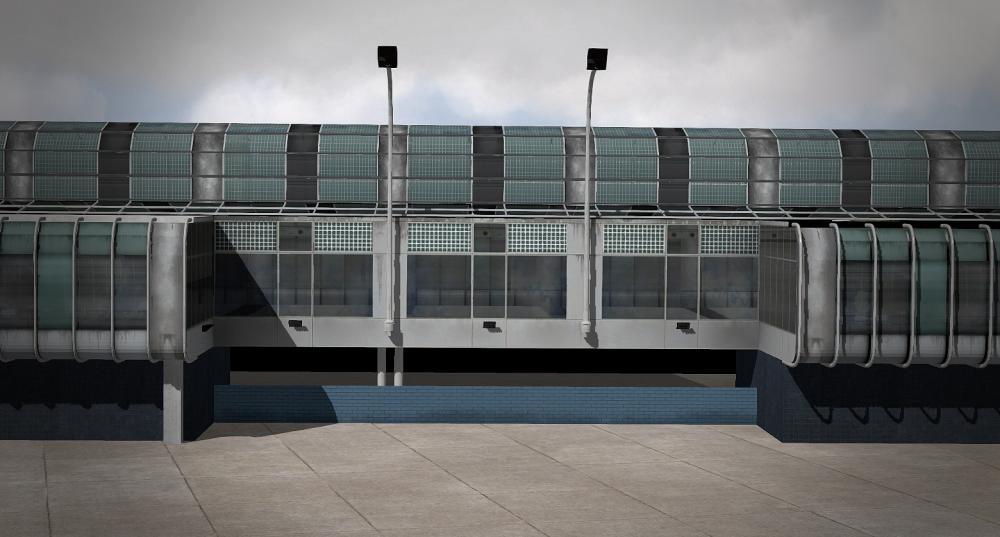
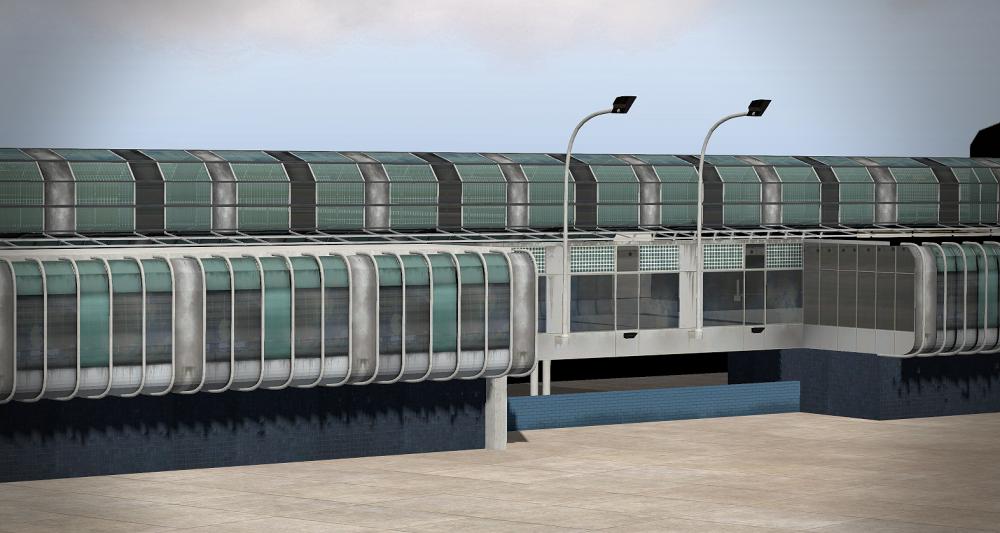
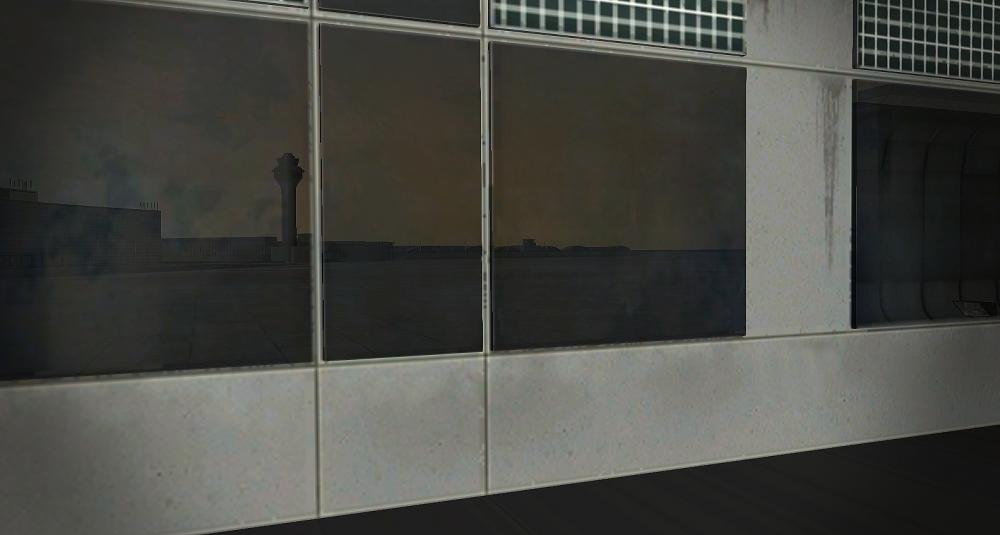
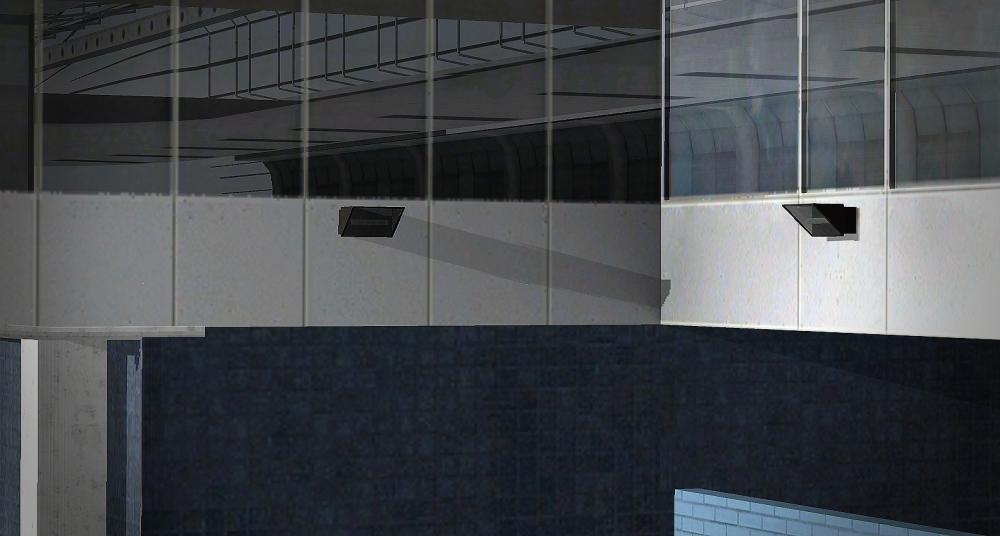
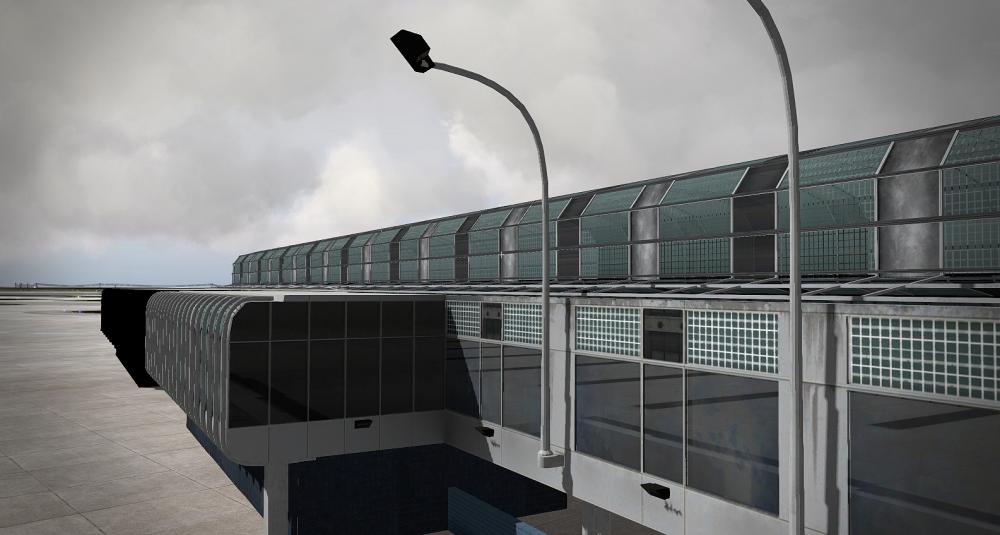
We made some progress on O'Hare airport! Enjoy
 1 point
 -
Well there is a horn cutoof button close to the right side of the throttle on the pedestral, but i don't know if it will cut that specific sound1 point
-
Please, please, please do not change the sound @Litjan I´ve flown a couple of times in a real classic and the sound level of the wind and the packs are perfectly realistic. If someone does´nt like the sound, they can just turn it down. Pls don´t start giving up realism because some ppl who never flew this one as a passenger in real life are complaigning. you should´nt even change the Ground behaviour ( Tiller ), but u did, because a few were complaigning. pls let it be as realistic to the real one as possible.1 point
-
I would like to offer my congratulations to both X-Aviation and IXEG. The 737 Classic is a brilliantly realised aircraft with systems depth and accuracy which I have certainly never experienced in any flight simulation software. Given the level of pre-release expectations from your customers I think you have all performed admirably in releasing such a fine product. The superb level of after-sales support you are providing and the efficient manner in which the current update has been delivered is something which places you right at the top of the heap in comparison to other developers. Congratulations again and I wish you continued success in the future.1 point
-
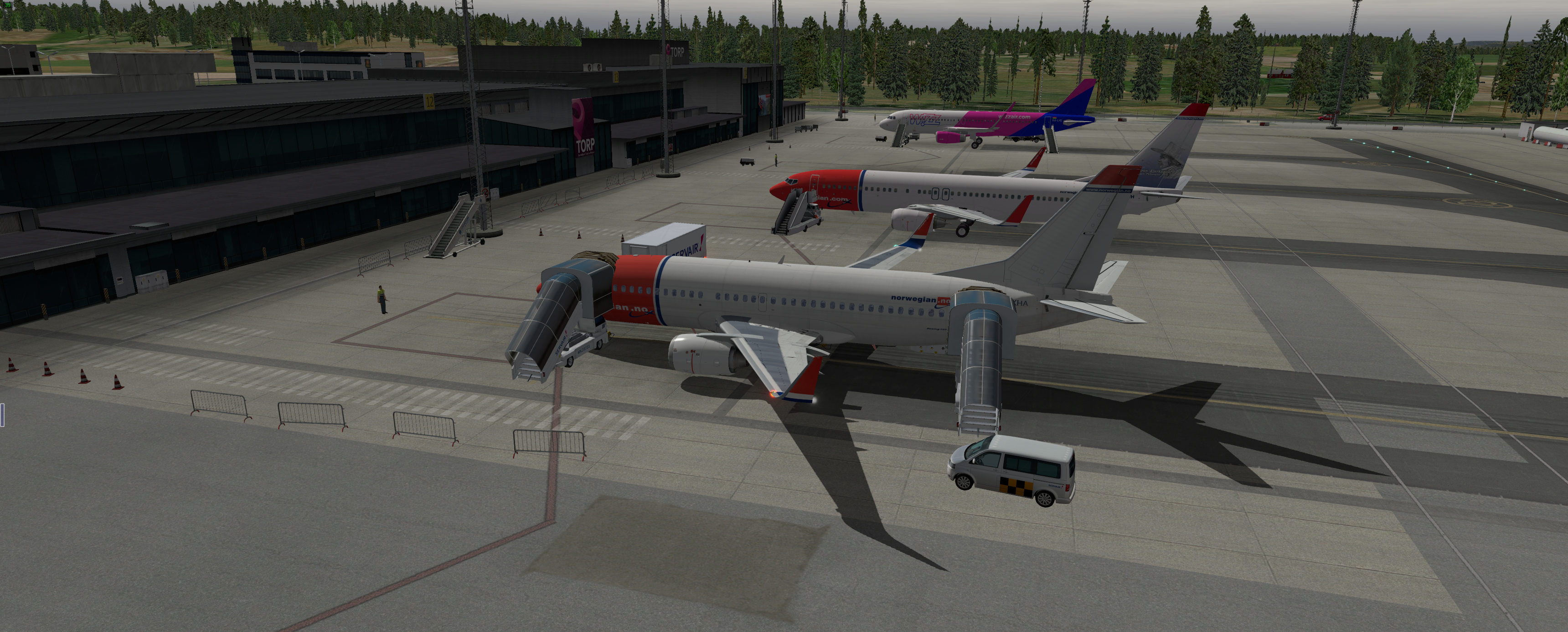
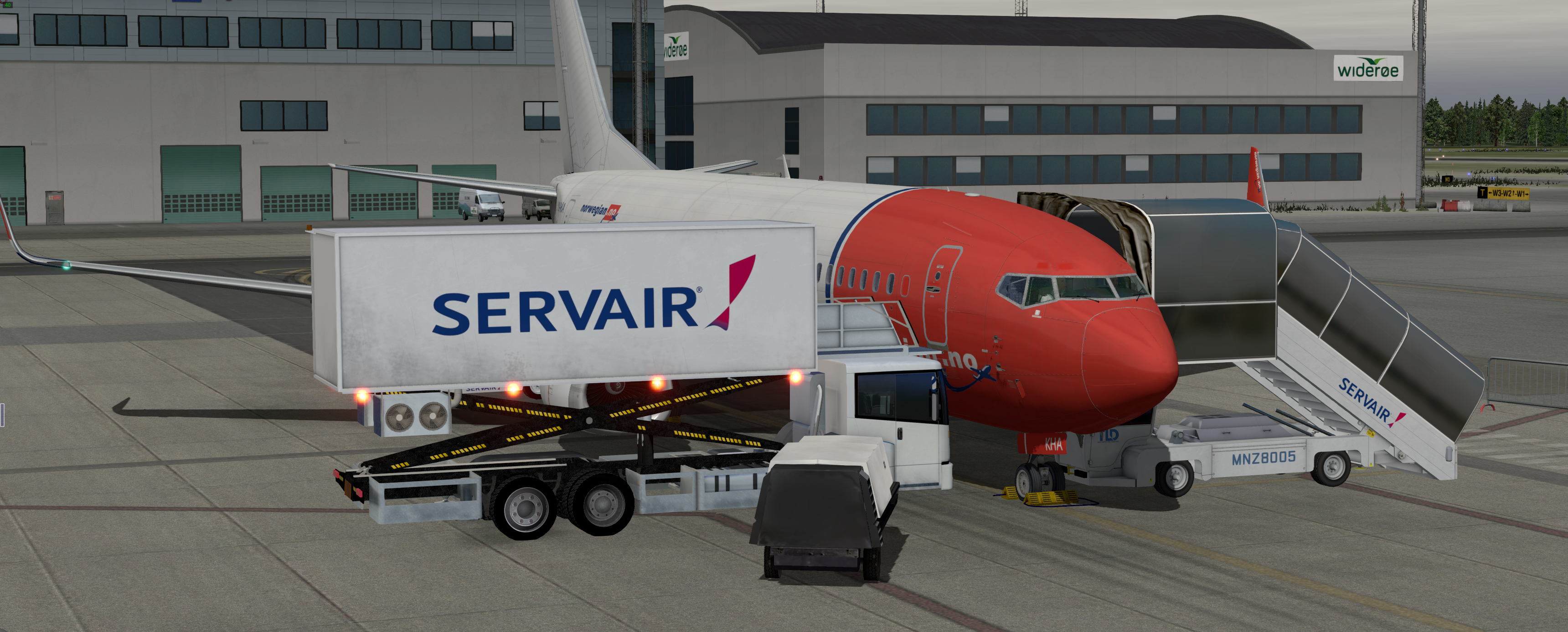
Until the release, please enjoy1 point
-
Thank you very much, I noticed aswell the wind sound is very loud, getting a tiredness of the sound. Other sounds seems to be muffled by this and disappear or hard to hear. I noticed there are two sliders for sound, cockpit and master, but I do not know which sounds these affect, I've not noticed any difference between them. I confess I do not know how a cockpit sounds when flying in the air, but it feels something is wrong.1 point
-
We will think about making your choice persistent - but remember: No plane ever crashed because it carried too much fuel (except maybe Lindbergh almost on takeoff...) Jan1 point
-
It is a warning. "Your throttle is at idle and your gear is not down! Are you sure this is what you want?" Happy landings, Jan1 point


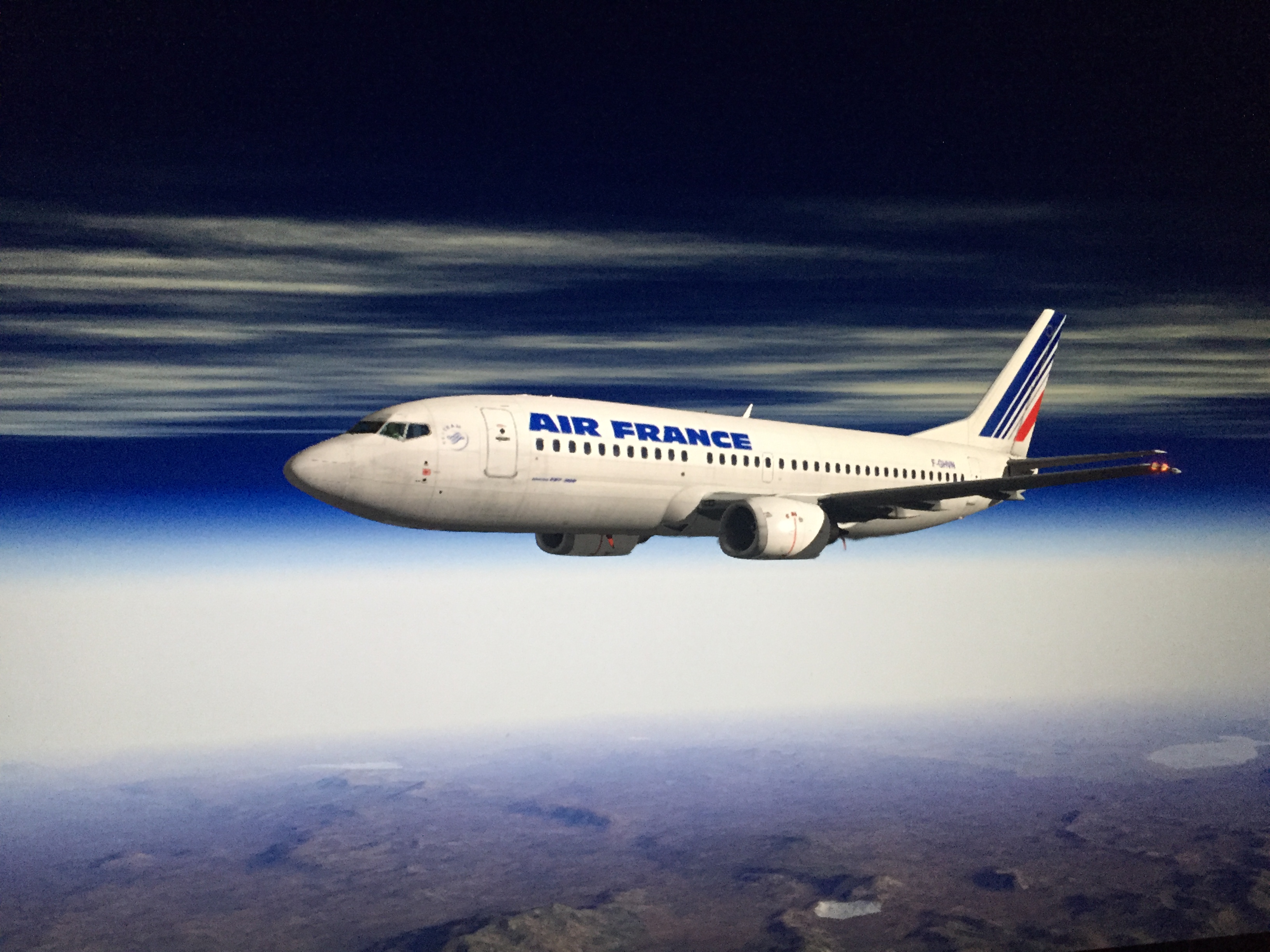








.thumb.jpg.ede78836fe6795baf7b91e5eb2aad35e.jpg)