Coop
-
Posts
1,693 -
Joined
-
Last visited
-
Days Won
67
Content Type
Profiles
Forums
Latest X-Plane & Community News
Events
Downloads
Store
Everything posted by Coop
-
Hi Rick, The system only works with RSG hardware as it relies on their plugin for placement details and needs two-way communication with that.
-
This sounds like your GPU is being fully utilized, I would try adjusting X-Plane settings to see if reducing any sliders fixes the stutters.
-

RealSimGear G1000 doesn't work in "Forward with No Display" View
Coop replied to Lon's topic in G1000 SR22 Series
Here is a mod to get rid of the prop disc texture. Replace SR22_prop.png with the attached file of the same name in the SR22 folder, and SR22TN_prop.png with the SR22TN's file of the same name in the SR22TN folder. Transparent Prop Mod.zip -
If you go into the new plugin admin with the chart of plugin usage, does there seem to be a surge in microseconds per frame with X-Plane and/or our plugins?
-
torquesim sr 22 Torquesim sr 22 won't hot start cuts out when hot
Coop replied to Rob Carson's topic in G1000 SR22 Series
We are looking into the engine cutoff bug at near-idle power when taxiing, there seems to be something in the physics model that needs a bit more tuning. -
Are you running in X-Plane 11.50 in Metal/Vulcan mode or OpenGL mode?
-
If you are getting an aural warning, then most likely the CHT is too high, (what was the CHT indicating?) Where did you have the mixture set?
-
You can try deleting the State files in X-Plane/Output/SR22 If you do, note the Hobbs and flight time in the file (listed in seconds), if you don't want to lose your hobbs time on the aircraft (don't worry about it if you don't care about that) Let me know if this fixes it!
-
Hi Bruce, That bug has been noted and we are working on a fix for the fuel prime switch. I haven't used nor have X-CPL plugin, but if it needs to configure weight and balance, flipping the "FSE Override" switch in the SR22 load manager reverts our custom loading system back to the default X-Plane system, so it can then be adjusted by other plugins.
-
This picture is a bit too cropped in for me to see what is going on, can you take a picture of it from further away?
-
Odd, we are looking into a state tracking bug on the physics plugin that this might relate to. Thanks for reporting.
-
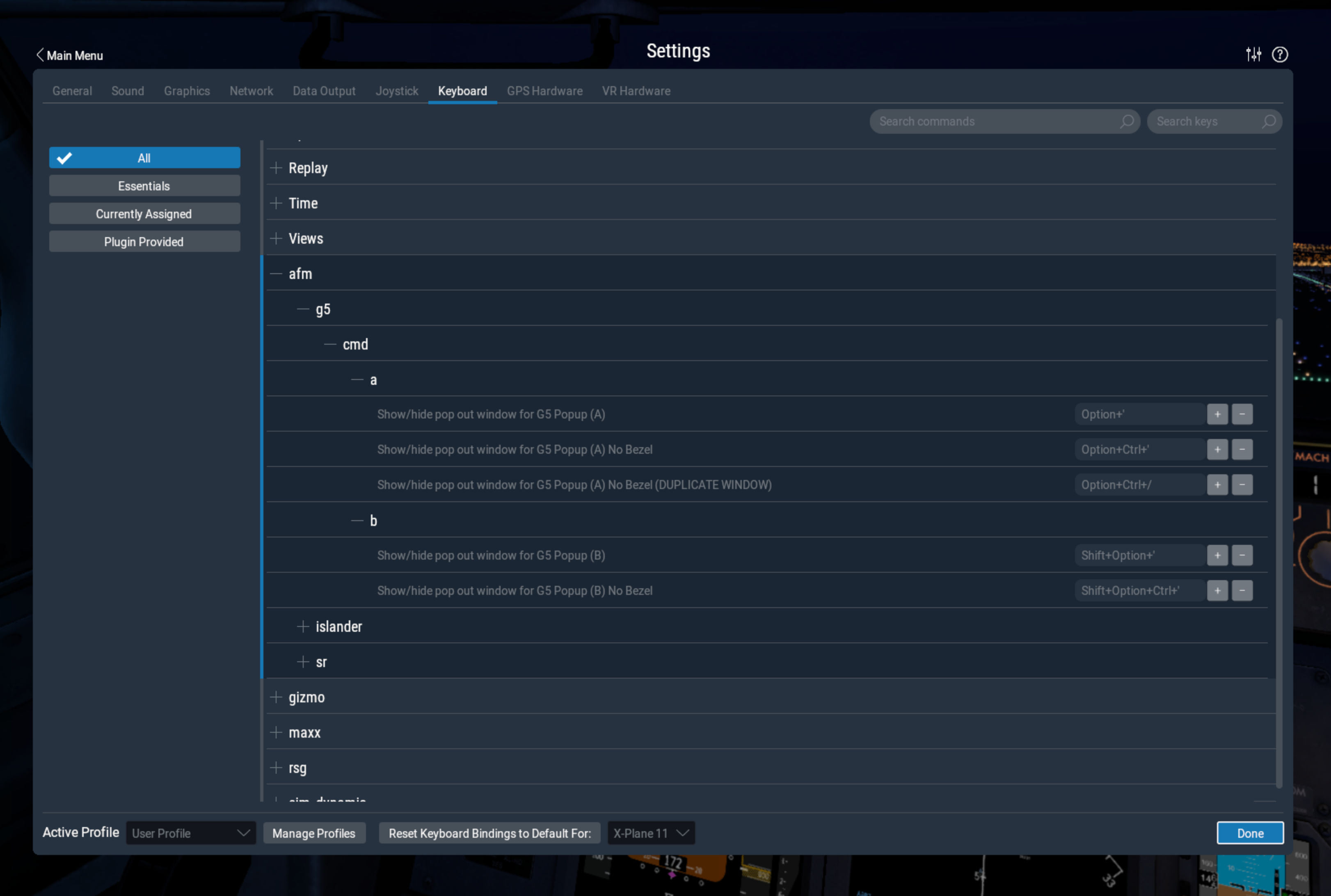
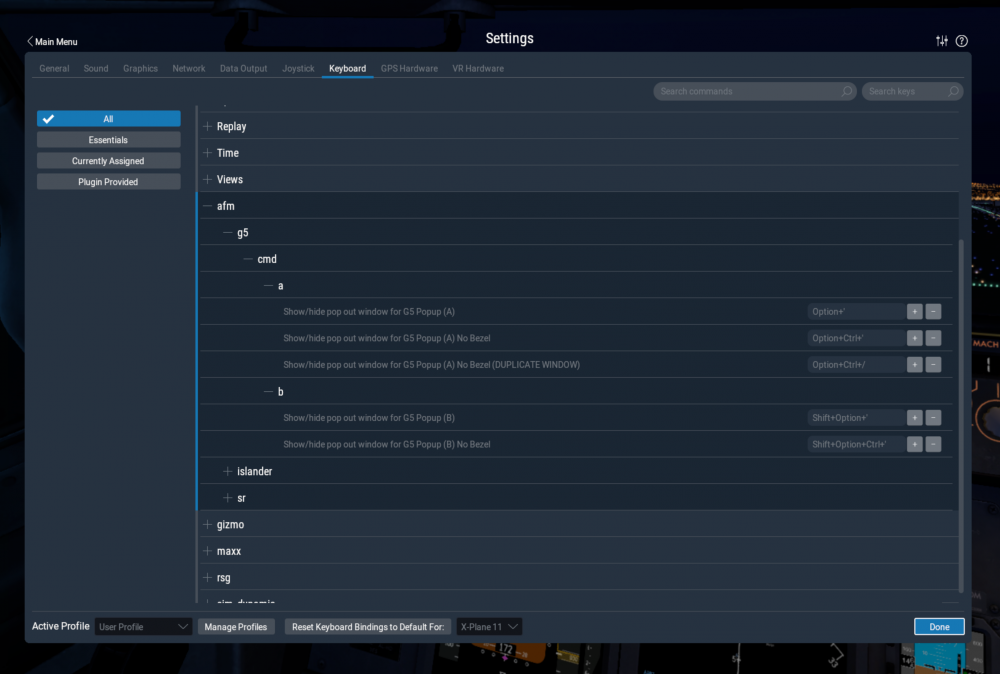
Commands can be found and bound in X-Plane keyboard settings (note, these only will appear if the G5 plugin is currently running, so it needs to be installed into the aircraft that is currently loaded):
-
@DiBarkis Got it working, coming in the next update!
-
I haven't seen that before, not sure what could have caused this. Were you in the air when it happened?
-
There are some edge cases with the engine on the ground that we are looking into. Make sure that the engine is properly leaned while taxiing, but there does appear to be an issue with the quitting at higher OATs.
-
X-Plane 11.50 is required for the GCU panel to function, as it uses commands that were added only in that version.
- 1 reply
-
- 1
-

-
Does the G5 function properly with the C172 G5 included?
-
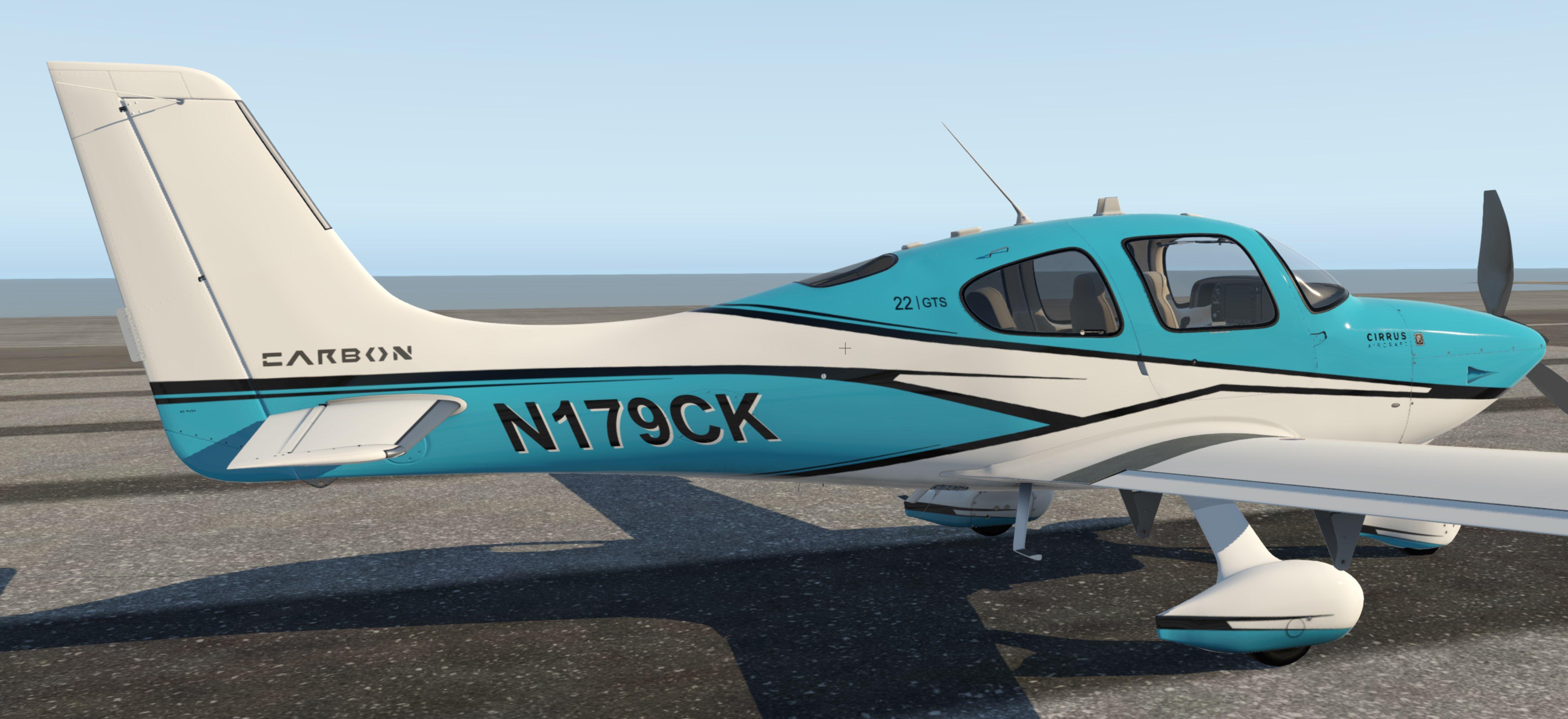
Carbon Liveries - TorqueSim Take Command! SR22 Series View File 13 different color scheme Carbon liveries for the TorqueSim/RealSimGear Take Command! SR22 Series. Bimini Blue: Bimini Blue Silver: Lake: Lake Silver: Red: Red Silver: Regal Yellow: Regal Yellow Silver: Silver: Slate: Slate Silver: Volt: Volt Silver: Submitter Coop Submitted 08/07/2020 Category General Aviation Livery For https://www.x-aviation.com/catalog/product_info.php/torquesim-sr22-series-p-175 X-Plane Version(s) X-Plane 11
-

Version 1.0.0
2,803 downloads
13 different color scheme Carbon liveries for the TorqueSim/RealSimGear Take Command! SR22 Series. Bimini Blue: Bimini Blue Silver: Lake: Lake Silver: Red: Red Silver: Regal Yellow: Regal Yellow Silver: Silver: Slate: Slate Silver: Volt: Volt Silver:- 5 comments
-
- 3
-
-
- take command sr22
- sr22
- (and 2 more)
-
This issue has been fixed with 1.0.1
-
Sounds like the battery is dead. In the SR22 Menu -> General you can hit the "Recharge Batteries" button and you should be back to normal.
-
Looking into this, looks like a texture might have got messed up with the latest update.
-
2 installations on the same computer shouldn't cause any issues
-
Take Command: SR22 Series v1.0.1 Update Released!
Coop replied to Cameron's topic in G1000 SR22 Series
Default aircraft will not compare to high-fidelity aircraft like our SR22. The model is going to be significantly more demanding than default aircraft or the SR20 you mention, and the graphical settings in X-Plane will need to be turned down to compensate. -
RealSimGear House Livery - Take Command! SR22 Series View File This is the Take Command! SR22 Series RealSimGear House Livery! Works for both the SR22 and SR22TN. Created by Steaven McKenzie of TorqueSim Submitter Coop Submitted 08/05/2020 Category General Aviation Livery For https://www.x-aviation.com/catalog/product_info.php/torquesim-sr22-series-p-175 X-Plane Version(s) X-Plane 11