Leaderboard




Popular Content
Showing content with the highest reputation on 05/06/2016 in Posts
-
Hi guys, I justed wanted to say congrats and thank you for this wonderful addon! You really did a great job! I started flying the 737 classic in FS2002 with the dreamfleet 737 (does anyone remeber? ) and since then I always hoped for a 737 calssic like yours! The atmosphere is unbelievable (the sounds, the lighting, the graphics, the symmetry of the flight deck, the....)! I'm an P3D pilot but I only bought myself Xplane, to be able to enjoy your work. And I have to say that it was the best thing I did for a long time in flight simulation! This bird is going to be heads up with PMDG and Majestic as soon as you implement all stuff you listed. And making a thread where you show all the "shortcomings" of a product is just amazing! Such honesty is really trustworthy and I'm happy to support you and your hard work with spending some money on this airplane. I wish every developer would handle things like that. You're rellay a great role model in this part. All the best, (I have to fly it now ) Julian4 points
-
I think we are quite accustomed to poor simulations, when ixeg simulates not only basic systems but complex systems that runs beyond the pilot on the real thing we see issues everywhere you better watch this2 points
-
Nok Air livery pack -Part 1 for IXEG 737 View File This livery pack include 5 liveries. HS-TDF HS-TDB HS-DDP HS-DDN HS-DDQ Enjoy!!! Submitter MWM Submitted 05/06/2016 Category IXEG 737 Classic Livery For Click Here For Aircraft X-Plane Version(s)2 points
-
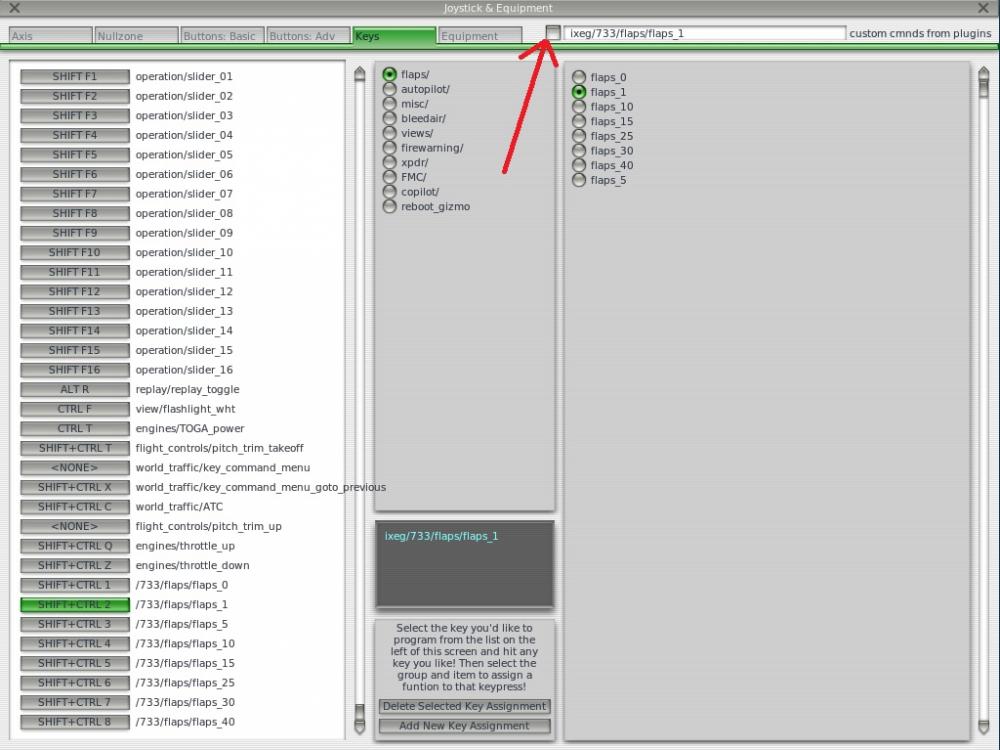
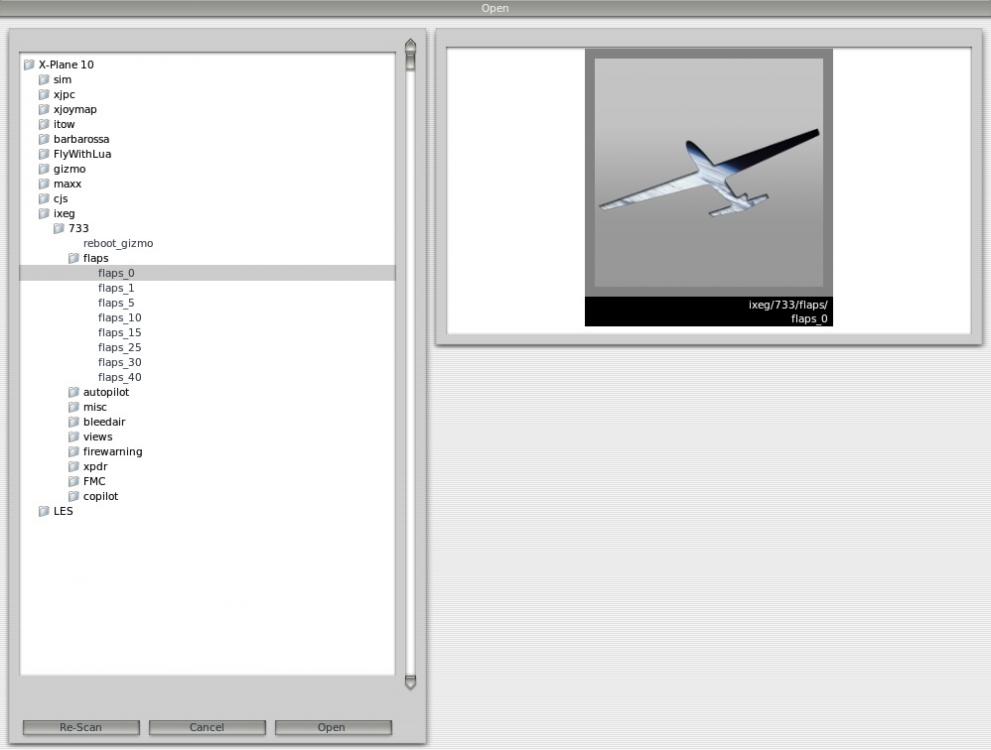
After ordering the new handles I played around with settings in X-plane. You don´t need a script if you use Saiteks software and drivers and setup lever 3 with "bands" to output keyboard presses. In X-plane I setup custom keycommands for each flapsetting. No more "14,6" flaps Just make sure to install the drivers from Saitek or else it won´t output keypresses. (I use CTRL+Shift+ "numbers" for each flapsetting. Also, I use "advanced command" in Saiteks software to make sure the lever doesn´t hold the keys for more than a second or less.) Some white electricaltape and a permanent marker to mark the settings on the throttle quadrant. Modded the base to sit a little lower

 2 points
 -
Hi all, Just wanted to say thank you for all the comments on my promo vid for the IXEG 737 Classic. I had a blast making it :-)2 points
-
Won't take quite that long. But it'll be worth the wait. Losing our texture artist was a huge setback, but we're in the final stages of overcoming that. A few changes have been made to the panel. When I'm done with texturing and animating everything on the panel, I'll post a few screenshots of everything working with the code we have in place.2 points
-
2 points
-
Turkish Pegasus Airlines Flight Izmir ( ltbj ) to Istanbul ( ltba )2 points
-
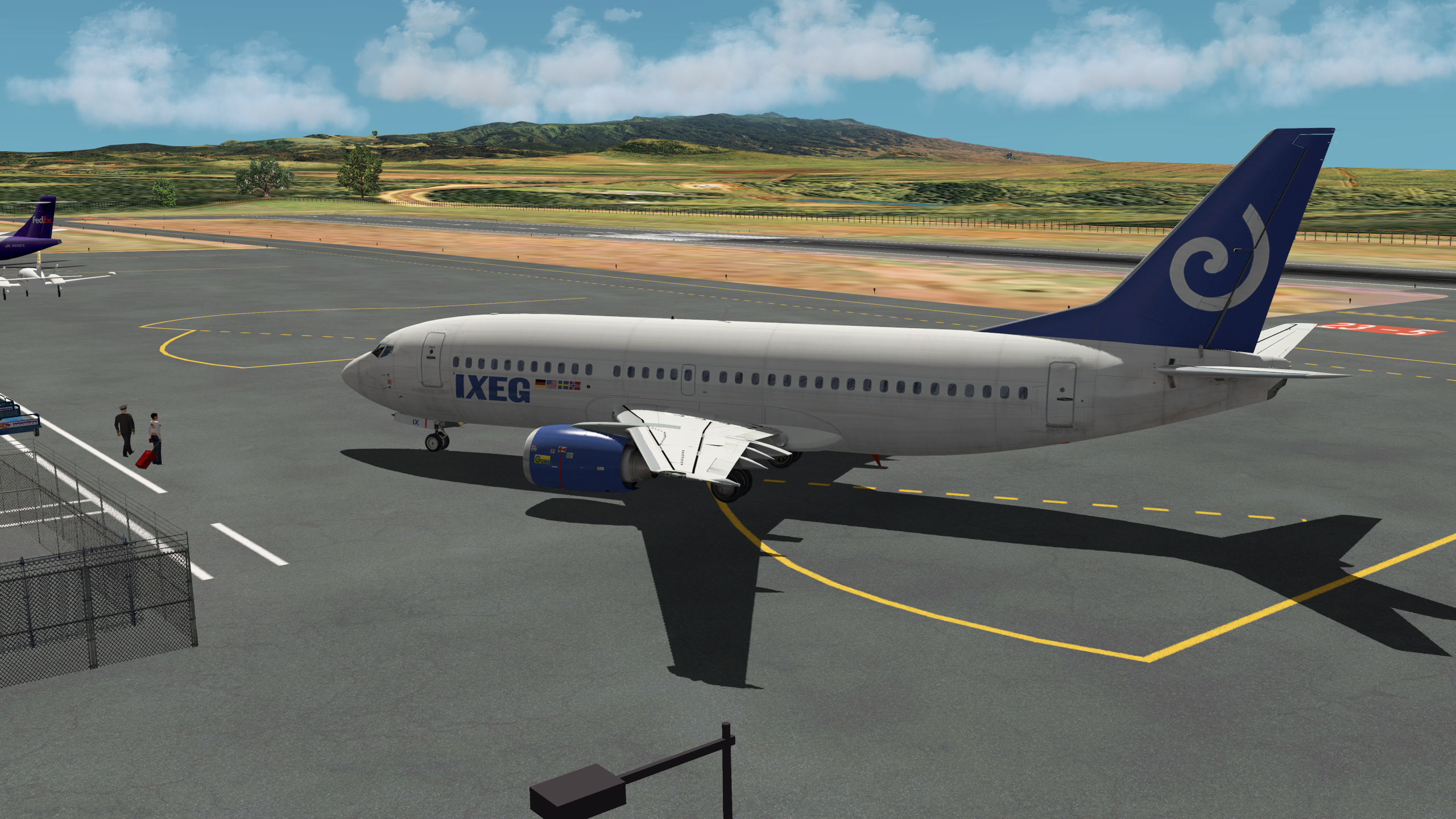
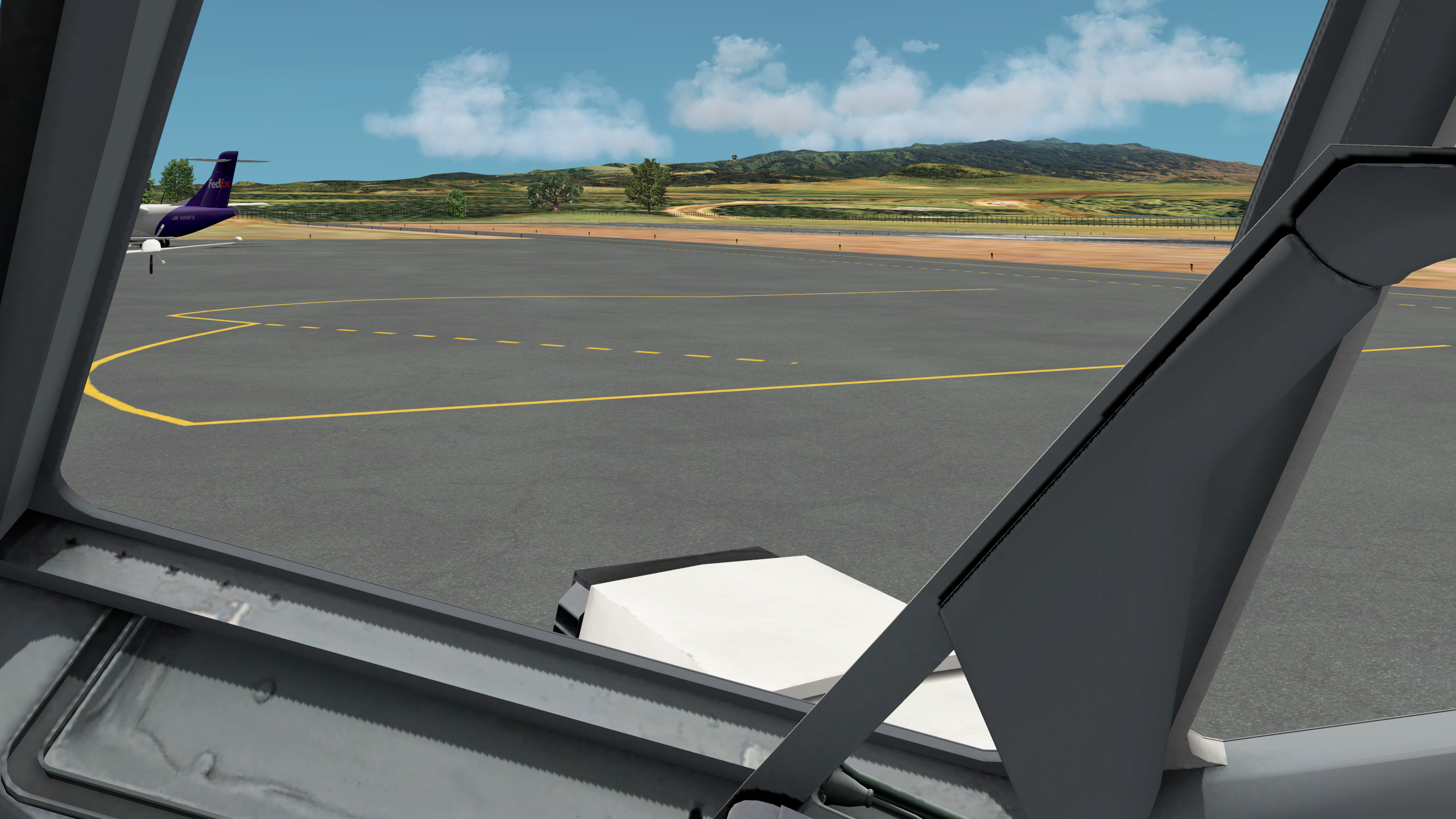
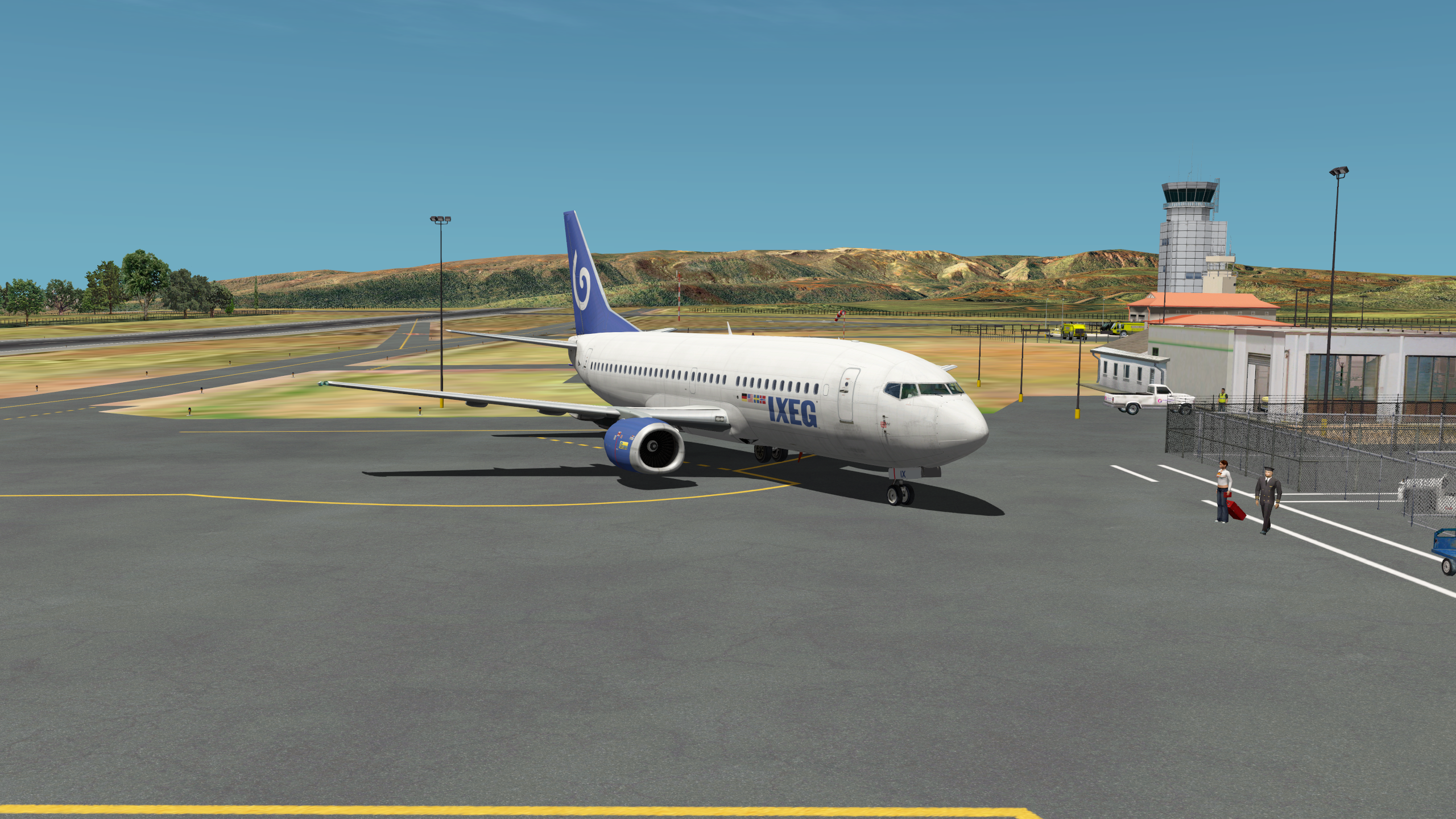
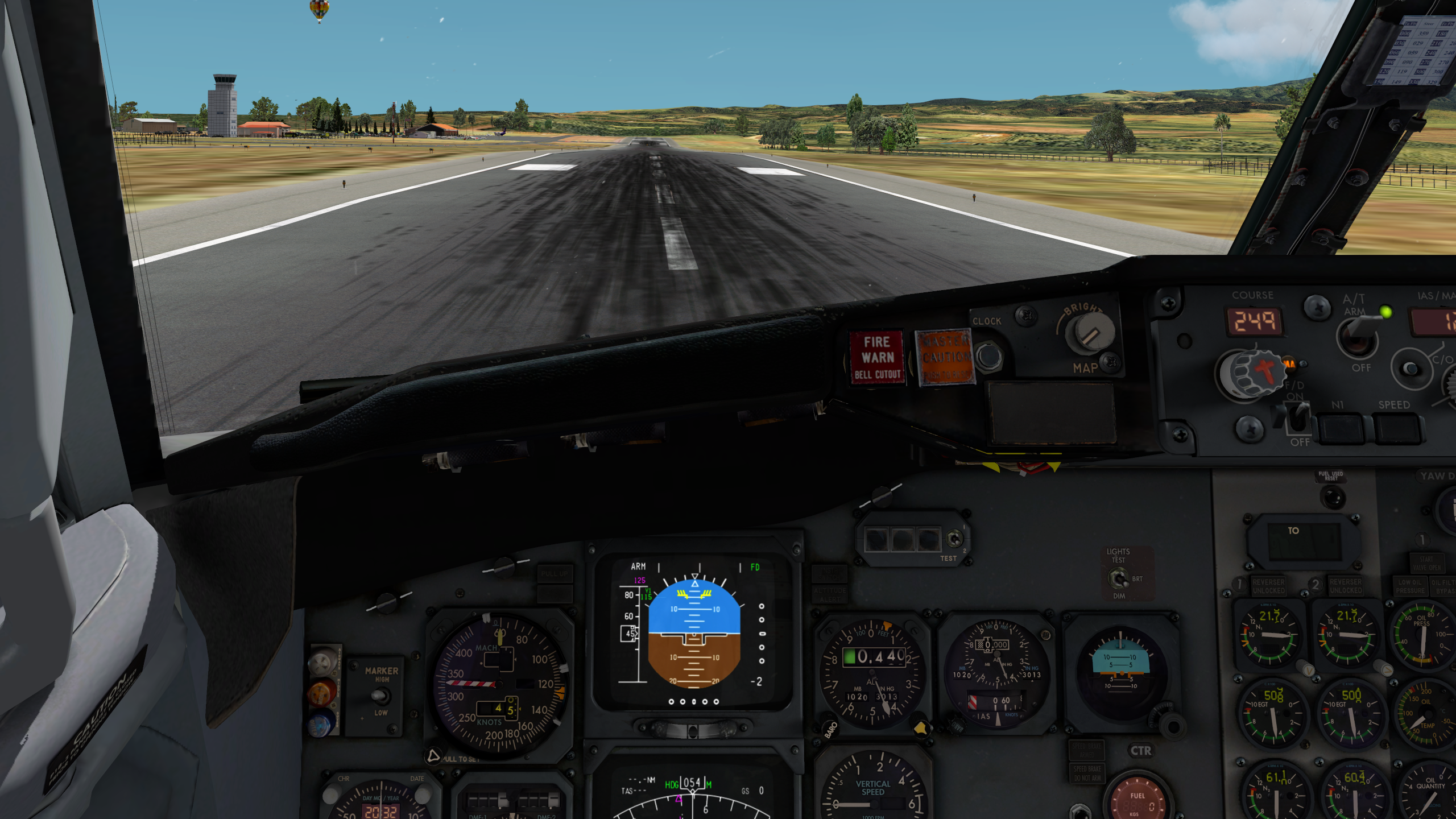
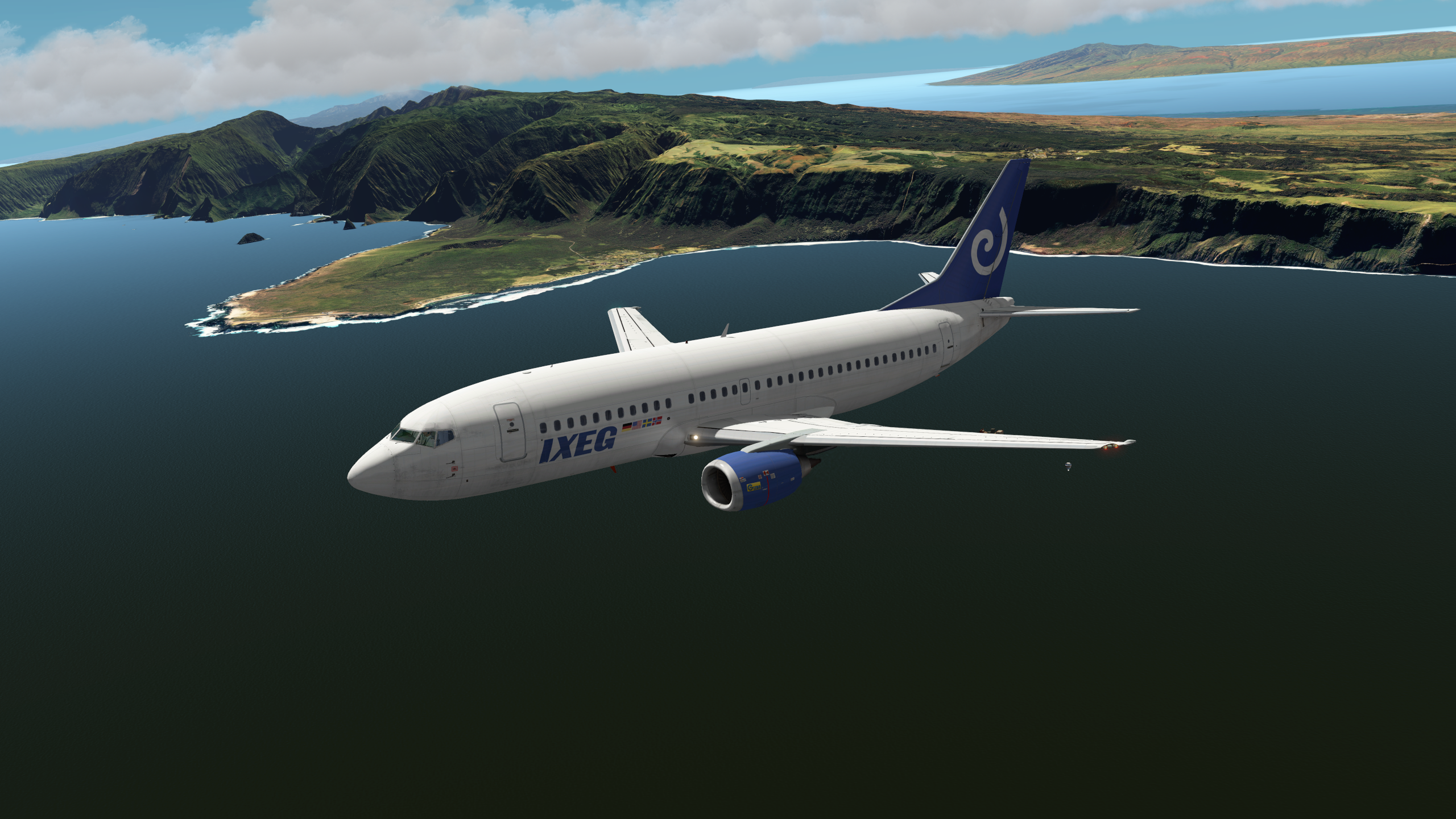
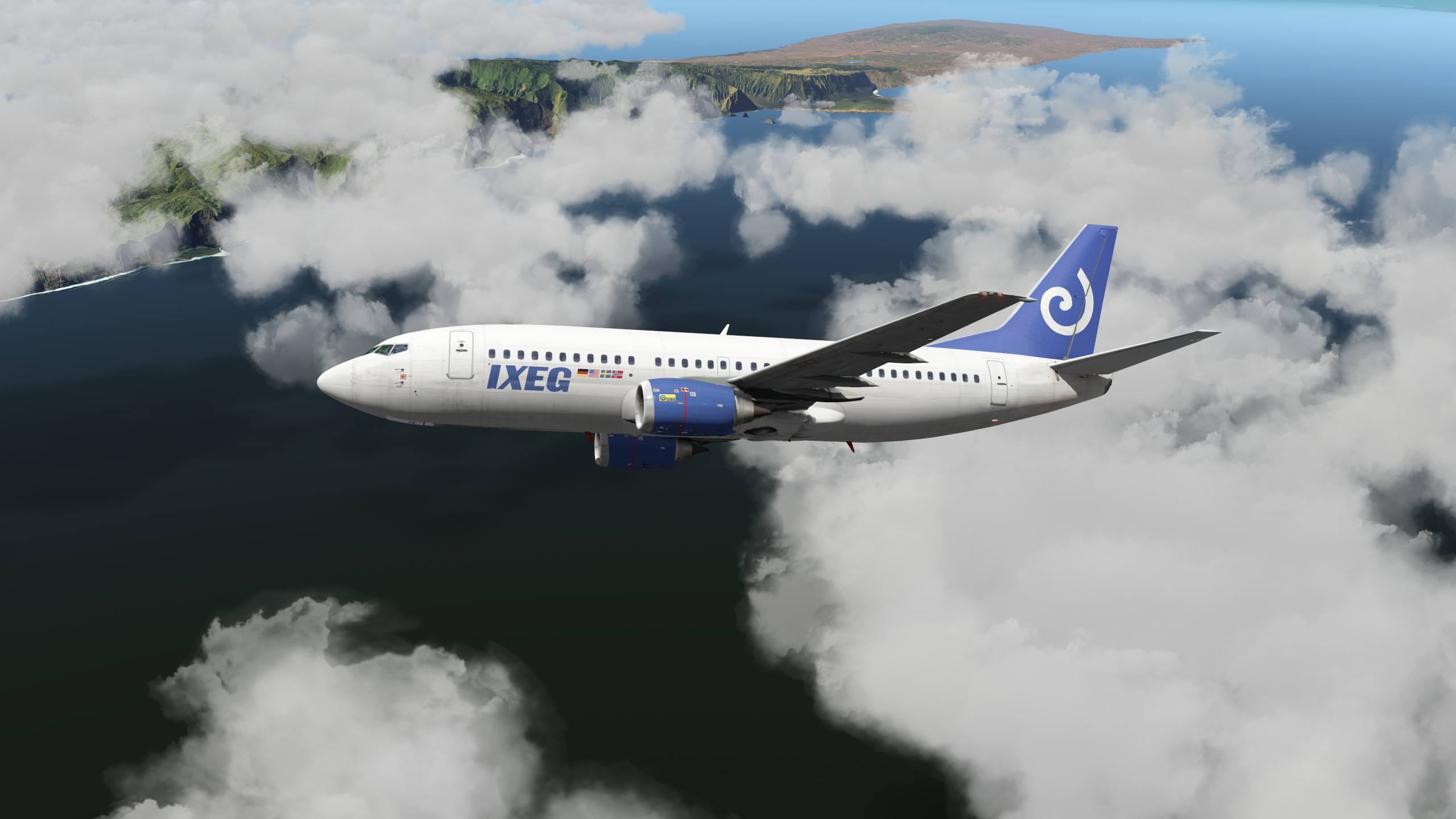
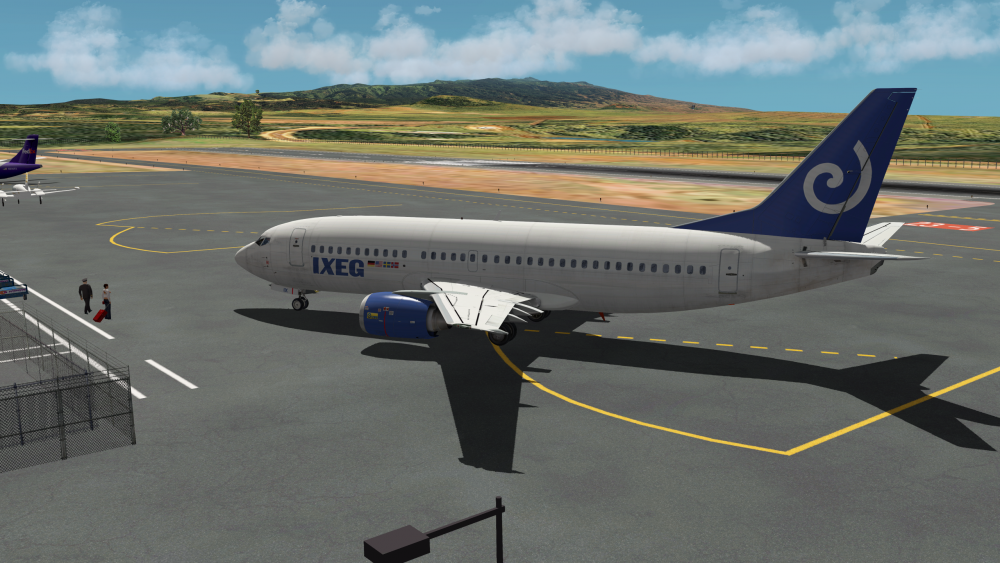
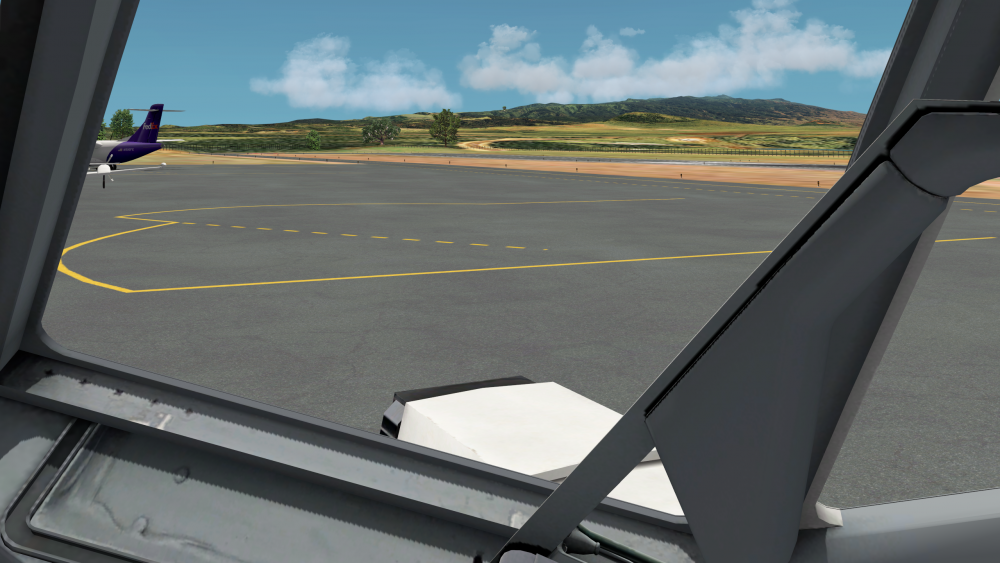
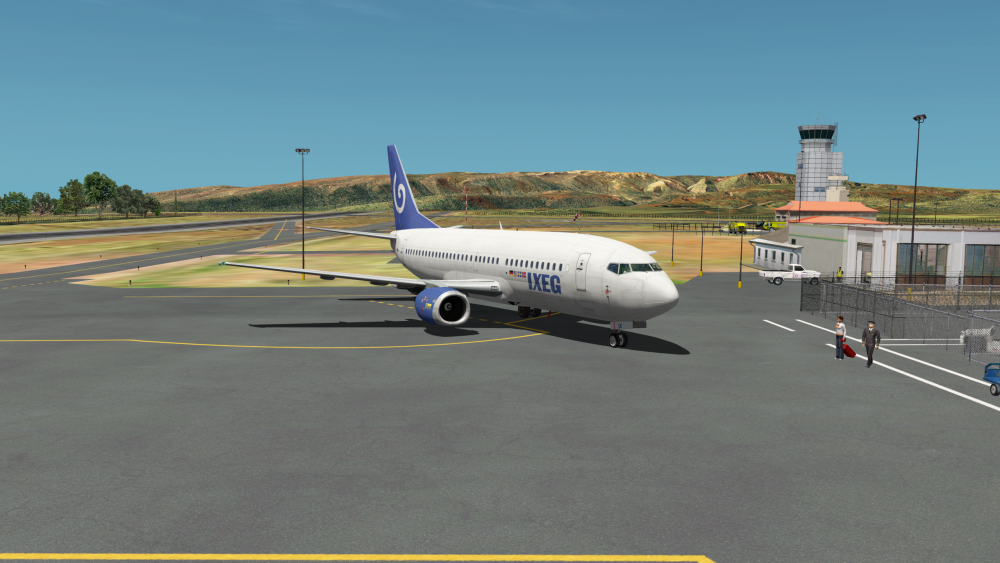
Hanging around at Molokai My FO hanging out of the window (enjoying the view) Check captain missing the flight This runway is short and bumpy! Very funny for approach practicing (I cheated, got there by the Let L-410 ) Just got off - that's something for low GW, flaps 15 and full TO thrust... Molokai showing its rough side Molokai hiding behind SkyMaxx Pro
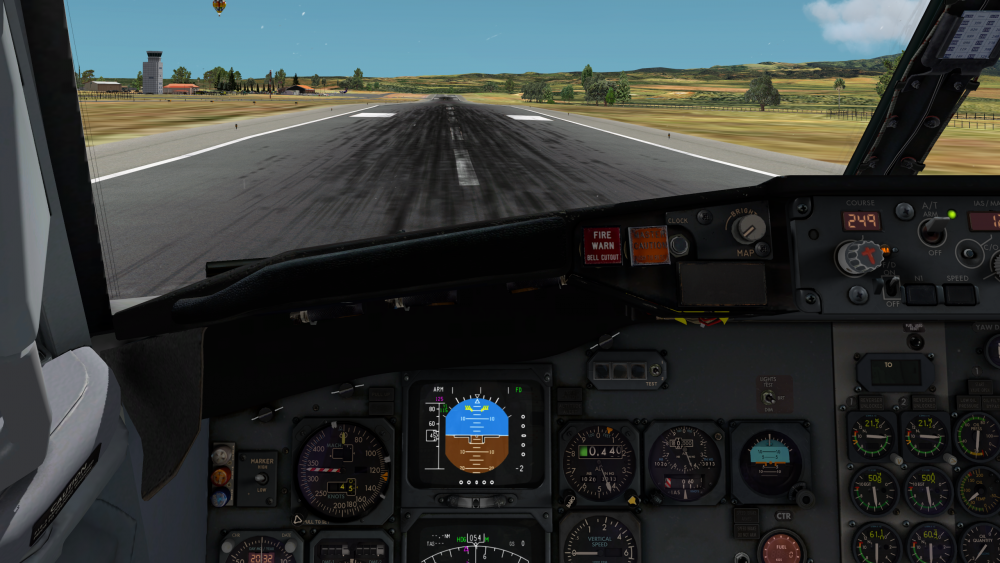
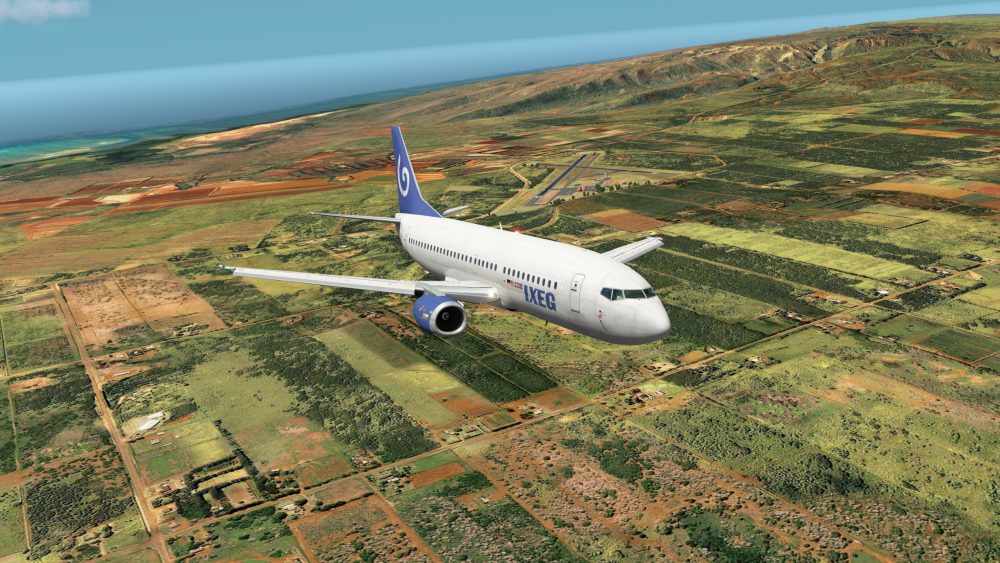
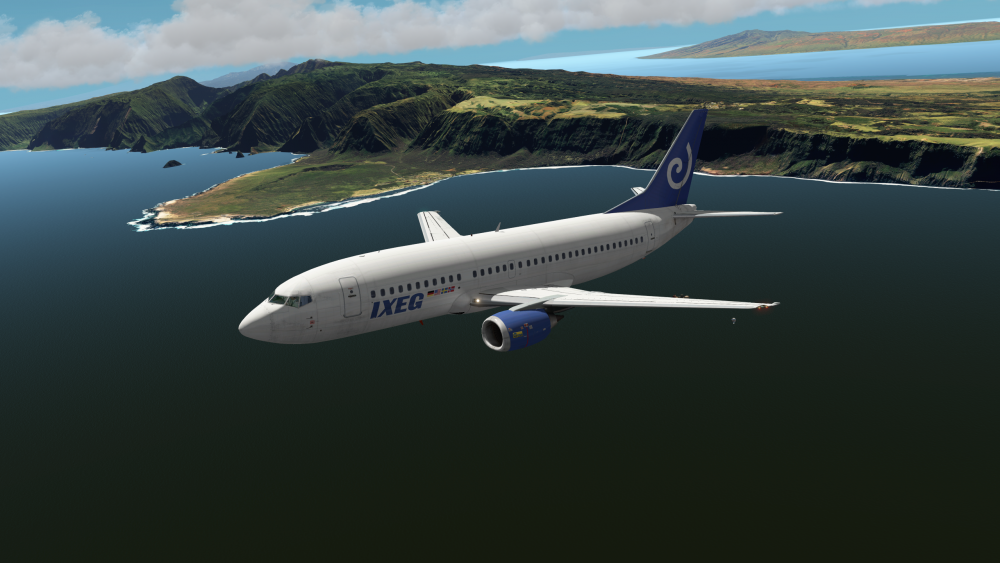
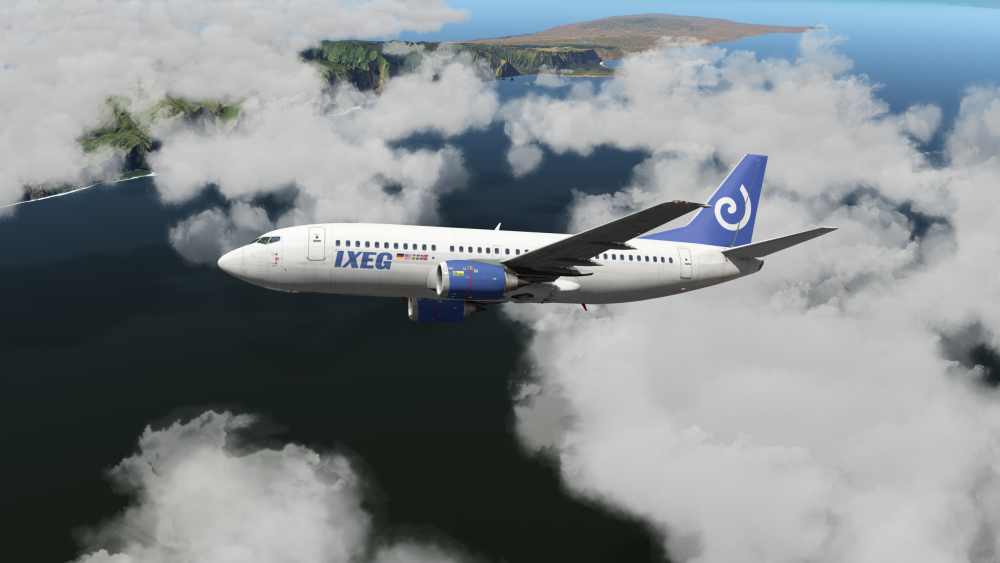 2 points
 -
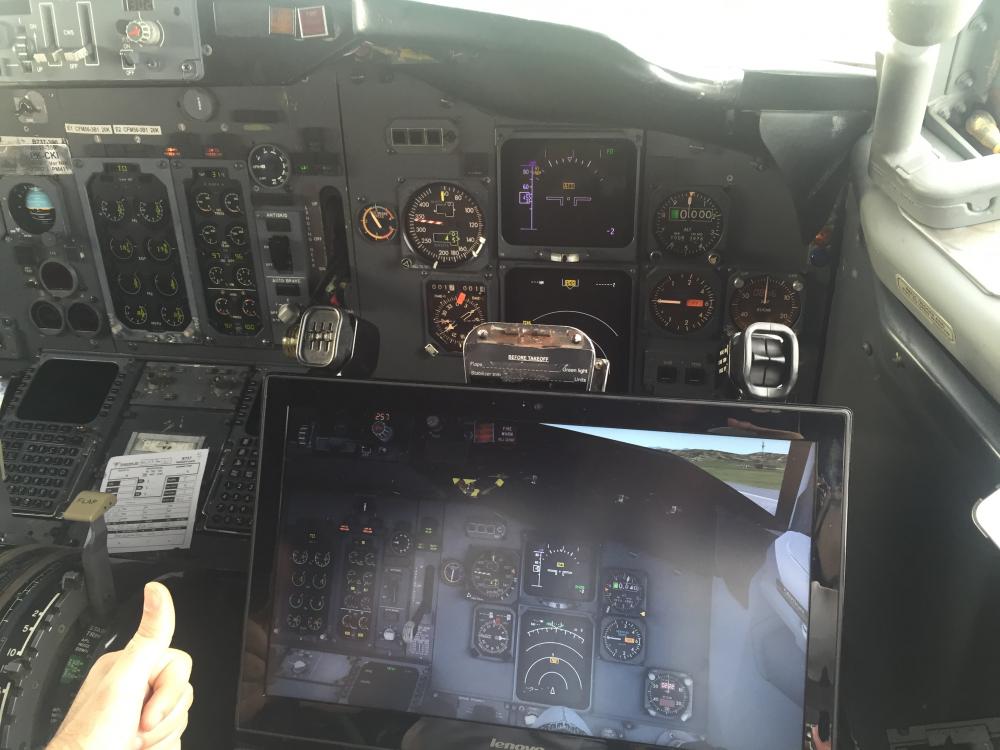
Received this email today from Tanguy. Awesome photo, so I thought I'd share it (with permission) I'm a B737 pilot with more than 1500h on B737/300/400/500W and wanna congrat IXEG for the amazing product you created. Im Very impresed with the fidelity. Still some minor bugs and fix but its awesome. Attached is a pic for you guys. Kind Regards! Tanguy
 1 point
 -
Hi, quick info for EFASS users: The Flightplan-Export plugin for the IXEG is ready. How to install: Start EFASS Click File -> Addon Downloader Double-Click the plugin "Export to IXEG 737" to download it Click away all those messages and restart EFASS Export-Path for flightplans: <X-Plane-Folder>\Aircraft\X-Aviation\IXEG 737 Classic\coroutes Loading the flightplan: Go to the RTE-Page of the FMC and enter the Departure-ICAO and the Destination-ICAO without space into the Co-Rte-Field. Example EDDLDTTA ALWAYS USE THE SAME AIRAC CYCLE FOR EFASS AND THE 737! ALSO THE SAME PUBLISHER (NAVIGRAPH/AEROSOFT). OTHERWISE YOU MAY GET A MESSAGE LIKE "AIRPORTS MISSING" Cheers, Cosmo1 point
-
Just wanted to share how I setup my Saitek throttle quadrant in the IXEG 737 (anyone else using it like me?). I use lever 1 for throttle 1, lever 2 for reverse thrust, lever 3 for throttle 2. It makes the throttle feel "larger" in my hand than using lever 1 and 2 for throttle
 1 point
 -
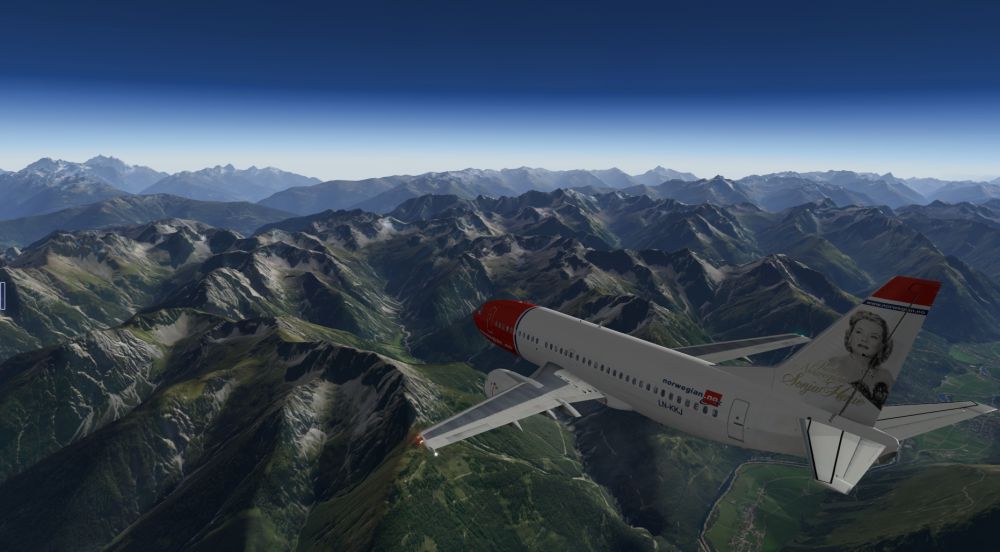
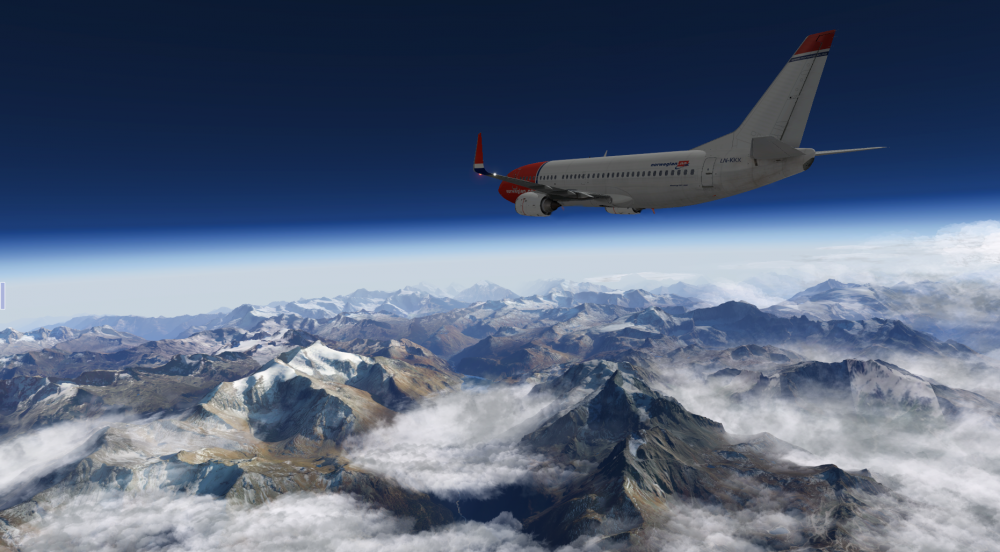
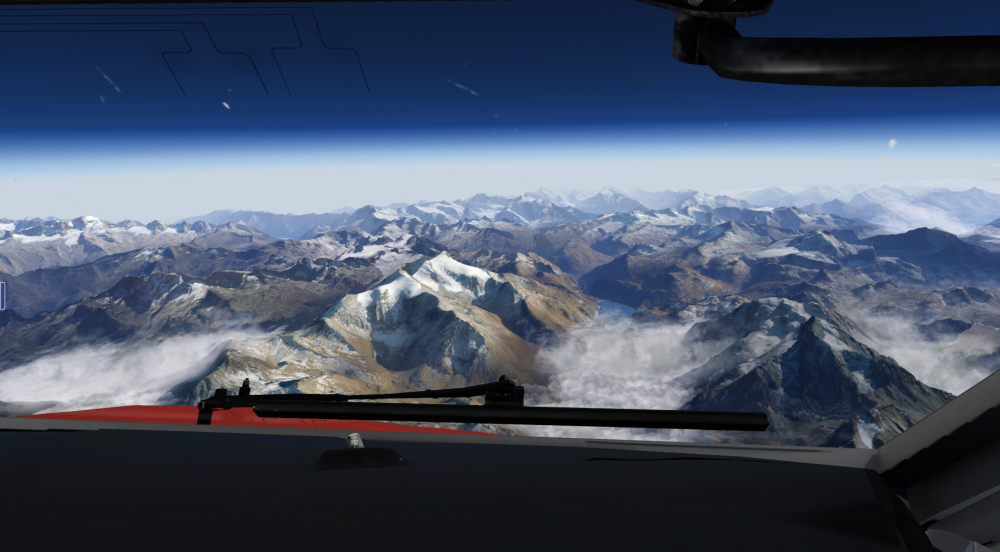
Geneve (LSGG) to Genoa (LIMJ). Photo Mesh built using g2xpl with European OSM Data. Come watch a live stream on Twitch here Cheers, Josh
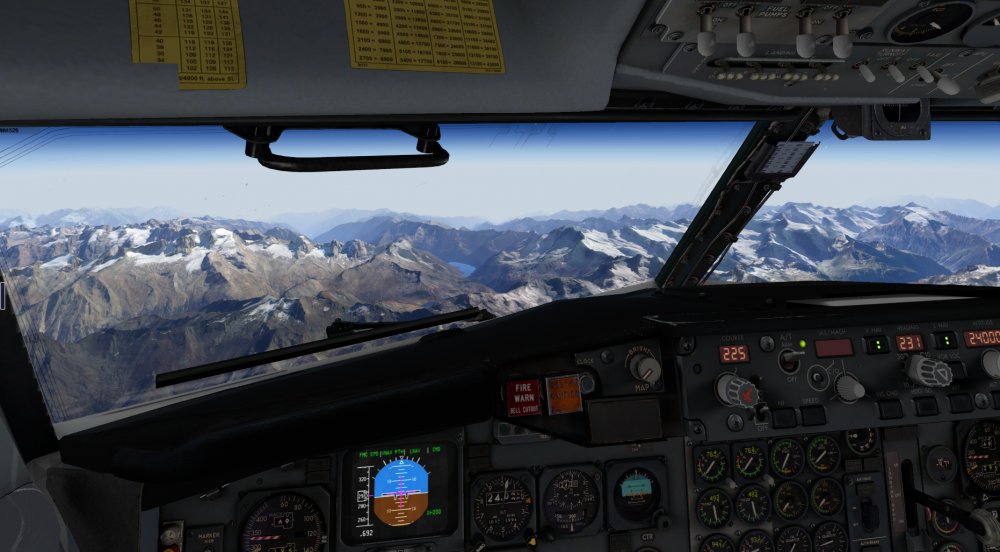
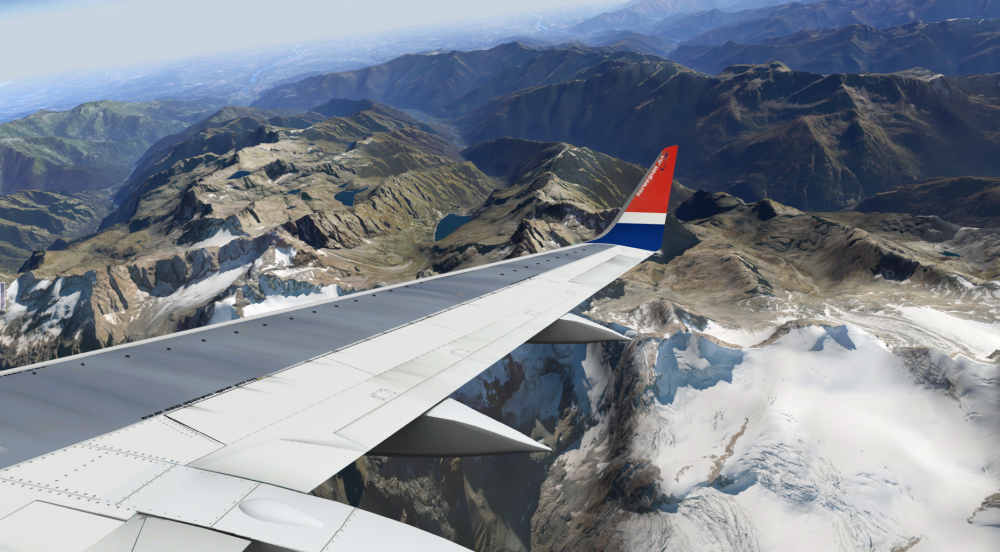
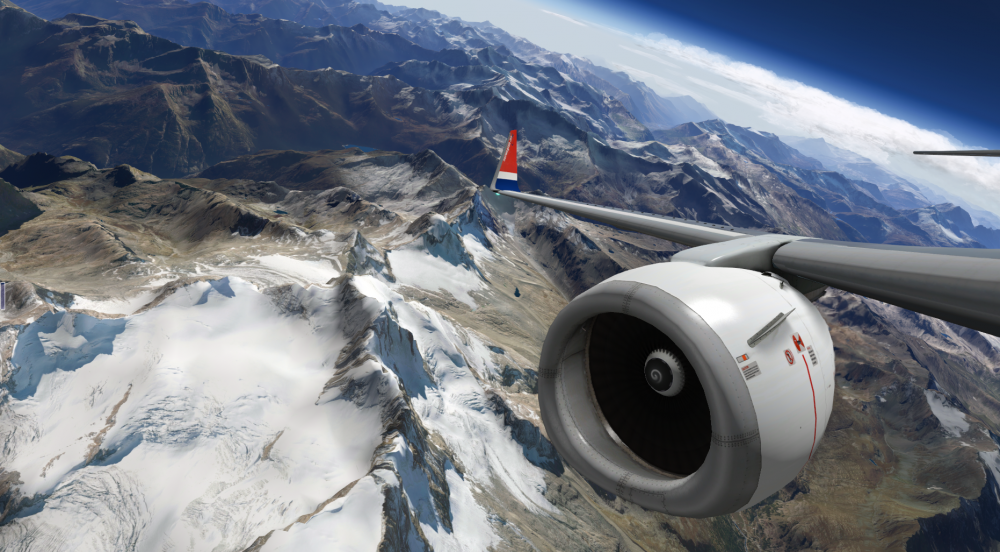
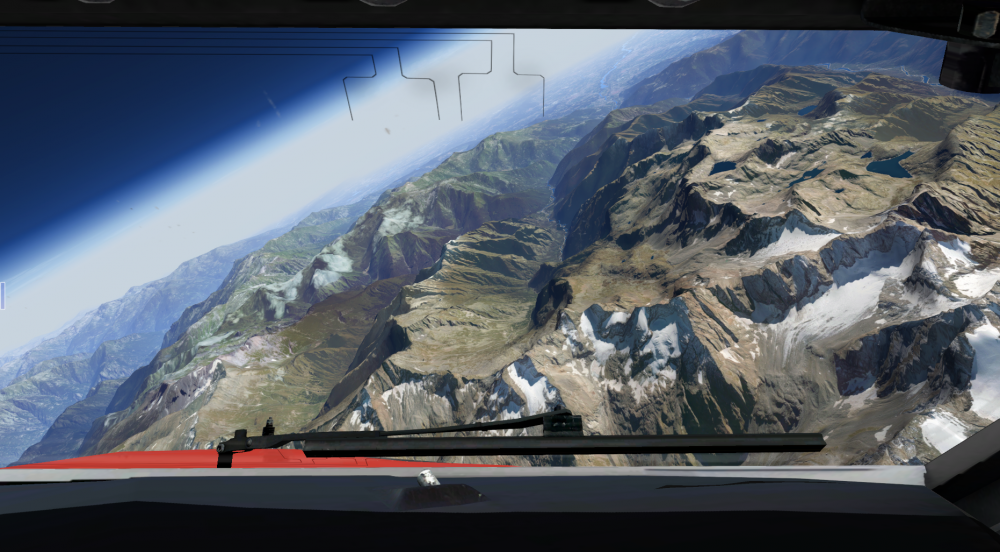
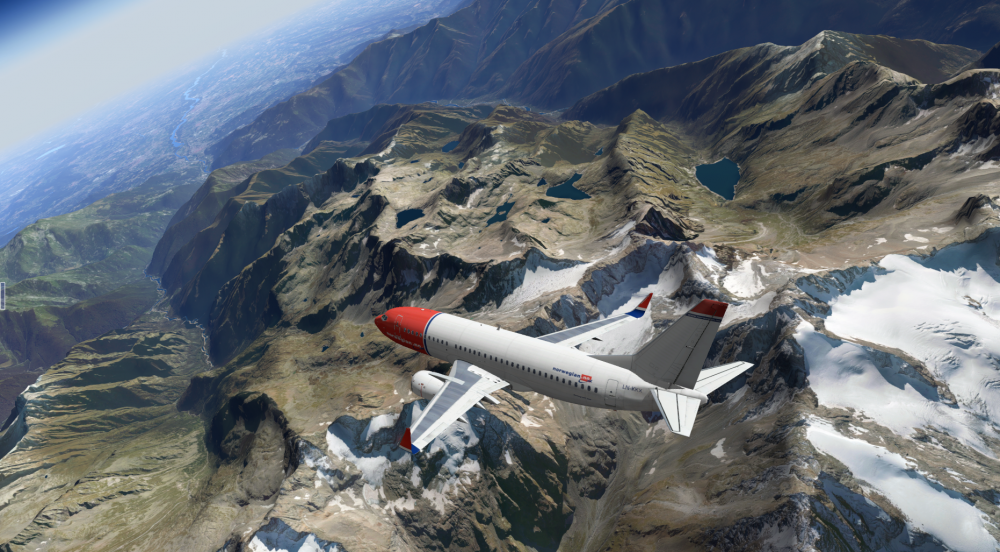
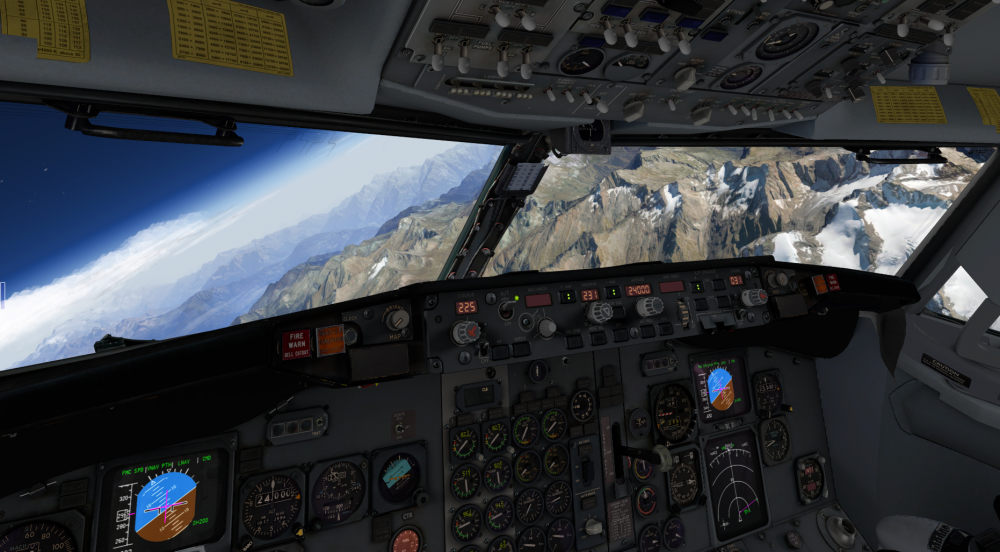
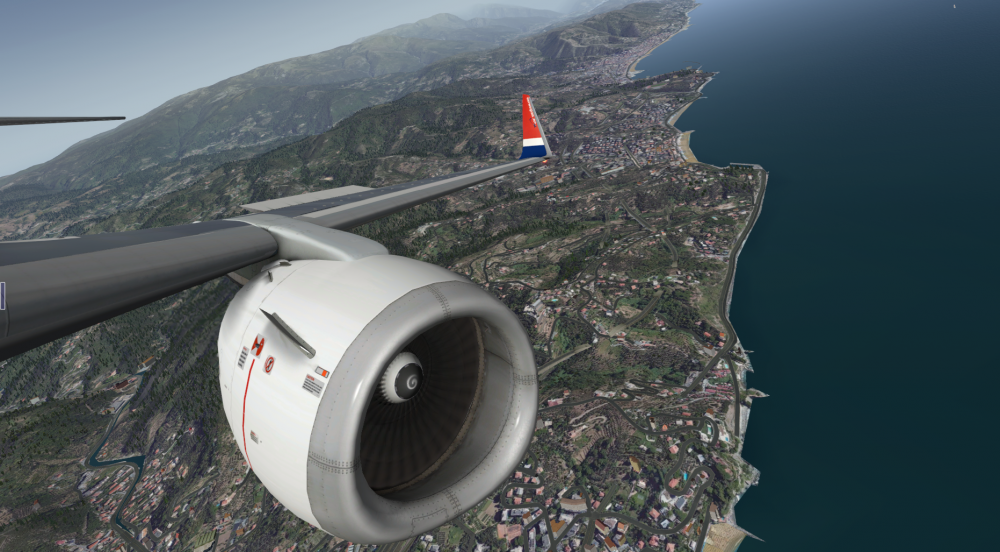
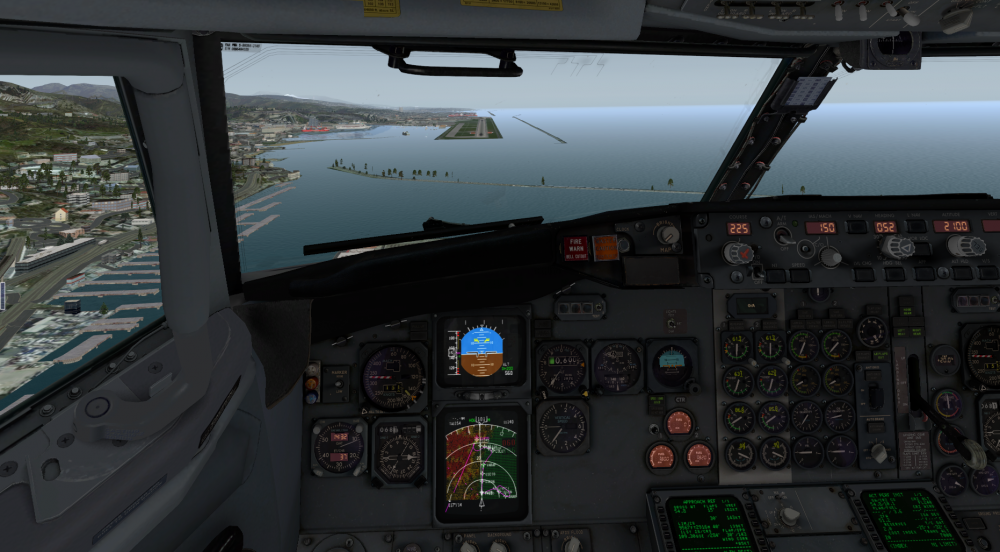 1 point
 -
watch your IAS target .84, the aircraft is pointing the nose way down to increase its speed to .84. this is a known bug. When you clic FLCH the aircraft should keep its speed and because throttles are retarded to idle it should put the nose down a bit to mantain its present speed. BUT when you press FLCH the speed re-sets to .84 MAC (due to the bug) and the aircraft dives down like crazy trying to reach target speed. edit: forgot to say, workaround is press FLCH and immediately reconfigure IAS target as per your present speed to have a nice FLCH descend rate1 point
-
Air New Zealand Holidays View File Hello to everyone who's enjoying iXEG 737! Air New Zealand HOLIDAYS is ready Hope you like it Submitter Veace Submitted 05/06/2016 Category IXEG 737 Classic Livery For Click Here For Aircraft X-Plane Version(s)1 point
-
Hiya, Who's enjoying the IXEG 737 ! I am addicted to the beauty lol Tried a newly purchased 767 but hey ho, 10mins and i'm back in the 737 Many Thanks for the livery, looks real minty fresh Cheers Tony1 point
-
it doesnt make sense at all... it means that if I buy a new computer after I did the activation on the last computer I used... My name will get into the banned list and i wont be able to use it again ? THe same that happend to me i bought the product used it in another computer... deleted it then re- installed it in my home computer .. i will have my account excluded? Even though i was using it personally not sharing with no one? U telling me that i have to activate the product in only one computer and stay with it my hole life? Lets say i get transfer to another city or something like that, and i decide to buy another computer or laptop... My family and desktop computer stays at the city I left for while... But i bought a laptop to use it while my stuff gets moved to the place i was tranfered.. I download everything .. install everything and pufff... i will have my name in the dirt?.. I am sorry but it does not make sense at all.. u buy something for u to use and u cant.. because x-aviation has to decide where u going to use it or not? I am having issues with x aviation too... and i cannot believe u treat your costumer like thath without proof.... Please review your criterias.... it doesnt make sense at all.... im speaking to me and yottaflopped and many others that have stated their complains about that situation... I am a real pilot ... im always traveling around... my cousing has a secondery computer at home that doesnt use it very much... i got it for while ... cause i was going to spend 1 hole month away from my house and family doing training.... used xplane to practice some approach procedures and installed the softwares myself, to my own benefit... after that I uninstalled the softwares and returned my cousing computer clean again... returned home after a hole month.... When decided to use my desktop computer to play xplane again... had an HD issue where i had to clean my hd and install everything again.. went to the xaviation website, asked for a serial reset... and all i got was an email saying that i was sharing my product with someone else.... and now i cant use it again.... because u think i was sharing with someone.. without proof and with my statement explaning what happen... If x-aviation has a sofisticated tecnology to know if someone else is using the product... u will be able to check that no oneelse is using that serial at the same time as me.... Once again re think the way u are treating your costumers... it is not fair... At least proof what u saying before vanish someone from your clean list.1 point
-
Well, Jan saw it coming... He expected some bug reports about that, and he was right ! Been troubleshooting X-Plane all day, so it's just the paranoïa kicking in I guess. Thanks, completely forgot about this video.1 point
-
Could there be an idea to have these in its own category? Easier to subscibe to, easier to update and follow1 point
-
Gmail auto places it there. This is a new "feature" of theirs. Doesn't sound like you ever have missed any, so I don't see why you should now.1 point
-
this bird has no callouts on real life, nor here.1 point
-
Air Europa livery Boeing 733 IXEG View File Air Europa livery for the IXEG 737 Reg: EC-FUT Submitter Niilo Submitted 05/06/2016 Category IXEG 737 Classic Livery For Click Here For Aircraft X-Plane Version(s)1 point
-
Private British BBJ IXEG 737-300 View File A fictional Private British BBJ livery I created. Submitter yukonpete Submitted 05/05/2016 Category IXEG 737 Classic Livery For Click Here For Aircraft X-Plane Version(s)1 point
-
Private Aussie IXEG 737-300BBJ View File Fictional Private Aussie IXEG 737-300BBJ Submitter yukonpete Submitted 05/05/2016 Category IXEG 737 Classic Livery For Click Here For Aircraft X-Plane Version(s)1 point
-
I use routefinder to create and save routes: http://rfinder.asalink.net/free/ Eg: For EIDW (Dublin) to EHAM (Amsterdam) it gives this as a result EIDW SID LIFFY UL975 WAL UM16 DOLAS UL603 LAMSO STAR EHAM Save this as a EIDWHAM01.fpl in the supported format (not txt!)1 point
-
interesting. Yea, the FMS is kicking into descent mode during the calculation, which is why the deviation pointer pops up and the CLB page goes blanks (as it thinks the climb phase is over). Will look into this for sure. -tkyler1 point
-
Anybody up for doing this one? I know there is already one of this aircraft in the former livery, but I like to have my liveries up-to-date. Shouldnt be much work really.1 point
-
lanmancz is partly right: You need the little black placard for both manual and standby operation - not for auto. Flying in manual is an absolute emergency, fallback mode. You want to somehow keep the aircraft pressurized - any movement of the thrust levers will change the influx of air, and you would have to change the position of the outflow valve - try it, it is fully modeled! In standby you will set the CABIN ALT to departure elevation -200, then switch to FLT. During cruise you set the CAB ALT to the suggest value according to your cruising altitude. When descending, you set the CABIN ALT to landing elevation -200. This pretty much mimics what the AUTO mode is doing, too. Jan1 point
-
Well, I'm happy to report that I have this working! When you cross a one-degree tile boundary in X-Plane, cloud systems will no longer change positions on you when using Real Weather Connector. The next revision of SkyMaxx Pro will have this change in it. Before you ask - no, I have no idea when that will be yet!1 point
-
I think Laminar Research has a done a good job with their scenery gateway idea. For years users have complained about the lack of scenery in X-Plane. Giving the community the tools to create and populate the world with airports was genius. Often simmers will point out how one of the downfalls of XPX is flying into a baron wasteland. Well that's all changing, take a look at some of the work that the community has done so far, and with each new version of XPX more new airports are released. X-Plane's version of a "generic" airport scenery blows away any generic airport in the other simulators. Some of this "generic" work could easily pass for pay ware, and it's actually default. Thanks to those of you out there that are contributing to the X-Plane scenery gateway. Take a look at some of the latest work in Osamah;s latest video below.1 point
-
I would like to know as well.1 point
-
1 point
-
Carenado C90 full size : http://pasteboard.co/Gm13XVo.jpg1 point
-
(@ Dionsol)1 point
-
1 point
-
1 point
-
1 point
-
1 point
-
1 point
-
Madrid to Leon. UHD Spain.
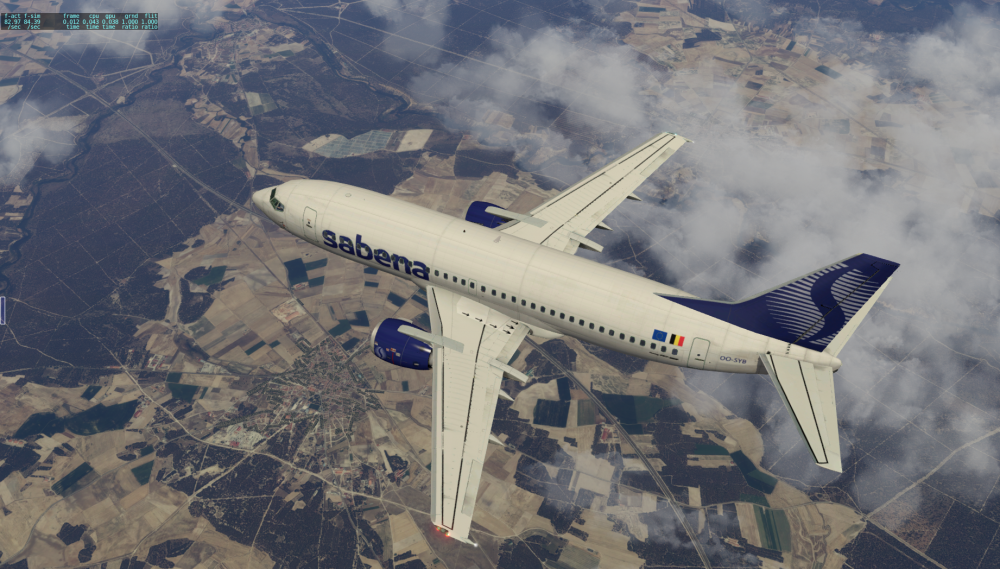
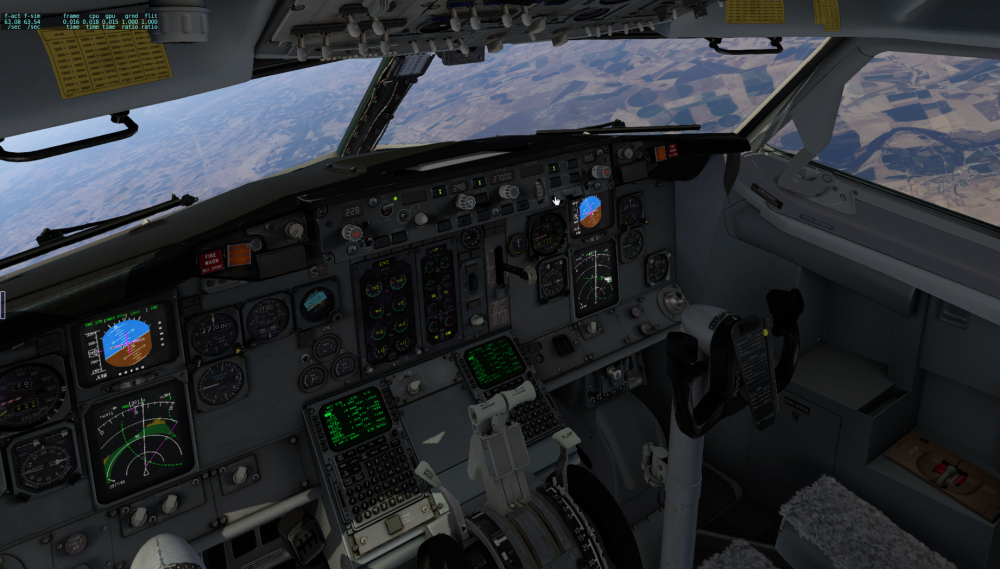 1 point
 -
Today I did my 30th hour of flight according to my logbook,and only had experienced one problem (but now I know it was caused by consecutive flight), so It´s possible. I don´t know if it's good luck or what,but I'm having the best experience with Xplane I've ever had.1 point
-
I think they will create an update just for you within the next few seconds... :-) Greetings, Sebastian1 point
-
Same procedure as before - KSAN visual approaches - got a picture this time, though...
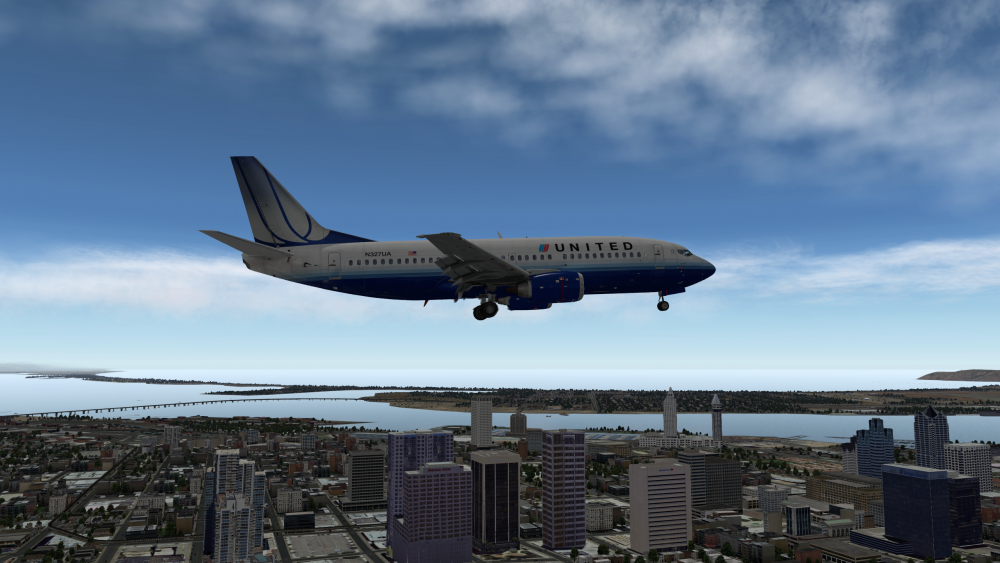 1 point
 -
You are wrong, though Jan1 point
-
IGEX 737 From a few days ago, flying around Manhattan to land at LaGuardia. Rob1 point
-
If I may, I want to input my desire for this to be modelled! I like to record videos doing approaches. What I do typically is take-off, fly straight to the IAF and enter the holding over that waypoint while I prepare and brief for the approach. Without a good way of entering the hold, I won't be able to just let LNAV make me fly in circles over the IAF and be able to forget about it while I install and prepare everything.1 point
-
Ouch. Well, sorry we gave up our Monday afternoon to bring you a free training product and it's a pity you missed out on dozens of amazing tips on how to fly your IXEG that the other 7000 people who watched it now know. Our thousands of happy Q400 Cadet and FO series customers love our execution. But you can't please 'em all!1 point
-
I'm happy to announce the release of v1.0 of the Let L-410 for X-Plane 10.45+ with 3D cockpit. After nearly 6 years of bumpy development and a long beta testing phase, the Let L-410 is here. This is the point where I say "stop" for v1.0. You never really can finish a plane. Still, there are awful lots of things to do. But let's leave those for v2.0 You can download the plane from http://x-plane.hu/L-410/ FEATURES: Detailed 3D cockpit Built-in Garmin GPS Realistic engine and flight model (~95% matching real data) Instrument and cockpit lighting Yoke can be hidden Basic anti and de-ice system Custom engine sounds Custom engine startup Checklist for XCheclist All basic instruments are working, you can either fly RNAV with Garmin or NON-RNAV (VOR2VOR) flights with the NAV instruments. Bugfixes, of course, will come after release, so I'll keep updating this version. PROMO VIDEO https://youtu.be/ZEpOkoPd9t8 TUTORIAL FLIGHT https://youtu.be/XihlwN_t610 THANKS I’d like to thank all the support and feedback I got from various people while developing this plane. The project took a long time to finish - with breaks - but it worth every minute. I’d like to thank Imre Kurucz, Attila Kotan, and Tibor Kokai for the images, videos and the support they gave since the beginning. There are a lot more people who gave inspiration and encouragement to finish the Let L-410, cannot name them specifically, but sometimes their word gave me the last push. Big thanks to the beta testing team: Tamas Eibel, Karoly Molnar, Lars N. and Gyorgy Buki CONTACT Follow the further development at http://bit.ly/1VUCwvj You can post your feedback here at the forum, or send me an email to mihaly.alberti [at] x-plane.hu Twitter: @xplanehu1 point
-
@Cameron Why would he need to provide an order number to form this opinion? It's a broad statement I know but your request for an order number and revelation about his lack of purchase is not something of interest to anyone reading this thread. If you know he's trolling, lock the thread and just move on.1 point
-
Hiya's, Before darting off to see some glamorous highly finnessed video, just get that notion out of your head lol I only upload stupid items that mean something to me, i am deffo not a YT vid guru, so Osamah/thomas to name a few don't panic you've nothing to fear hehe I just did a quick vid to show what i can get with a load of sceneries/free plane and a somewhat aged gpu Before the link, my rig specs as it stands today W10 Pro x64 Asus rampage v extreme 5820k @ 4.7ghz watercooled R9 290x @ 1267/1354 watercooled 32gb DDR4 3200 @ 3000 Only a very short vid, as said i'm no yt guru, just pause on settings on full screen and you should see them Maybe of help to see what actual lower-scale settings can achieve in this 3.1 version, sure blows my mind hehe Have Fun Tony ps : Lowest fps is approx 25/27 and in open areas maxed at vsync 60, average 30-35 in clouds and scenery on the deck1 point