Goran_M
-
Posts
5,646 -
Joined
-
Days Won
231
Content Type
Profiles
Forums
Latest X-Plane & Community News
Events
Downloads
Store
Everything posted by Goran_M
-
Correct. Reflections from the surroundings. I'm considering reducing the reflectiveness in an update.
-
Check in your CL650 user settings. Under User Interface. Make sure you have a check mark next to "Simulate walking around aircraft and FBO"
-
 This is done deliberately, and is meant to simulate blown out screens, that are on full brightness, at night. To fix this, you need to dim the lights (BRT/DIM switch on the overhead) This is an XP12 lighting issue. I can certainly lower the reflections down, but the glass will look very dull during daylight hours. I'll mess around with it some more and see what I can come up with. We're not really sure. But it's possible.
 -
And a Happy New Year to you, too. Let's see if we can sort out these crashes. The log file doesn't show a crash, but it doesn't show a clean exit, either. It's like X-Plane just decided to say, "No", stopped and went to desktop. I'm seeing some concerning things in the log file, though. I still see plugins, and definitely a few that could be causing the problem. Marginal Ground Traffic is a very old plugin, and one I strongly suggest you remove. It looks like it's part of your SBRJ scenery. I would also suggest you try running X-Plane without Autogate (also a Marginal plugin) and Python Interface. Try those and see how you go.
-
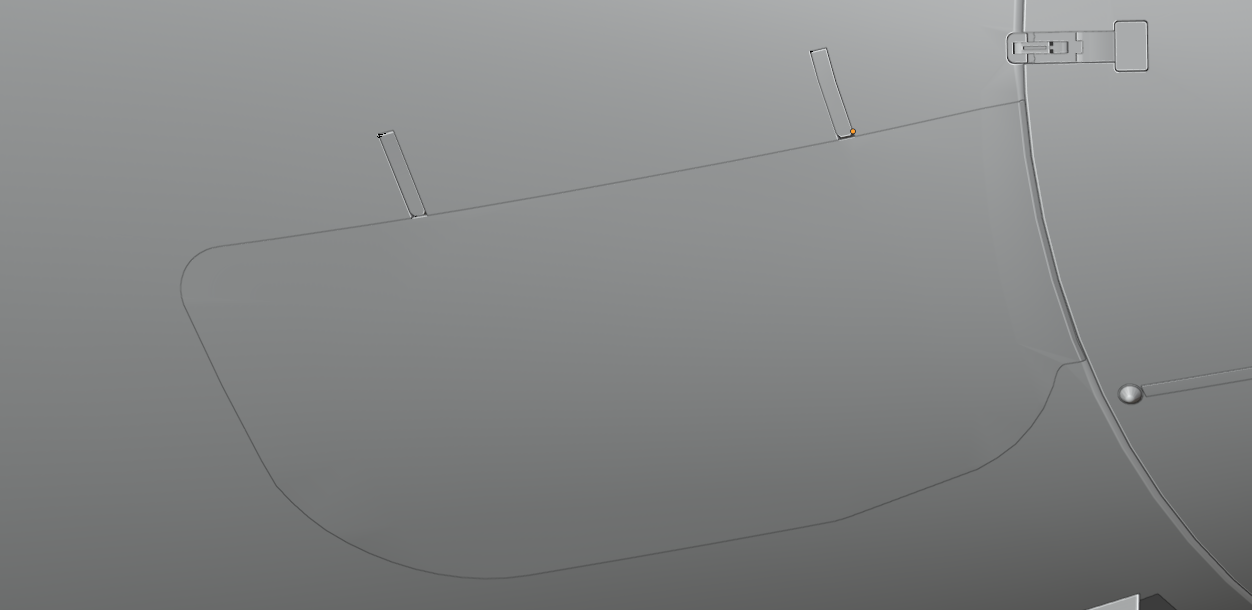
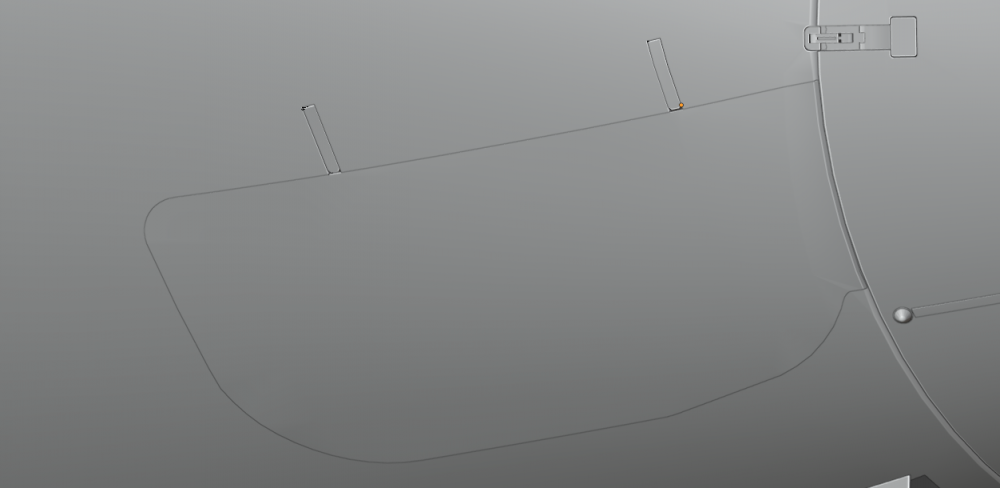
It's there. With a working ADG. I'm going to add the metal strip around it in another update. You just can't see the seam because of the lighting.
-
This looks like a bug with MacOS and the ARM CPU. I also have an M1 Max, and I am getting the same thing. It's not something that can be easily fixed, if at all, on our side. This looks to be squarely in Apple's court. The map will show on Intel CPU's. It has something to do with OpenGL texture loading. It MIGHT fix itself when Gizmo (our DRM) is compatible with the M1 CPU. But other than that, I'm afraid we're stuck with it. Apologies for this.
-
Yes, there is a seam around the emergency exit, but the seal for that seam is on the interior. I suppose I could add something and make it part of the exterior to block it off.
-
That's quite the eye you have. I'll address each one. I can't do anything about this one. It was brought up in XP12 testing, and I checked it. The mesh is there, but it's the way X-Plane 12 renders lighting that gives this result. I'm guessing you're talking about the visible seam in the nose equipment bay doors. The nose equipment bay will be added in the next update, however, it's likely the seams will still be visible, as we do something called an "object kill" if objects are not visible. This helps with performance, but shows a sliver of background light. Another example of object kill. The object that is getting killed is behind the door. The problem with fixing it on that side of the door, by adding it to the cabin, is that it will be culled when on the other side of the door. Other than not killing the object, there's nothing we can do about this one. This is another object kill. When not in the cabin, the cabin is killed. Purely for performance reasons. If the cabin isn't killed, X-Plane loads the mesh and textures, and the computer hardware takes a hit. I'll look into this one. It may be another X-Plane issue with the lighting.
-
[Solved] Airport database damaged 1.7 XP 12 latest
Goran_M replied to perwel's topic in Technical Support
Try running the X-Plane installer and repair the airport database. -
We want to take our focus away from turboprops for a little while. We've had meetings and discussed the next project. But for now, the focus for Saso will be on the TBM XP12 update, while I continue with more 650 updates and a few things on the DC3.
-
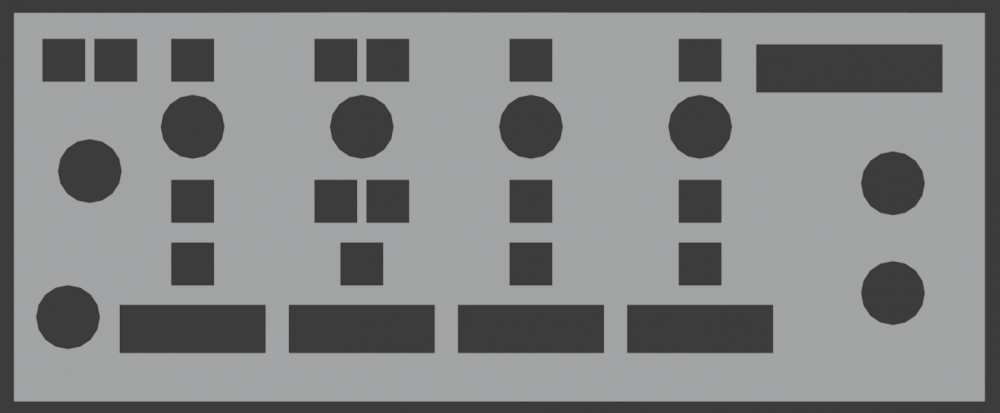
Width - 17.4cm Height - 7.13cm And here's a reference image for you to use.
-
You just missed the Black Friday sale about a week ago.
-
[Request] Click spot for FBO exit door to X-Plane main menu
Goran_M replied to Rodeo's topic in Ground Services
I think it's in the list of updates, but it's lower on the priority list than other items. -
Mac crashes when origin airport entered in Hotstart Challenger 650
Goran_M replied to edsn's topic in Technical Support
Please post a log.txt file immediately after the crash, so we can see what's happening. -
In-Flight Engine Failures Traced to using X-Plane Flight Model Speed Change
Goran_M replied to CJSouthern's topic in TBM 900
A log.txt file will always help. Thanks. -
In-Flight Engine Failures Traced to using X-Plane Flight Model Speed Change
Goran_M replied to CJSouthern's topic in TBM 900
This might be a sim issue, where we have no control over it, but I'll make a note. -
Hot Start CL650 Substance Painter Paintkit View File This is the official Hot Start CL650 Substance Painter paintkit file. It contains several liveries within the "Paint" folder" on each UDIM. You are free to add to whatever materials or masks to those layers as you wish. There are other folders that are set as default textures, with materials included. These are the correct materials for the areas they are assigned to, but you are free to alter those as you wish. As usual, if you plan on changing anything, keep the original smart material, and copy/paste the original to a copy. This will save frustration if you wish to return to the original materials. Please read the included readme file. Submitter Goran_M Submitted 07/20/2022 Category Hot Start Challenger 650 Livery For https://www.x-aviation.com/catalog/product_info.php/take-command-hot-start-challenger-650-p-212?osCsid=3s771ioj1g7c3vdsh78u9ft174
-
- 1
-

-
Version 1.0.1
318 downloads
This is the official Hot Start CL650 Substance Painter paintkit file. It contains several liveries within the "Paint" folder" on each UDIM. You are free to add to whatever materials or masks to those layers as you wish. There are other folders that are set as default textures, with materials included. These are the correct materials for the areas they are assigned to, but you are free to alter those as you wish. As usual, if you plan on changing anything, keep the original smart material, and create a copy of the folder in the layers palette. This will save frustration if you wish to return to the original materials. Please read the included readme file. -
https://forums.x-pilot.com/forums/topic/20494-tbm-900-v1113-update-released/?do=findComment&comment=166835
-
Can I get a invite for the hot start discord
Goran_M replied to mike10's topic in General Discussion
Sorry, little bit late. https://discord.gg/hz65fUPX -
Please post a log.txt file after the crash (without reloading X-Plane).
-
Apologies...just saw this. Well, perfect timing. 1.6 is release with a full changelog. Enjoy.
-
@robderthere are a few things that will change on the exterior for the next art update. I want to get those finalized before getting the REGA variant under way. But as Pils said, still planned.
-
Can I get a invite for the hot start discord
Goran_M replied to mike10's topic in General Discussion
https://discord.gg/WzY2BjUk -
The levers on our 650 are definitely metal. If they appear black in X-Plane, it is indeed a lighting quirk within the sim at certain angles of the sun and certain times of day