All Activity
- Today
-
 John Kozaris joined the community
 - Yesterday
-
 plenjamin joined the community
 -
 Pier.Paolo.01 joined the community
 -
 fabiopa28 joined the community
 -
 jyksdb joined the community
 -
 aidencl60 joined the community
 -
 Batwingsix joined the community
 -
 1334292 joined the community
 -
 GrkmYlmz joined the community
 -
 Shukran09 joined the community
 - Last week
-

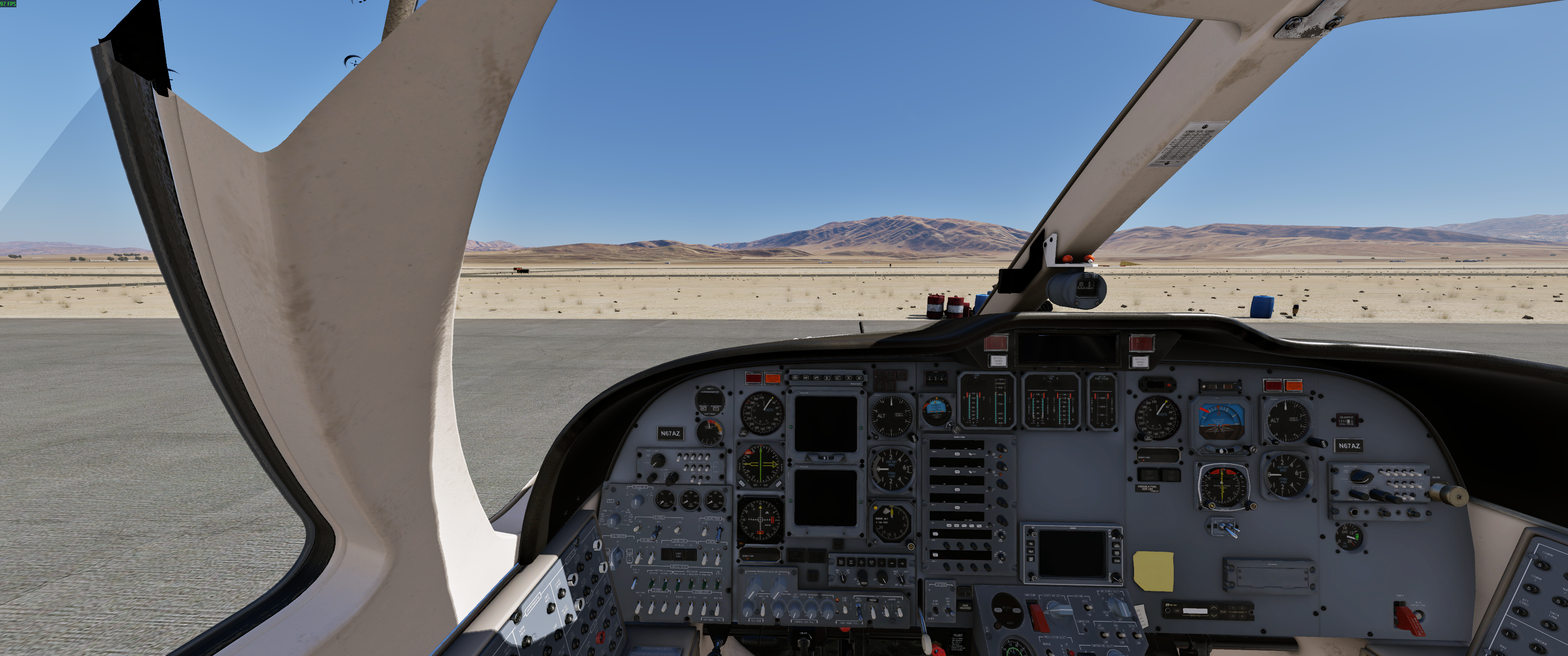
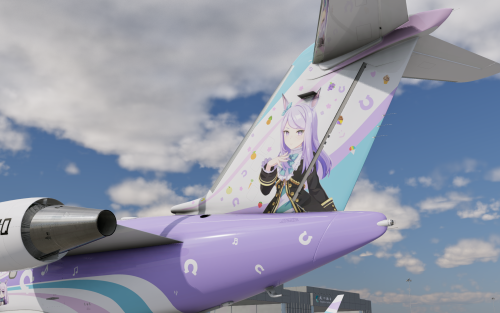
UmaMusume - Mejiro McQueen CL60 Private Jet
boeing747rox reviewed Pacer's file in Hot Start Challenger 650
 Very nice!
 -
I get this issue with SR20 Avidyne 2.0.2. It seems that it crashes as the terrain database loads. I have found the following: XP11 no issue at all. XP12 with Orbx TrueEarth SR20 Avidyne CTD on loading, SR22 okay. XP12 raw still crashes SR20 but not SR22. I see there have been updates for the SR22 but not SR20 Avidyne. This is extremely frustrating. I suspect the issue is a clash when the terrain data is being loaded into the SR20. I have reported this but not even an acknowledgement.
-
Are there any news to solve the problem Update, Patch ? We are on V2 2.03
-
That worked thank you very much. jeffg
-
Change display scaling and text size back to 100% https://support.microsoft.com/en-us/windows/change-the-size-of-text-in-windows-1d5830c3-eee3-8eaa-836b-abcc37d99b9a
-
I am trying to reinstall my 737 to XP12 and when I start the installer and it asks for the xp folder 1/2 of the screen is missing ao I cannot put the folder in. Why is this happening as it has never happened before? Jeff G.
.jpg.c27516706c3cc274279616d8da74979f.jpg)
-
 Hi, I own the PAE Bonanza A36 and use it along with the RSG G5. I have an issue with the Garmin GFC500 Autopilot LVL function. I posted this on PAE forum: "It seems on the garmin autopilot the implementation of the LVL mode is incorrect. With AP Off and FD Off,, in your current implementation, here is what happens when I press the LVL button: it turns FD On, in ROL and PIT mode, freezing the current Roll and Picth attitude at the moment the button is pressed. According to what I could find, this is more of a "panic" button and here is what I expect it to do: Turn on FD AND Autopilot, and it should annunciate LVL/LVL instead of ROL/PIT, and command a level flight." I got the following answer:"That is correct. But the actual implementation of that would have to be within RSG G5... We don't have the ability to overwrite that. The dataref is the standard LVL one for X-plane. " So i give it a shot posting here in case you can do something about it. Charles
 -
Hello, the switch for Battery can switched to on, but no reaction. No electric. When I switch the APU on and start, there is no reaction too. In Prewferences is Cold & Dark chosen. The switches themselves are operable but without any reaction. I had new downloaded the model and installed, but it is all the same failure. What can I do ? 733_TK_IXEG_prefs.txt B733_prefs.txt B733_vrconfig.txt IXEG_user_prefs.txt
-
 After updating license for DC3 V2 there are Battery and Master Magneto swich not operable. Consequently there is no electricity in the plane and the other functions who need it, are not in operation. The switches themselves without the Magneto switch are operable but without any reaction (up and down). I had new downloaded the model and installed, but it is all the same failure. What can I do ? DC3.log
 -
Hi everyone, 2026 here, i am on Imac 27 Intel, installed RSG G5 Cessna 172 on X-Plane 12 and when I start, all instruments works exept G5's, black screen, can not turn it on , 530/430 can not extended or move it, any help would be appreciated
-
 If you're considering Carnival Cruise Lines for your first cruise vacation, it's important to understand the basics before booking. Research the itinerary, cabin options, dining choices, onboard activities, and potential extra costs. Learning about travel documents, embarkation procedures, and destination information can also help you prepare for a smoother experience. What tips or advice would experienced travelers share with someone planning their first Carnival cruise?
 -
737 Class Plus and FMC and sound update and WinCTRL P3P MCDU?
FlyerC3 replied to Rob Ainscough's topic in General Discussion
The question concerning compatibility with WINCTRL PFP3N still is an interesting one. I got all the keys running, but there is no output to the display, what sadly makes it of course unusable with the 733. Anything that can be done to help us out here ? -

737 Class Plus and FMC and sound update and WinCTRL P3P MCDU?
Litjan replied to Rob Ainscough's topic in General Discussion
Hi Rob, Some people missed the email - mostly because they actively opted out of email notifications. The FMC is unchanged from the XP11 version, namely that it does not have certain aspects (you can read about all shortcomings in the pinned post in this forum, it is up to date), same for FMOD. There is no ETA, it is planned to improve/update these aspects, but currently there is no estimate on when that will happen. Cheers, Jan -
 Travelers should always review Copa Airlines Carry-On guidelines before heading to the airport. Understanding carry-on baggage size limits, weight allowances, and personal item requirements can help ensure a smoother travel experience. Properly packed cabin luggage not only saves time during check-in and boarding but also helps avoid unexpected baggage-related issues. This guide provides useful information about carry-on regulations, packing recommendations, and essential travel tips to help passengers prepare for their journey with confidence. Stay informed about current cabin baggage policies and make your travel experience more convenient and stress-free.
 -
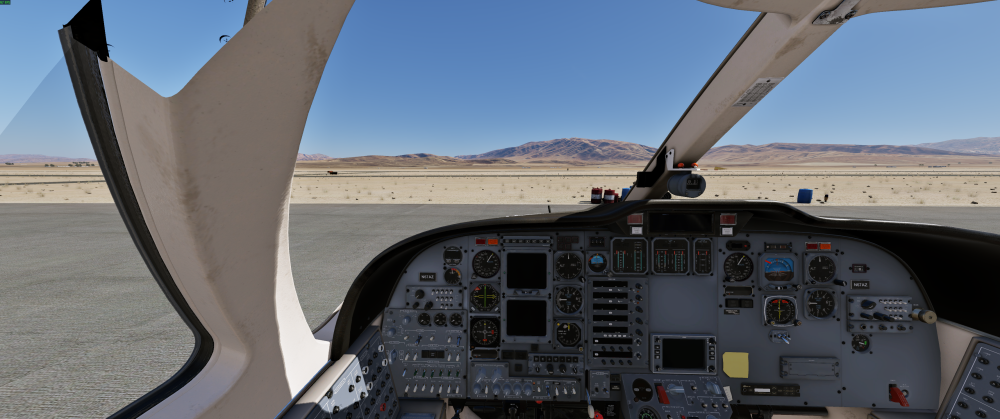
Unacceptable...
-
Same issue and its not even with X-Camera. Dissapointed to say the least like mlb406 said with an $85 aircraft. And this forum seems dead too.
-
 I guess I missed the email regarding the XP12 discount update for the 737 Classic I purchased back in 2016 which was updated to 1.33 (2020 I believe). I plan to purchase at full price ($85) for the XP12 version but was curious about possible pending work: FMC Sounds (OpenAL) Reason for concern is that I use WinCTRL P3P MCDU and IXEG 737 is not supported “out of the box”. However, there seems to be a MobiFlight profile for IXEG but I’m not sure of the state of the IXEG 737 FMC in XP12? I’ve been using Zibomod 737-8 as that has native WinCTRL support, but I’d like to try the updated XP12 version of IXEG 737 Classic plus but wanted to know how the FMC (or if) there is a new update for FMC for the XP12 version? If there will be, any ballpark ETA? Rob.
 -
Thanks, haven't had it happen again so all good for now.
-
I didn't think so. I've had it happen a couple of other times. For the most part it seems okay.
-

Crash after clicking on Toggle Aircraft Window
SYSCD7000 replied to Leventeur's topic in BN-2B Piston Islander
I am having the same problem -
 Thank you! This is my favorite plane!!!
 -
Thanks for the update, and I'm eagerly awaiting all the new features. New things are always welcome.
- 1 reply
-
- 1
-

-
No, this is correct. The pilot only needs to set the destination field elevation plus 200 feet, and the air data computer does the rest.
-

PFD, ND, FMC & engine display issues
Cameron replied to The.CargoGuy's topic in 737-300 Aircraft Systems and Operation
The screenshot that's made worse is indicative of what you'd see when Gizmo is not running. We'd need to see an X-Plane log.txt file to get a better understanding of what's happening here. - Earlier
-
A bug triggered by noisy hardware. Will be resolved in next update. Workaround is to add a dead zone to Yaw axis.
- 1 reply
-
- 1
-