alstr
-
Posts
58 -
Joined
-
Last visited
alstr's Achievements


-
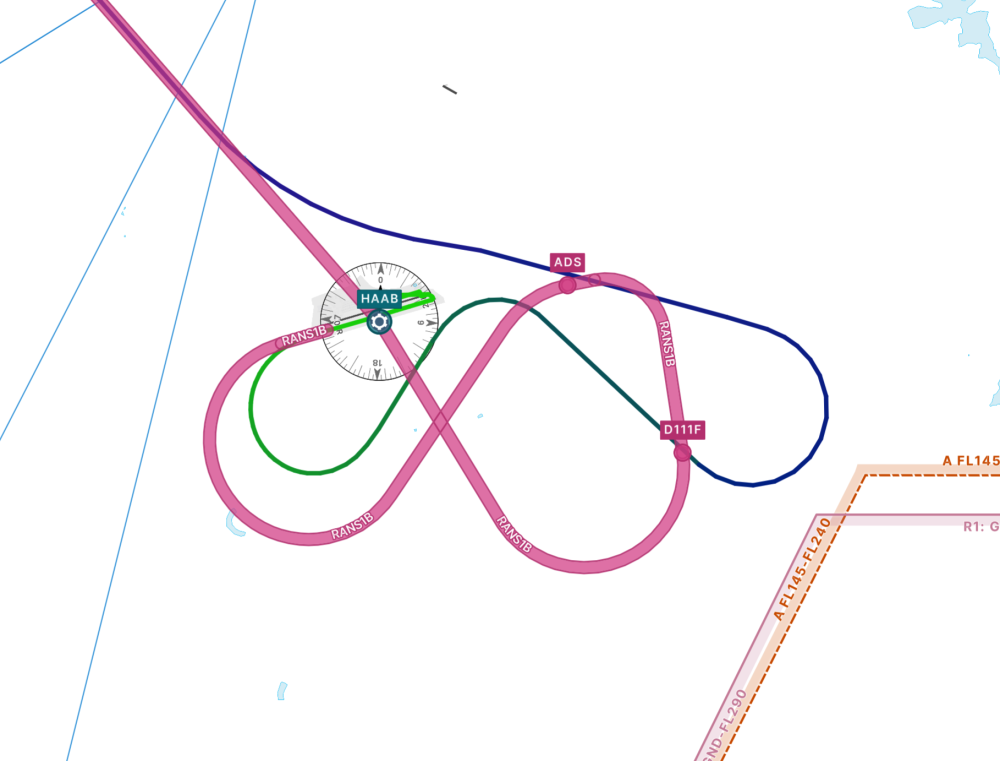
Yes I'm sure it's partly down to technique. Usually I use VS and FLC to manage the climb after takeoff but usually it still climbs quicker than it did in the first case. I just found it a bit odd, and it didn't happen any other time. I sped up the video 16x because no one wants to watch three videos that are nearly 10 minutes each, and I thought it gave the basic idea. But yes they could be better and it took me forever to upload it so next time I'll do something else. Attempt three, that is really the confusing one as like you say, it turned left despite definitely drawing a turn to the right, and the departure instructions explicitly say right turn: I don't know what the database explicitly says in this regard, but I would have expected it to enforce the above in the main. I think a left turn would be a significant deviation as flying over Addis Ababa city below FL160 is not permitted and the pattern is tightly regulated. But I'm just some dude flying a flight sim and neither a real-world ATC or pilot.
-
I've attached a video and the log file. haab.mp4 Log.txt
-
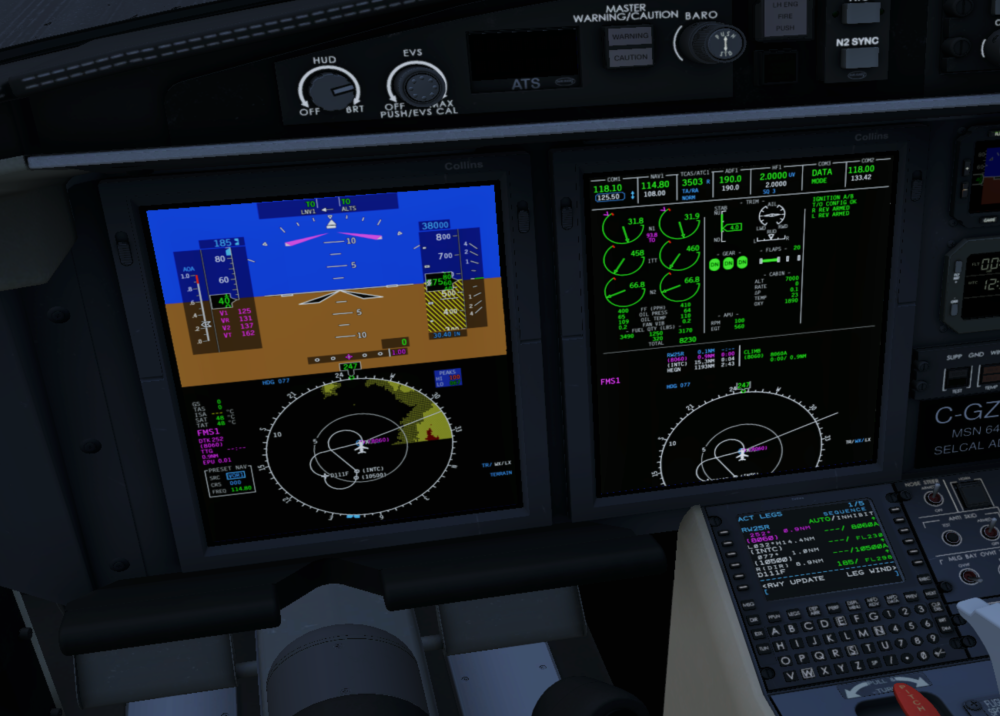
I have tried this SID 3 different times and got a different outcome every time. Here's how it was programmed in: I've included videos below of each attempt, the most pertinent probably being number 3, which reproduced what I described in the original post. (Edit: these videos seem to stream horribly, I'll try reuploading them shortly). Attempt 1: Aircraft generally seemed to follow the correct route as drawn on the chart, but climbed incredibly slowly for some reason, resulting in terrain and gear warnings, so I decided to restart. Closest to the one shown by @skiselkov. Attempt 2: Aircraft loosely followed the correct route, making the correct turns at the correct altitudes, but took some quite sharply, so deviated from the mapped route. Maybe that's okay, I'm not sure. Attempt 3: Here the aircraft turned in the opposite direction to that on the chart and the FMS, as I described in my original post. I didn't vary anything between the 3 attempts, other than tiny differences in my inputs and timings. Please excuse poor FPS and strict adherence to checklist while I was juggling a few things. Maybe I did something wrong, if so please let me know.
-
I just tried it again and it didn't crash. Maybe it's something else at play then.
-
I appreciate the time taken to answer. I've got a slightly better grasp of it now and will use your notes to refine further. Thanks again.
-
Yes, I had 185kt dialled in as the max speed and didn't exceed that. I can't explain why my flight differed then. I've not tried it again since but if I get chance I will.
-
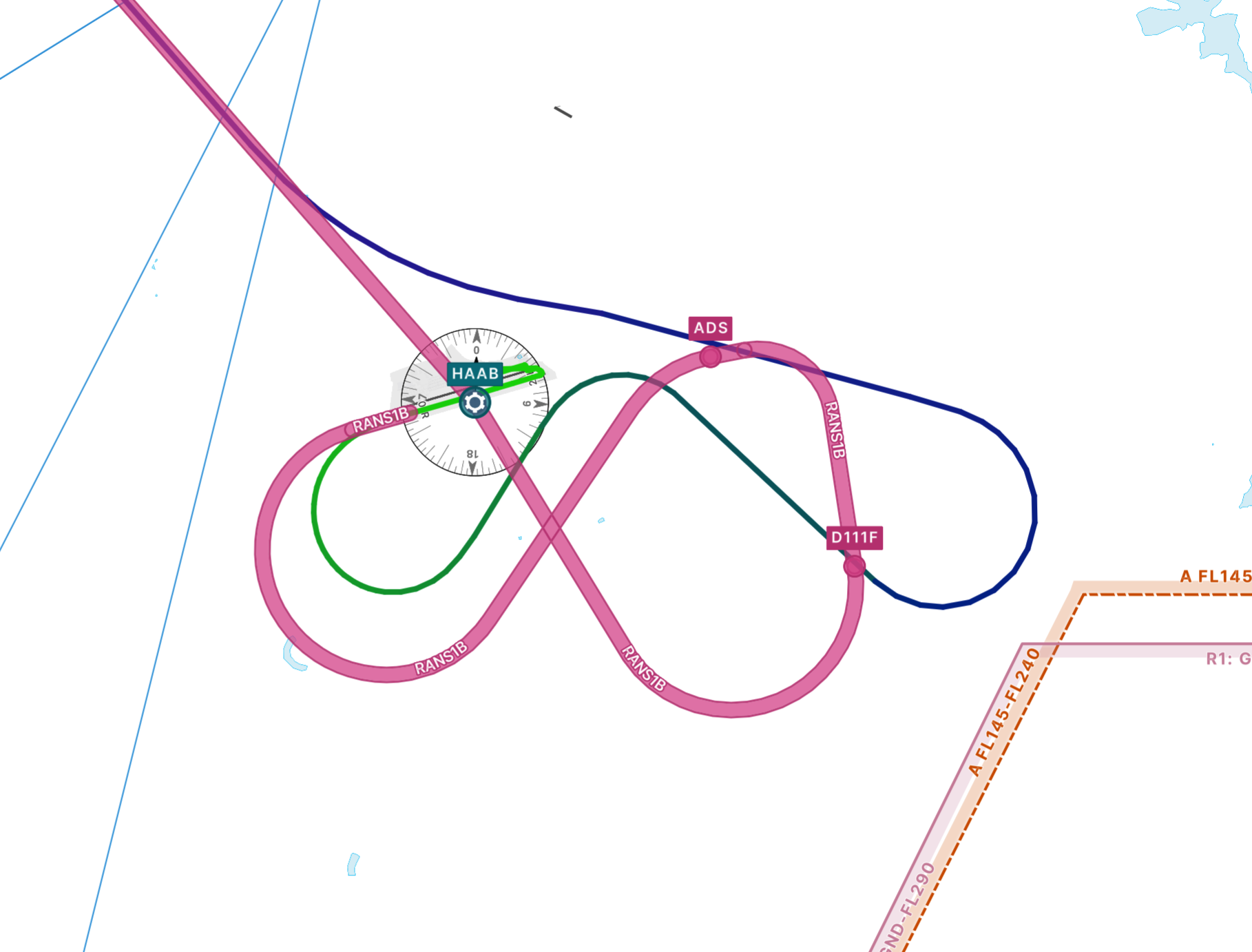
I was flying the RANS1B SID out of Addis Ababa/HAAB and after engaging the AP as usual shortly after takeoff I noticed the aircraft started deviating from the route. Here is the SID in pink and the route the aircraft took: The route was correctly loaded into the FMS and looked right on the display. It is quite a technical departure with numerous turns in quick succession and overlapping paths, so is this just a limitation of the flight computer? One to fly manually?
-
Does anyone have any recommendations for the yaw/pitch/roll response curves? The default X-Plane ones always felt slightly twitchy to me. I've tweaked them a little, but I'm not sure what I should be aiming for. I know there will be some variation for different joysticks but I was just wondering what others were using. Edit: maybe should have put this in Hardware, feel free to move.
-
I will get more info next time I get chance but it just crashes to desktop every time.
-
Is there a timescale on an update for this aircraft? It doesn't seem to work at all for me any more since the breaking X-Plane update.
-
I actually think this may have been the Terrain Radar plugin I have installed, as I have now noticed it on other aircraft. In which case, please disregard.
-
Thanks, haven't had it happen again so all good for now.
-
I didn't think so. I've had it happen a couple of other times. For the most part it seems okay.
-
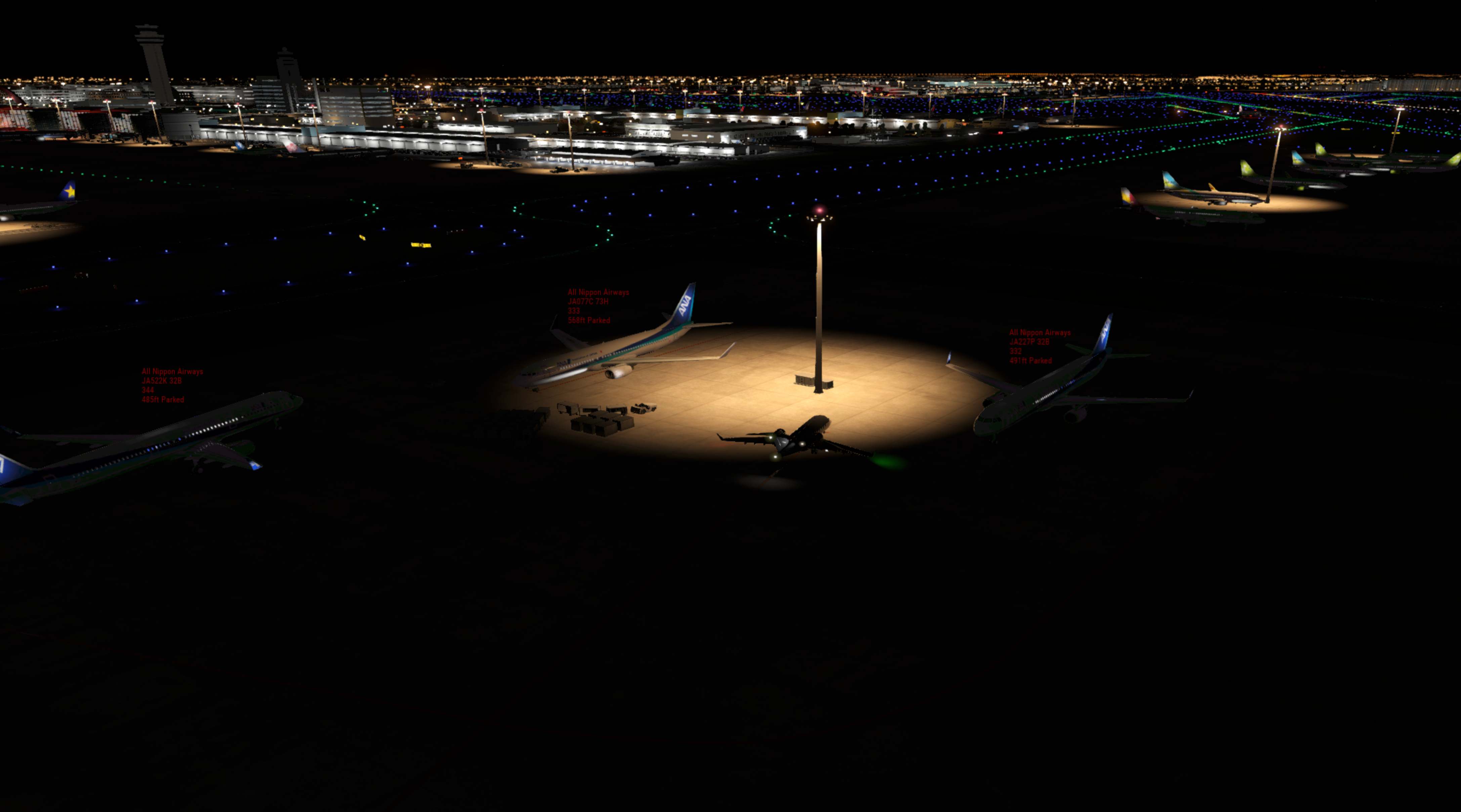
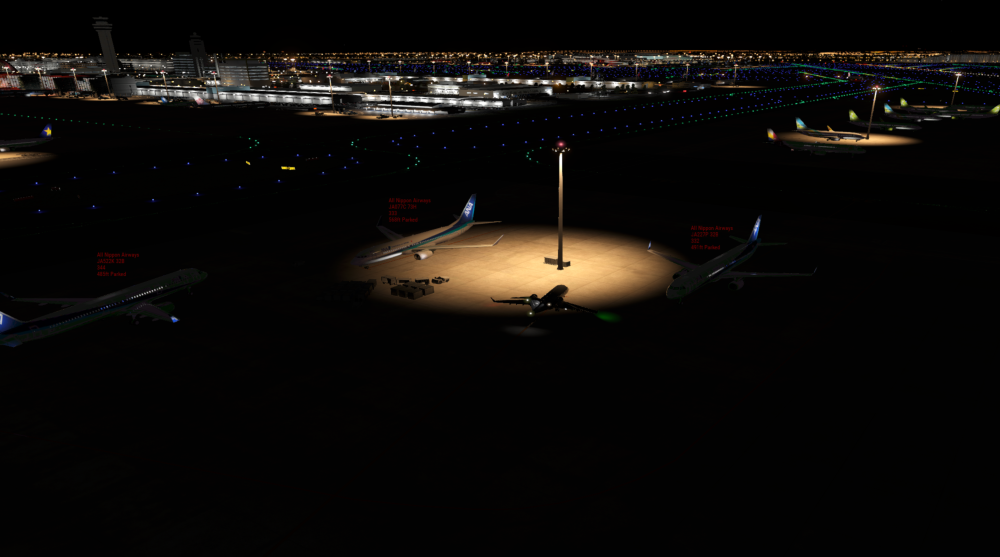
At the start of my latest flight from RJTT (using payware scenery), the fuel truck never arrived, despite requesting it at the EOB and again over the phone. I am wondering if it is an issue with the scenery stopping it from coming and/or AI aircraft nearby (Traffic Global)? I don't really remember it happening in the past, but it might have. In the end I used the refuel panel via the menu. Edit: Weirdly it showed up at the end of manual fuelling.
-
Okay, that's good I guess... but is there a way of resolving it if it happens again? I thought the door close switch wasn't engaged when trying to remove it.