All Activity
- Past hour
-
 Yellowatermelon5 joined the community
 - Today
-
 darklord094 joined the community
 -
 Alex0001 joined the community
 -
I have the same question...
-
 Kilian939 joined the community
 - Yesterday
-
 Honda Man joined the community
 -
 Herrafoxi joined the community
 -
 dylpickle21012 joined the community
 -
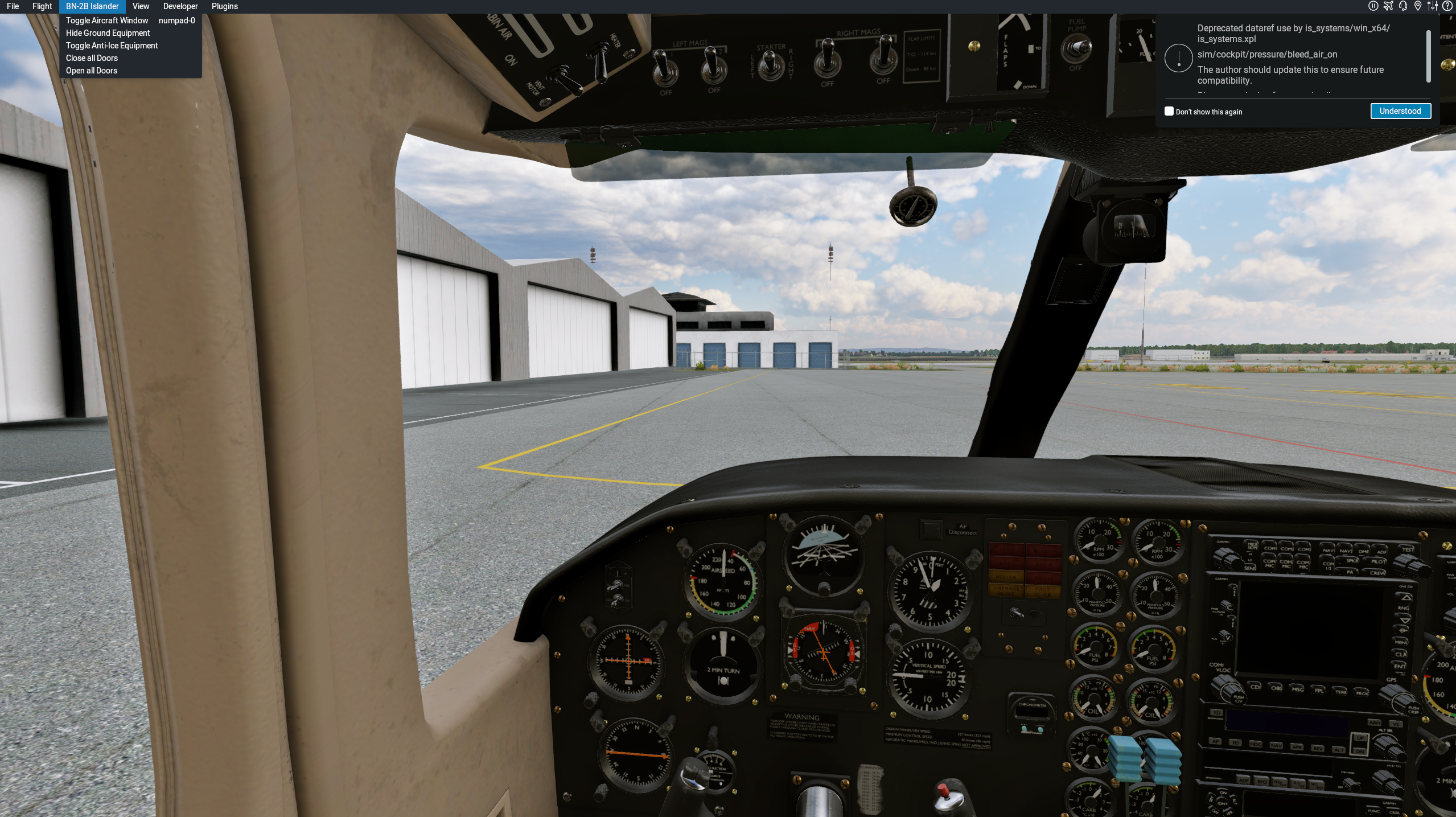
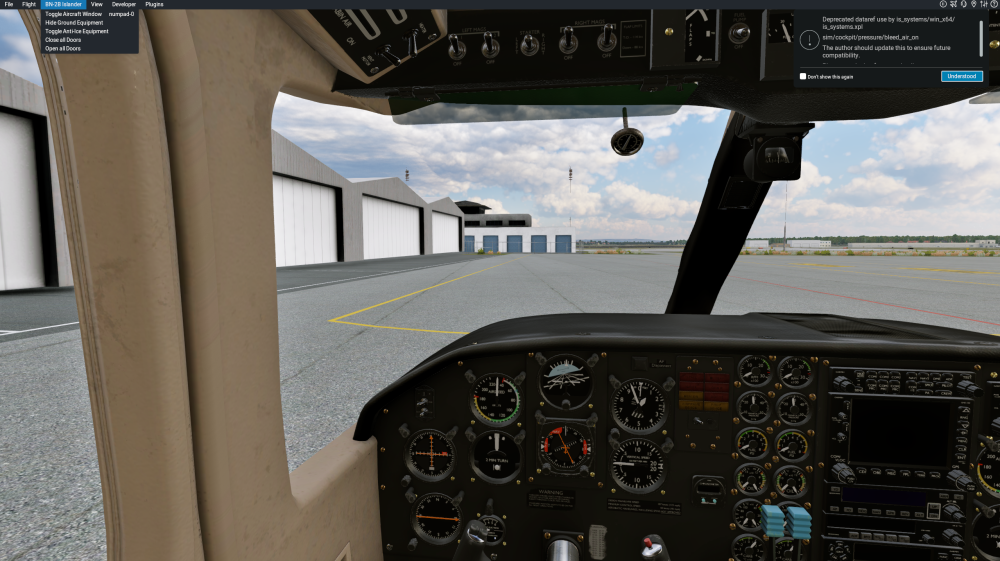
Hi, Id like to get some help with a specific issue Im having with the aircraft. I purchased the ISlander 2 days ago, Im running the latest version of Xplane12 and the Islander as well. I activated the plane with no issue, but every time I clock on Toggle Aircraft Window Xplane crashes inmediately. I only use xpCareer and Navigraph as plugins. Also I dont have the pop-up window when I hover my mouse to the left side of the monitor. I have a single monitor setup and nothing is running in the background that could cause an issue. Can someone help me figure out what could be the problem? I upload the printscreen and my log after the crash. Thanks a lot in advance :) Log.txt
-
 Leventeur joined the community
 -
Thank you for following up.
-
That was it !!! I modified this to point to an absolute path (/etc/ssl/ca-bundle.pem), created that symlink and was finally able to activate v1.9. Thank you very much! So anyway, for openSUSE users this worked: (any other NON-Debian distros you just have to find out where your CA certs are located) sudo ln -s /etc/ssl/ca-bundle.pem /etc/ssl/certs/ca-certificates.crt
-
We build & test primarily for Debian-based distros. Your issues is most likely caused by the X-Aviation plugin not being able to find the trusted root certificate list for the system (there is no universal standard on Linux where these are kept). Debian-based systems keep it in /etc/ssl/certs/ca-certificates.crt, but it seems OpenSUSE-based ones instead use /etc/ssl/ca-bundle.pem. Easy enough to remedy through a simple symlink. Throw this into the terminal: sudo ln -s ../ca-bundle.pem /etc/ssl/certs/ca-certificates.crt And fire up the simulator. Hopefully this will help.
-
 Trailay joined the community
 -
 electricfalcon joined the community
 -
Yup, just trying everything at this point. I also tried a completely different network - disabled my wired Ethernet connection to my home server and router and connected my X-Plane machine to Internet with a WiFi dongle via my phone's hotspot (pretty much bare 5G connection) - still no bueno. I'm running an external firewall and a DNS sinkhole on my wired connection, so I wanted to exclude the possibility of my own network blocking the transmission, but anyway even that didn't help.
-
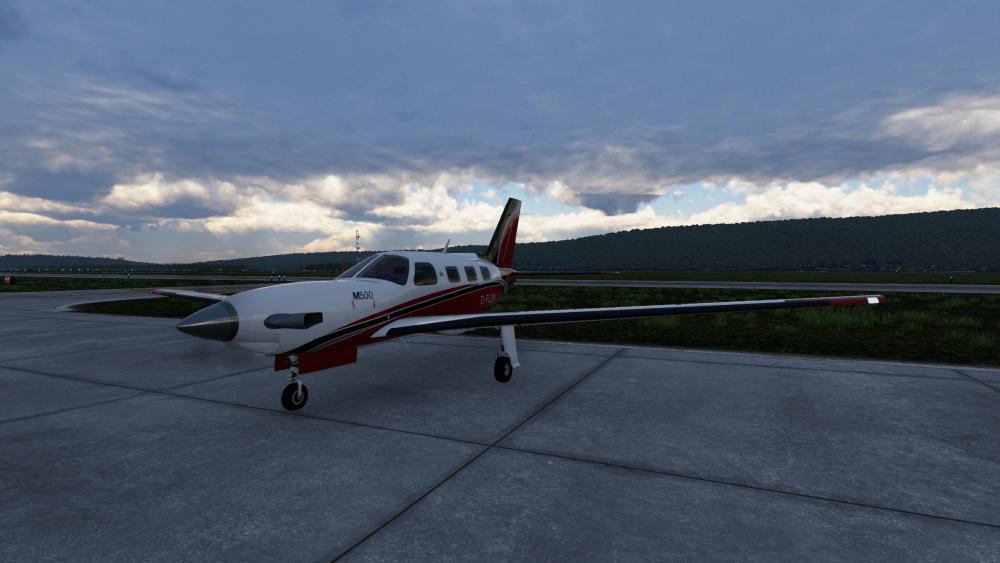
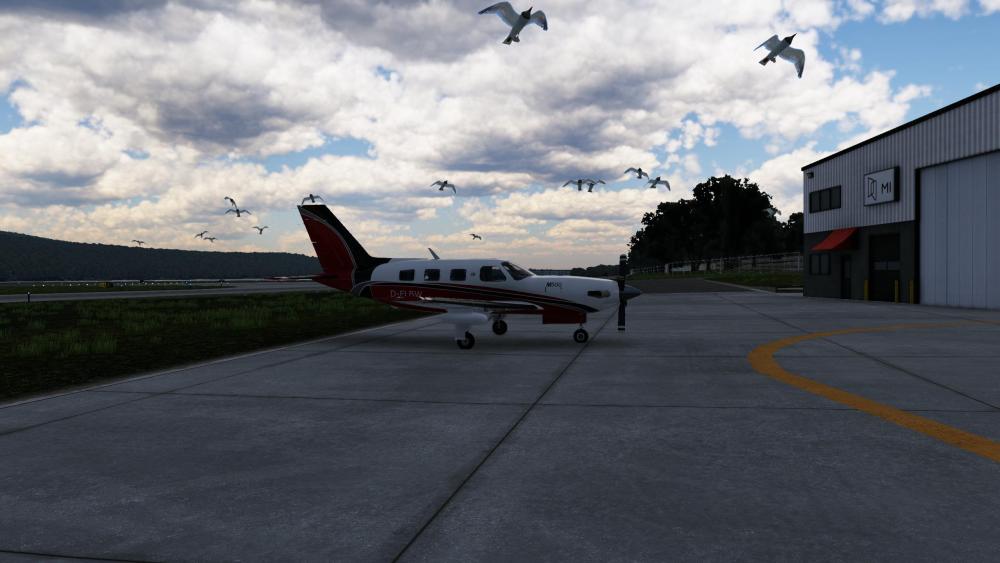
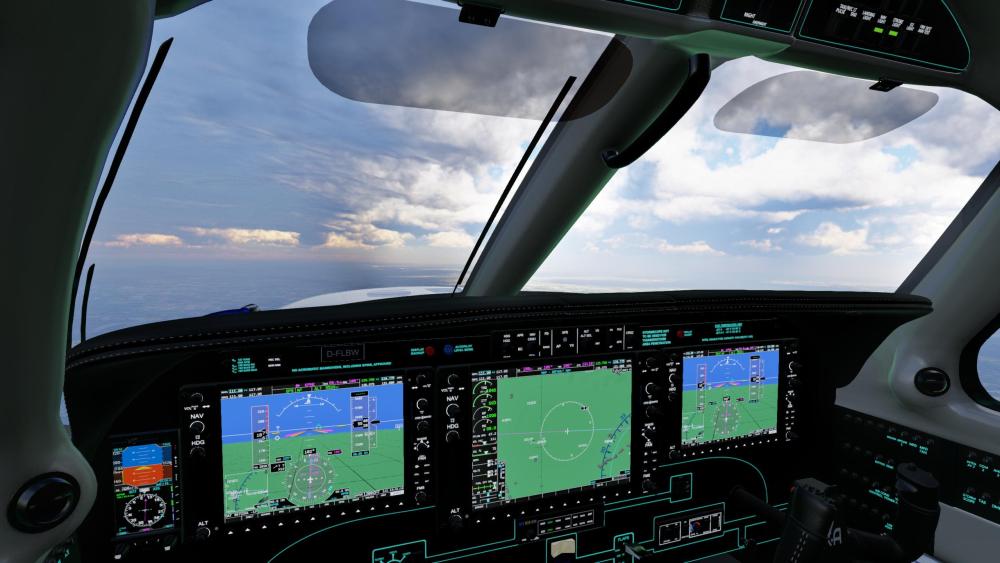
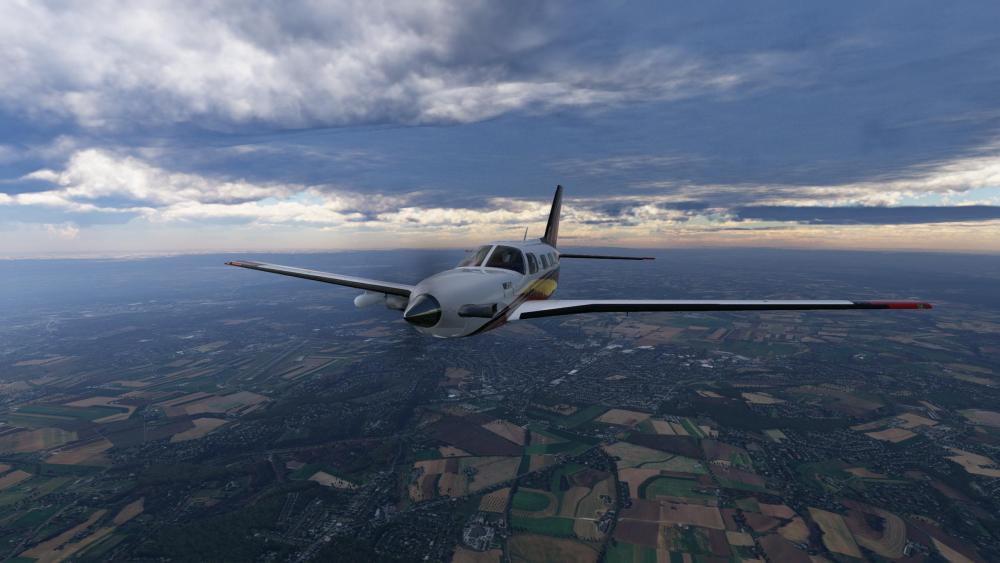
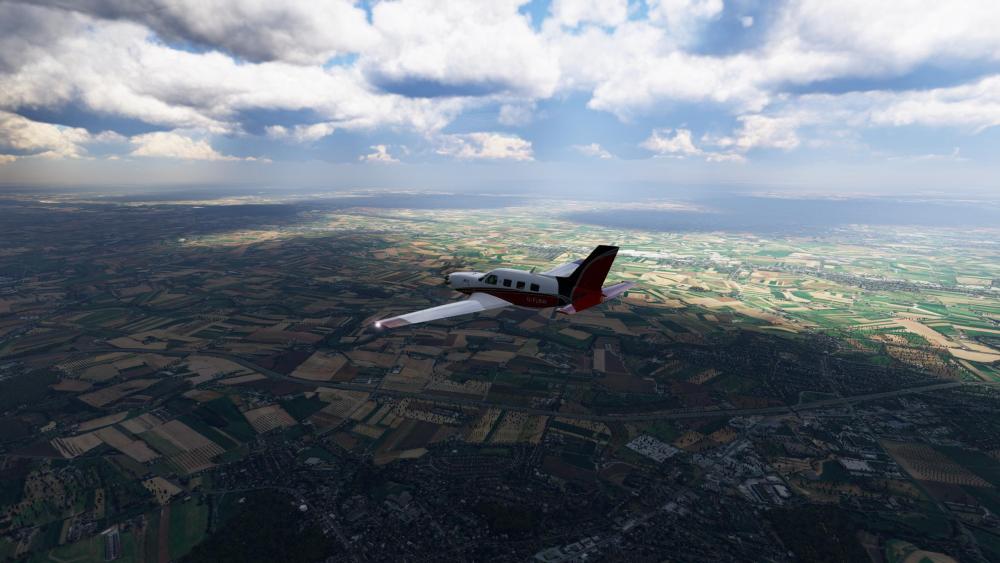
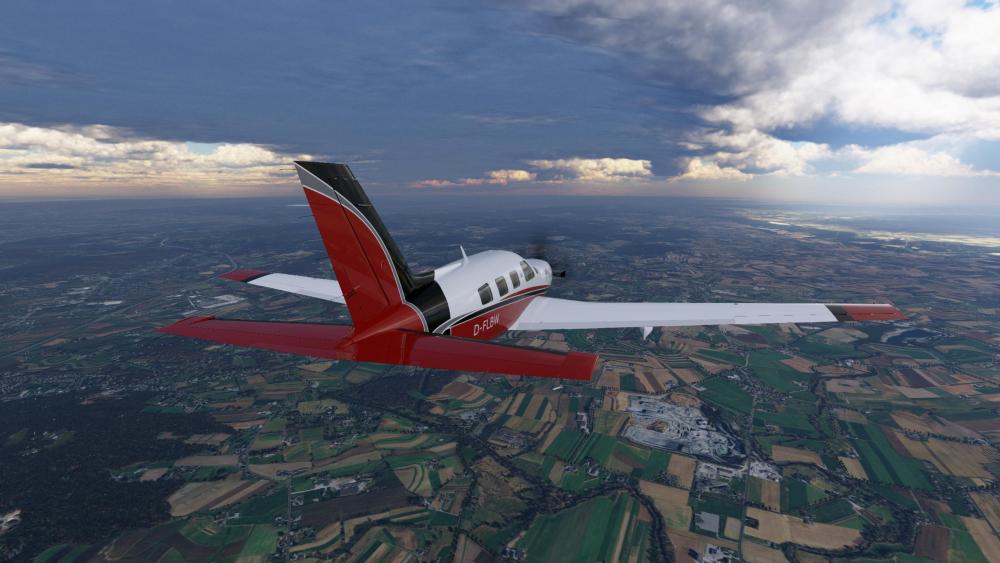
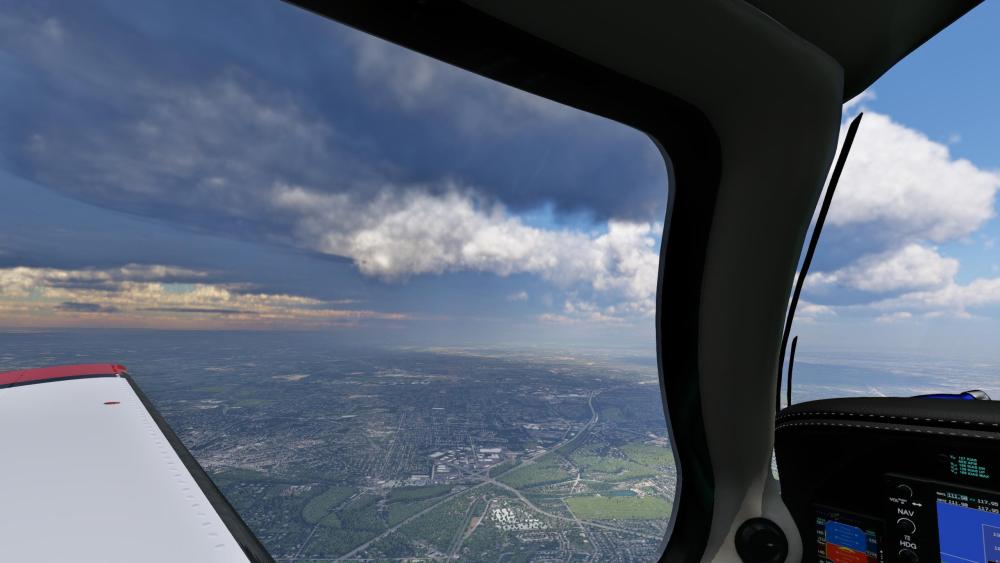
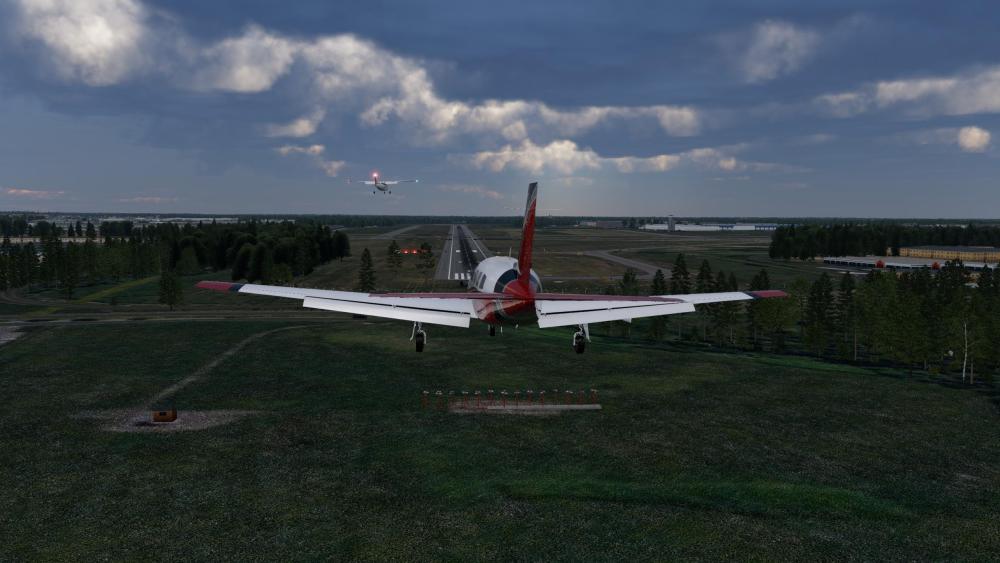
...and I'm giving it good and proper shakedown flights. Too early to render a verdict, but I'm enjoying it and the one word that keeps coming to mind while I fly it...crisp.

-
“This problem will be rectified with X-Plane 12.3.1” I guess that’s resolved now, but I guess was worth a (long) shot.
-
I attached a full Log.txt file. "OPENSSL_CONF=/dev/null" is a walkaround for NON-Ubuntu Linux distros. Basically tells the X-Plane to ignore the systems SSL configuration. I've had an addon that absolutely refused to activate (communicate with the server) unless I had that variable set. See more here: https://www.x-plane.com/kb/linux-x-plane-12-out-of-memory-error/ . I tested this with your activation plugin, but obviously didn't work.
-
Please attach the original Log.txt What was the thinking for doing this?
- Last week
-
Running openSUSE Tumbleweed kernel 7.0.5-1. Version 1.8 ran just fine on the same system/config. Now after removal of the old version and installation of the brand new v1.9, I'm greeted with X-Aviation Product Activation window. After inputting correct credential and clicking "Login" all I get is a red message "Unable to read response from server." I do have a internet connection on my X-Plane machine, and other models/plugins can communicate with their activation servers just fine (X-Plane org store models for example). Does you plugin require a specific dependency maybe? Any ideas? X-Plane Log.txt shows the following lines after clicking "Login": X-Aviation Activation (login_window.cpp.96): Login Pressed. Do Logic X-Aviation Activation (url_builder.cpp.54): Transaction ID: FL6g2EECrH X-Aviation Activation (drm_system.cpp.264): ERROR A: [Unable to read response from server.] I've tried running X-Plane with "OPENSSL_CONF=/dev/null" variable without any success with the activation.
-
Confirmed.
-
View File UmaMusume - Mejiro McQueen CL60 Private Jet Copyright Cygames and relevant artists. Non-Profit, Do not sell. UmaMusume is a famous anime based on real racing horse stories. Submitter Pacer Submitted 05/10/2026 Category Hot Start Challenger 650
-

Version 1.0.0
5 downloads
Copyright Cygames and relevant artists. Non-Profit, Do not sell. UmaMusume is a famous anime based on real racing horse stories. -
Trwają prace nad aktualizacją, która sprawi, że TBM będzie kompatybilny z X-Plane 12. Wszelkie problemy powinny zostać rozwiązane w aktualizacji.
-
Czy przez tę mapę oznacza błąd, moge źle wysterować? Kieruje pod kątem 295 a chyba powinno prosto
-

Take Command! Hot Start Challenger 650 v1.9 Update Released!
Pils replied to Cameron's topic in Technical Support
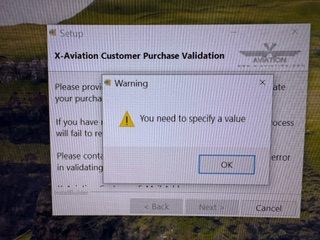
Reduce your text and display scaling to 100% so you can see the email and password fields. https://support.microsoft.com/en-us/windows/change-your-screen-resolution-and-layout-in-windows-5effefe3-2eac-e306-0b5d-2073b765876b -

Take Command! Hot Start Challenger 650 v1.9 Update Released!
Mario Lopez replied to Cameron's topic in Technical Support
Dear Friend, unable to update, any help would be greatly appreciated, unable to go down to see what is requested...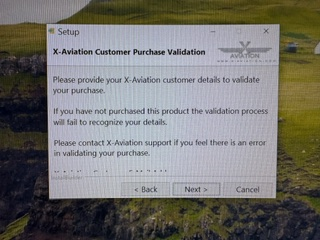
-
Winglets or No Winglets One example United: XP12 / IXEG winglet aircraft selected but aircraft loaded without winglets. Edit: My error. Found "visuals" winglets option selection in the IXEG737 menu.
-
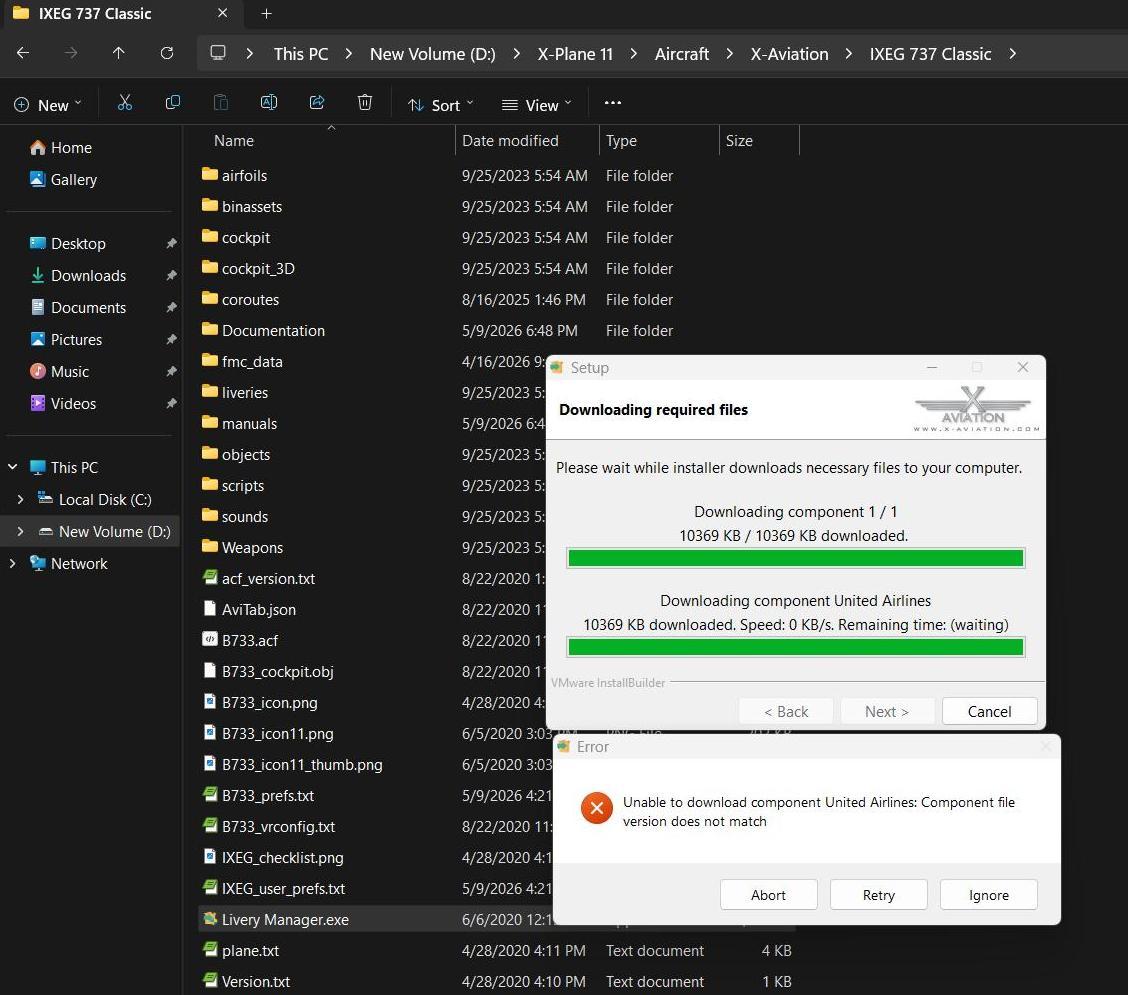
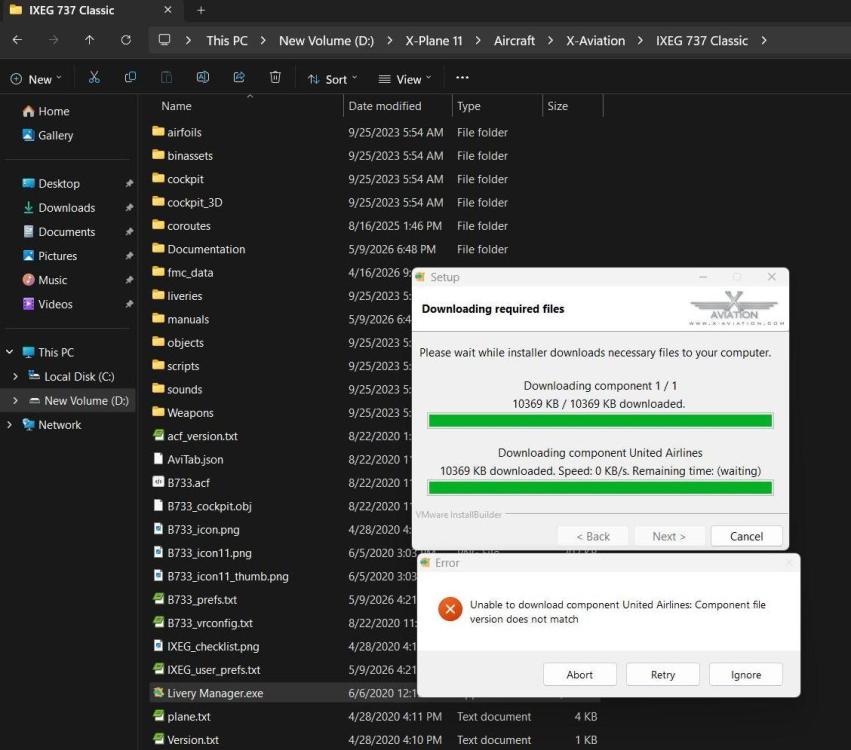
Hello, Currently I have two XP11 / IXEG liveries: Delta Retro Southwest New I used the Livery Manager to get the United Livery but it failed with a version mismatch. I got a Screenshot.
-
You’re entitled to your own opinion, but I won’t entertain your conspiracies.
-
Using your logic, as long as you do not charge for the x-plane 12 TBM update the promise is not broken. If your argument is correct, Hot Start has an infinite amount of time to release the update. There is an implied promise that the update will be released in a reasonable period of time. A year might be considered reasonable, 3 1/2 years is not. X-plane 12 was released on 12/17/2022. On 12/20/2022 one of the principals at Hot Start published a live stream of the TBM actually flying in X-plane 12. In that stream he said the update was going to be a lot of work, it migh take a month or two. It is very likely that stream had a positive effect on the TBM sales. In the 3 1/2 years since that stream there has not been one single piece of concrete evidence that any work at all has been done on the update (a couple of photos on discord is not concrete evidence).
-

IXEG 737 Classic for X-Plane 12 Announcement
jeanfrancoisderrien replied to Cameron's topic in General Discussion
Thanks for your reply -
I am uncertain how you interpreted that comment. The comment was in reference to the CL650 updates, which, as you correctly noted, X-Plane 11 has reached its end of life (EOL). However, every update for the CL650 has continued to support X-Plane 11 until this point. The TBM has remained stable in X-Plane 11 for an extended period. There have been no significant changes to the TBM in X-Plane 11, and the next update to it will only only be for X-Plane 12. EOL signifies that a product will cease receiving updates for that platform, not that it will suddenly become inoperable. The promise is not broken.
-

IXEG 737 Classic for X-Plane 12 Announcement
Litjan replied to Cameron's topic in General Discussion
Not anymore. It was a limited time offer.