



Cameron
-
Posts
10,110 -
Joined
-
Days Won
488
Content Type
Profiles
Forums
Latest X-Plane & Community News
Events
Downloads
Store
Everything posted by Cameron
-
I'm Ole Andreasen and I demand your immediate attention, you liar!
Cameron replied to oleandreasen's topic in SkyMaxx Pro v4
You need to make up your mind. In your last post you said: "Would up your credability a ton Cameron." Now you're saying it has nothing to do with the sort. You already have been told where the reply was made, and subsequent post replies from me have been rather indicative as well. That said, it doesn't matter. You received a reply here too, with the same answer, and hopefully people can now search and find the same answer too should they have the same question you did. I said no such thing. You can think whatever you want. It doesn't really mean much to anyone else here. At this point we're stretching things over text. That's pretty silly. I have dodged no questions. All that needed to be said has been said here, Ole. That's enough now. Seems you have missed some information I had already given, and should it bother you that much you may re-read through this thread. Have a good day! -
I'm Ole Andreasen and I demand your immediate attention, you liar!
Cameron replied to oleandreasen's topic in SkyMaxx Pro v4
Because it's honestly not worth my time at this moment, Ole. As it is, I'm sitting here after hours responding to you away from the office without the support ticket system in front of me and on my phone. I don't feel the need or desire to save face for anything here. It's an email, not a forensic files case for crying out loud. Why in the world would I need to lie about a silly reply, and better yet, why on God's great earth would you bother trying to create conspiracy about it? No one cares to this degree besides yourself. I only care that I've answered you, be it email or here. I've got thousands of customers a month in the support ticket system for credibility. I am without doubt not even the slightest concerned about something like that here. Signing off to bed now. I'm quite certain I've answered anything that needed to be said here. Take it easy, Ole! -
I'm Ole Andreasen and I demand your immediate attention, you liar!
Cameron replied to oleandreasen's topic in SkyMaxx Pro v4
In which time you of course sought no support for it, and this still does not take away the more than three months time. Matter of factual and to the point, yes. Defensive? No. There's no need to be. For what? You are simply choosing to read it in that context. I mean, okay, you can tell yourself whatever you like. I already told you the truth, but I can't help you believe otherwise. I don't see the point in lying about a simple email. Okay, Ole. If this is what you feel is necessary to make you feel better about the situation, go for it. Thank you for at least discussing with us first, and happy flights! -
I'm Ole Andreasen and I demand your immediate attention, you liar!
Cameron replied to oleandreasen's topic in SkyMaxx Pro v4
Hi Ole, Nope, not defensive and happy to answer questions in public. We do not offer refunds. You may find that policy here: http://www.x-aviation.com/catalog/shipping.php (Nevermind the fact you purchased the product over three months ago). -
It is very possible you need to fully delete the Saab manually and then run the installer. Sounds like some old code is getting left behind.
-
I'm Ole Andreasen and I demand your immediate attention, you liar!
Cameron replied to oleandreasen's topic in SkyMaxx Pro v4
At this point it is of no matter. You now have an answer in public form as well, and there's nothing more to be added. The answer and question will be here now for anyone else to see should they ever wonder. -
I'm Ole Andreasen and I demand your immediate attention, you liar!
Cameron replied to oleandreasen's topic in SkyMaxx Pro v4
Actually, you WERE responded to via email about this...7 days ago, 1 day after you wrote in. The response to you has not changed. This is a LIMITATION from X-Plane, and something we cannot fix/add as a feature at this time. It is related to draw order, and Laminar runs into similar issues with various aspects of the sim (similar to ground lights being seen on the ground). You have to make trade-offs in certain areas to get results, this is one of them (similar to how some prop discs will not properly render even on add-ons like xEnviro) for us in exchange for something else. Priorities...they matter. It's easy for people to go on attack mode, but if things were so simple they'd already be done. -
Sounds to me like you may need to do a re-install from the installer for any one Gizmo product (like SkyMaxx) into your test install of X-Plane.
-
Here: http://forums.x-pilot.com/forums/topic/13519-skymaxx-pro-v46-has-been-released/?do=findComment&comment=123225 That is not true. SkyMaxx Pro v4 has always been capable of extending to the horizon if your computer can handle it (depends how many add-ons you're using all at once in X-Plane...scenery, HD Mesh, etc). Yes, it is.
-
Because SkyMaxx Pro still talks enough to X-Plane's weather system to where the information it provides is enough for X-Plane to then still accurately feed info into the 737. xEnviro does not do this. Yes. See above.
-
You need X-Plane. Do you have it?
-
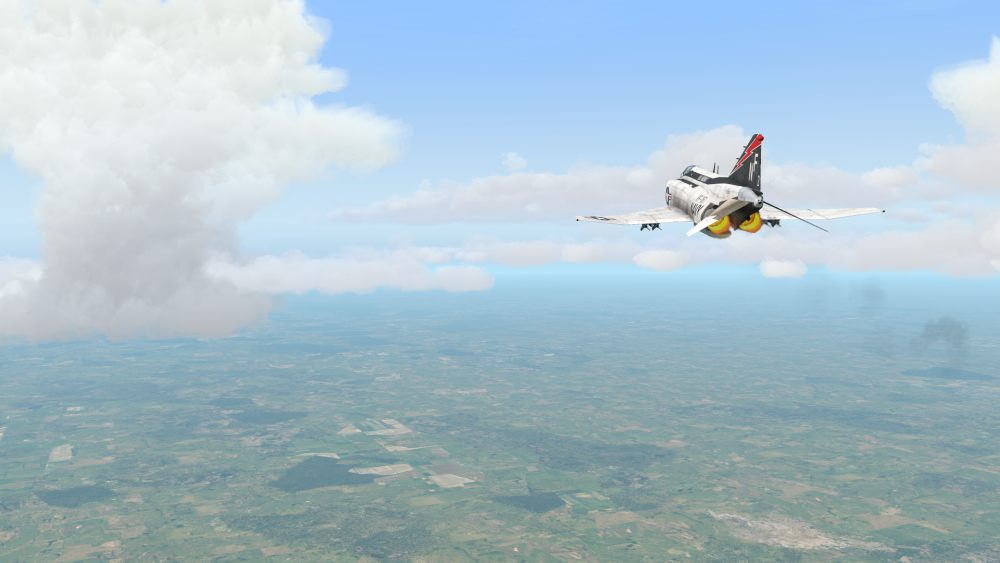
Hello All, This will serve as a formal forum announcement that we have released the version 4.6 update for SkyMaxx Pro. All customers who have purchased SkyMaxx Pro v4 up till now have been sent an e-mail by X-Aviation with complete instructions on how to obtain your update. We have made this a very simple process! For those that purchase SkyMaxx Pro v4 from today forward, your purchased download will already be updated to version 4.6 for you. What if I didn't get the update e-mail? If you did not receive your update e-mail don't fret! X-Aviation has updated our system to allow all customers to update with ease, regardless of whether you received an e-mail for the update! Here's what to do: 1. Login to your X-Aviation account here: https://www.x-aviation.com/catalog/account_history.php 2. Find your original SkyMaxx Pro 4 download and re-download the file. It will download as the latest version! The following is a list of additions/fixes included: What's New / Changed: Big, scary storm clouds! All-new, hand-modeled representations of towering cumulus and cumulonimbus clouds when storms are present or developing. Improved framerates in stormy conditions Fix graphic corruption in the sky associated with storms on some systems Improved cloud lighting and shading Other minor performance improvements As always, thanks for being a customer with X-Aviation. We appreciate your feedback and support! Enjoy these latest updates, and stay tuned to the forum as we continually announce the latest happenings.
-
Could SMP use 'haze' to limit 'cloud area covered'?
Cameron replied to toby23's topic in General Discussion
This was basically trialed in a slightly different way during earlier betas of v4. The end result was not satisfactory to our testers and the feature was removed. There's a lot that goes on under the hood. -
We do support Mac OS X Sierra, yes!
-
You do. It's a preference item. You have an outdated product as well. Re-download and re-install.
-
I think you misread. I said, in another topic, that the weather radar is essentially what xEnviro is making an SDK for. In other words, our weather radar cannot currently depict xEnviro storms accurately because they bypass X-Plane weather standards. It had nothing to do with some kind of CTD.
-
Weather radar.
-
Unknown at this time. There are many other priorities over this at the moment, and the 737 works perfectly fine with default X-Plane weather, SkyMaxx Pro, and other third party injectors.
-
It was a matter of compromise. To be short, some places of the world, especially in the south east, experience this type of cloud in one spot. They appear in this shape as well. Computers in a simulated gaming environment like X-Plane also come into play with regards to performance.
-
I can confirm this is a fair price. Latch on to the opportunity and enjoy the experience!
-
B737-300 Problem installation
Cameron replied to eric.minvielle0114@orange.'s topic in General Discussion
Moving any of our products to outside folders WILL have adverse affects on the products and potential updates. You should never move them out of the folder they are installed to. Move this product back to the correct folder and it will work fine. -
Numerous people have reported the reflections there and working as intended (some have even posted shots on Facebook groups of it). So, either you are not at the right angle to see the reflections and smudges, or we're seeing some kind of a potential bug that may be Laminar or us on some systems, not all. Please be sure that your reflection setting in 11 is turned on high enough and that you move to various angles around the cockpit as was originally shown in our example photo for XP 11. If that for some reason does not work please post your video card information here. The comparative screenshot posted above is not conditions conducive for showing real time reflections.
-
B737-300 Problem installation
Cameron replied to eric.minvielle0114@orange.'s topic in General Discussion
Install it correctly. No exceptions! Sounds like you moved it out of the X-Aviation folder. -
What is backpacking lighting?
-
The reflections are now real time. You'll need to ensure you have the rendering settings in X-Plane 11 high enough to see this.

