All Activity
- Yesterday
-
 CharlieK joined the community
 -

Graphics issue with Challenger 650 in XP12, Help Me please !!!
Goran_M replied to Maverick77's topic in Help!?!
That looks like an issue with your graphics card. Can you post a log file, X-Plane graphics settings and your system specs. -
 VINGA_flight_Sim joined the community
 -
 jim404 joined the community
 -
 Meck_2000 joined the community
 - Last week
-
Get rid of this: F:\X-Plane 12\Resources\plugins\FMCar\
-
 aircrafteruu joined the community
 -
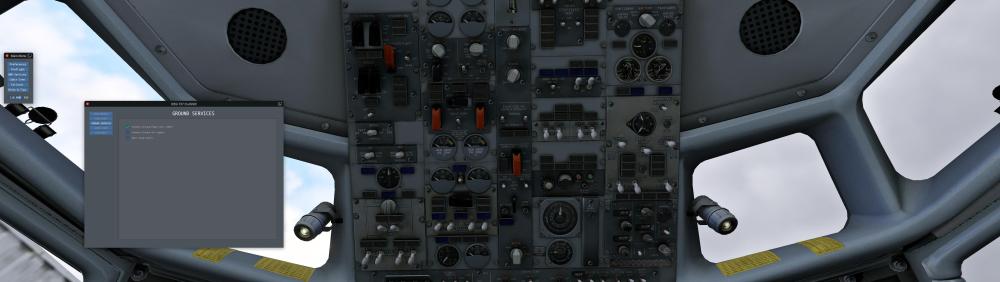
The same problems... Nothing works correctly idem with IXEG 737-300 Classic, but with this Aircrafts it's electricity
-
Log.txt Thanks
-
Did not see this with my Installation. Plane is registered? Check you Log.txt for Errors and also have a look at your Plug Ins. Outdated ones or some are no longer supported with the latest XP12 Versions.
-
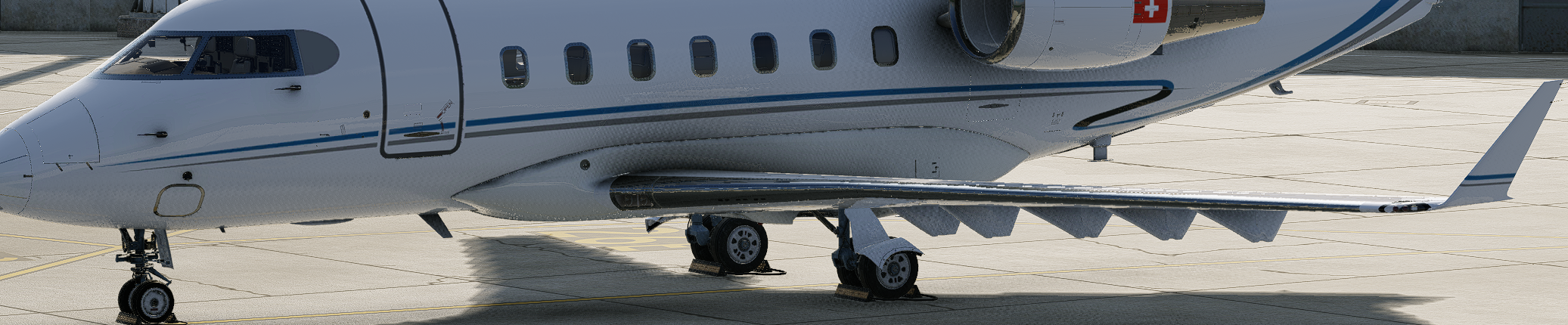
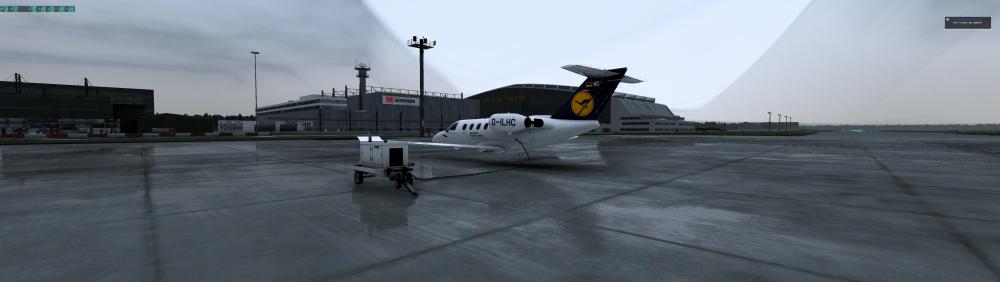
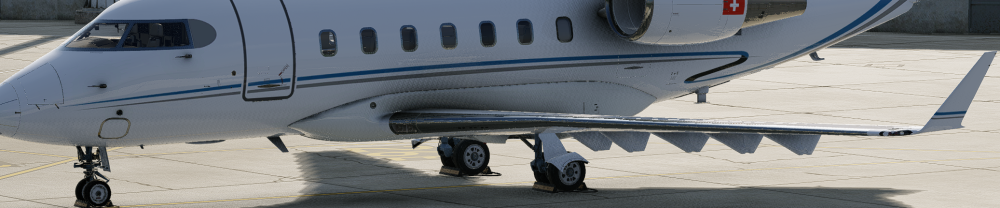
Unfortunately, I can't figure out how to remove those little square that textured patter on the lower part of the Challenger 650. I've tried everything, but nothing works; could someone help me? Many thanks in advance.
-

Can't start my LES SAAB 340 anymore... nor can auto-start
jamalabama replied to Larry A's topic in Saab 340A
Hi Larry, just in case, I found the answer, hopefully you already have too. Thank you so much Mrjhealth! To get rid of raindrop marks on windscreen, got to the aircraft folder, you will need to do this for all 3 variants, Normall Aircraft/X-Aviation/Saab 340. Objects folder, find the " Rain.obj " file, open with a text editor. Delete everything after, IDX10 41082 41080 41082 41083 41084 41085 41086 41084 41086 41087, thats the last row, so should be # wiper2 down, delete and than save. Youll have clean glass -
Thank you so much Mrjhealth!
-
https://vnje.onl/ Netjets and Netjets Europe VIrtual operations. Routes kept up to date and a well run virtual airline!
-
.thumb.png.6e53072dc13ae782eba156836c228351.png) Pls upload in one file.
Pls upload in one file. -
Can't start my LES SAAB 340 anymore... nor can auto-start
jamalabama replied to Larry A's topic in Saab 340A
Hi Larry, I know this is an older post but, did you ever work out how to remove the calcification from the windshield/glass? Thank you for the tip on how to start the engines! Jama - Earlier
-
-
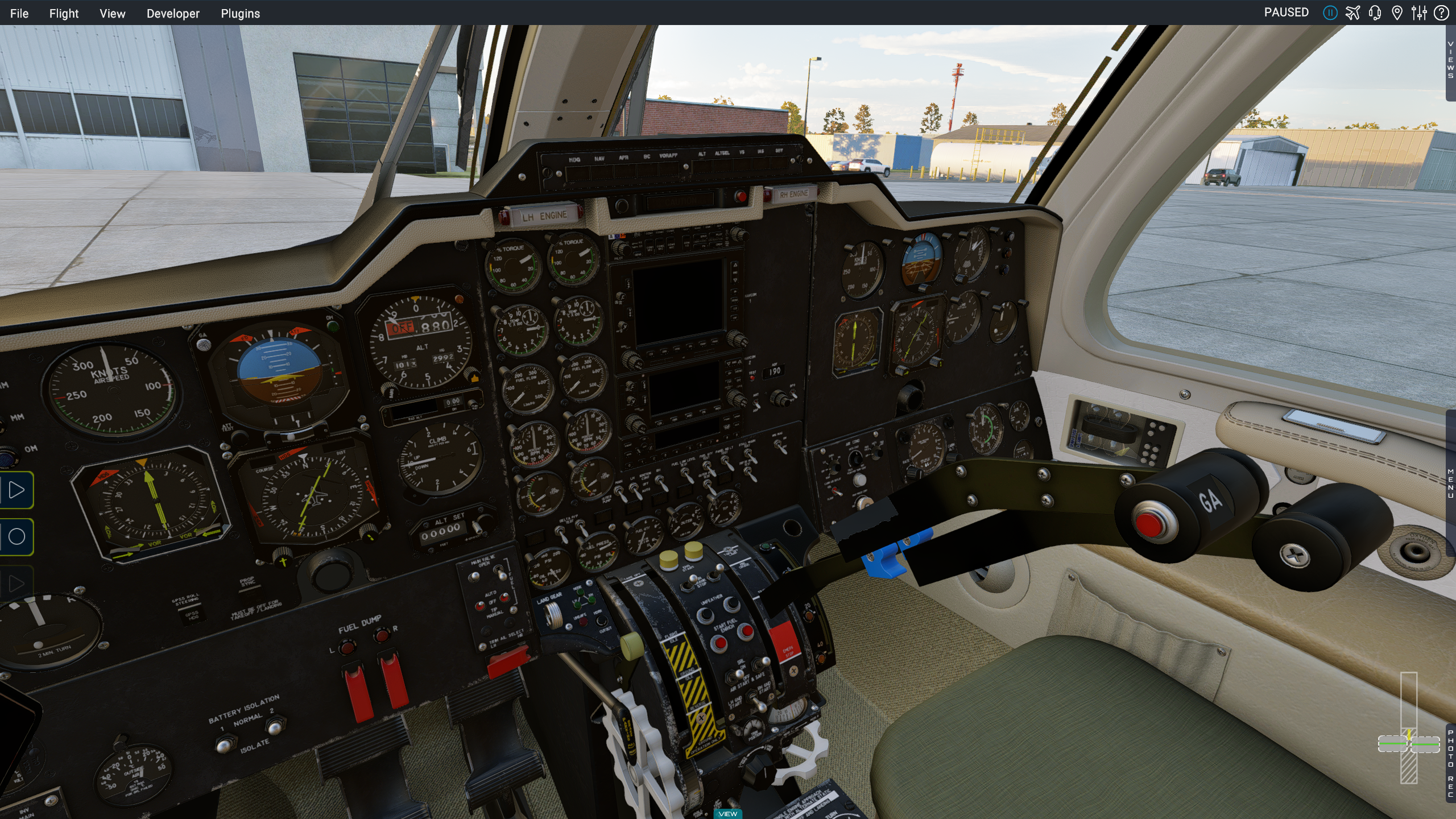
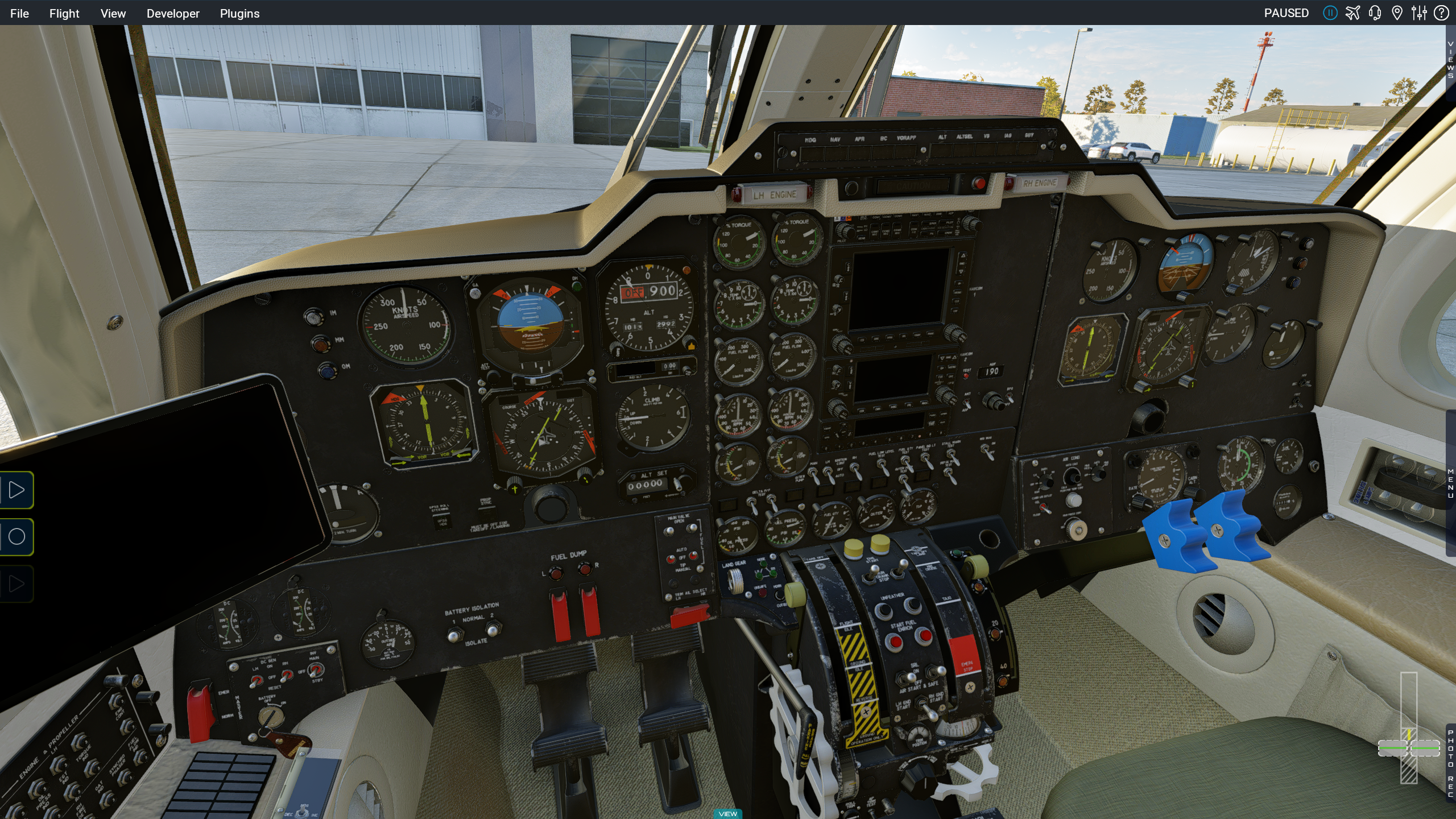
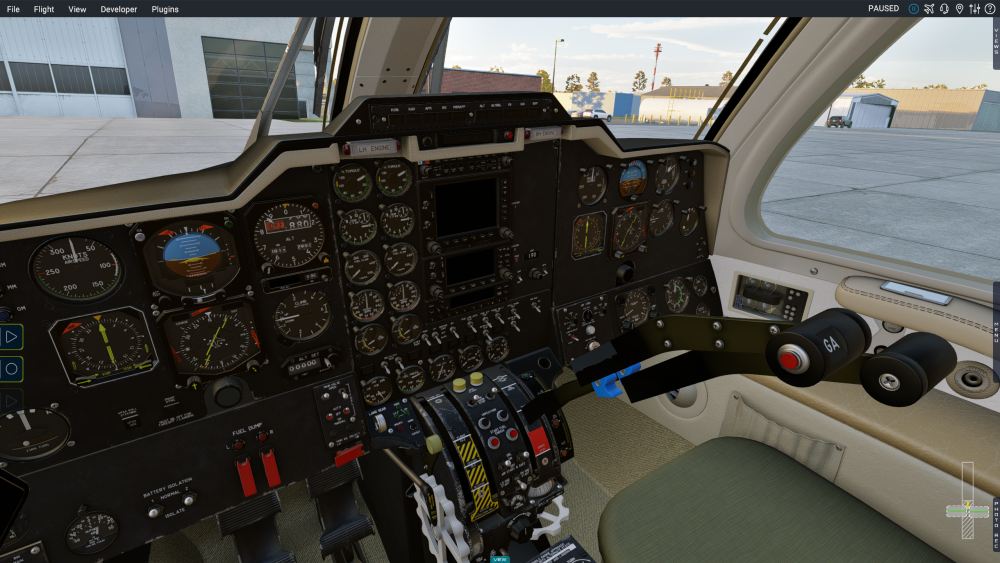
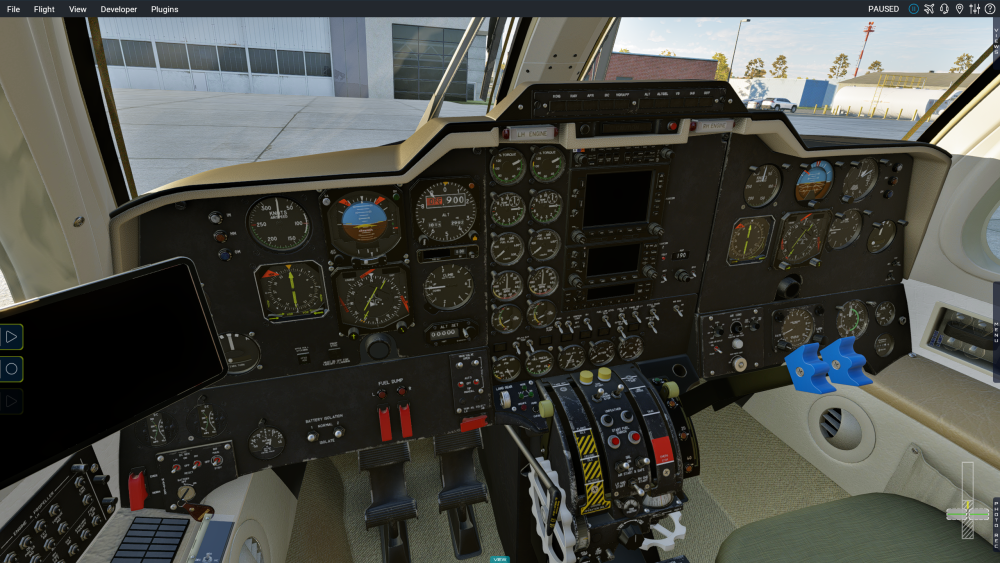
Every time I load the MU-2 for xplane 12 the controls start freaking out. The door keeps opening and closing and the controls start moving all over the place. I've tried to re install and the same thing happens. I added a photo you can see the prop levers floating and the throttles have vanished off screen, essentially they go back and forth rapidly. All the needles on the gauges also tweak back and forth. I have no clue what to do. I'm on version 2.1.
-
Hi how do map the taxi/landing light switch to some controller buttons please? I wish to map something along the lines of "move switch up 1 position" and then "move switch down 1 position" to buttons on my HOTAS. Can this be done please?
-
Hay Thanks for the reply. That has fixed the issue. Regards Paul,
-
This is definitely a false positive. Windows Defender sometimes flags X-Plane add-on files, especially plugin files, because they're unsigned or uncommon rather than because they're actually harmful. When Defender quarantines one of them, the aircraft ends up incomplete, which is why X-Plane is reporting it as corrupted. To fix it: 1. Make sure your download came directly from your X-Aviation account, not a third-party site. 2. Delete the partial SR22 folder from X-Plane 12. 3. Open Windows Security > Virus & threat protection > Protection history, find the SR22 item, and choose Restore (or allow it). 4. Add an exclusion for your X-Plane 12 folder under Virus & threat protection settings > Manage settings > Exclusions. 5. Re-run the installer. If it still fails, contact X-Aviation support directly. They can confirm the file and help sort it out.
-
I am having issues with the SR22 install in xplane 12. While trying to install the aircraft, I get a warning from Windows that there is some sort of malware file, and it has quarantined it. I started xplane 12 and found that the SR22 file is corrupted. Thanks
-
 Aircraft: TorqueSim SR20 X‑Plane 12 RealSimGear hardware installed (not believed related) Description: The left pilot sun visor appears to have a manipulator issue. Steps to Reproduce Load the TorqueSim SR20. Move the left pilot sun visor into a horizontal position. Release the mouse after adjusting the visor. Observed Behavior The mouse cursor remains as a vertical resize/double-arrow cursor. Clicking in empty cockpit space does not restore the normal cursor. Pressing Esc does not restore the normal cursor. During the takeoff roll, the visor may flip downward and then back upward repeatedly. Switching to an exterior view and then returning to the cockpit restores the cursor to normal. Expected Behavior The manipulator should release normally after the visor is adjusted. The cursor should return to the standard cockpit cursor. The visor should remain in its selected position during takeoff and not oscillate or flip. Additional Notes Issue is most noticeable when the visor is near the horizontal position. The problem appears repeatable. Switching to an external view and back consistently clears the stuck cursor condition.
 -
You can grab the bottom middle part of the bezel pop up to move the window around.
-
I was able to install the g5 on my plane in x plane 12 but I cant relocate pop-out. I would really like to in stall in place of the two steam gauges. Any help on how to do this would be helpful
-
Not sure if you've seen it because its on another forum, but there is a solution. https://support.torquesim.com Through the searchbar is an article on crashing on load with the Cirrus, going into a .sys file and changing around a 1 seemed to have fixed mine. Within the aircraft, open the following folder: For the Take Command! SR20/SR22 G1000: plugins/sr_systems/settings For the Take Command! SR20/SR22 Entegra: plugins/sr_systavi/settings For the Islander BN-2B and BN-2T: plugins/is_systems/settings In there, open the file settings.cfg and set the line disable_mtuploader to 1
-
MacOS 27 introduced a stricter check in its library loader, and it's rejecting the TBM 900's main systems plugin before it can start. That's why the aircraft appears but nothing works. The other plugins in the package load fine, so your install and license are both OK, and reinstalling won't help. This needs a fix on our end in the form of an updated Mac build. We're working on it for the upcoming update. In the meantime, the aircraft runs normally on macOS 26 and earlier if rolling back is an option for you. Sorry for the hassle, and thanks for being the one to flag it.
-
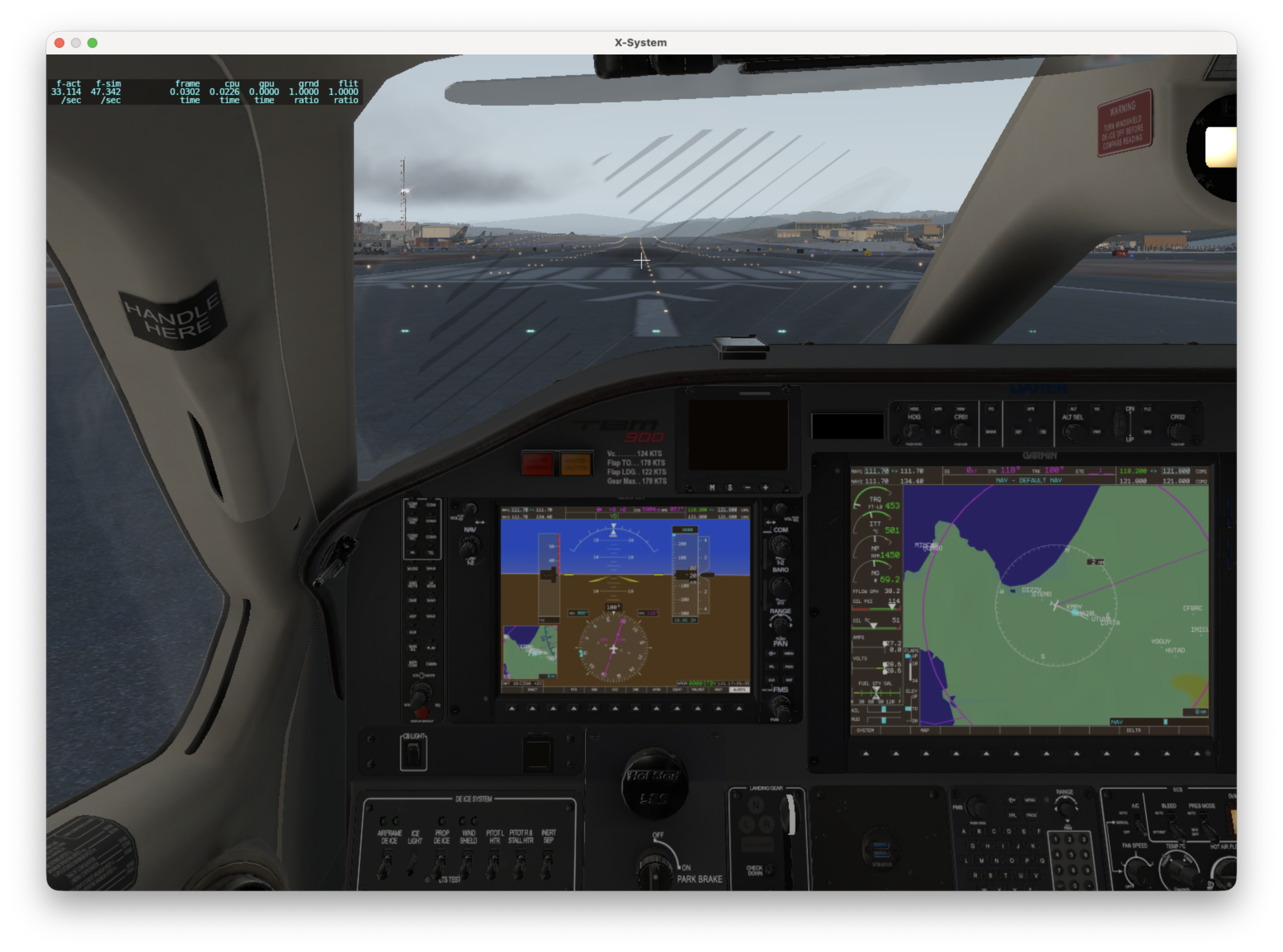
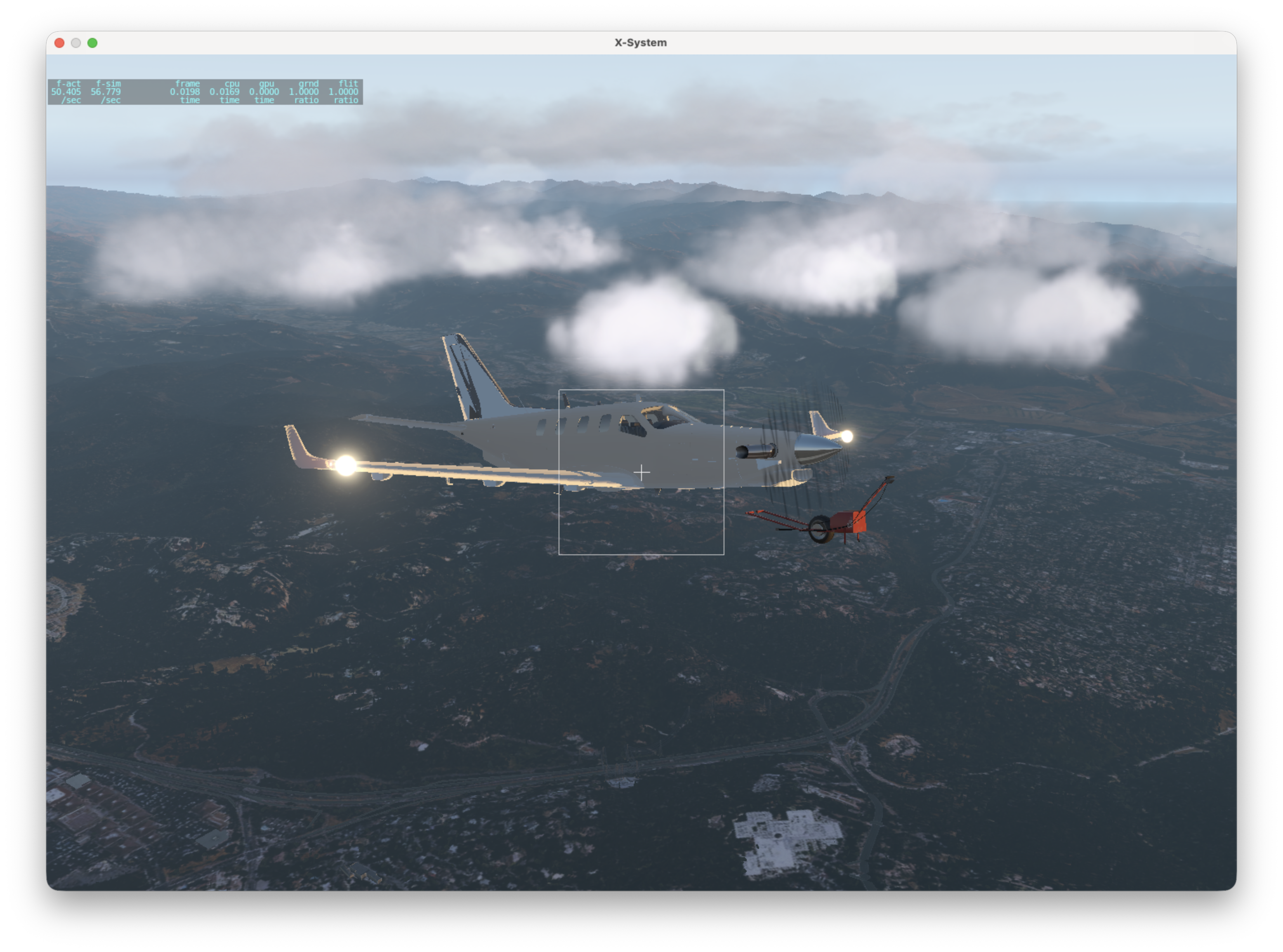
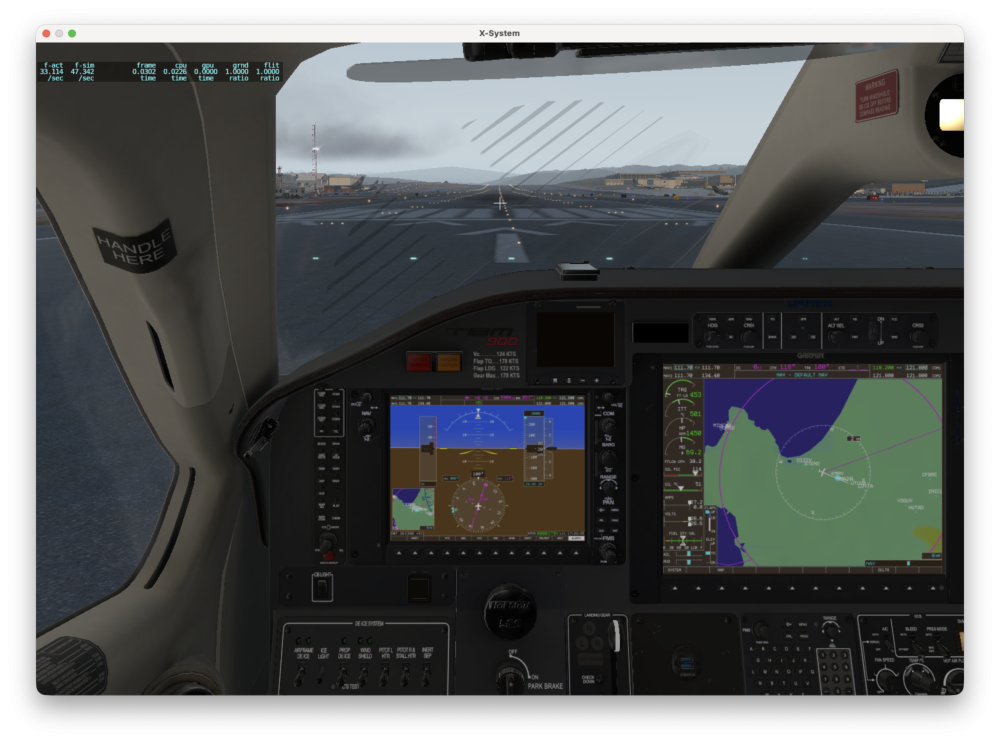
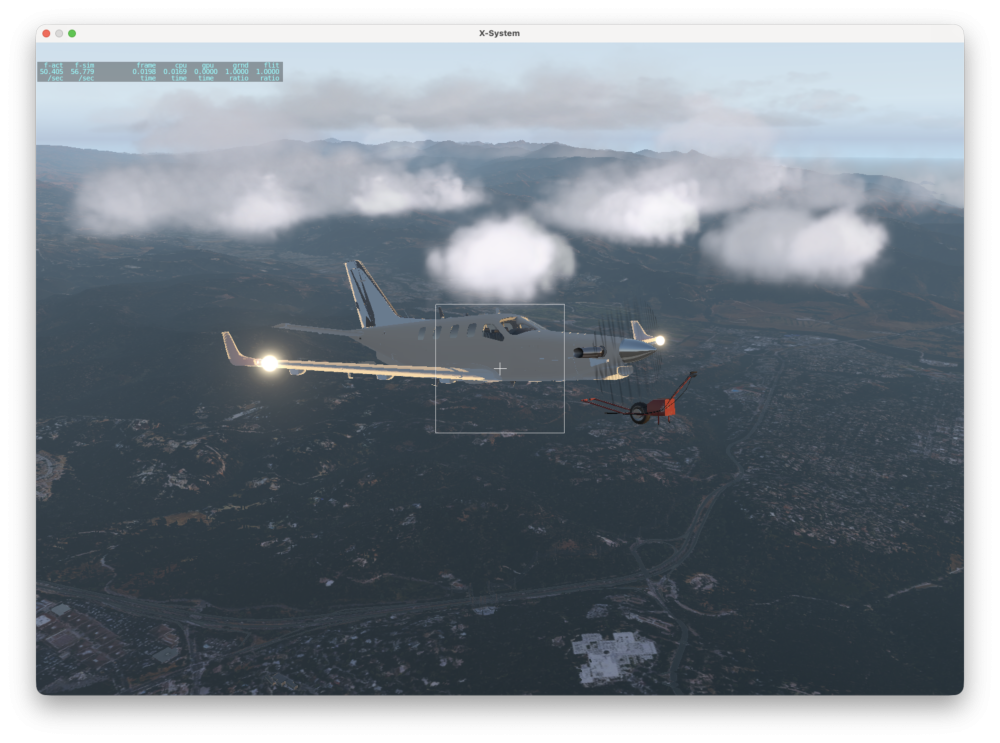
Hi, I'm reinstalling the TBM 900 in X-Plane 11.55r2 on an M1 MacBook Pro running macOS 27.0. X-Plane is running under Rosetta. The TBM activates successfully and Gizmo reports that the license is good, but it appears the aircraft's systems are not initializing. In addition to the strange grid/checkerboard propeller, the normal first-run/onboarding tutorial never appears, the towbar remains attached even after takeoff, and the selected livery does not render correctly. Looking at Log.txt, the TBM's systems.xpl is failing to load: dlerror: dlopen(.../TBM-900/plugins/systems/mac_x64/systems.xpl, 0x0006): REBASE_OPCODE_DO_REBASE_ULEB_TIMES pointer rebase is in executable segment '.sdx0' OpenGPWS, OpenWXR, X-TCAS and Gizmo all appear to load successfully. systems.xpl does not. I've tried: Fresh download/install of the TBM 900 Re-activating the aircraft Clearing macOS quarantine attributes My previous Gizmo64 installation Metal and OpenGL The systems.xpl failure remains in all cases. Is there an updated systems.xpl or other compatibility fix for recent versions of macOS? I've attached my Log.txt and a screenshot of the propeller artifact. Thanks! Log.txt
-
Try advancing the throttle slower to allow your airspeed to keep it cool.
-
Is the nose gear door safety pin still in place?