All Activity
- Yesterday
-
 clc2ga joined the community
 -
 Thank you! This is my favorite plane!!!
 -
 Irukh joined the community
 -
 octavianmatei joined the community
 -
 jhonnas joined the community
 -
 auscitizen joined the community
 -
 hanz joined the community
 -
 markussqw joined the community
 -
Thanks for the update, and I'm eagerly awaiting all the new features. New things are always welcome.
- 1 reply
-
- 1
-

-
 luisaha joined the community
 -
No, this is correct. The pilot only needs to set the destination field elevation plus 200 feet, and the air data computer does the rest.
- Last week
-

PFD, ND, FMC & engine display issues
Cameron replied to The.CargoGuy's topic in 737-300 Aircraft Systems and Operation
The screenshot that's made worse is indicative of what you'd see when Gizmo is not running. We'd need to see an X-Plane log.txt file to get a better understanding of what's happening here. -
A bug triggered by noisy hardware. Will be resolved in next update. Workaround is to add a dead zone to Yaw axis.
- 1 reply
-
- 1
-

-
During climb or cruise which of course causes the autopilot to disconnect. Anyone know why? Doesn't happen all the time. Just periodically.
-
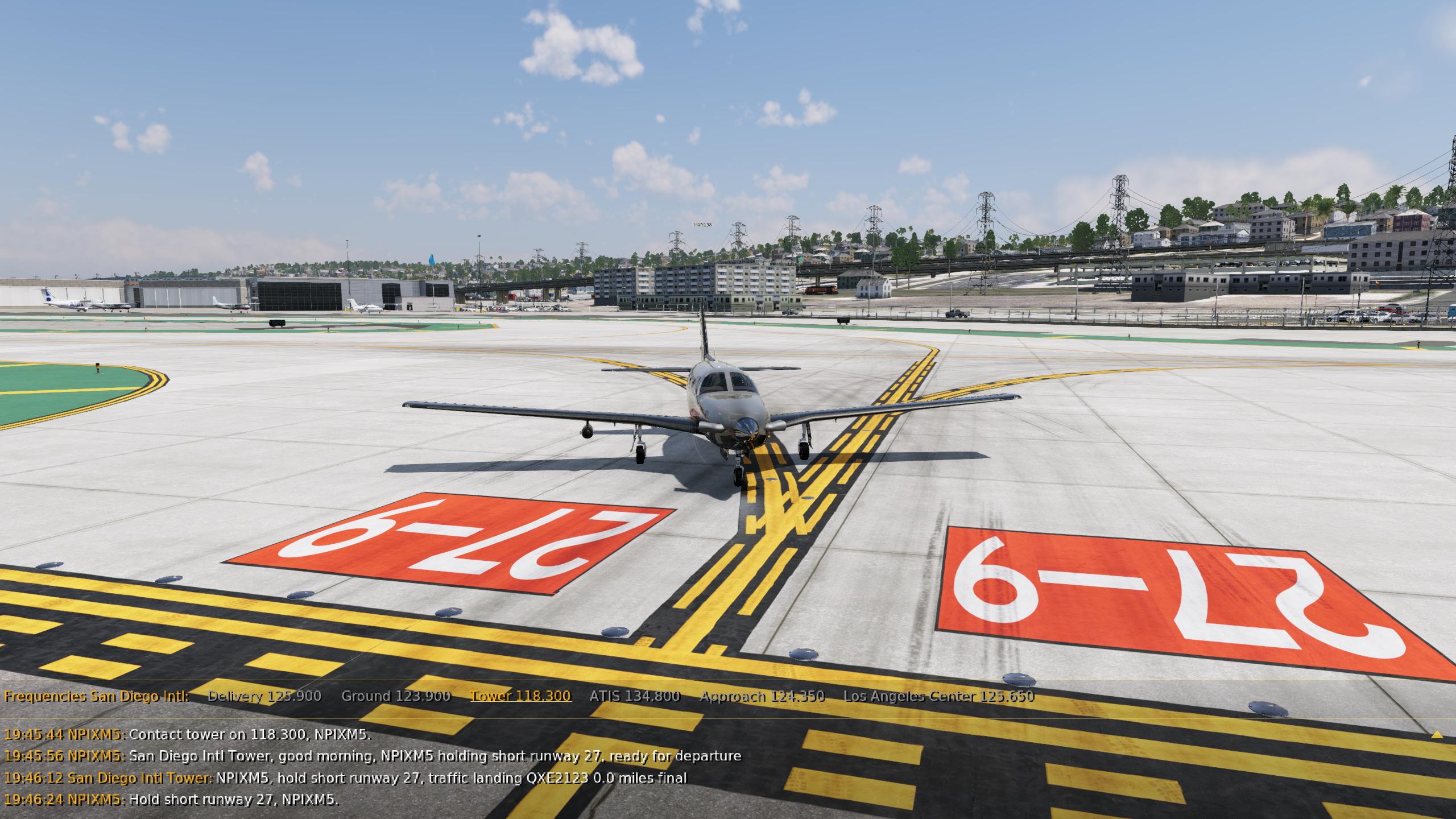
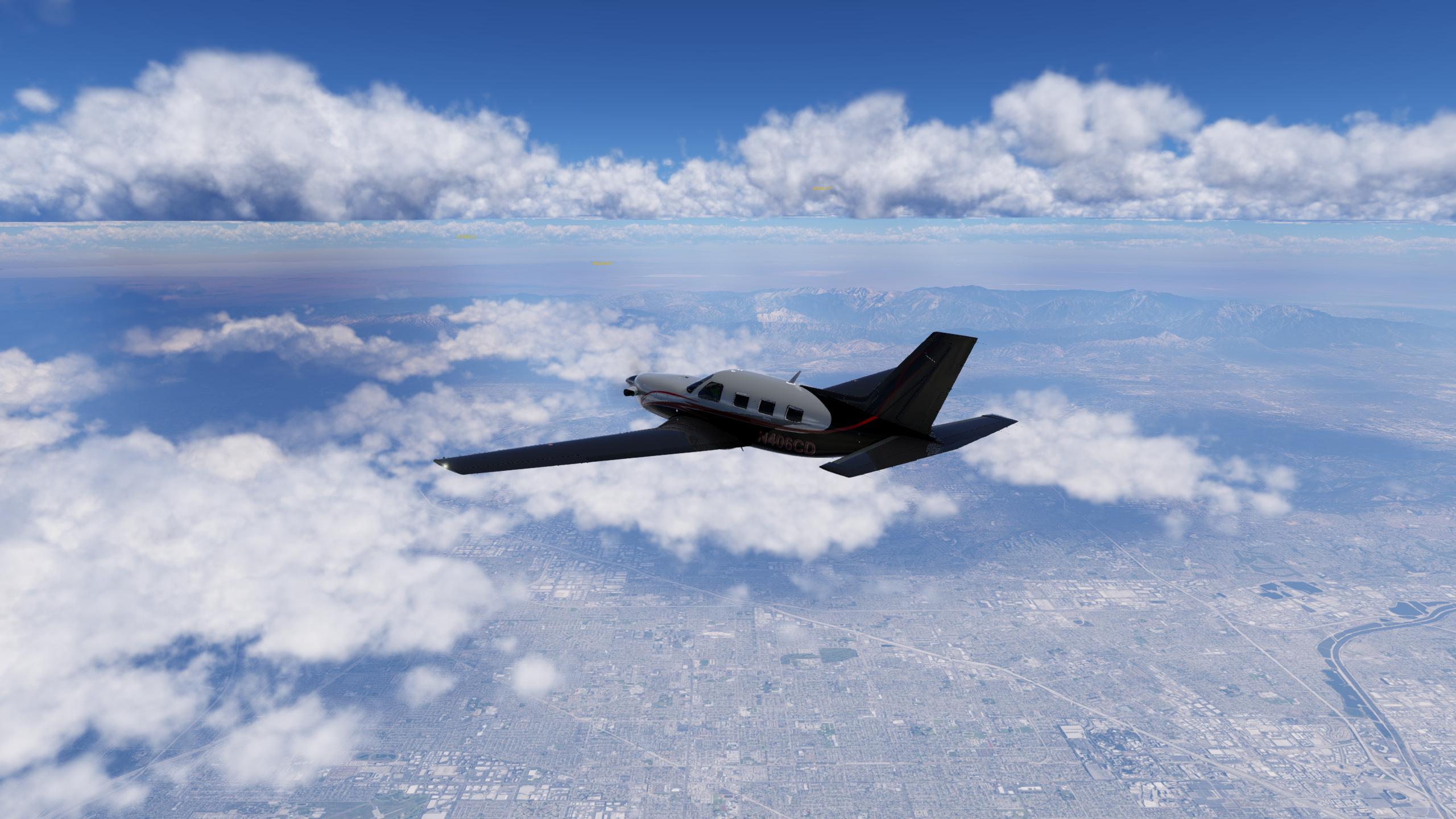
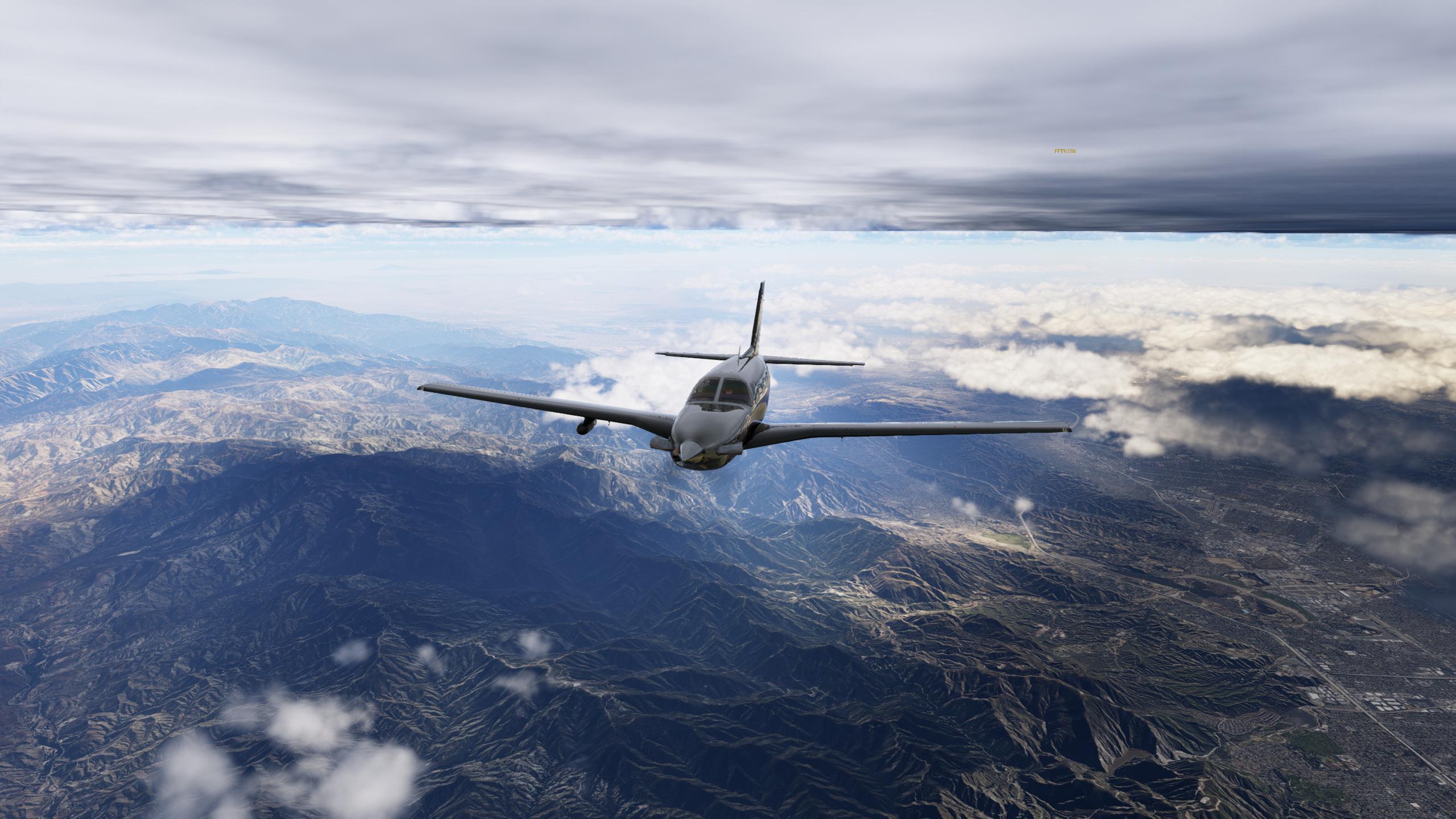
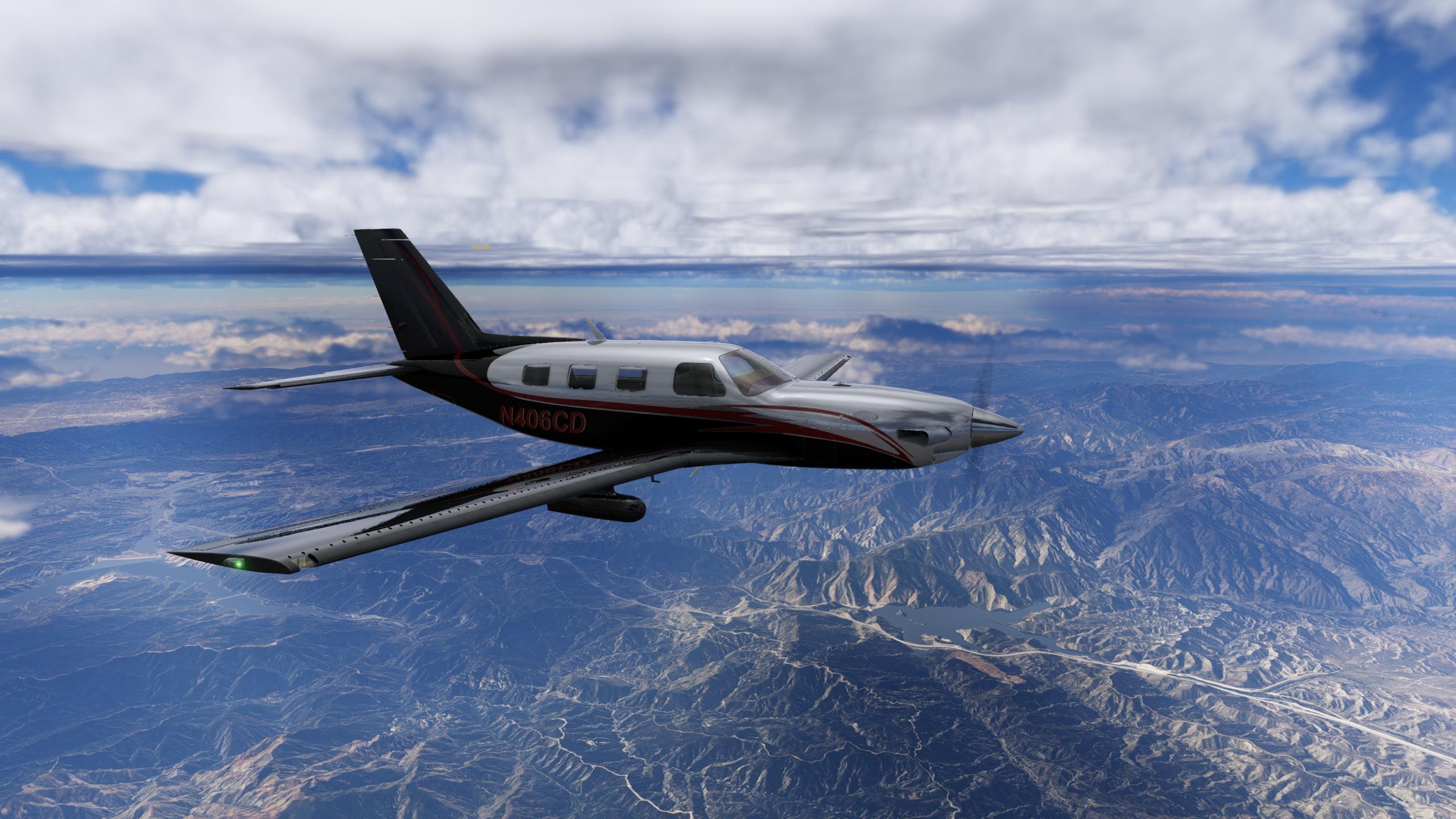
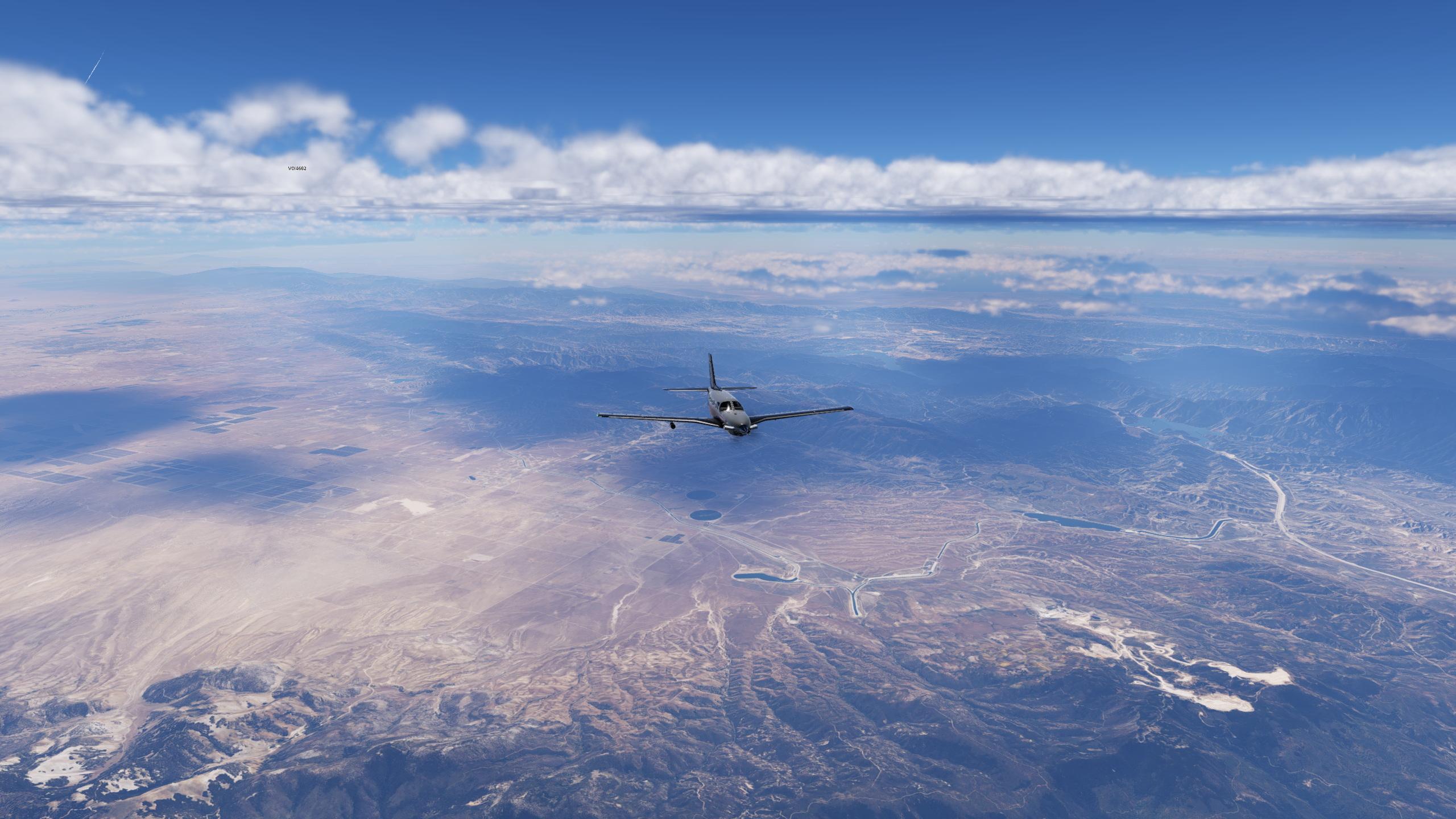
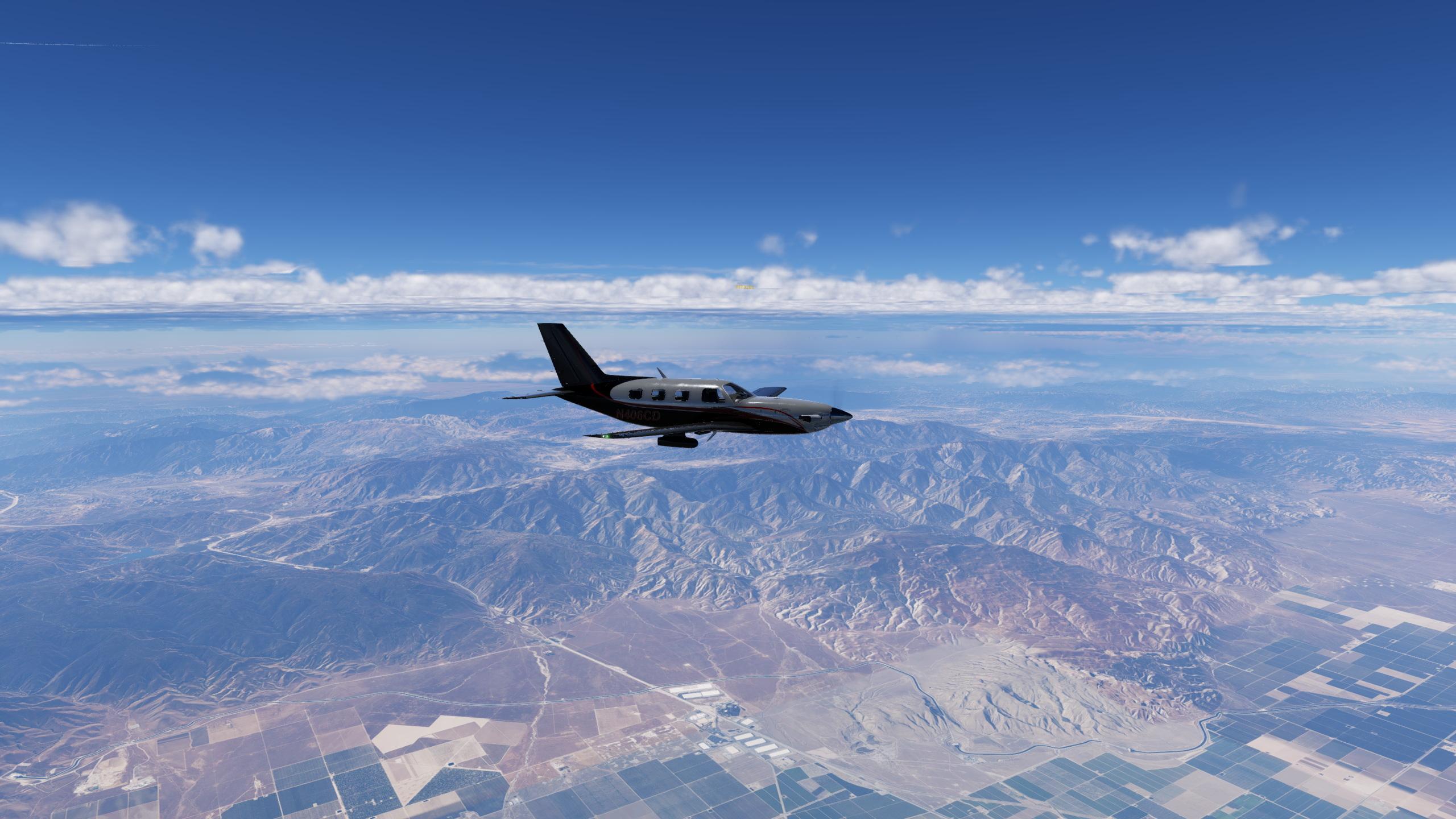
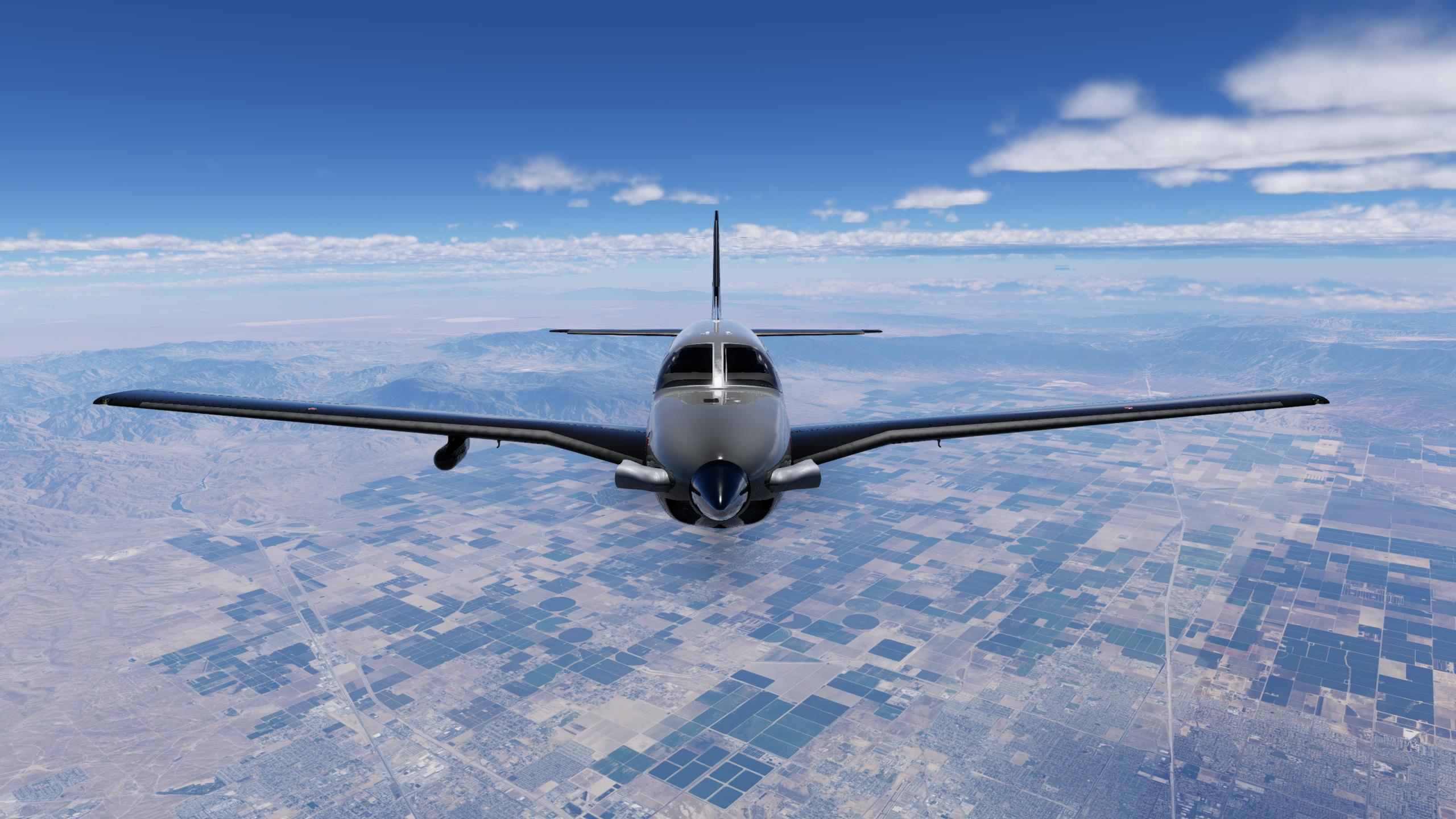
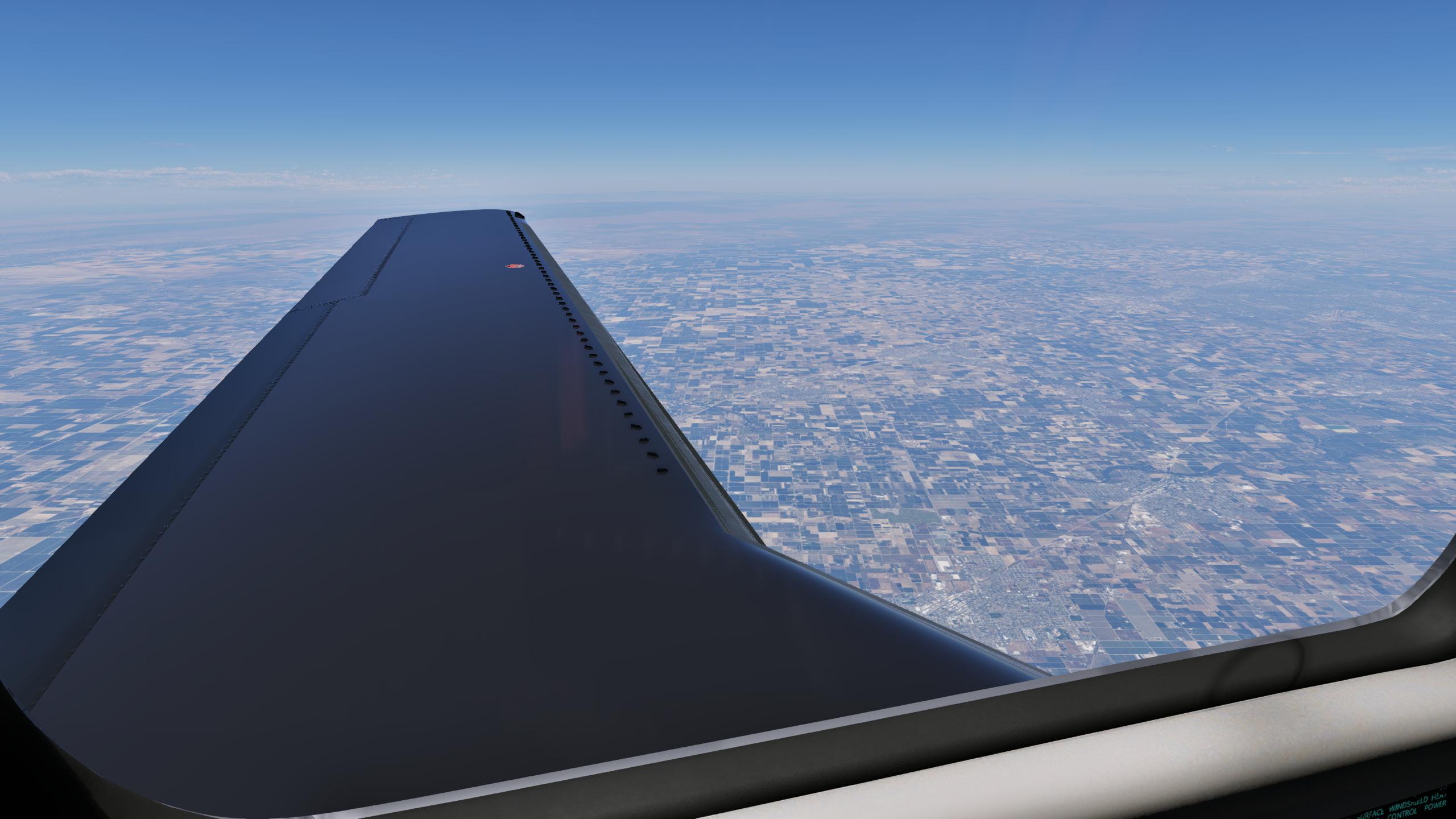
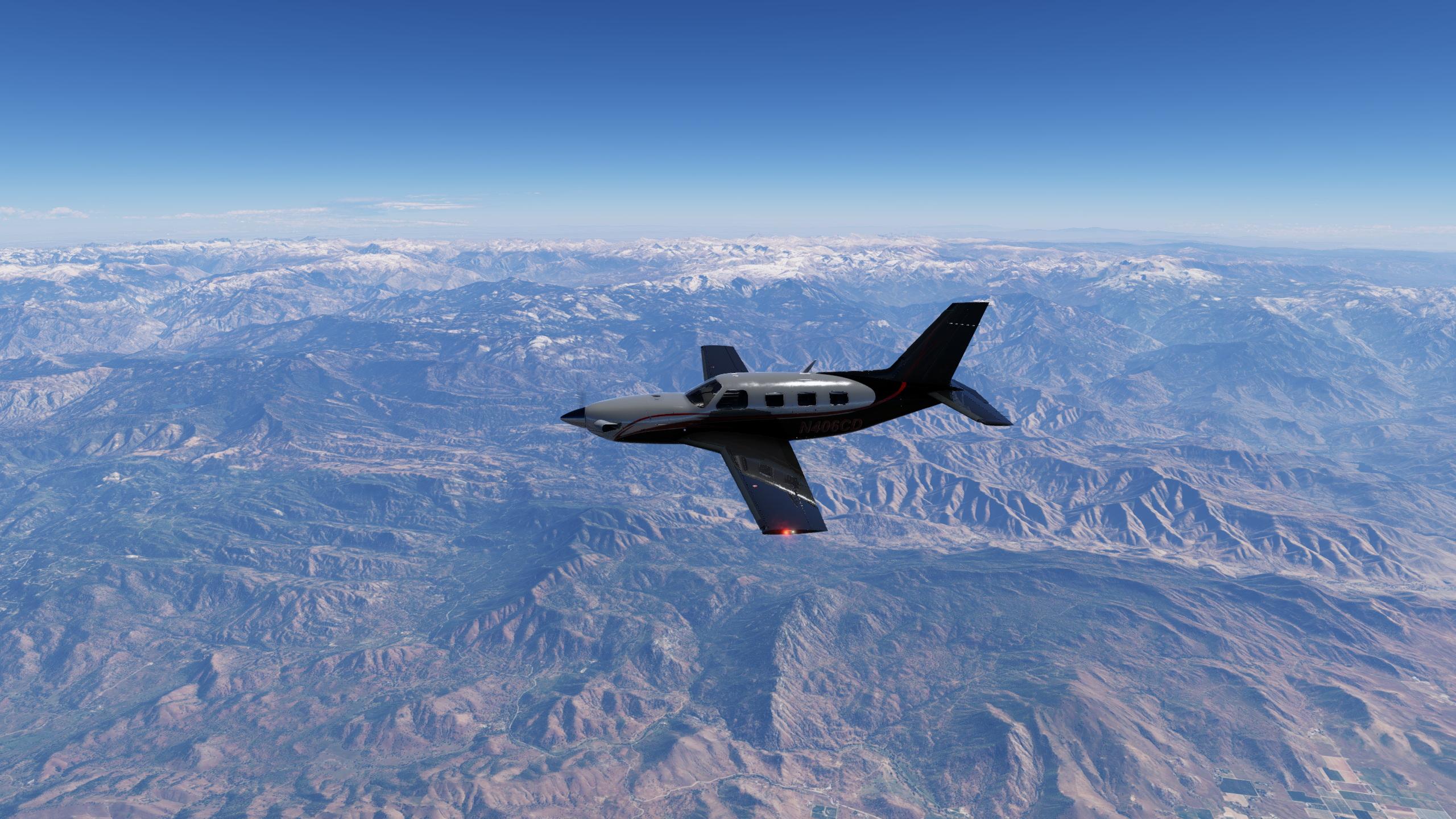
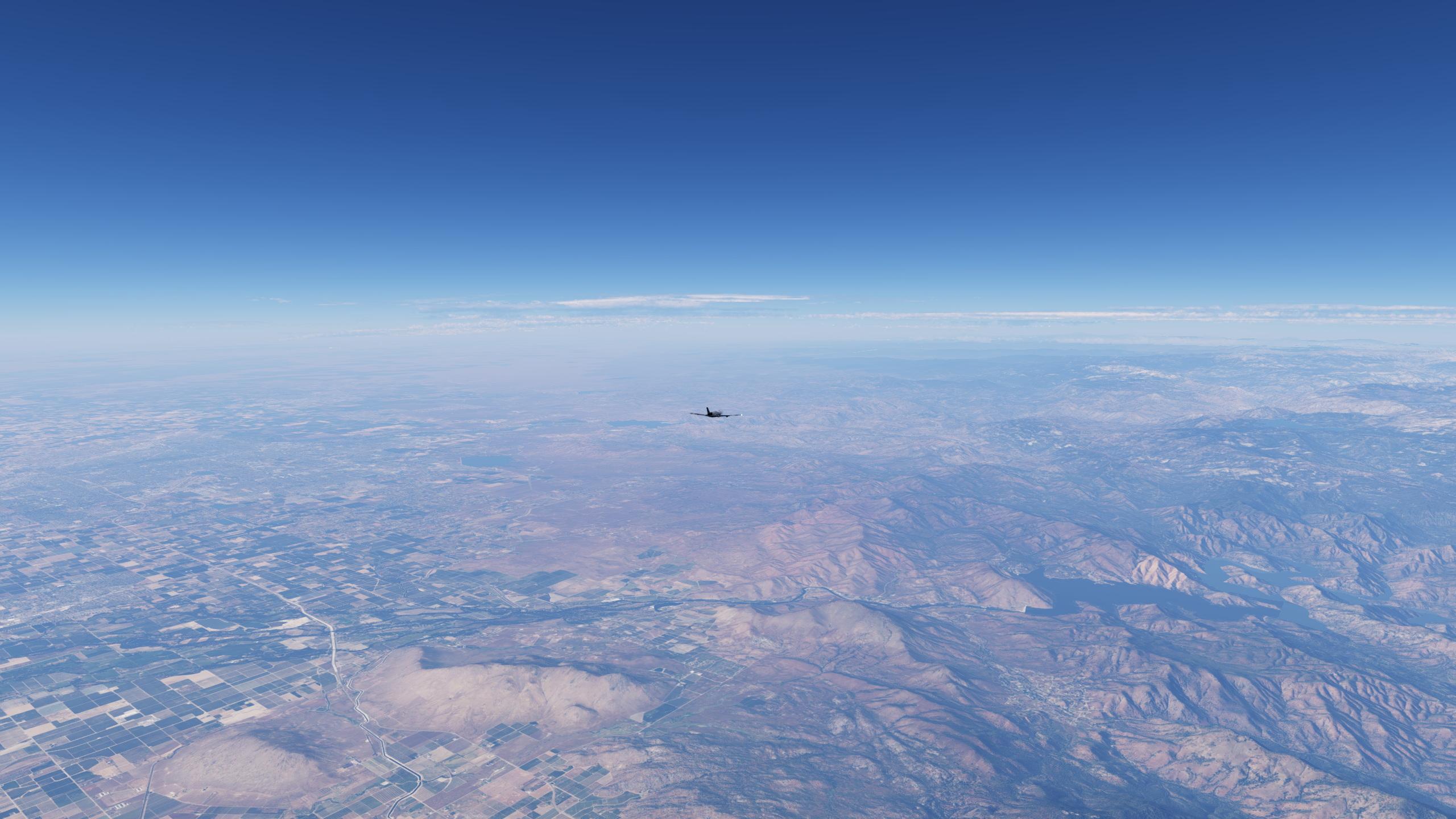
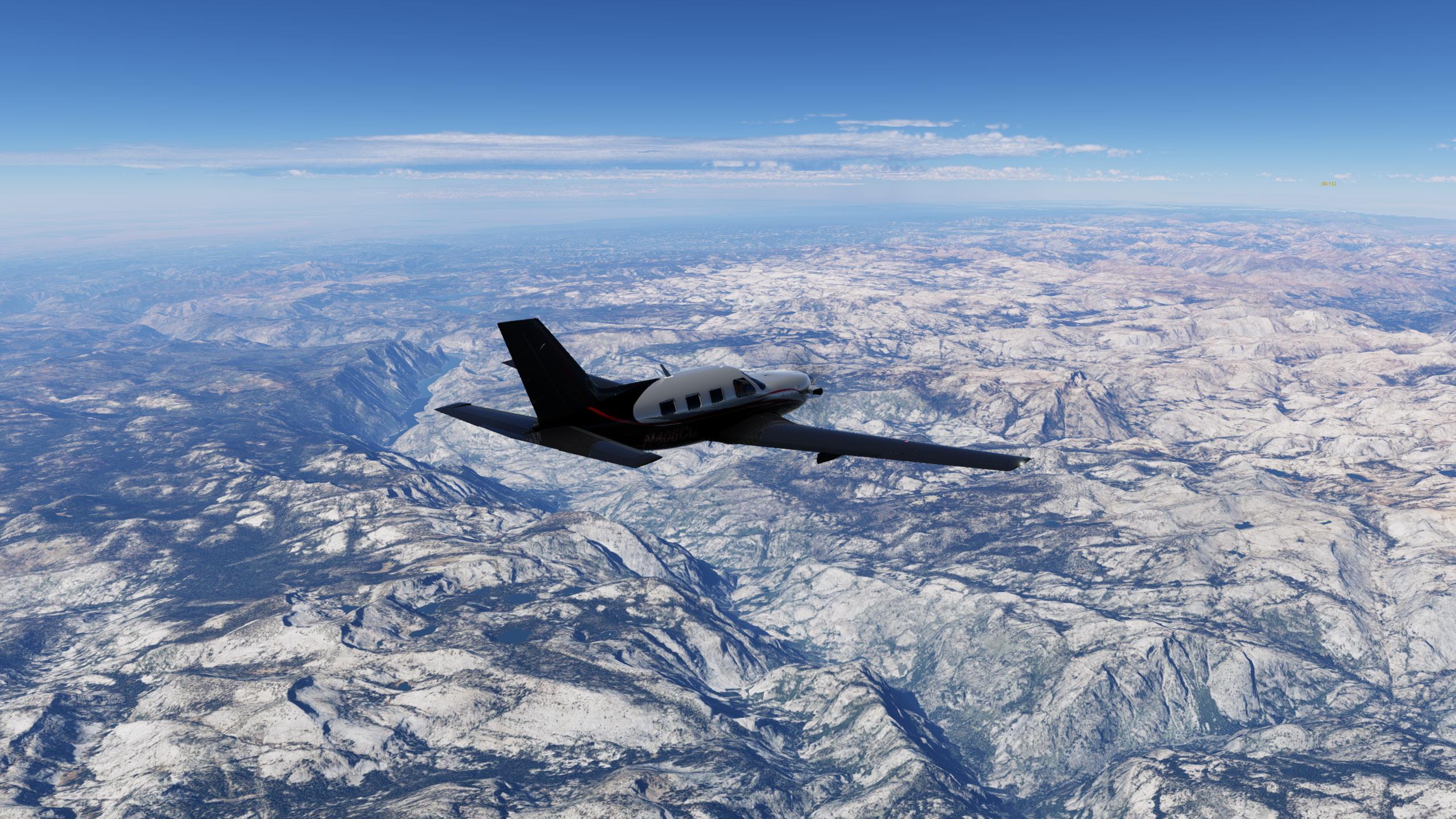
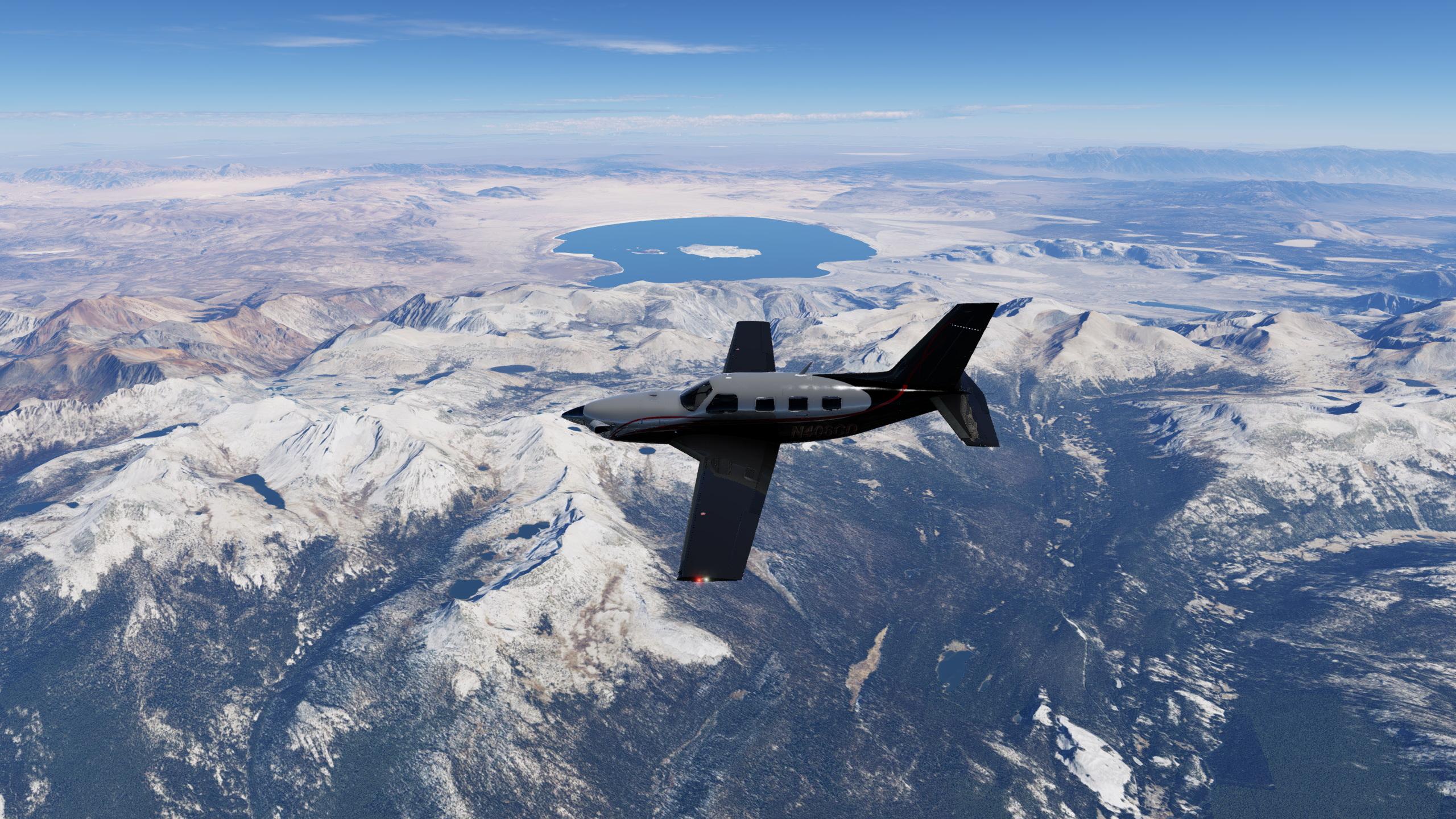
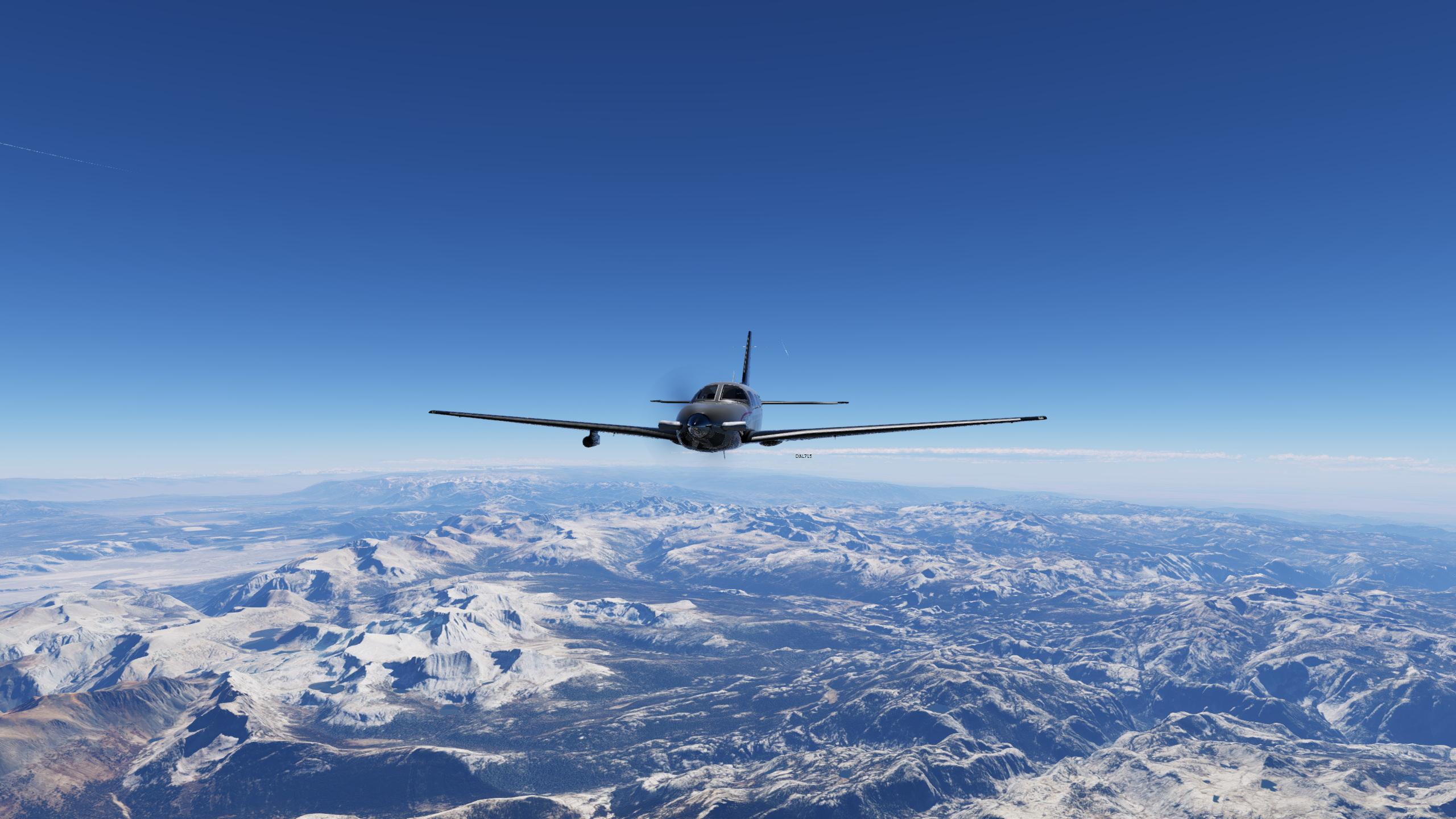
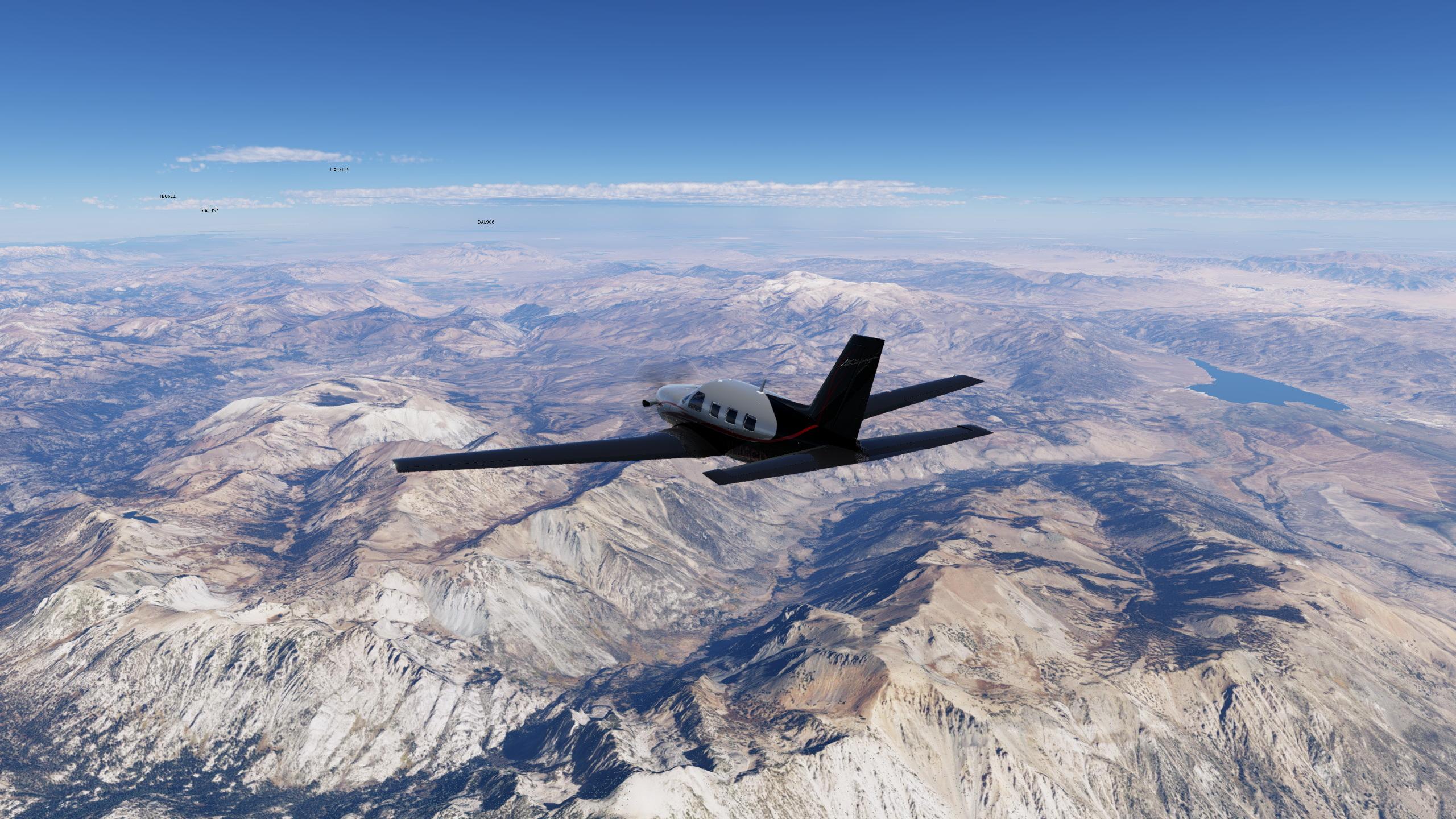
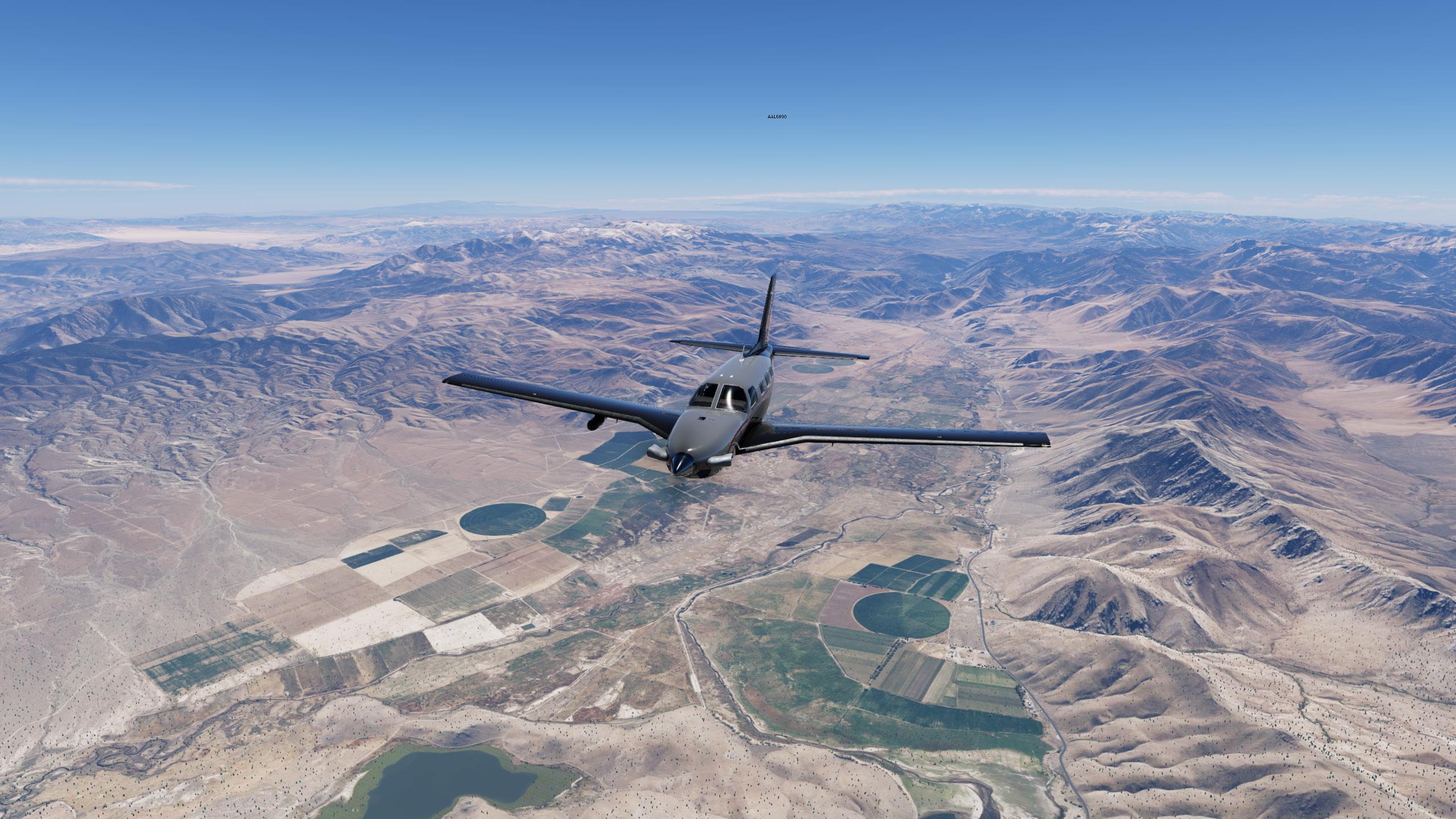
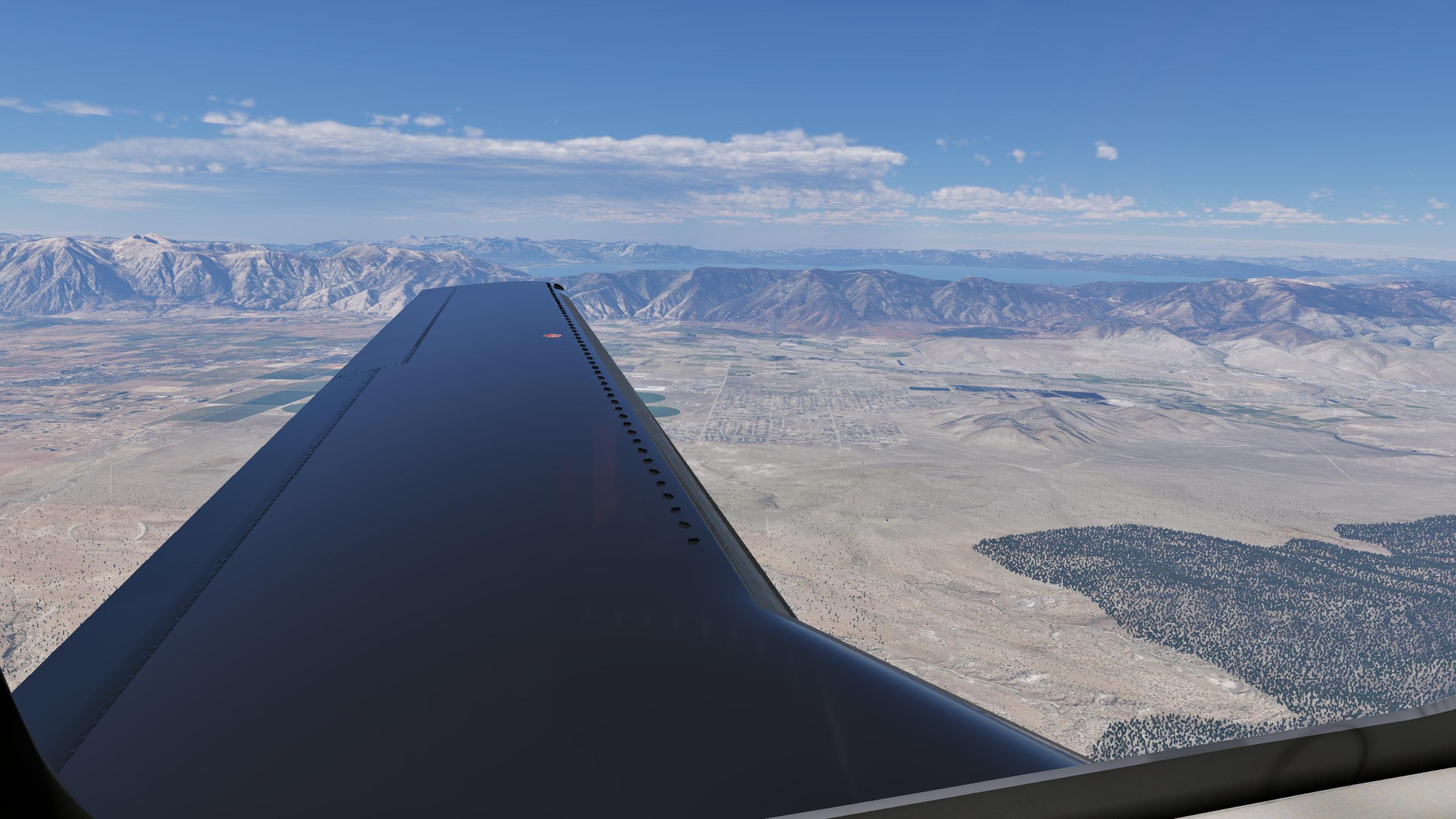
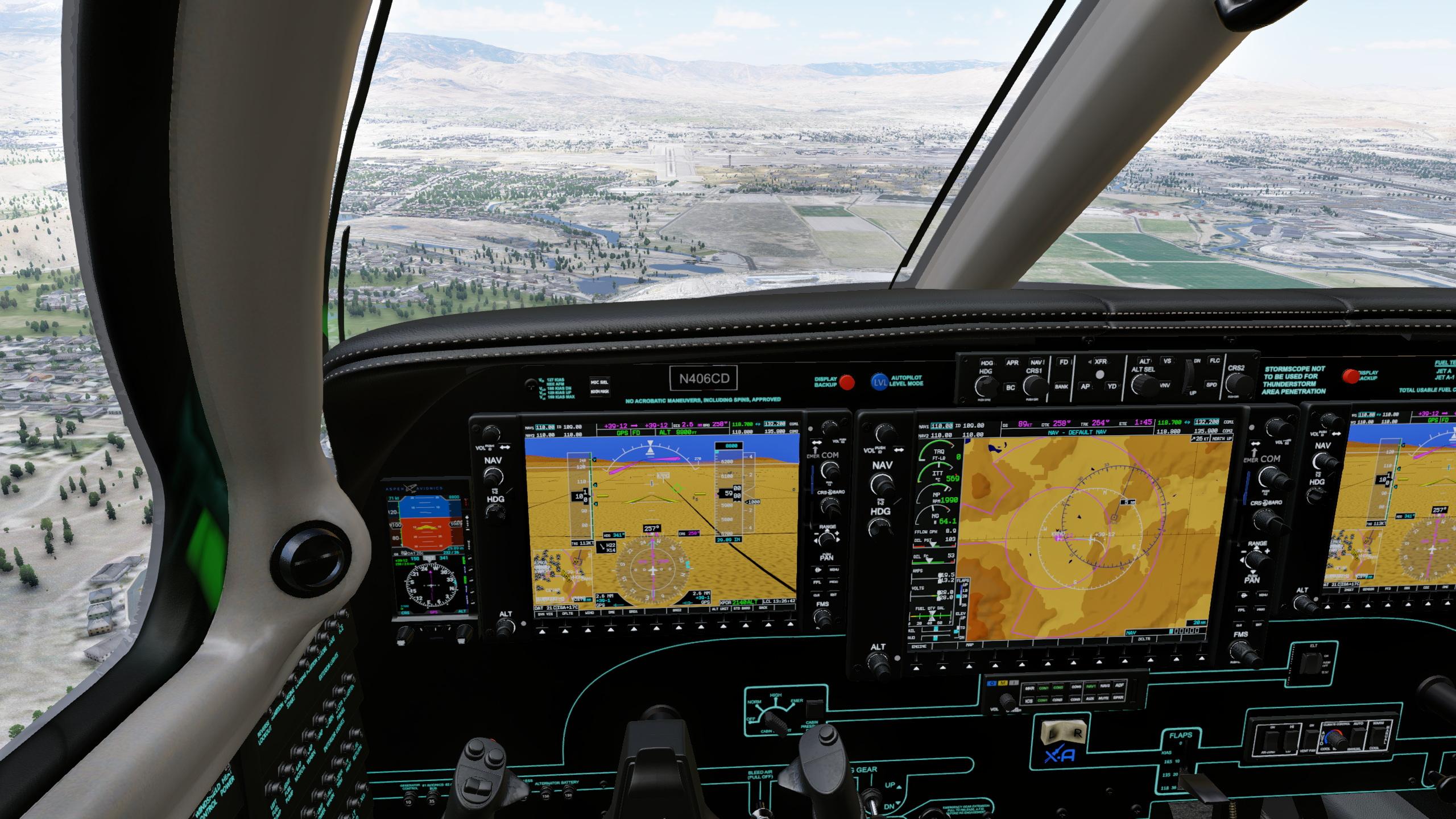
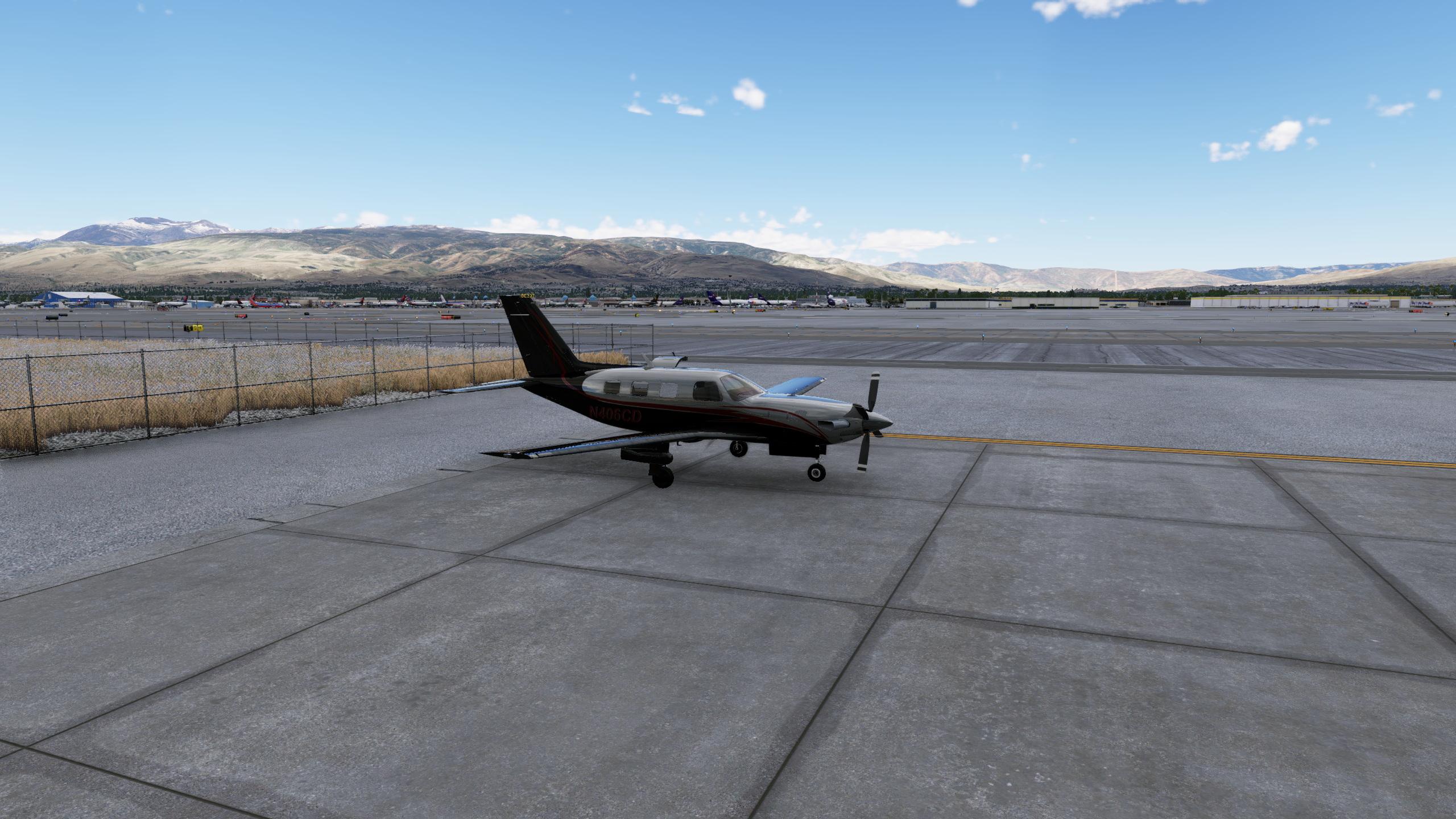
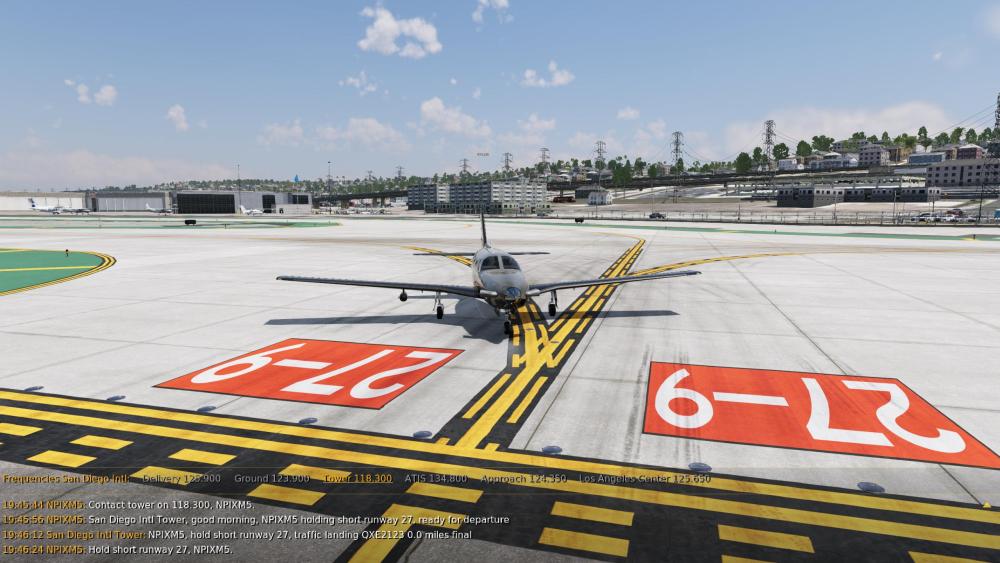
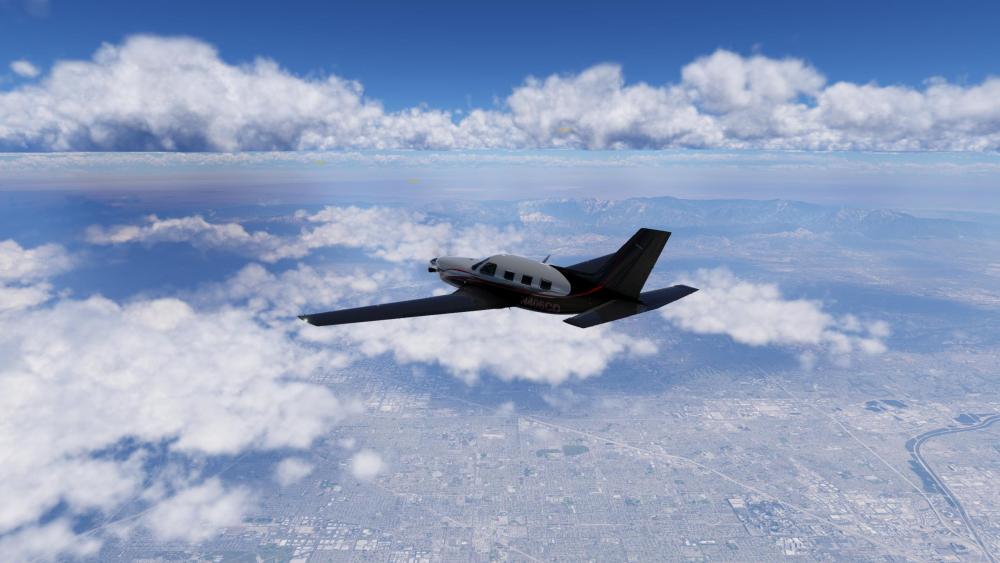
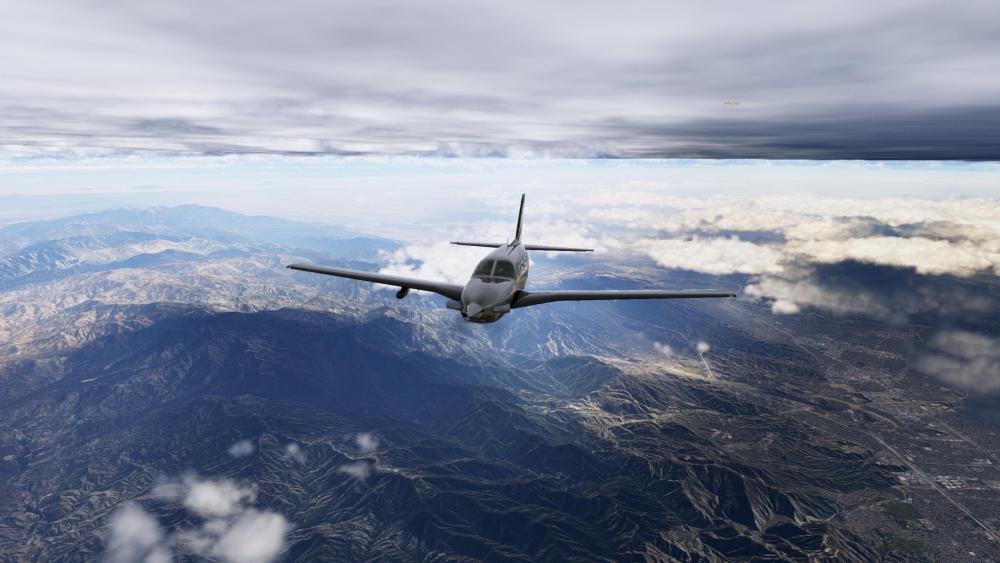
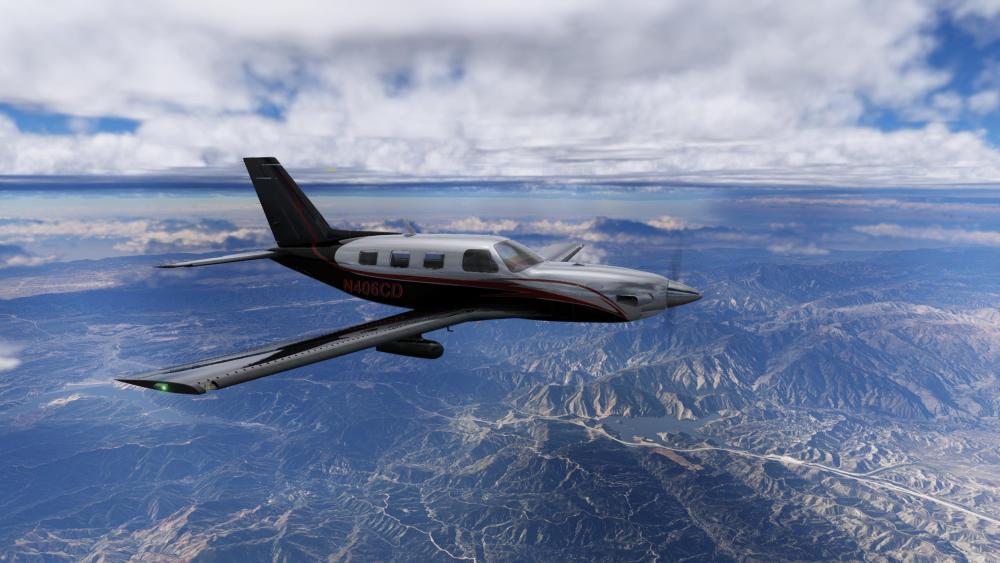
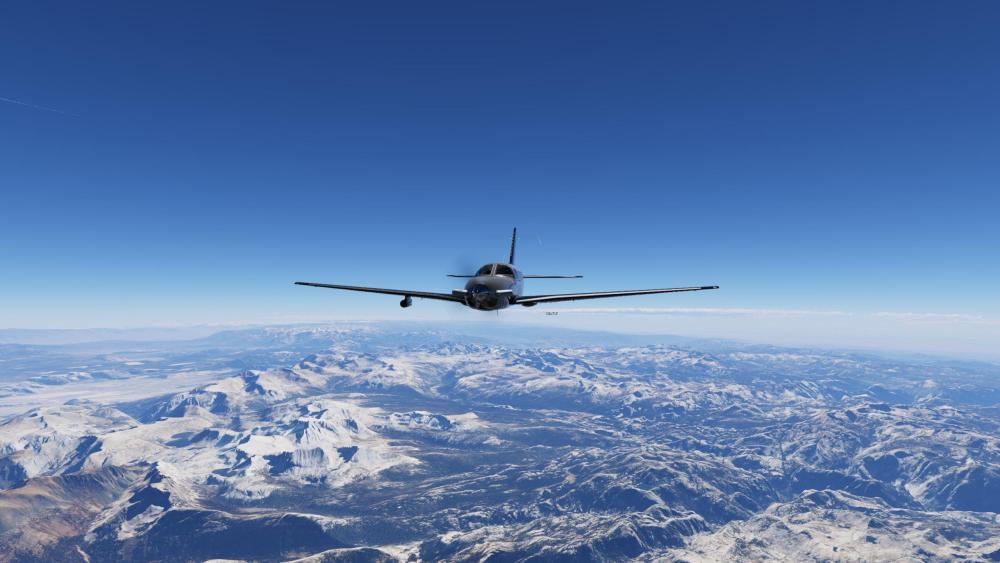
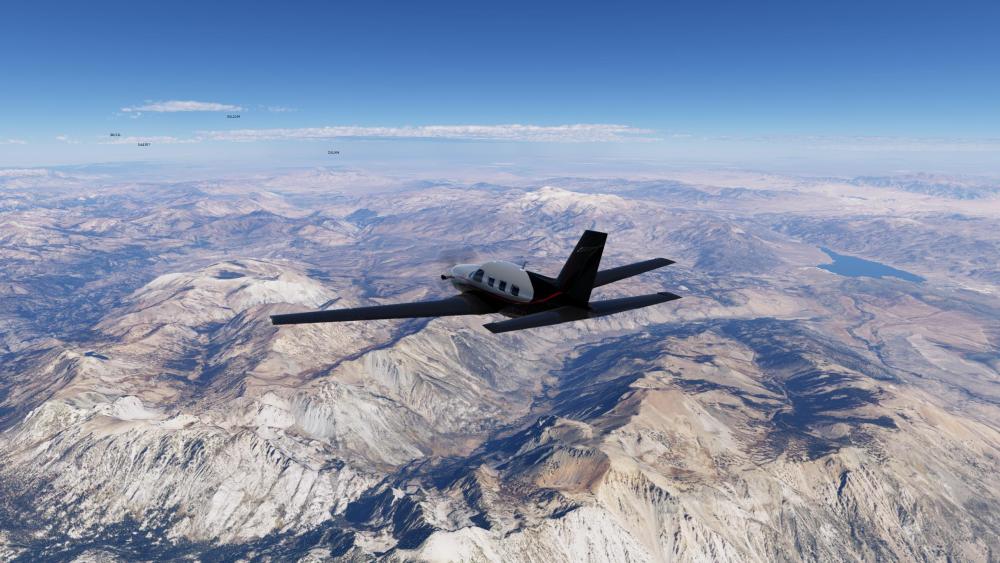
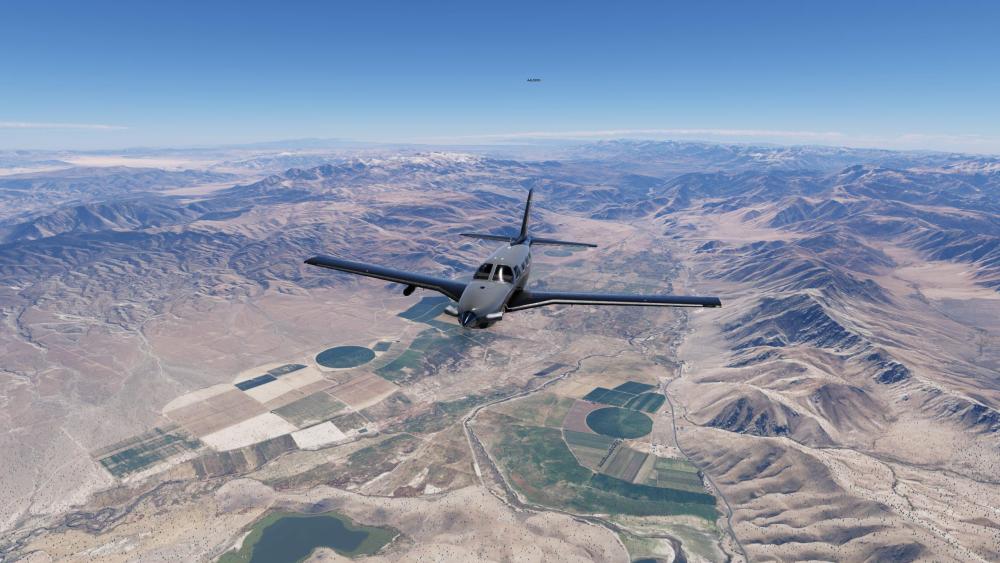
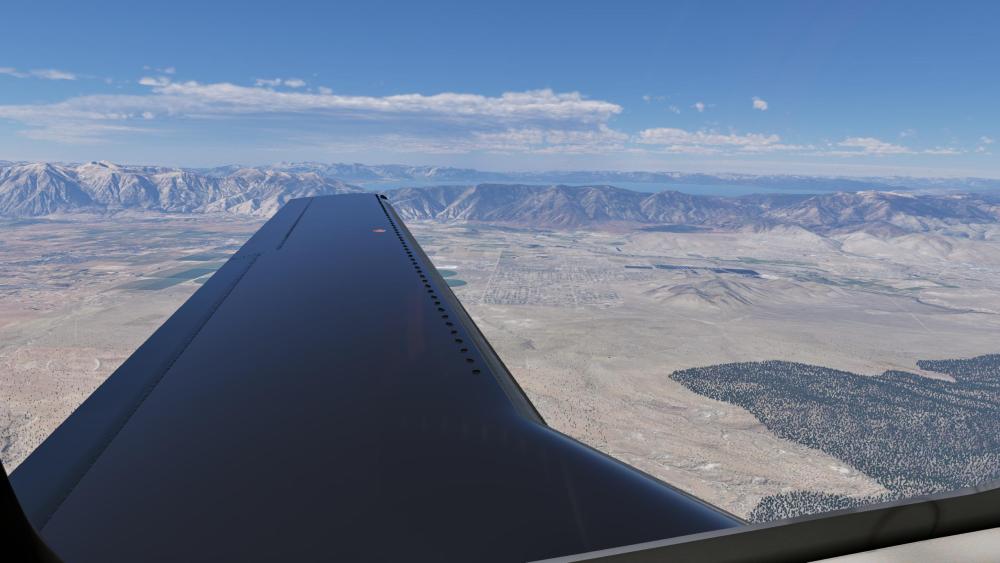
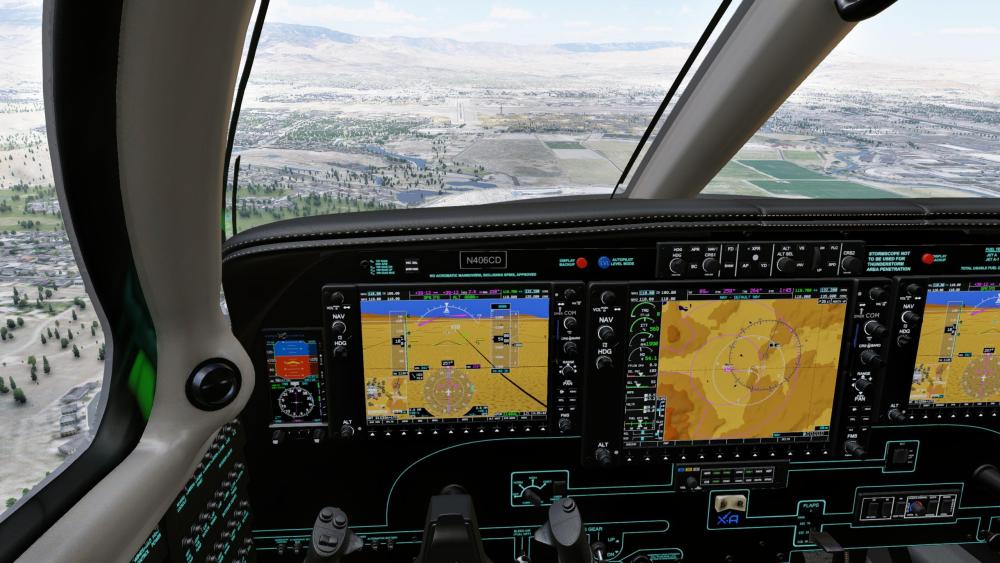
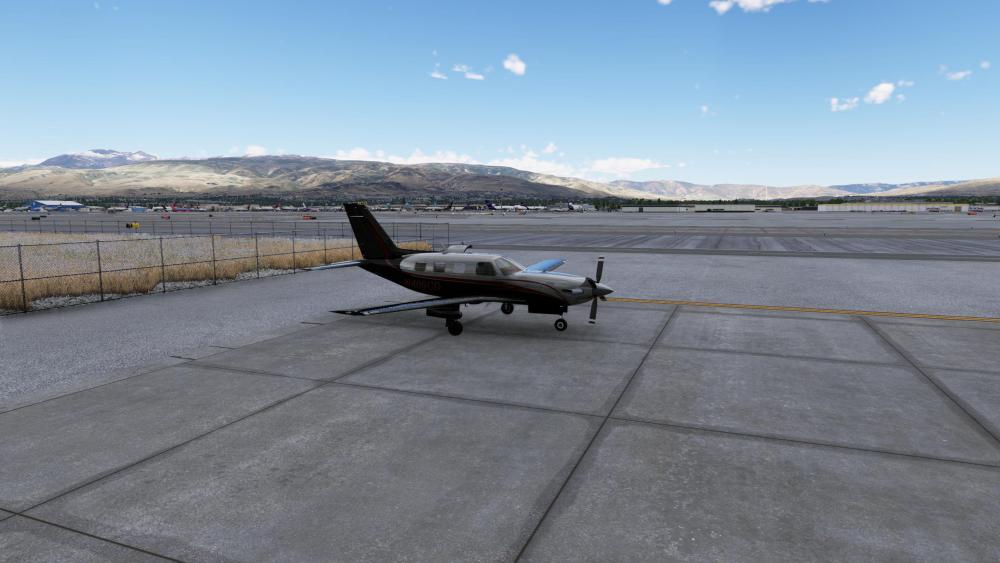
San Diego to Reno at FL260 in X-Aerodynamics' Piper M500, with over 400 miles of Map Enhancement scenery.
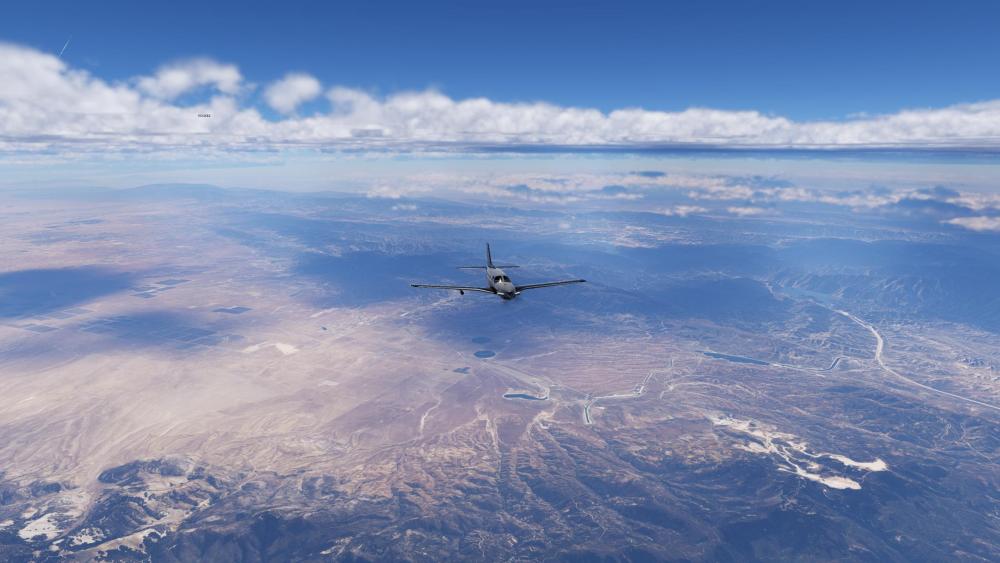
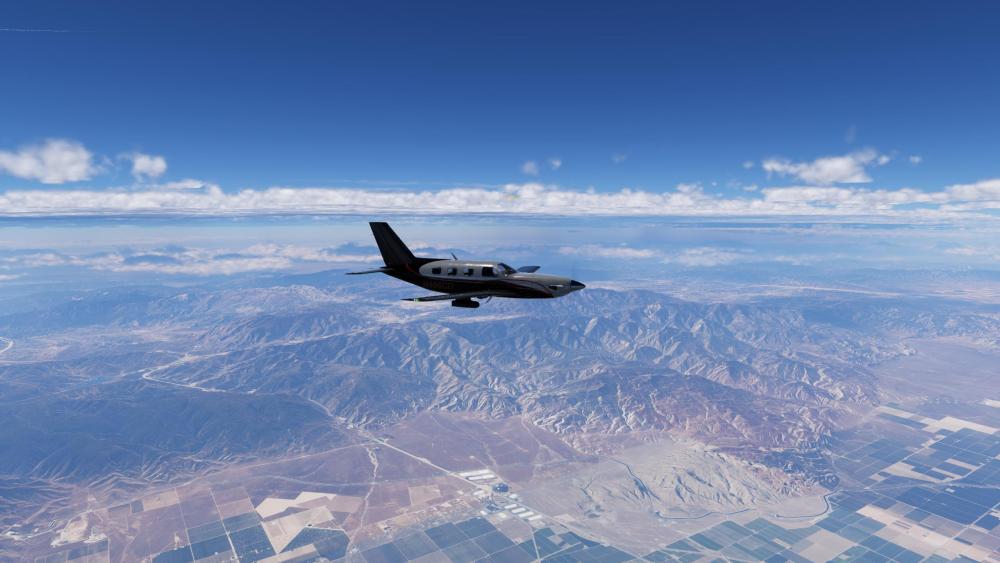
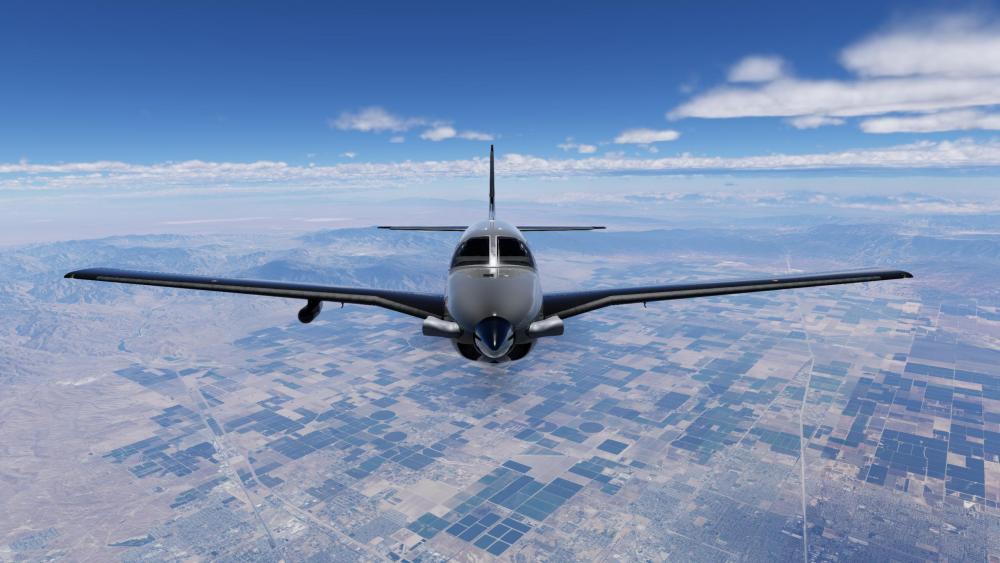
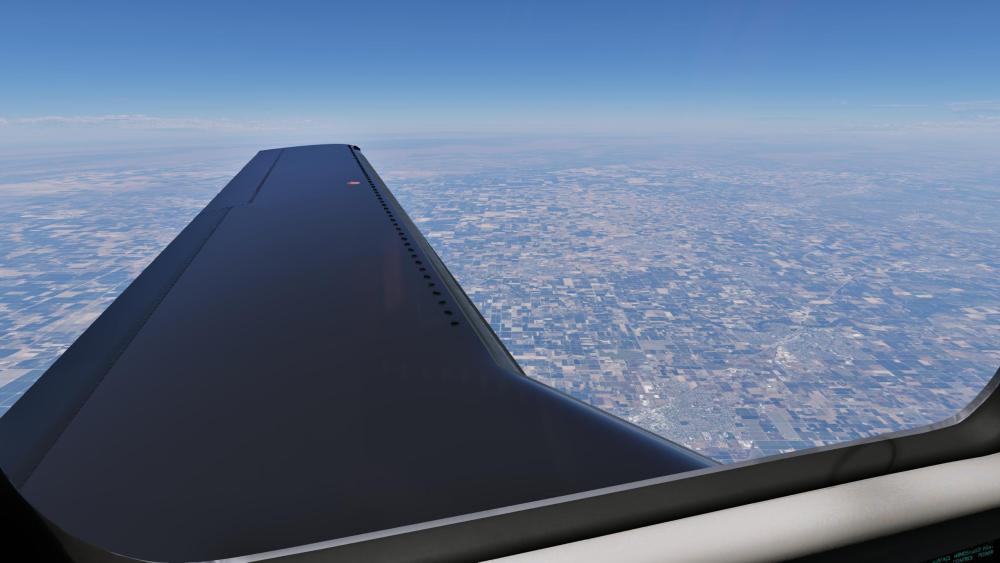
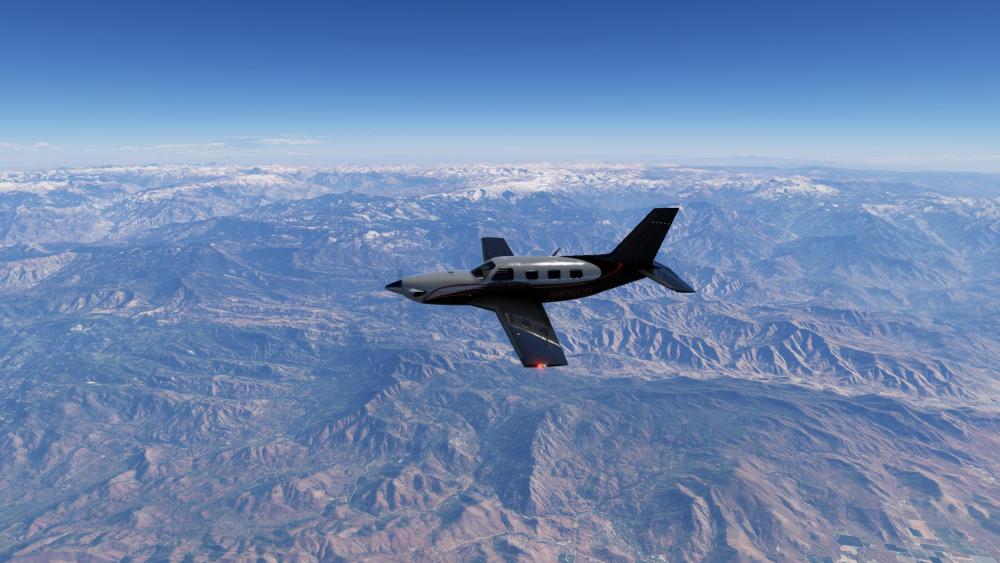
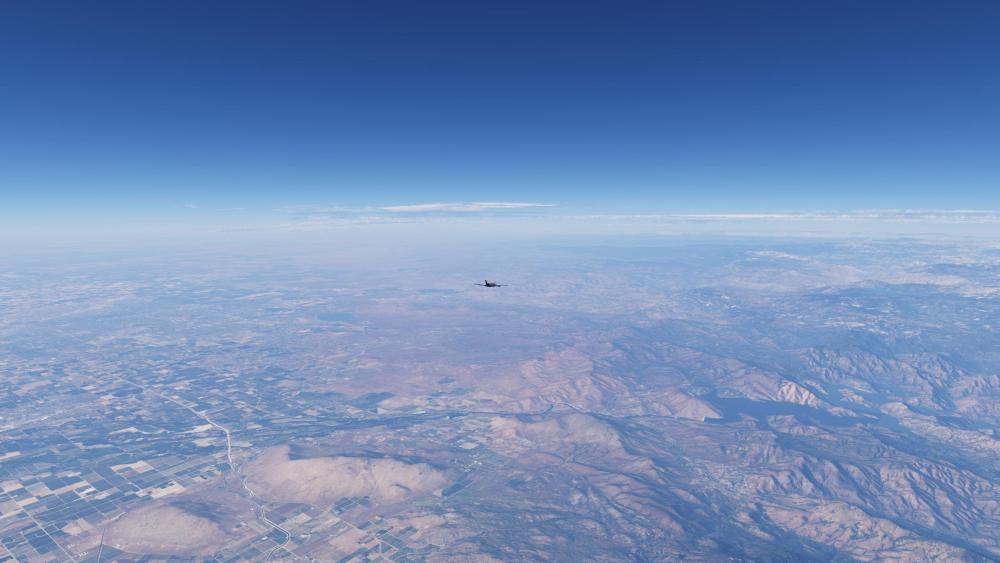
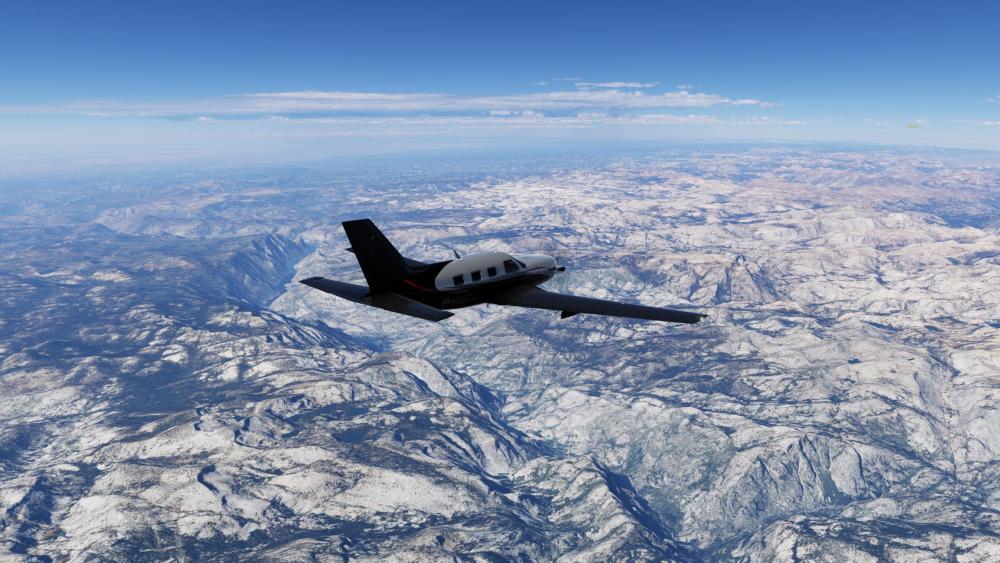
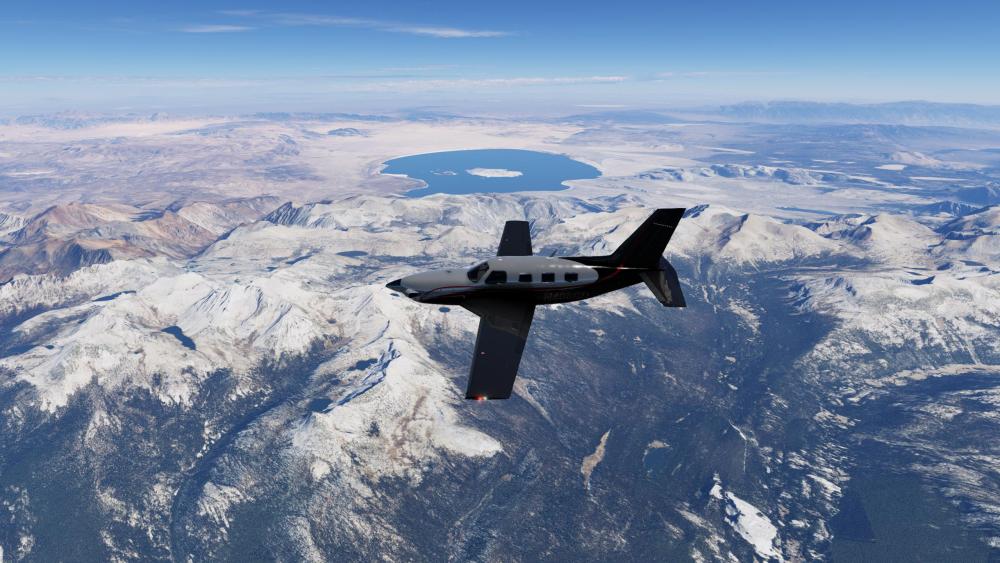
-
I'm not sure why I feel compelled to give an update today....probably because I'm optimistic about the future and I'm "coming out of the fog". The fog in this case is "X-Plane Developer Documentation", which I've been crafting for over 2 years now and getting close to deploying for a soft-launch/preview/feedback/evolve phase. What end-customers probably don't see, is that there is a major rework going on within X-Plane....the kind where we (Laminar) say to ourselves, "we need to plan and retool for the next 10-15 years". X-Plane has been stretching old tech for a long time....and a deep introspection and plan had to happen. Being that I've been around since 1999, and have worked for Laminar in the past, I thought I might could help ....and in doing so, protect IXEG/Togasim's future in the process, but at the cost of taking time away from overhauling my own products and giving that time to Laminar for the remodeling effort. So my part in the Laminar overhaul, is in the simplest terms to "train developers" how to make awesome add-ons for X-Plane....doing so through better documentation and tutorials...and make development a lot more fun and satisfying for folks who want to try it. Developing is a fun hobby...if we can remove the pain and friction of having to hunt for sparse information. You may recall a major challenge I've had with my products was converting all my source code from Gimzo Lua to C++ so we could be less dependent on 3rd party tech. This is like building a RV-7 experimental airplane...and then saying, "I want to turn my RV-7 into an RV-8". I mean....better to start form scratch. Another reason I'm optimistic is because of AI. In the last week, we have successfully used AI to convert my MU-2 source code from Lua to C++.....BUT....this is incremental, not just a 100% compatibility swap, there are some fringe functionalities we are still working through...and in addition, we are learning how to better use AI along the way and of course we have to check ..every....single....corner of the code to make sure it works. Further, we have to 100% understand what AI did in the conversion. As of today, I'm quite excited about getting back to developing add-ons and participating in helping others improve their add-ons. AI is really making quite the change for the better, and a lot of the initiatives we've been working on internally are fast approaching internal testing and getting closer to making their way to the community. So as far as my own add-ons go.....we are steadily working through this conversion from Lua to C++ and starting to see some quite impressive success. It won't look much different to end-users obviously, but for our part, this is a major, major milestone. Mind you once this AI conversion is done and we have the workflow.....coding will no longer be the long straw in aircraft development. We will be able to focus on 3D quality and systems accuracy and not get burdened down in compilation and coding syntax and the physical time lost to typing. It really is an exciting time, and I know its been a bit of a burden having to wait for AI to grow up to enable this point. First up will be the MU2....probably around late September or October if our current success is any indicator. ....it will be our prototype test case for leveraging AI. Then we'll take that experience and expertise and apply it the 733 and get it ready for another decade of service....and with no upgrade charge to existing customers. On the one hand, I'm bummed its taken this long, and on the other, I really couldn't see any other path, as annoying as its been. This is just the nature of technology evolution...and taking the time to retool was the wiser and more prudent path for long term sustainability. Ben Russell's Gizmo Lua opened the door for incredible products and enabled really creative folks to execute their visions and for this I am very grateful. As with anything in life though, it comes in seasons and we need to look to the next one. -tkyler
- 1 reply
-
- 4
-
-
Google is your friend.
-
Every time I take off with the AIR SOURCE SELECT on BOTH as the checklist recommends, I get an AIR DUCT O'HEAT master caution. This warning doesn't pop up if the AIR SOURCE SELECT switch is positioned to OFF and then BOTH after departure. Is this a mistake in the checklist or aircraft? It happens when I set the N1 value given on the TO perf popout panel.
-

X-Aviation/RSG G5 Software Compatibility w/Octavi or rotAIR?
daisymaria replied to kerthgen's topic in General Discussion
I find this setup really interesting, especially when trying to integrate hardware controllers with the G5 units in X Plane 11. I would also assume the rotAIR might be easier through joystick bindings, while the Octavi IFR-1 may need extra configuration through MobiFlight depending on how the G5 knob functions are exposed. EaglerCraft -
Thanks. It was actually my very first add on that I made. To be honest, I cringe when I see that model, but it was XP9 standards back then.
- Earlier
-

Falcon Luxe T7-KBI Hotstart Challenger 650
Anthony615 reviewed Nicolas1222's file in Hot Start Challenger 650
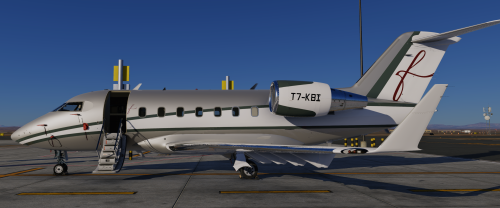 Awsome work By chance could you please make a purple one
 -
I just saw this YouTube video. I didn't realize this plane was made 16 years ago!!! I understand why a rewrite is necessary now. Nice work @Goran_M!
-
Is there any update to this problem? Seems a bit of an oversight for an $85 aircraft.
-
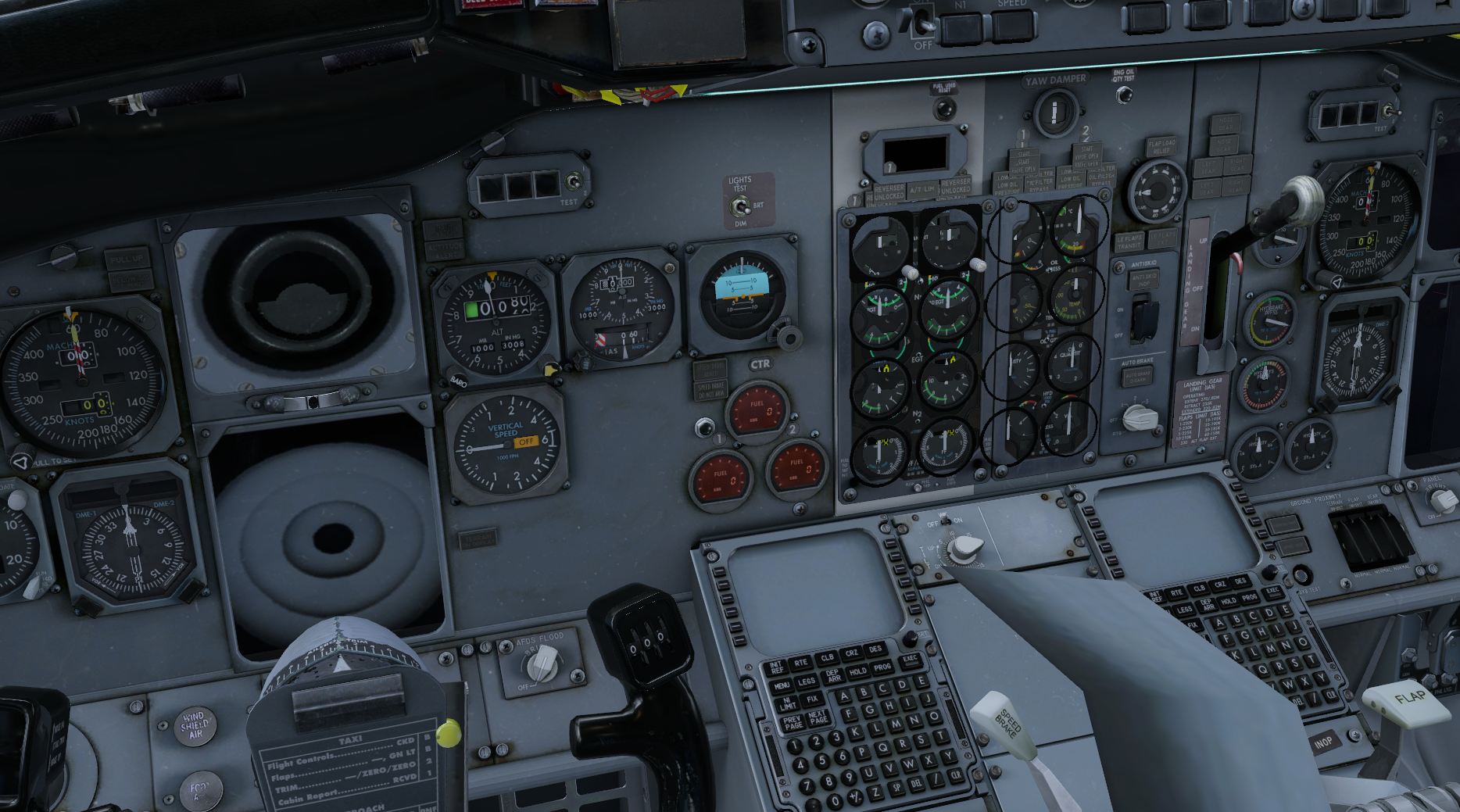
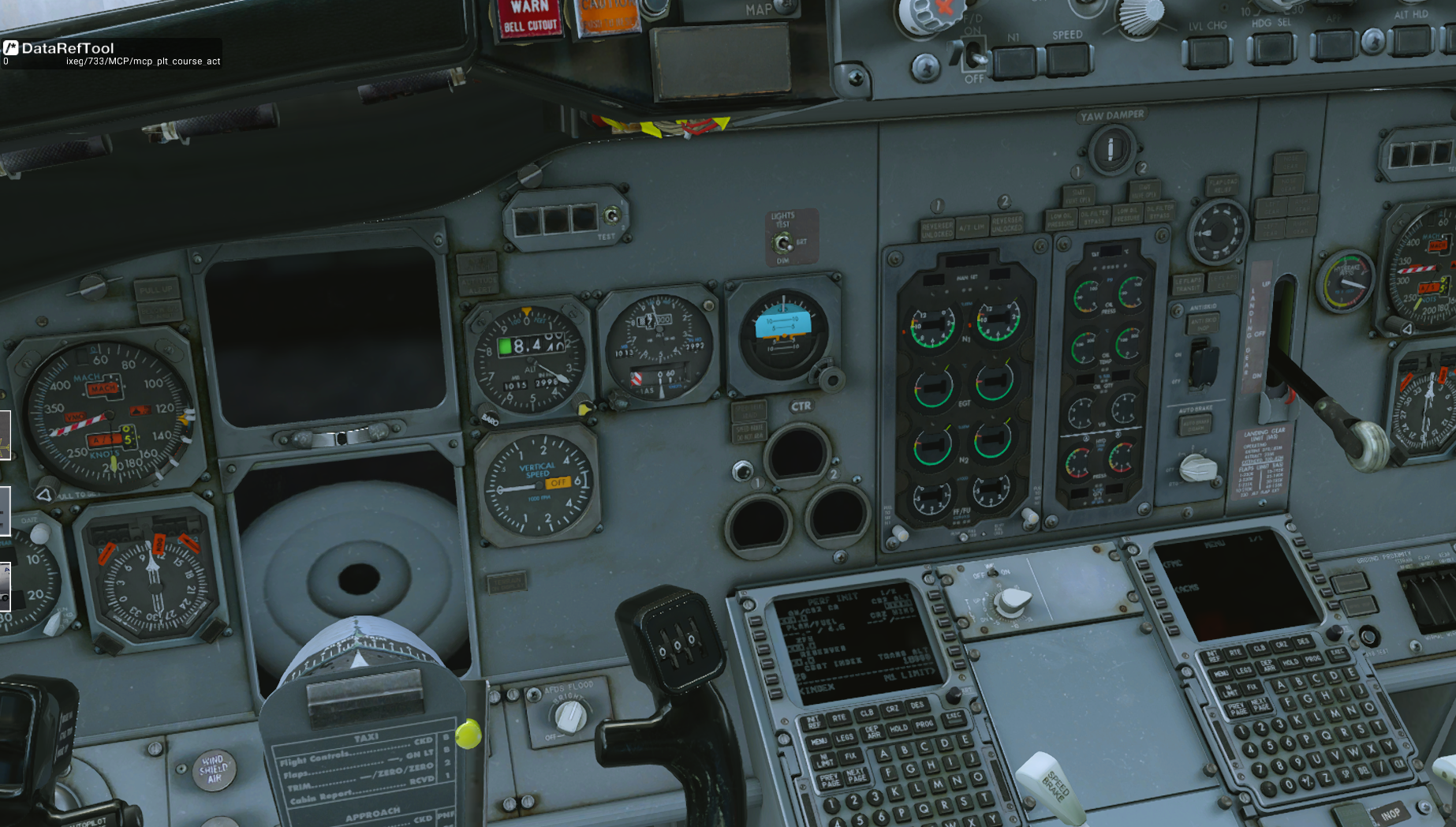
 I’m posting on the forum after trying a clean reinstall and fully disabling all plugins, which, surprisingly, makes the situation worse, as shown in the first screenshots. With all plugins enabled, the issue only affects the ND display (second screenshot), where a strange texture with grey circles appears inside the screen. Is there any solution for this issue? edit: I noticed that inside the Objects folder there is a file called “B733_misc_STEAM” & "B773_misc_ECAM", which contains those textures (third screen).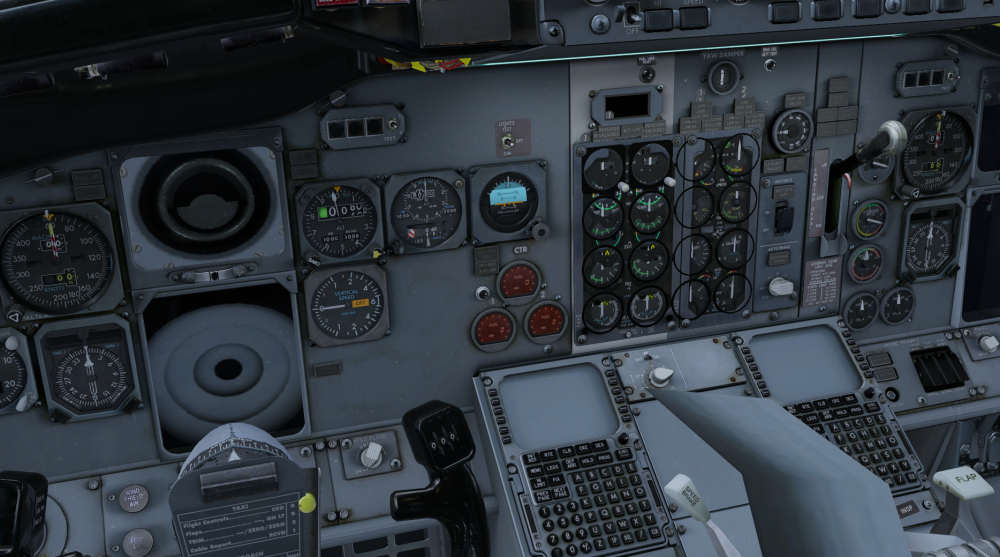
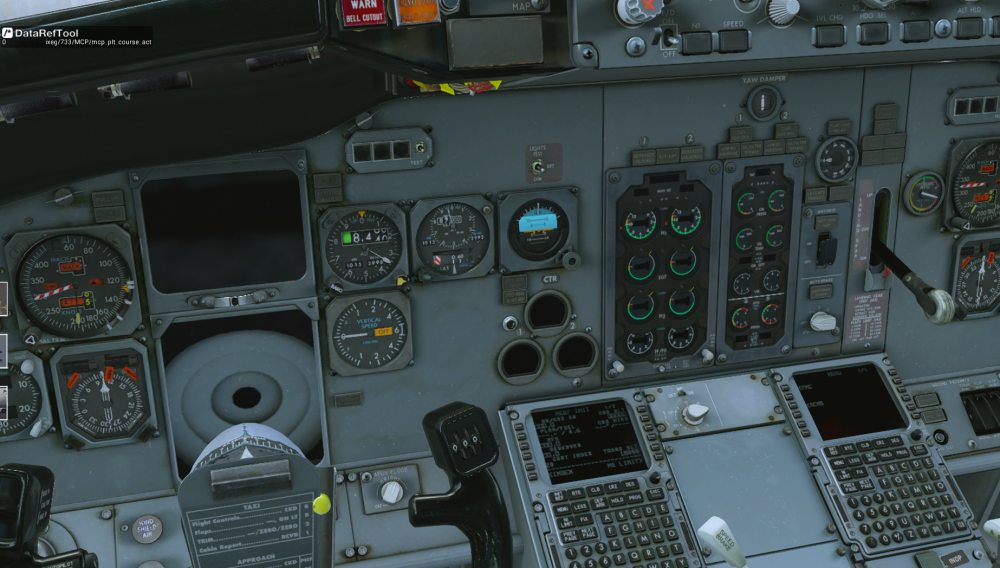
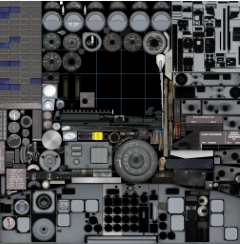
-
Take Command! Hot Start Challenger 650 v1.9 Update Released!
Anthony615 replied to Cameron's topic in Technical Support
Very much appreciated -
Because there is no nose wheel steering on an SR22. Use the toe breaks.
-
I all of a sudden Log.txthave no nose wheel steering in the Torque Sim SR22. On the ground i have rudder movement but no nose wheel steering. attached is my log file
-
New kid on the block. Please advise how to add deadzone and or damping to the axis as it's way too sensitive. The slightest input kicks the nose around too abruptly. I've disengaged the toe brakes. Thanks!
-
I looked at the Log.txt file and was able to resolve, thanks for your reply.
-
Hi there, I’ve spent a long time troubleshooting this product, but I still couldn’t get it to work as expected. Ever since buying it, I haven’t managed to finish even one flight, and I’m quite disappointed I can’t make use of it at all. May I kindly check if there’s an option for a refund with X-Aviation? Thank you so much for your time and help.
-
.thumb.gif.fb2e6ad7a61698b7f50676785b050fe8.gif) SyntheticApathy changed their profile photo
SyntheticApathy changed their profile photo -
I made recently an interesting experimentation. Navigraph was not providing any Linux version of Navilink and FMS Manager, and Claude (with my help - i have to admit decades of software management) made it.
-
You’ll need to provide something to base that help on, such as the Log.txt from X-Plane containing the crash.
-
Not in a million years.