Goran_M
-
Posts
5,646 -
Joined
-
Days Won
231
Content Type
Profiles
Forums
Latest X-Plane & Community News
Events
Downloads
Store
Everything posted by Goran_M
-
- 49 replies
-
- 10
-

-

-
Can't give away too much.
-
There are 2 major hurdles we have to overcome with a 340B being included as part of V2. FMC and moving map with flight plan/waypoints. Even if Jim started making an FMC today, you won't see a beta until, likely, 2020. The changes in V2 will be X Plane 11 dedicated flight model. PBR textures done from scratch. Re-modelled aircraft, also done from scratch. More features. FMOD sound.
-
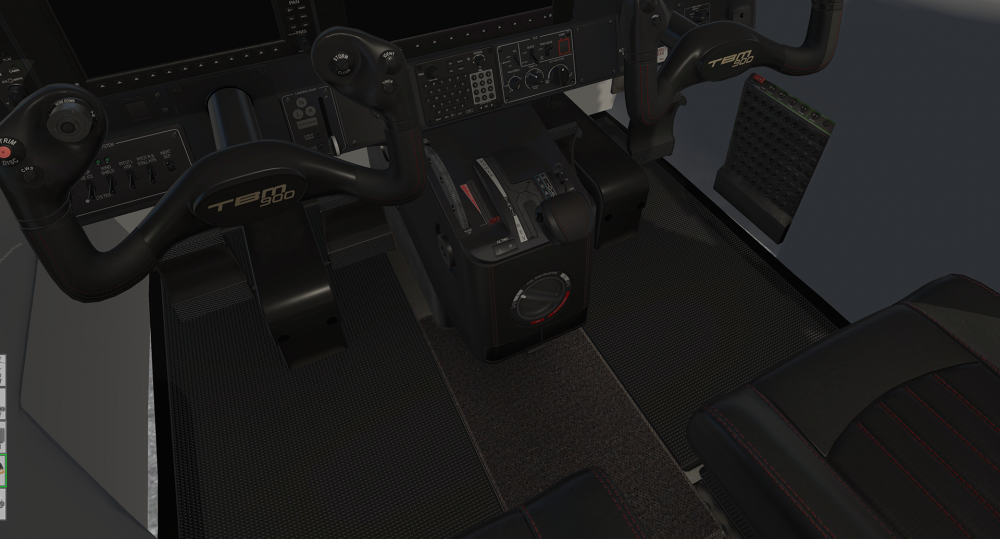
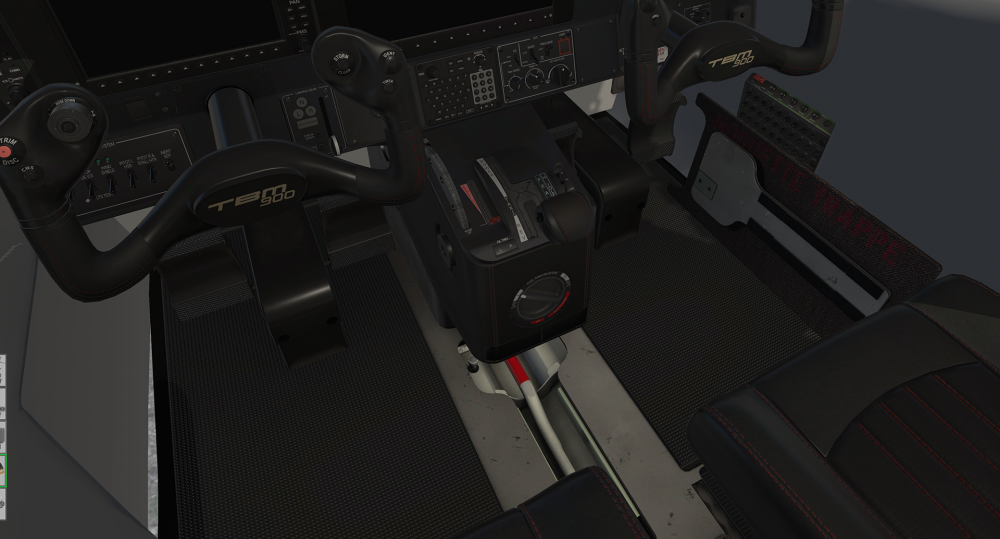
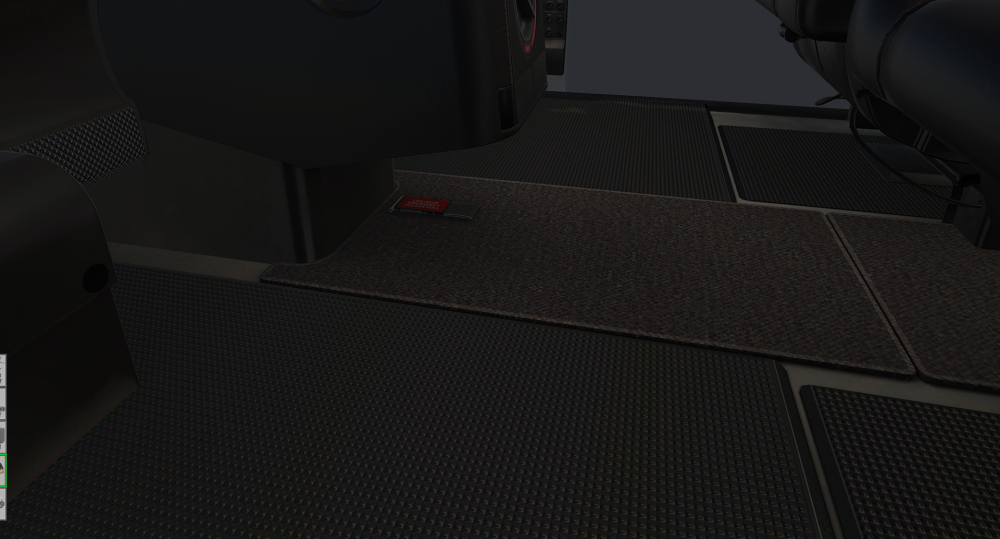
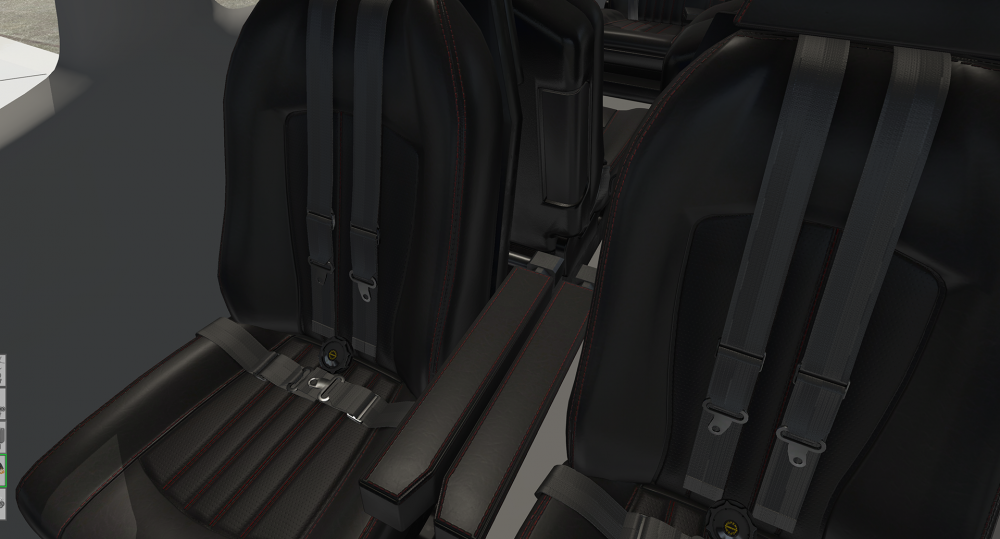
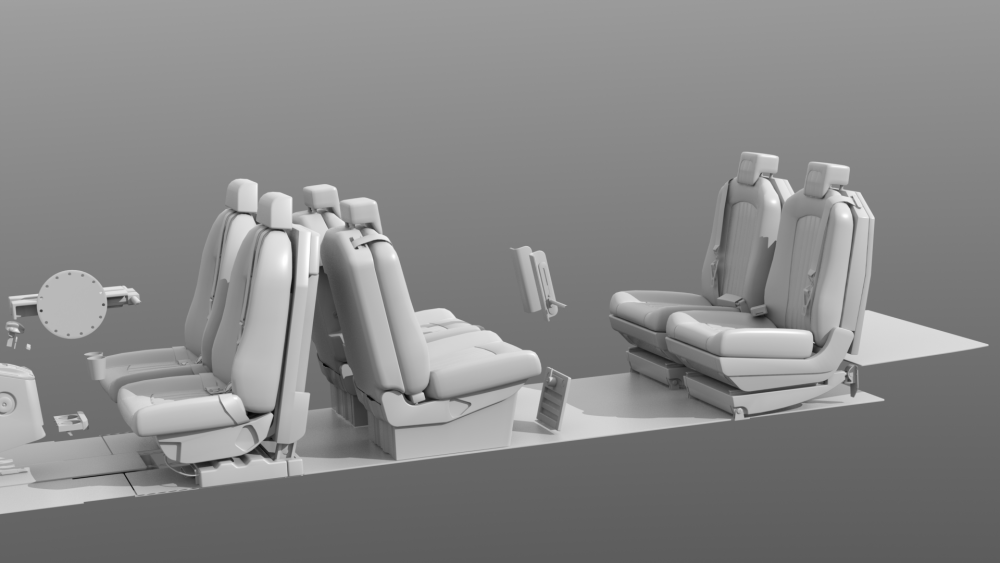
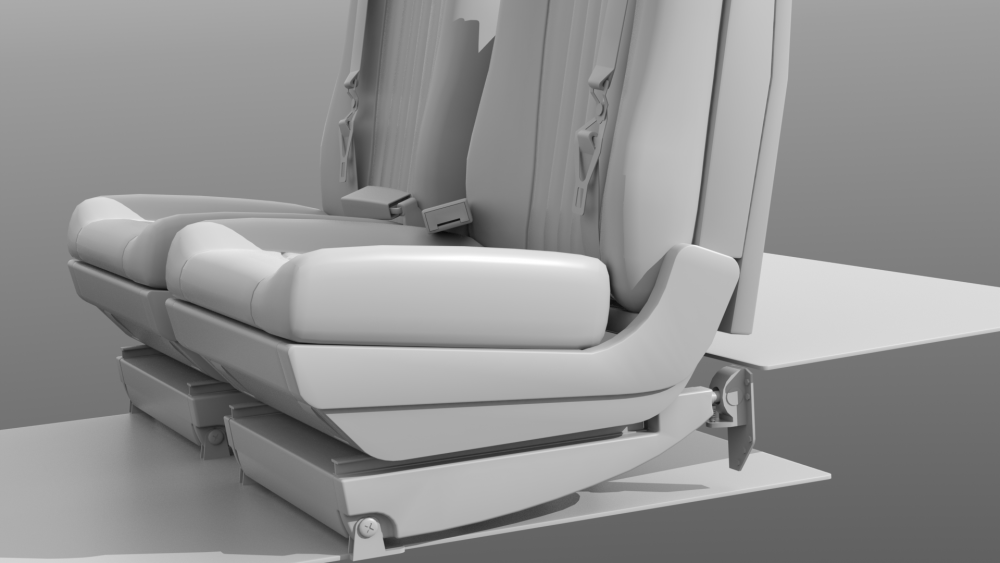
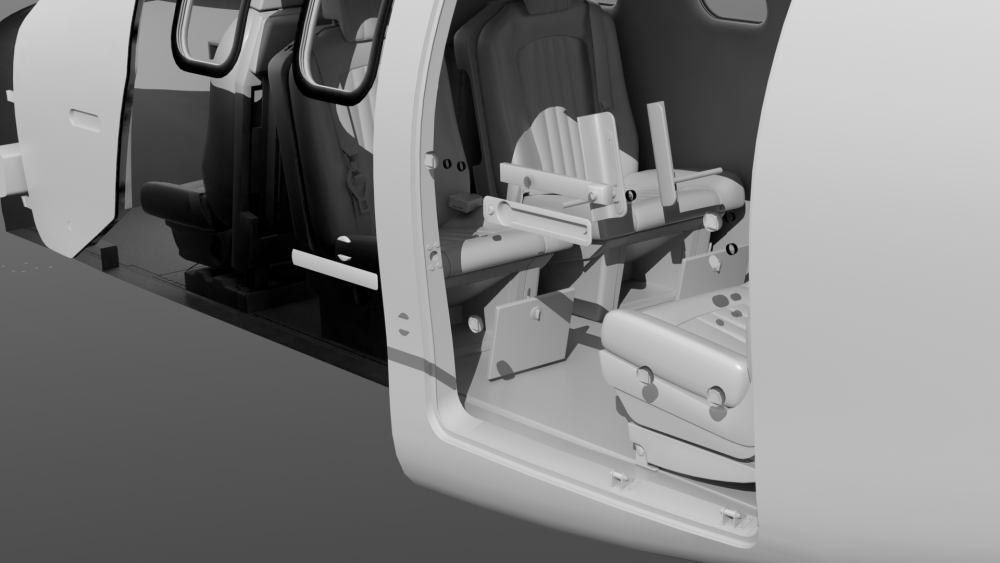
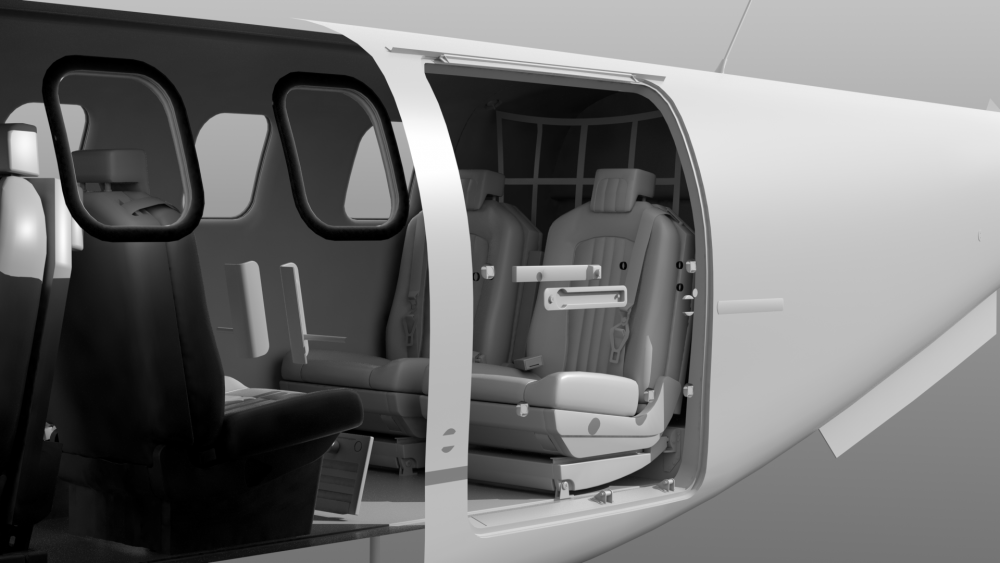
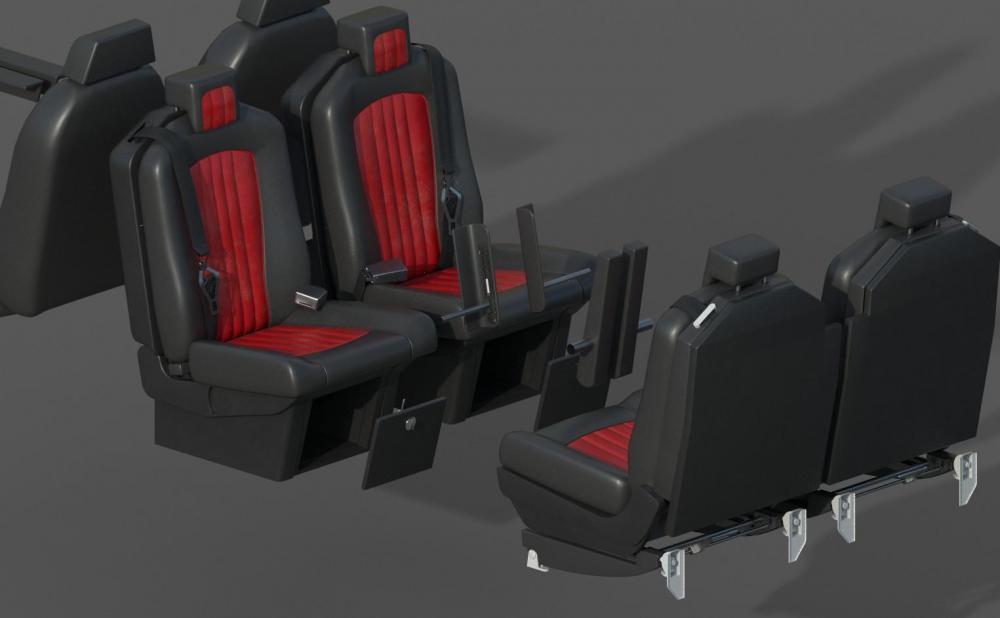
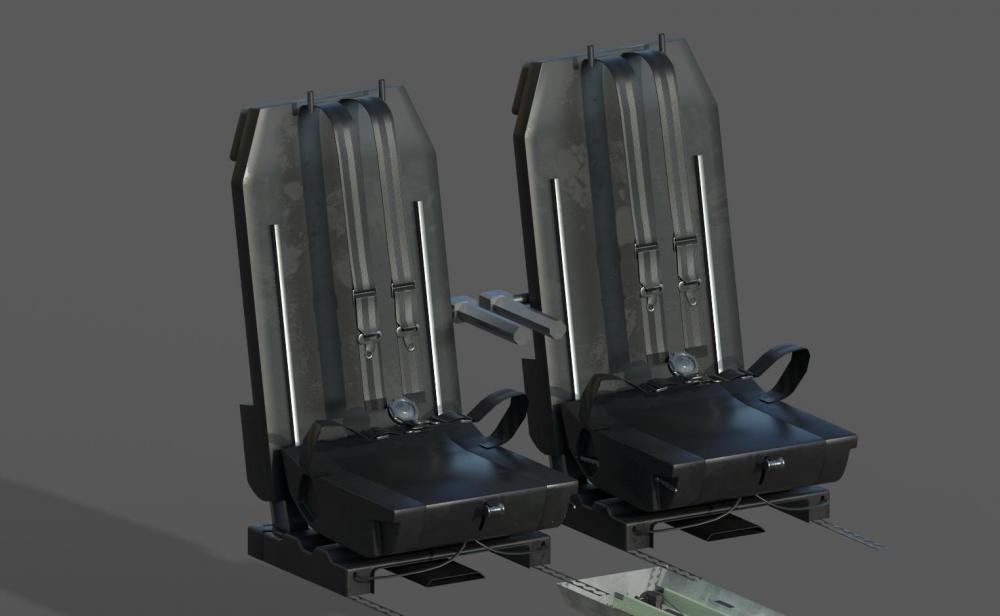
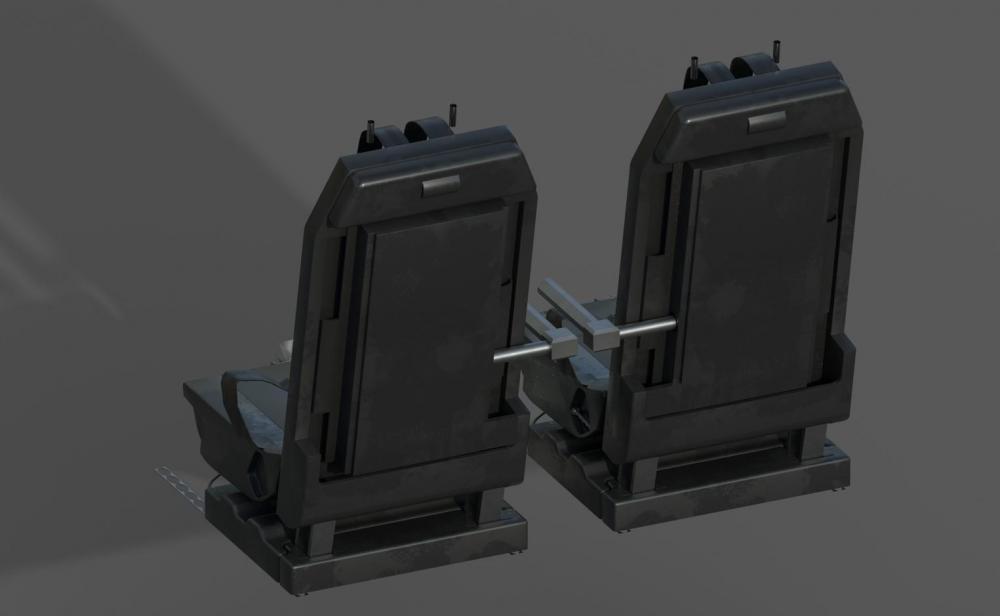
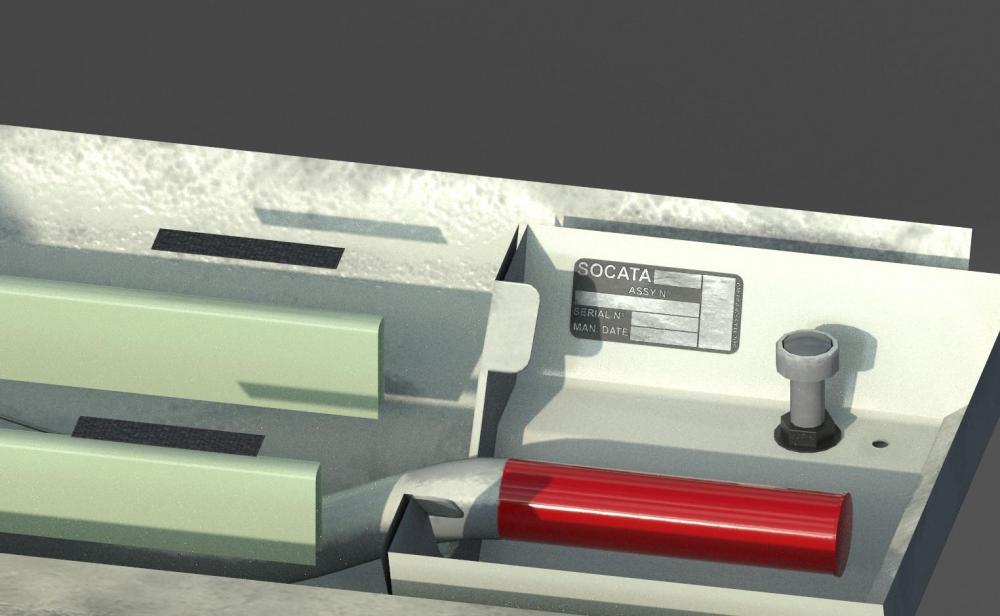
Laying down carpet and rubber mats. Carpeted section in front of the Centre Pedestal hides the panel for the emergency gear extension handle. Clicking on that will move that panel off to the side. And the cockpit seats.
-
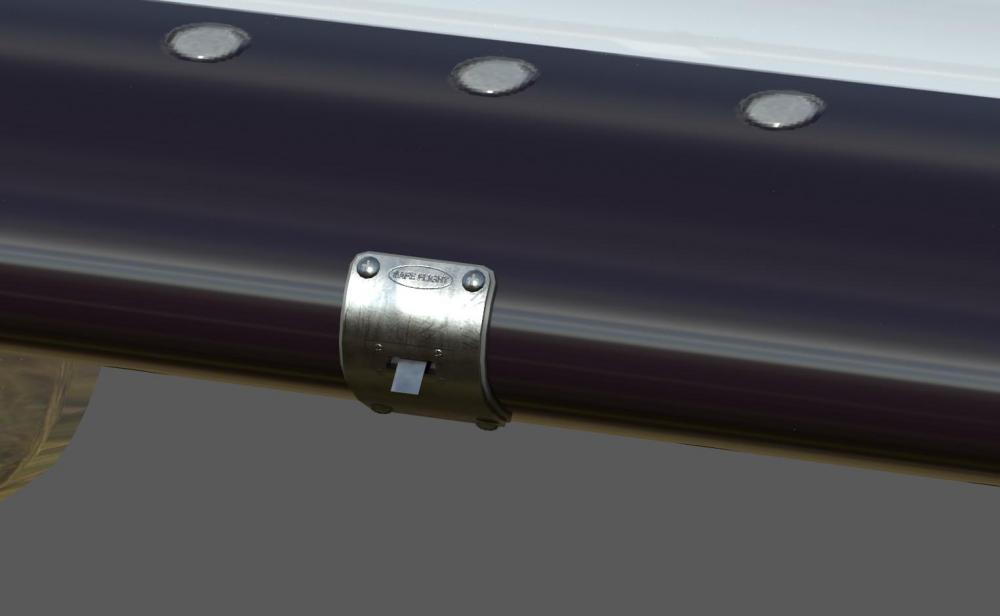
Couple more images

-
Need some more details on this one. Can you give us as many parameters as possible? Weather, Altitude, departure and arrival airports, aircraft weight and load, anything else I may have missed. Also, is this the first time this has happened?
-
I hope your assumption comes true. We really do enjoy this, though. I've wanted to do an aircraft like this (single engine turboprop) for a long time, and totoritko and I really do enjoy what we do. Hopefully the passion comes through in the final product.
-
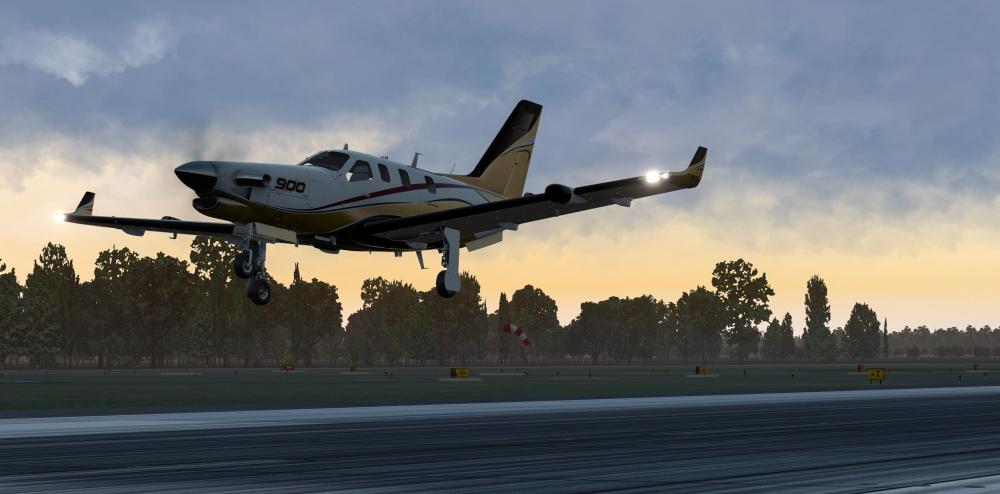
- 1 reply
-
- 4
-
-
- x-plane 11
- tbm 900
- (and 3 more)
-
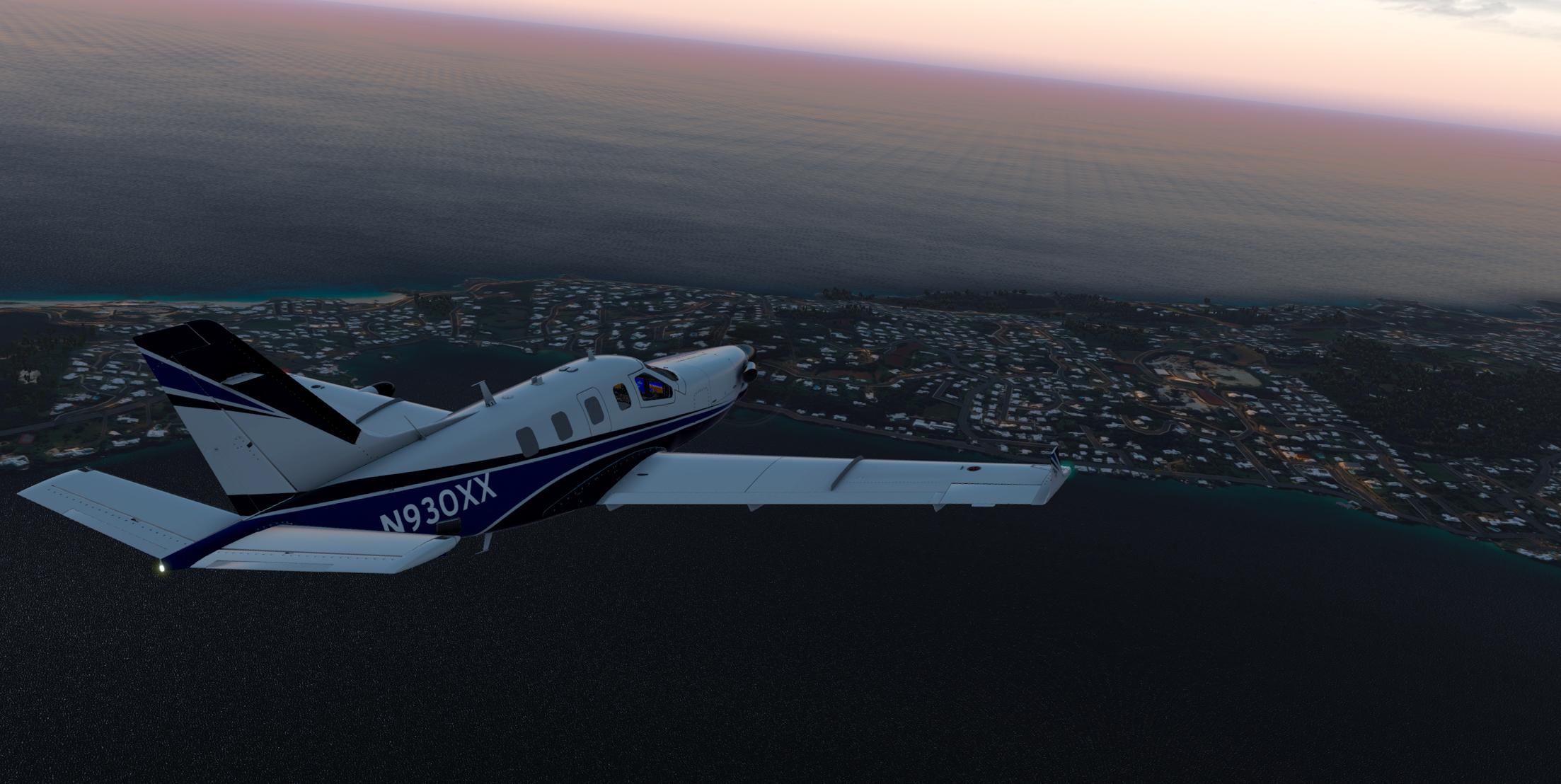
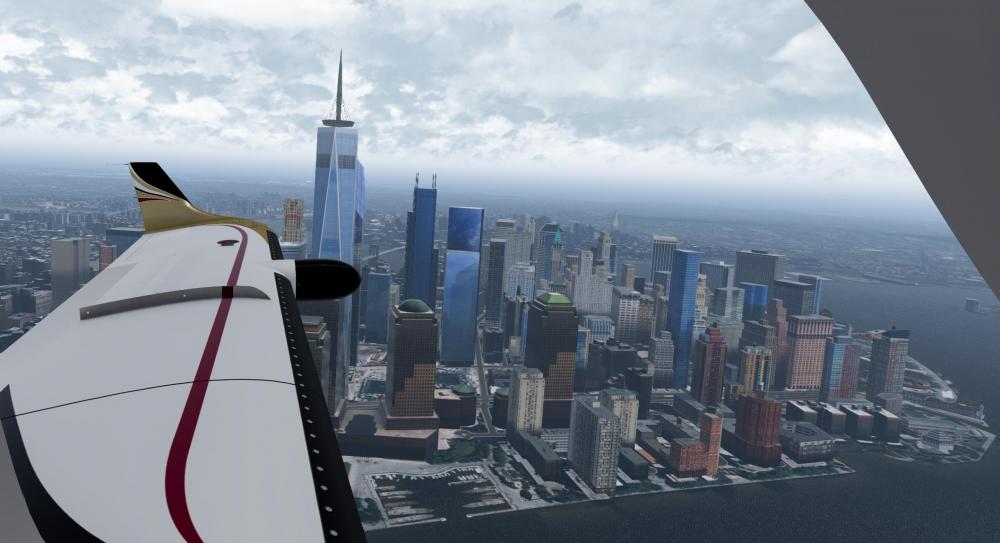
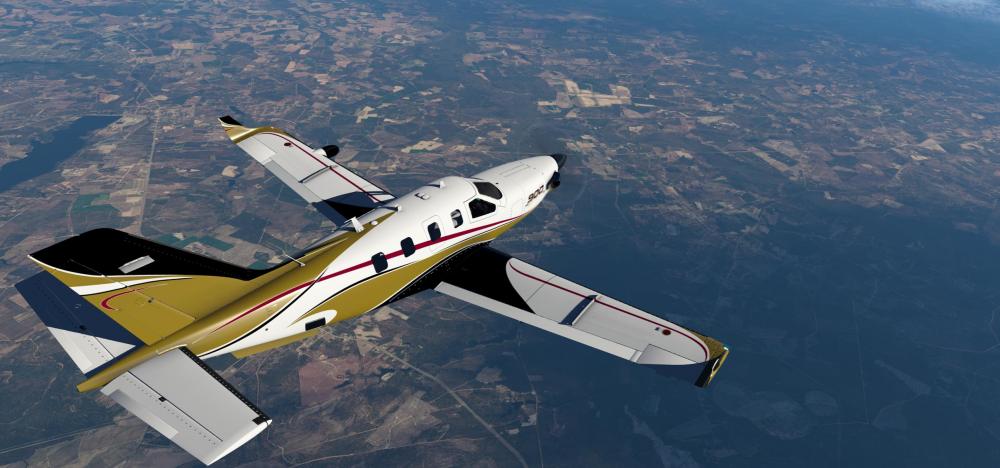
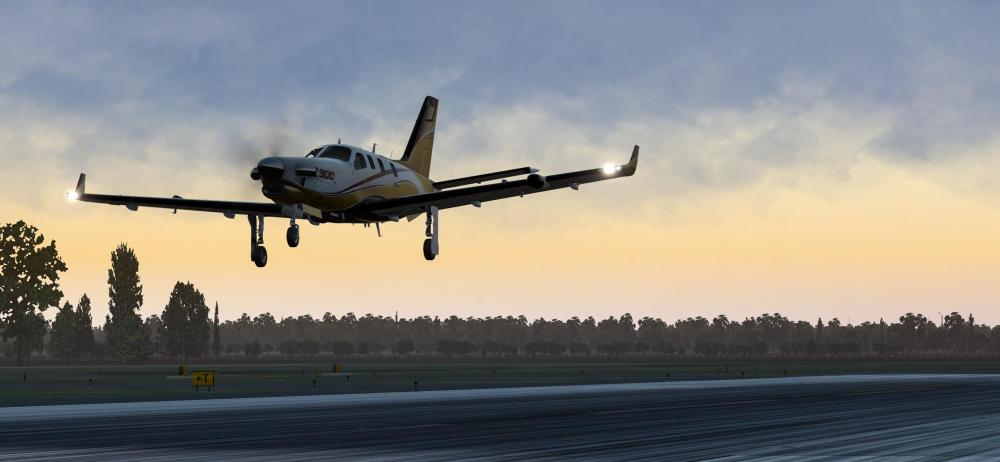
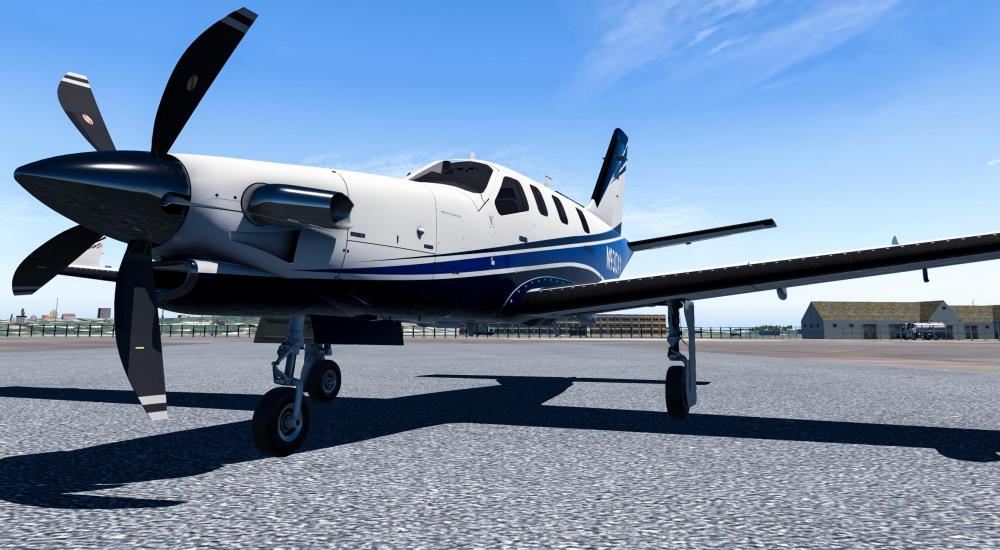
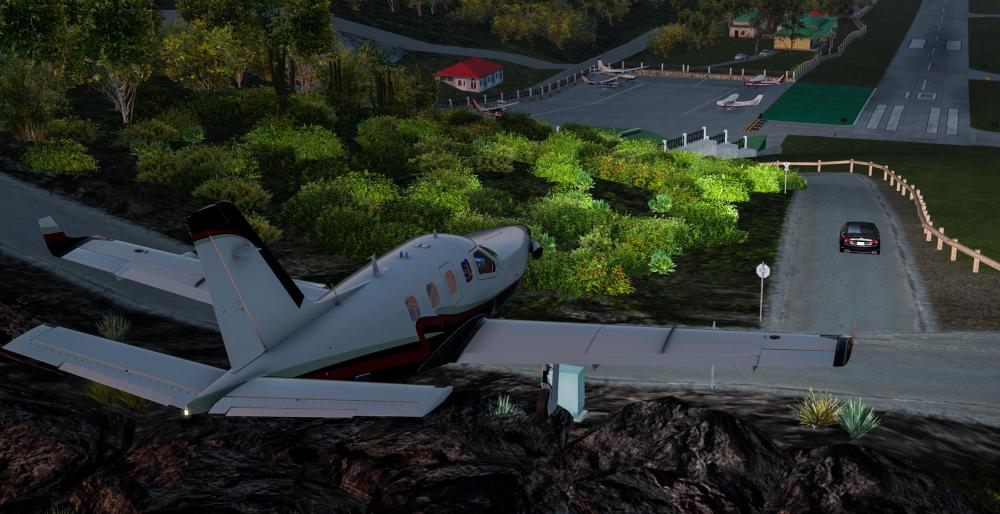
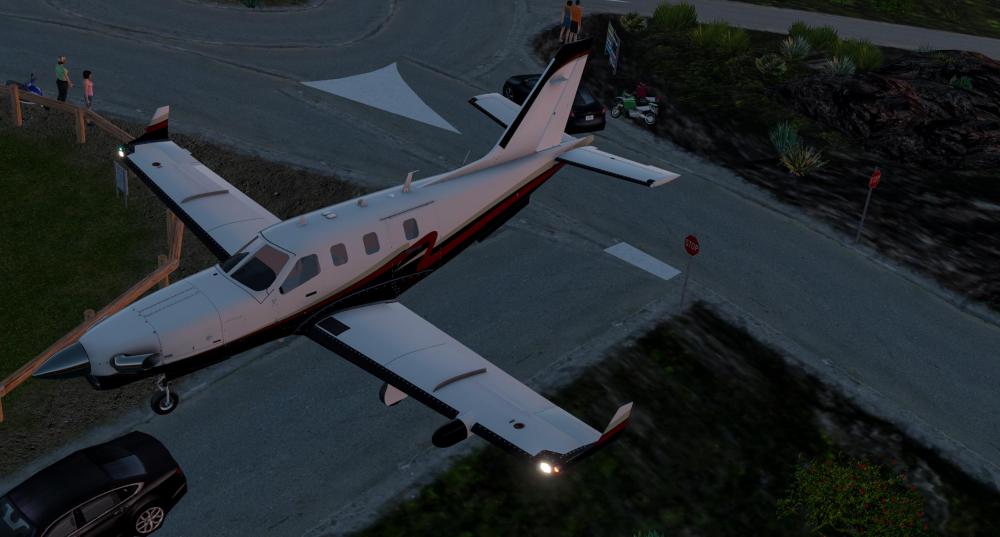
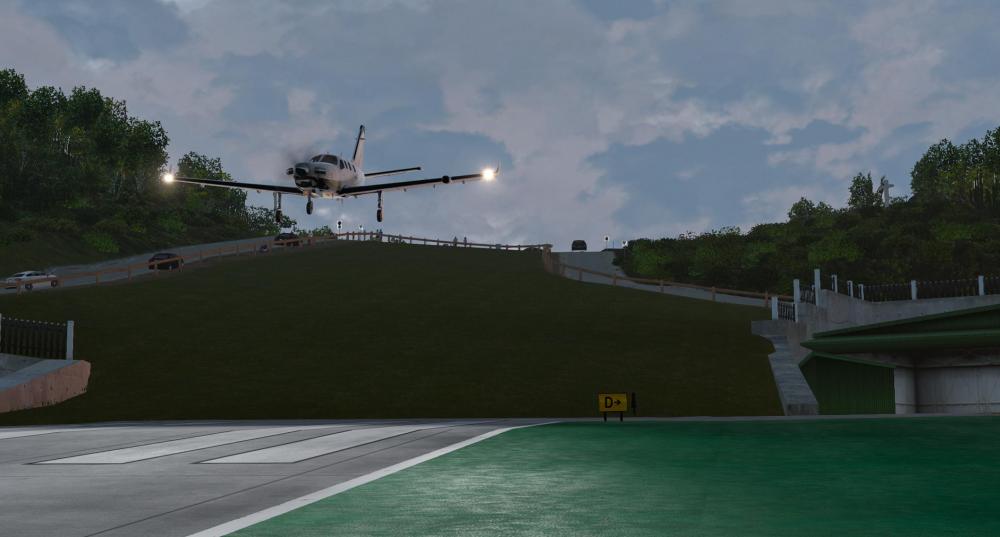
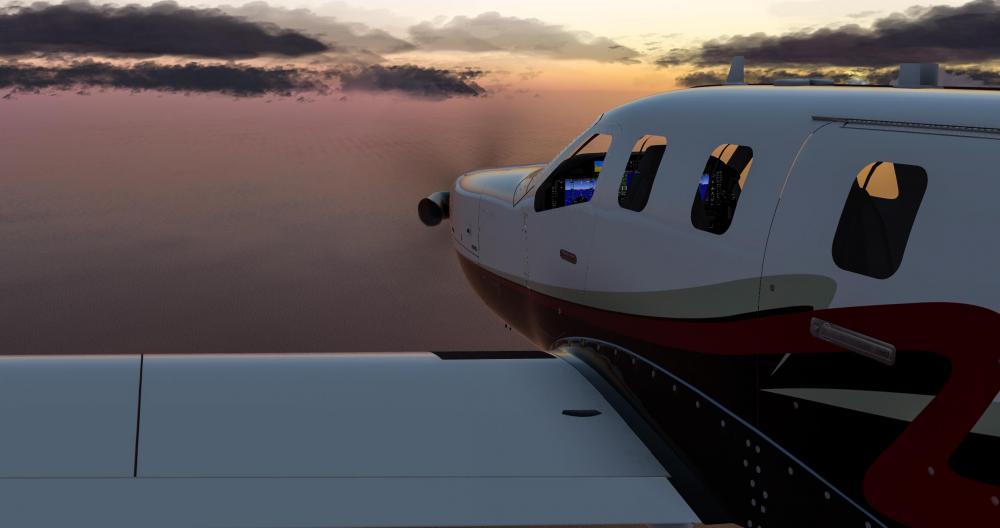
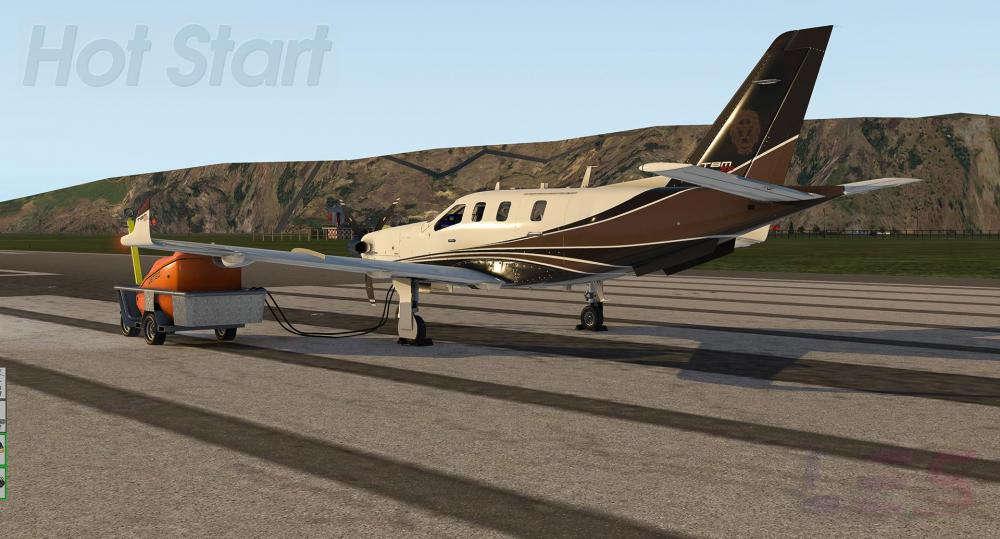
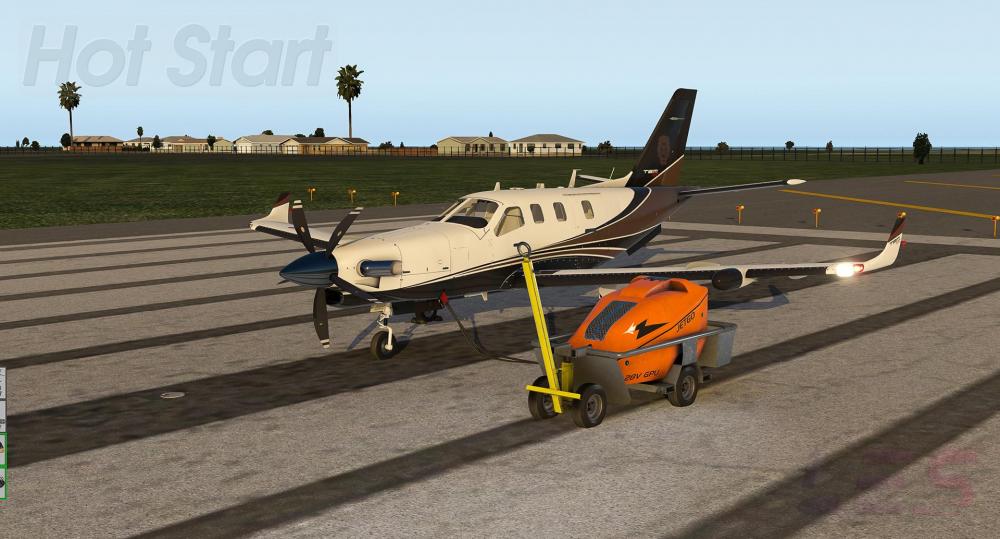
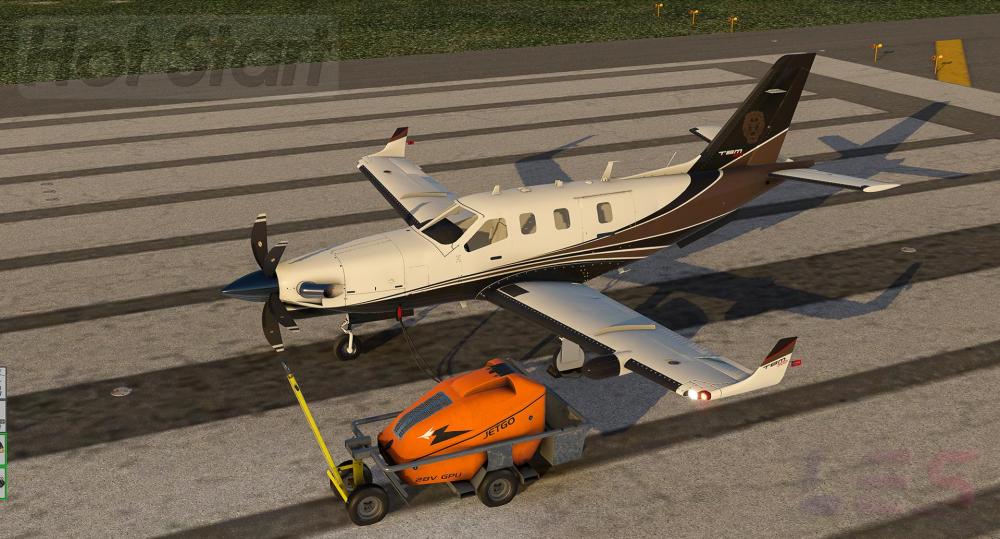
With the exterior of the TBM 900 all but completed, Cullen Chandler (Cessnarox on Twitch) provided feedback and specifications for a user friendly paint kit. He started painting the TBM a couple of days ago. Eventually, the paint kit and these repaints will be made available to the community. Here's a gallery of the first repaint he made. And these are his latest images.
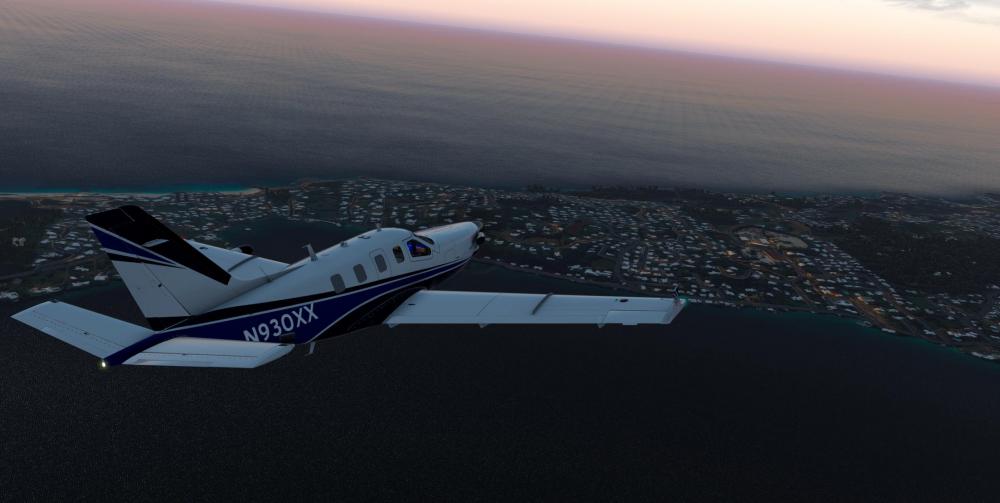
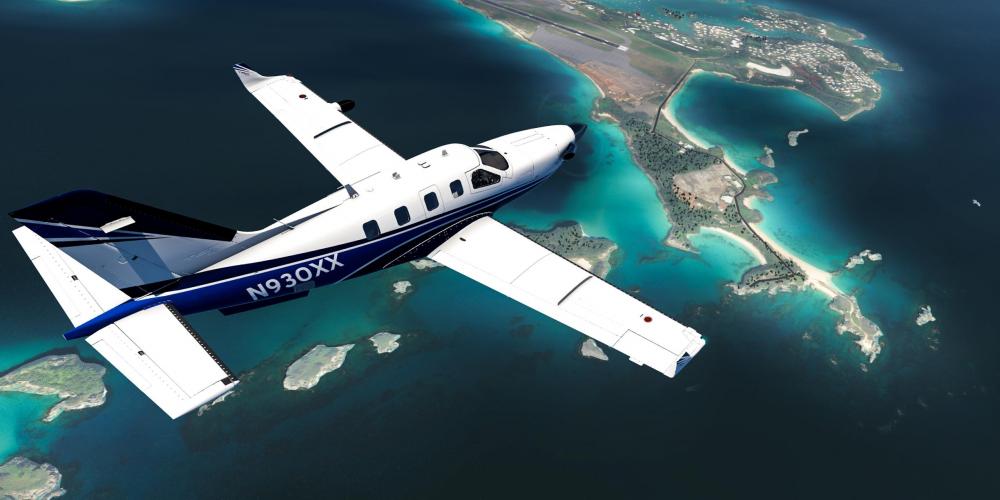
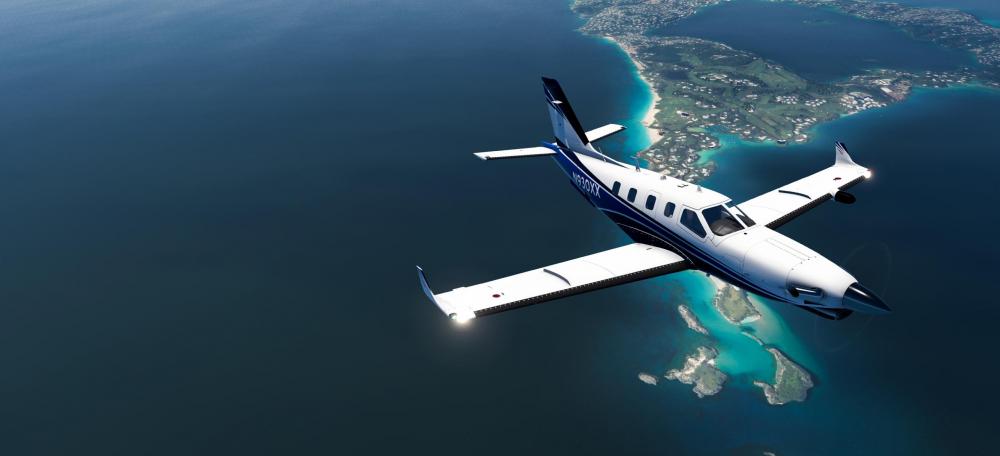
- 1 reply
-
- 5
-
-
- x-plane 11
- tbm 900
- (and 3 more)
-
i'll revisit the flight model some time this week and run some more tests, then come back with something.
-
-

- 2 replies
-
- 2
-
-
- hot start
- leading edge simulations
- (and 2 more)
-
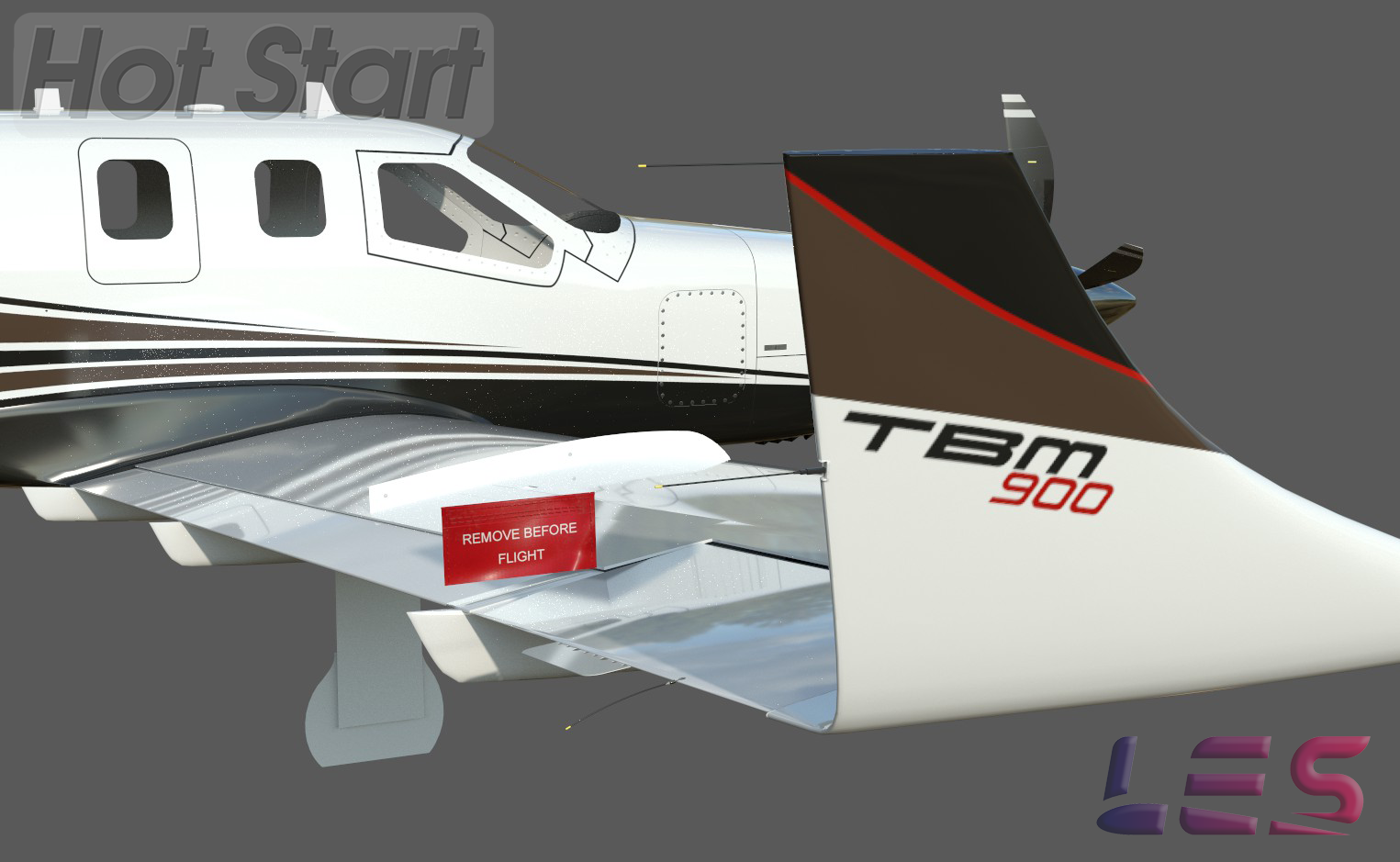
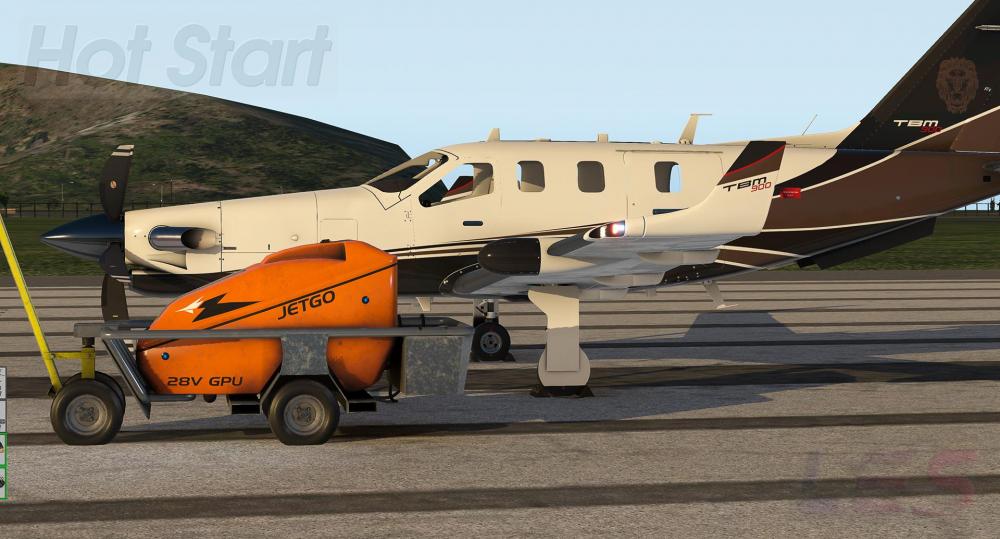
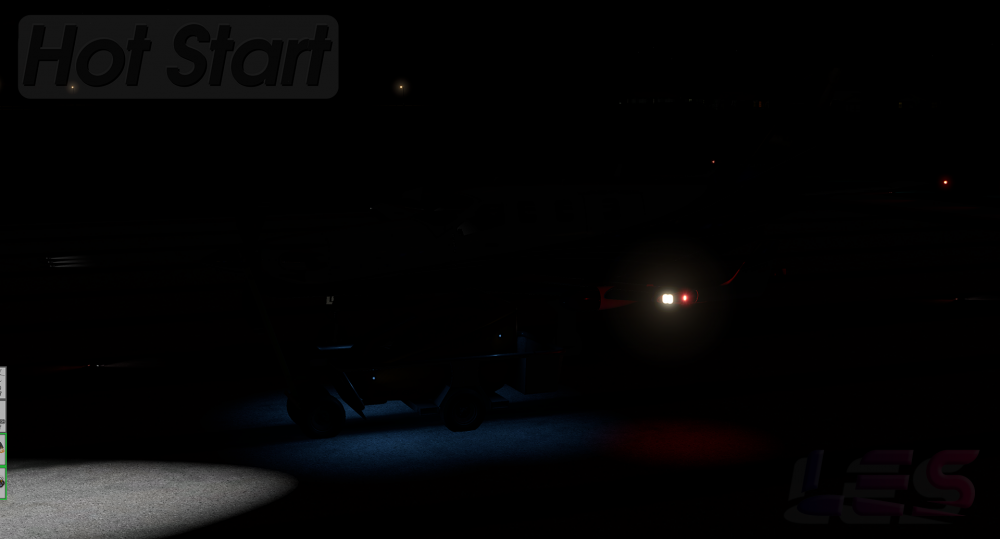
Work on the exterior is close to being finished. Working on exterior lighting, followed by finalizing animation work.

- 2 replies
-
- 1
-
-
- hot start
- leading edge simulations
- (and 2 more)
-
I'll start off by saying I respect your reply, but I want to outline why your suggestion is not a good idea when viewed from our point of view. If a new person comes to X-Plane and wants to buy the Saab, and he sees the pinned post, he/she will immediately think "oh, they have issues with it working with XEnviro. Do they make add ons that DON'T have conflicts??" We will, in effect, be owning the problem, at the very least, partially, between XEnviro and the Saab, when we shouldn't have to. We've gone through this with several people when they say "There is something wrong with the Saab. It keeps crashing." Jim and Ben have gone through every single line of code to find any problems. None were found. The first question we ask is "Are you running XEnviro?", and the answer is "Yes" 9 times out of 10. The problem is not with the Saab. I've worked with Andrey (XEnviro) on this matter, and he initially thought it was the Saab as well. Until he found out what was causing it in XEnviro. MY solution is that Andrey pin a message in HIS forums saying XEnviro will crash due to some problem in XEnviro when run with the Saab, and possibly any other add on. It's an unfortunate and bit of a tricky situation, but we cannot partially own a problem that we really have no part in. If we did that, with the amount of 3rd party plug ins available, we would potentially have pinned messages all up and down our forum. The onus needs to be on the developer of the plug in or add on that is causing the crash.
-
I'm not really sure what the point of this post is. Normally, when speculation is involved, it's common practise to send a private message asking for clarification on what we did and why we did it. Not come into our forums, throwing your weight around with something about having 30 years sound experience, claiming we MIGHT have problems. The Saab has been out for 5 years, and no one has had any issues with sound. You haven't listed your experience. What company/companies you have worked with. Your qualifications. What software you used. Anything that would corroborate your claims of experience. Seeing as you have already made it public, how about itemizing everything you see that WILL cause problems, (not MIGHT), and listing exactly what problems they will cause. Apologies if I seem rather blunt, but I'm not used to people telling me I MIGHT have problems with my product, after 5 years in the community, because of something you might have found. We're very receptive to feedback and criticism, but we need specific, factual details. We can't follow up on "maybe".
-
You are hanging on by a very thin thread. I strongly suggest you adjust your attitude. Even if it is not the answer you are looking for, your question has been answered several times. We will not be making any statements about what software the Saab is or is not compatible with. To expect us to make such statements means we will need copies of every single add on in the community. And to expect something remotely close to this is unreasonable.
-
It has been said many times. You asked the questions, and you were responded to, in a courteous manner, by both Cameron and Ben. That's when you continued to insist that the problem is with the Saab. I don't really know how many different ways you want us to say it. The problem is not in the Saab. There is, literally, nothing to fix. The problem has been acknowledged by Andrey, and he, himself has admitted the problem is not in the Saab, but in XEnviro. You're asking us to fix a problem in the Saab that doesn't exist. I don't care how much you convince yourself there is a problem in the Saab, you are simply...wrong. Lastly, claiming our products don't work as intended is a fast track to nowhere. I'm asking you, respectfully, to not make such remarks.
-
This usually happens when the airspeed is too high. Are you getting close to the barber pole speed?
-
Did you try activating the steering?
-
I checked through the Saab documentation, and there are literally, no flap settings in any of the performance charts. Some charts have ECS ON or OFF and Anti Ice On or Off. I can certainly show you examples, if you would like to see them.
-
It's enough. @jomardi...your question was politely answered by both Ben and Cameron. The Saab exposed a problem with Xenviro, and they are working to fix the problem. The problem, as has been said earlier, also by Andrey at XEnviro, is NOT with the Saab.
-
The update has addressed the Condition Levers, and you can now calibrate them using the X-Plane Prop lever axis.
-
I'll investigate the exhaust further and if it needs some fixing, it'll be fixed.
-
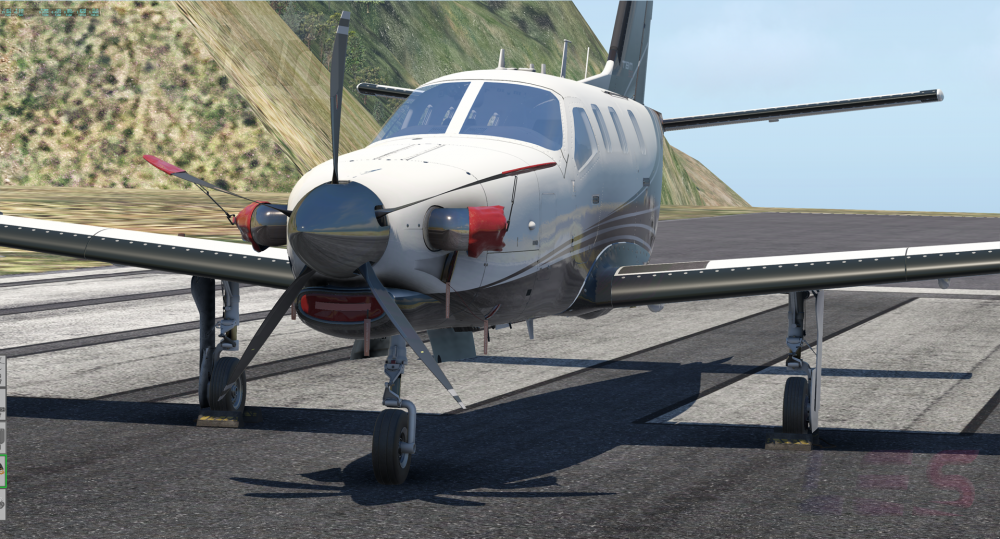
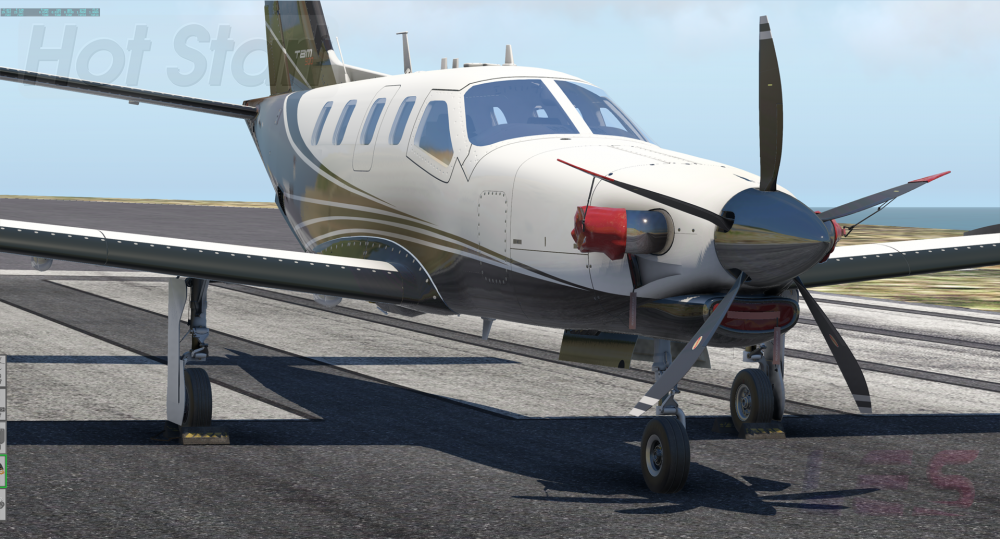
A few more WIP's.



-
I like to post somewhat complete images in the forums. When the exterior is closer to being done, I'll post more in here.