Goran_M
-
Posts
5,658 -
Joined
-
Days Won
235
Content Type
Profiles
Forums
Latest X-Plane & Community News
Events
Downloads
Store
Everything posted by Goran_M
-
We're trying to figure out what's causing this error, but it's not easy when the error reads "SOMETHING reinstalled our exception handler..." Ok, WHAT reinstalled your exception handler? Anyway, one thing I've noticed is it is looking more and more likely to be associated, in some way, to AI traffic, and possibly some scenery and ground traffic. And possibly all that could be coupled with the TBM's TCAS, which could be why it is isolated to the TBM. Personally, I've never had an exception handler error, but then again, I don't have many plugins installed. Saso is trying to find out what is causing it and if he finds the problem, it'll be included in the next update, but in the meantime, the only thing we can recommend is removing all plugins (except Gizmo) and reloading the sim and testing. Then add the plugins back, 1 at a time, reloading each time, to see when the error happens again. That'll help us narrow it down. In your case, I would try removing the XJET plugin first and foremost. Don't uninstall. Just move it to your desktop and try the TBM again. Let us know how you go.
-
If you're having problems with engine fires on load up, reload the sim as normal and slew the aircraft to a different location on the ground. Now, create a new airframe. X-Planes ground can have a bit of a damaging effect on the aircraft in some areas when loading it up.
-
This might be something for the Livetraffic guys to take a look at.
-
Can you try the same thing with LiveTraffic removed and post back?
-

License updated and unexpected gears destruction after landing
Goran_M replied to Erich convair's topic in TBM 900
Too hard to tell what happened without knowing the exact steps and exact plugins/add ons you have installed. Could be anything, really. Just do a repair or replace in the maintenance manager and send us the bill? -
If that's the case, then I totally misunderstood the question.
-
If your maintenance manager shows all green, then it's likely user error. There IS a bug in the standby generator, which has the symptoms you're describing, but you did mention it's your main gen. So this one is a bit of a mystery. Wait for Saso to respond, and we'll take it from there.
-
Completely remove them. Disabling them still loads them. Also, if it was working yesterday, unless something has changed in your installation between yesterday and today, then it definitely sounds like a maintenance issue/random failure brought on by wear and tear. (Sorry for the delays in replying. Trying to manage support and helping my daughter with her homework.)
-
Ok, last resort. Remove all plugins, except Gizmo, and reload. There is definitely something happening on your end, whether it's user error or a rogue script or plugin. Saso is afk at the moment, but in cases like this, the best course of action is to check a bare installation of the add on without plugins installed. Then add the plugins 1 at a time until the problem returns.
-
You have FlywithLUA installed. Check any scripts that may be interfering with the generators.
-
I've also sent Saso a PM about this, so he'll jump in here shortly to see what's going on. But still post the log file. It tells us almost everything.
-
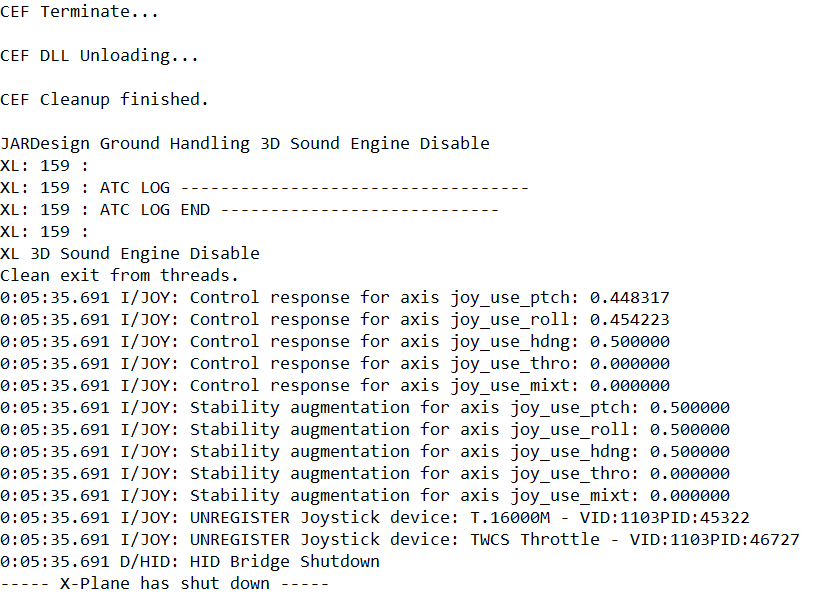
Log.txt found in the root X-Plane folder. But only post it after running the TBM. It overwrites each time you load X-Plane or another aircraft.
-
Post your log file and I'll take a look what's going on.
-
Try 2 more things. Check circuit breakers, make sure they're all in. Failing that, try deleting the contents of your state folder (X-Plane 11/Output/state) and then reload and try again.
-
Did you try resetting it?
-
You need to be in MAP mode, then you rotate the FMS knob until you reach the weather radar screen.
-
You don't aim for a climb rate, you aim for a speed. Final climb speed is typically 160 - 180 KIAS until reaching, say M.400, after which you push SPD on the autopilot panel to switch the system into constant-Mach climb and just maintain M.400 until reaching your cruise altitude. (Yeah, what @Jakob Ludwig said. )
-
Can you post a screenshot of your weather radar with visible cloud? It does work, so I'm guessing you're just missing something somewhere.
-
Known issue that was discovered about a week ago. From memory, it only happens when the crash bar is up, but the battery is off. Will be fixed in the next update.
-
Please check all your calibrations and assignments. If this does not work, try a reinstall. I just tested, and it's working fine.
-
You'll need to make an exception to the Gizmo folder in X-Plane as well.