Cameron
-
Posts
10,098 -
Joined
-
Days Won
484
Content Type
Profiles
Forums
Latest X-Plane & Community News
Events
Downloads
Store
Everything posted by Cameron
-
Announcing Douglas DC-3 v2 - Previews!
Cameron replied to Cameron's topic in Douglas DC-3 v2 - Released!
Well, we look forward to you finally giving ours a try and seeing you in the virtual skies! -
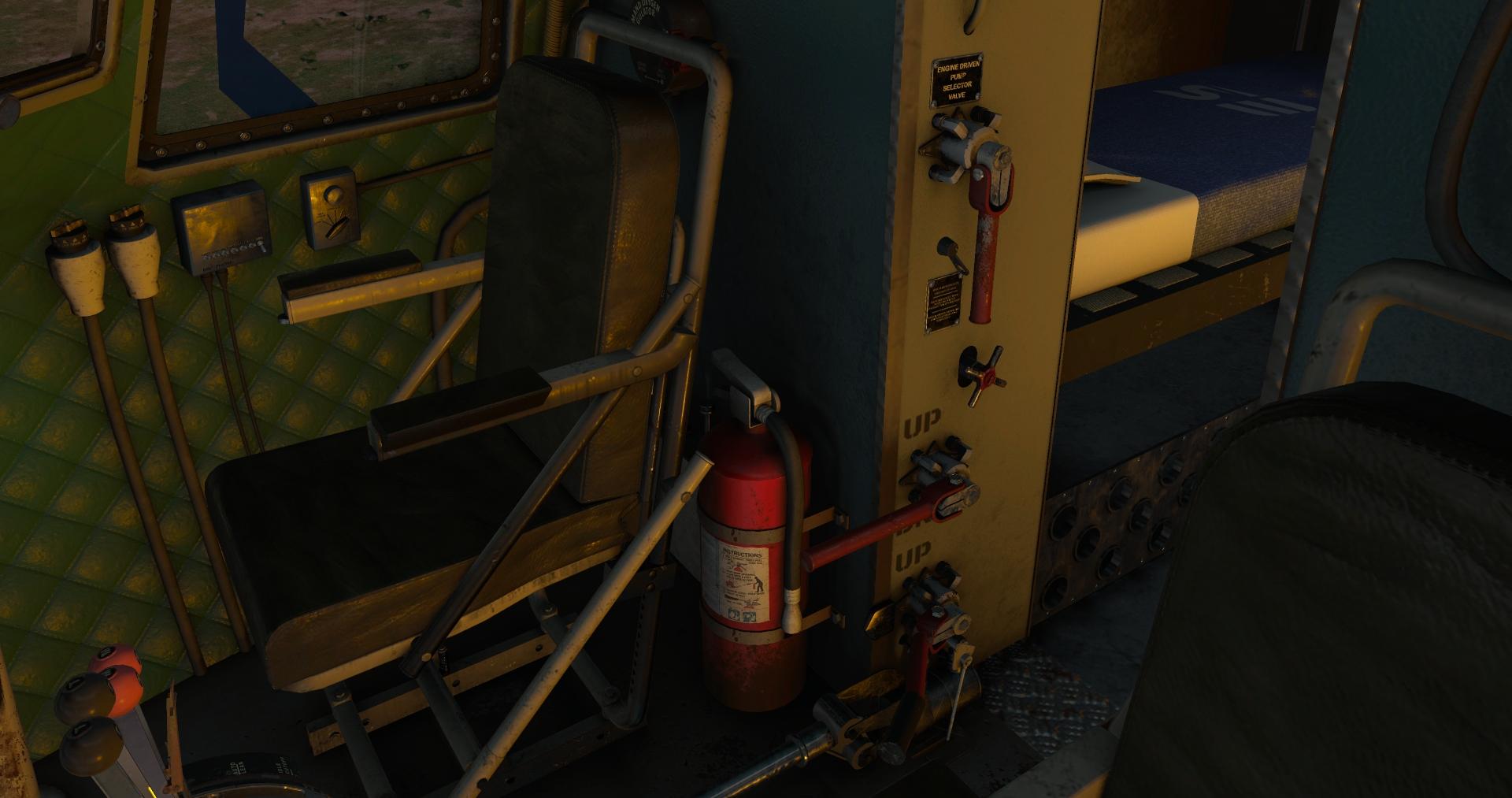
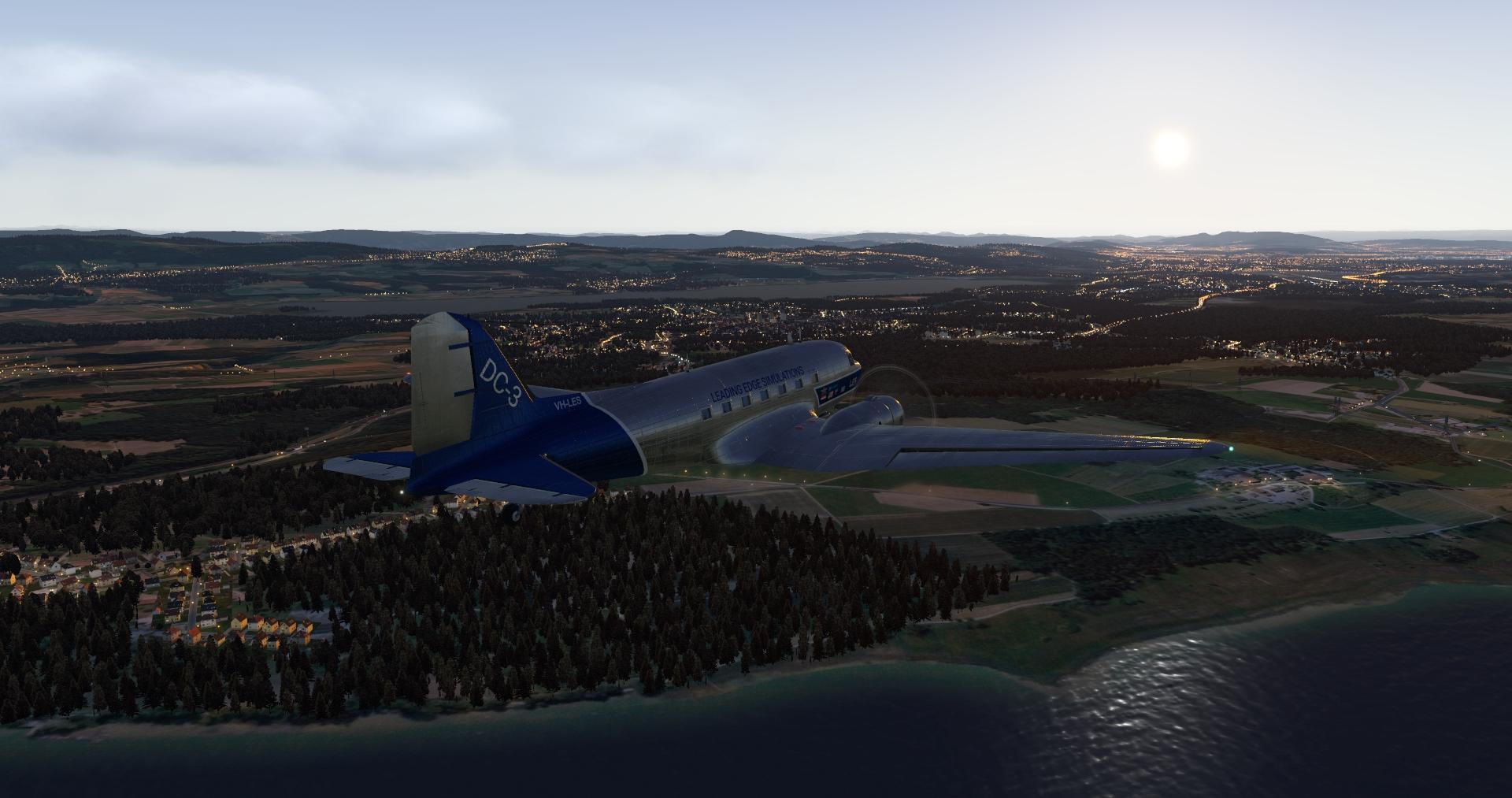
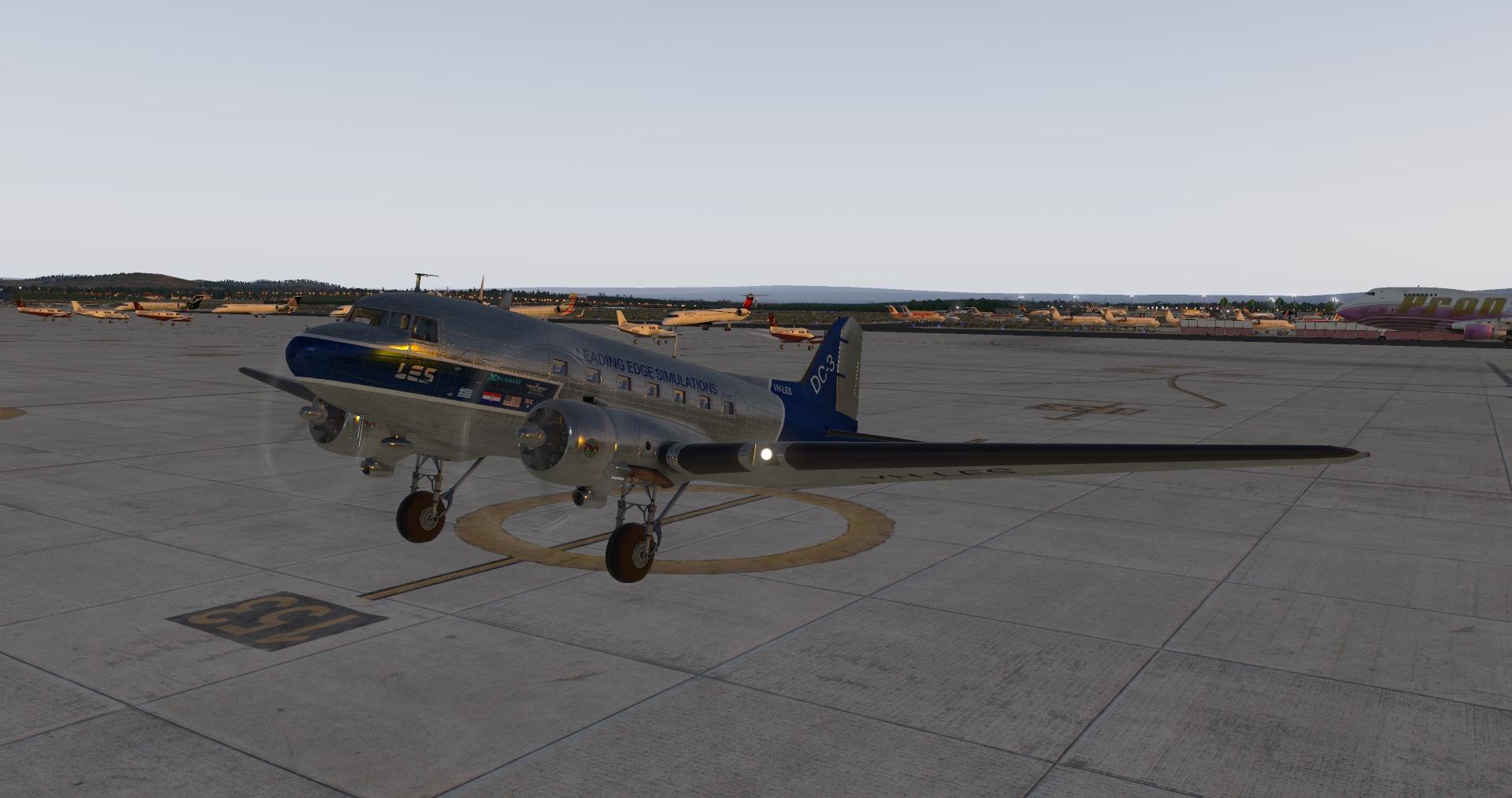
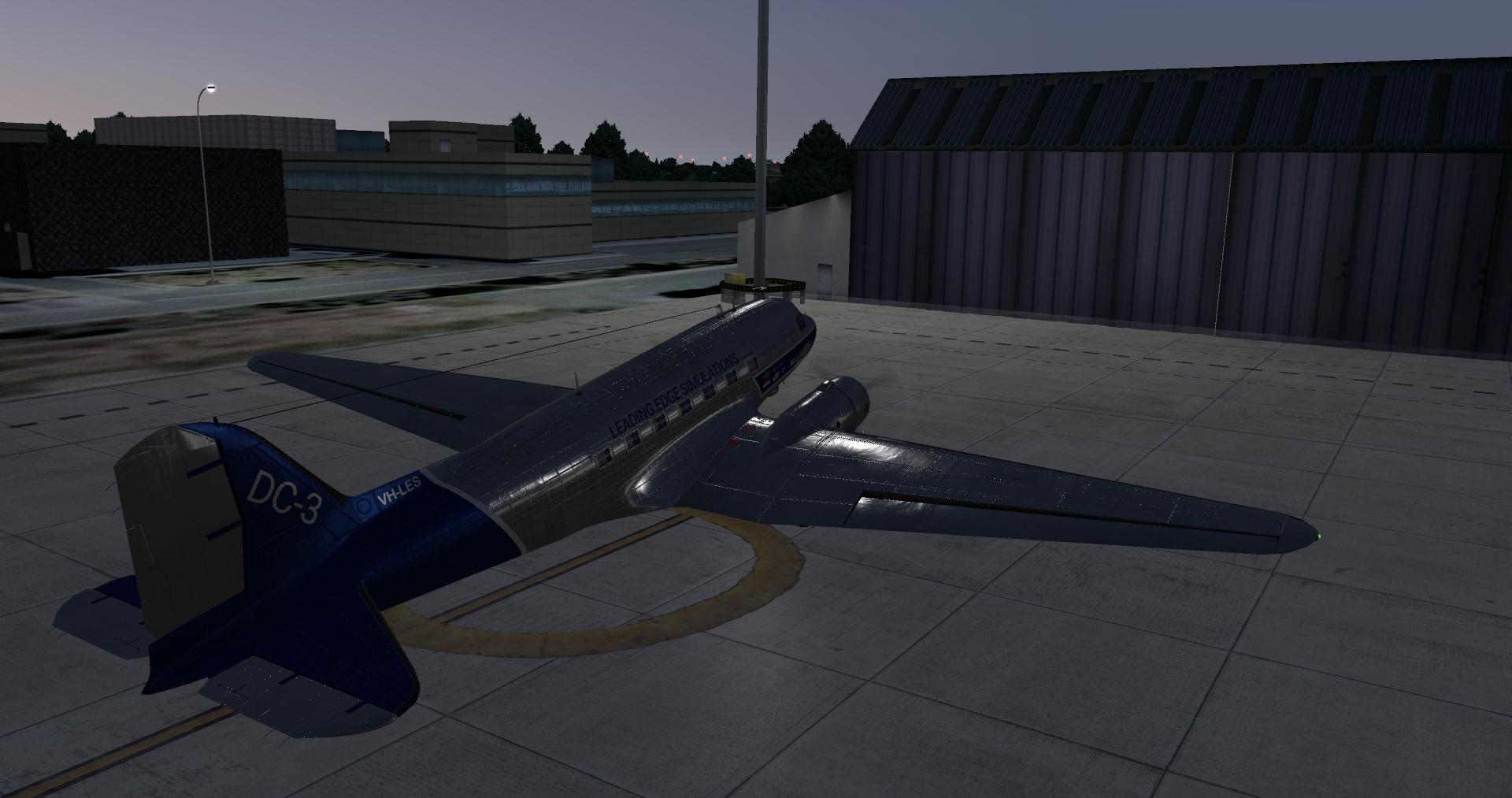
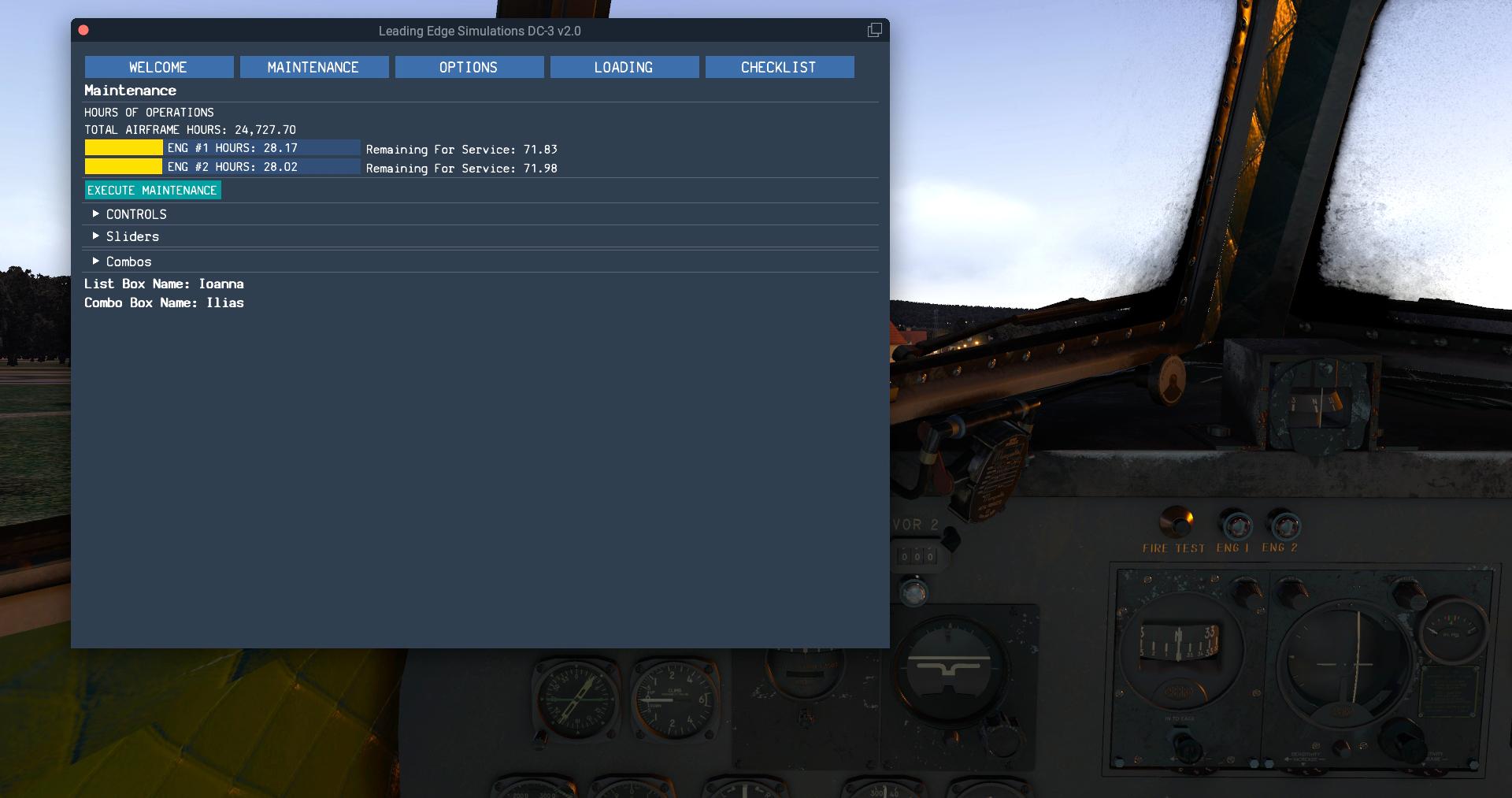
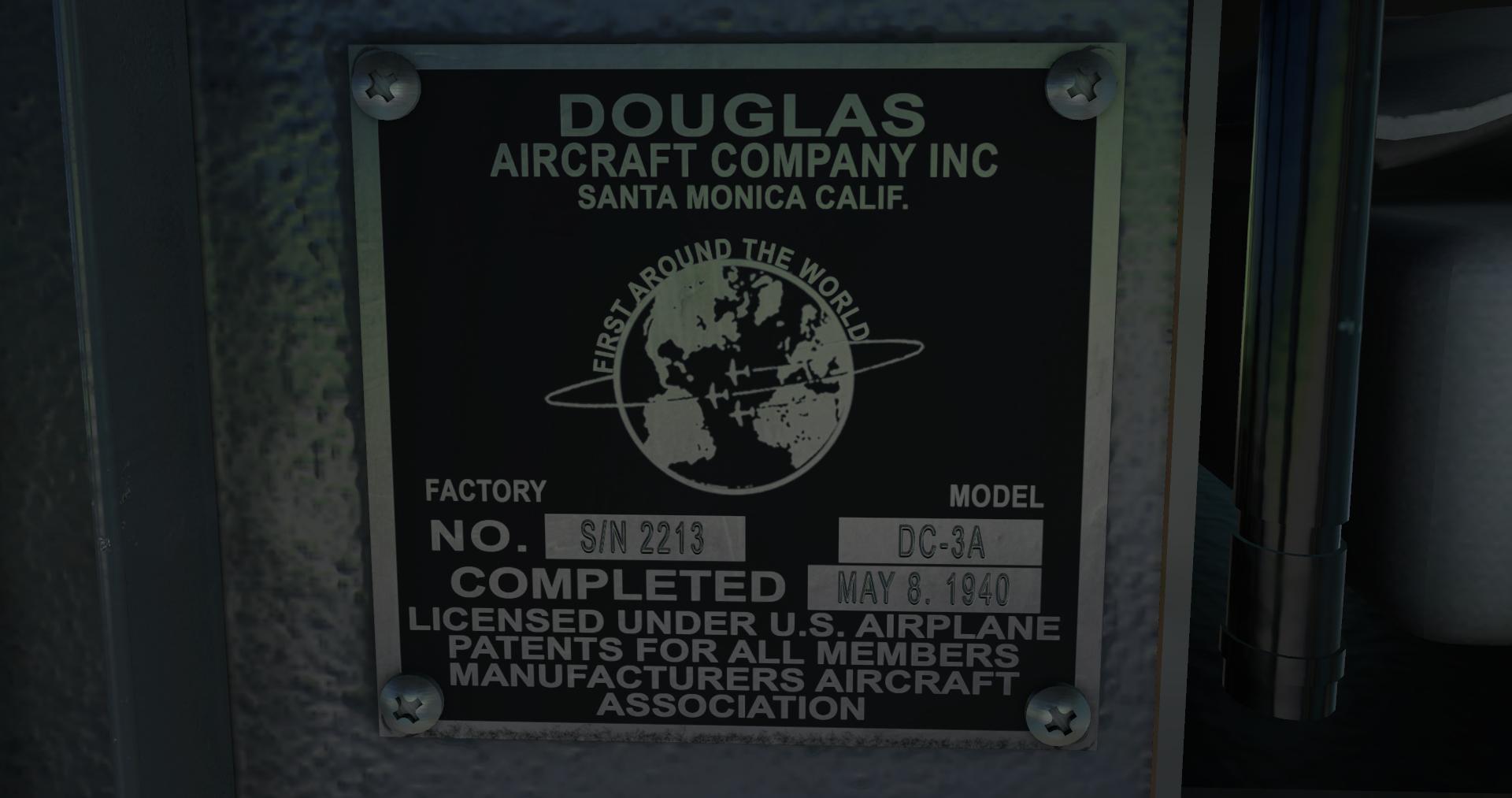
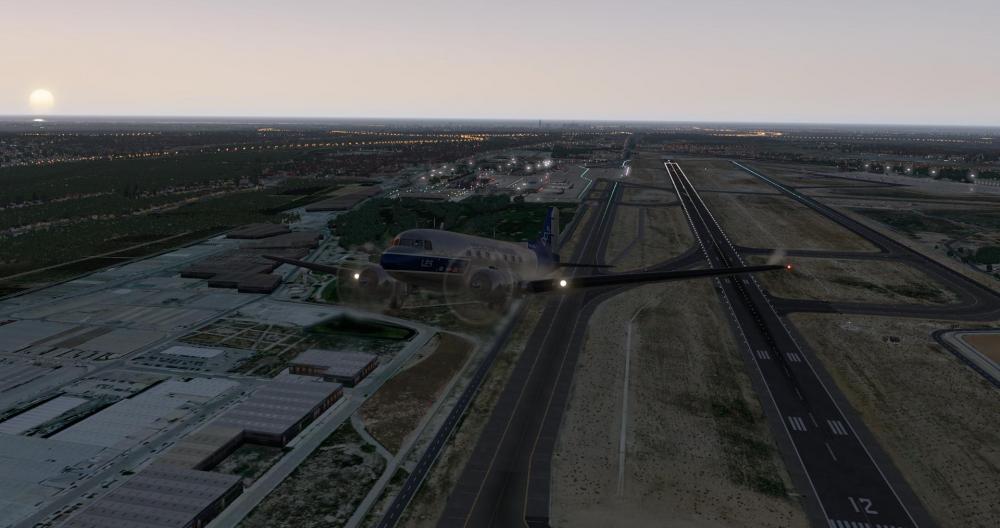
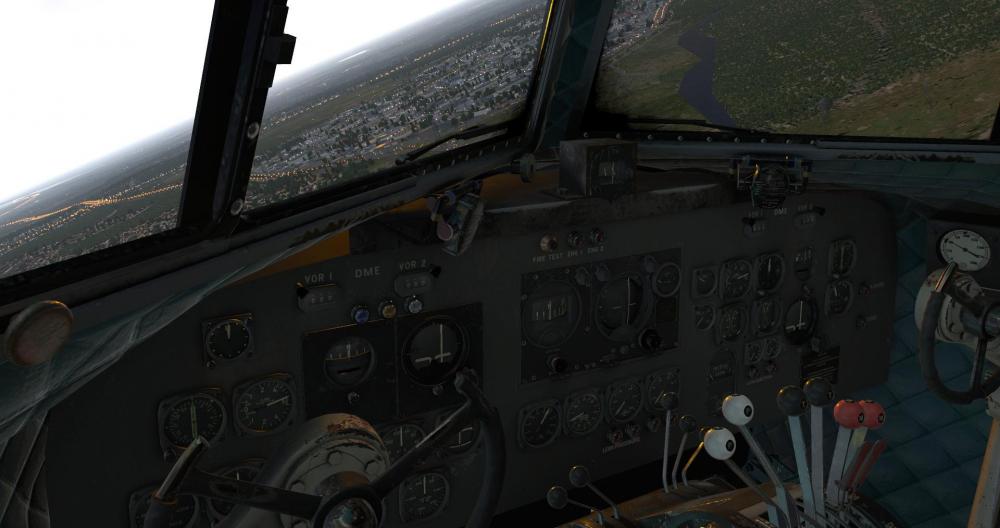
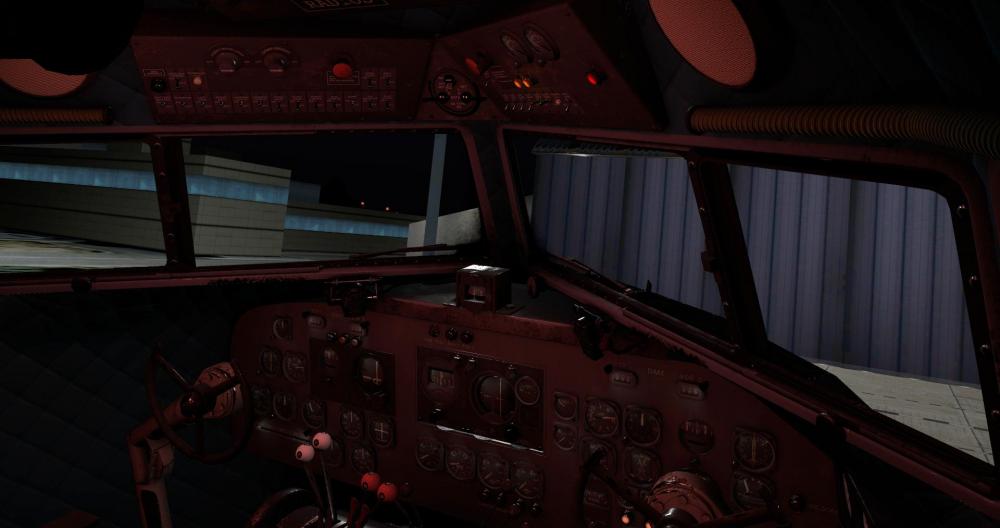
Captains, We are pleased to announce the Douglas DC-3 v2 is near release! This has been in development for the better part of a year and a half, and it will be a significant upgrade to the current DC-3 that LES has had on the market since 2012. In comparison, it will be multitudes more realistic in systems simulation that you have come to expect from Leading Edge Simulations, and further, the 3D modeling and texturing has huge upgrades as well. For those of you that have purchased v1, we will be extending a special upgrade discount to you and will announce the details of this soon. Now, let's go over the feature list and then some screenshots! The following is what you can expect out of v2. 1. FLIGHT MODEL a. Accurate flight characteristics. b. Accurate engines performance. c. Accurate weight and balance model. 2. SYSTEMS Complete simulation of all aircraft systems including: a. Electric. b. Hydraulic. c. Pneumatic. d. Custom Sperry A-3A Automatic Pilot simulation. e. Custom fuel mixture logic for Auto-Lean and Auto-Rich functions. f. Custom lighting. 3. GRAPHICS a. Accurate reprecentation of the DC-3 aircraft. b. Full use of PBR materials with extreme weathering effects. 4. SOUNDS a. Complete FMOD sound package by AudioBirdXP 5. EFFECTS a. Full custom effect package including: i. Engine exhaust smoke and heat blur. ii. Props vapor condensation depending on ambient humidity. 6. UI (User Interace) Modern X-Plane 11 type User Interface for: a. Maintenance: Keeping track of aircraft and engines operating hours and execute maintenance as required. b. Options: Hardware options for differential braking and/or throttling during taxi, external power connection, and more. c. Aircraft Loading: Adjust number of passengers per compartment, cargo weight per loading area, fuel loading per tank, with repspective CG diagram. b. Checklist: Complete checklist for all flight phases. And of course, screenshots! We plan to have consistent preview updates with loads of information leading up to release from here on out...and we'll soon have this in your hangars too!







- 43 replies
-
- 14
-

-

-
Yes, it's previously been reported here:
-
@sundog will need to chime in on that one. My hunch is that while the shaders may exploit what's happening, this will probably still come down to Laminar. After all, this works as intended in OpenGL.
-
SkyMaxx Pro v4.9.1 Brings Vulkan Support
Cameron commented on Cameron's X-Plane flight sim news in Plugins
This is a news article, not a support thread. If you want your issue seen you will need to post it here: http://forums.x-pilot.com/forums/forum/165-skymaxx-pro/ -
For starters, why would you ever do that? It's not like vivid sky or cloud art are compatible with SkyMaxx. Instead, SkyMaxx totally disables the default cloud environment, so I don't understand why you're even trying to do what you are. The bottom line is SkyMaxx is a plugin. It renders and draws by telling X-Plane what to do. X-Plane obviously has a rendering artifact bug using HDR that SkyMaxx Pro is exploiting on your system. Laminar will want to know about this, and your system.
-
IXEG and Skymaxx Pro 4.9.2 don't play well together - CTD always!
Cameron replied to Georg L's topic in Bug Reports
SkyMaxx does not utilize Lua, so what you're stating isn't really the case. Anything you have that uses SASL, FlyWithLua, etc is also included in that 2GB pool. But, that's only in regards to LUA, which doesn't mean X-Plane itself is limited to 2GB for the entire sim. That said, I suppose if your LUA allotment really is being eaten up, then you could potentially hit a CTD. Fore instance, quick glance shows you do have SASL in the pool: [FIELDNOISE_WELCOMETOPRIPYAT INFO]: Starting X-Plane SASL plugin v3.1.2+d19f937 [FIELDNOISE_WELCOMETOPRIPYAT INFO]: FieldNoise_WelcomeToPripyat | Global | StartFull Loaded: Custom Scenery/Skyline Simulations KLGB Long Beach/plugins/SASLFree/64/win.xpl (1-sim.com FieldNoise_WelcomeToPripyat #4). Have you tried with a fresh demo install of X-Plane and Gizmo64/IXEG only installed for good measure? -
I would not expect it to happen with cloud sets. Those are simply default cloud engine texture replacements. SkyMaxx is FAR from a cloud set texture replacement. Comparing them is like apples to peanuts.
-
Please know that X-Plane.org has NOTHING to do with Laminar. Bug reports should always be filed here: https://dev.x-plane.com/support/bugreport.html
-
I'm guessing this is with Vulkan or Metal? You really should report this to Laminar.
-
Again, this comes down to a misunderstanding on your part on how the backend things of this all works. It's not always as simple as a preference. There is a lot of background caching going on, and things get loaded into memory. SkyMaxx Pro has now been on the market for a very long time (since v1). There's a lot of experience behind what does and doesn't work when it comes to optimizations. Sometimes we just have to accept the limitations of our own hardware vs. what X-Plane is capable of giving us. For now, we've found the best medium we can get, regardless of whether someone has a beefy system or not.
-
Because performance is a factor and we have to make compromises.
-
The sounds were re-done in the 1.0.1 update.
-
The only cause for this would be Defender or anti virus. You're not doing something right it seems.
-
As I recall, the sun texture is replaced and the SkyMaxx one is used when the plugin is installed. It will replace the original, default sun texture when SkyMaxx closes down with the sim. Therefore, what you're looking to do is not possible.
-
They may have been off, but it's dependent on a dataref that the aircraft you were flying doesn't seem to use. If it does not reliably use the appropriate dataref, then the clouds may still show such lights.
-
That’s your landing lights on the clouds.
-
Getting into this discussion without getting extremely technical would be impossible. The coding methods to getting and drawing weather are very different between the two main programs xEnviro and SkyMaxx (the only two worth even comparing since they full on take over the default system). It is not an Apple's to Apple's comparison, and there's not much more I can say about it.
-
I'm not really sure why you're being petty and downvoting here, but my best guess is you're not even understanding what was told to you, so let me break it down in simpler terms: it's not a SkyMaxx Pro problem. Aircraft developers use various types of alpha and obj tricks to make products look cool. Sometimes this will interfere with draw order in interesting ways out of our control. So, will there be a "fix" coming from SkyMaxx for this? No. Read the advice sundog already gave you that you childishly downvoted me for. That's all we got for you.
-
Did you not read the reply above your post?
-
I have heard of xPilot doing this with other products, but xPilot is much newer to the scene than our product dev dating back to 2013. I suggest you take this up with the developer there.
-
Yes, it does.
-
Start by temporarily doing the following: 1. Re-name resources/plugins folder to plugins2 2. Create a new folder called plugins in resources/plugins 3. Move PluginAdmin and Gizmo64.plugin from plugins2 to plugins 4. Rename your Custom Scenery folder in X-Plane to 'Custom Scenery 2' 5. Create a new 'Custom Scenery' folder that is empty. Launch X-Plane and see how it goes. If things are running smoothly, you can add each one of the plugins from plugins2 to plugins until you see a crash again. You'll find out what may be causing problems this way. You may continue the same method with your Custom Scenery folder.
-
READY for release. Switches, starting, flying
Cameron replied to AlyMac's topic in BN-2B Piston Islander
It's already been released for a couple of days. You could have been hearing it already. -
@Robert LeBlanc This website has nothing to do with the xPilot software.