Leaderboard



Popular Content
Showing content with the highest reputation on 01/01/2024 in Posts
-
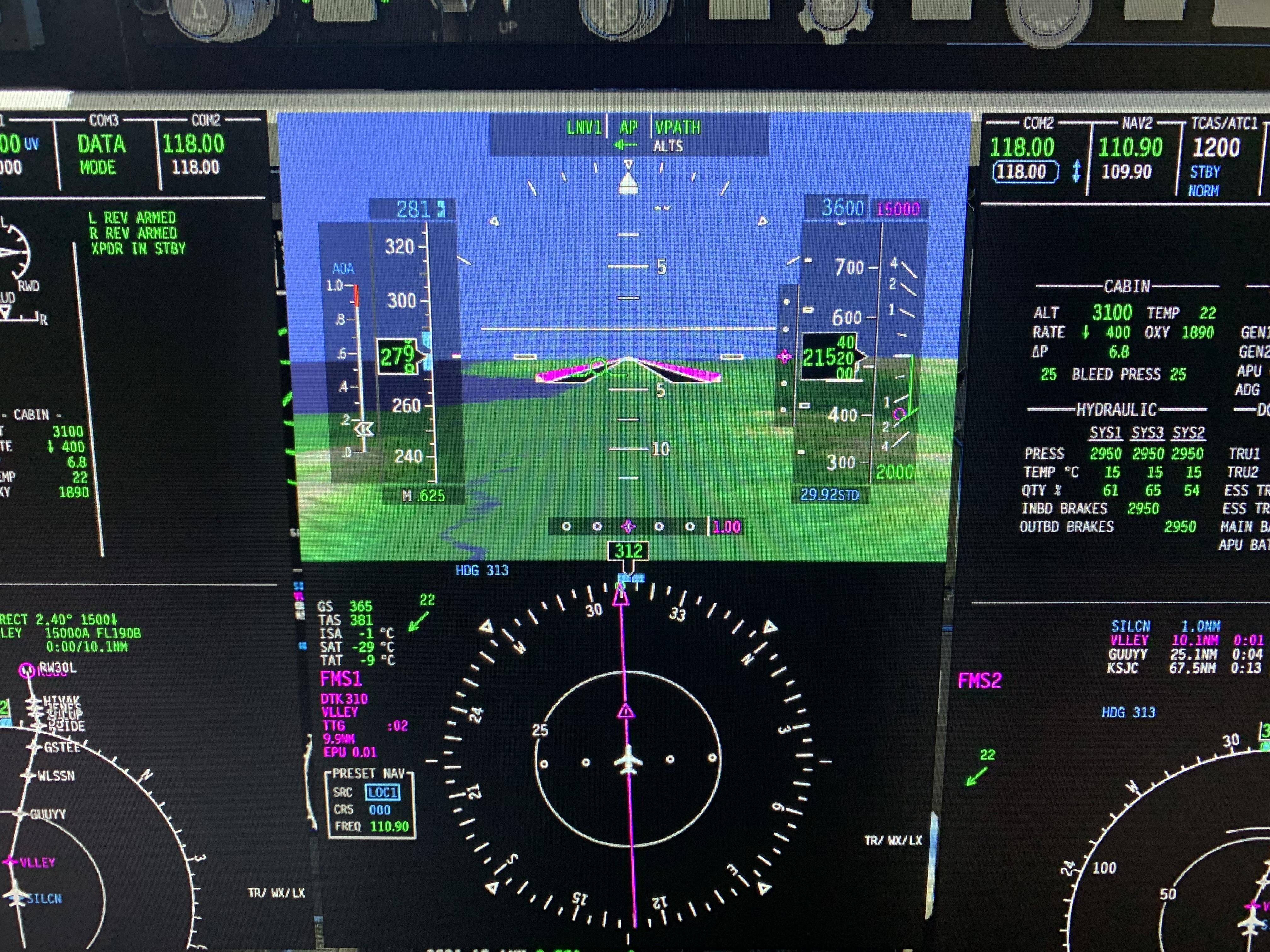
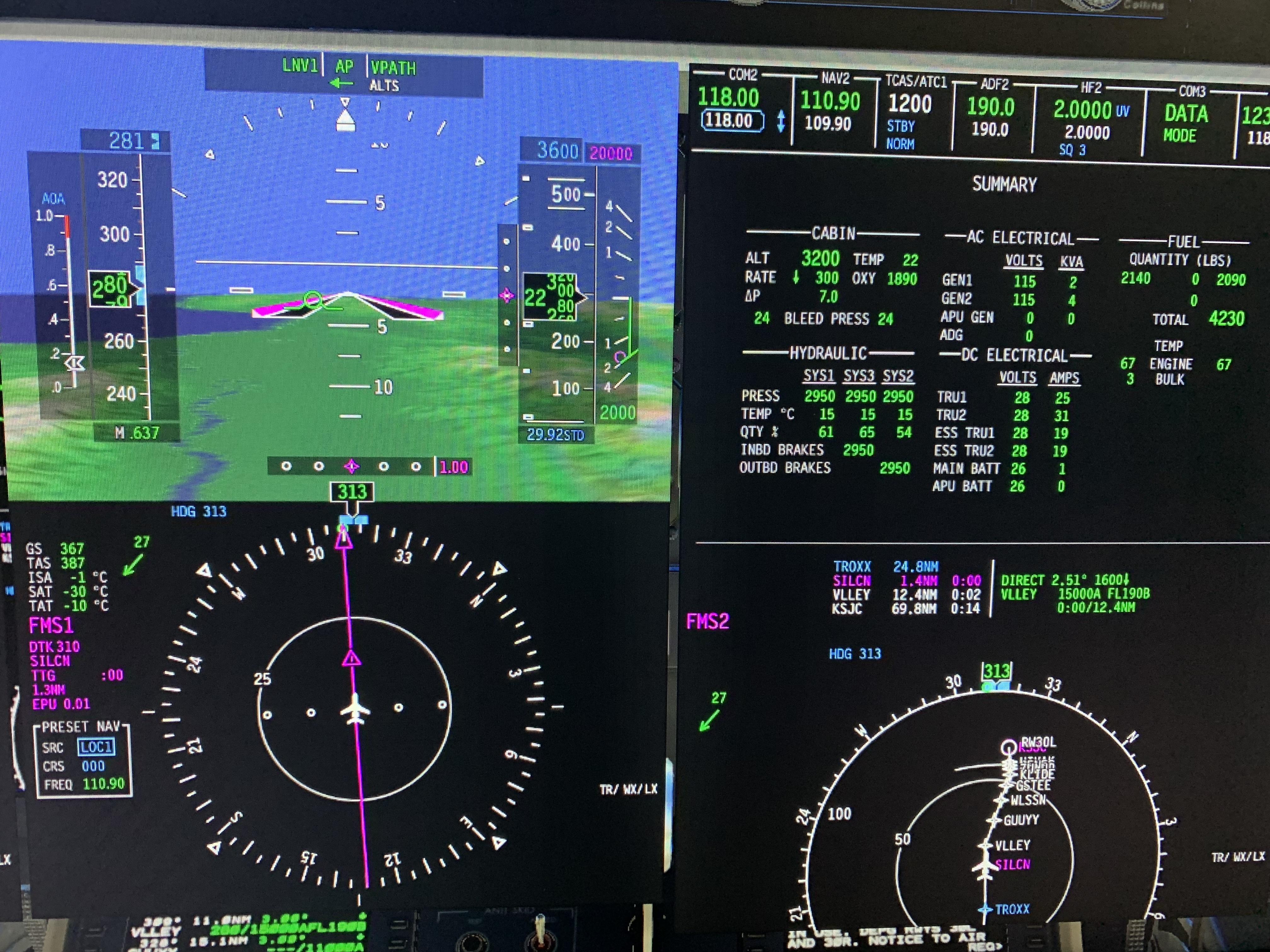
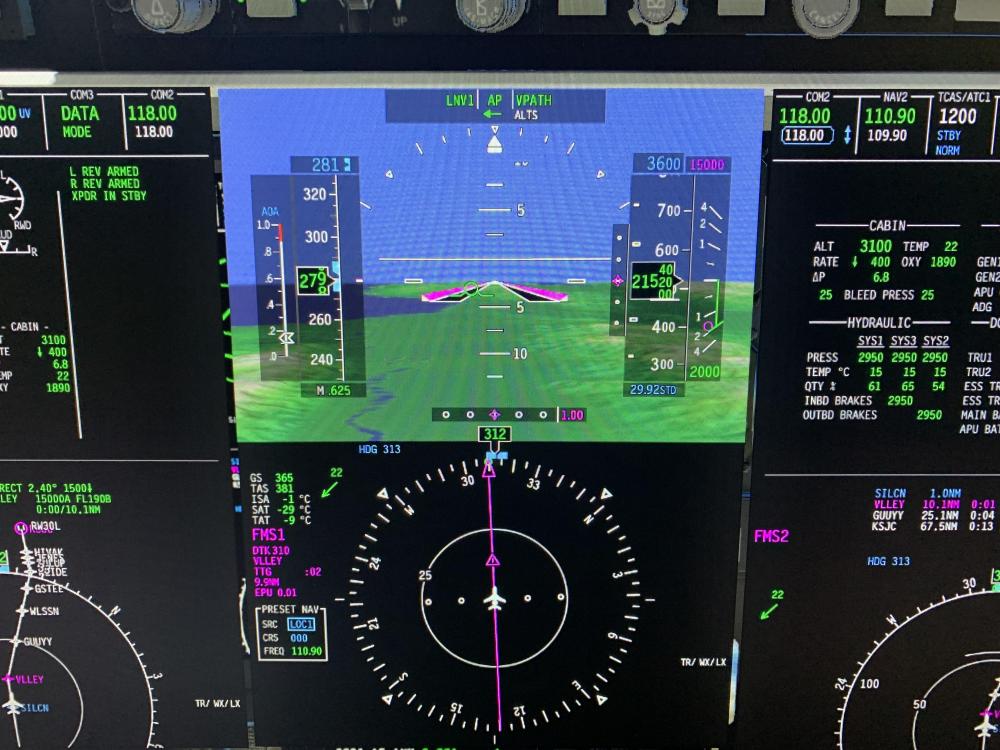
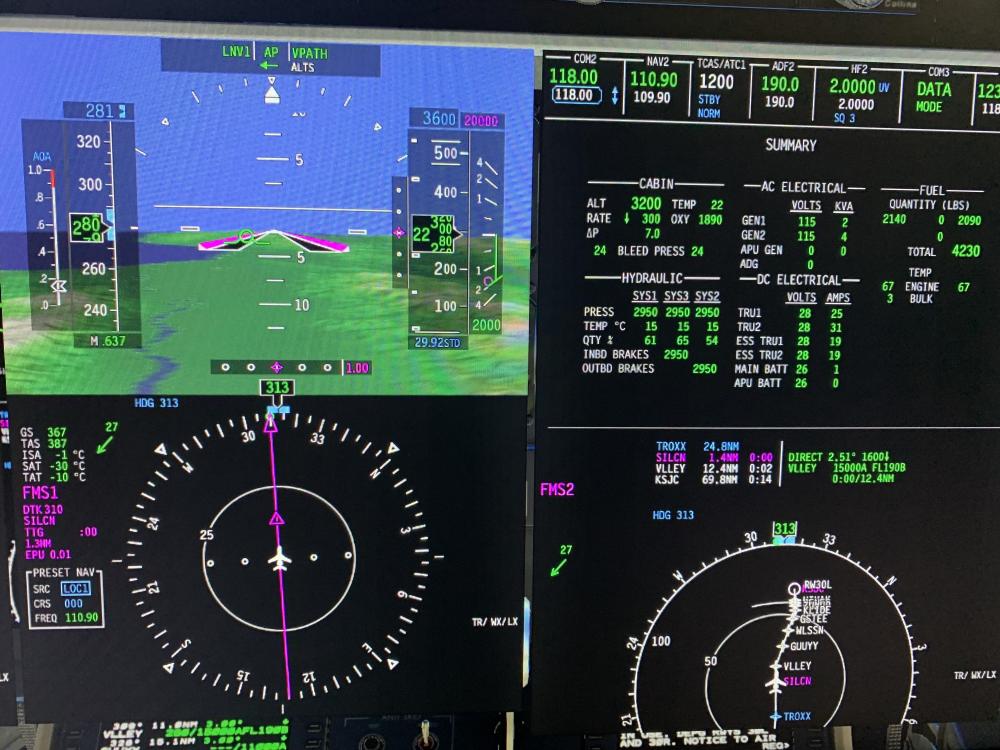
Well just to embarrass me, the 650 flew a perfect VNAV descent and then a low overcast ILS. Ha, I was going to send it to the scrap yard! I appreciate the comments which were obviously trying to help!
 1 point
 -
From the details you've provided, it appears that the crash is not directly related to the activation process of the aircraft but rather a failure to read a file. However, a point to note is that your activation plugin is not loading, which is due to the fact that you're using a Mac M1 Max and Rosetta is not enabled. Rosetta is necessary for running the CL650 at this time. To enable Rosetta on your Mac: Locate X-Plane in Finder: Go to your Applications folder and find the X-Plane application. Get Info: Right-click (or Control-click) on the X-Plane application and select 'Get Info' from the context menu. Enable Rosetta: In the 'Get Info' window, you'll find an option to 'Open using Rosetta'. Check this box. Close and Restart: Close the 'Get Info' window and restart X-Plane. With Rosetta enabled, X-Plane should run the necessary plugins correctly, including the activation plugin for the CL650. This should allow you to proceed with the activation and use of the CL650. Let's start there.1 point
-
The issue might be with the new plugin, that splits Gizmo64 into two different plugins.1 point
-
If has Gizmo, I assume it is X-Avaition product. To amend functionality, where is possible, I will only go with c/c++/rust solution. Not because any issues using Gizmo/SASL/FWL in one acf, but because of performance. Having too many interpreters running at the same time, won't be nice.1 point
-
Is it possible to provide screenshots or a video from prior to and during the descent, please? That'd help us figure out what's happening. Just a clarifying note on some differences between the 737 and Challenger: 1. VNAV isn't a descent mode unto itself, rather it's a modifier on the other modes, e.g. FLC, V/S, PATH, and PTCH. Enabling VNAV will allow the FMS to control altitude preselection to meet flight plan restrictions, and also speeds if separately enabled. 2. The descent path calculated by the FMS is not an idle power descent as is often used in airliners. The Challenger will fly a geometric path, based on the default descent angle set, a per-leg override, or what's required to meet a restriction.1 point
-
wind is pushing your rudder, so the nose goes the opposite…1 point
-
No problem at all. I do understand the complexity - the Challenger is a very rare sim aircraft that does almost everything like the real thing. The resources the development team have had are exceptional. Newbie questions are totally fine, and that's exactly the point in the forum. Any frustration from forum participants is usually down to when posters phrase questions that read like "Boeing does X so Hot Start Challenger is wrong." It's a different sort of system, but one by one we'll make sure the sim community are confident ProLine 21 Advanced pilots ;-) Not being able to do an idle descent is unusual coming from an airliner background, but when you understand the system is designed to be just as useful without autothrust, and the descent angle mode is probably more pilot-friendly anyway it starts to make a lot of sense.1 point
-
thanks Graeme, i really love this plane and the simulation level it brings to xplane, finding more information isn't easy since every company has it own Sop's. So you (team) were experiencing a lot of questions from users and 99% of the time is not a figner point to the quality of the CL650 but simply a newbie question. And to be transparent I like to say that dev team should not answer like "the challenger is doing exactly like this" or other answers similar, but taking some time to answer is well appreciated. Appreciated like your YT videos since they're a masterpiece of explanation. (still waiting the last felis 747 one :P) thanks1 point
-
@kecm80It's just an airplane - it flies on pitch/power like everything else. That chart is only giving you some approximate pitch/power datums to help you fly the aircraft. You can descend using VFLC if you want - that will give you an idle descent and will obey the constraints, but managing the profile will be your responsibility.1 point
-
I guess this is just a consequence of the ATS being somewhat independent from the FMS due to its “aftermarket” origins on the type.1 point
-
No, it’s not like an Airbus or Boeing. It targets a fixed FPA, respecting constraints otherwise, and that’s it.1 point
-
VNAV button remains lit when valid. All vertical modes become VNAV modes with exception of VPATH which auto-arms at ToD. FLC = VFLC (follows VNAV profile in either climb or descent) ALTS = VALTV (respects crossing restrictions regardless of set altitude) VPATH = auto-armed at ToD and will commence descent if altitude selector is lower that present altitude (double chord sound at path intercept) Ensure the option (PERF x 2) is set for "ENABLE ADVISORY VNAV". It will draw the vertical diamond on the PFD when the vertical path is near. Also ensure to "RESUME VNAV SPEED" (PERF x 2) to get it to follow the VNAV speed schedule, otherwise the selected speed takes precedence.1 point
-
VALT will transfer to VPATH when you hit the ToD. If you want to descend now, FLC or VS. Remember VNav is a modifier, not a discrete mode. When you intercept the target path, in any vnav modified mode (VALT, VFLC, VVS, VPTCH) you’ll go to VPATH and follow the programmed descent.1 point