All Activity
- Past hour
-
 Sushi_roll joined the community
 - Yesterday
-
 alsmat joined the community
 -

Monitor recommendations to replicate PFD and MFD
Prefect99 replied to jimtheman123's topic in Hardware Interfacing
I don't check on these boards often, so I am late to this party! I fit PFD and MFD on one 16:9 15 inch portable monitor. I got this one in the UK, but I am sure there are ample similar models worldwide: https://amzn.to/49ojaJy -
 RoyU7773 joined the community
 -
 occamsrazer joined the community
 -
 Cina joined the community
 -

TDS GTNXi 750/650 for X-Plane 12
Luiz Giorgi replied to knk912's topic in Mitsubishi Marquise MU-2 v2
is this "fake rxp" still working? could you repost the link here? Thank you! -
 Zhopa228 joined the community
 -
 RIOSEADwagon joined the community
 -
 kevins137 joined the community
 - Last week
-
 Omar.F joined the community
 -

Crash attempting to load RSG G500 1.3.0 in Baron EFM
David Stites replied to David Stites's topic in G500 Avionics Suite
1.3.1 fixed the crash completely, the plugin fully initializes and the popup works with real instruments. I'm now hoping you can clarify how panel rendering is supposed to work. What I'm Trying to Do I want the G500 screens to render on the 3D virtual cockpit panel texture, not just in the popup window. The Baron has a 2048x2048 panel texture (Baron_58_cockpit.png). What I've Tried g500.cfg render coordinates — I've set these based on scaling from the XP11 Baron donor (which used a 4096x4096 texture) down to XP12's 2048x2048: render_pfd_x = 25 render_pfd_y = 660 render_pfd_w = 256 render_pfd_h = 384 render_mfd_x = 300 render_mfd_y = 660 render_mfd_w = 256 render_mfd_h = 384 ATTR_cockpit geometry — I added screen-shaped quads to the cockpit OBJ at the correct 3D positions (derived from the XP11 donor clickspot geometry at Z=2.538971), with UV coordinates mapped to the render regions above, wrapped in ATTR_cockpit. No OBJ errors in the log, but the screens don't appear — just the original 6-pack gauges. devices_screen.obj — The Baron has a separate devices screen OBJ using ATTR_cockpit_device. It had an invalid parameter that caused XP12 to log "device directive that is not any of X-Plane's glass cockpit devices." I fixed the parameter — warning is gone — but screens still not rendering. My Core Question Does the RSG G500 actually support panel texture rendering in XP12, or is it popup-only? Specifically: Do the render_pfd_x/y and render_mfd_x/y values in g500.cfg control panel texture rendering, or do they control something else (popup position/size)? If panel texture rendering is supported, what does the cockpit OBJ setup need to look like? Is there a specific ATTR_cockpit_device device name the RSG G500 registers that should be used in the OBJ? Is there a cfg setting to enable panel rendering mode vs popup-only mode? System Info iMac Pro, Intel x86_64, macOS X-Plane 12.04+ RSG G500 v1.3.1 (Apr 16 2026) Baron 58 EFM 520 (XPlane2Blender 4.3.4, Blender 4.2.0) OpenGL via Metal bridge (AMD Radeon Pro Vega 56) -
-
I've attached the .log file that X-Plane sends me when I start it, in case it gives you any clues. XMidiCtrl_Log.txt
-
Hello; I've been trying for several days to get the Airbus 321 template working, following all the steps in the manual, but it doesn't recognize any of the encoders or buttons. When I load the aircraft, it doesn't give me any errors. I'm hoping someone can help me. Thanks.
-
No to both.
-
 I recently installed the X-Aviation G5 software for X Plane 11 and am using the C172 G5 airplane that came with the installation. I'm curious if anyone's had success using the Octavi IFR-1 or rotAIR multi rotary controller to control the G5 units' knob functions? E.g. with rotAIR, I believe I can bind the knob action on each G5 through the joystick device bindings but with Octavi it seems it might need to be through the MobiFlight software. I'd greatly appreciate feedback from anyone's experiences with these devices and software. On a side note, I love Air Manager and the Knobster but I'm not looking to use them in this particular setup. Thanks in advance for anyone's time taken to share their knowledge and experiences.
 -
It's been 2 years or more for this free upgrade version. Has it been discontinued? Is there any new info on it? I think most of us waiting would gladly be willing to pay for this long-awaited version. HT
-
Ok so to add to this: I've used Datareftool some more and it appears that the commands only work when you press the "activate while held" option, not just "activate once". Seemingly the button press sent through the Xsaitekpanels plugin arrives as an "activate once" command, instead of the former, so it doesn't do anything but make a clicky sound. What makes it weirder for me is that I can remap the button to the afm/cj/autopilot/ datarefs instead, which then physically presses the button on the aircraft, but doesn't actually affect the autopilot at all. No light illuminates or anything, despite the button push animation happening. How strange!
-
Hi, I use a Saitek multi panel with my setup to control the autopilot, and I've just bought the C525 and have been having an issue with it. For some reason, I can't get the autopilot mode buttons to register when pressed on the multi panel. I use the Xsaitekpanels plugin and have tried remapping the buttons to both the standard XP sim/autopilot/ commands, as well as the afm/cj/cmd/autopilot/ commands, but the aircraft just doesn't seem to like it. The thing that makes it even weirder for me is that the aircraft reacts to these commands when I use either a keybind or the DatarefTool plugin. The latter plugin even registers that the command has been triggered by the multi panel, and there is a clicking noise for each button, but nothing happens on the actual aircraft. I have been able to map the heading/altitude/course knob(s) just fine, the flap switch works fine, and I have even been able to map the pitch trim wheel to the autopilot pitch wheel on the 525. I haven't experienced this at all with any other addon, and I was hoping that someone might be able to point me in the right direction for solving this issue? Many thanks!
-
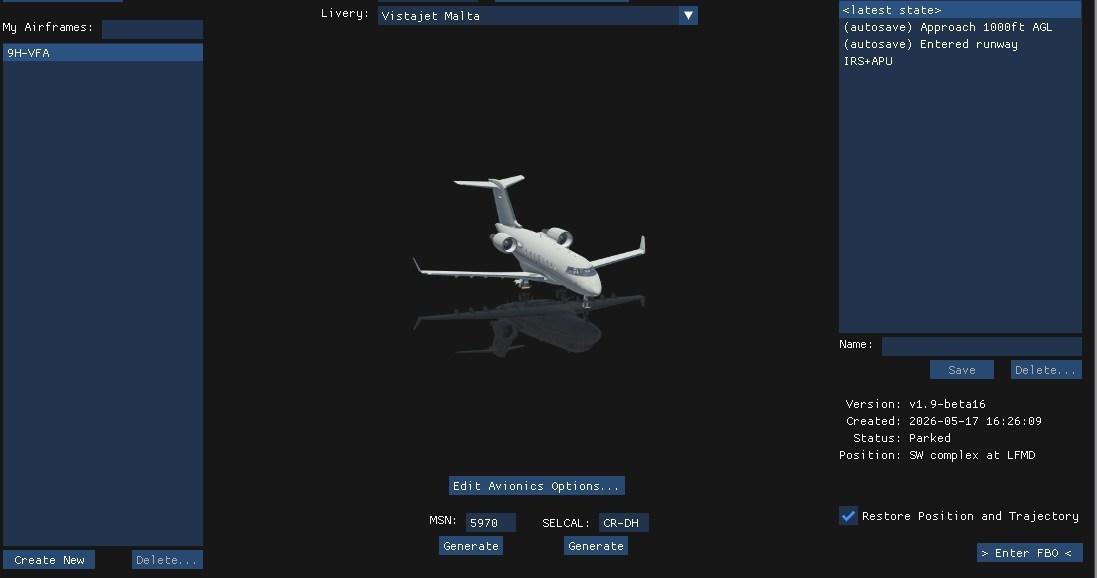
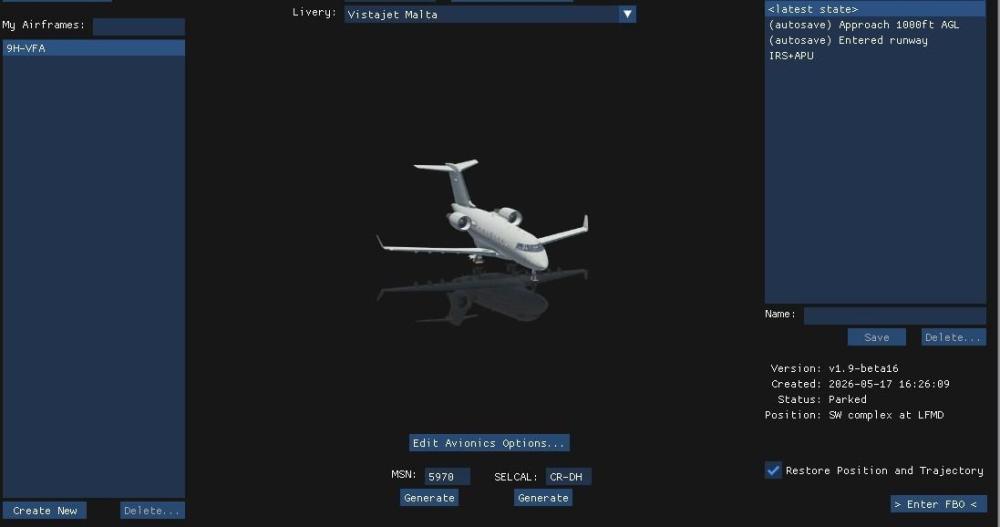
Create a (Or more) situation of your choice, IRS aligned, APU running, pax on board, some fuel, doors closed ....... You can now start from here . Just untick restore position and trajectory to start from any place.
-
You bought a study level plane and would like it arcade? we are really incontentable
-
You know, since as long as I can remember, aircraft that I usually fly, have offered an ability to "shorten" or even completely eliminate in some lengthy procedures, the wait time, like the alignment time of the IRS. I find it VERY annoying to request a simbrief download and then have to twiddle my thumbs for 10 minutes. Realism you say... well F realism, at the very least you could offer an option to make this the time it actually takes, and given any other simbrief download I've seen that time is virtually instantaneous. SO, if you have customers that get their yaya's by staring at a screen for 5 or 10 minutes then more power to them... me, I just want to load the damn plan and simulate what I actually care about, you know... FLYING.
-
No, there is not.
-
Buy an x-aviation product that uses it.
-
how do i get the Gizmo plugin
-
Hi folks, is there an avionics configuration of the SR20 G3 available that uses the IFD440 instead of the GNS430? Avidyne recently released a free iPad IFD440 simulator that connects to X‑Plane. Maybe someone is interested in integrating this into the aircraft? Thanks!
-
Hi there! First of all, I would like to congratulate the developers because the aircraft it's fantastic. Second, I think there is a mistake on the before taxiing checklist. The item n7, "Pressurization > Set dest elev + 200ft", doesn't suppose to be "Set cruise level"?
-
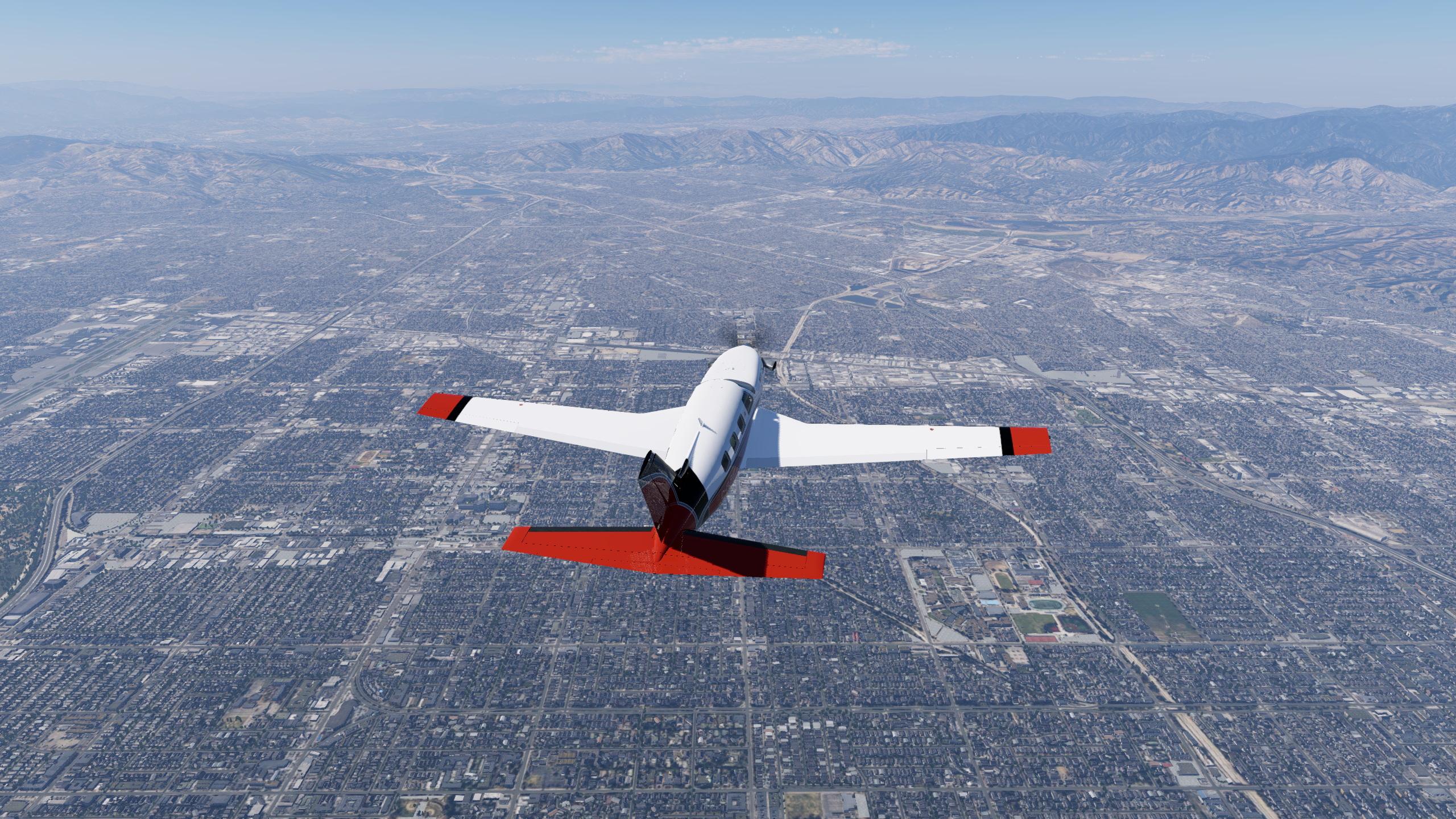
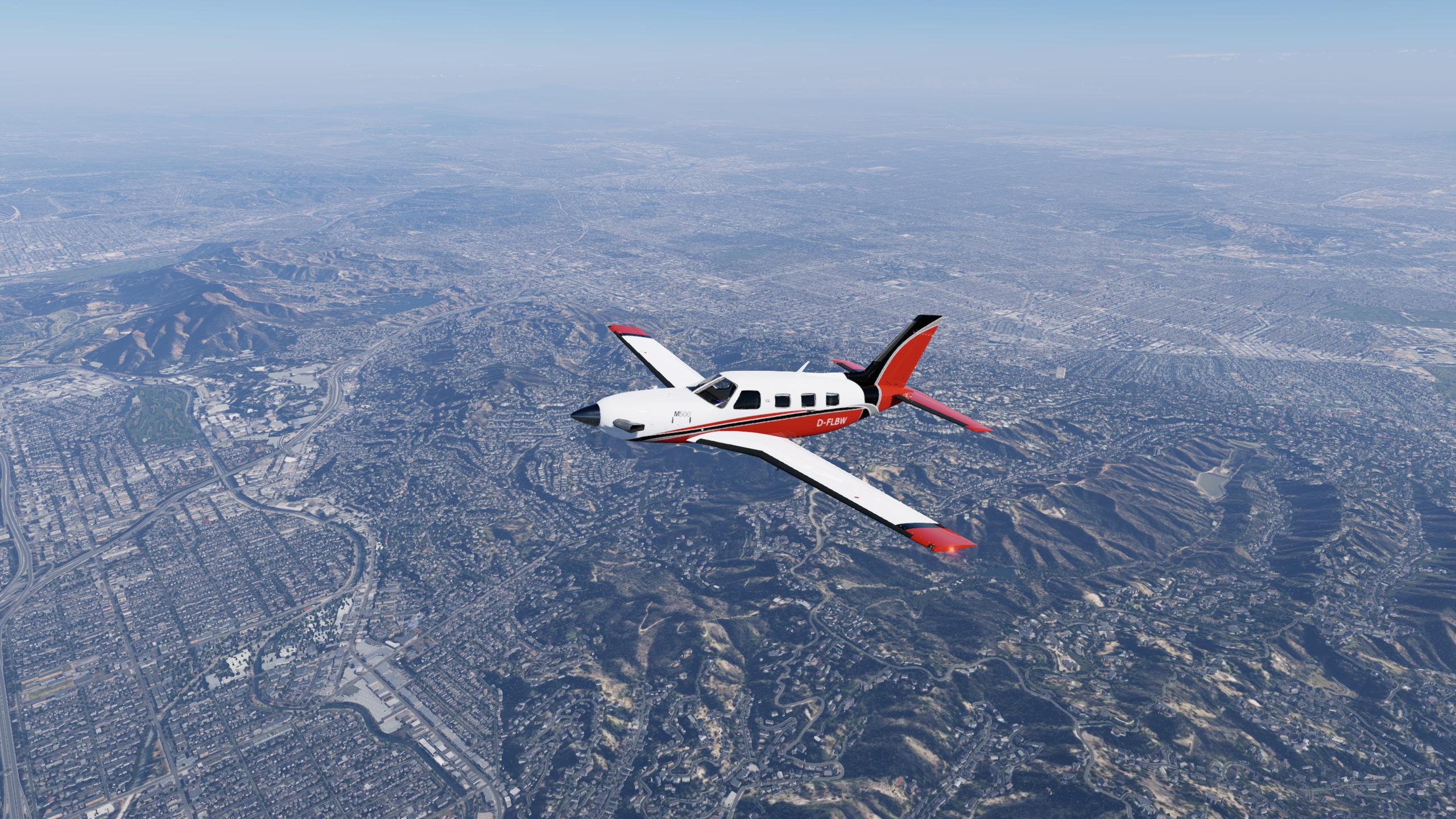
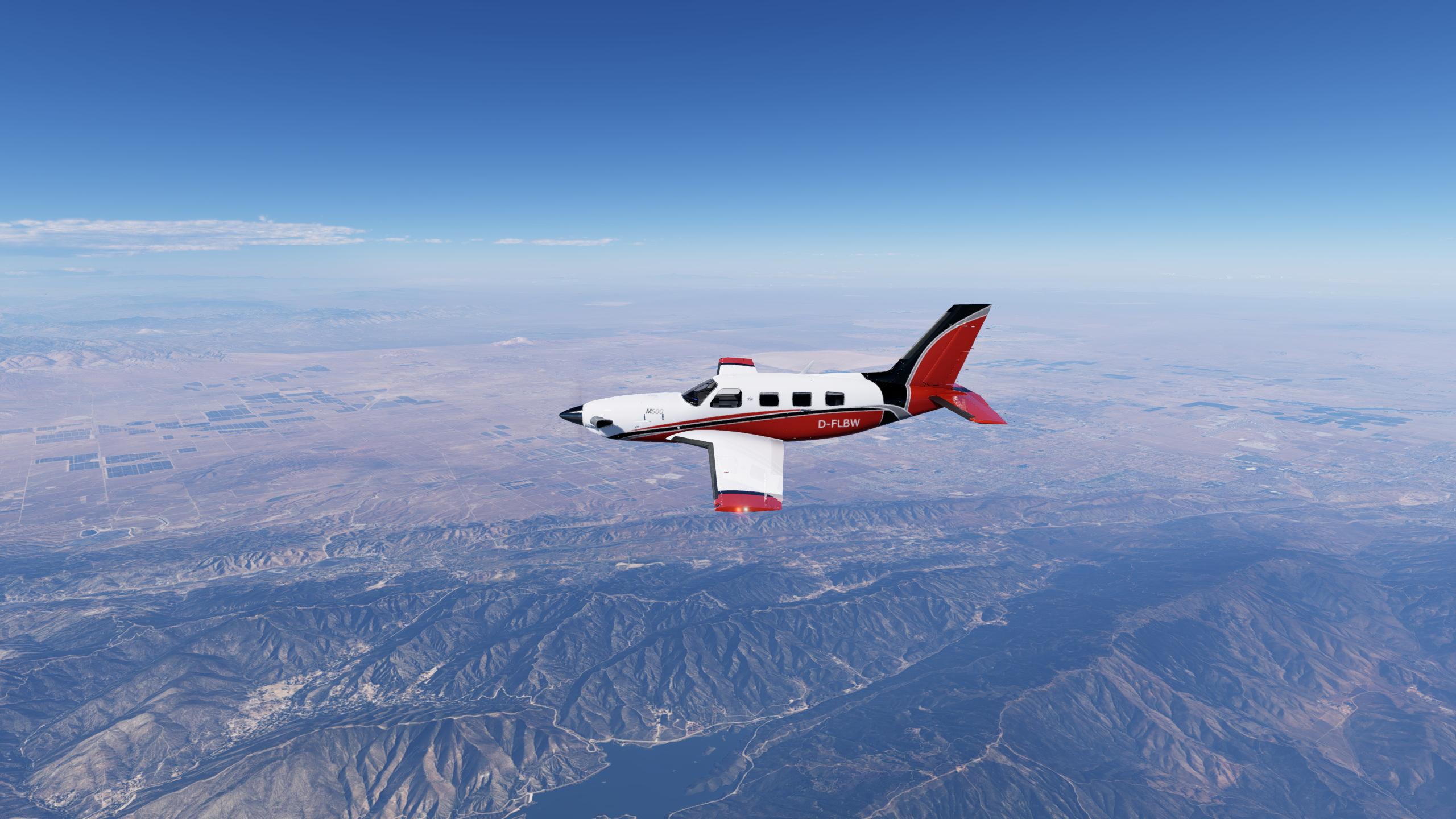
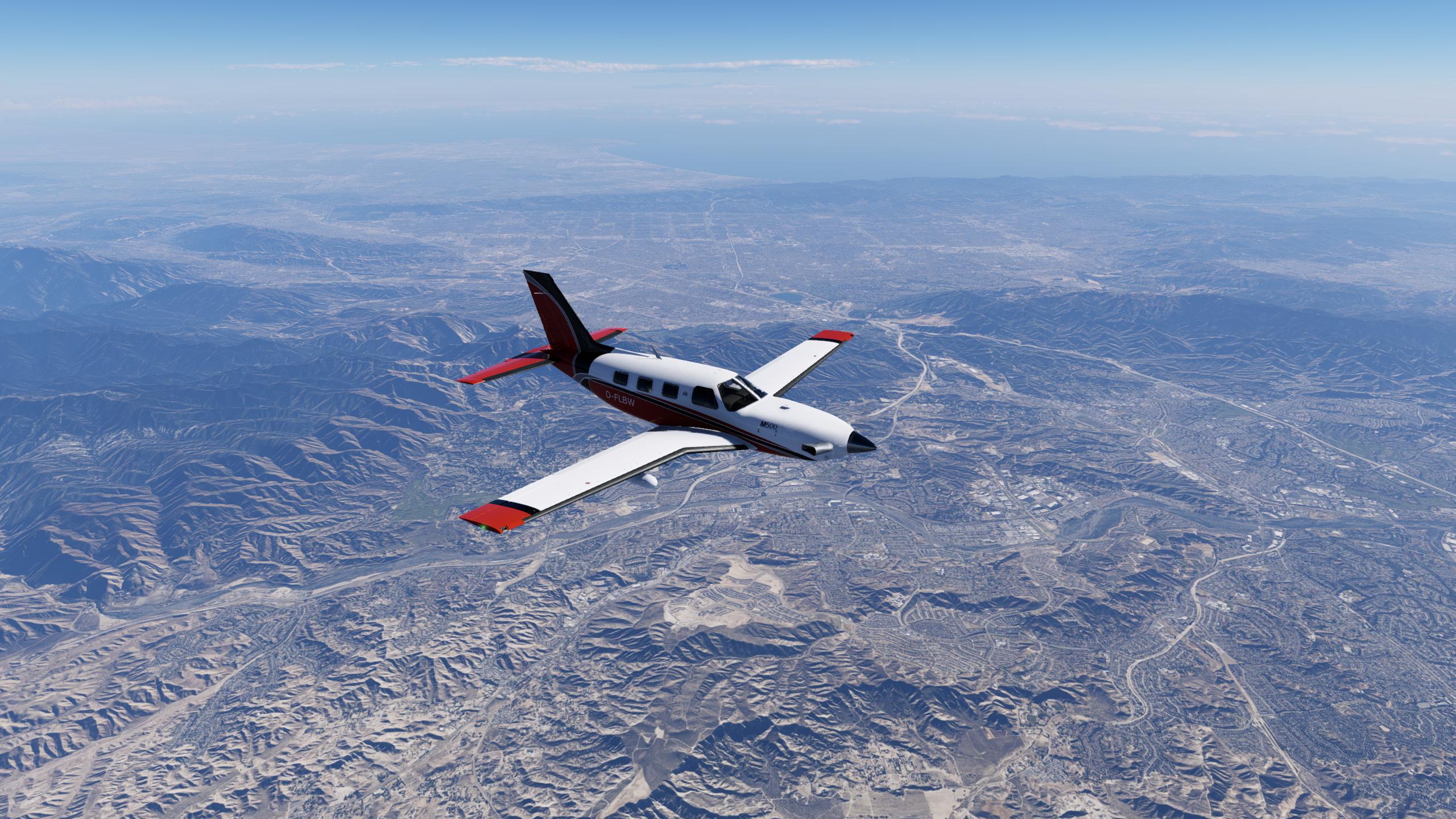
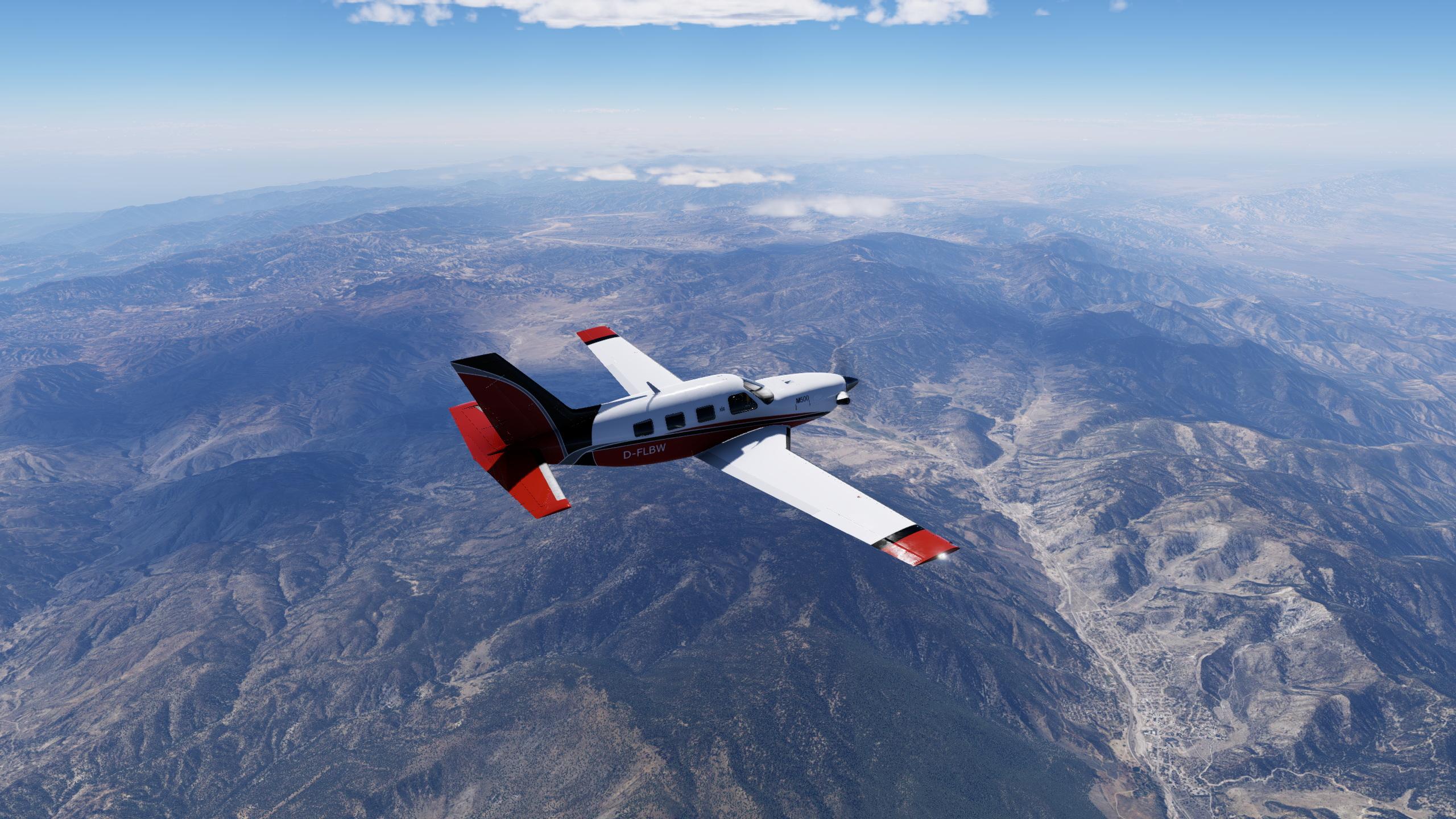
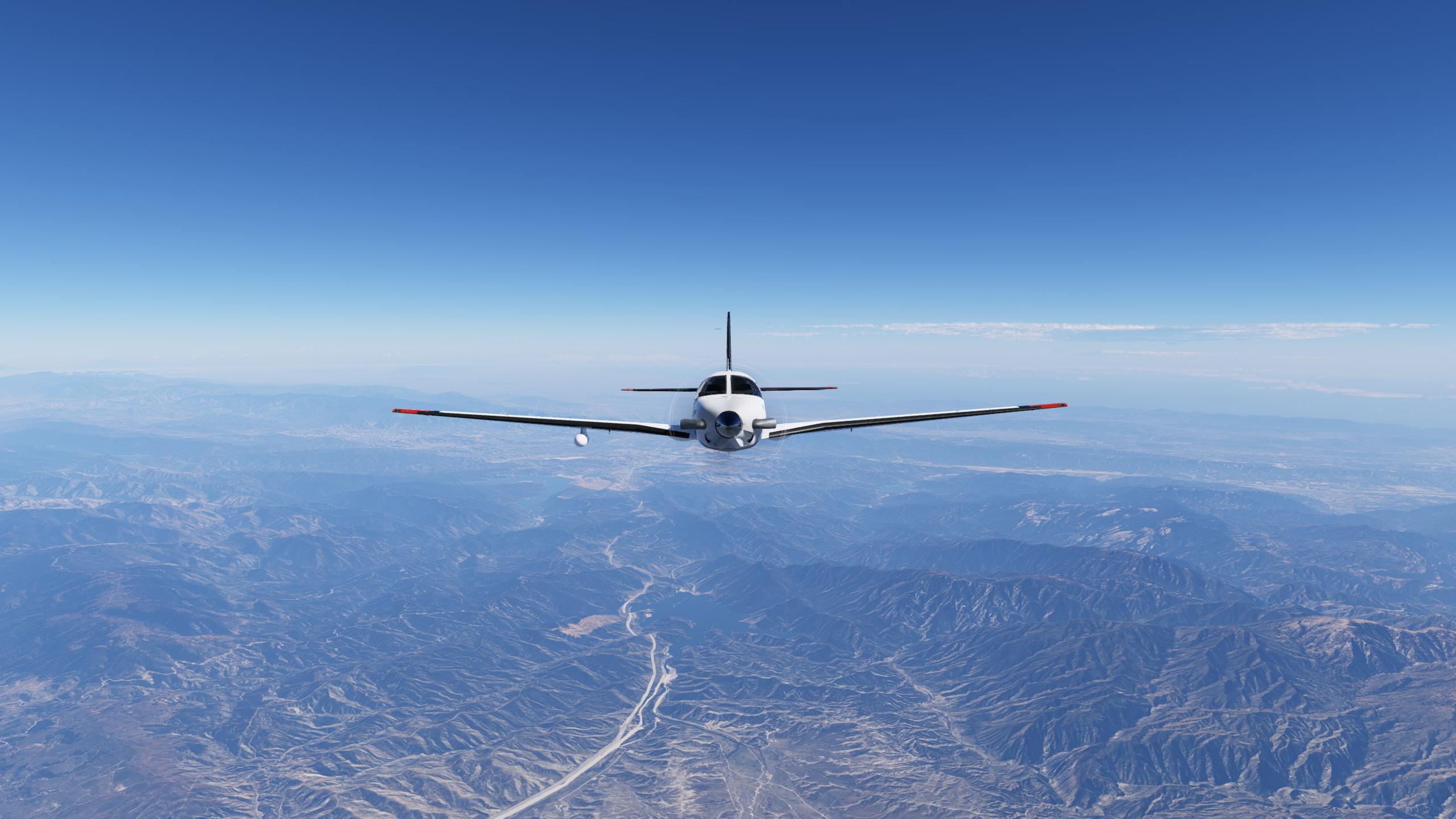
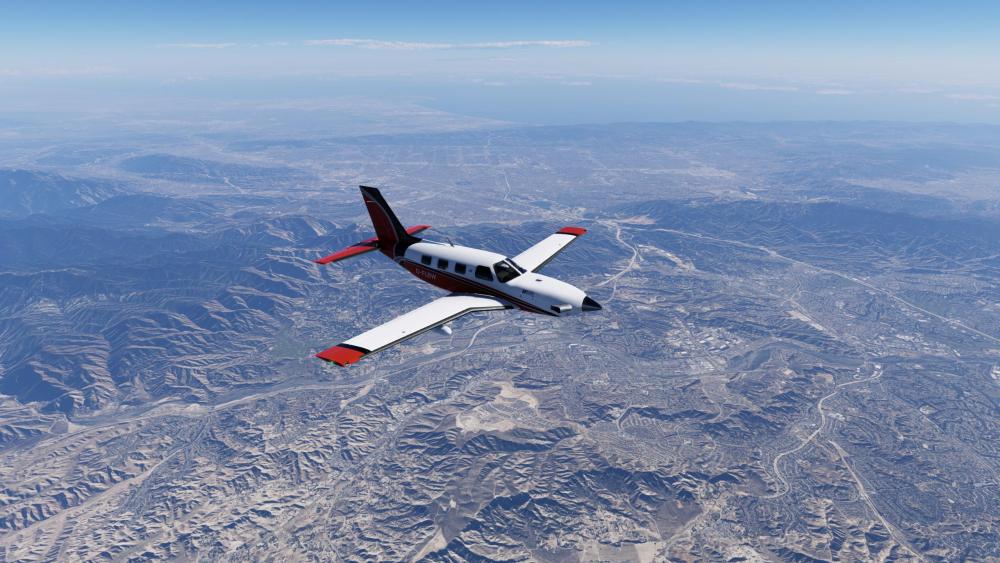
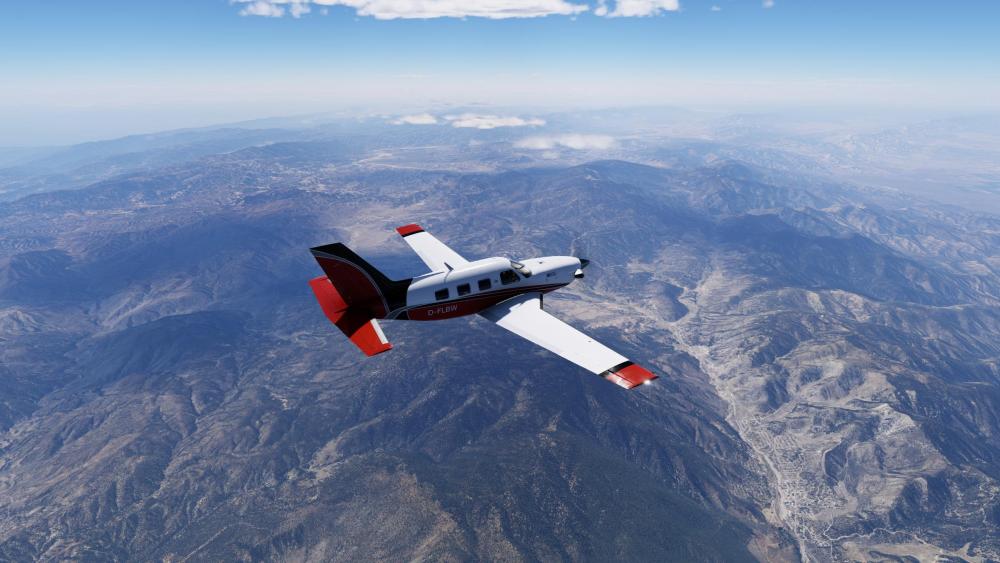
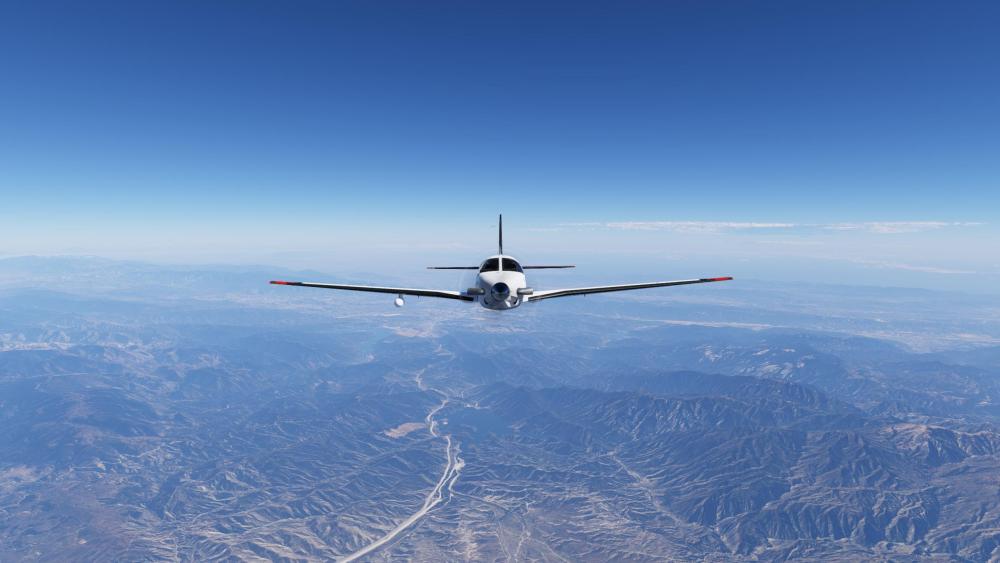
Slightly turbulent ferry flight back to the Piper Motherland in the X-Aerodynamics M500, with a full showcasing of its support features. Vero Beach Airport scenery by flightyler.
-

Crash attempting to load RSG G500 1.3.0 in Baron EFM
Cameron replied to David Stites's topic in G500 Avionics Suite
Update to the latest before we do anything else. -
I'm experiencing a consistent crash when loading the RSG G500 1.3.0 plugin in the Beechcraft Baron 58 EFM under X-Plane 12. I purchased the G500 through X-Aviation and it works correctly in the included Cessna 172SP G500 aircraft, but crashes every time when installed into the Baron 58 EFM. System: - iMac Pro, Intel x86_64 - macOS (Metal/OpenGL bridge) - X-Plane 12.04+ - OpenGL 2.1 ATI-7.0.24, AMD Radeon Pro Vega 56 Crash details: The plugin initializes, registers all commands, loads all nav data, airspace, airways, and cities successfully, then crashes during the deferred initialization phase at the following location: g500.cpp:229 — Init Paged Parser The last successful log lines before the crash are: G500[g500.cpp:152]: Deferred Init G500[g500.cpp:229]: Init Paged Parser <crash> In the working C172, the sequence continues past Init Paged Parser to: G500[g500.cpp:232]: Init airportList G500[g500.cpp:235]: Init fplDrawer G500[g500.cpp:238]: Init airportDrawer G500[g500.cpp:241]: Init Traffic G500[g500.cpp:246]: Deferred Init Complete Additional observations: - The crash occurs regardless of g500.cfg contents (zeros, C172 values, custom values) - The crash occurs with all other aircraft plugins disabled (xlua, rdr2000, OpenGPWS all tested) - A fresh copy of the plugin folder with cache cleared produces the same crash - The plugin binary is identical between the working C172 install and the crashing Baron install (same file size, same build date: Nov 1 2024) - The Baron cockpit OBJ uses GLOBAL_cockpit_lit / GLOBAL_luminance 2500; the C172 uses BLEND_GLASS — this may be relevant to how Init Paged Parser locates the panel texture My goal is to embed the G500 in the Baron's 3D panel by modifying the cockpit OBJ, similar to how it is implemented in the C172. I am happy to provide full Log.txt files if helpful. Thank you for your assistance.
-
To get rid of raindrop marks on windscreen, got to the aircraft folder, you will need to do this for all 3 variants, Normall Aircraft/X-Aviation/Saab 340. Objects folder, find the " Rain.obj " file, open with a text editor. Delete everything after, IDX10 41082 41080 41082 41083 41084 41085 41086 41084 41086 41087, thats the last row, so should be # wiper2 down, delete and than save. Youll have clean glass
-

C525 + TDS GTN750Xi -- Flt Director twitching
pauaviation replied to airforce2's topic in CitationJet 525
Happening to me too, quite anoying -
Scenery also includes plugins. ¯\_(ツ)_/¯