All Activity
- Past hour
-
 yael.mart_21 joined the community
 -
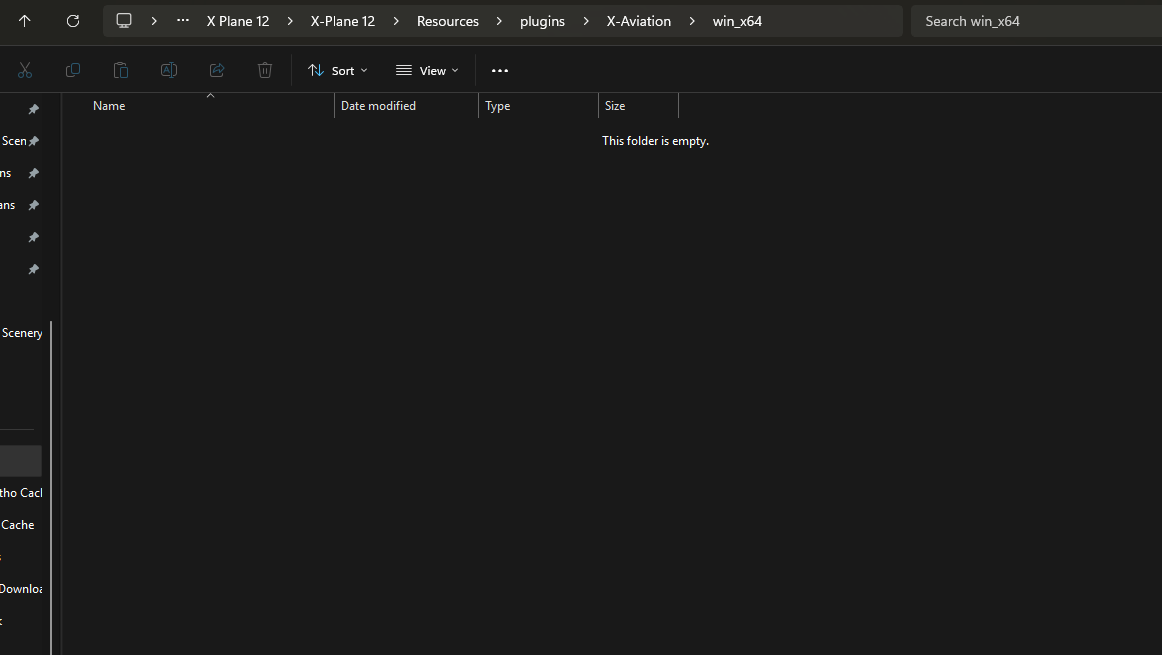
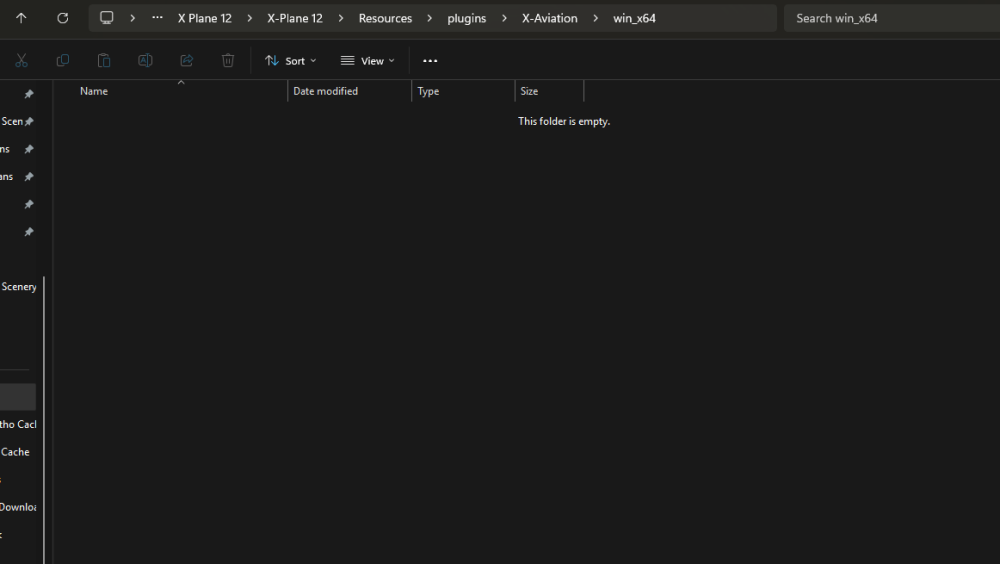
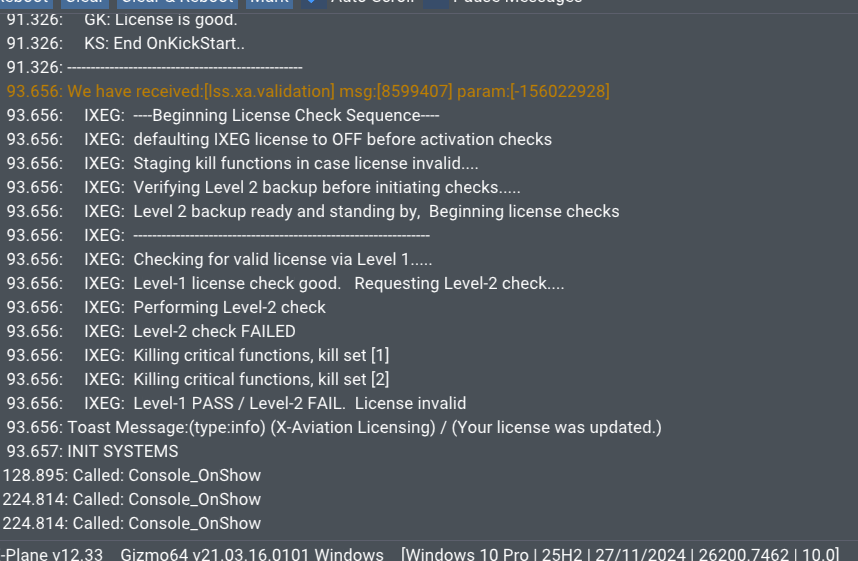
Hi folks! At first: I have read all available posts to this topic but nothing has provided a solution for me :-( I bought the IXEG 733 today (XP 12, Win 10 Pro), installed it via the installer, ran XP12, entered my credentials but the flight controls are not working nor are the displays showing anything and moreover my sounds got muted. I already... ...did a clean 737-300 install ...restarted my PC ...changed my X-Aviation account PW ...gave XP12 admin rights ...gave write rights to the whole XP12 folder ...nothing works :-( Is it normal that there is no file in my resources/plugins/X-aviation/win64 folder? I attached my log and some more information. Thank you in advance for your help :-) Log.txt
-
 Patrick89 joined the community
 - Today
-
 Voyager15 joined the community
 -
 charliechan1947 joined the community
 -
 Kray_0 joined the community
 -
 goldenchamp joined the community
 -
 pedamikki joined the community
 -

Airasia Butuh Bantuan? Tim Call Center Kami Siap ..
Croome replied to Croome's topic in General Discussion
Cara Menghubungi Customer Service AirAsiaA, Hubungi di nomor 0814-13.5.55472. Atau melalui nomor WhatsApp/CS: +62814)13-55547.2. Jelaskan Masalahnya Terkait Penerbangan Anda, Layanan Bantuan 24/7. Live MOVE...siap -
Cara Menghubungi Customer Service AirAsiaA, Hubungi di nomor 0814-13.5.55472. Atau melalui nomor WhatsApp/CS: +62814)13-55547.2. Menjelaskan penjelasan Terkait Penerbangan Anda, Layanan Bantuan 24/7. PINDAHKAN LANGSUNG...
-
-
Anda dapat menghubungi Call Center AirAsia Indonesia di 0814 1355 5472,Layanan CS online 24 jam Reschedule dan Refund tiket...siap
-
Anda dapat menghubungi Call Center AirAsia Indonesia di 0814 1355 5472,Layanan CS online 24 jam Reschedule dan Refund tiket...
-
Airasia Butuh Bantuan? Tim Call Center Kami Siap ..
Croome replied to Croome's topic in General Discussion
Cara Menghubungi Customer Service AirAsiaA, Hubungi di nomor 0814-13.5.55472. Atau melalui nomor WhatsApp/CS: +62814)13-55547.2. Jelaskan Masalahnya Terkait Penerbangan Anda, Layanan Bantuan 24/7. Live MOVE...siap -
Cara Menghubungi Customer Service AirAsiaA, Hubungi di nomor 0814-13.5.55472. Atau melalui nomor WhatsApp/CS: +62814)13-55547.2. Menjelaskan penjelasan Terkait Penerbangan Anda, Layanan Bantuan 24/7. PINDAHKAN LANGSUNG...
-
 maxM joined the community
 -
Same here Also no response from company support for about 4 days
-
Unfortunately any time that X-Plane does the "loading flight" screen it resets the livery to whatever you selected on the initial flight configuration. You could consider reporting that as a bug to LR. *shrug* I would sometimes do this so I wrote a script to maintain the time at which I paused the sim when resuming. https://github.com/pilsnerish/FlyWithLua-Scripts/blob/main/PauseResume.lua
- Yesterday
-
What do you mean? You can't click the buttons at the bottom, or the close top left?
-
 LemonNestea joined the community
 -
 Glebacik joined the community
 -
 Best Chally Livery out there
 -
Y'all are in luck, had the same problem and found the solution on their Discord. IT WORKS! telephono — 10:00 AM I think you'll need to replace the libradio.plugin plugin inside the aircraft's plugin folder with the latest release: https://codeberg.org/skiselkov/libradio/releases Codeberg.org libradio Radio systems and navaid simulation library for X-Plane
-
 Hi, I also have this problem now, is there anyway to solve it?
 -
Yeah me too
-
Been doing many de-icings these days, it is an amazing feature! When I say to Vatsim that I first need to de-ice, they go -huh? I think no other sim aircraft has this feature, well done guys
-
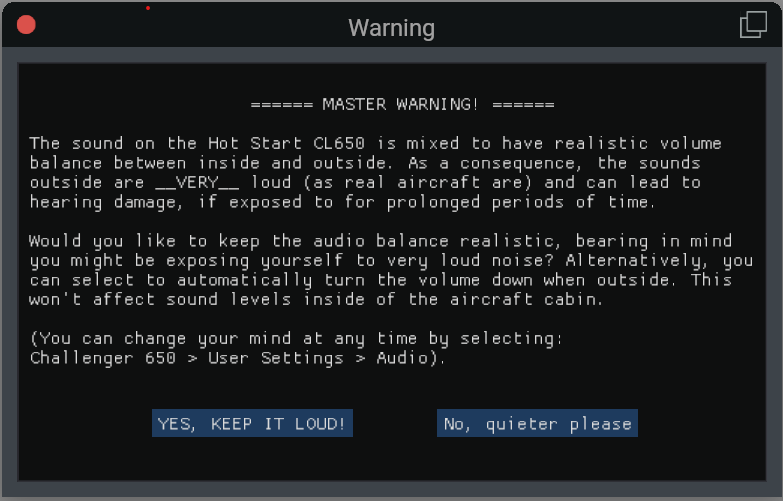
Hello, I have had the challenger for years now, just got a new computer and I was getting everything setup again and for the life of me I cannot get this warning pop up to let me make a selection. I found one forum post that said to remove everything from the plugins folder but the Gizmo plugin but that still did not help. Any thoughts?
-
- Last week
-
Anyone else having crash to desktop with Beta 12.4? KDub
-

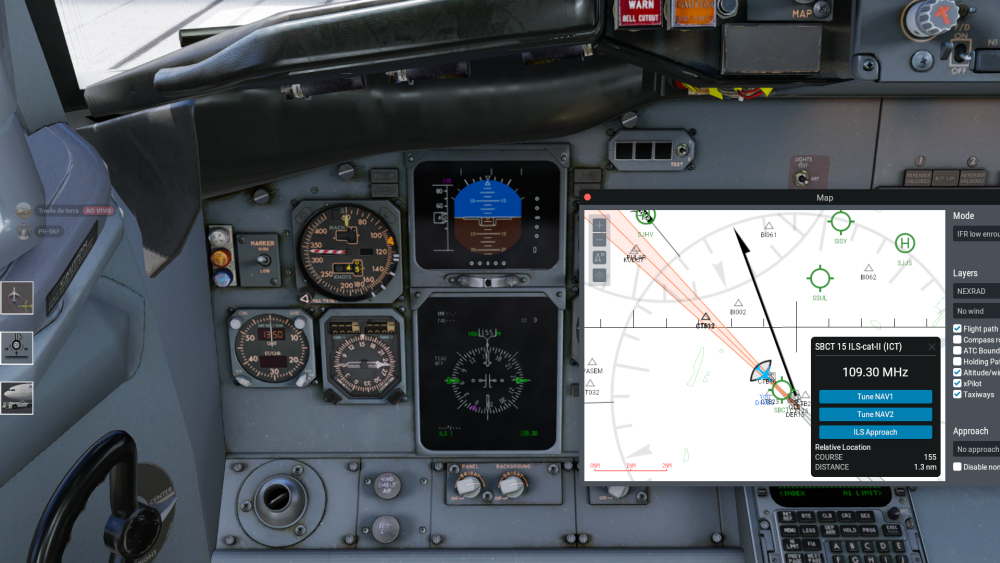
No LOC and GS when on ILS APP on IXEG B733
Litjan replied to rafaromanosp's topic in General Discussion
No, it works fine on everyone else´s installation - it must be something you are doing wrong. Also check if you have the default random failures on, there IS a chance for them to fail your nav receiver or even the ILS transmitters randomly. -
https://docs.xpilot-project.org The forum you're posting on has no association to the xPilot app.
-
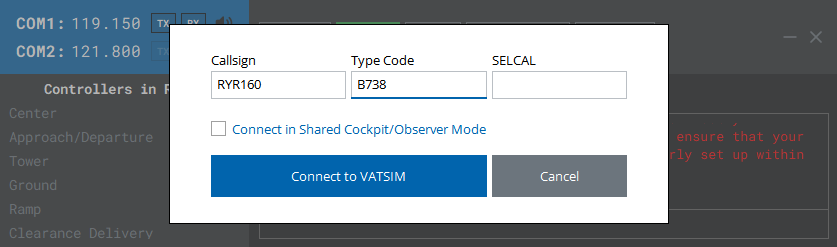
I enter B738 in the type code, but boeing 737-800 and other aircrafts are not displayed in the list
-
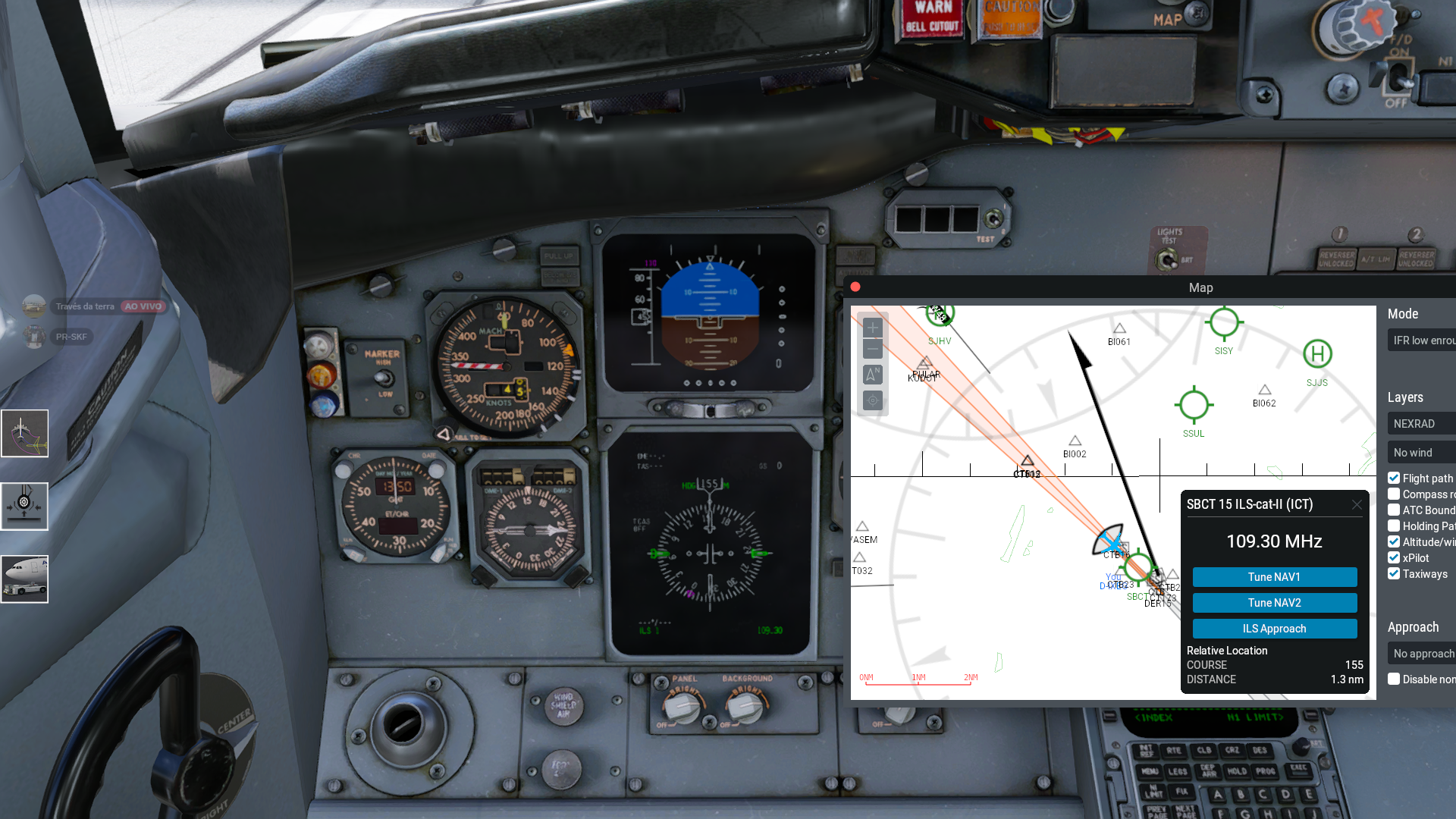
Hello guys, Recently having an issue with my IXEG B733 where i dont have my LOC and GS indicators alive, like if the aircraft had an ILS receiver failure. Any fixes regarding this? Best regards, Rafael
-
Fair enough. Hoping for full native Mac support one day.
-
I have to agree with the above statements. I have several planes rotting in the hanger because of updates promised and never delivered. The Challenger 650 desperately needs the weather radar to function and properly. It appears that the plane was made for X-Plane 11 originally and changed to woke with X-plane 12. Laminar Research has made giant strides is the improvement of the Flight Simulator and I truly believe it should the plane developer to bring that experience to their customers. Laminar has created a real time weather with cloud condition for your flight route. The Weather Radar is not just a color changing screen to look at, but critical flight data to avoid dangerous weather ahead. Would you really get on a commercial flight knowing the plane did not have radar heading into sever weather. Yes, this aircraft is very much in need of updates. Not become complacent with your thinking I'm good and so is my plane. Since the CL650 has no Weather Radar maybe a price reduction to $70 US Dollars is needed. Laminar is working overtime on their planes. UPDATE NEEDED: The cabin switch (Mics Lts) on the overhead panel does nothing. What is this switch for? The anti ice switch for the Wing works backwards. To move the switch down you must direct the switch up. Therefore, to move the switch up you need to direct the switch down.