Goran_M
-
Posts
5,657 -
Joined
-
Days Won
235
Content Type
Profiles
Forums
Latest X-Plane & Community News
Events
Downloads
Store
Everything posted by Goran_M
-
It has been said many times. You asked the questions, and you were responded to, in a courteous manner, by both Cameron and Ben. That's when you continued to insist that the problem is with the Saab. I don't really know how many different ways you want us to say it. The problem is not in the Saab. There is, literally, nothing to fix. The problem has been acknowledged by Andrey, and he, himself has admitted the problem is not in the Saab, but in XEnviro. You're asking us to fix a problem in the Saab that doesn't exist. I don't care how much you convince yourself there is a problem in the Saab, you are simply...wrong. Lastly, claiming our products don't work as intended is a fast track to nowhere. I'm asking you, respectfully, to not make such remarks.
-
This usually happens when the airspeed is too high. Are you getting close to the barber pole speed?
-
Did you try activating the steering?
-
I checked through the Saab documentation, and there are literally, no flap settings in any of the performance charts. Some charts have ECS ON or OFF and Anti Ice On or Off. I can certainly show you examples, if you would like to see them.
-
It's enough. @jomardi...your question was politely answered by both Ben and Cameron. The Saab exposed a problem with Xenviro, and they are working to fix the problem. The problem, as has been said earlier, also by Andrey at XEnviro, is NOT with the Saab.
-
The update has addressed the Condition Levers, and you can now calibrate them using the X-Plane Prop lever axis.
-
I'll investigate the exhaust further and if it needs some fixing, it'll be fixed.
-
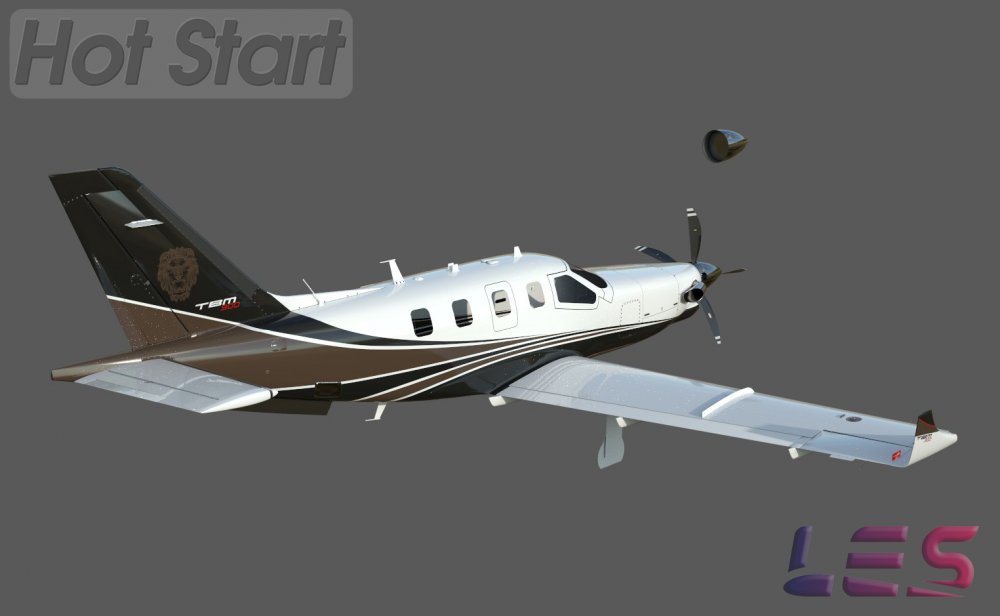
A few more WIP's.


-
I like to post somewhat complete images in the forums. When the exterior is closer to being done, I'll post more in here.
-
Ok, when that happens, you also need to reload Gizmo. That function is in the Gizmo tool tray on the side, with a lightning bolt. However, best idea is to reload the whole sim. Reloading the aircraft does not reload Gizmo. I'm guessing that is likely the problem. @Ben Russell or @JGregory might have more input into it.
-
Please attach your GizmoLog.txt
-
Did you reset the generators when you started the engines at your origin airport? If you didn't reset them, you flew the whole trip on battery power, and they just died due to lack of power.
-
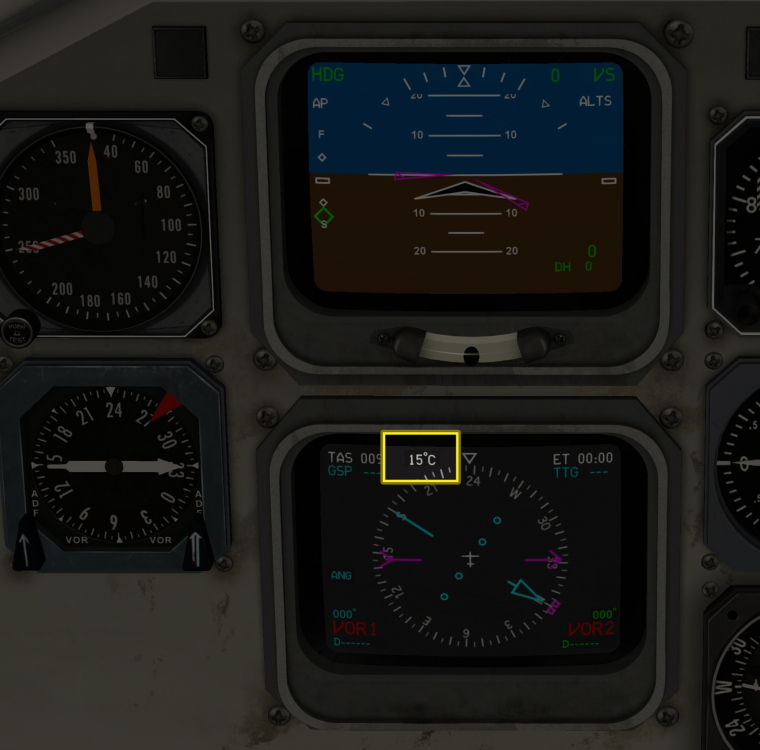
Lower glass display.
-
In the menu, there is an icon that looks like a truck. This is Ground Equipment. Click that and go from there.
-
The Saab is fitted with a working steering tiller, that will remain locked unless you activate it. I'm guessing this might be the problem. Left side, the wheel just forward of the circuit breakers. Pushing it down will release the tiller. Pulling it up will lock it.
-
Are you using scroll wheel to change the barometer, or the click and drag method?
-
Take it back to an earlier step. Leave those plgins out of the plugins folder, and then reinstall the Saab. Then try. You actually removed the Gizmo plugins folder. Don't replace it yet. Just do a clean install of the Saab, after removing all traces of it in the aircraft/X-Aviation folder.
-
Confirming you removed the JarDesign ground handling plugin?
-
I can see you are using VR in the sim. Are you trying to change the baro setting using VR?
-
Did you change anything at all in the acf? No matter how minor you may think it is.
-
Please post GizmoLog.txt file and Log.txt file. Nothing in the Saab will stop your keyboard from working.
-
Unfortunately, no. We used a custom sound engine that X-Plane doesn't recognise.
-
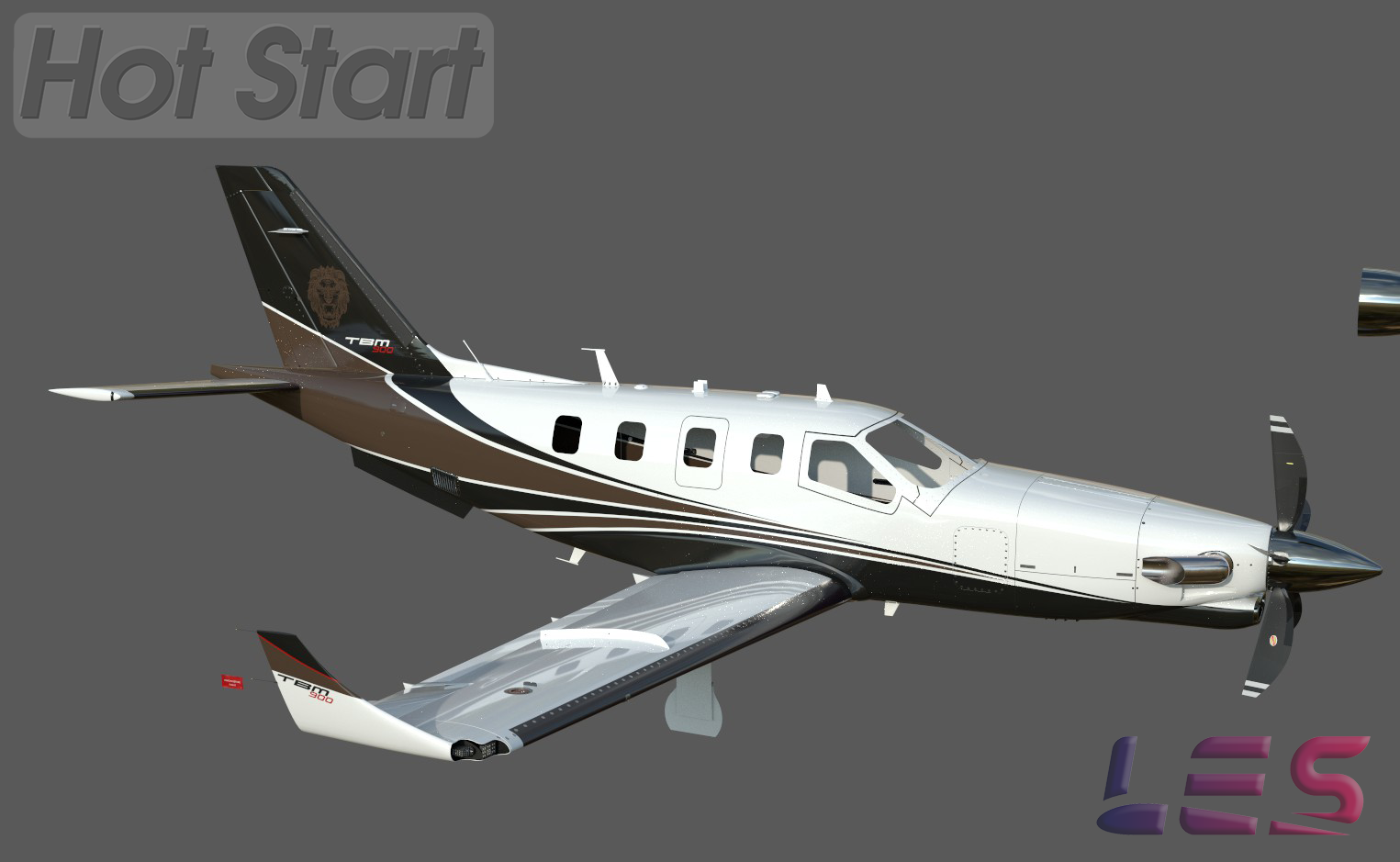
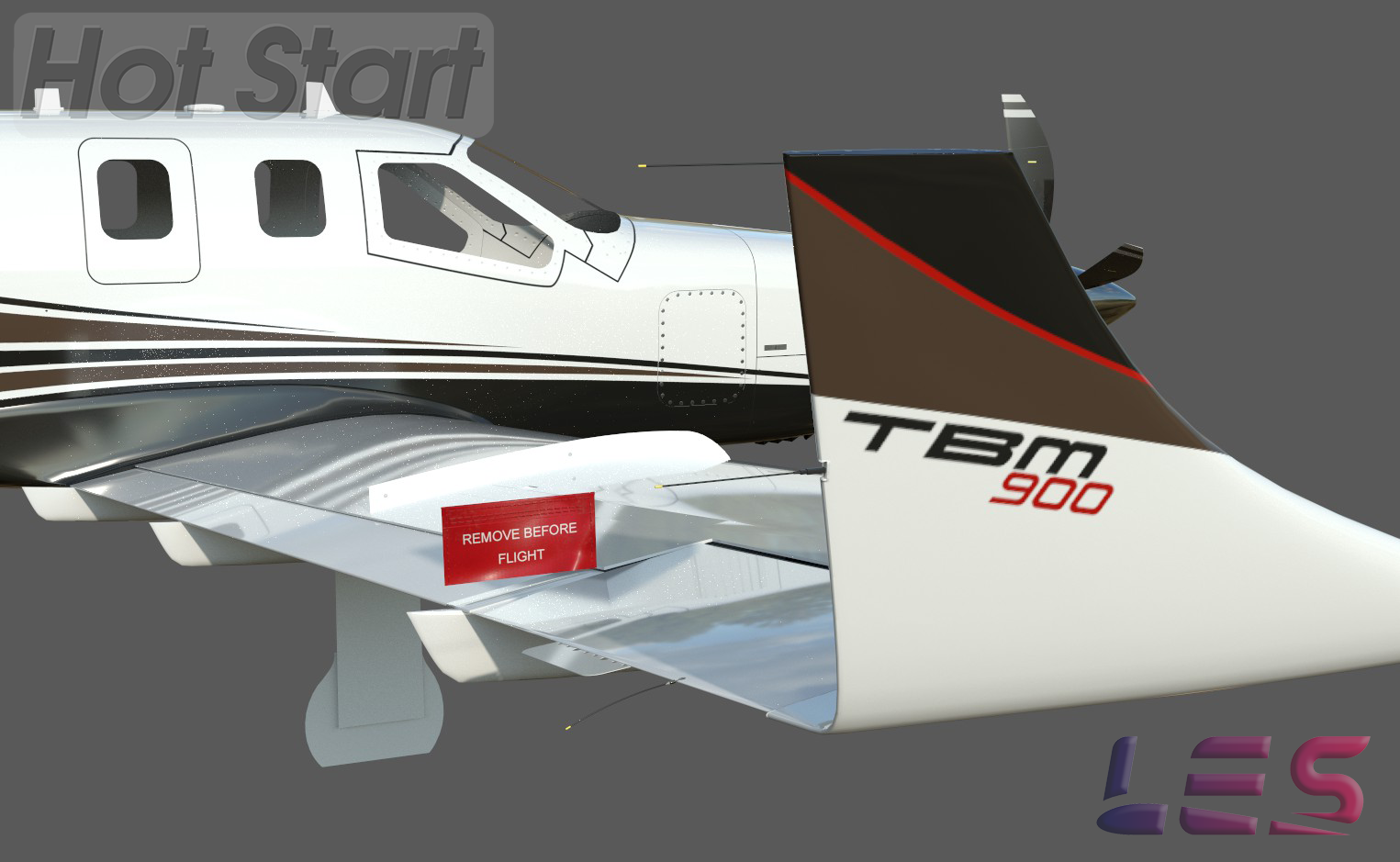
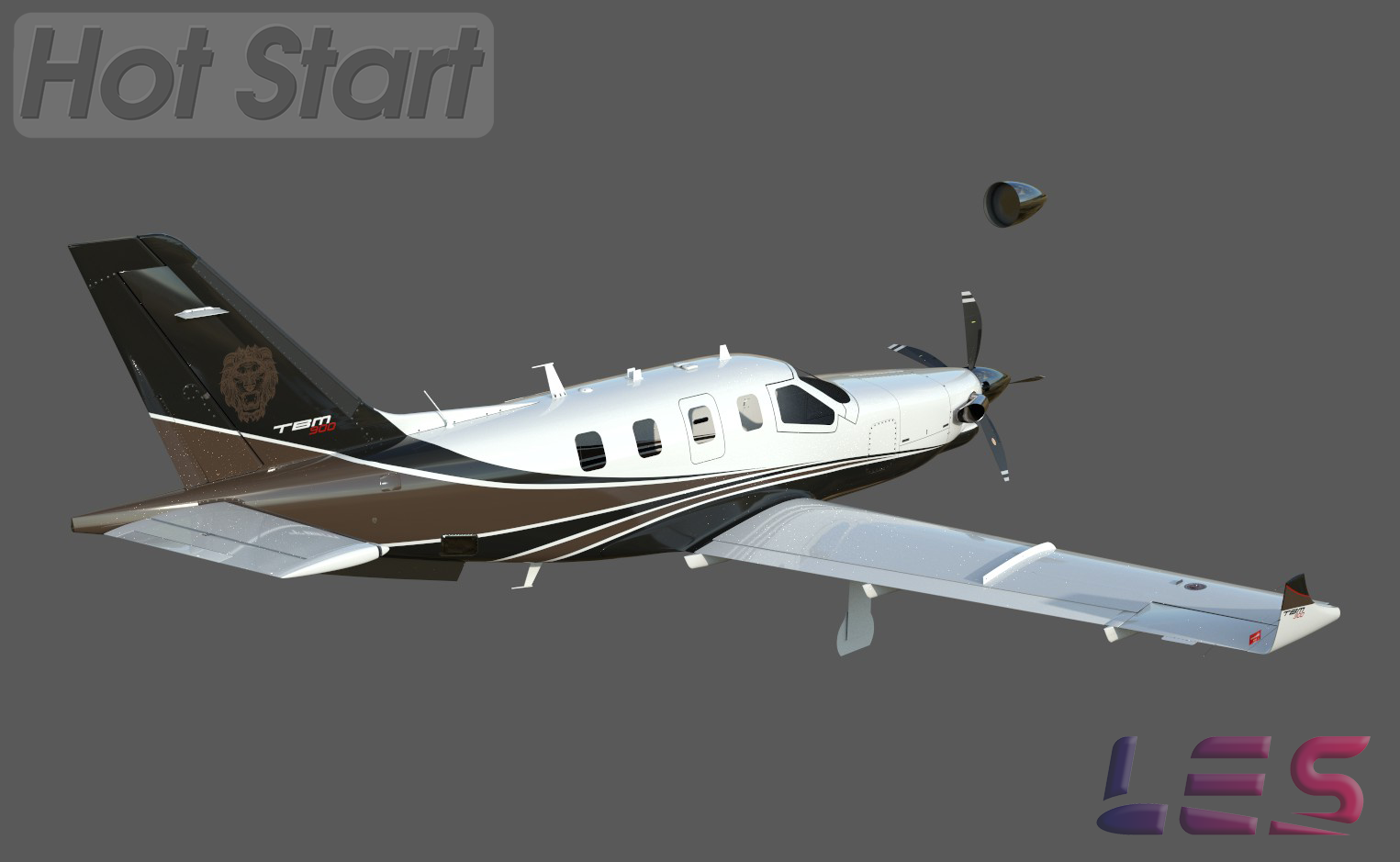
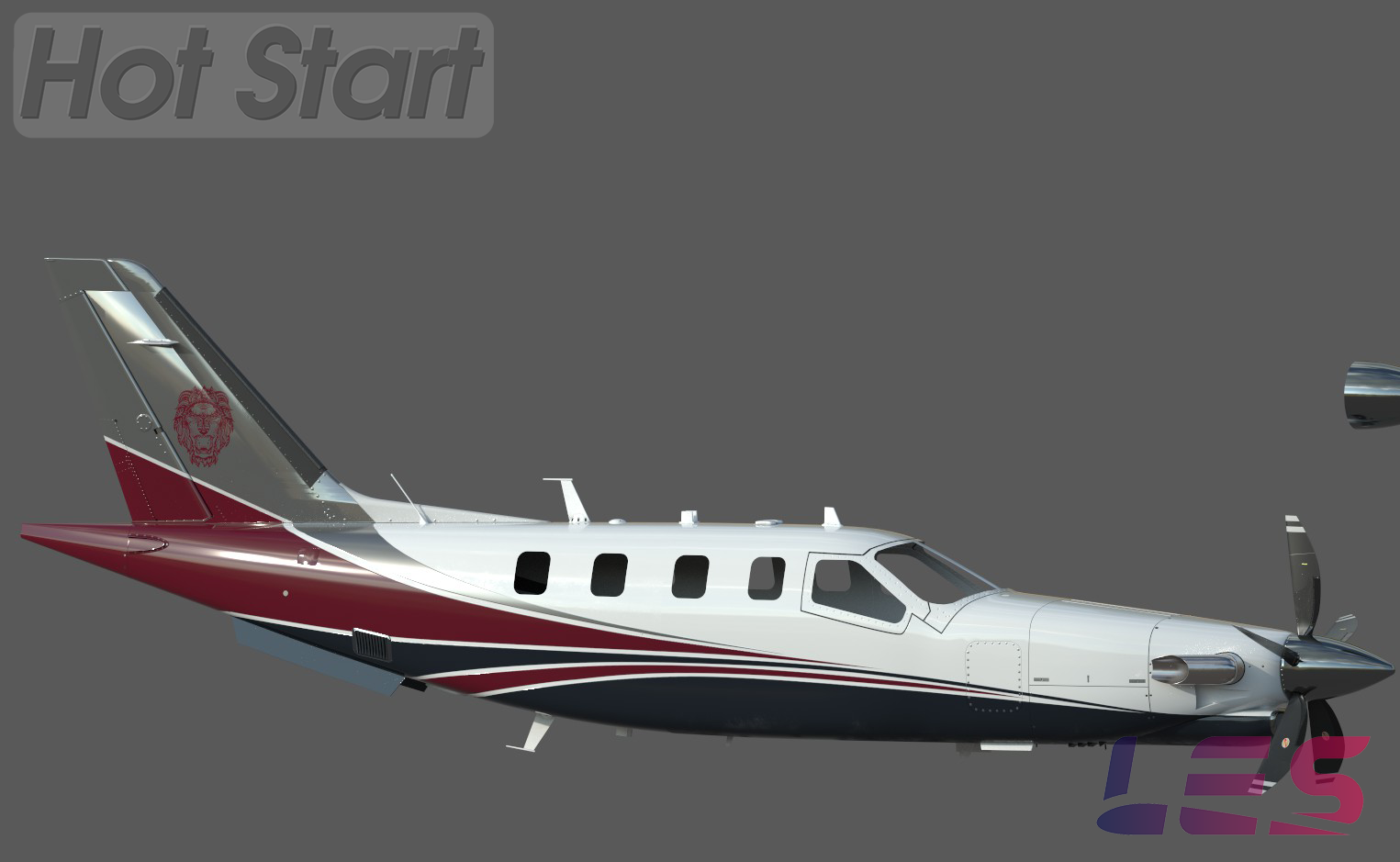
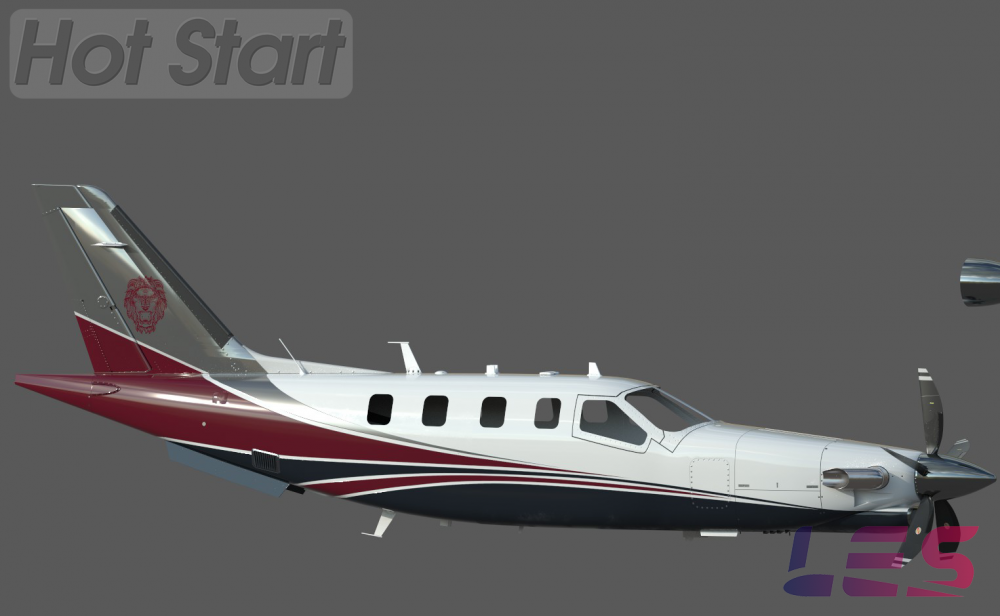
New paint. Just messing with images to place on the tail. I have a few, but I'm starting with the lions head.

-
Understood, but the Logs tell us everything. Even if there is something wrong with the code.
-
Please post GizmoLog.txt and Log.txt after the crash happens. Both are found in your X-Plane root folder.