

All Activity
- Past hour
-
That seemed to do the trick. Thanks.
- Today
-
 Hi! That worked! I followed your startup sequence exactly and now the AP behaves correctly. So in my case, the workaround is: no GPU battery ON inverter MAIN battery isolation NORMAL avionics OFF during startup generators ON after engine start avionics ON only after that no AP mode selected on the ground, only in the air Thank you very much for taking the time to write the full sequence. That solved it for me.
 -
 I know this is a unique question. I have Realsimgear hardware for the SR22 perspective+. That is crashing now since I accidentally upgraded xplane to 12.4.1. But my aircraft has G500 TXI and a Garmin GTN 650/750. I bought the G500 PFD and the Avidyne MFD, GTN 650/750 hardware but havent made the switch because of the fidelity of the perspective+. I will make the switch since perspective+ is broken (I dont have an xplane backup sadly -- something I will fix going forward) but I don't know if the entegra edition also crashes xplane. Thanks!
 -
Try enabling the "Zink plugin bridge" in X-Plane's Graphics settings. And if still an issue upload your Log.txt from the simulator's install directory, please.
-
I'm new to the Hotstart 650. I'm having a number of issues, but first things first.... When I am seated in the cockpit, APU running, all the screens (MFD, PFD, CDU, etc) are blank. I can click on them to see that they are actually on, but they don't show up in the overall cockpit view. My XPlane 12 install is from Steam (v12.4.2) and the recently-purchased Hotstart 650 is v1.9.
-
 teidvat joined the community
 -
 rahet105 joined the community
 -
 Ayri6060 joined the community
 -
 mariomax joined the community
 -
 Benutzer joined the community
 -
 kyle_bunger joined the community
 -
Chiming in to report the same issue with the Sundowner since release of X-Plane 12.4. Is there still not a published fix? If there is, how can I install the patch?
-
 pmead joined the community
 -

Thread Violation by X-aviation activation while not flying XA aircraft
Cameron replied to BlueScreenViking's topic in Help!?!
I only see one instance of that 9 days ago now that I've searched. Either way, we're fairly confident after a code audit X-Plane is misrepresenting the faulty plugin here. The reasons why need not be discussed here, but Laminar should work to fix this so we're punting it to them. -

Thread Violation by X-aviation activation while not flying XA aircraft
Pils replied to BlueScreenViking's topic in Help!?!
We’ve seen it on the HS Discord and I told them to contact Coop. -
Take Command! Hot Start Challenger 650 v1.9 Update Released!
Pils replied to Cameron's topic in Technical Support
Passing 290 kts? With the Yaw Damper? This means you have Yaw input being detected by the sim. Check your hardware calibration, and for axis noise. Also if you’re feet are resting on the pedals. -
 Tylermcfly joined the community
 -

Thread Violation by X-aviation activation while not flying XA aircraft
Coop replied to BlueScreenViking's topic in Help!?!
Thanks for providing the log and info. We've analyzed this and are going to be raising this with X-Plane internally. The call its reporting is implausible for normal use to throw, and seems to be the effect of something else crashing the sim, and the ensuing effects brought on by that. If we hear any more on this specifically, we'll update. - Yesterday
-

Take Command! Hot Start Challenger 650 v1.9 Update Released!
Guilherme Utsch replied to Cameron's topic in Technical Support
Hi Folks. In the latest update 1.9, I've noticed that the AP has been disconnecting during the climbing phase and it doesn´t connect anymore. -
 dwei27 joined the community
 -
 First thing i would be doing is removing skunkcraft updater, amazing how many people dont know its now obsolete, the plugin, you need to get the stand alone ver especially if you want your planes updated correctly.
 -
Thread Violation by X-aviation activation while not flying XA aircraft
Cameron replied to BlueScreenViking's topic in Help!?!
Thanks. We’ll look into this. You’re the first crash we’ve ever seen with this plugin. -
I have been having the same issue with the same XPLMRegisterFlightLoopCallback at the end of the log since 12.4
-
 After 10 hours in flight with the Felis 747-200 i had a crash and at the end of the log it ended with Threading violation calling XPLMDestroyFlightLoop (C:\Users\Administrator\builds\eiafPmXpN\0\x-plane\design\SDK\COMMON\xplanesdk\Src\XPLM\XPLMProcessing.cpp:183) Violation by X-Aviation Activation (lss.xa.activation) Log.txt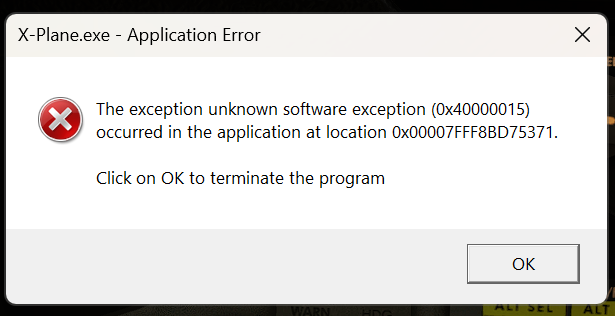
-
https://support.x-aviation.com/index.php?a=add
-
https://support.x-aviation.com/index.php?a=add
-
Same issue here. Any updates?
-
This is usually because the door is trying to close and the pin is trapped under pressure, preventing your head from being crushed.
-
Take Command! Hot Start Challenger 650 v1.9 Update Released!
Pils replied to Cameron's topic in Technical Support
There are no known incompatibilities at this time. Of course Laminar can undo this at any time. -
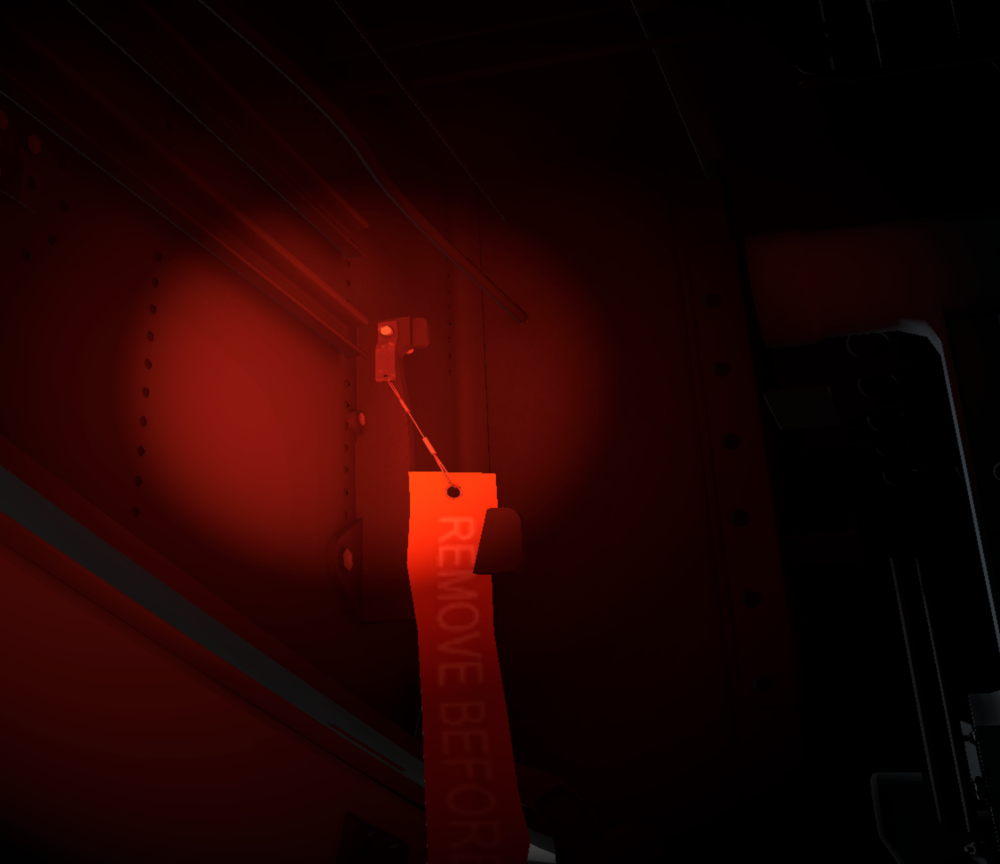
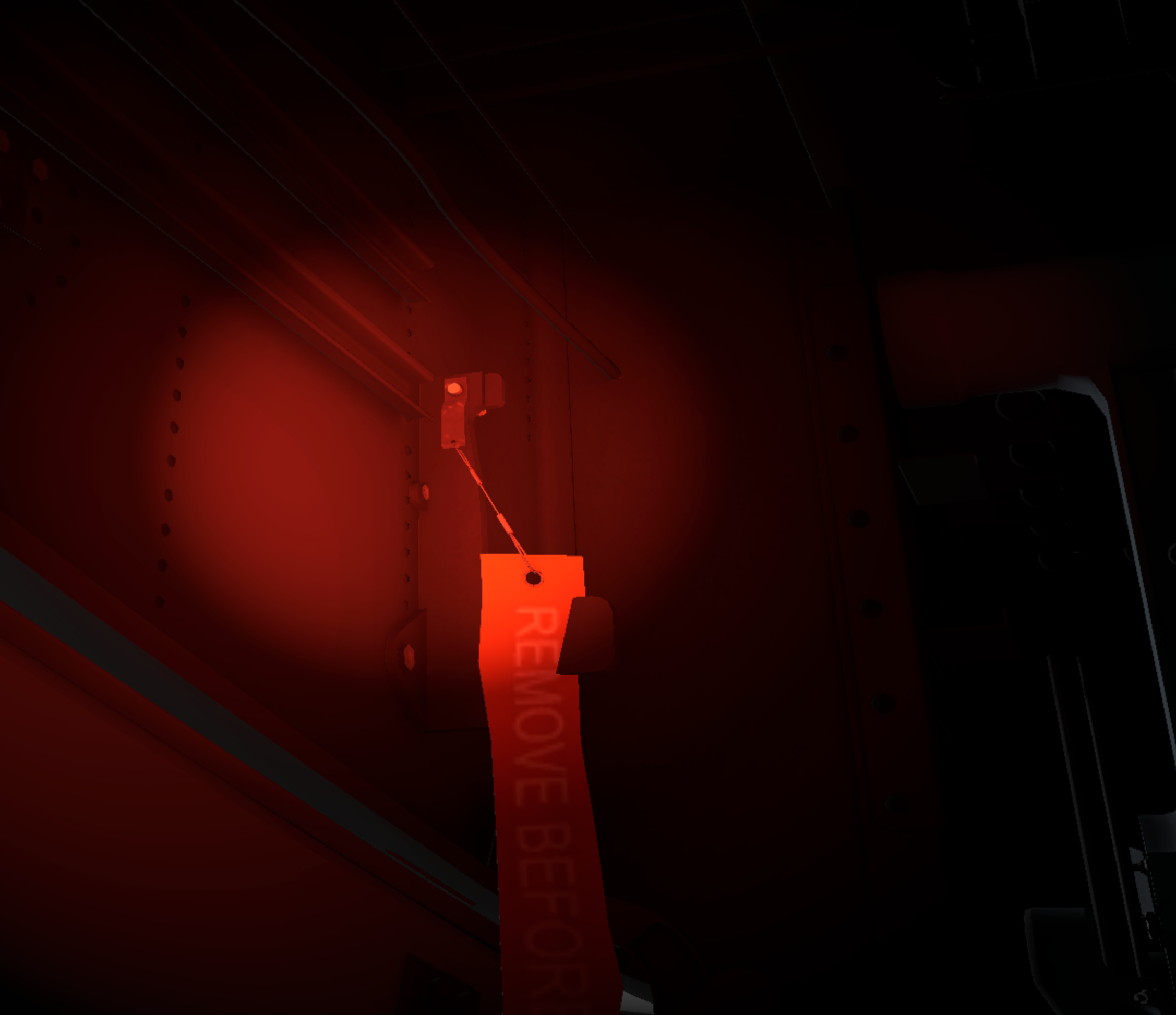
I've been enjoying the latest update for the last few days and just encountered my first real problem. It was impossible to remove one of the pins from the nose door area. I tried reloading the game and trying to modify the relevant dataref and it still wouldn't be removed. As I couldn't shut the nose door I therefore had to abandon the airframe and create a new one. It looks like it was clipping through the aircraft but don't know if that was the problem. It was the 'middle' one of the three in that area.
-
i sent it as a private message.
-

Take Command! Hot Start Challenger 650 v1.9 Update Released!
Gobysky replied to Cameron's topic in Technical Support
I find this thread an interesting and an informative read. The only question I have is X-plane 12 came out with a recent update and just would like to know about compatibility with the CL650, and where I can get such reports of when CL650 has been tweaked to conform with the update. I’ve run into nightmarish issues with incompatibility in the past and would like to avoid it. -
Please provide Log.txt from the simulator
-
This error, which first appeared back in 2022, has resurfaced with the latest update (v1.9). SimBrief ID verification was completed successfully, yet I encountered the same rejection at three different airports. Even when downloading the plan from SimBrief and attempting to load it locally, the same issue occurred, although some routes worked without any problems. AIRAC 2604.
.thumb.png.619830f419c873788778c65b434ed7c1.png)



.png.f4d6bafb54a7ee559b1805382532ea7a.png)