All Activity
- Yesterday
-
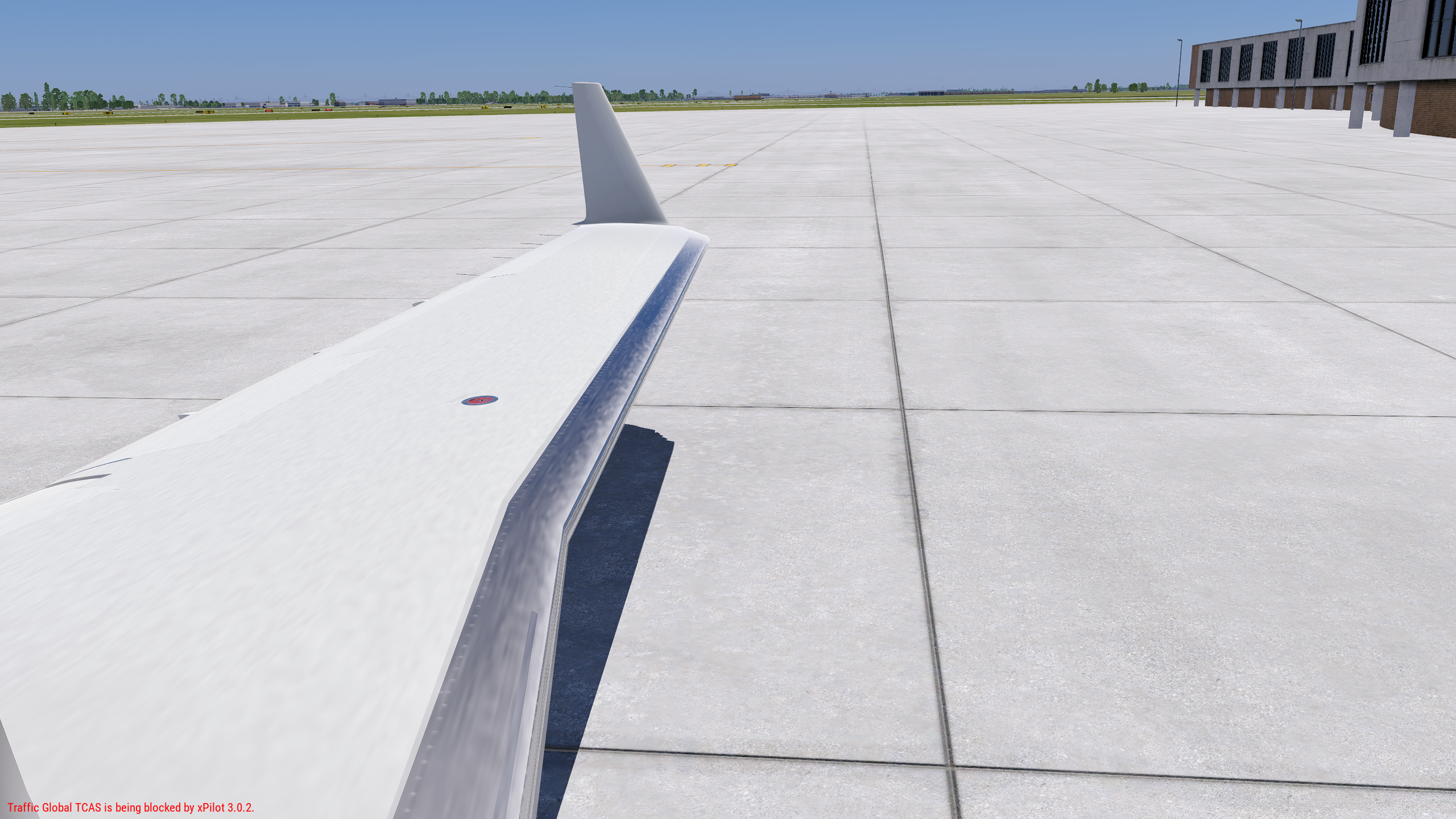
It’s the texture for ice. (It can appear when no ice is present, which is a bug.)
- Last week
-
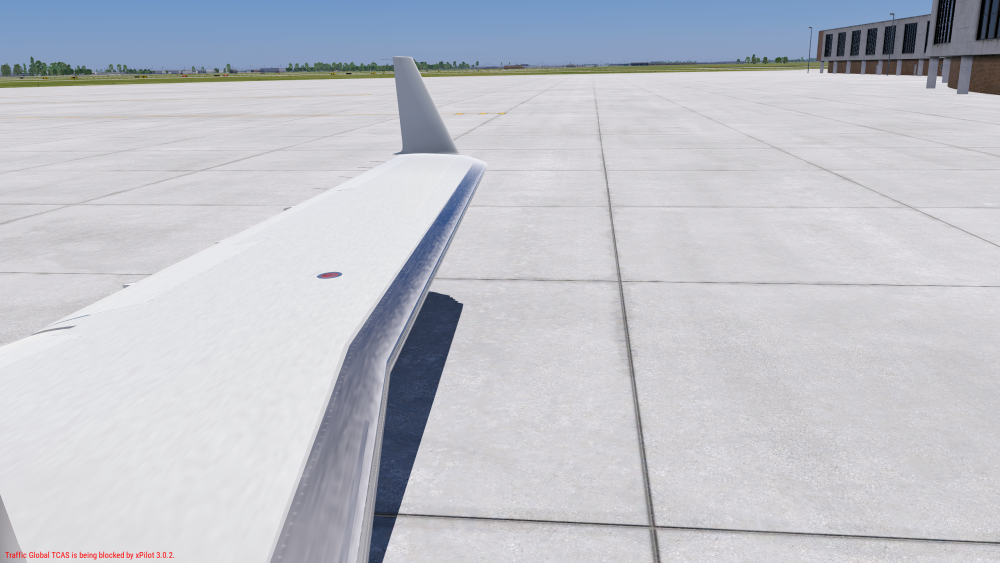
I just recently purchased the CL650 and upon loading the wings have a very weird looking texture which doesn't match any other I've seen of this aircraft. I have a 4070 GPU and texture settings set to high. I've tried uninstalling and reinstalling with no luck. It happens with every livery. Log.txt
-
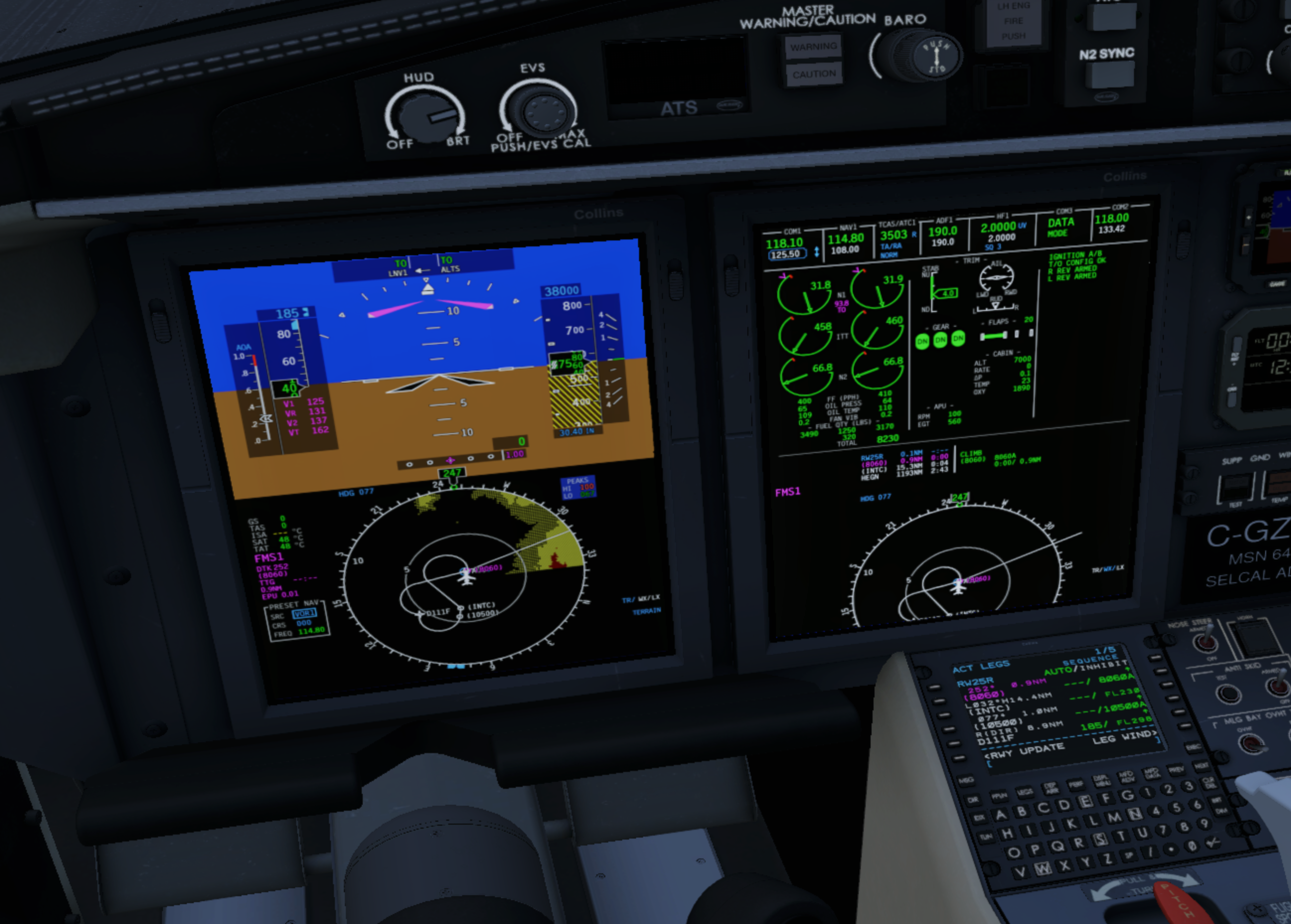
 Hello, I'm experiencing a reproducible issue with the Hot Start Challenger 650 v1.9. Environment Windows 11 X-Plane 12.4.3-r2 (Laminar) Hot Start Challenger 650 v1.9 NVIDIA RTX 5090 NVIDIA GeForce Game Ready Driver 610.62 Symptoms Career Mode Career Mode → Select Airframe → Enter FBO → Confirm The X-Camera compatibility notice appears normally. After clicking Dismiss, the screen remains completely black. X-Plane does not crash and can still be exited normally. Non-Persistent Mode Immediate CTD during loading. Troubleshooting already performed I have tested: Complete reinstallation of the CL650 X-Plane installation verified Zink disabled VR disabled Tested with only: PluginAdmin Gizmo64 X-Aviation Same result. I then restored all my plugins. Other complex aircraft work perfectly: ToLiss A320 ✔ Zibo 737 ✔ Therefore this does not appear to be a general X-Plane or plugin issue. No CL650 persistent files remain under Output or AppData. Log.txt The log always ends with: CL650[geom.c:1342]: assertion "is_valid_poly(poly)" failed followed by a backtrace inside systems.xpl. The aircraft appears to complete initialization before the assertion occurs. Additional information Help Desk ticket already opened: #2173 Ticket status is still New Log.txt attached Has anyone seen this assertion before? Could this be related to XP12.4.3-r2 or RTX 5090 compatibility? Any help would be greatly appreciated. Log6.txt Log7.txt Log5.txt
-
Thanks for the update. Do you have any tips to increase the frame rates in xplane 12 in VR? I have a high performance computer that handles everything in MSFS and xplane 12 just fine but the sr20 brings it to a slow crawl. I loved your SR20 in xplane 11 and it worked perfectly back then. I’d love to be able to fly it again in xplane 12 some day. Any advice would be appreciated. Thanks!
-
I believe this file can help. It is a work around for the Direct to buttons. Be sure to backup your original 525_CLICKABLES.obj file before inserting this one. Also, you will need to remove my ".repaired" extension from the new file to make it read "525_CLICKABLES.obj" (less quotes of course). Place this file in the "X-Plane 12\Aircraft\X-Aviation\TorqueSim CitationJet 525\objects" folder. Should be good to go and not sure why this hasn't been corrected yet either. 525_CLICKABLES.obj.repaired
-
Nope! Thanks!
-
I fly all GA aircraft and my SR22 is my favorite. I like using OpenSam to have a Marshaller to help parking when arriving at my destination airport. It works great when flying my C172 and my DA62 but does not work in my SR22 because it requires the plane to have a beacon light on. The SR22 does not have a beacon light - only strobe lights. I thought I could “trick it” by adding a beacon light to the SR22 in PlaneMaker but that did not work. I am not very familiar with PlaneMaker so maybe my beacon install was not right. I would very much appreciate any ideas anyone might have how I could get OpenSam working with my SR22. Thanks in advance!
-
Absolutely. I did hit send, and it stated that the message was uploaded to Laminar. Are there other steps I should take?
-
Flight model crashes need to also be reported to Laminar Research. Thanks!
-
Thanks for the update. I appreciate everyone's hard work. Had a CTD with the following: 0:23:28.633 E/ACF: Flight model error for aircraft: #0, which is path=Aircraft/X-Aviation/RSG DA40NG/DA40NG.acf 0:23:28.633 E/SYS: MACIBM_alert: WHOA! HOLD THE PHONE! WE GOT A PROBLEM! I'LL PAUSE THE SIM NOW AND PUT THE CAMERA ON THE OFFENDING AIRPLANE! 0:23:28.633 E/SYS: MACIBM_alert: This happened in file C:/Users/Administrator/builds/eiafPmXpN/1/x-plane/design/source_code/engine/fm/fm_central_math/fm_wind_acf.cpp, line 729, function ret_wind_acf. 0:23:28.633 E/SYS: MACIBM_alert: The alert source is: vx_wrl 0:23:28.633 E/SYS: MACIBM_alert: The alert note is: value is nan or inf! 0:23:28.633 E/SYS: MACIBM_alert: C:\Users\Administrator\builds\eiafPmXpN\1\x-plane\design\source_code\engine\veh\definitions\veh_utils.cpp:48 --=={This application has crashed!}==-- --=={ Location undetermined }==-- --=={FILE: C:\Program Files (x86)\Steam\steamapps\common\X-Plane 12\Log_ATC.txt}==-- --=={UUID: 93d9201a-b77f-49cc-b1a2-d30e8088c556}==-- upload successful Log.txt
-
This will serve as an official announcement that we have released the version 2.1.0 update for the SR20 Entegra. All customers who have purchased the SR20 Entegra up till now have been sent an e-mail by X-Aviation with complete instructions on how to obtain your update. We have made this a very simple process! For those that purchase the SR20 Entegra from today forward, your purchased download will already be updated to version 2.1.0 for you. What if I didn't get the update e-mail? If you did not receive your update e-mail don't fret! X-Aviation has updated our system to allow all customers to update with ease, regardless of whether you received an e-mail for the update! Here's what to do: 1. Login to your X-Aviation account here: https://www.x-aviation.com/catalog/account_history.php 2. Find your original SR20 Entegra Series download and re-download the file. It will download as the latest version! The following is a list of additions/fixes included: Bug Fixes & Improvements: X-Plane 12.4 adjustments and updated dataref usage Latest physics engine Spark plugs will revert to clean status when wear/maintenance system is disabled (previously whatever state they were in before when disabling was kept) Fuel lines are primed by default when persistent systems are turned off Disabled fuel sloshing on ground Expedite priming process until fuel flow registers during engine start Adjust positive fuel flow with low boost and engine off Replacement of deprecated datarefs Updated libraries and dependencies As always, thanks for being a customer with X-Aviation. We appreciate your feedback and support! Enjoy these latest updates, and stay tuned to the forum as we continually announce the latest happenings.
-
Yes I'm sure it's partly down to technique. Usually I use VS and FLC to manage the climb after takeoff but usually it still climbs quicker than it did in the first case. I just found it a bit odd, and it didn't happen any other time. I sped up the video 16x because no one wants to watch three videos that are nearly 10 minutes each, and I thought it gave the basic idea. But yes they could be better and it took me forever to upload it so next time I'll do something else. Attempt three, that is really the confusing one as like you say, it turned left despite definitely drawing a turn to the right, and the departure instructions explicitly say right turn: I don't know what the database explicitly says in this regard, but I would have expected it to enforce the above in the main. I think a left turn would be a significant deviation as flying over Addis Ababa city below FL160 is not permitted and the pattern is tightly regulated. But I'm just some dude flying a flight sim and neither a real-world ATC or pilot.
- Earlier
-
The route on the plane's map isn't like an Airbus where it'll fly exactly along the line, so some deviations are expected. Looking at attempt 3 again (at 4x speed???), I see it did draw a turn to the right, but when it sequenced it took the shorter path to the left. That's maybe a corner case that the developer needs to address. But, I think to get you passed this issue, an adjustment to flying technique will put it inline with what's expected (and demonstrated by us).
-
You're flying the climbs in PTCH mode (and at a pitch less than 10 degrees in some cases), while not accelerating past 185 kts (as per the chart). From what I can tell the plane flew exactly as you commanded it to, at low pitch and low thrust (due to low speed target), with attempt one being the lowest (zero climb rate/VS at times, should be something you're monitoring). After initial take off phase you should be switching vertical mode to VS or FLC. The plane is capable of climbing at several thousand FPM, not hundreds. Obviously in hot weather (like ISA+19 you have) and with a heavy fuel load that will be lower. FWIW the chart may show this, as that's what's expected, but it's not enforced in the database coding. If you leave the PFD ROSE in HSI mode and the CDU on the LEGS page you'd have shown what exactly it was flying more clearly. The popup makes it easier to see the DTK, it was flying to course 331, which is a "shorter" turn by going to the left. I think it all comes down your procedures, and the plane is flying exactly what the database tells it to. Hope this helps. P.S. X-Plane's default video capture is terrible, I suggest using OBS Studio. Also uploading to YouTube or Streamable.
-
I've attached a video and the log file. haab.mp4 Log.txt
-

Accessing the X-Aviation website : problem !
Cameron replied to JMichel33's topic in General Discussion
Support tickets will be answered in 2-3 days time on average, not one hour. -
Please also attach a Log.txt from the sim when running this departure in the aircraft.
-
Accessing the X-Aviation website I cannot access the X-Aviation website: I am not receiving the two-factor authentication code in my email inbox. I have already cleared my cookies and cache, yet I am still not receiving the message with the code. This is VERY frustrating, especially since I opened a support ticket over an hour ago that remains unanswered! Please get this working; considering the price of the aircraft, we have every right to have high expectations! Thanks in advance.
-
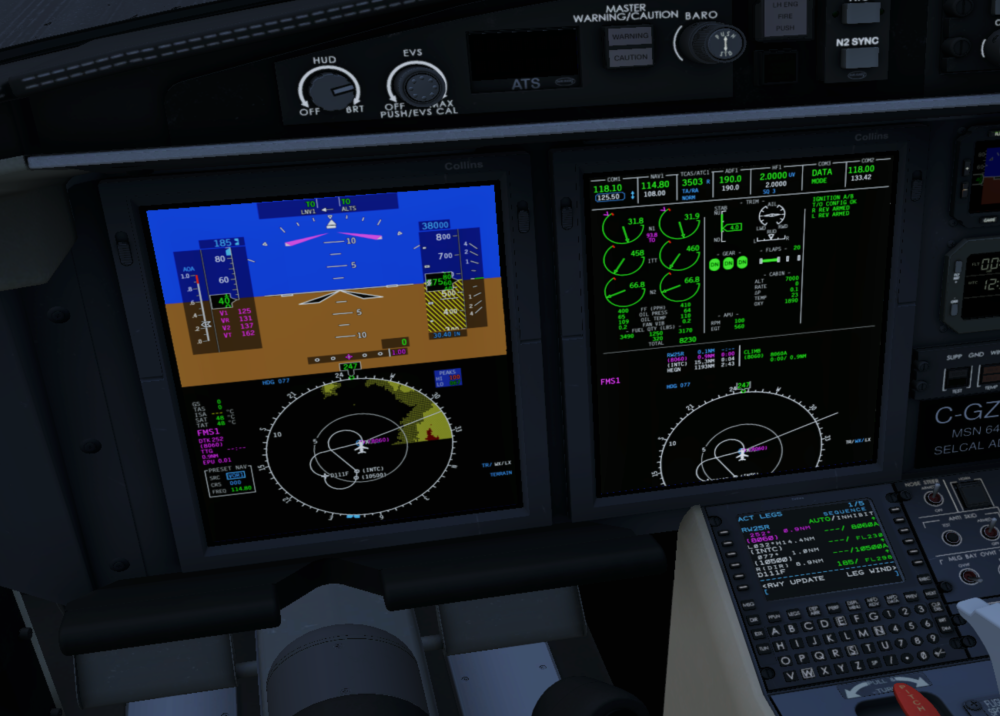
I have tried this SID 3 different times and got a different outcome every time. Here's how it was programmed in: I've included videos below of each attempt, the most pertinent probably being number 3, which reproduced what I described in the original post. (Edit: these videos seem to stream horribly, I'll try reuploading them shortly). Attempt 1: Aircraft generally seemed to follow the correct route as drawn on the chart, but climbed incredibly slowly for some reason, resulting in terrain and gear warnings, so I decided to restart. Closest to the one shown by @skiselkov. Attempt 2: Aircraft loosely followed the correct route, making the correct turns at the correct altitudes, but took some quite sharply, so deviated from the mapped route. Maybe that's okay, I'm not sure. Attempt 3: Here the aircraft turned in the opposite direction to that on the chart and the FMS, as I described in my original post. I didn't vary anything between the 3 attempts, other than tiny differences in my inputs and timings. Please excuse poor FPS and strict adherence to checklist while I was juggling a few things. Maybe I did something wrong, if so please let me know.
-
This update wasn’t presented as a complete overhaul of the aircraft, nor is it the end of development. Laminar released a version of X-Plane that would ultimately cause plugin crashes without this update. It includes the improvements we were ready to release, and we’ll continue to improve the product over time. General statements that something is “unrealistic” don’t provide enough information for us to investigate, but detailed examples do.
-
buying this model is the worst waste of money I've ever experienced it was great and promising to be developed according to the first versions but now, after 2 years of silence you release a "new" version with several minor changes (by the way, the engine performance remains as unrealistic as it was in the previous one). I'm completely frustrated by your disrespect in the attitude of customers.
-
I just tried it again and it didn't crash. Maybe it's something else at play then.
-
View File D-IRKE TorqueSim CitationJet 525 Torquesim C525 livery recreating D-IRKE, based on the reference photo: https://www.jetphotos.com/photo/11361398 The Livery comes in 4K and 8K Resolution. Submitter Bishop Submitted 07/07/2026 Category Take Command! CitationJet 525
-

Version 1.0.0
5 downloads
Torquesim C525 livery recreating D-IRKE, based on the reference photo: https://www.jetphotos.com/photo/11361398 The Livery comes in 4K and 8K Resolution. -
I appreciate the time taken to answer. I've got a slightly better grasp of it now and will use your notes to refine further. Thanks again.