Goran_M
-
Posts
5,658 -
Joined
-
Days Won
235
Content Type
Profiles
Forums
Latest X-Plane & Community News
Events
Downloads
Store
Everything posted by Goran_M
-
This might mean your TBM is not activated. Try re-activating using the Gizmo toolbar
-
Definitely. Saso is also 100% dedicated to making sure you're all taken care of. All in good time.
-
Your Oculus Rift is causing X-Plane to crash. Your GPU drivers are also a little outdated. Current drivers are 425.31 Seeing as there was a major fix to the rain in VR, that required updated drivers (I think 419.xx was the recommended version number for the last TBM update) I would advise updating your GPU drivers first, and then seeing if that stops the crashes. Please post back if this works.
-
-
lol. I'll see what I can do.
-
It could very well be X-Plane doing X-Plane things. I wanted to see the log file because that could give me a clue as to what may be going on to cause the snow. Whether it's software related of hardware related. In any case, it looks as though it was a freak cold snap.
-
Check to see if the VS numbers change when you click the dial. I think the actual wheel still needs to be animated, but the numbers changing should work
-
Just saw this forum post. Apologies. Yes, you are correct. No way to quick disconnect the battery.
-
You can either click, hold mouse button, and drag left for reducing altitude level or click hold and drag right to increase. You can also use scroll wheel. Scroll forward to increase and scroll backward to decrease.
-
Does everything else work properly?
-
Are you clicking and dragging left and right to adjust it?
-
Can you attach a log file so I can see what’s going on. Found in your root X-Plane folder.
-
If it’s still not working with a vanilla install of xplane, then it’s 100% something on your end. I have a vanilla install of X-Plane, and can not reproduce this problem. Try running a scan disk or check your page file allocation.
-
Thank you for the comments. Happy to see you enjoying it.
-
The icing code in the TBM is simply reading what XPlane is giving. It’s not controlled by the TBM
-
That is 1 of the biggest log files I have ever seen. There is a ton of stuff going on in there. This isn't the TBM crashing, but something the TBM caught in X-Plane which caused it to crash. The backtrace points to X-Plane itself crashing. Can you try removing Squawkbox first, and then see if the crash repeats itself.
-
There are normal control surfaces which are the main ones that move when moving the controls. Then there are tabs on each surface. These tabs are for trim, and they are used by the autopilot. So your main control surfaces were not in their correct position, and to compensate, your autopilot was trying to keep the aircraft flying normally by adjusting the trim tabs. As soon as AP was switched off, Trim tabs went to their neutral position, and the aircraft lost control. Normally in this kind of situation, you would need to check your hardware calibration, because something is causing the aircraft to lose control. I see nothing wrong in your log file, so this is definitely something to do with your hardware. You could also check your trim tab position on the centre G1000 display...lower left. They should be close to centre for all tabs.
-
We need the log.txt file found in the root X-Plane folder. If the plane is crashing after disengaging autopilot, it means the control surfaces are very much out of alignment. The autopilot uses the trim tabs to control the aircraft. Before turning off autopilot, what position are the trim tabs in?
-

Smoke, hypoxia, crash. Does the TBM 900 have random failures?
Goran_M replied to Buttons840's topic in General Discussion
What I meant was, If you have all failures in the X-Plane menu off, the TBM will eventually have component failure due to wear and tear. -
Make sure yaw damper is off.
-
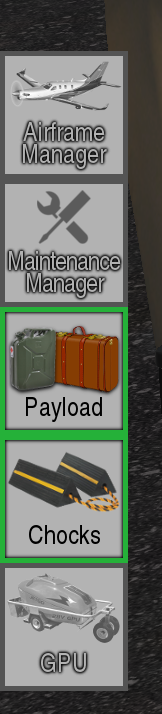
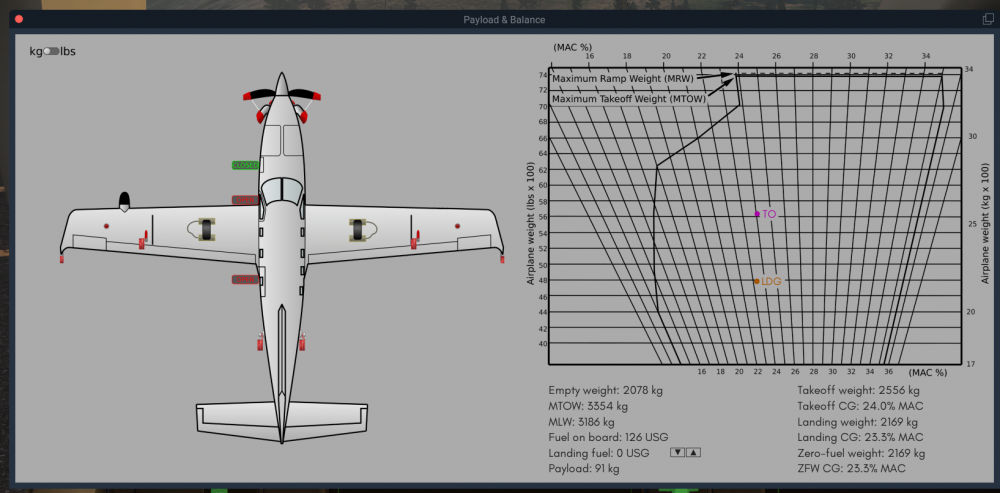
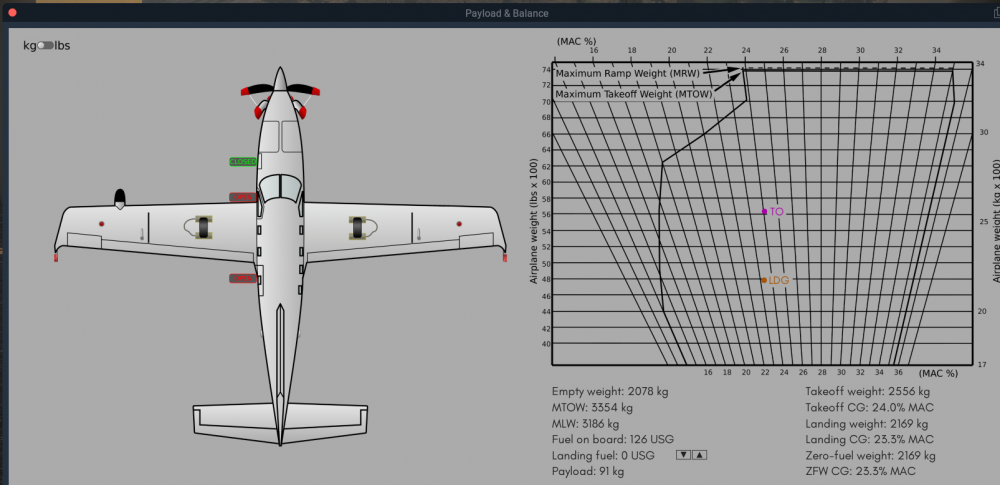
Next time, can you please double check. It looks like they haven't been removed. You aren't getting any altitude or airspeed displays. Check your payload menu Then check the flags are removed on the aircraft status pop up. The image below shows pitot tube covers (under the wings) and static vent covers (rear of the aircraft on both sides) all in place. This image shows them removed.
-
Did you remove all your static vent covers and pitot tube covers?
-
Glad to see you got it sorted.
-
As I suspected, something in FlyWithLUA is causing your problem. Go through your FlyWithLUA stuff and make sure nothing in there is controlling the brakes. With FlyWithLUA removed, it will work with your hardware connected.