Goran_M
-
Posts
5,646 -
Joined
-
Days Won
231
Content Type
Profiles
Forums
Latest X-Plane & Community News
Events
Downloads
Store
Everything posted by Goran_M
-
We'll make announcements as we finalize more details and get closer to completion.
-

Can LES imagine doing a Helicopter in the future?
Goran_M replied to mgeiss's topic in General Discussion
We'll see. I don't think it'll be easy. -
Can LES imagine doing a Helicopter in the future?
Goran_M replied to mgeiss's topic in General Discussion
A better photo of it. I've wanted to make this for years.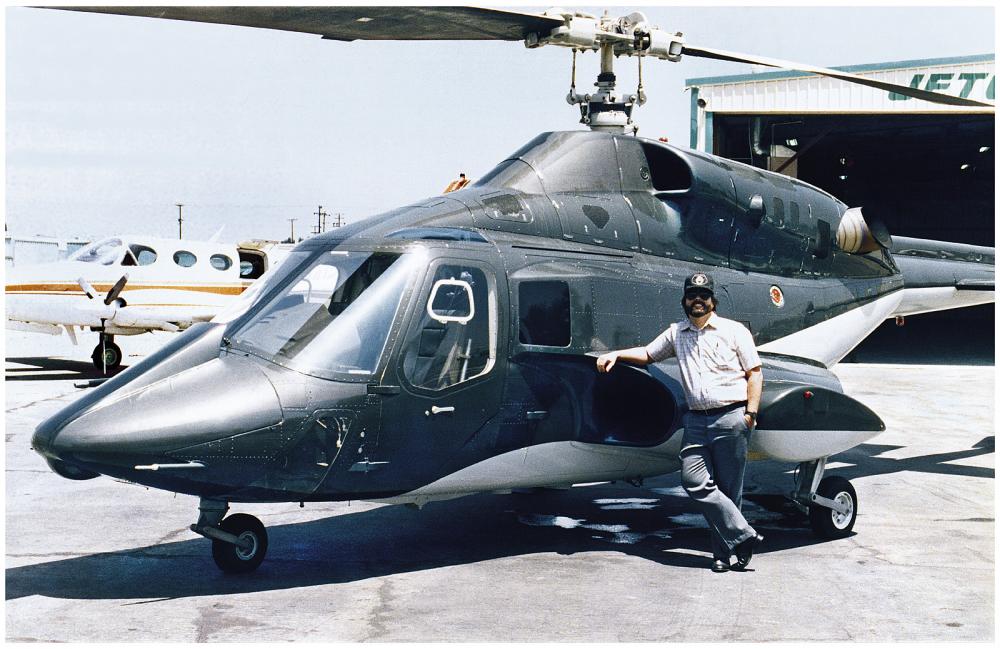
-
We're still in the middle of discussions regarding the Saab and XP11. There will be a paid upgrade for it, due to the amount of work going into this new version, but there will be a few finer points to discuss and finalize. So nothing "official" at this time, but once things are official, we'll make a post here and on the Facebook page.
-
Can LES imagine doing a Helicopter in the future?
Goran_M replied to mgeiss's topic in General Discussion
or my personal favorite...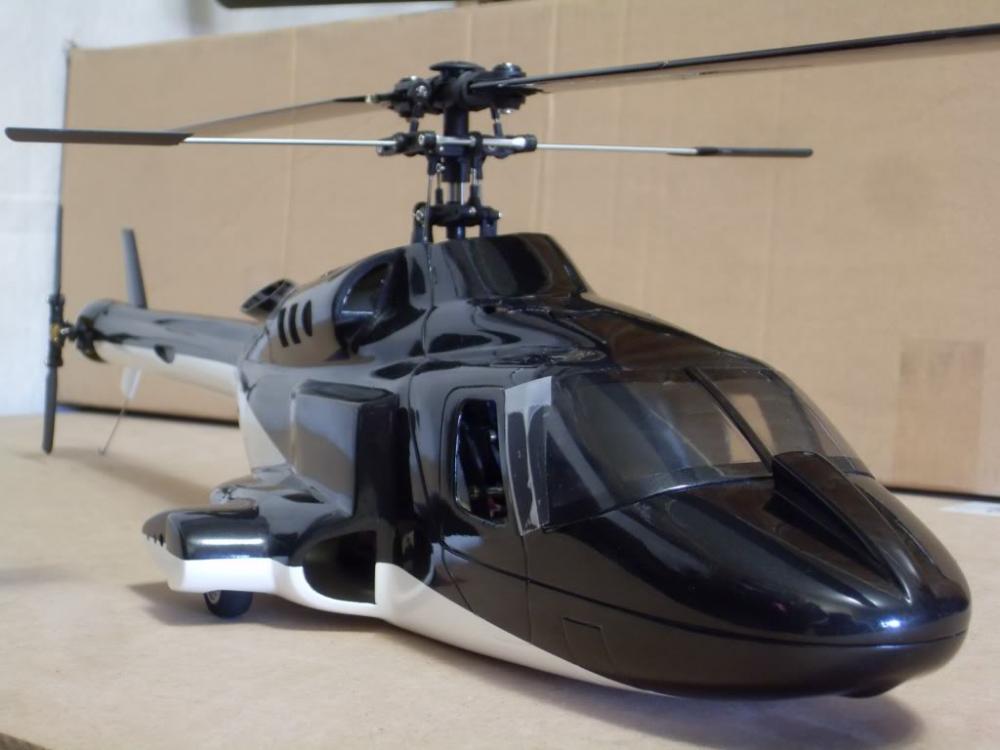
-
You're welcome. Of course, we will continue to keep our current and future customers in the loop when our decisions become final on any particular topic.
-
Good question. We've had meetings about this, and there is another factor to consider. Will the XP10 market still be viable by the time the Citation is finished? If not, then it will likely be made ONLY for XP11. And THAT all depends on how many updates Laminar release to the first version of XP11 in the months following. However, (without committing myself to anything) if we do make it for XP10, and people want to purchase it for XP10, and then later want it for XP11, there is a chance there will be a separate license and a small fee incurred due to the extra work needed for PBR. But PLEASE don't hold me to that. We still need to discuss this internally and take a few more things into consideration.
-
A rather large update is still being worked on. Apart from the bug fixes that are being looked at and fixed, there are a LOT of cosmetic changes that are taking place. I'll post comparison images from that some time in the near future. Any help we would need would likely be in the form of testing for XP11. But we'll know more about that when XP11 is out. Paid upgrades can be a very touchy subject for some people. We'll post details about that when the time comes. For now, work continues on getting this aircraft ready for XP11.
-
Can LES imagine doing a Helicopter in the future?
Goran_M replied to mgeiss's topic in General Discussion
We've discussed helicopters in the past, We're not opposed to doing them, but it would be completely new territory. I don't want to say we'll DEFINITELY do 1 or several in the future, but it's possible. It would be an interesting area to explore some day. -
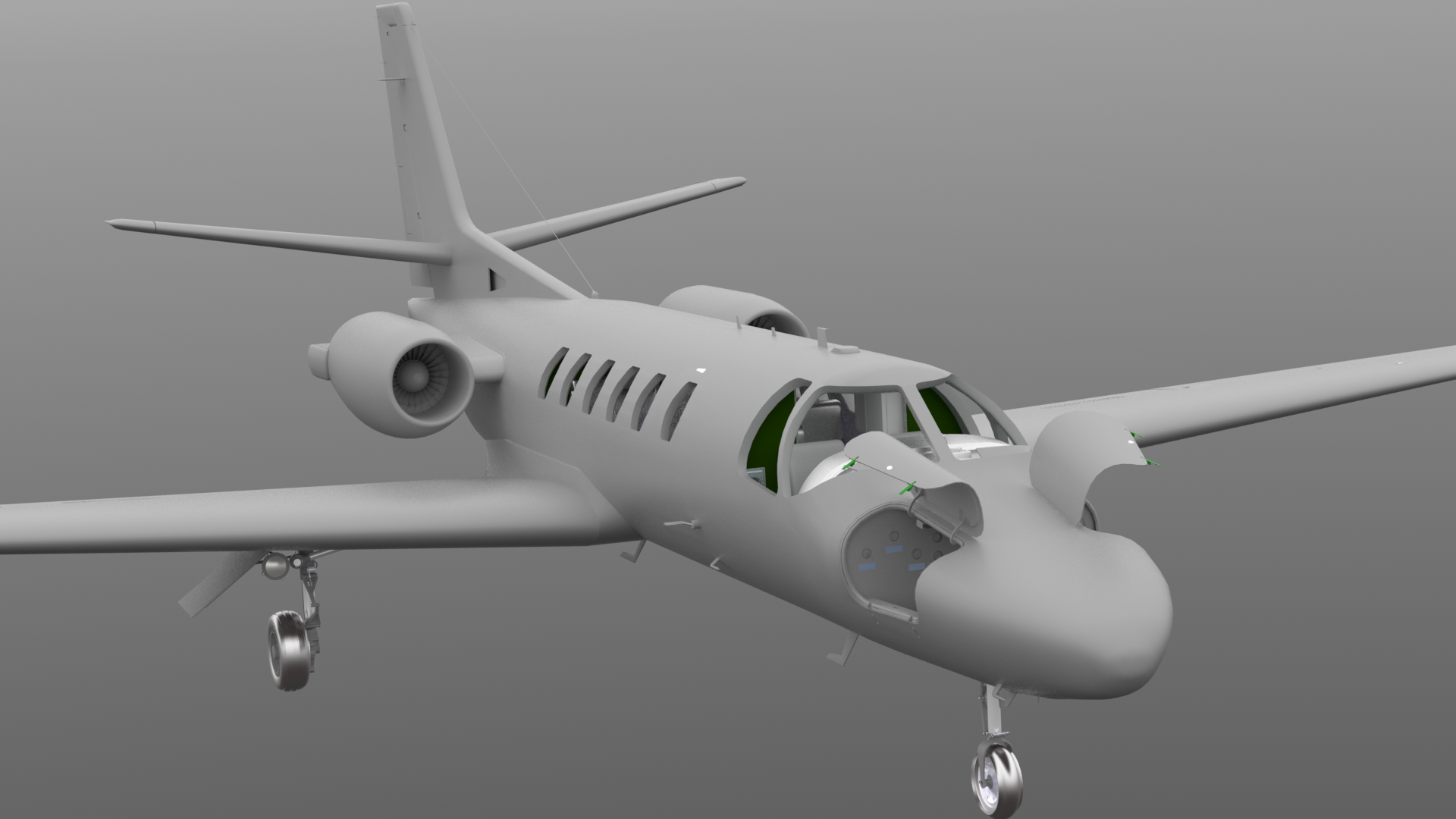
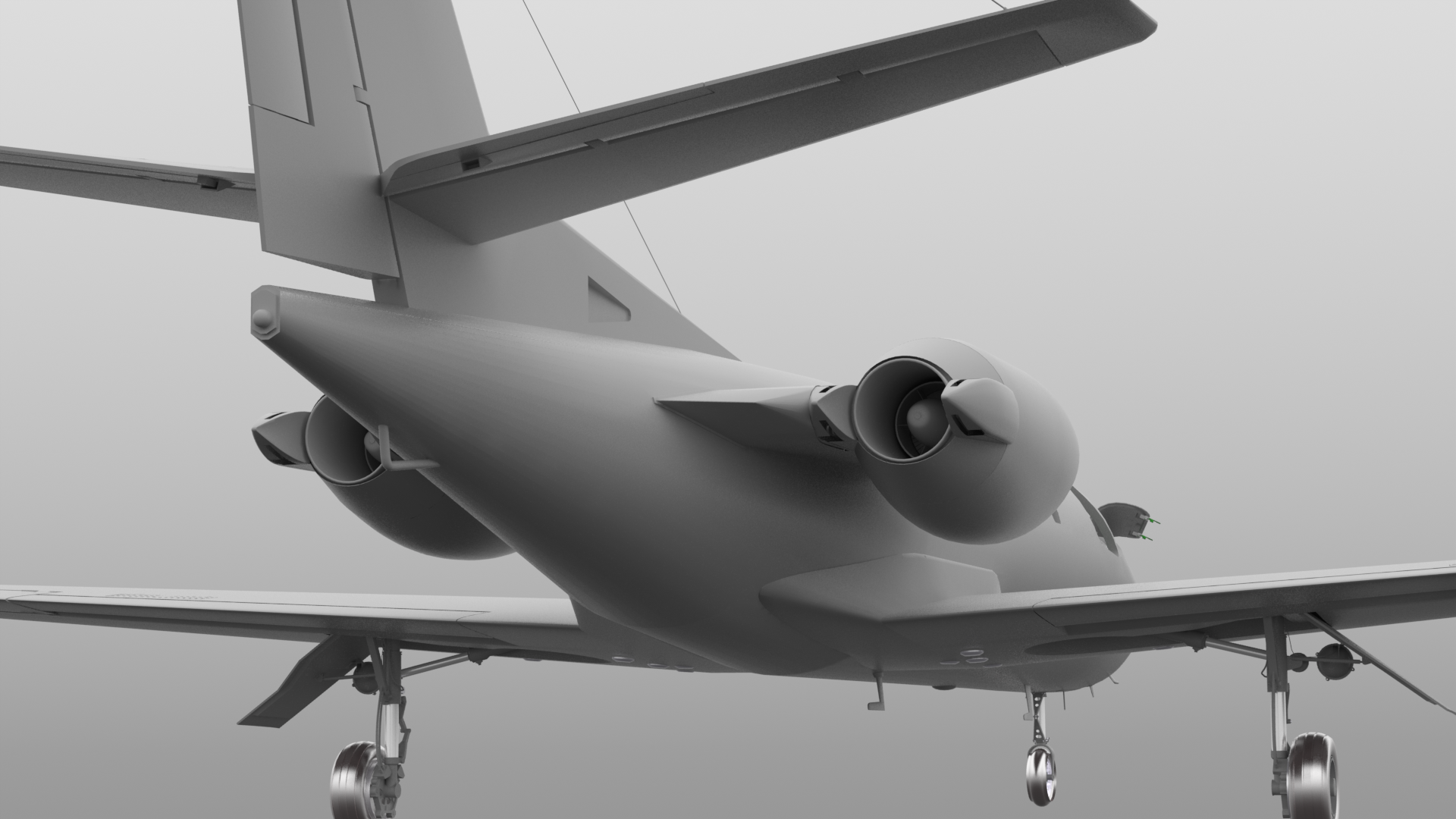
Yeah. It's looking pretty sweet after being textured in PBR! Ok, I'll be serious. Jim has been under some pretty serious deadlines with his work on XP11. While he's been doing that, I've been texturing the Citation in PBR and non PBR (for XP11 and XP10 respectively), as well as some other things I've been working on in my spare time. I WILL post screenshots of the Citation in PBR when I'm satisfied with how it looks. Obviously not in XP11. I use an external renderer for those.
-
Interesting. I'll see if I can ammend that and upload it to the forums for a download
-
We're preparing a rather large upgrade of this package for XP11, and part of this upgrade is a modified flight model and added documentation. What we have included in the documentation in the current package is , pretty much, taken out of the AOM and is what pilots use in their every day duties. It's difficult to simplify something that relies on complex calculations, in a quick and dirty way to make it more understandable. I'm looking at some kind of simplification for the upgrade, and we'll include it in the current XP10 version. For now, if there are any specifics you need help with within the charts, please feel free to ask and I'll do my best to help.
-
When people start getting on the offensive, it means they're intimidated by the competition. Otherwise, they just sit back and let their work do the talking for them...if they have confidence in their own work, that is.
-
There have been people who have used the KLN with the Saab. I think I've seen people use XFMC with the Saab as well. We do have an issue with that, and that issue is, if any problems arise (crashes, fps stutters, autopilot problems, etc...) then we can't offer official product support. We would be doing support for our work AND someone else's work.
-
Let me try to understand what you are asking for, Eddie. You want the option of choosing a variant of the Citation with either a Garmin 430 or a Garmin 530. But not both. (I'd rather leave the KLN out of this discussion for now as it's a SASL product, and we have a ton of Gizmo code in the navigation systems.) The Citation has been changed since last you probably saw it and we now have both Garmins on the panel. So you can turn on both or just 1. Swapping them is, kind of, a moot point. I would actually look very seriously at adding the G1000 for the XP11 version. I'll discuss with Jim and one of us will reply back.
-
I'll discuss with Jim and Cameron and one of us will post back.
-
From what I have seen, all attempts by Ben to work with JarDesign have gone unanswered by them. It's hard to find a solution when 1 team is unwilling to co-operate.
-
I've had a look at the Antonov's cockpit many times, and, although I do admire the plane for it's engineering (still can't get over it's size), and I think it would be a fun adventure to model it, there are a few variables that make it a nightmare. The number of gauges in the cockpit, and the Cyrillic lettering being just 2 major hurdles. I suppose the lettering could be translated to English, but then the authenticity would be gone. It's an extremely large scale project, if I were to do it to the level I wanted to do it. So for that reason, and a few others, I would only do it as a contract job. I could be reasonable in a quote as a contract job, but if you want details, it would be more appropriate to discuss that through the proper channels. To give you an idea, what would an average professional make at their job in 4 months? That amount would be somewhere around the amount that would make this happen.
-
I would, but you wouldn't like my "reasonable price".
-
This add on was made several years ago, without HDR lighting. I do have plans to upgrade it to today's quality, with HDR lighting, improved mesh and improved textures. Won't be until after the C23, and probably the Citation.
-
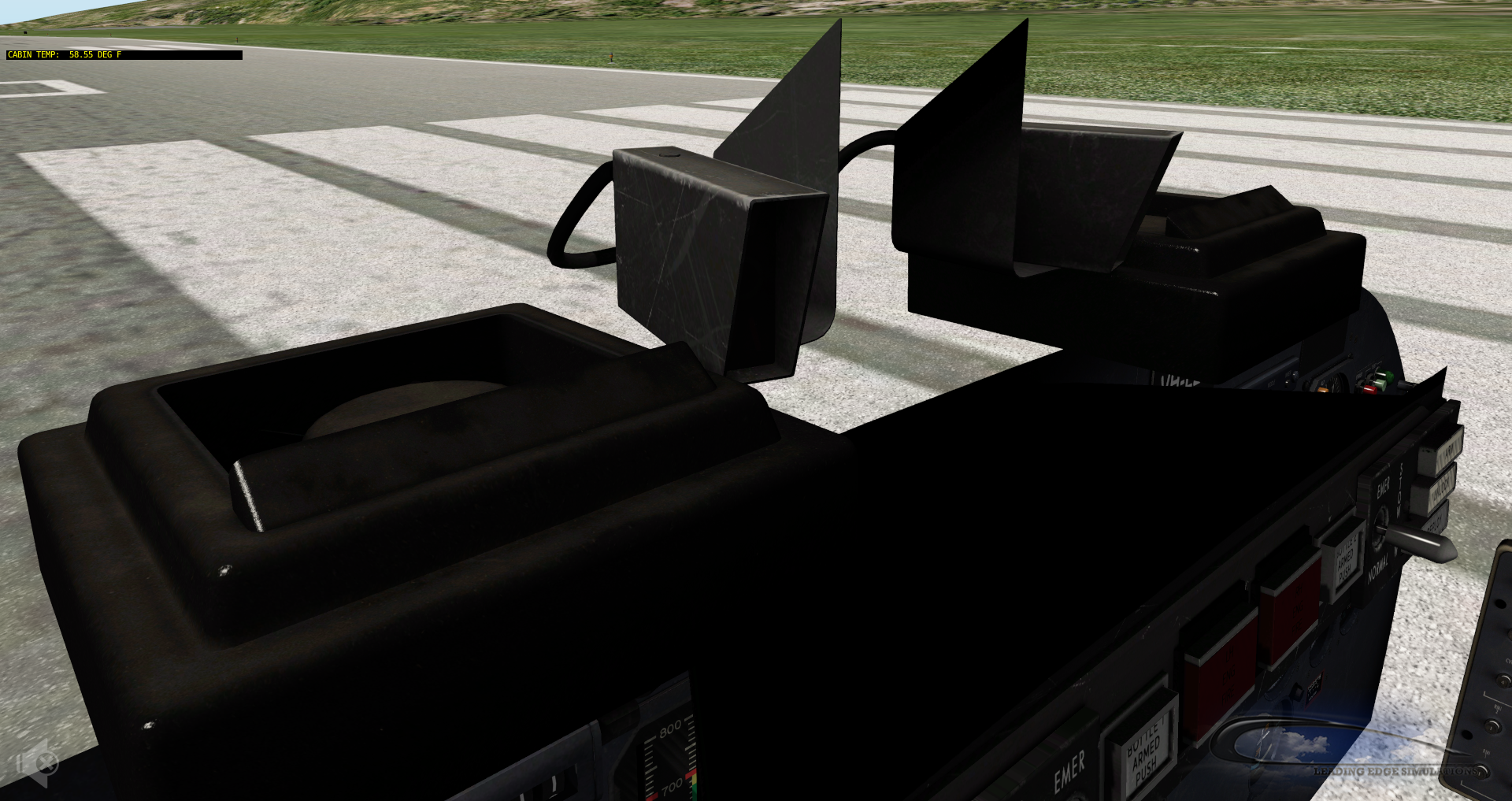
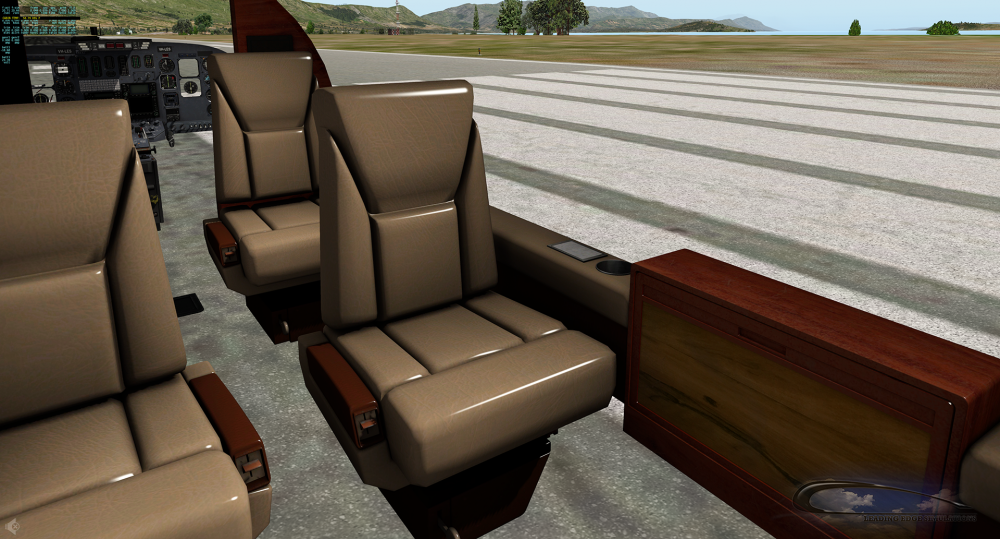
Is that it? That's all that's needed to make it cozy??? Some dust and a few scratches on some used leather seats? Gotta be faster than that, Radek. I did that (and a lot more) months ago. Note: Some mesh shown is not accurate and has since been fixed. Disregard the "shine". That's a specular issue that will also be fixed, depending on how it looks with the exterior around the seats and cockpit.

-
Still deciding whether I want to make the interior smell like used leather and plastic or that "new plane" smell.
-
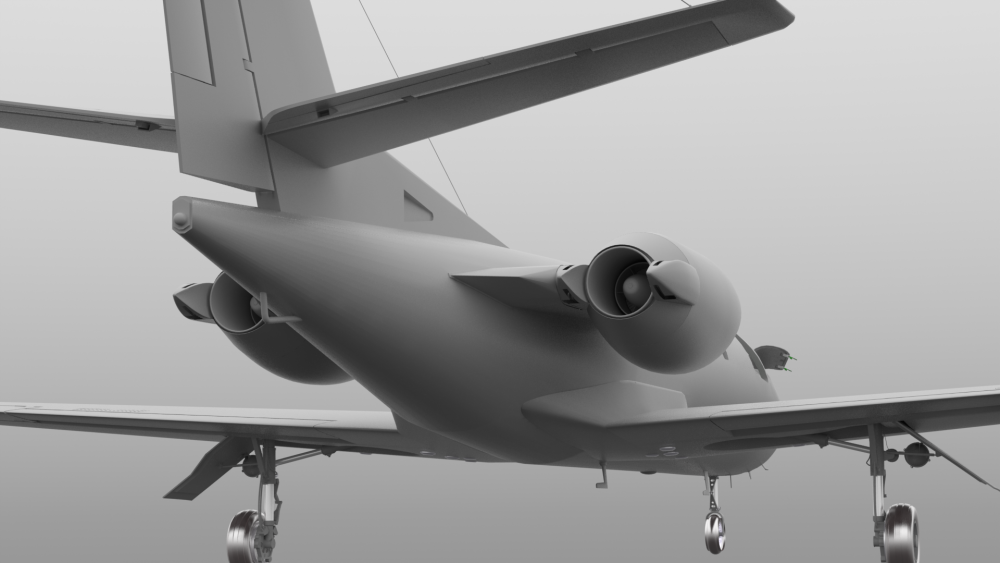
Engine stuff...

-
Hi Morrigan I'll go through a few things here with you. I followed your steps, exactly as you pointed them out, and screen shared with Jim so he can verify. Started the Saab, took off under manual power, Gear up, selected Autopilot and let it fly for about 20 seconds while climbing. Clicked the RED disconnect AP button on the yoke, and...absolutely nothing unusual happened. AP disconnected. Aircraft nose started to slowly go down. No error messages. Here's where I need to go through process of elimination with you. Have you updated X Plane to the latest 10.5 rc3? Do you have any other plug ins running? If so, I would kindly ask you to go to your plug ins menu and disable every single plug in, with the exception of Gizmo, then re-start the sim and go through the procedure you described. Verify all plug ins, except Gizmo, are disabled. If the error message does NOT come back, then there is a conflict between 1 of your plug ins and Gizmo. (The JAR Design push back plug in is known to conflict with Gizmo, but I think they issued an update.) Begin re-enabling each plug in and trying the same scenario of starting the Saab and taking off, engaging AP, etc... to see if/when the error message comes back. If/when it DOES come back after enabling a plug in, THAT is the plug in causing the issue. Please post back any findings so we can follow up, regardless if it has been resolved or not. If not, we can take it further.