mjrhealth
-
Posts
590 -
Joined
-
Last visited
-
Days Won
12
Content Type
Profiles
Forums
Latest X-Plane & Community News
Events
Downloads
Store
Everything posted by mjrhealth
-
Ye gets like that. looking forward to it, being pretty quiet for a while amongst most developers.
-
I think its a bit like the aviation industry all the developers seem to be grounded.
-
Skymax pro 4.9.6.2 Stutter with lastest radeon drivers ?
mjrhealth replied to stefbid's topic in SkyMaxx Pro v4
I have being using Gizmo Beta and so far no issues -
Well I learned something, there is very little difference between a GTX1070 and a GTX 2070 in xplane, but at least it is the latest.
-
Upgarded to the H470 Motherboard, Gigabyte Aorus Pro Ax really nice board, Better power apparently has 4 more pcie lanes than the B460, The biggest issues on boards these days seems to be the Power regulation (VRM) it is where they cut costs
-
This now runs the purchased win10 home, so clean OS install, last was WIN7 upgrade. Still impressed, Turned off 2 cores, only running 6 cores 12 threads as its a cheap MOBO but still hitting 5.1 GHZ no overclock, ITS a B460 mobo going to get a H470 with better power, the B460 not that good. Seems even some of the Z490 motherboards which are the top are not much better, some corners seem to get cut. Nice flying around at 50 FPS even no more ATC glitches. Hopefully i will get that all by friday, better CPU fan as well. Than ill be done/ Be interesting to see how the new AMD Zen 4 chips go, seems single thread finally got improved cant wit to see the bench marking.
-
Just moved drive to new machine. Quick test at YSSY, on 4790K i was getting about 20 on OLG 30 on Vulcan, on 10700K I get 35 on OGL and 50 in Vulcan. Thst base it goes up into the 70s, Still more to do tomorrow before reactivating stuff
-
Just A heads up, im upgrading my PC tomorrow, may be few changes to it in next few weeks. I assume if i remove Gizmo temporarily I wont get any checks untill i reinsert it, I know I will at least be replacing the motherboard in new machine next few weeks, I dont think teh one it has is up to scratch, but will do for basic testing. Was built to budget, but has a Intel 10700K. Wonder what improvement it will do over 4790K which still stands pretty well against most of the new processes.
-
Are we anywhere near a release???
-
Be patient they will answer.
-
I know I can read. But it could be that a simple check like, has hardware id changed, no, has MS$ stamp changed yes. Is ok. Thank goodness last update didnt break anything
-
Well I never raised a ticket first time, ticket was raised because it happened a few times, and I already figured out it had to be win ten doing something stupid. shouldnt need to raise a ticket every time, and this is a discussion about what is happening. No more.
-
Did 3 times and never changed a single item on my machine which is now i think going on 10 years old, only being and issue since win10
-
Your not the only one. Same issue.
-
Cool teh more teh better
-
Are you running 11.5 beta which version
-
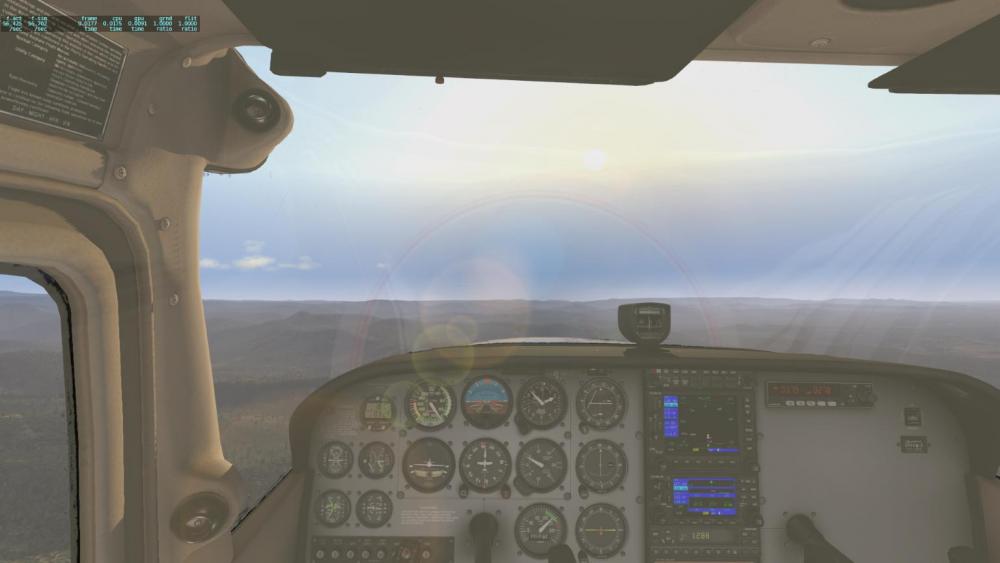
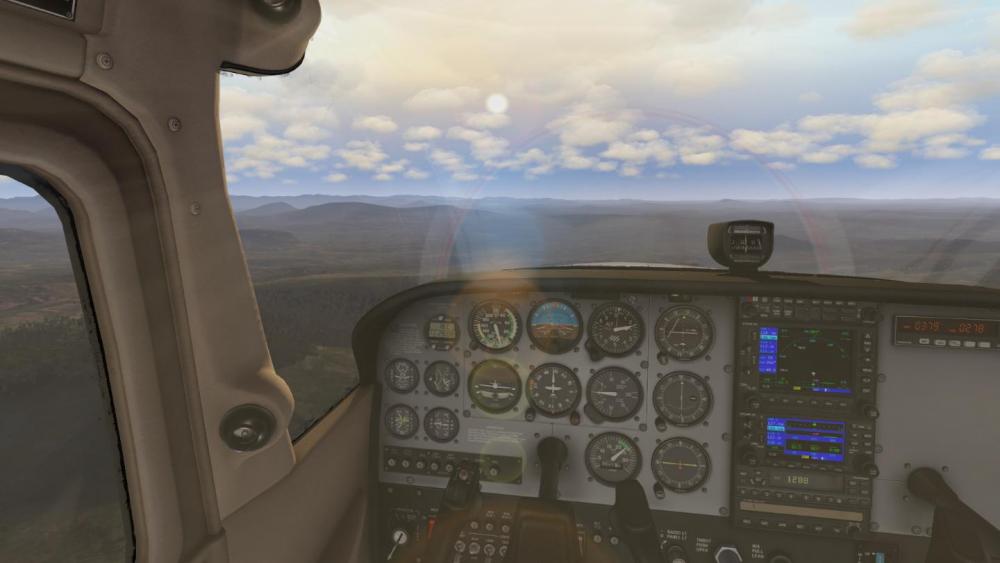
Flying west in the evening, not good Idea Too Many rays Just right
-
- 2
-

-
Thats just terrain mesh. I have nothing else, no addon airports, no ortho, nothing.
-
I dont have any third part scenery. Just planes and default airports. I might try reinstall just in case
-
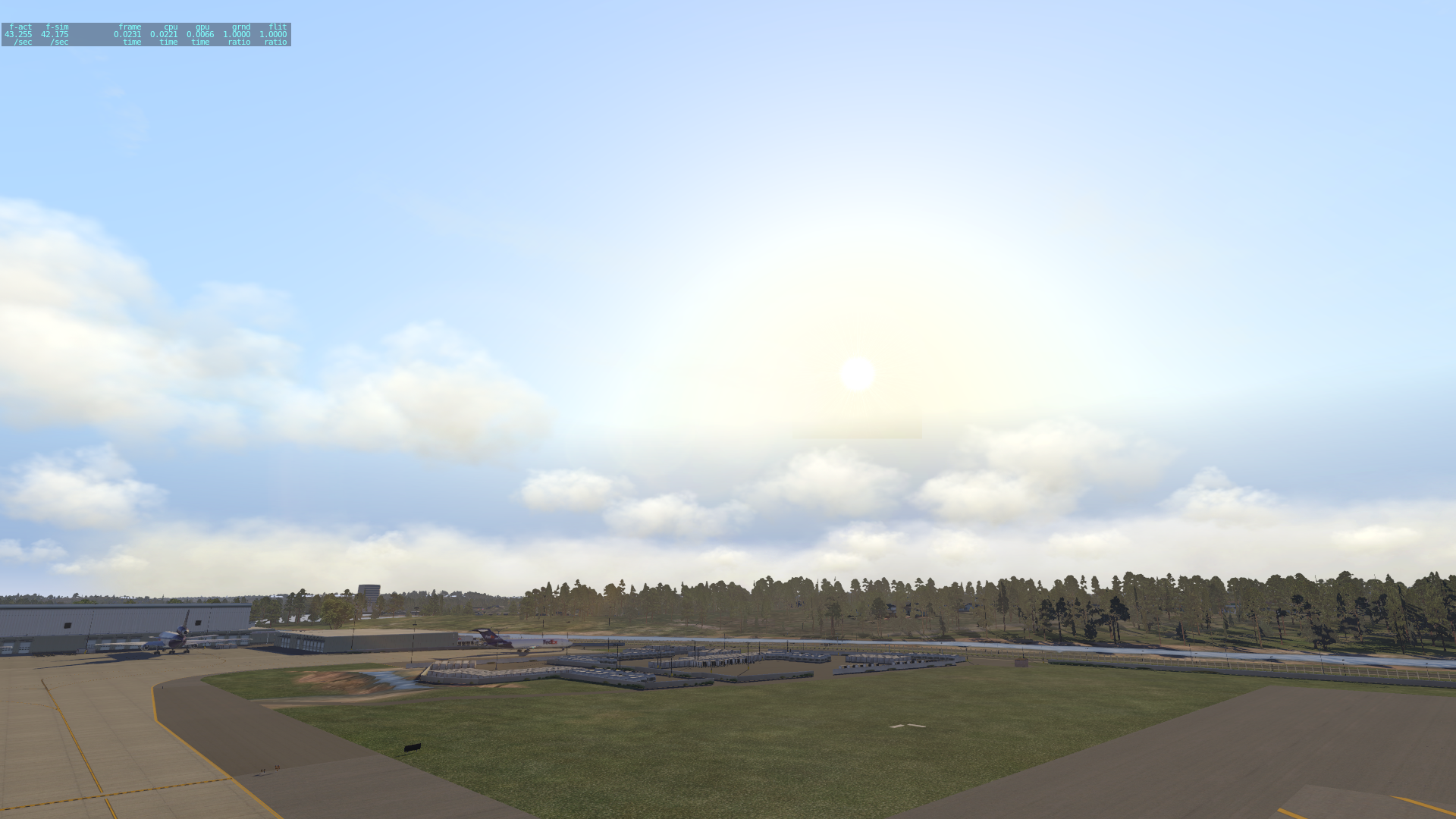
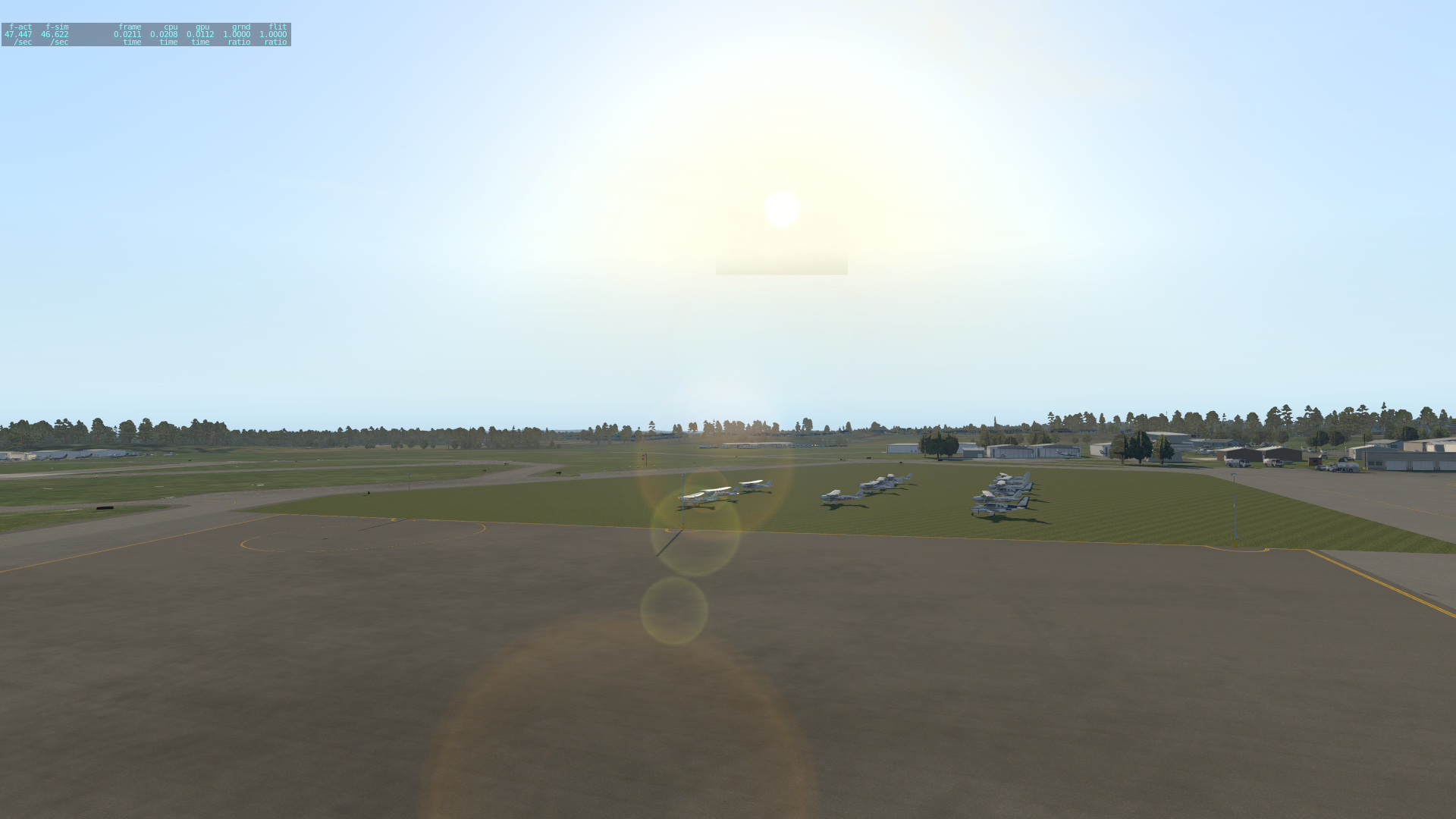
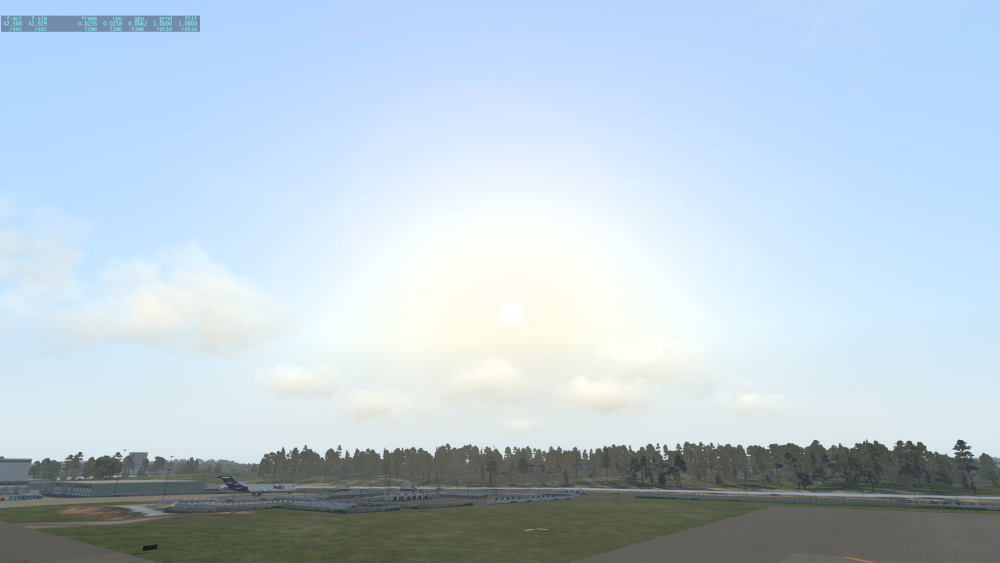
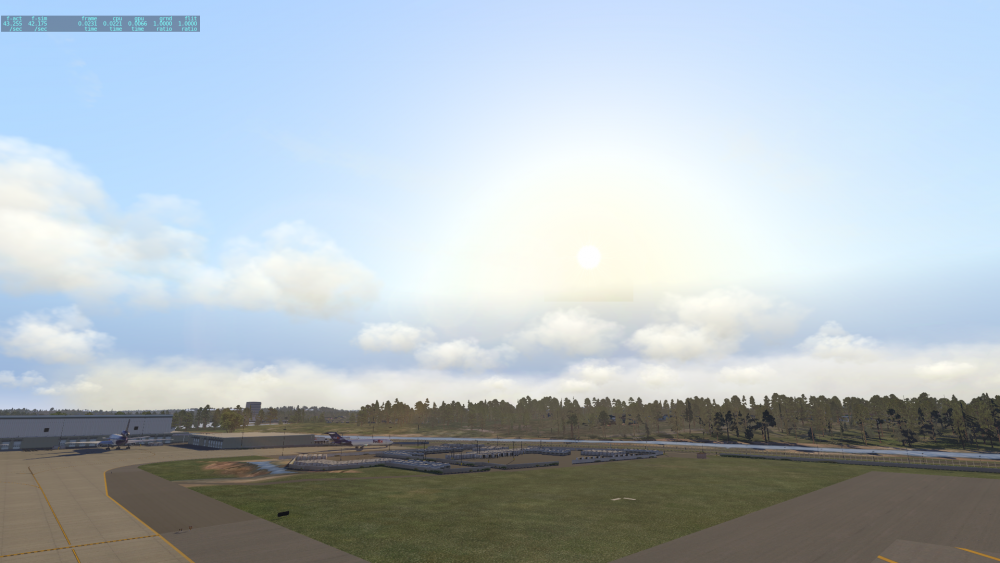
Its the wilkie one. I took 2 screen shots, first after i went through all the colours than selected wilke and second same setting after restart, Seems a refresh fixes it, but comes back after restart. Vulcan b17 also in 16, 2xAA i think second notch, and HDR I love my light. Log.txt
-
Yes all upt o date, and i did notice if you move around you can make it dissapear, don't think i have any sky color set.
-
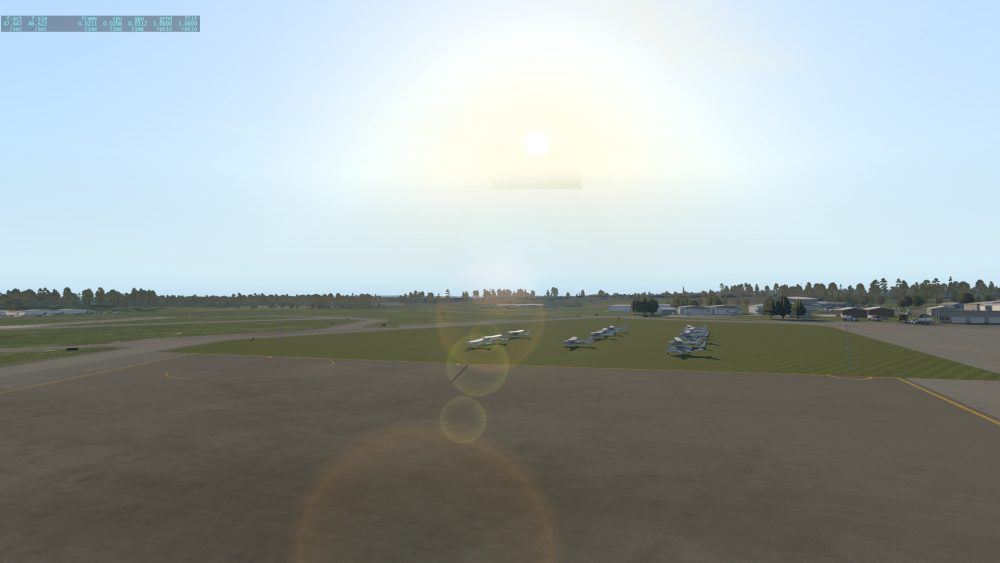
Hi, not sure this is your or a laminar problem, we get a nice square around the sun, noticed in b16 and now in 17, had pretty miserable weather lately so first time to really look.
-
Nah, its an xplane thing, it seems xplane Atis, just uses some random weather report on initial load, after about 15 minutes it refeshes and uses the one in the Metar report, you can test it for yourself, pick a runway with clouds etc, and listen to the metar, it will change, this morning at YSBK its saying weather is clear, but it is actually over cast and raining, after 15 minuets it updates and weather is correct, of course skymax already has clouds displayed as it is reading the correct Metar report.
-
I think it may also be based on the refresh time, i had it set to 60 min changed it to 15 and it updated the weather next load in about 5 min. Need to play more
-
Hi, I am not sure wether this is an Xplane or skymax issue. But when Xplane first loads. the weather seems to always be the last weather received before shut down,. if you sit long enough at the airport it will change before you leave to what you expect, even doing a force refresh wont fix it. So i am not sure if Skymax is producing weather at the very start when xplane is loaded or later.