All Activity
- Past hour
-
 sjj_flying joined the community
 -
 danieleg joined the community
 - Today
-

MFD, PFD, both dark on Battery power. APU won't start
Pils replied to Gobysky's topic in Technical Support
Probably. It’s called Log.txt. -
Take Command! Hot Start Challenger 650 v1.9 Update Released!
Pils replied to Cameron's topic in Technical Support
Some parts of airframe saved states can always be reset during upgrades due to incompatibilities. This is unavoidable. But the upgrade itself doesn’t delete anything. -
 jrsaez82 changed their profile photo
 -
Hi again, Thanks for the detailed reply, I really appreciate it. That makes sense, and it also matches what I have been seeing on my side: the issue appears to be strongly tied to electrical source / bus behavior rather than to autopilot usage itself. In my testing, HDG will not latch on battery power only, it can latch with GPU power, and it drops again when GPU power is removed, so your explanation about newer electrical / amp-flow criteria in X-Plane sounds very plausible. Thanks again for confirming that this is something worth investigating. I bought the aircraft four days ago, and I’m really disappointed not to be able to fly it (unless it’s in manual mode, which is tricky for flights longer than 20 minutes). I’ll keep an eye on future announcements and I’m happy to provide any additional test details if that helps when you come back to the MU-2.
-
 @jrsaez82 I know its been a long time since i've messed with the MU-2, but I expect to come back around to it within the next 2 months and start pointing it to the future. I'll make an announcement and explain the timings and future at that time. There is a lot of really good and positive developments going on behind the scenes at Laminar, which I'm involved in....and for the better. Quite a bit has changed with regards to the flight model and electrical system models and I fully suspect that Philipp may have put some type of criteria on enabling the various AP modes based on more advanced "amp flow" and voltage models that he implemented well after I coded these systems up....so its absolutely incumbent upon me to find out what those are and bring this thing up to speed. As silent as i've been here, I honestly have never been more involved with X-Plane than I am today....and I am fortunately being able to contribute to overcoming the impediments that have historically caused delay headaches for devs forever, including me. We've been asking the questions internally, "what slows devs down and makes it hard to update and test" and are engineering solutions for that....something that has been sorely needed for a long time.
 -
Thanks a lot, that is actually very helpful. - Yes, when I try to enable HDG, it does blink briefly and then does not stay engaged. - Also, you are correct: I incorrectly said APU, but I actually meant GPU / external power. - My test case is with the 4-bladed GNS / Garmin variant. - What I observed is this: 1.- With ther aircraft with on battery power only, HDG does not latch. 2.- With GPU connected (without batteries on) HDG can latch on the ground. And the aircraft powered up, after engine start, HDG can still remain engaged but when I remove GPU/external power, HDG drops out immediately after a couple os seconds. So the behavior really seems tied to the electrical source / bus transfer. I can keep testing and provide a more exact switch-by-switch sequence if that helps, but from my side it definitely looks like X-Plane is dropping HDG right after the command is sent. Thanks again for looking into it.
-
 Chris R. joined the community
 -
Any idea when a fix for the 12.4.1 update and crashing will be fixed on the torqusim side? I also contacted x-plane support (see prior support ticket) and they state there is no ability to revert to 12.4.0 despite what was said in the thread. Unfortunately, I reflexively allowed x-plane to update and don't have a backup. I won't let that happen again! Thanks!
-
@jrsaez82 I'll dig into this, this may be due to a bus-tie bug I discovered recently and reported/addressed only a week ago, which was confirmed. When you try and enable the HDG mode, does it blink briefly? ...and just not stay engaged? I can confirm that my code attempts to set the HDG mode, but X-Plane immediately disconnects it so that is the point of investigation. I am also slightly confused by your "APU on = HDG works"...first, there is no APU, only a GPU (which I'll assume is what you meant) and if I connect that, HDG certainly does not just work....do you mean "GPU connected + battery switch on"? + inverter on? etc. Also, which aircraft? a Garmin variant? or OEM? the presence of GPSS with the Garmin's affect some AP settings. For me....I'm seeing the "blinking" HDG, but after engine start, it stays on. This may be an "X-Plane" thing I'd have to talk to Philipp about. I'm still poking around. It could also be a threshold voltage issue. I'm pretty sure I'll have to ping Philipp on this one. I know he frequently "improves" the default X-Plane stuff, which clashes with our customizations as users update.
-
I've updated both X-Plane 12 and CL650 to the latest available. Now when I turn the battery on, the glass cockpit (MFD & PFD) does not come on. The APU won't start either. Also, when I use the camera by right clicking the mouse and move around, the image stops, stutters, then finally moves on. A myriad of issues with these updates. Don't know where to start. I've uninstalled, and reinstalled both X-plane and Cl650 twice now. No change. How do I find the log files that folks ask for? The one log file I saw is huge text file. Is that the one?
-

Challenger 650 not found with the new xplane 12 version
birdy.dma replied to mati2124's topic in General Discussion
Hi. Cross check the path of your install. If you only fly the CL660, remove Gizmo, also (backup) SAM and the the AFL thing.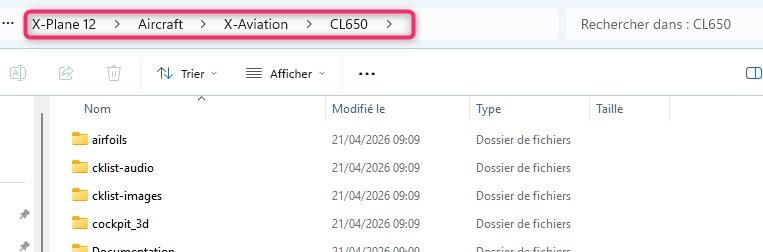
-
Hi everyone, I’m posting this here in case another user has already seen the same issue and found a workaround before support replies. I bought the TOGA Simulations MU-2 Marquise v2 for XP12 and I’m having a strange AFCS / HDG / autopilot problem. I want to be clear that I’m not posting this as a “quick question” without checking first. I have already: searched through forum threads read the available documentation watched videos tested different startup sequences reinstalled the aircraft checked bindings and controls and I have already opened a support ticket with X-Aviation After a lot of testing, this is what I have been able to isolate: HDG does not latch on battery power only HDG does latch when the aircraft is powered from the APU HDG can remain latched with APU on, even after both engines are started and the condition levers are advanced to takeoff but the moment I remove APU power, HDG immediately disconnects because of that, the AP becomes unreliable or unusable So at this point it looks less like a normal “how to use the autopilot” problem and more like an AFCS electrical power / bus transfer / plugin initialization issue. I also found some related threads, but none of them gives me a final answer for this exact behavior. Has anyone here seen this? Especially this exact pattern: battery only = no HDG APU on = HDG works APU off = HDG drops Any hint would be very appreciated. Thanks a lot.
-
First things first, I am glad to know the development team is not forgetting C650 and bringing us the new v1.9 update with a long list of fixed items. However, it is so disappointing to say there is nothing about VR because we can't move in the VR when spawned in. The core requirement is simple: 1. DON'T force the user to exit VR for any specific action. If it is technically impossible, give us a hint in the VR view. 2. Give us a good default/adjustable reset view on the PIC seat.
-

Take Command! Hot Start Challenger 650 v1.9 Update Released!
DanielR replied to Cameron's topic in Technical Support
Yes. Well, some things that I noticed did reset to default: Lighting settings in cockpit, display brightnesses All datalink settings (SimBrief ID, ACARS Secret, ...) - to be set before powering avionics! PFD/EICAS config Not sure wether other options reset as well, didn't check systematically. -

Challenger 650 not found with the new xplane 12 version
dbw11 replied to mati2124's topic in General Discussion
I think this is what you want. Again, thanks. Log.txt -
OK OK that worked. Thank you!
-
 Deyaero joined the community
 -

Problem launching v1.9 - won’t stay inside FBO
cavu360 replied to cavu360's topic in Technical Support
Update: plug-in conflict proved to be the cause. -
 Diego69 joined the community
 -
Could you help me unlock my product activation so I can use the G500 software?
.thumb.png.333c2022d642c44a5b72cba410f995c9.png)
-
 dan2277 joined the community
 -
 Where have you seen such reports?
 -
Awesome, thank you.
- Yesterday
-
 TSK2026 joined the community
 -
Thank you for your explanation! I will give a try on the next flight.
-
 Robert Barrows joined the community
 -
 SirApollo21 joined the community
 -
 Hi everybody, at first a very big thank you towards Hotstart for providing us with an update for this fantastic jet However when updating to v1.9, I ran into an issue which seems to be caused by the Windows Smart App Control. At first the installer was not able to run the uninstaller for v1.8 as it was blocked by the Smart App control. After deactivating this smart feature in windows, I was able to uninstall v1.8 and install v1.9. When loading the Challenger in XP12 however, I found myself directly inside the cockpit (not in the FBO), got an popup error massage regarding a "sound bar issue" and when switching to the outside view, the FBO was sitting literally on top of the challenger. So we know this from other addon planes, when loading is not proper due to missing licence informations, e.g. when loading for the first time. It then turned out, that with having the Smart App Control deactived in Windows, the Challenger loaded porperly, I started in the FBO and everything works normal. Re-activating Smart App Control and restarting XP12, I unfortunately got the loading issues back. I guess this might also be the cause for other reported loading issues in v1.9.... Best regards Thomas
 -
1.9XPlane11Ver.Several Problems with OBJ loading & missing HUD
Pils replied to Kristoffiee's topic in Technical Support
This is a known issue with the X-Plane 11 version. Consider the HUD to be INOP. -
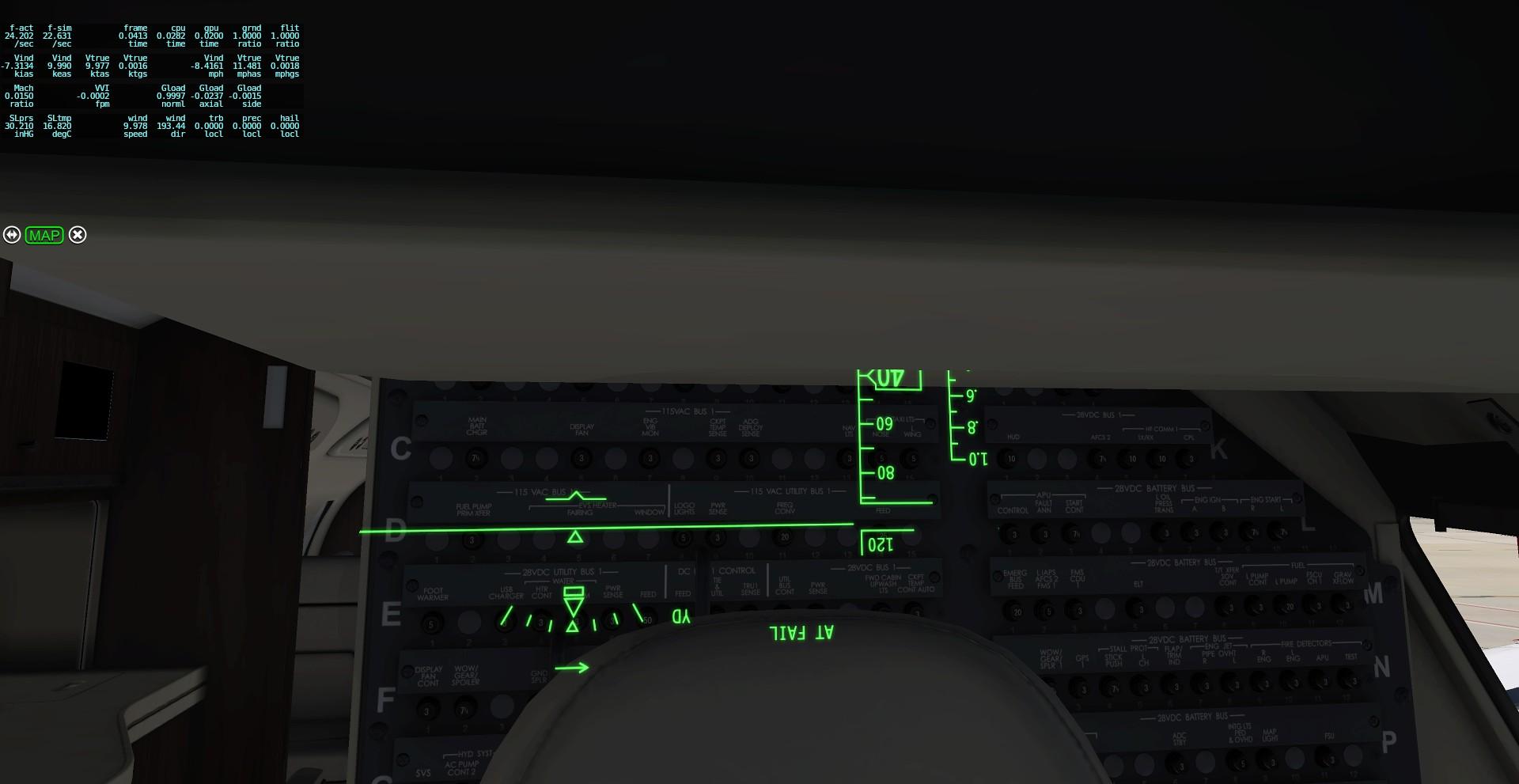
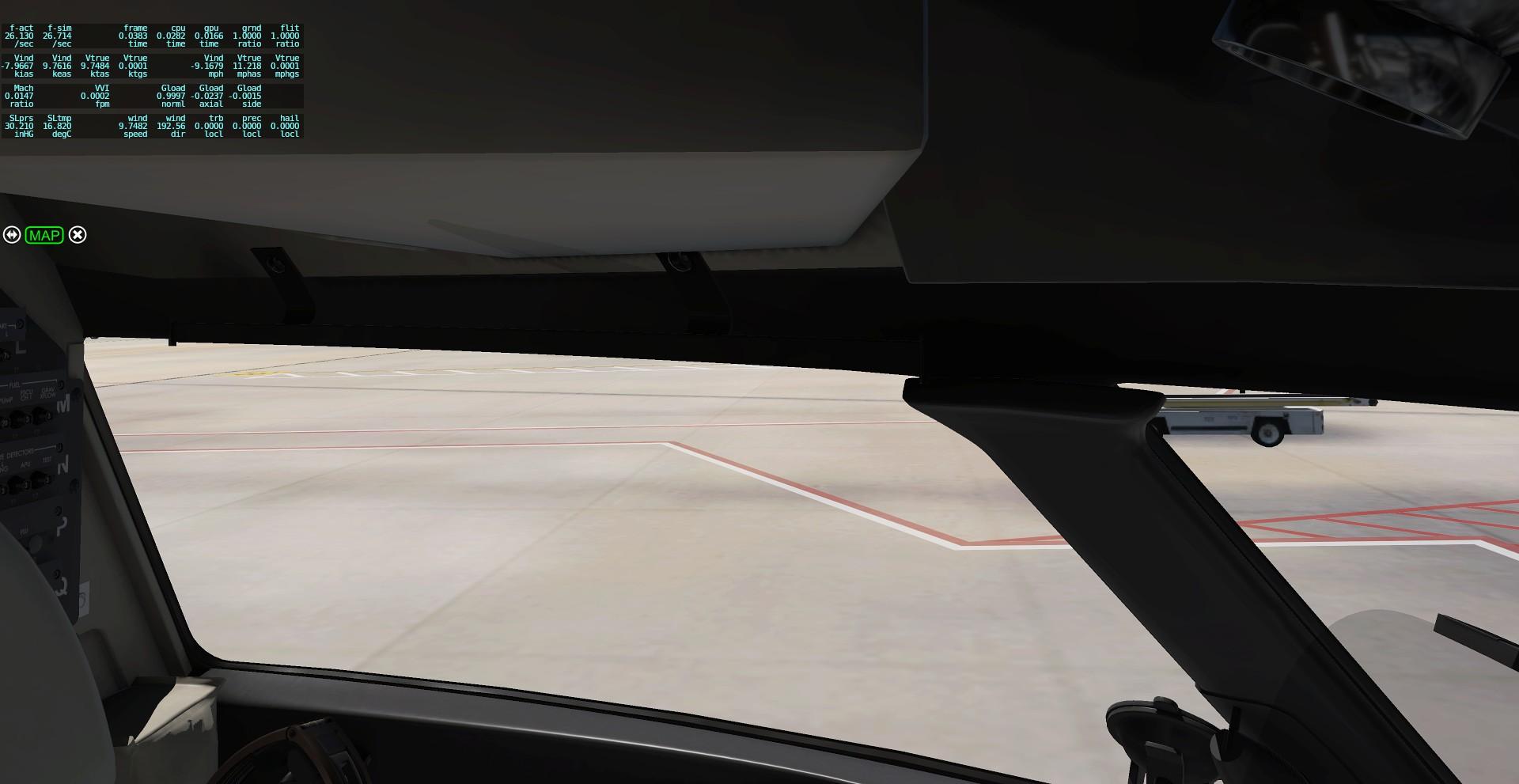
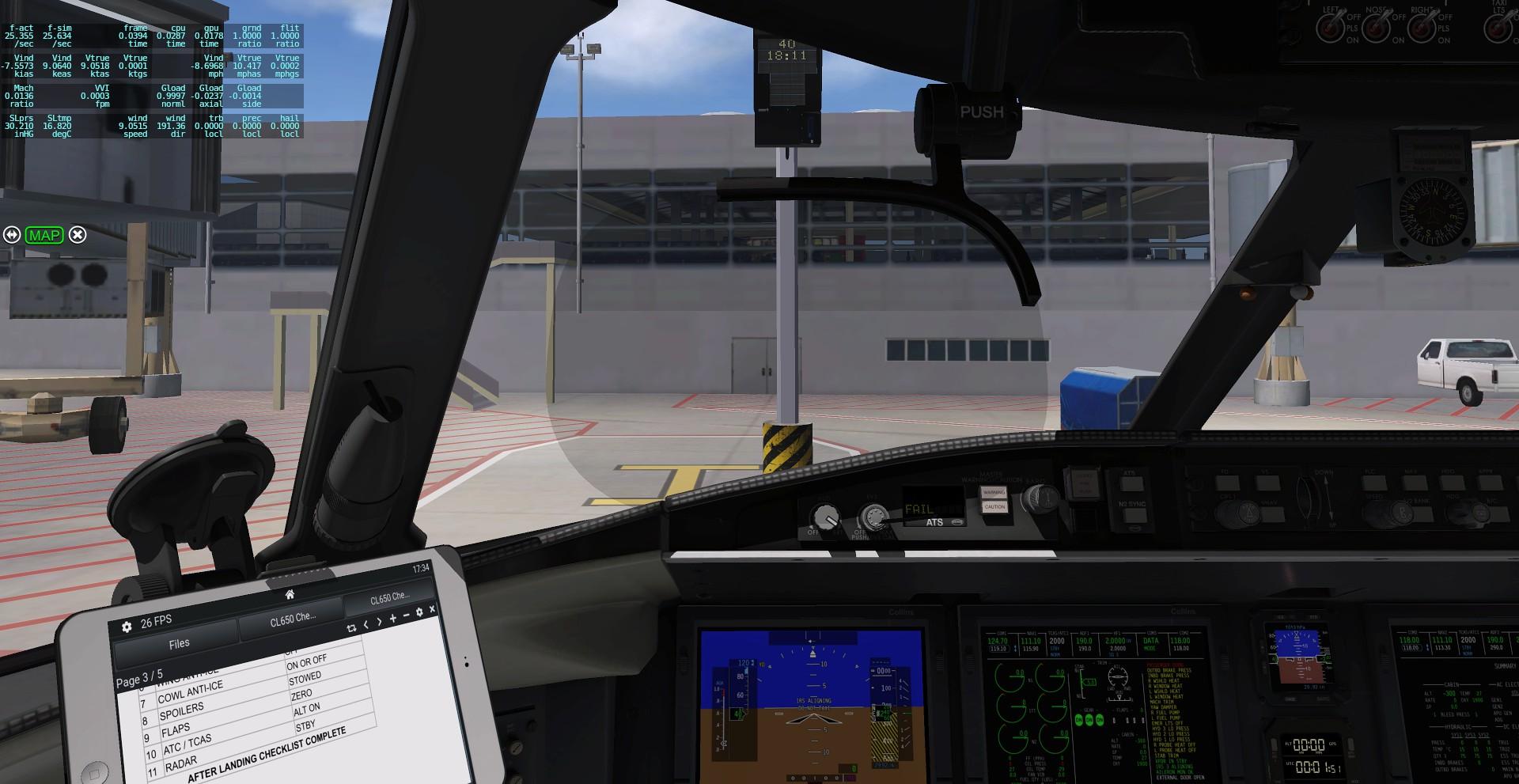
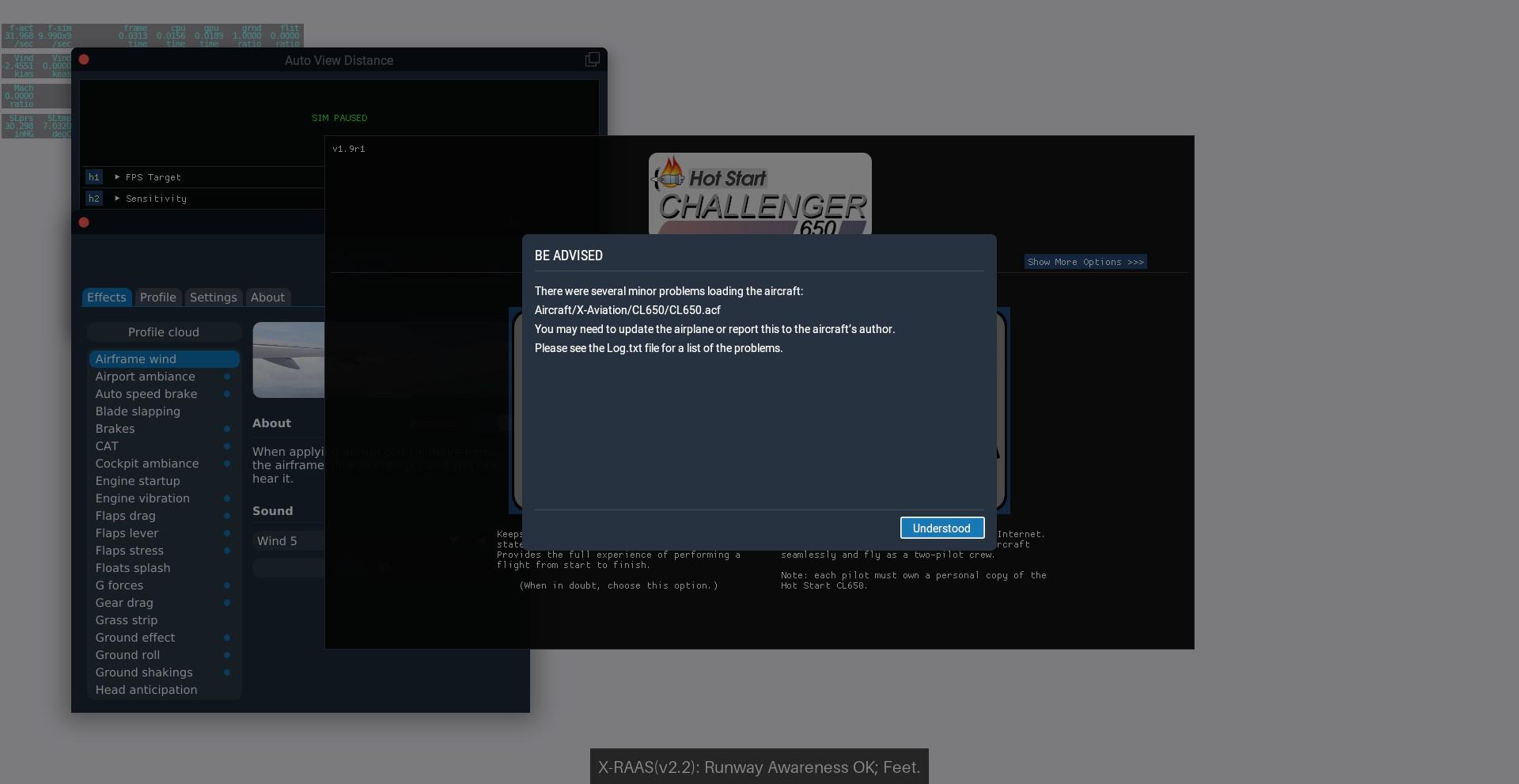
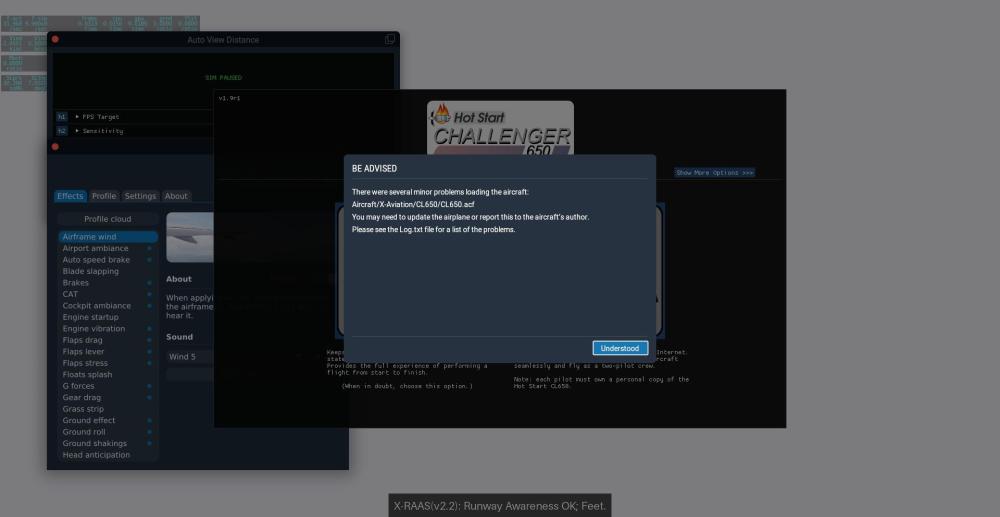
 As I attached below, the HUD was missing from display. Up to a deeper dive, I found there is a piece of glass near the HUD equipment bay which correspond to the position where HUD screen is when stowed (pic 2). It feels like the HUD object that actually received the projection is not moving. Also I receive this message of several problems when loading .acf. I am running on X-Plane11 version, ver. 1.9, VRAM less than 6 GB. Could you look into it? Thanks!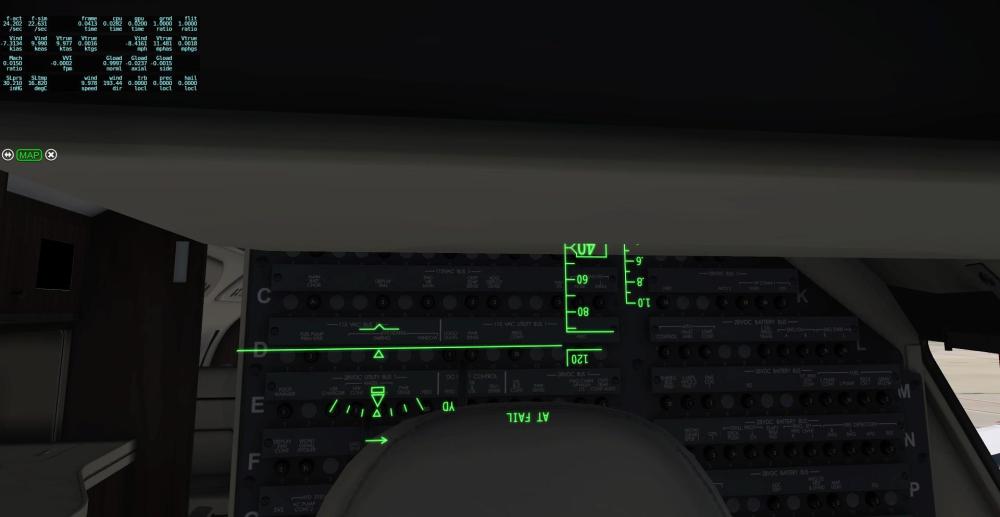
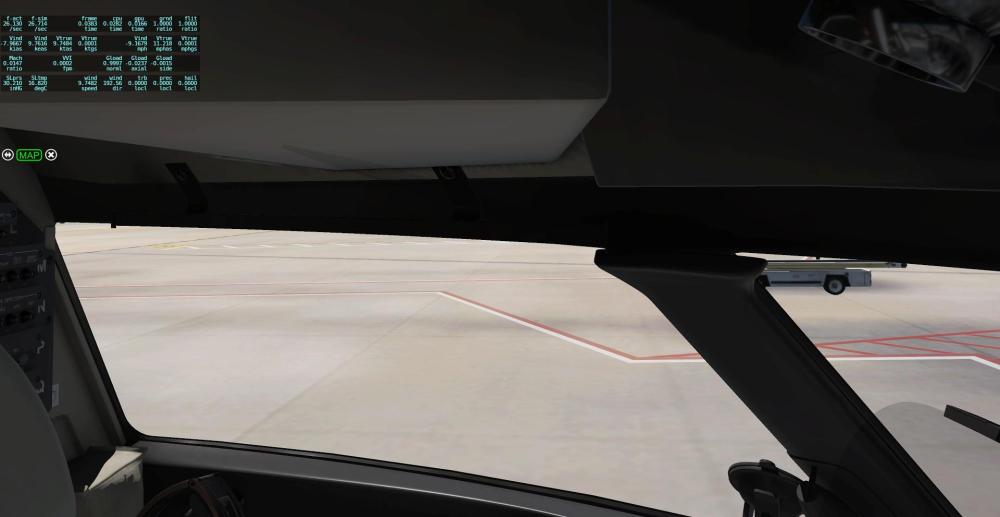
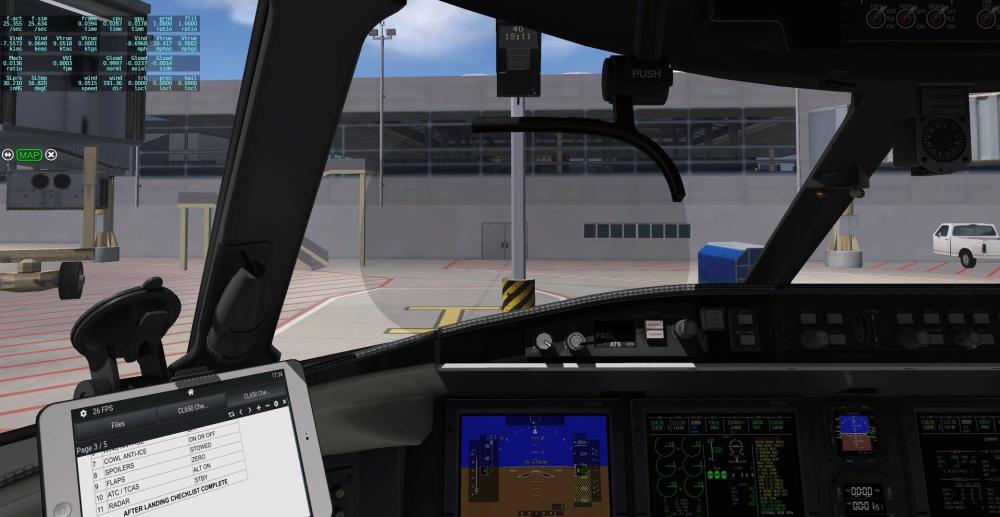
-
Question about launching in Career Mode: I select "Enter FBO" and "Confirm" and then I see the FBO for a brief moment and then immediately find myself in the Captain's seat. I don't see anything in Settings that would keep me in the FBO so that I can begin there and walk out to the aircraft. Am I missing something? Log.txt
-

Hot Start Challenger 650 - Sun-Air OY-LLG
Full-Flight reviewed MadProf's file in Hot Start Challenger 650
 This is absolutely stunning, the custom interior is top class as well. Kudos!
 -
 hunspotter joined the community
 -
Take Command! Hot Start Challenger 650 v1.9 Update Released!
Cameron replied to Cameron's topic in Technical Support


.png.0b931342e79020d342cd1fac3f2235f1.png)