
tkyler
-
Posts
2,827 -
Joined
-
Last visited
-
Days Won
620
Content Type
Profiles
Forums
Latest X-Plane & Community News
Events
Downloads
Store
Everything posted by tkyler
-
Thx Pils, that's a good list, will definitely give those procedures a try..
-
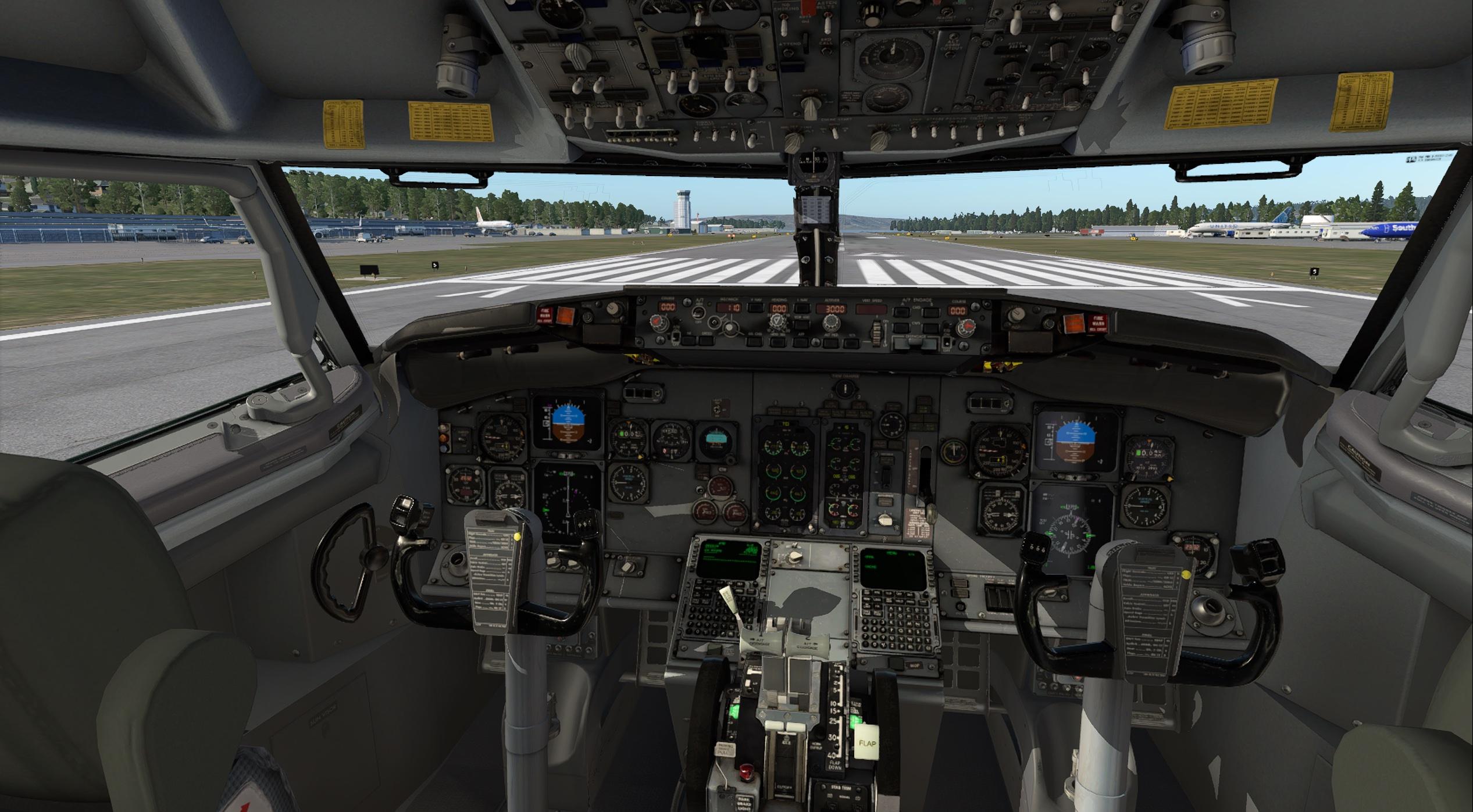
Hello all. Those who have followed know that the IXEG 737 develoment has been stagnant for a long time while I've worked on my MU-2 project and stabilize it after the release. That stabilization phase is nearly done. XP12 is imminent and I'll be porting the MU2 to XP12 beginning next week...and it should not be terribly long (I hope). After that, the 733 will move back into rotation as the primary focus of development with the port to v12 being the first priority. The IXEG is minimally operable in V12, but that's all we can say. We obviously had to make it baseline flyable in order to test/develop it with all the XP12 changes, which have yet to be addressed. As such, our official position for those who wish to try the V11 IXEG in V12 is "VFR joyriding only". I expect we'll set up a 'volunteer forum' where folks can give feedback as to their V12 observations as its better to have more eyes on this stuff; however, we request that nobody report any shortcomings of the V11 733 in V12. We are keenly aware of a lot of things that have to be changed....so we'll want to wait until we believe we've caught all we can find before other folks chime in; otherwise we'll end up with a massive stack of the same reports. So, certainly keep XP11 around if you wish to fly the IXEG seriously until we get it ported over. I've always kept "old version / new versions" side by side on my computer for these transitions. Long-time XP users know that after a major release to X-Plane, there is an inevitable debug period that goes on for some time, though many other devs have begun already, we're behind. ....but nice to have the process underway.....Below screenshot shows what the cockpit looks like in V12 daytime. -TomK

- 90 replies
-
- 29
-

-

-
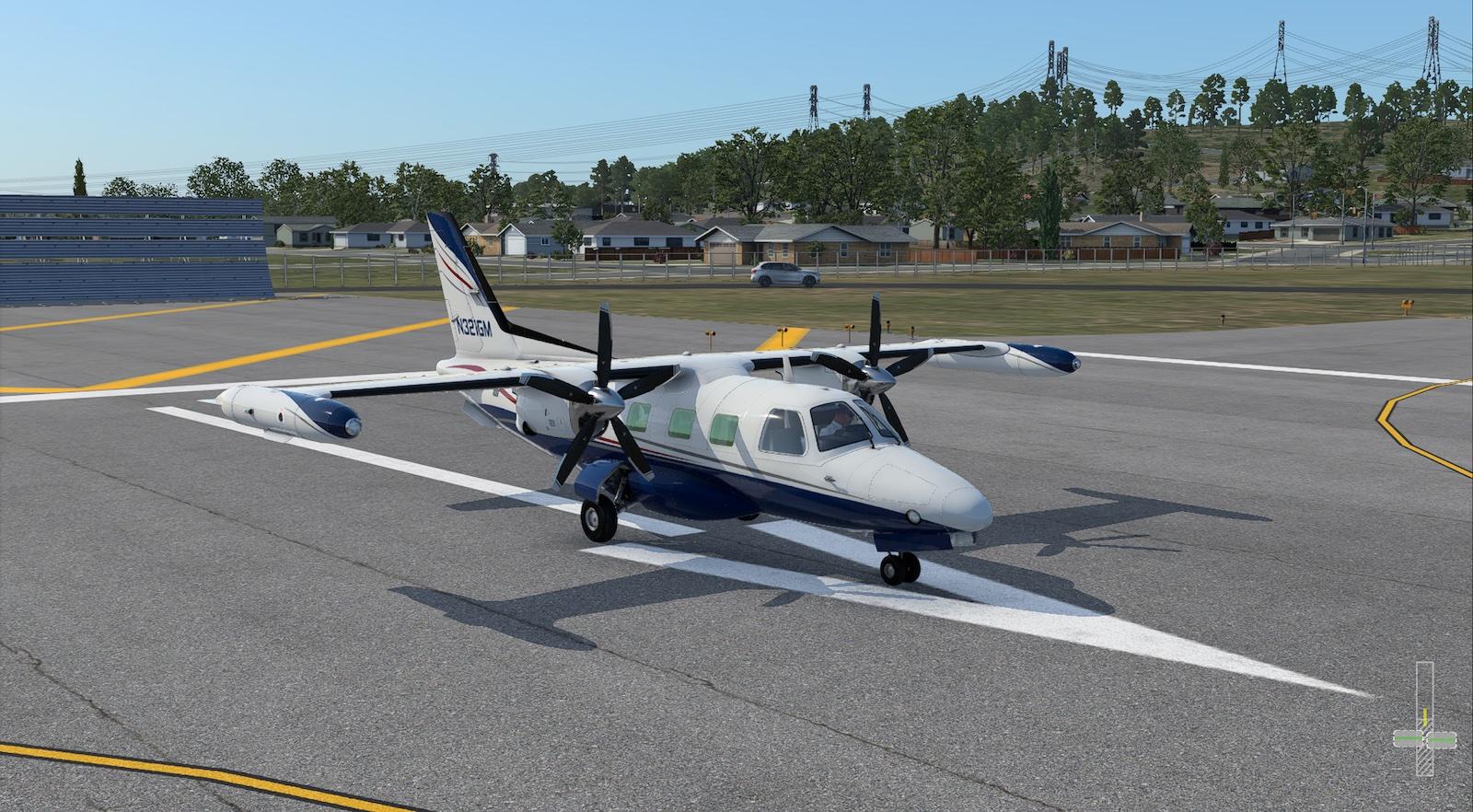
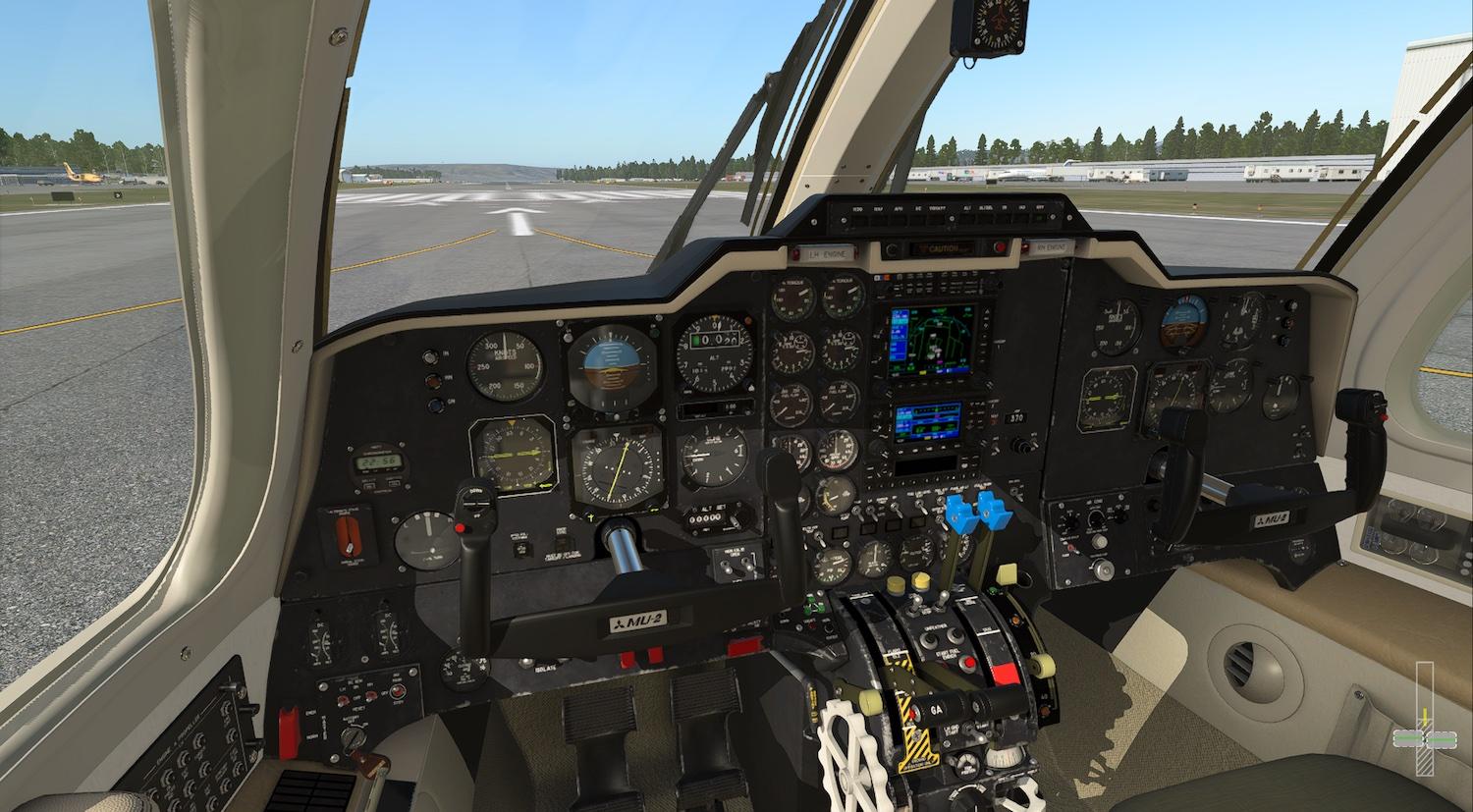
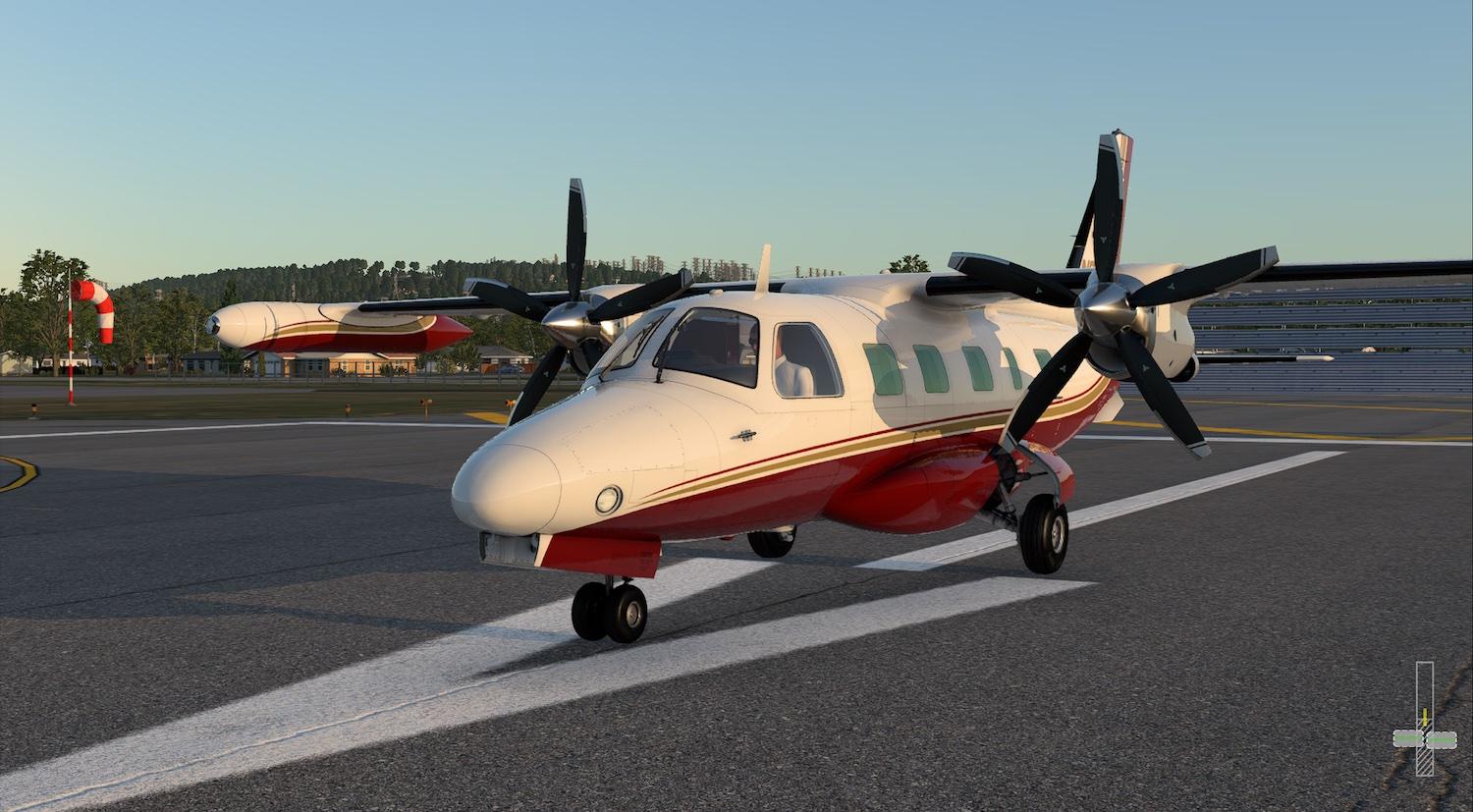
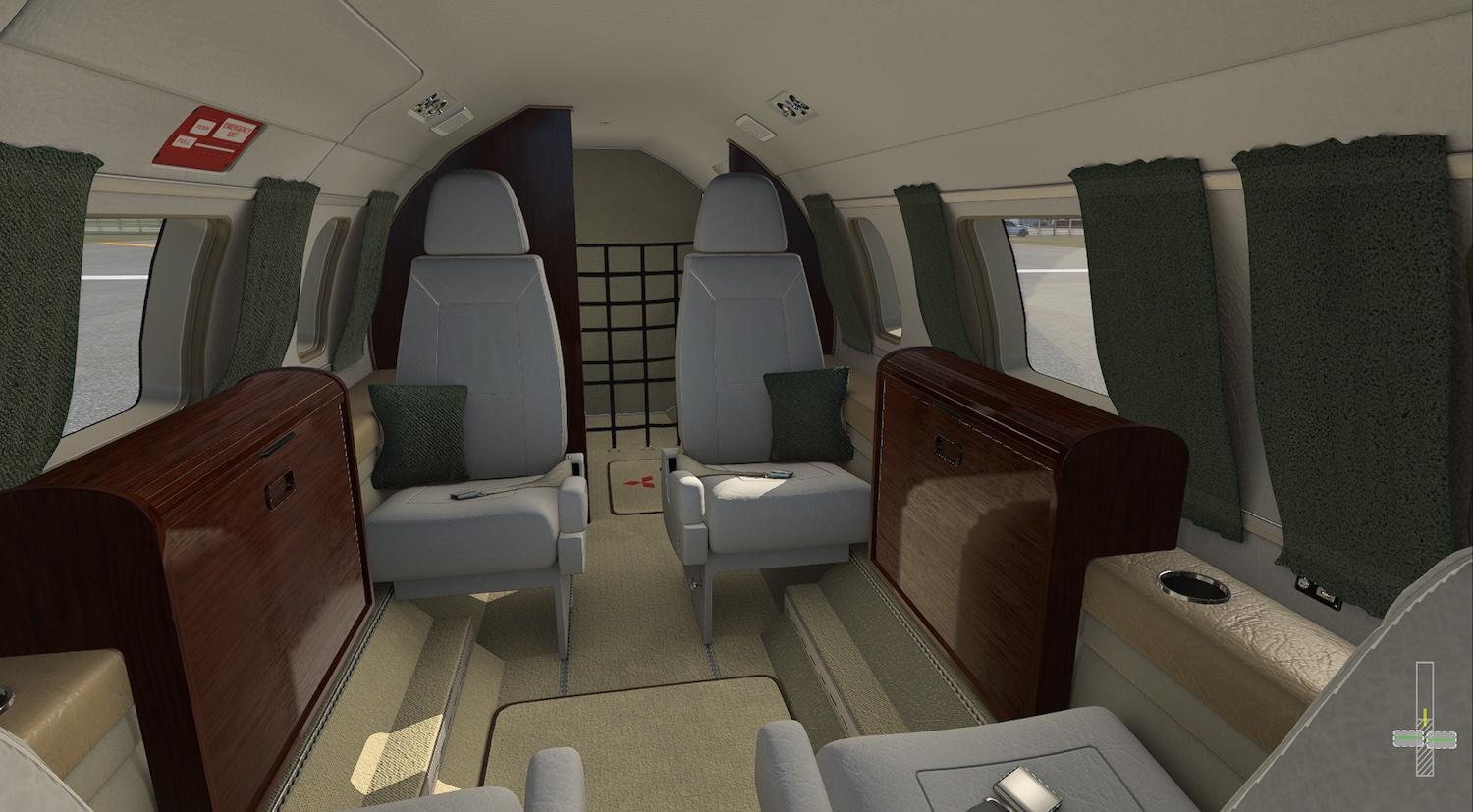
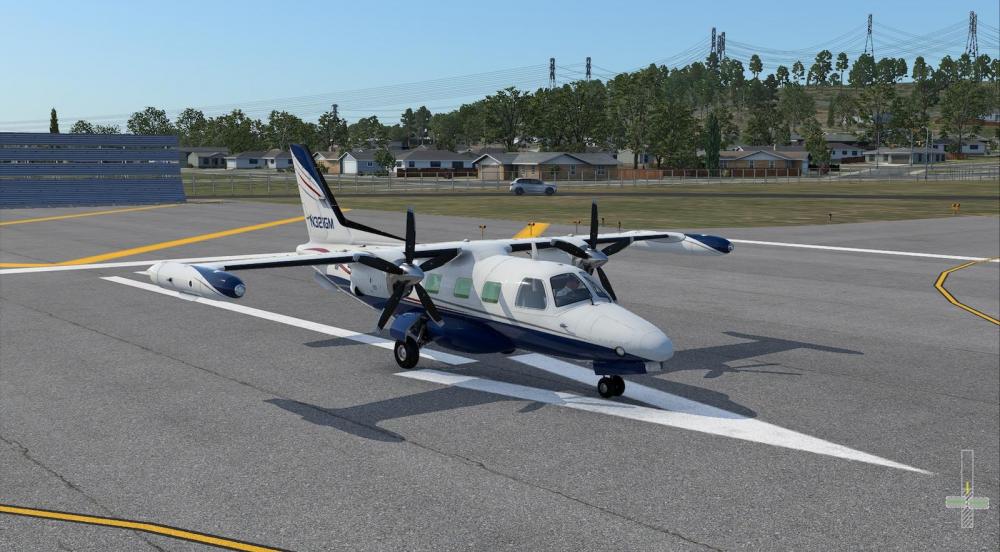
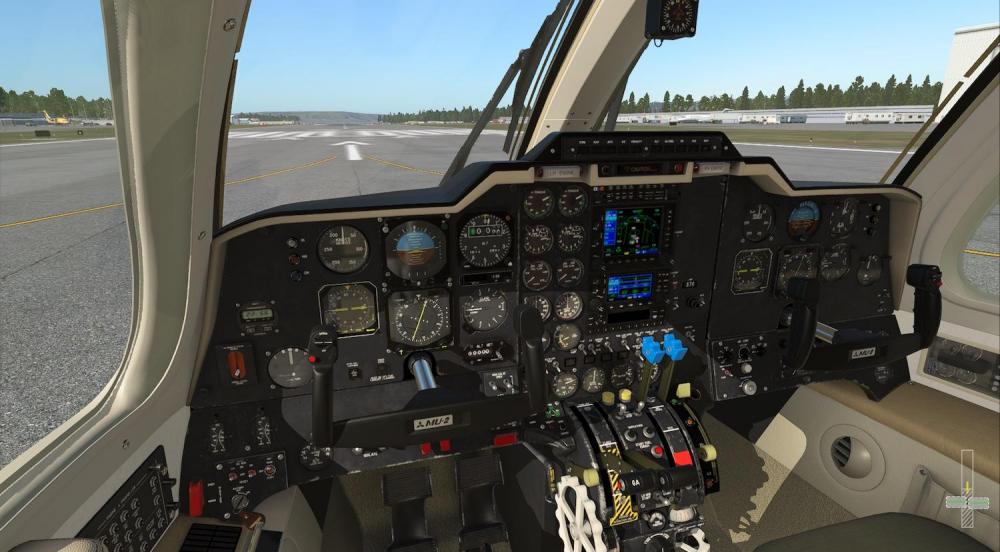
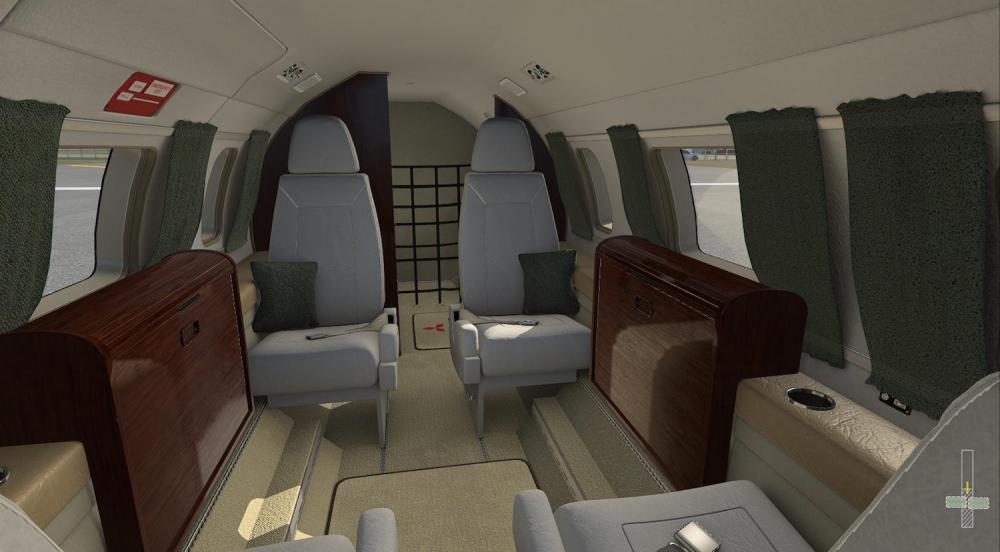
I have not officially begun to test / port the MU-2 to X-Plane 12; HOWEVER, I have been testing it regularly in X-Plane 12 and the good news is that it seems at first glance....to be mostly functional....FOR.....daytime flight. I say this because the biggest change in X-Plane 12 is the new atmospheric and lighting engine..and this requires new "directive commands" for lighting that were not present in X-Plane 11. The nightlighting is practically non-existent until I make the required changes. Also I have to make some notable changes to take advantage of the rain effects....so the V11 version "in V12" will not have the new windshield effects. So....daytime and dry seems to be mostly OK using the V11 version in V12. I know there are some turbine engine changes also I have yet to test...so unsure what their effect will be. The plan is to get the next release patch, 2.0.3 out for V11 (relatively imminent), and then begin the official port / testing process for V12. Probably will begin the work next Monday. I do not expect it to be terribly long. Chances are XP12 will go through some growing pains anyhow and I'll be right there alongside the process testing/tweaking the Moo. Experienced XP users should know to keep their XP11 versions around until they're fully happy with V12. Here's a few screenshots of the Moo in V12. Not terribly bad, but I may tweak it after I get going. Things tend to look a little bit shinier in V12...but also brighter, which is good.

-
.....not necessarily. See text clipping below from a MU2/TPE training manual . The taxi speed is more accurate now than it was in the previous versions, I won't be altering it. Its VERY common to move the levers out of BETA and above flight idle to get your speed going or you are an impatient "taxi-er". We did it all the time in cargo ops...with a fully loaded plane, we could barely move in BETA unless we got up a good head of steam first. The guy in the video below goes above FI and back into BETA @ 3:50, 4:30, 4:58...and I've seen other video demonstrating the same behavior...heck I myself with my own hands on the throttles of a real MU-2 have done it. Go ahead and work those levers! -TK

-

Reality XP GTN 750/650 Integration
tkyler replied to riceman718's topic in Mitsubishi Marquise MU-2 v2
Hang in there...fixes are closed for the next release, but the docs are taking a bit. I'm writing docs on not only the GTN integration setup, but also a more indepth "SPZ-500 autopilot supplement" for newer folks...which I think is needed given this older autopilot integrated with new GPS units, etc. Soon as the docs are done, we'll package up the next update. -TK -
Reality XP GTN 750/650 Integration
tkyler replied to riceman718's topic in Mitsubishi Marquise MU-2 v2
I tried a route today and it flew the GPSS fine actually; however, the route shown on the GTNs isn't fully reflected on the RSG500 display. The RSG500 only shows the current active leg, which is to say a straight magenta line. On the GTN, as you turn as pass/clear a waypoint, then the next leg magenta segment appears on the RSG500 and the previous one goes away. I suspect this may be some kind of limitation with regards to getting flight plan data out of the Garmin trainer. I did take screenshots with the intention of putting this info in the docs. That being said, the current leg is always shown on the RSG500 and of couse the full route is shown on the GTN. -TK -
Reality XP GTN 750/650 Integration
tkyler replied to riceman718's topic in Mitsubishi Marquise MU-2 v2
I changed my mind after some testing. Whenever a GTN unit is loaded, the GTX330 is now gone. There was some "infighting" between my GTX code and the GTNs...as my GTX implemenation has customization ..and the GTNs utilize the Garmin "simulator" handling of the transponder..and things just were not being consistent with both loaded. So now, you simply control the transponder via the GTN units as you would in reality. The audio panel however...stays up top. On a side note, just need to get the docs updated for the autopilot usage and GTN integration steps and we'll get the next update out. -TK -
So finally got this figured out. Originally, I could find no indication or documentation of when the SBY button should be illuminated or extinguished with no other modes active....mostly how do you extinguish the thing at all....so in the interim I tied it to the Flight director..which is of course ON when the other modes are active, which is why the SBY light shows with other modes active (clearly wrong). But the question remained about what powers the thing? i.e. can the SBY light ever be off during normal ops? So it turns out, being part of the SPZ-500 system, it initially illuminates whenever the Radio busses are powered, so its always READY to accept a flight director mode entry. Naturally then, it extinguishes only when the radio busses are powered off or other modes are active. This can be seen in the above video at 8:11 and 8:29, where during rollout, its clearly on (but the AP servos are not)....and when he pulls in to park, its off...but so is the GPS, indicating he flipped off the radio master switches. So during nominal operation, the SBY will always be lit when no other FD mode is active. This will be implemented in the next update patch. -TK
-
So turns out that these are "options" as part of the Sperry SPZ-500 system...and being an older system, not a lot of the inputs were integrated into small form factor interfaces.... and subsequently, not all of these options were adopted by the manufacturers. Who knows what drove the decisions...weight...panel space, etc. Below is the 'controller' that would allow you to dial in the IAS or VS for the SPZ-500 system....but this option was not installed by Mitsubishi. Because you can simply adjust the pitch wheel to dial in VS or IAS and then "lock that in" via the mode buttons may have been considered enough. Who knows. -TK
-
So official "full manuals" of an autopilot system as old as the SPZ-500 aren't exactly floating around freely on the internet....BUT...*wink wink.....I may or may not have miraculously gained clarity on a lot of how this system operates....AND...I may or may not...ok MAY....be updating the docs to include a comprehensive SPZ-500 supplement on how the system works with answers to all your (and even my) questions. Get ready for a few "HUHs?" (see quote below) ...can't say the AOM was as clear as....um..."my enlightenment". Turns out there are 8 other ways to disconnect the AP servos. -TK

-
Reality XP GTN 750/650 Integration
tkyler replied to riceman718's topic in Mitsubishi Marquise MU-2 v2
no. next update. -
Reality XP GTN 750/650 Integration
tkyler replied to riceman718's topic in Mitsubishi Marquise MU-2 v2
WINDOWS users only......when a RXP GTN plugin is present, you'll get a new option in the GUI. Because RXP uses the same plugin for both the GTN 650 and 750....I have no way of knowing what products you have licensed...which is what controls what the RXP GTN plugin allows you to have. So you use the pull down to set your configuration. If you only own the 650...then select that...only the 750...or both, etc. The pull down simply controls the 3D layout of the radio panel. In the video below....I also have the RXP GNS 430/530 installed....but because these don't require a differing panel layout, there is no GUI pull down for those. The GNS units are set up via a RXP *.ini file in the Moo folder, which will be included in the next update...so if you have the RXP 430/530, those should just appear depending on your licensing I suspect. TK GTN_opt.mp4 -
Reality XP GTN 750/650 Integration
tkyler replied to riceman718's topic in Mitsubishi Marquise MU-2 v2
Also, the GPS knobs won't animate with the RXP "taking over the commands". I augment the default XP GPS commands with 'animation code' to animate the knobs, but the RXP plugin does not..so when it takes over, we lose the animations. I'm not going to try and overcome this in the near term...maybe a bit later. Its very low impact...most of the time you're looking at the changing values anyhow and not the knobs. TK -
Reality XP GTN 750/650 Integration
tkyler replied to riceman718's topic in Mitsubishi Marquise MU-2 v2
I did not see such selectable options through the RXP plug-in (only GTN 650 and 750)....may be I'm missing something. Besides, I do not think I would implement those (the bezels and controls) anyhow. Its enough managing all the panel variants I have as it is for the time being and the 650/750 have those GPS functionalities anyhow. -TK -
Reality XP GTN 750/650 Integration
tkyler replied to riceman718's topic in Mitsubishi Marquise MU-2 v2
If one had a 625/725 (gps only), then certainly the panel mounted audio/transponder would be required for those functionalities. I don't know if RXP implements the 625/725, I haven't see those on their product page. TK -
Reality XP GTN 750/650 Integration
tkyler replied to riceman718's topic in Mitsubishi Marquise MU-2 v2
So just a heads up. The GTNs can support 'remote' equipment, such as a remote audio panel and transponder...but of course they can also drive the panel mount versions of these pieces. I'm going to keep the panel mount audio panel and GTX transponder in place (except with 650/750 combo), simply because removing them requires new 3D work and even more shifting around of stuff...and its not unreasonable to keep these panel pieces in anyhow. Besides..if there's some sort of conflict between the GTN (using default XP transponder handling) and my GTX (custom transponder handling)....we'll need the GTX until I can investigate deeper.... I won't need till functional testing. -TK -
Run-Crank-Stop not shutting down engines
tkyler replied to VirtualAviator's topic in Mitsubishi Marquise MU-2 v2
yes. that is the way, in order to burn "residual fuel" in the manifold and avoid pushing unburned hydrocarbons into the air. Kind of forward looking of Garrett AirResearch way back when eh? TK -
Reality XP GTN 750/650 Integration
tkyler replied to riceman718's topic in Mitsubishi Marquise MU-2 v2
Nice Glass (lucky Windows users)....something tells me there'll be a few 'GPS source" headaches to work through on this stuff. right now, its just get the things in place. TK
-
have you read the documentation on hardware setup? Its been revised 3 times just for Bravo users. There's even a section dedicated to the Bravo setup. http://togasim.com/mu2docs/setup/hardware_setup.html and please use the Mu2 forums for support.
-
Run-Crank-Stop not shutting down engines
tkyler replied to VirtualAviator's topic in Mitsubishi Marquise MU-2 v2
they should work fine. no issues here. You 1) use the command hot spot below the switches and 2) have to hold them 3-4 seconds. They don't shut down the engines immediately as the fuel valve switches do. TK -
Reality XP GTN 750/650 Integration
tkyler replied to riceman718's topic in Mitsubishi Marquise MU-2 v2
FYI.....because someone will always ask..."Can you please make it so that......" The possible GPS permutations are too numerous and unwieldy with regards for asset management. For example, if you have a GN530 / GTN650 combo...do you want the 530 to be Nav1 because its the bigger screen?.....or the 650 to be Nav 1 because its the fancier piece of equipment? Do you want the 530 on top or on the bottom? If I give folks these options, then things would get out of hand quickly. The possible permutations become: 430_650 combo, 650 on top, nav 1 430_650 combo, 650 on top, nav 2 430_650 combo, 430 on top, nav 1 430_650 combo, 430 on top, nav 2 530_430 combo (current) 530_650 combo, 530 on top, 530 nav 1 530_650 combo, 530 on top, 530 nav 2 530_650 combo, 650 on top, 650 nav 1 530_650 combo, 650 on top, 650 nav 2 750_430 combo, 750 on top, 750 nav 1 750_430 combo, 750 on top, 750 nav 2 750_430 combo, 430 on top, 430 nav 1 750_430 combo, 430 on top, 430 nav 2p 650_750 combo, 750 on top, 750 nav 1 650_750 combo, 750 on top, 750 nav 2 650_750 combo, 650 on top, 650 nav 1 650_750 combo, 650 on top, 650 nav 2 of course some of these combos aren't logical or standard....but you still see the problem? This would be horrendous to handle in Blender and very very high risk of screwing up the exports. So here's what I'll be offering initially... Nav/GPS 1 is always the "bigger screen" and always on top...resulting in the following combos: 530_430 combo, 530 Nav 1, 530 on top (current GNS implementation) 530_650 combo, 530 Nav 1, 530 on top 750_430 combo, 750 Nav 1, 750 on top 750_650 combo, 750 Nav 1, 750 on top. We'll start there and see what crops up...and if I have to make adjustments based on a majority of users preference, then so be it. -TK -
Reality XP GTN 750/650 Integration
tkyler replied to riceman718's topic in Mitsubishi Marquise MU-2 v2
working on it now..and hopefully by end of upcoming week..that's the target. Also a few small changes from the post 2.0.2 reports. TK -
Reality XP GTN 750/650 Integration
tkyler replied to riceman718's topic in Mitsubishi Marquise MU-2 v2
Aye....I grew up around Port Arthur....and worked in Clear Lake from 2015-2019...so quite familiar with your 'neck of the woods' I can only assume you'll be at FlightSimExpo 2023 FYI....looks like I'll be adding 3 more variants with various combos of GNS/GTNs...... a 650/530 combo....a 750/430 combo....and a 650/750 combo. I think that should cover all the RXP options for Windows users. TomK -
its actually been on my todo list for some time....just end of summer stuffs (family) and this XP12 transition business is taking my time atm. I fully intend to do a comprehensive AP supplement along with some tutorials as soon as possible. -TK
-
No doubt. Its the toughest plane I've ever had to lay out/paint and I've done a lot...some special techniques are required to get the best results. Its just not shaped like a simple tube-liner and making it "paint friendly" somewhat compromises what we can do with PBR nowadays. Liveries will come in due course...if not by others, then by me...once I have higher priority stuff in place. (GTN integration, XP12 port etc). Not like the MU2 is going away. TK