Litjan
-
Posts
5,720 -
Joined
-
Last visited
-
Days Won
424
Content Type
Profiles
Forums
Latest X-Plane & Community News
Events
Downloads
Store
Everything posted by Litjan
-

Pitching on approach IXEG v1.5
Litjan replied to Robster's topic in Flight Procedures and Techniques
-
Hi there, and thanks for the detailed feedback! Some things are already known, you can always check that here: https://forums.x-pilot.com/forums/topic/27194-ixeg-v15-for-x-plane-12-confirmed-bugs/ The Nav1 frequency will be "weird" in other X-Plane aircraft, too - I agree that it looks strange, but in subsequent use it will default to the previous frequency you had tuned during shutdown, so it should be a very transient problem. The transponder code 7000 is for VFR flights in Germany, it is just an arbitrary choice. 2000 would be military night flying, 1200 is for VFR in the US. Fluctuating numbers are measured very often, the pilot needs them to be updated all the time. The documentation was not updated yet. The clock´s year can not be changed (yet), that is a very low priority but maybe can be changed in the future. The PROG page is still WIP, much of it´s content is not calculated correctly. The fuel flow at idle is indeed a bug that will be fixed for the next version. The effect of engine-anti-ice on fuel flow is negligible, we have not modeled it (just like the effect of winglets). The plane will always turn the shortest way, if you turn the heading bug past 180 degrees, it will reverse the direction. No, we won´t make a clickspot for all lights, but I might get Tom to make the inboard landing lights "toggle click" instead of "grab and pull". Cheers, Jan
-
Yeah, we have to keep an eye out for these things - ultimately the move to FMOD will alleviate a lot of the sound problems, I think. Today I lost all IXEG sounds after having the sim on pause for half an hour...
-
I would like to say it is a feature ;-), but if so - probably unintended. On the real aircraft, those key buttons are like "microswitches" and you will hear a click when you push them down. However sometimes they are so worn, that they dont make a click anymore but still work. Maybe the CLR button is like that (it is used very often).
-
Regarding the "pitch oscillations" - I have not been able to reproduce those YET, but this could be due to environmental conditions like turbulence, etc. If you use FL CHG when descending from a higher altitude like FL240, the target speed will revert to a Mach number (if you have been on VNAV before) and since the true airspeed for a given mach number increases rapidly with decreasing altitude, a jet will really "dive down" if you initiate a constant Mach descent. Modern airliners are better at mitigating this, but nevertheless, descent rates are high) 5000+ feet/min. Use V/S to initiate the descent - I did (with -2000 fpm) and the plane pitched down smoothly without overshooting and maintained 2000. Cheers, Jan
-
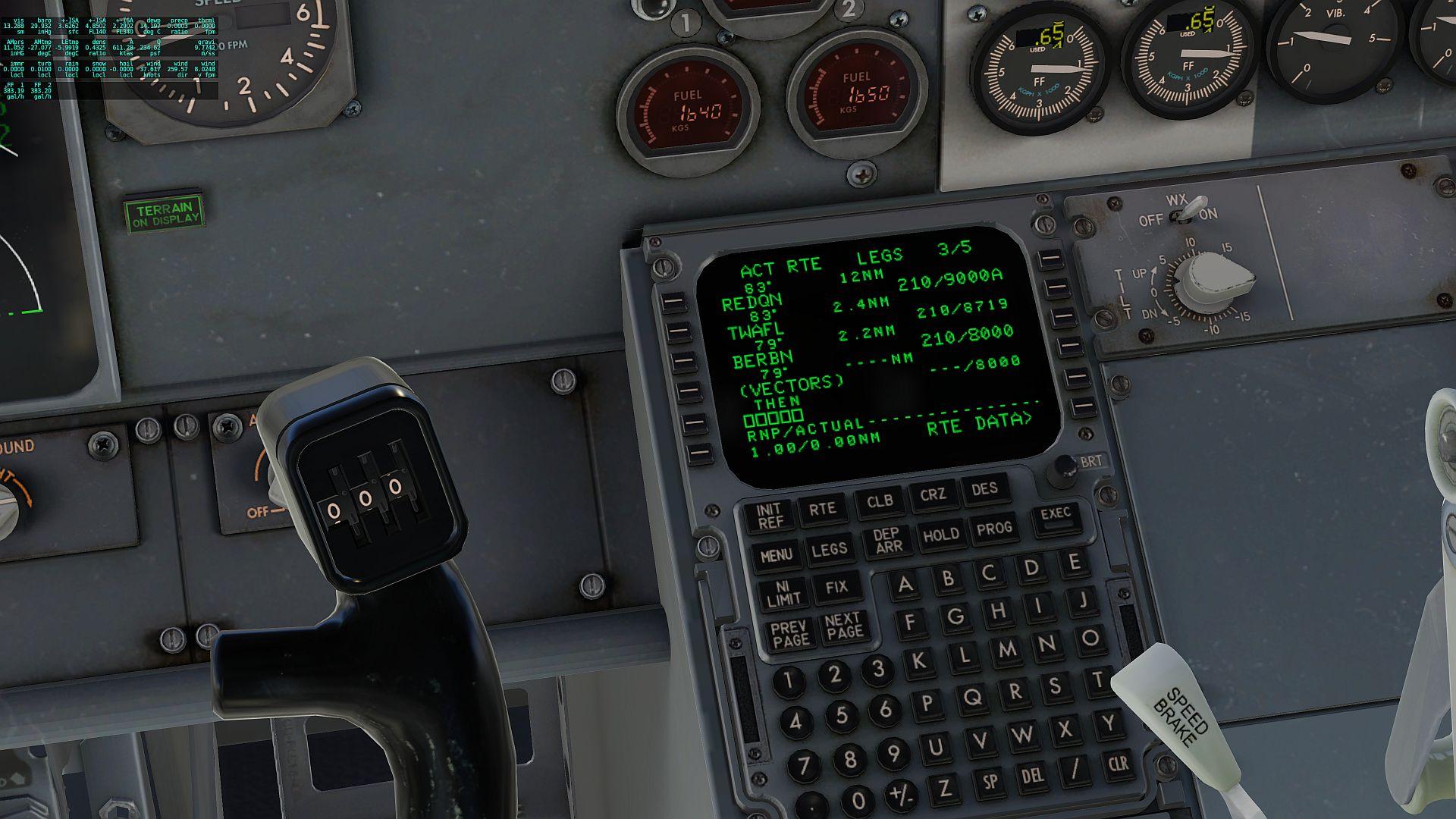
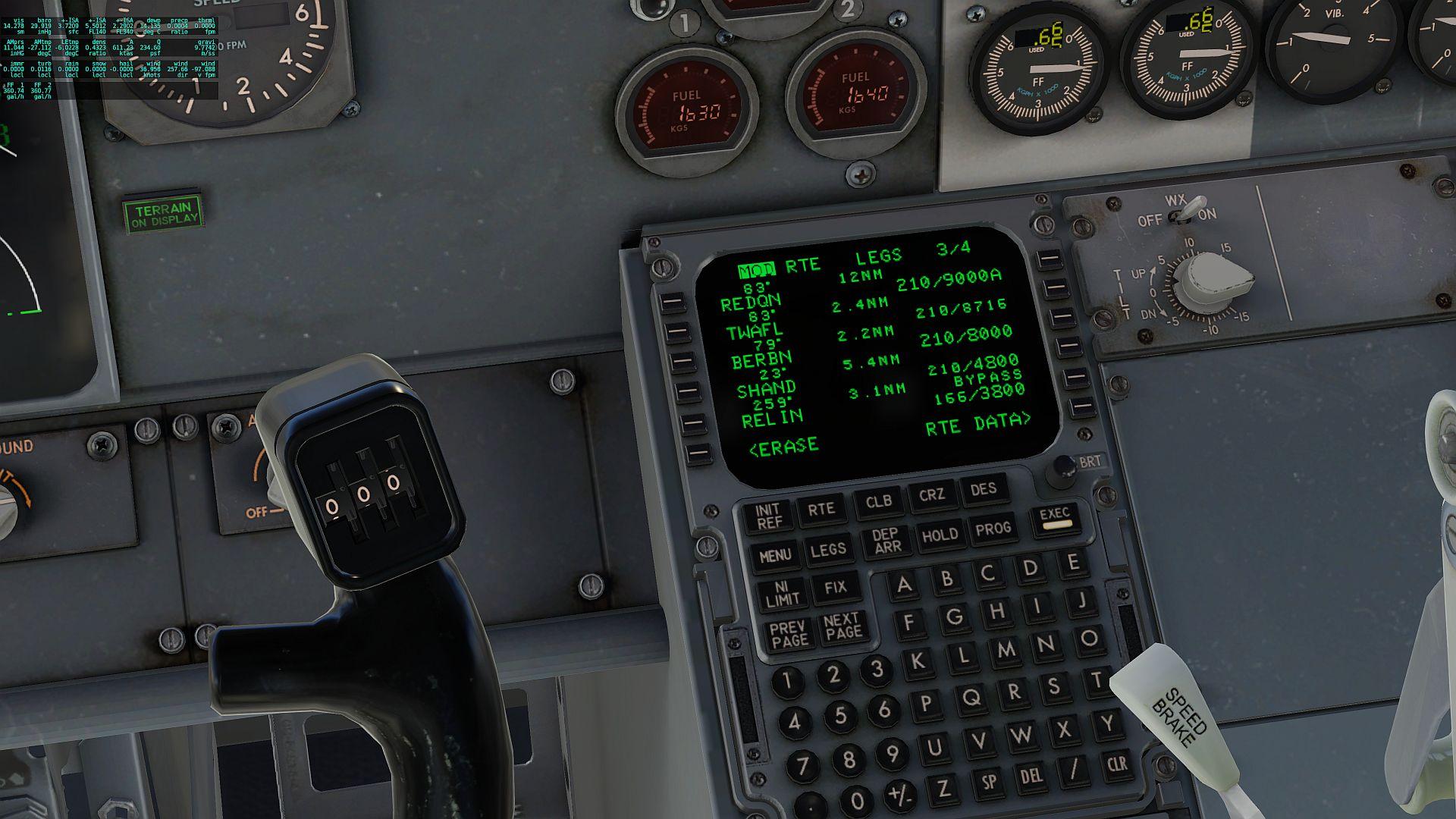
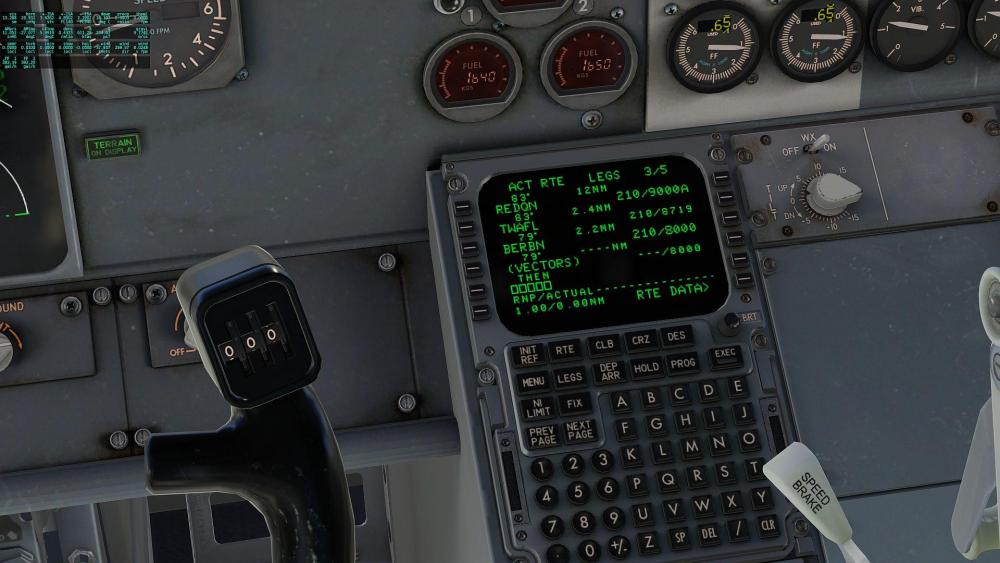
Just flying your route, @SWA4420, could it be that you did not remove the route discontinuity after the RNDRZ2 arrival terminates at BERBN? It actually ends in "radar vectors" and ATC would expect you to keep flying straight (away from the airport) - you are only allowed to turn onto the ILS if you are cleared for the approach, in that case move "SHAND" onto the "vectors" line to "close" the flightplan.

-
We have not heard back from @Pacifica, we asked him to remove his plugins to test if those have an influence... maybe you can try the same so we can isolate the conflicting plugin and work on a solution? Thanks, Jan
-
IXEG 737 Classic for X-Plane 12 Announcement
Litjan replied to Cameron's topic in General Discussion
You can configure all the views you want (well, up to 10) with the default X-Plane custom view system. Use CTRL-Numpad (number) to store a view, then just the Numpad (number) to recall it. You can even save these views to joystick buttons. Engine start too fast is known, it is a Laminar problem, Austin is working on it, we are providing an interim fix with the next update (it still looks weird, but the total time to idle is better). Cheers, Jan -
I agree with Cameron, if this was a problem unique to our aircraft, we would have seen more reports like that. Laminar should be able to trace your crash and see what it is caused by, especially since you can invoke it so readily. They can also contact us (we are in communication with LR like most developers are) if they have any further questions or have an idea how to fix the problem from our side). Sorry we can not help you immediately.
-
Ok, thanks for testing everything so patiently! I will see what Tom will say, maybe there is something obvious that we can fix easily. Thanks again and I hope you can live with the blurries for now, Jan
-
Can you try do disable your simHeaven scenery just to test? You can add the _DISABLED into your scenery.ini file to disable them temporarily, like this: SCENERY_PACK_DISABLED Custom Scenery/X-Plane Airports - KBTV Burlington/
-
?
-
Some initial observation on flight dynamics, mostly good!
Litjan replied to AngelOfAttack's topic in General Discussion
@AngelOfAttack I have identified and fixed the reason for the weird pitch during takeoff and landing. It will be fixed in the next version, so dont get too used to the effect ;-) -
I have actually noticed, too - and have tried to fix this, but have not been succesfull yet. It was working in XP11, too. The setup for the blur seems to be correct, flames and sparks (damage) are working fine...just no heat blur. I have to investigate further...
-
Hmm, it surprises me that you are getting blurry textures at less than 3GB out of your total 6GB used! Maybe also try running at the highest texture setting and see if that helps? Does this only happen when running the IXEG? Or also with other aircraft?
-
IXEG 737 Classic Plus - Releasing Friday, September 15th!
Litjan replied to Cameron's topic in General Discussion
You are right, I can see it with the "front galley lights" being on! I think it is an artifact of X-Plane´s lighting engine resolution, lights that are further away will have less resolution when it comes to their lighting effects to save on rendering performance (kind of like the shadows do, too). I think the ultimate goal her is to emulate the cockpit door and rear wall being really opaque...so that there is no lighting from the cabin if the door is open (in the real airplane the galley lights go dim when the cockpit door is open). -
Hi Chip, this certainly sounds like Vulkan reducing your texture resolution to keep total VRAM use below your threshold. One thing you can try it so reduce your "Texture Quality" level in X-Plane globally, this will make ALL texture slightly less sharp, but not just SOME very fuzzy. Another thing is running at high monitor resolution or even multi-monitor, this will also fill up your VRAM quickly. Did you look at the VRAM PROFILER in the developers menu of X-Plane?
-
IXEG 737 Classic Plus - Releasing Friday, September 15th!
Litjan replied to Cameron's topic in General Discussion
Hi axmiha, I thought you were talking about the screen itself - but the keys should have backlighting that comes up with the center pedestal rheostat, which they don´t! So thank you for reporting that! That "phong" you see is not showing on my screen, but I have seen something like that before, I think it may depend on graphics card settings/driver/anti-aliasing?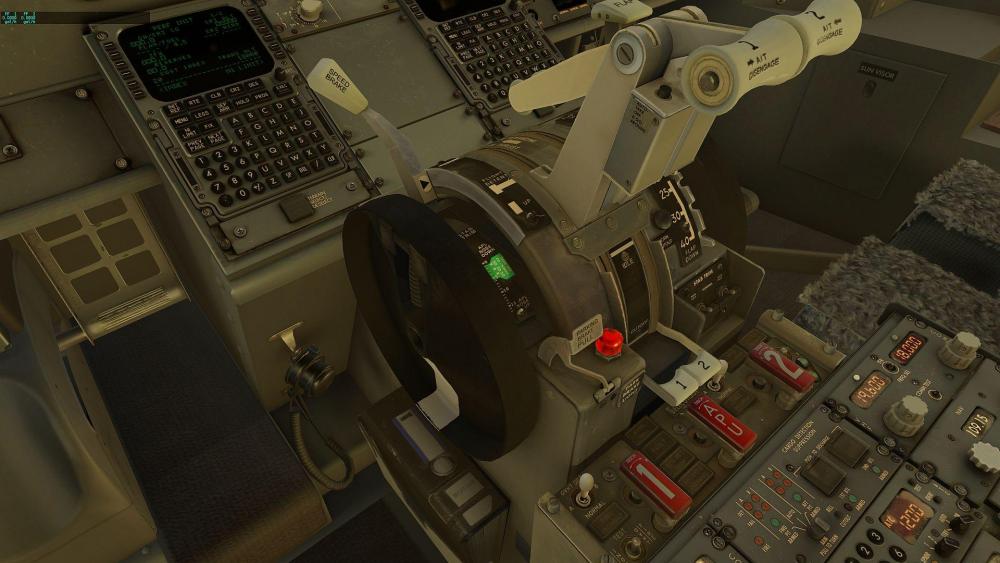
-
I think you need to disable the simHeaven scenery, it might be too much for your hardware - can you just try it to see if it helps? Copy it to another folder (so you can copy it back if that doesn´t help).
-
IXEG 737 Classic Plus - Releasing Friday, September 15th!
Litjan replied to Cameron's topic in General Discussion
Works fine on my end... -
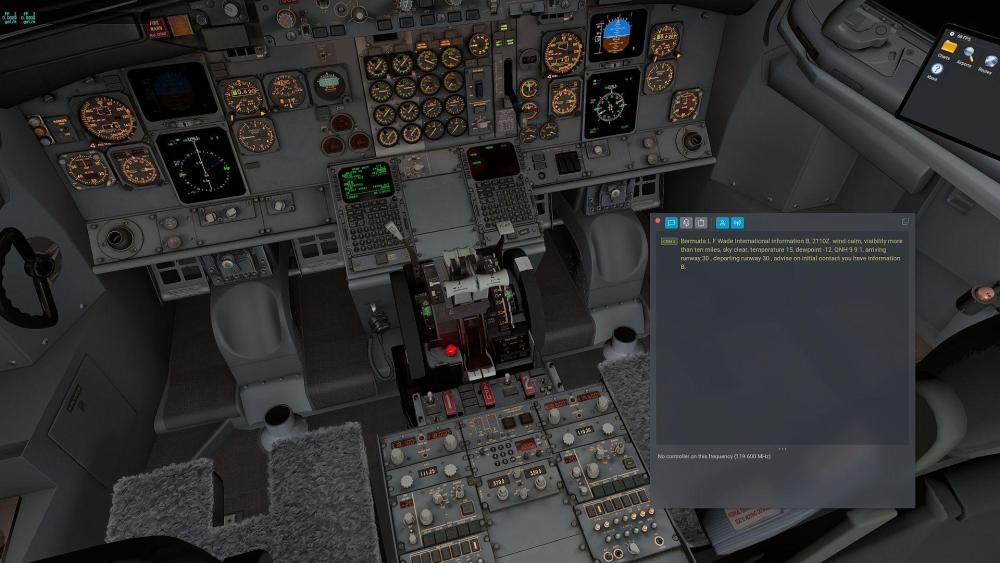
It works fine here:
-
Yeah, I think he can not create new threads yet (his first post)...so I let it go uncommented ;-)
-
Some initial observation on flight dynamics, mostly good!
Litjan replied to AngelOfAttack's topic in General Discussion
Hey Morten, great to see you chime in! I will take this up with Austin in a little bit, right now we are on his case to fix the too rapid N2 rise after fuel is injected. You know him, it is better to feed him stuff one after the other ;-) All the best, Jan -
Glide Slope warning when T/O with runway ILS tuned
Litjan replied to AngelOfAttack's topic in Bug Reports
That may be the missing condition - I will check the code. As for the GS deflection, I can verify this with DATA OUT, I think there is a field for glideslope deviation. -
Thanks for testing this, Jude. Let´s see what Tom can find out!