birdy.dma
-
Posts
509 -
Joined
-
Last visited
-
Days Won
13
Content Type
Profiles
Forums
Latest X-Plane & Community News
Events
Downloads
Store
Everything posted by birdy.dma
-
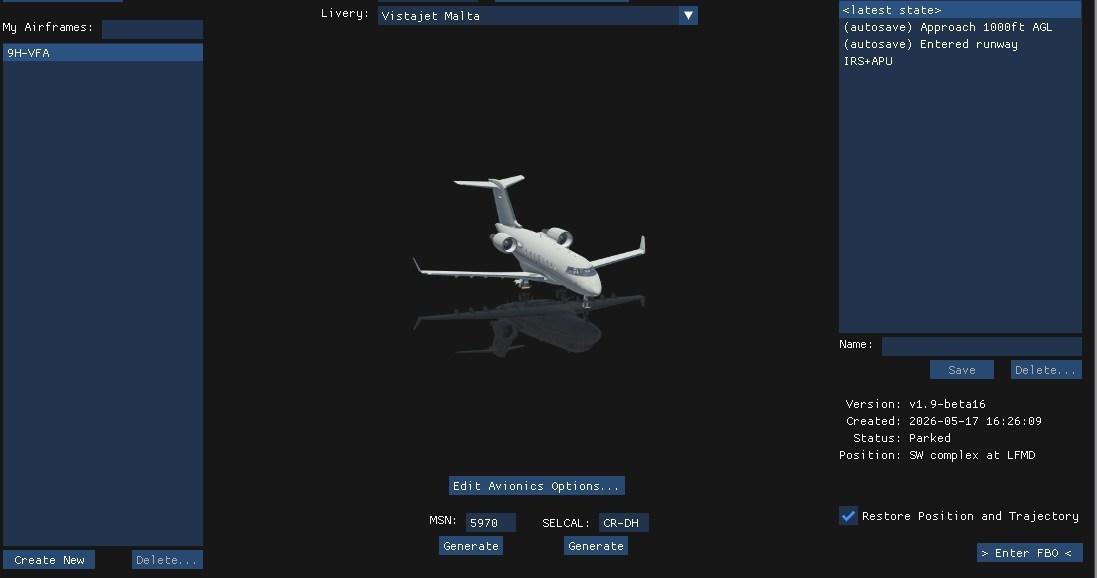
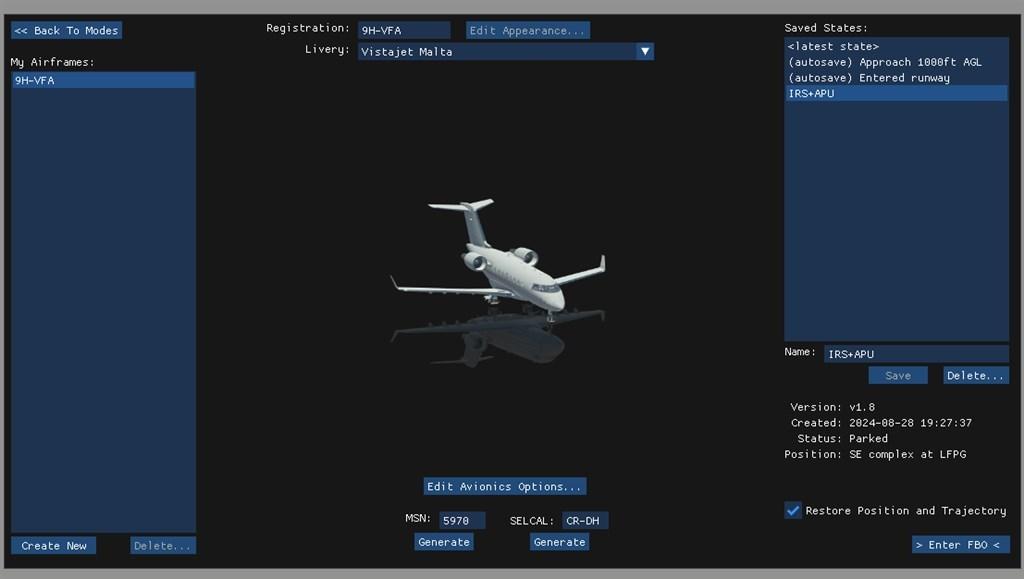
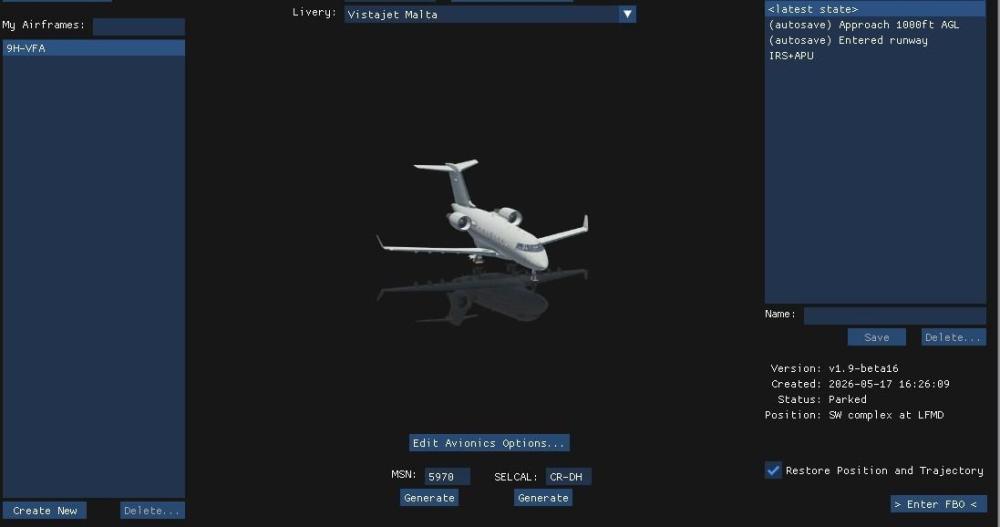
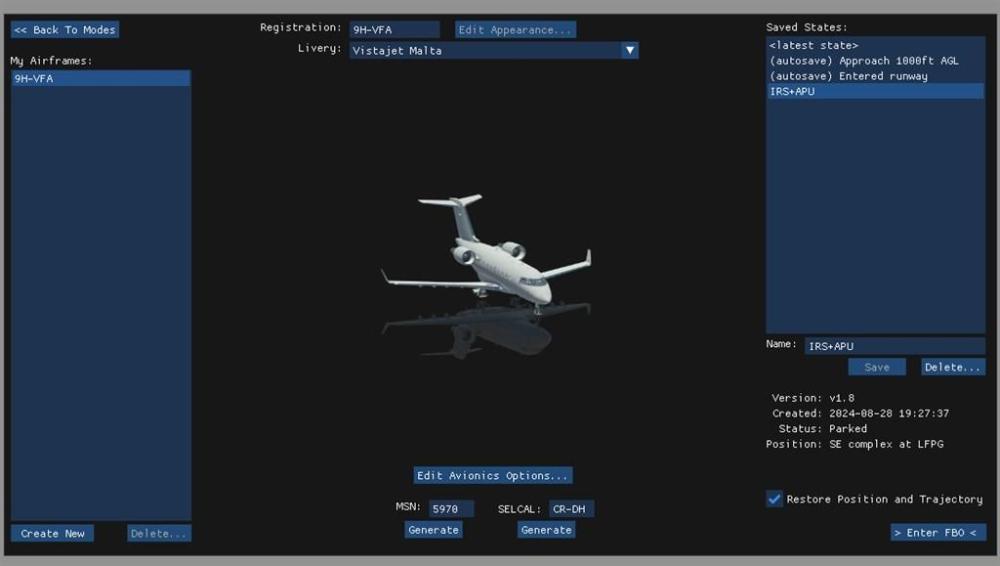
Create a (Or more) situation of your choice, IRS aligned, APU running, pax on board, some fuel, doors closed ....... You can now start from here . Just untick restore position and trajectory to start from any place.
-
Challenger 650 not found with the new xplane 12 version
birdy.dma replied to mati2124's topic in General Discussion
Hi. Cross check the path of your install. If you only fly the CL660, remove Gizmo, also (backup) SAM and the the AFL thing.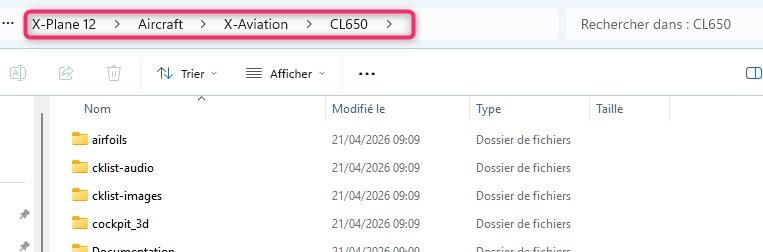
-
-
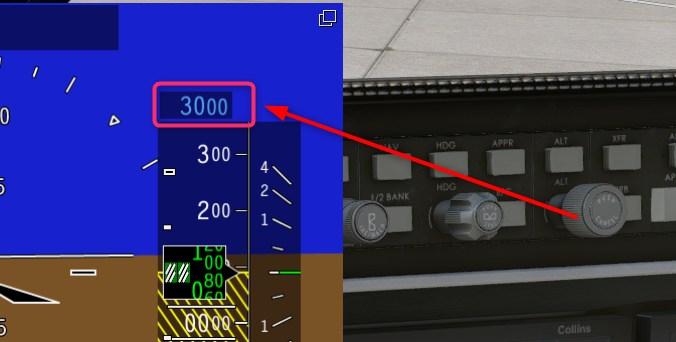
Downgrade to XP12.3, waiting for XP12.4 RC.
-
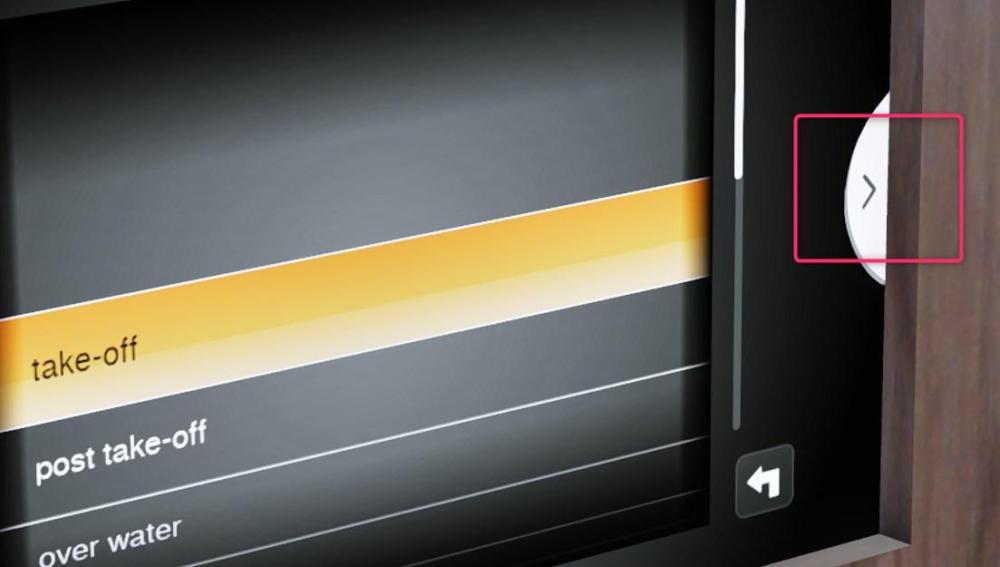
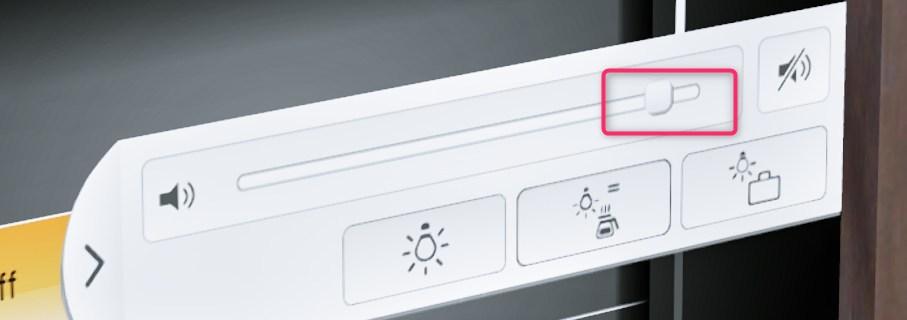
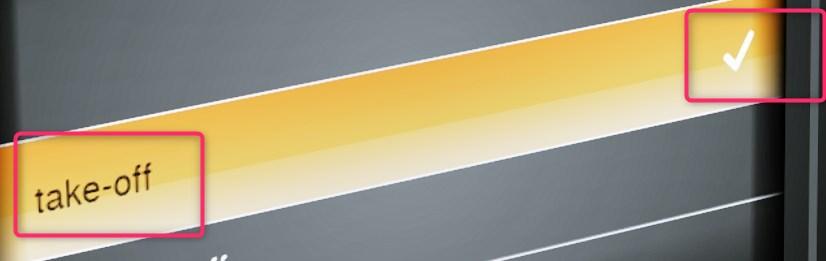
In few pics. Set the volume sound, double click of the needed announcement.
-
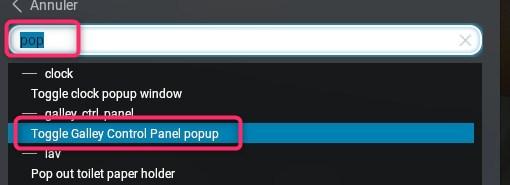
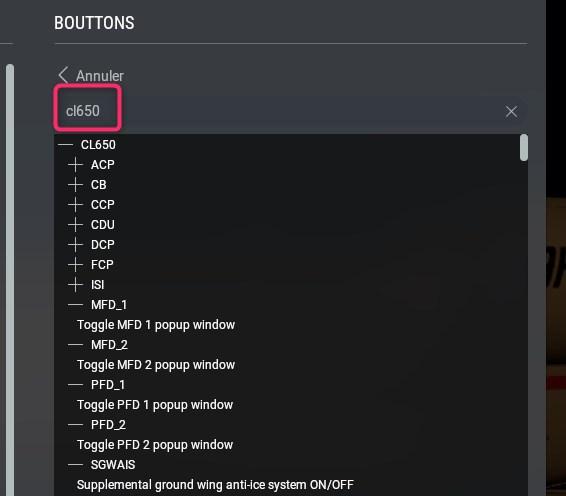
We have a bunch of keys.
-
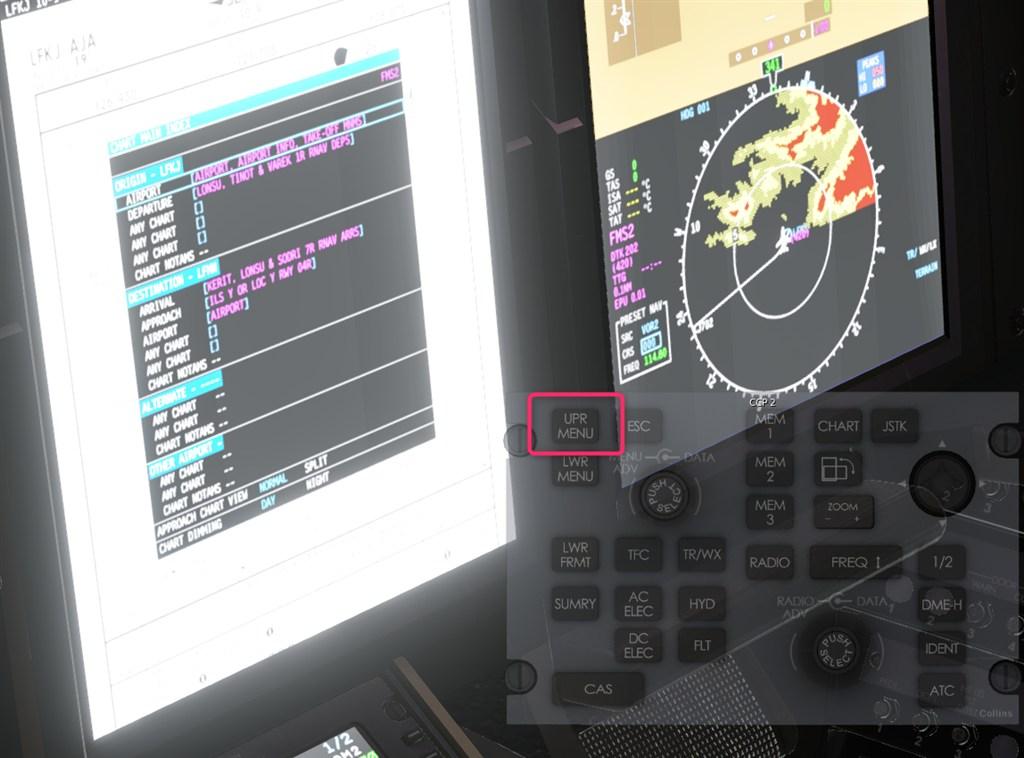
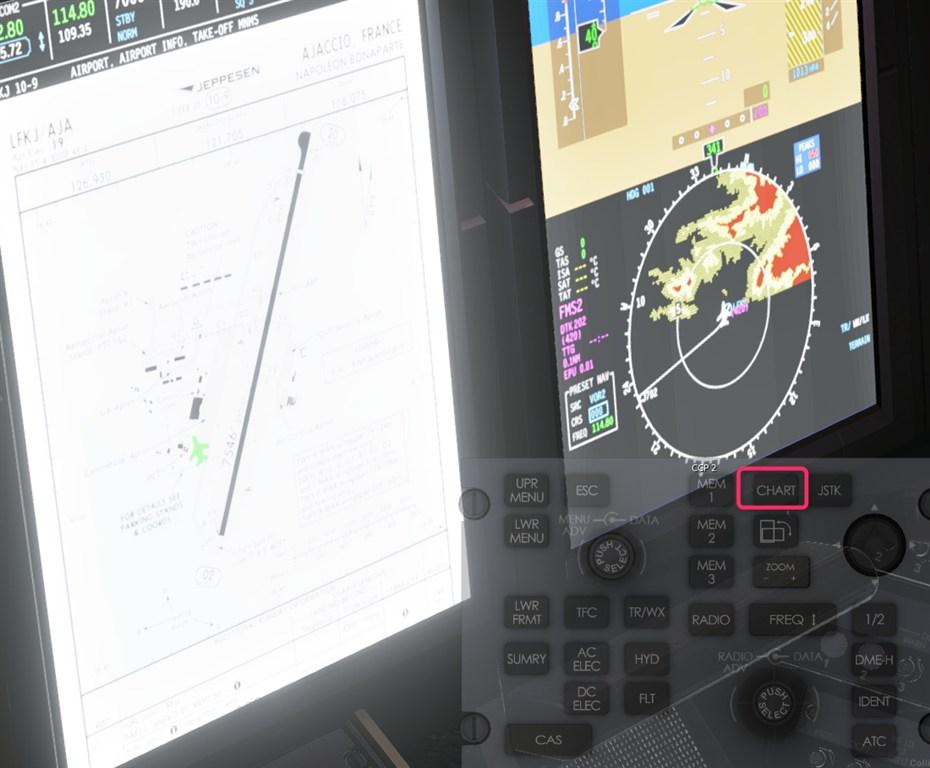
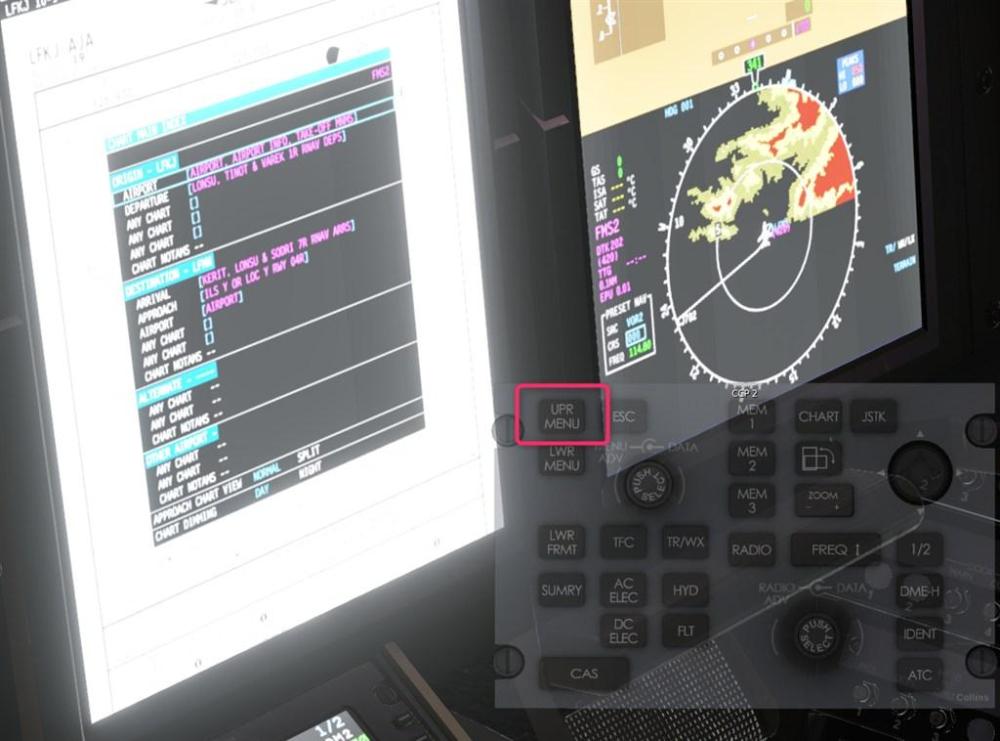
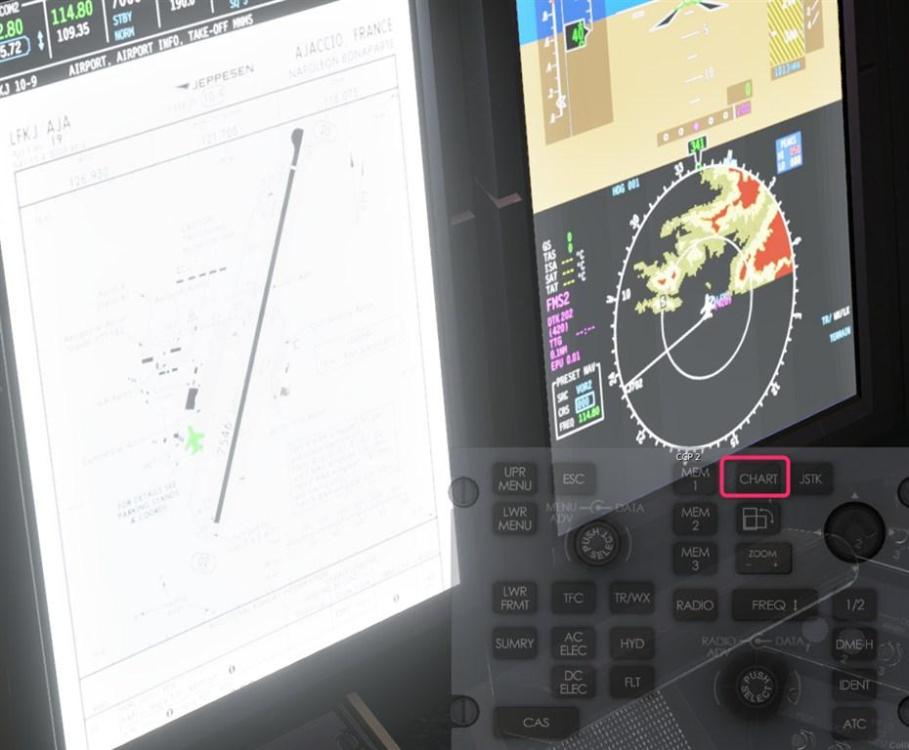
Hi, 1- Charts. 2-Upper menu
-
Here is an excel sheet.
-
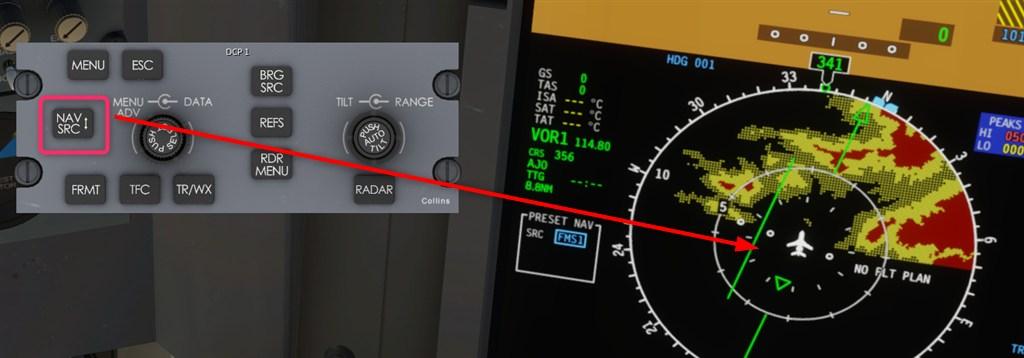
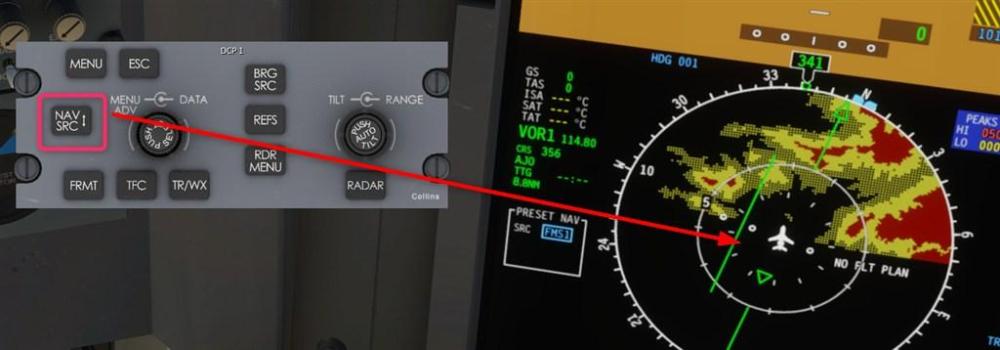
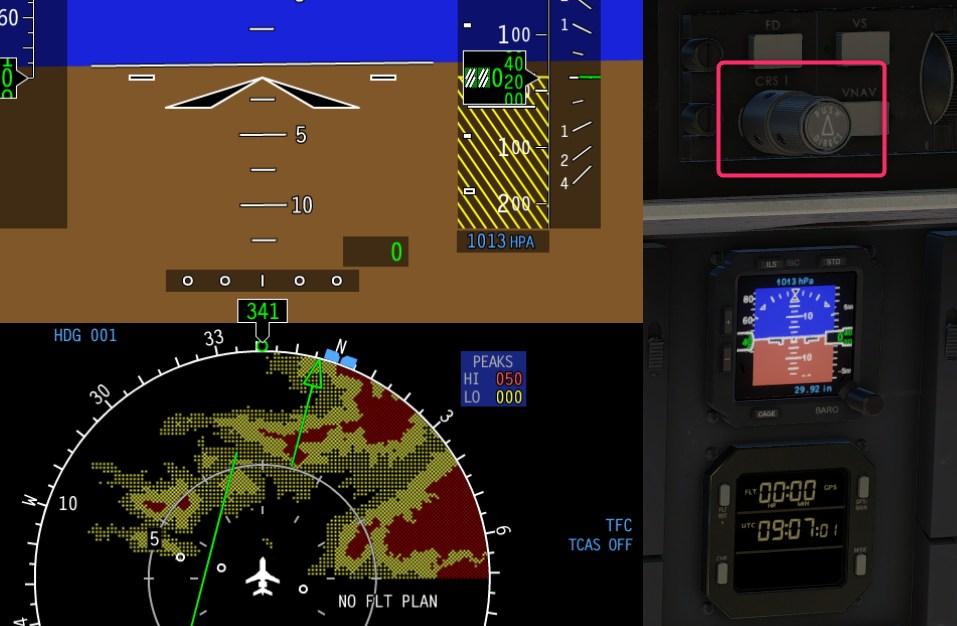
NAV SRC, then course knob.
-
Nav to Nav transfer Toto on his Discord channel: Then it will auto-transfer to green needles provided a bunch of conditions are met: both sides are on FMS both NAV radios have auto-tuned to the localizer localizer is being received APPR is active and LOC mode is armed localizer needle is about to center
-
The doc is in: X:\X-Plane 12\Aircraft\X-Aviation\CL650\Documentation
-
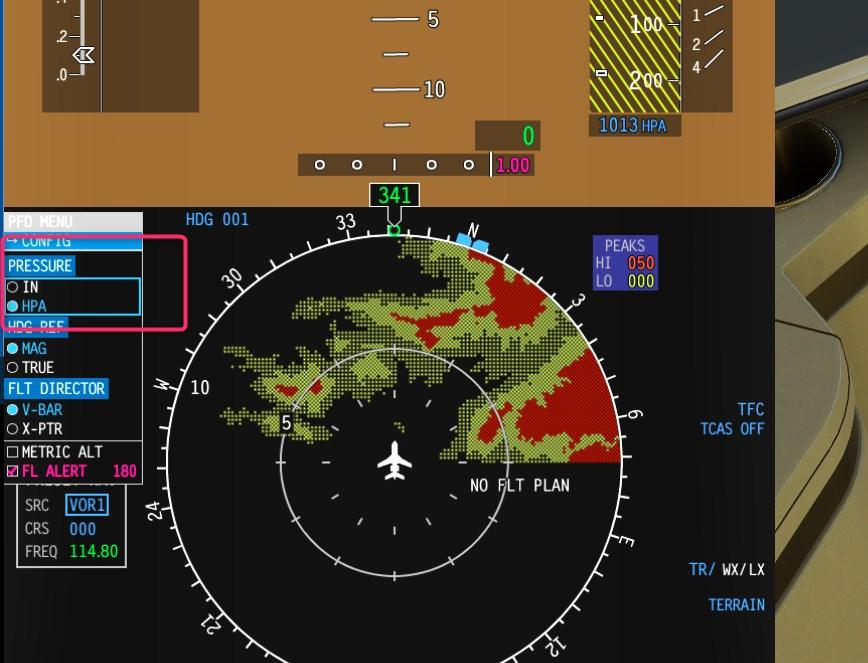
Hi, DCP1 / config for thr the baro setting. Create the state of the plane (Fuel, doors etc...) and save this state named C and D (Or something else), next time, load this state to start your flight.
-
Hi, The devs, Pils, and real pilots are very active on the Discord server of HotStart. You should join it. Do you save/load from here ?
-
Hi Jürgen. You can join the Hot Start discord chanel and push a request to receive a link for the 1.8 beta.
-
Hot start Challenger 650 MFD advance issue
birdy.dma replied to Tvallejo's topic in Systems and Tech
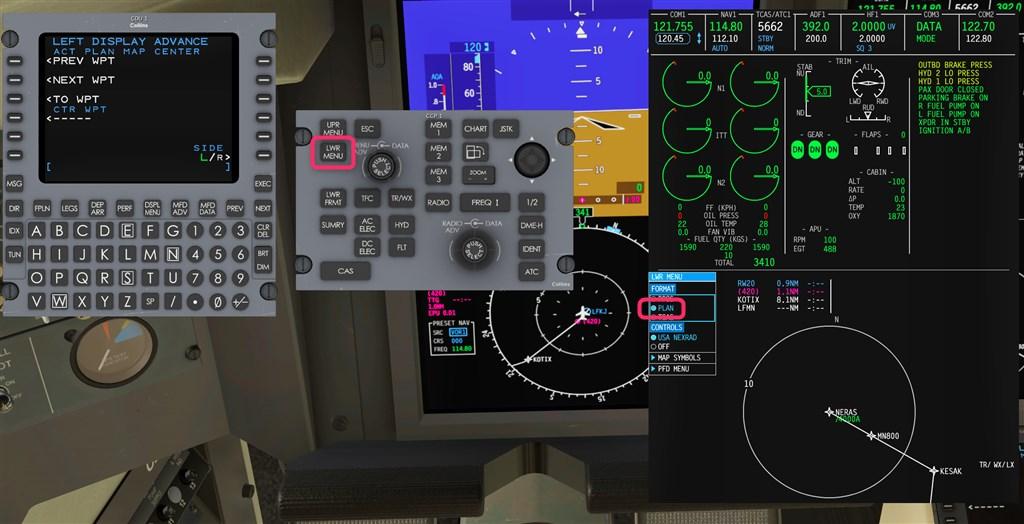
CCP / Lower Menu / Plan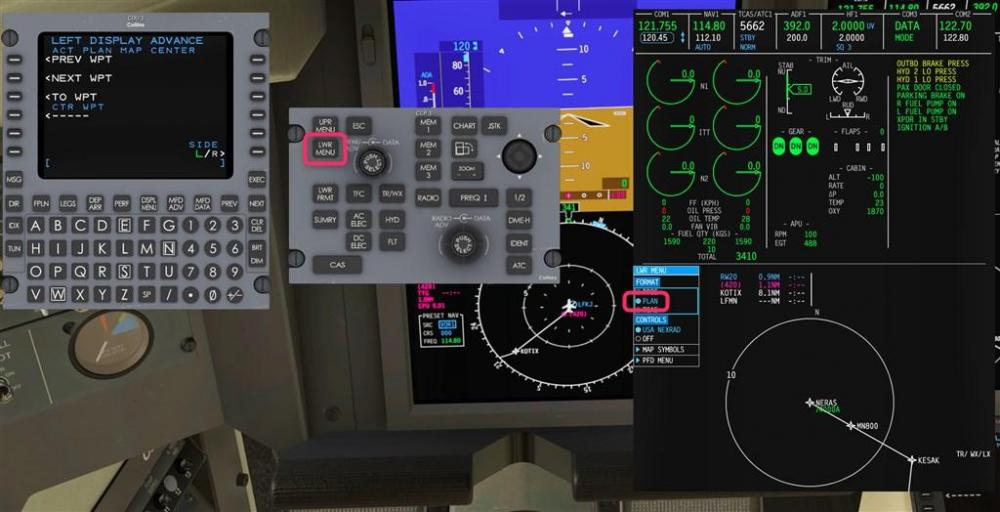
-
no check list Challenger 650 install Avitab plugin
birdy.dma replied to Al1's topic in Technical Support
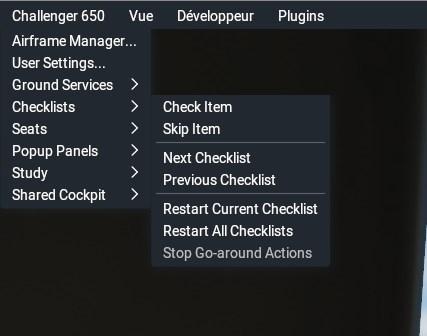
Also,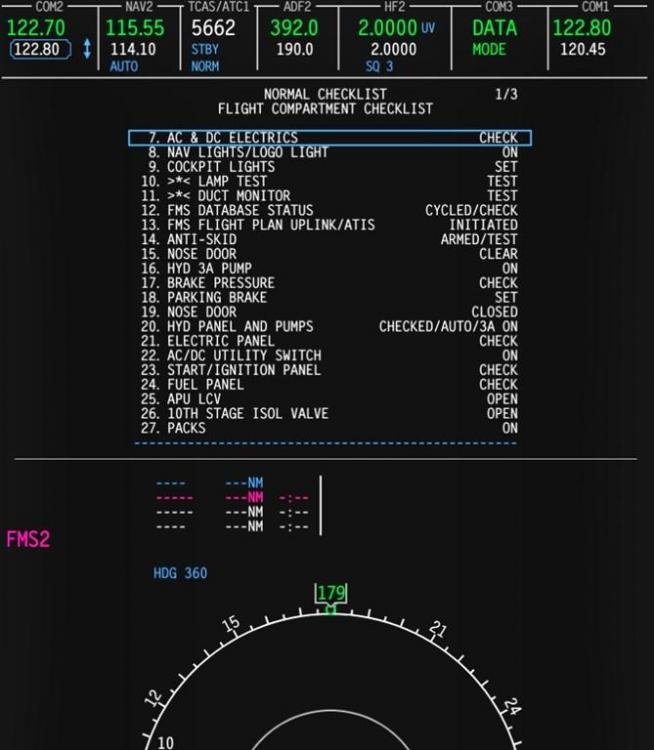
-
no check list Challenger 650 install Avitab plugin
birdy.dma replied to Al1's topic in Technical Support
Tutos are here : Docs here : D:\X-Plane 12\Aircraft\X-Aviation\CL650\Documentation -
Push a request here:
-
Yes, it is.
-
LOL.
-
Please. It will be in your Disk route list. See your own picture few posts above.
-
As usual, join your log.txt. @Pils will certaily catch the culprit. A lot of fixes will come with the 1.8 release. About LittleNavMap, no idea, but there is probably a way to save the flight plan in the .fms format.
-
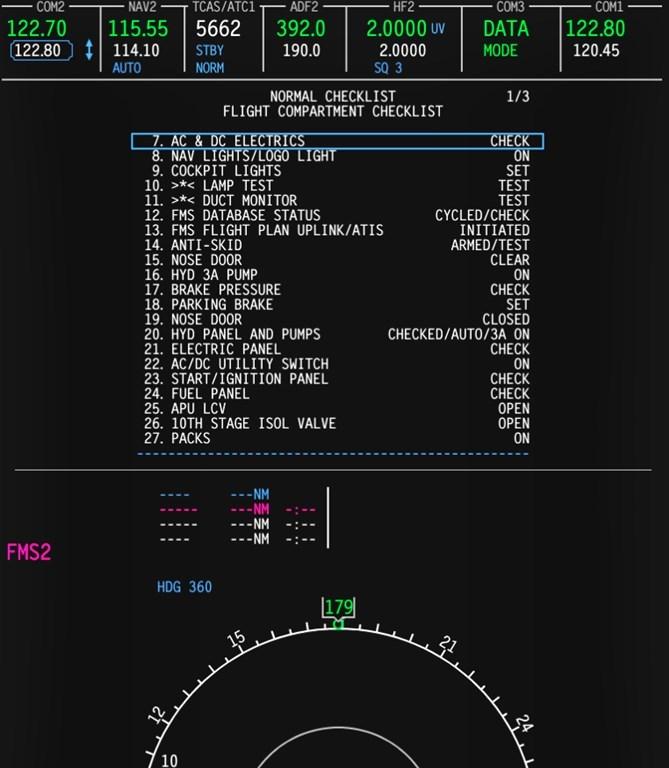
@stevebiker May be unclear, but it was number one (And bottom picture) in my post of yesterday.
-
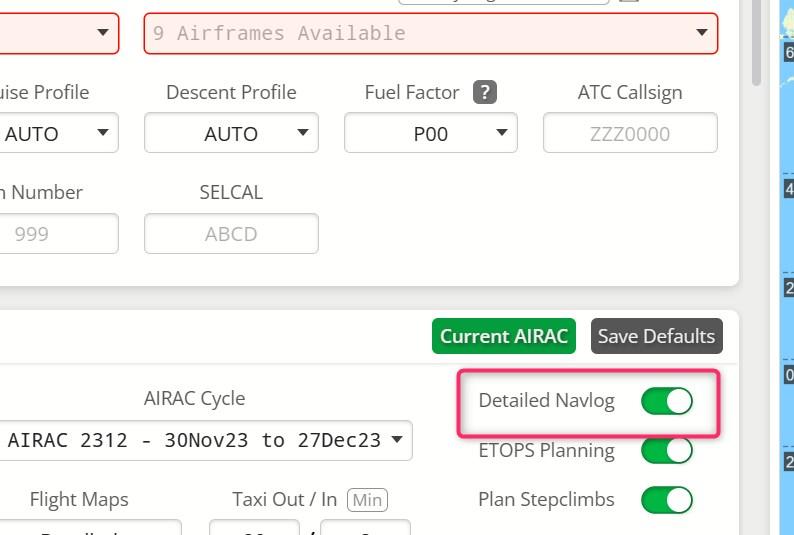
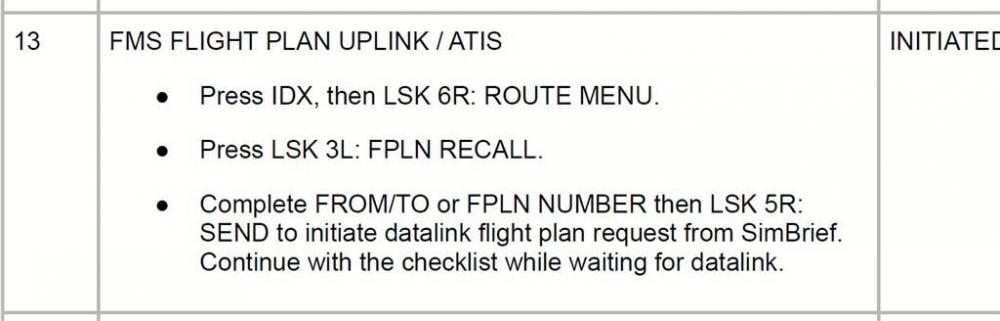
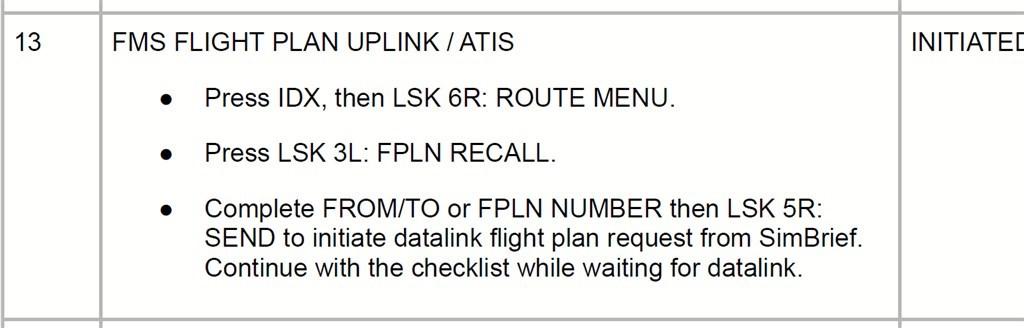
1- In the Cl60, your simbrief pilot id (5 numbers). 2- In simbrief: Detailed navlog 3- The doc.