



mjrhealth
-
Posts
590 -
Joined
-
Last visited
-
Days Won
12
Content Type
Profiles
Forums
Latest X-Plane & Community News
Events
Downloads
Store
Everything posted by mjrhealth
-
Simply put. some Are copy write and therefore cannot be provided. Even if they did purchase on for themselves to do the build it would be illegal to provide one. Which is why some dont have them
-
There is a lot more going on in this add on than any other plane you have, also Reflections have always being known to be an issue which is why few use them.
-
Turn your reflections off, you simply cannot afford to have them on. On that card AA may have to go down a notch. You may also be suffering from Thermal throttling heat is bit of issue on laptops.
-
Need your log.txt from xplane folder please after loading the plane and shutting down.
-
I think in the end that is pretty much what I did, once I turned to Final set decent rate than just flew it manually made it easier for me.
-
Dont have you tube acct so ill have to watch someone elses videos.
-
Dont have you tube acct so ill have to watch someone elses videos.
-
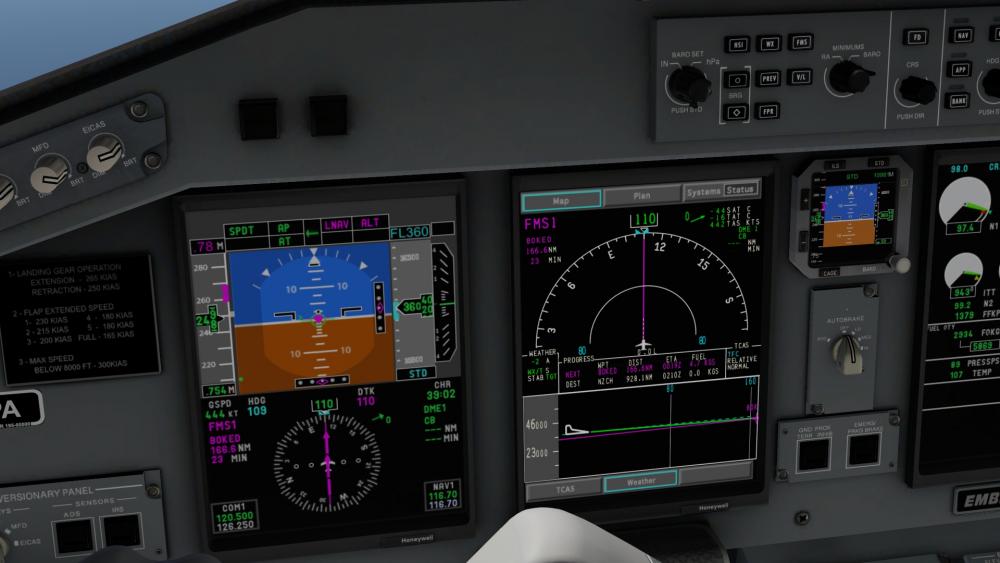
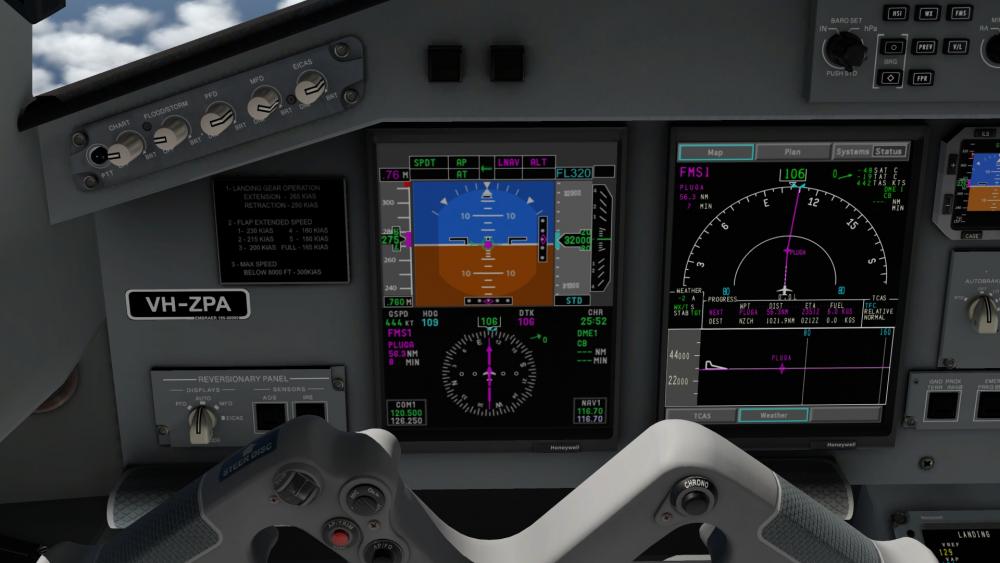
After all the years of owning this plane I have finally done my first successful flight from YPDN to YBRM, I think flying all the Embraers set me up for this. I think I was a bit on the heavy side as I was running out of throttle, but manged a heavy landing, was an RNAV approach which I had to hand fly from 2500 ft as I wasnt sure how to do the VNAV, also a short runway. But next is to YPPH which is a longer runway. Love this plane
-
OK seems it is the old XUIPC issue with latest ver. Removed it and is fine now. Not sure I need it for anything anymore
-
Funny this is I just reloaded. It allowed me to move the throttles briefly than they stopped I even removed my TOGA button from JS. Ok what happens if I select ant start up mode, it will allow me to briefly move throttle than it will ultimately go to idle and stick there no matter what position i leave it..
-
And yes I did read the other topic on this. Deleted preferences, Deleted 2 plugins IE LUA and multithrottle Reinstalled plane Recalibrated and removed duplicates , (basic) Wheter I load it before or after a default plane, I cannot move the throttles with JS or mouse. All other planes appear fine. 2 logs posted. Mind you I havnt flown it in a while. Teh problems with modern Tech. ixeg737Log.txt Log.txt
-
Nah Ex Durban dont follow the Rugby but go the All blacks.
- 1 reply
-
- 1
-

-
Would have to ask the question, Why?, is it broken?, Im sure they would be working on the new ver for the newest xplane when its released.
-
You have to lift the knob on the left door to enable steering its in the notes if you read them, as far as reverse options there are 2 its in the manual.
-
So than XPLANE is doing it since It cant be anything else, do my next flight without SMP and RWC see what happens as it may well be a disconnect between XPLANe and weather addon, lots are having this issue.
-
Still happens, just using SMP and RWC was fine with 38KT head winds, than suddenly wind dropped to zero, so I fired up FSGRW, once it loaded weather was getting 44 kt head winds just like weather was showing, so i turned of FSGRW as i had my weather, sort tiem later winds dropped back to zero, went into weather in xplane, it had gone back to manual, so i set it to real weather and lo and behold i got my winds back. It may be possible that RWC is not ignoring teh XPLANe setting all the time. And since FSGRW was not running teh first time it is not responsible. Log215.txt
-
ID of machine not recognized after updating windows
mjrhealth replied to JuanF's topic in General Discussion
This happens because windows "occasionally changes the hardware ID, just delete the oldest one in Gizmo. Nv 2020, isnt hard. -
Options menu as stated thefe is already a topic on this
-
Seems you are the only one with this issue, problem solved.
-
One day. People do need there sleep. Some places 15 days is the norm
-
Its missing vrconfig copy from passenger ver. Thats all it is
-
Copying files fixed it, sent an email.
-
Are you sure its not the install file, having installed it twice and getting same results would say the installer is missing a file. I have not seeing any one mention the AEW version there is a chance no one has flown it, If all it is those missing files ill just copy them, Thanks
-
I would if I could but its empty, are the scrrpts same as other models
-
Please note its only AEW ver of this plane and this is a fresh install. LES_Saab_340A_AEW_VRconfig.txt


