Cameron
-
Posts
10,086 -
Joined
-
Days Won
481
Content Type
Profiles
Forums
Latest X-Plane & Community News
Events
Downloads
Store
Everything posted by Cameron
-
IXEG 737 Classic Plus - Releasing Friday, September 15th!
Cameron replied to Cameron's topic in General Discussion
@dr_nerdrage, Thank you for your feedback and understanding about the pricing. We truly appreciate your continued support! Regarding the time-limited upgrade options, we understand how it might be viewed from a consumer's perspective. The intent behind it is to offer a token of appreciation to our most dedicated users while balancing our business needs. We'll be sure to remind customers multiple times leading up to the conclusion of the discount period. To answer your question about future updates: it's our intention that the updates for "upgraders" will be free of charge. Thanks again for being a part of our community and for sharing your feedback. Looking forward to seeing you in the skies on Friday! -
IXEG 737 Classic Plus - Releasing Friday, September 15th!
Cameron replied to Cameron's topic in General Discussion
Thank you for sharing your experience. What I mentioned was based on the input from a long-serving 737-300 Captain. As with many things in aviation, practices can differ based on the airline, pilot preferences, and many other factors. This is why I qualified my statement with "in his days." If you'd like to discuss this in more depth, @Litjan, who's also well-versed in this area, would be more than happy to engage in a discussion, I'm sure. -
IXEG 737 Classic Plus - Releasing Friday, September 15th!
Cameron replied to Cameron's topic in General Discussion
Your question isn't stupid at all! Yes, the sounds you loved in the XP11 version are indeed the result of the custom 3D sound engine created by @tkyler. This engine was developed before X-Plane integrated FMOD, and it's what gives our products like the IXEG 737 and the Saab their distinct audio quality. We're proud of the immersive sound experience it provides and are glad to hear you enjoy it as much as we do! One day it will sunset in favor of FMOD though. -
IXEG 737 Classic Plus - Releasing Friday, September 15th!
Cameron replied to Cameron's topic in General Discussion
The FMOD sound pack is planned for a future update and won't be available immediately upon release. It's important to note that the IXEG 737 already boasts a custom 3D sound engine. So, when the transition to the FMOD sound pack is completed, the sound experience should remain largely consistent with what users have grown accustomed to. Most users will likely not even note the difference. As for the texture improvements on the external model, yes, the intention is to update some textures and 3D. As a whole, this product has help up quite well in that department though. -
IXEG 737 Classic Plus - Releasing Friday, September 15th!
Cameron replied to Cameron's topic in General Discussion
Pricing will reflect full retail after this period. A gentle reminder that this is not the first time you're hearing of this. You posted about it back in April, and you were given detailed replies as to the situation: https://forums.x-pilot.com/forums/topic/26540-ixeg-737-classic-for-x-plane-12-announcement/?do=findComment&comment=190694 We don't have any changes with regards to that, and being fully transparent, nothing has even started. That's a very long way out (if at all)! Yes, the v11 aircraft will stay available in your account! There was an e-mail that went out! Regarding VNAV: it's been explained by @Litjan that in his days of flying with a major airline on the 733, LVL CHG was favored over VNAV. We view it that all X-Plane 10 users got free upgrades to XP 11, and all XP 11 users got to enjoy it through the whole XP 11 run. That's years of time for their invested purchase. When XP 12 released, new customers needed assurance that their investment was not going to be dead in the water right after purchase. We needed to continue to fund the project to keep it alive. We feel the $14.95 reflects a fair value for an insane amount of work put in over the last 9 months. Hopefully majority of others will too. All original liveries will be included. All third party liveries will also continue to work, so nothing has changed there! -
IXEG 737 Classic Plus - Releasing Friday, September 15th!
Cameron replied to Cameron's topic in General Discussion
It...does! -
IXEG 737 Classic Plus - Releasing Friday, September 15th!
Cameron replied to Cameron's topic in General Discussion
We understand and respect your decision. When circumstances change in the future, we hope you'll reconsider! -
IXEG 737 Classic Plus - Releasing Friday, September 15th!
Cameron replied to Cameron's topic in General Discussion
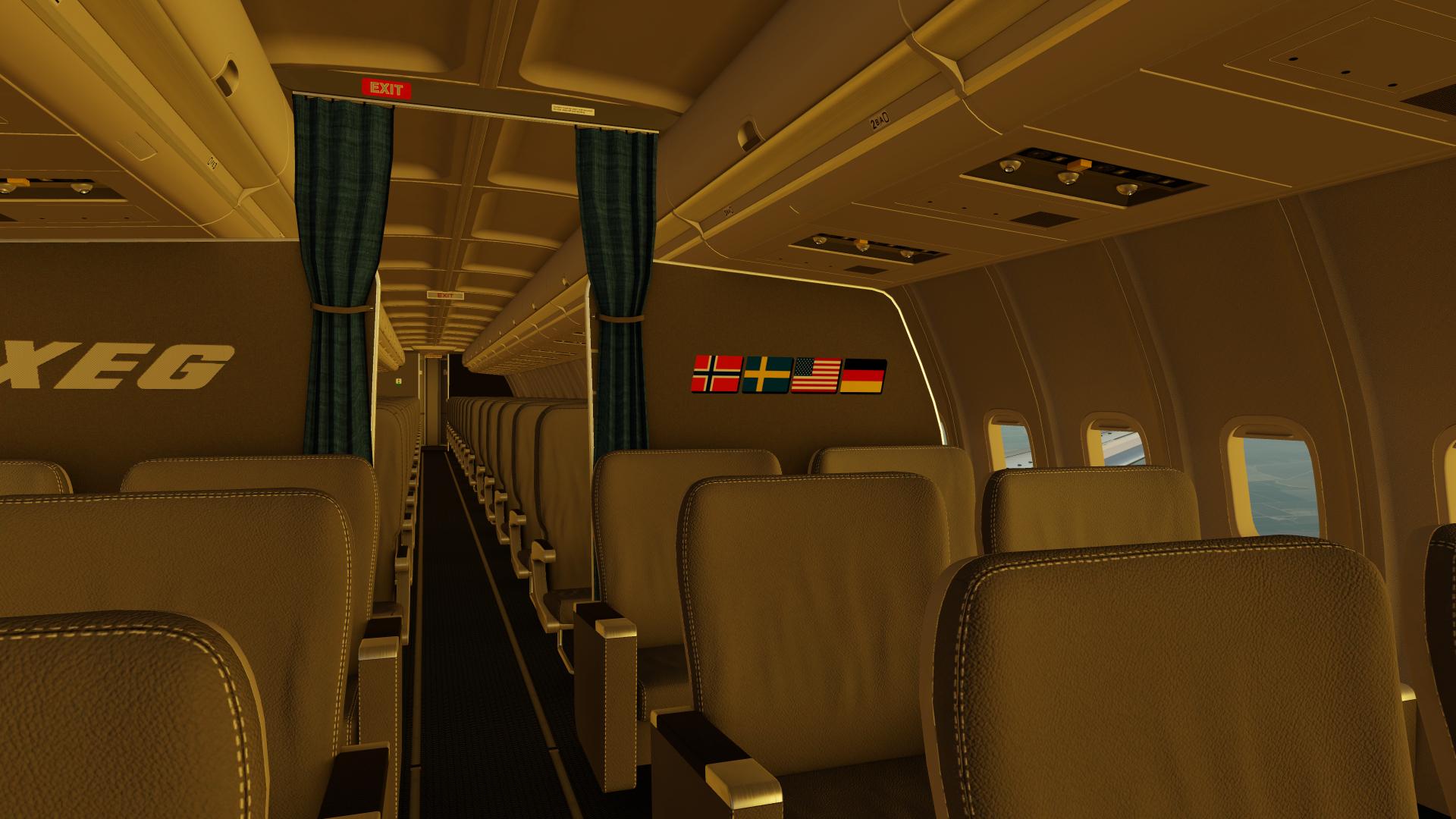
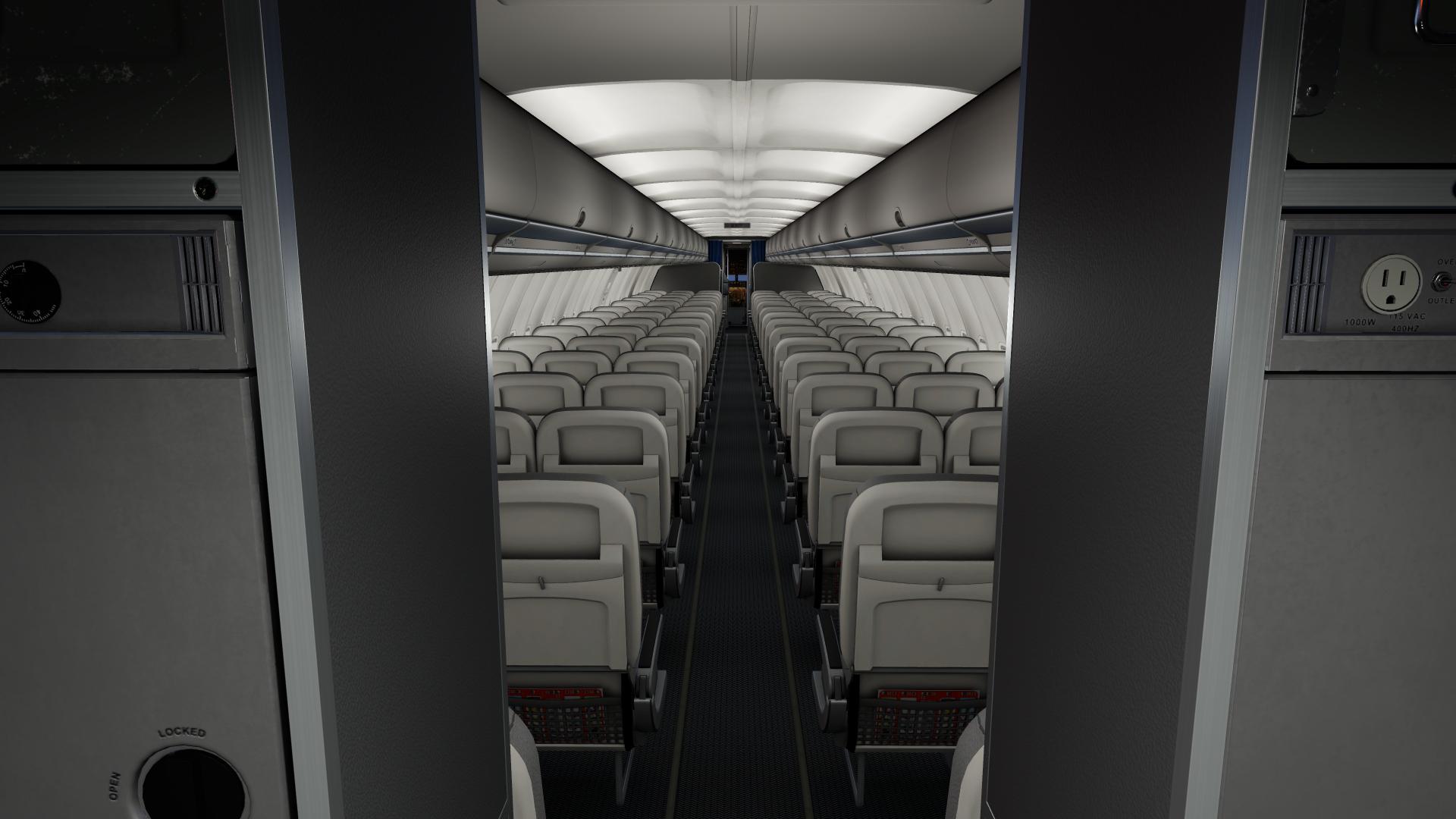
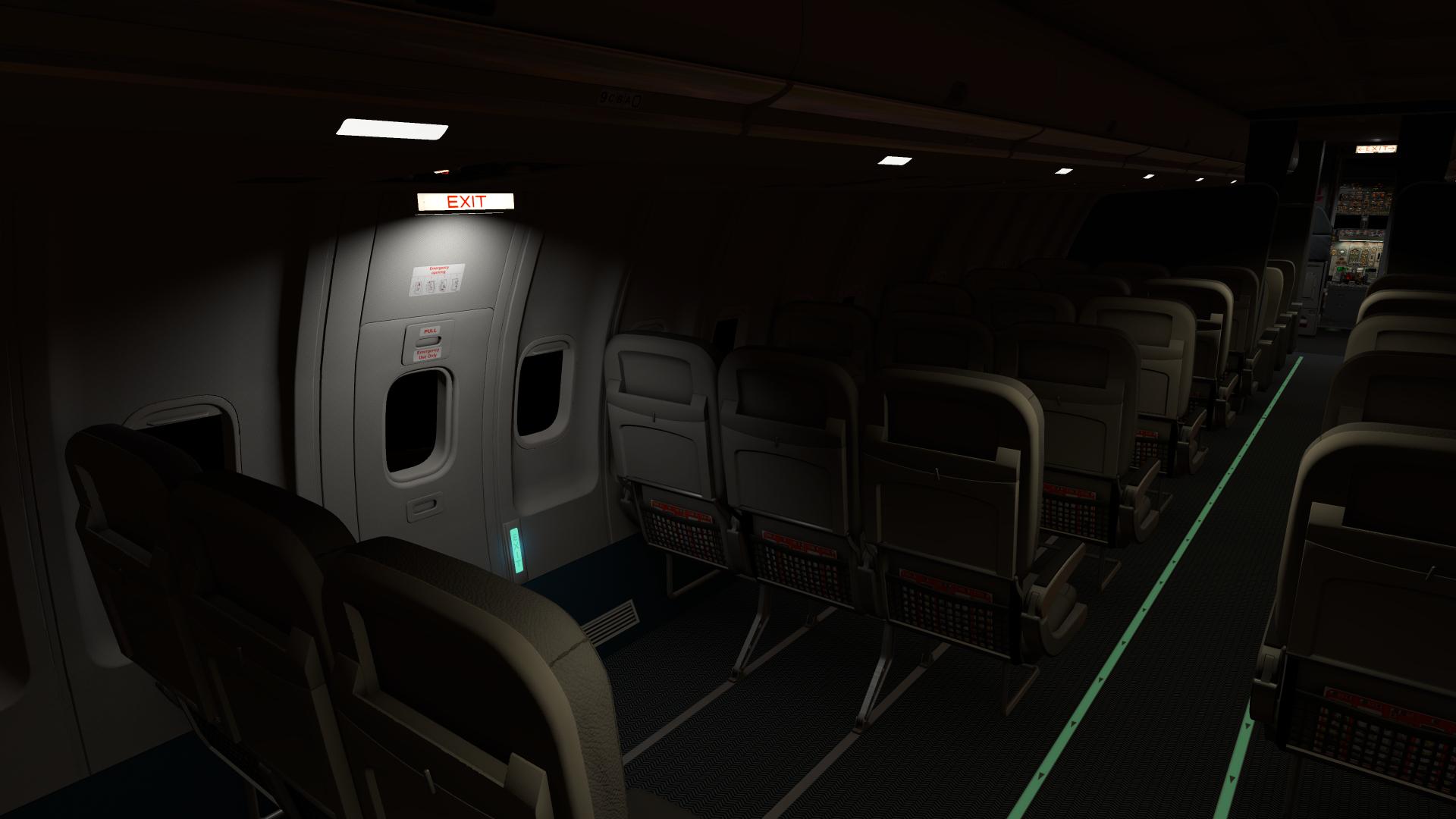
Native support for Apple's M1/M2 chips is not available at release. However, you can run the product using Apple's Rosetta mode for the time being. We'll announce any changes regarding this support in the future, as it is planned. Firstly, regarding the FMS holding capability: You're absolutely right, and we recognize the importance of this function. As highlighted in our recent X-Plane 12 announcement, the transition to this new update allows us the opportunity to implement a range of updates to the FMS, which includes improving its existing capabilities. I invite you to read more about our upcoming plans and updates here: https://forums.x-pilot.com/forums/topic/26540-ixeg-737-classic-for-x-plane-12-announcement/ Regarding the 3D cabin: Feedback from our users is crucial to our development process. The addition of the 3D cabin was in response to frequent requests from our user community. While we understand that not every feature will be essential for every user, we strive to cater to the broader preferences of our community. The 3D cabin, wings, and doors achieves that in our initial update. Most importantly, this update allows the aircraft to even work in X-Plane 12. Without this update, the aircraft is quite literally dead in the water, as things as basic as even flaps did not work. It was actually a fairly significant amount of work getting this product running properly in X-Plane 12, and many improvements came with it (like lighting and rain effects). Rest assured, your feedback is valued and helps us prioritize our future updates. We're committed to improving this product going forward. -
IXEG 737 Classic Plus - Releasing Friday, September 15th!
Cameron replied to Cameron's topic in General Discussion
See the initial Press Release here for intentions going forward: -
IXEG 737 Classic Plus - Releasing Friday, September 15th!
Cameron replied to Cameron's topic in General Discussion
Livery compatibility has been kept intact! -
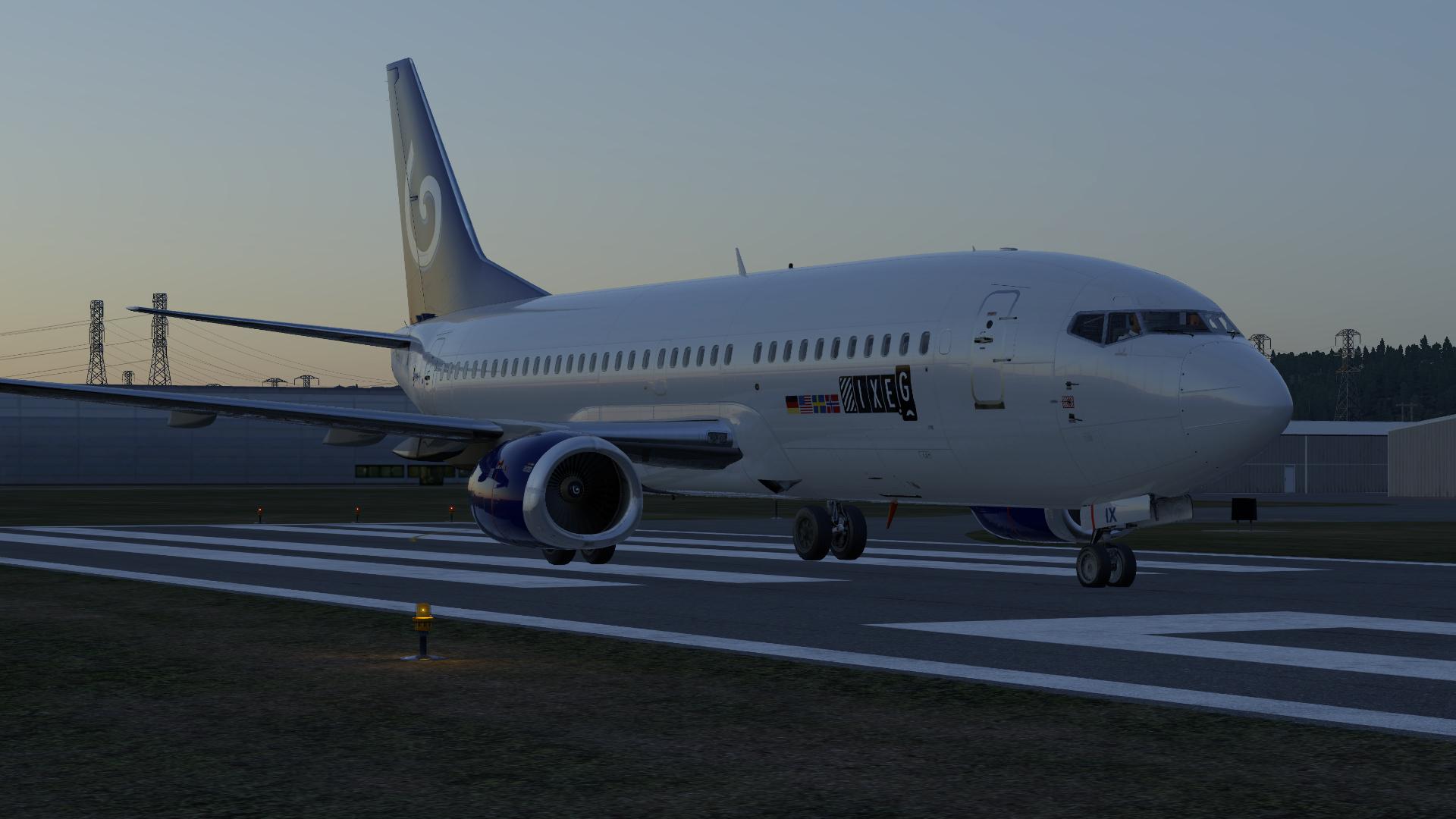
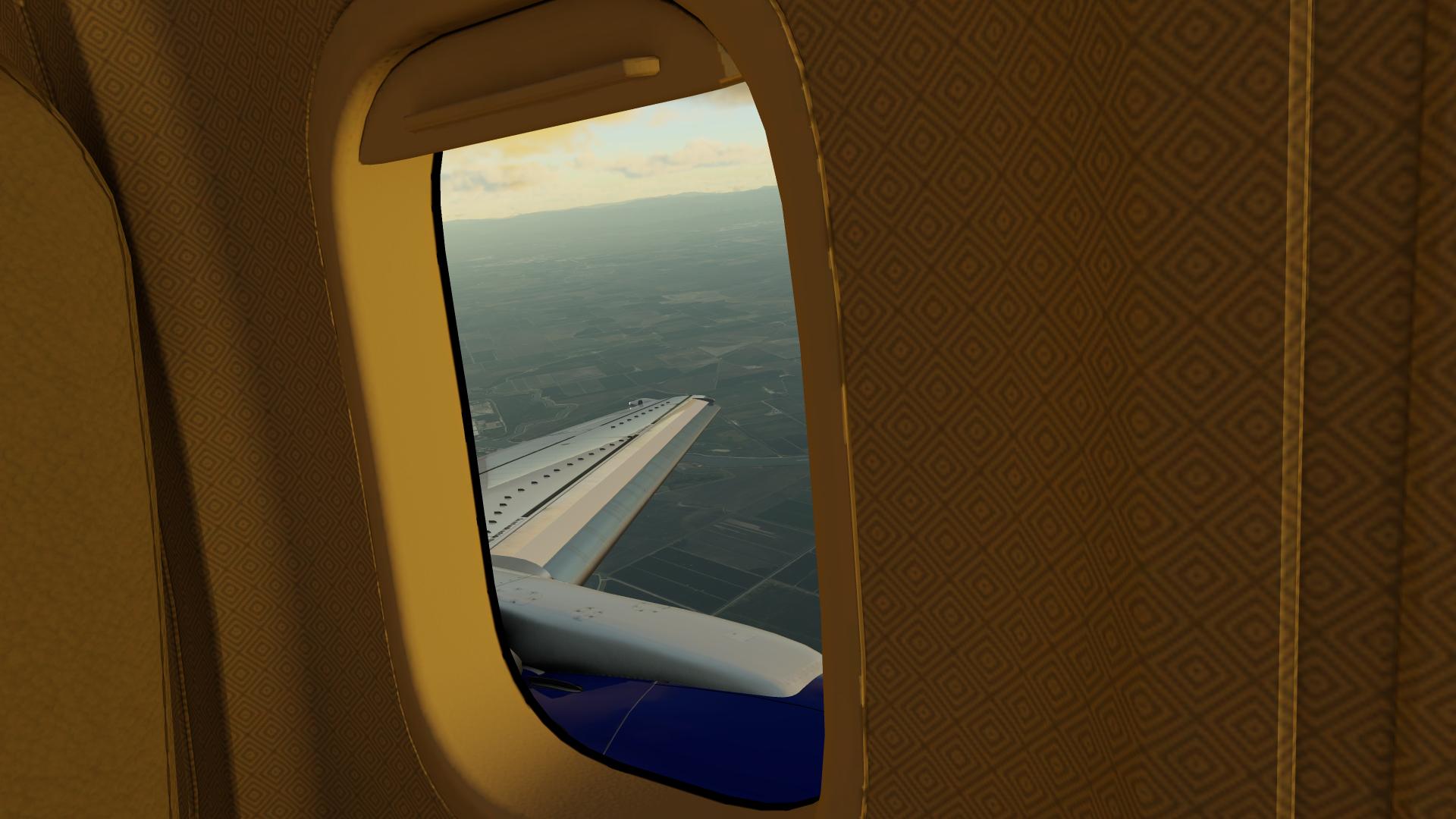
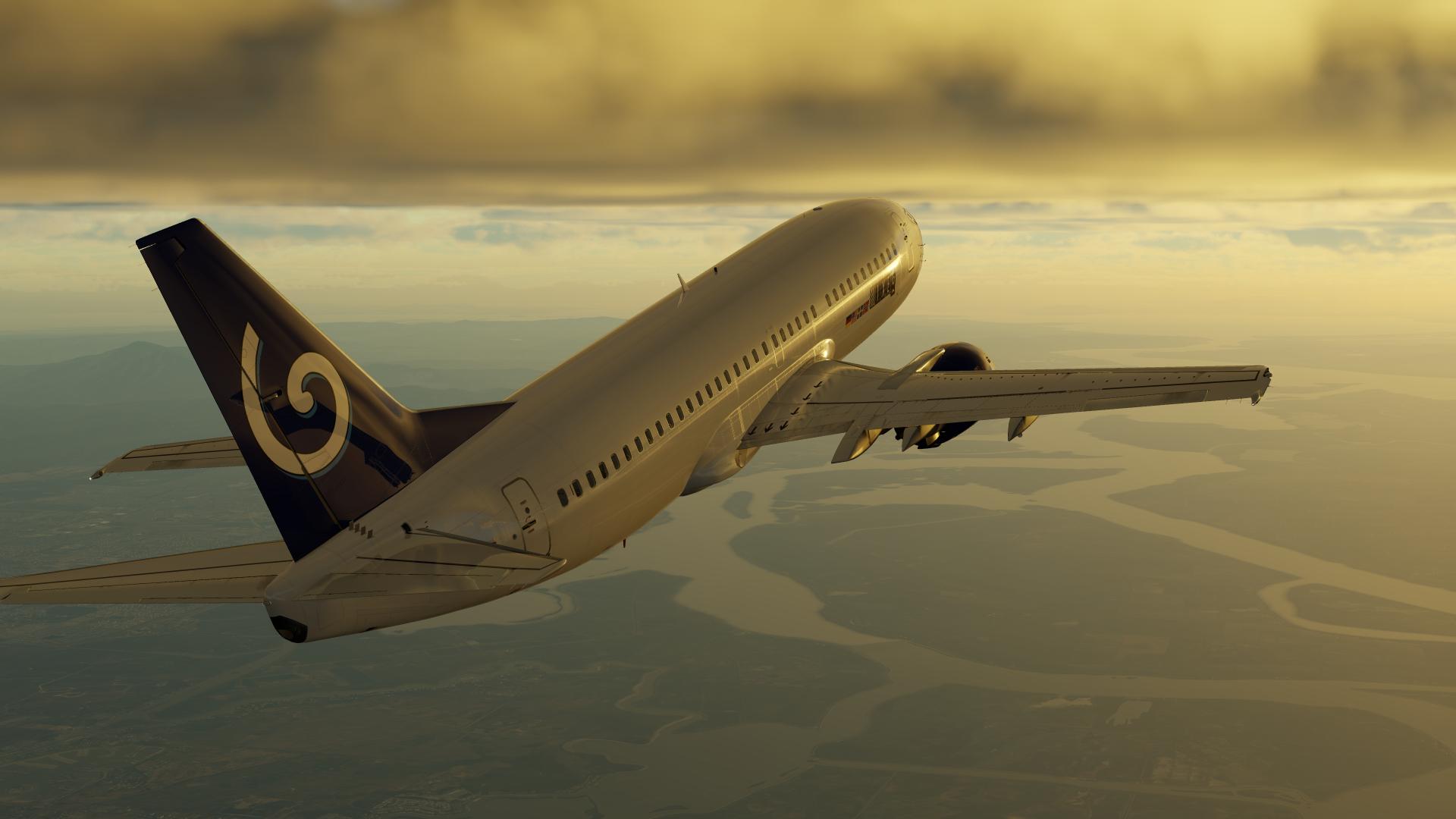
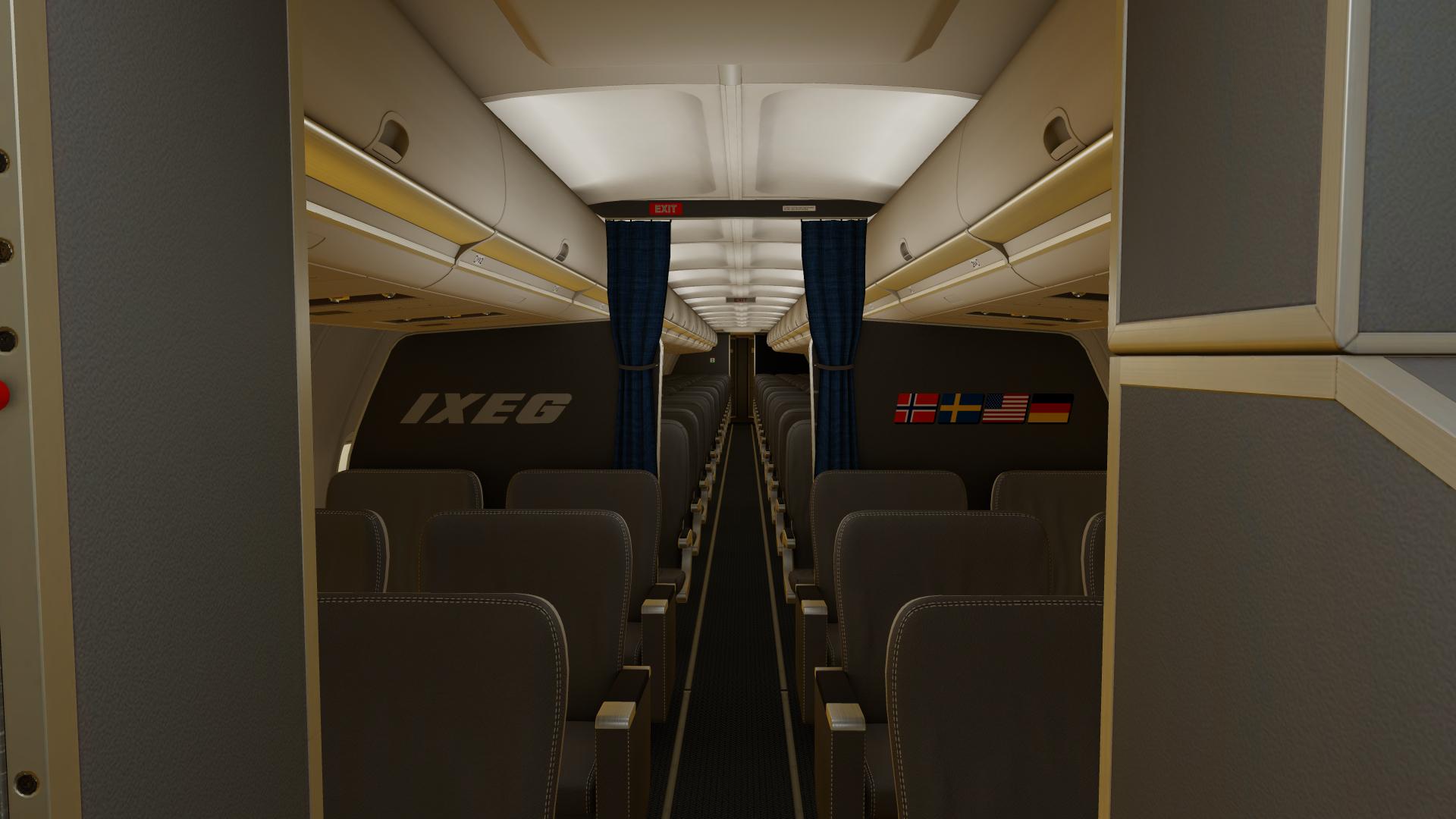
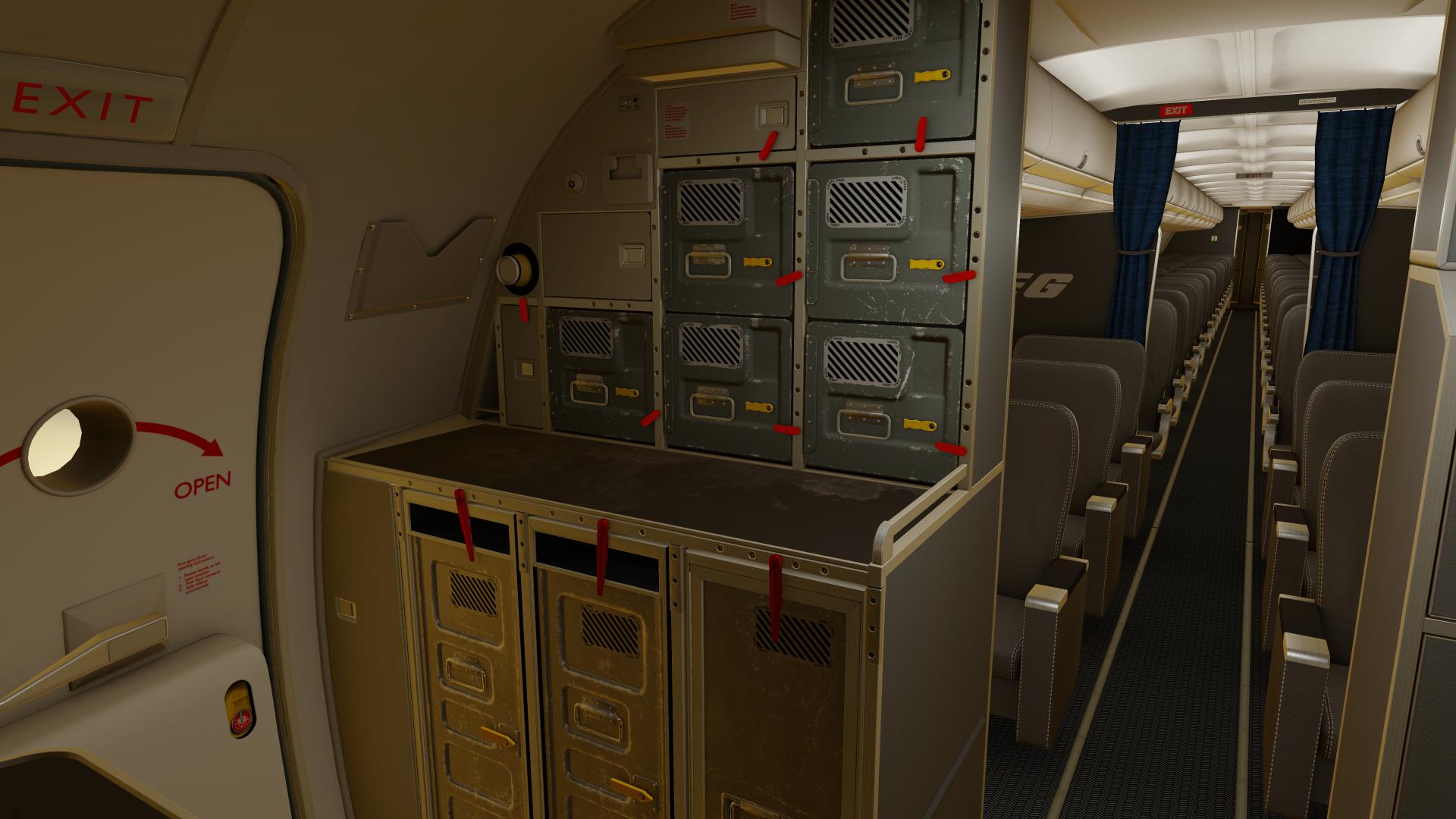
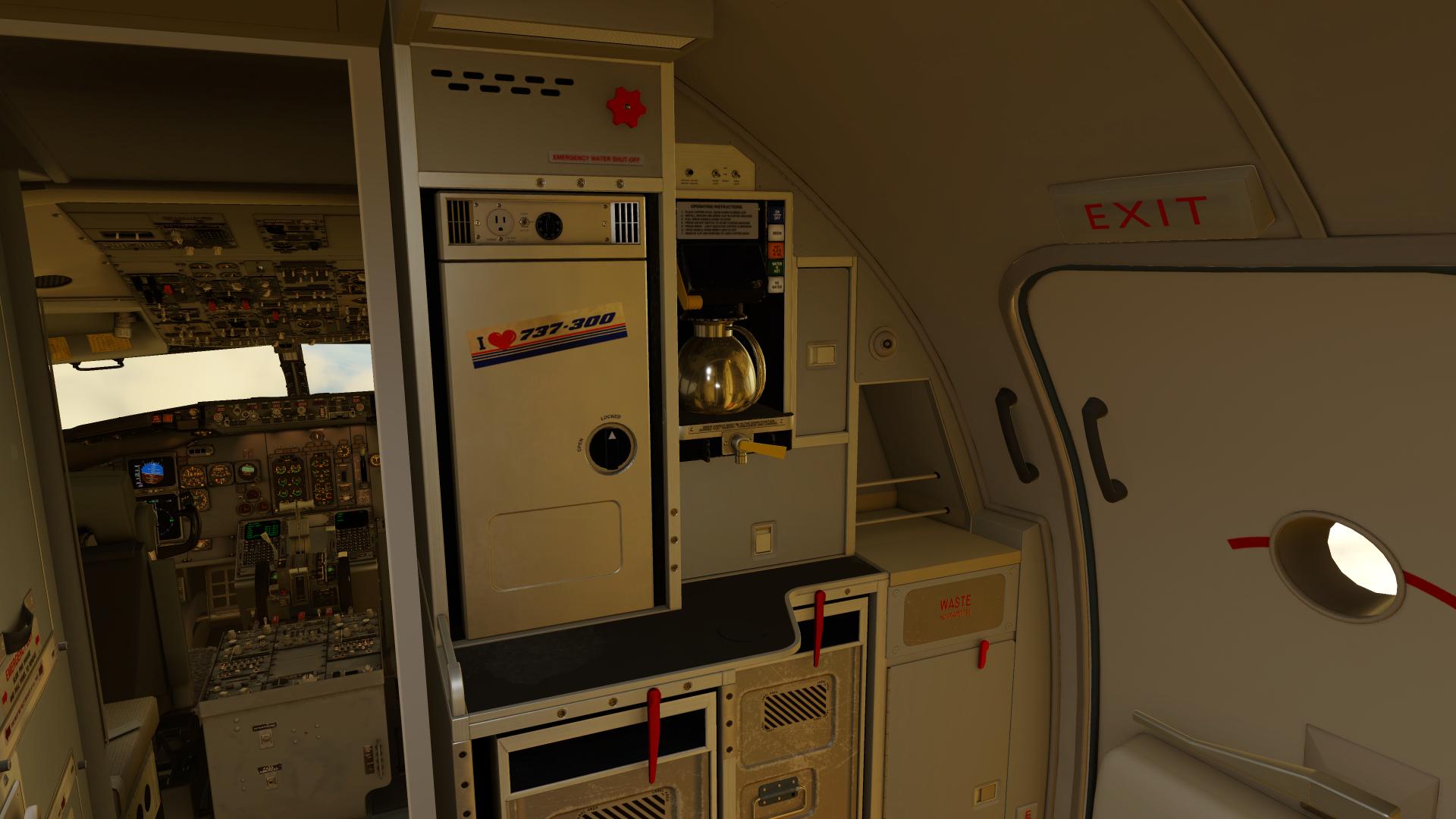
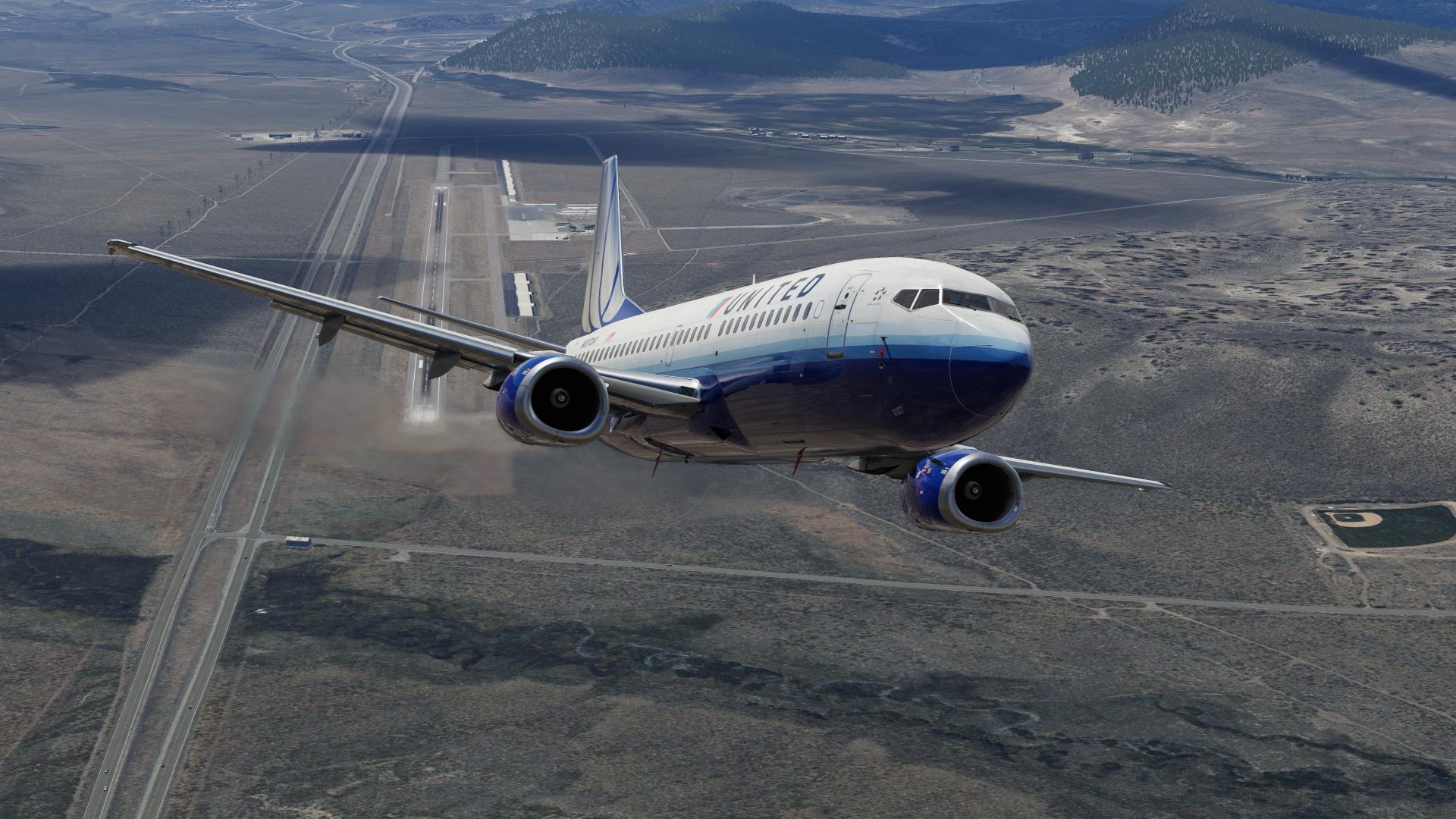
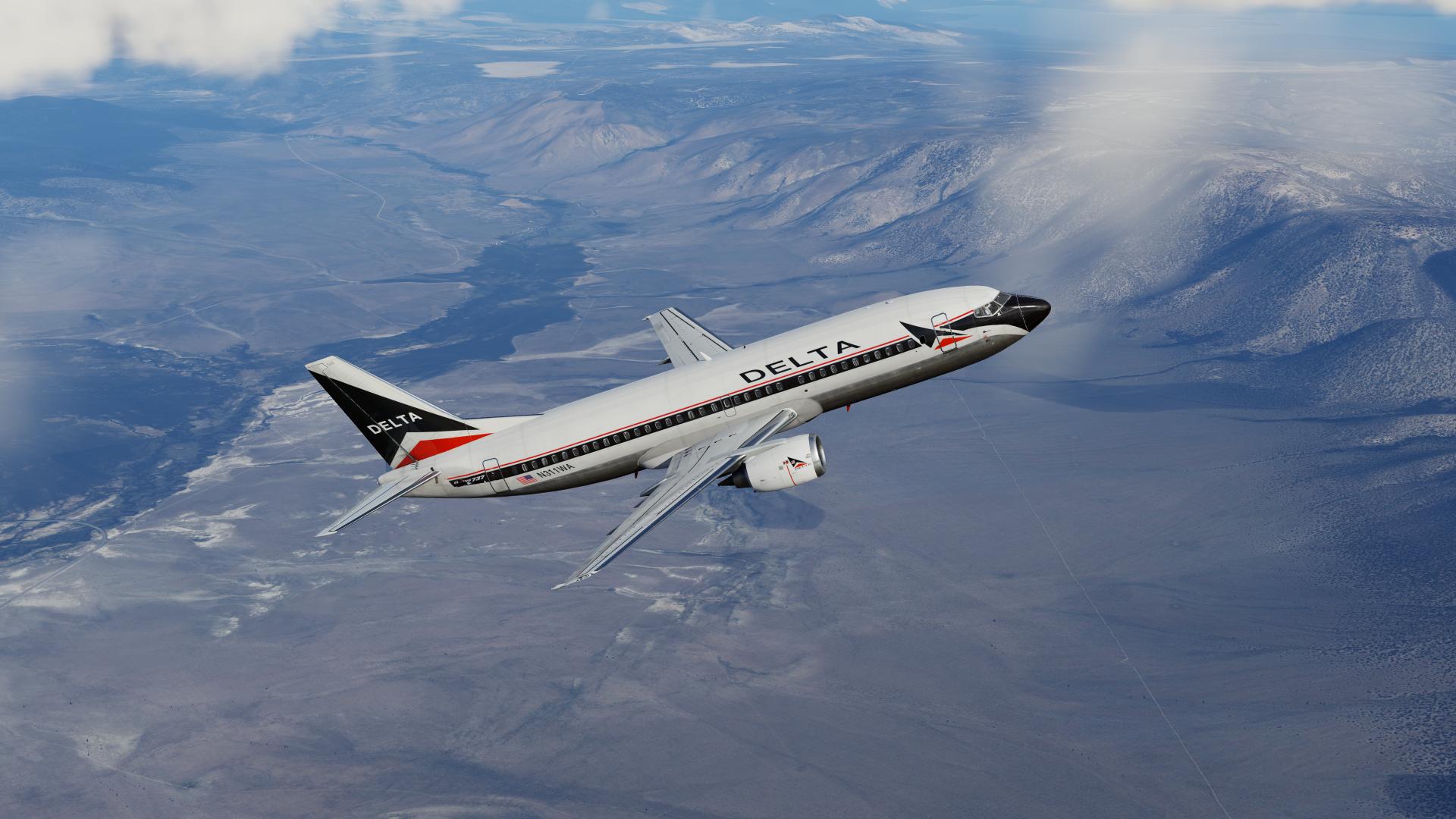
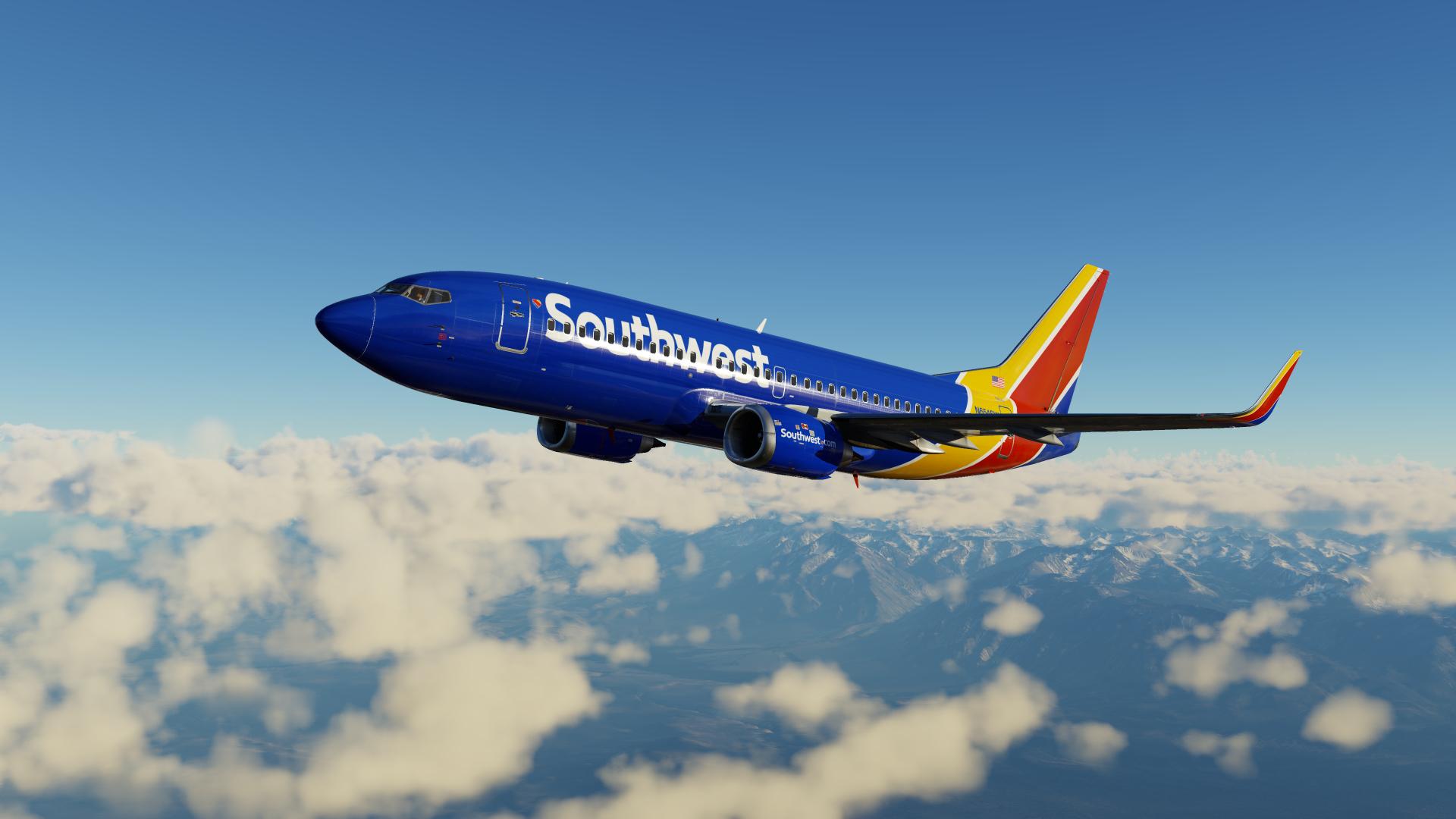
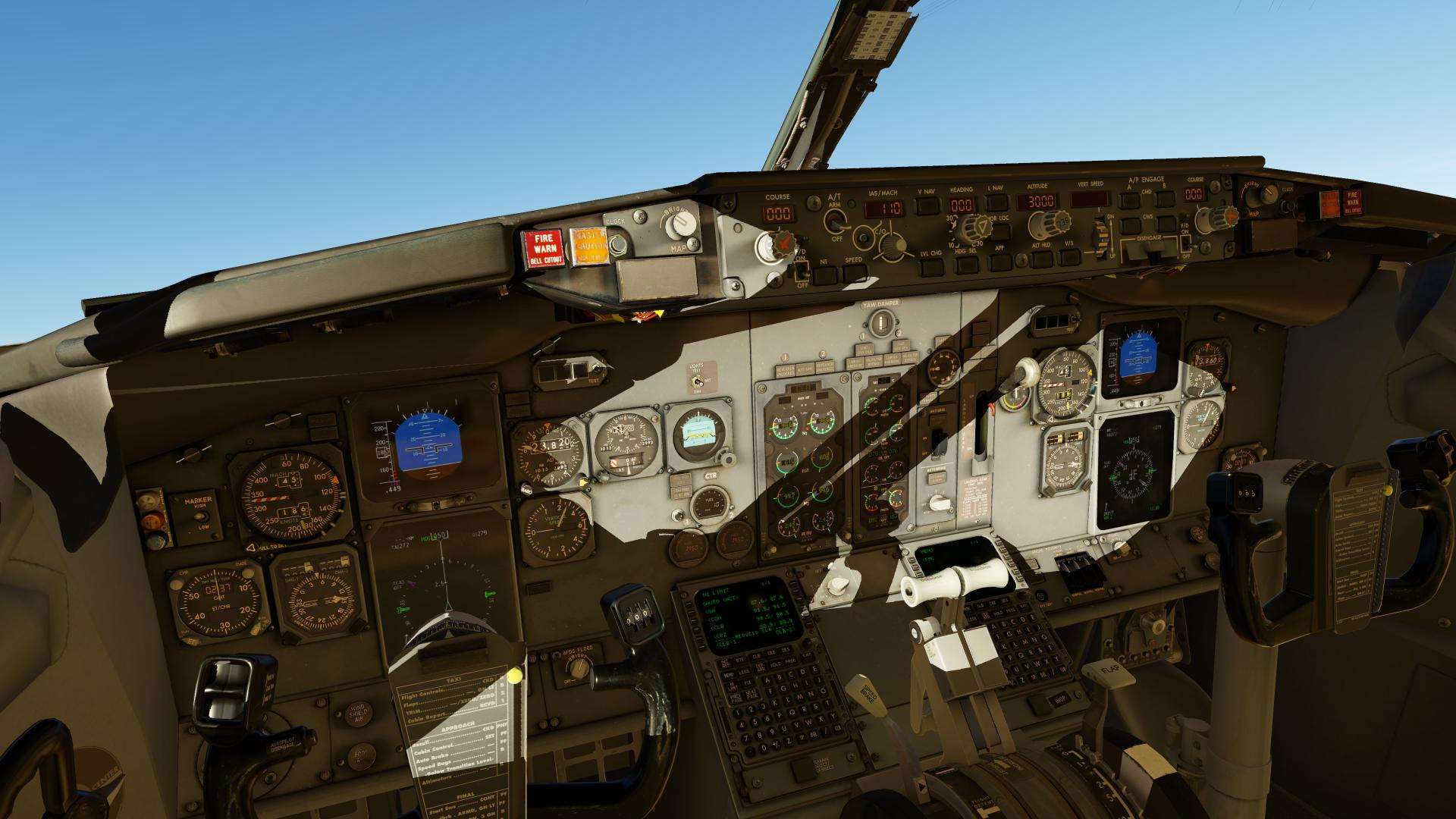
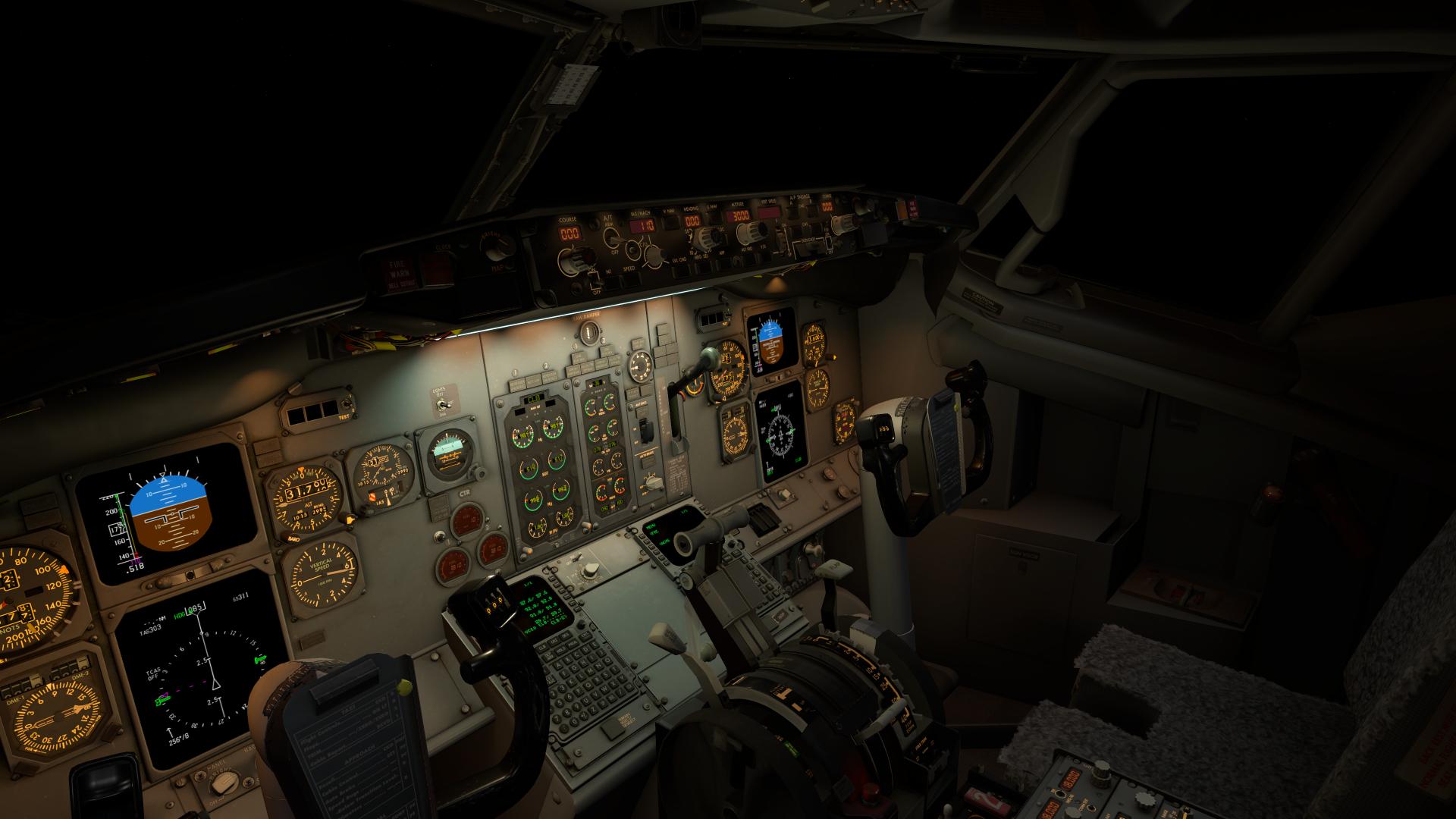
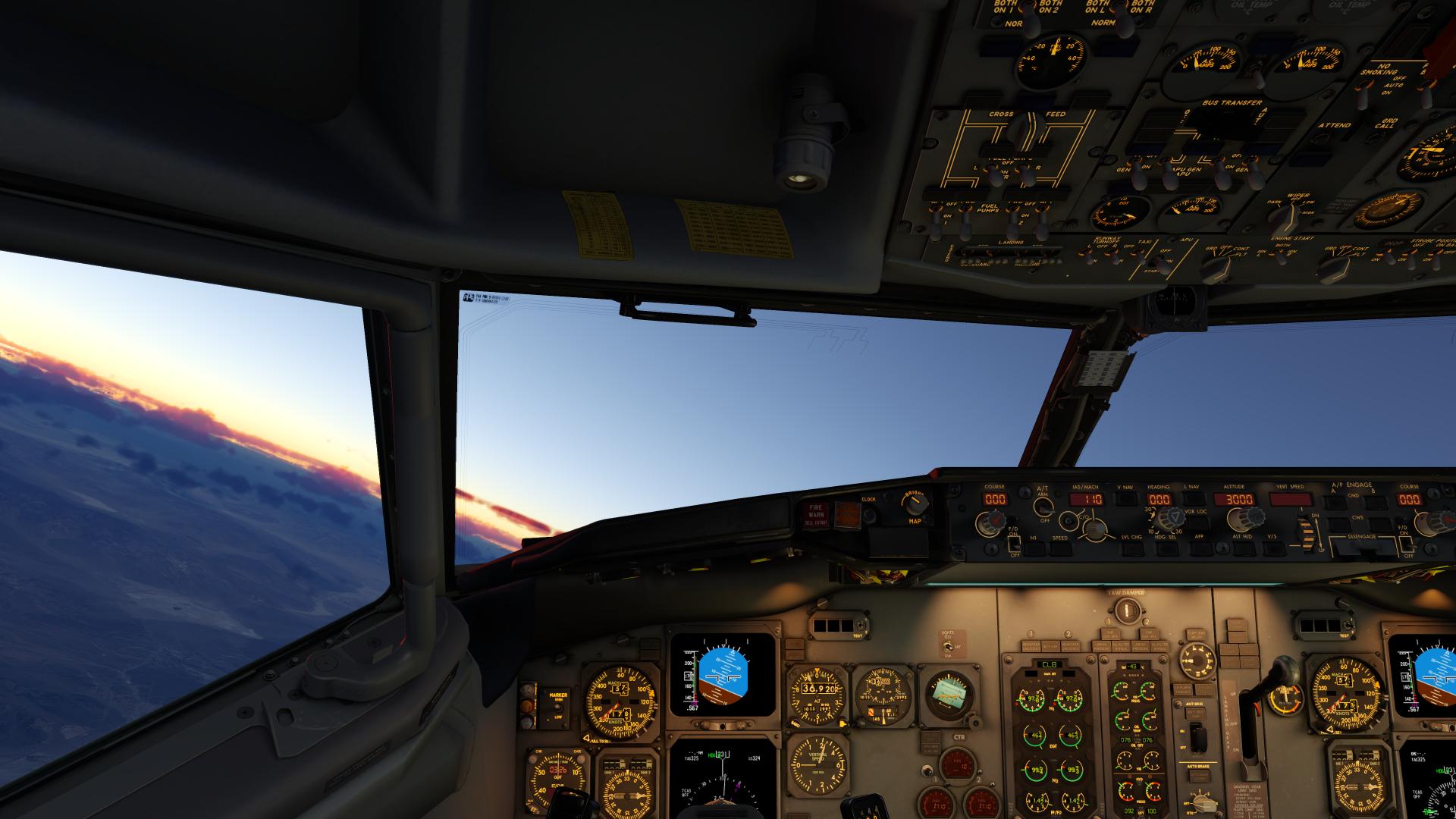
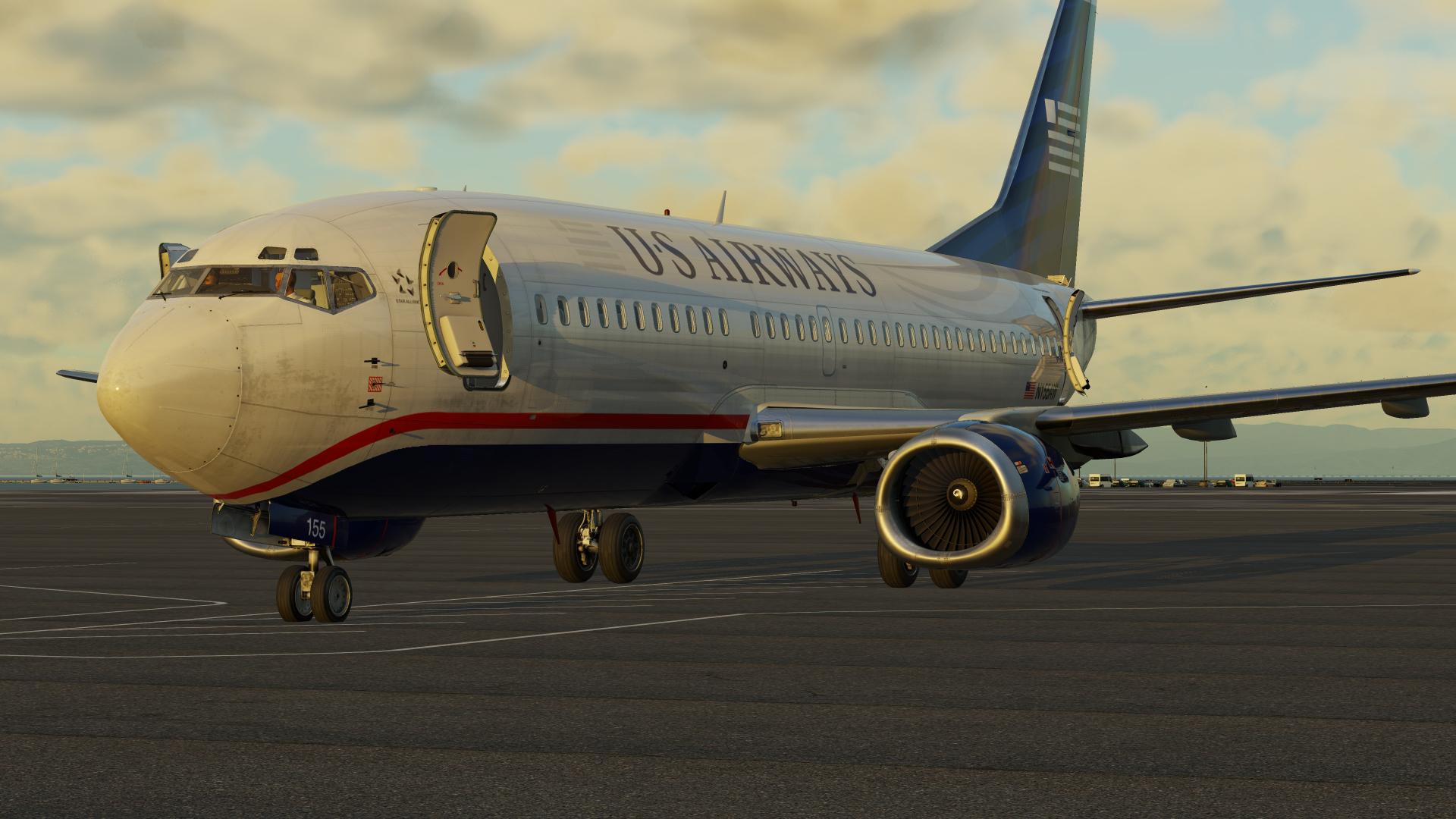
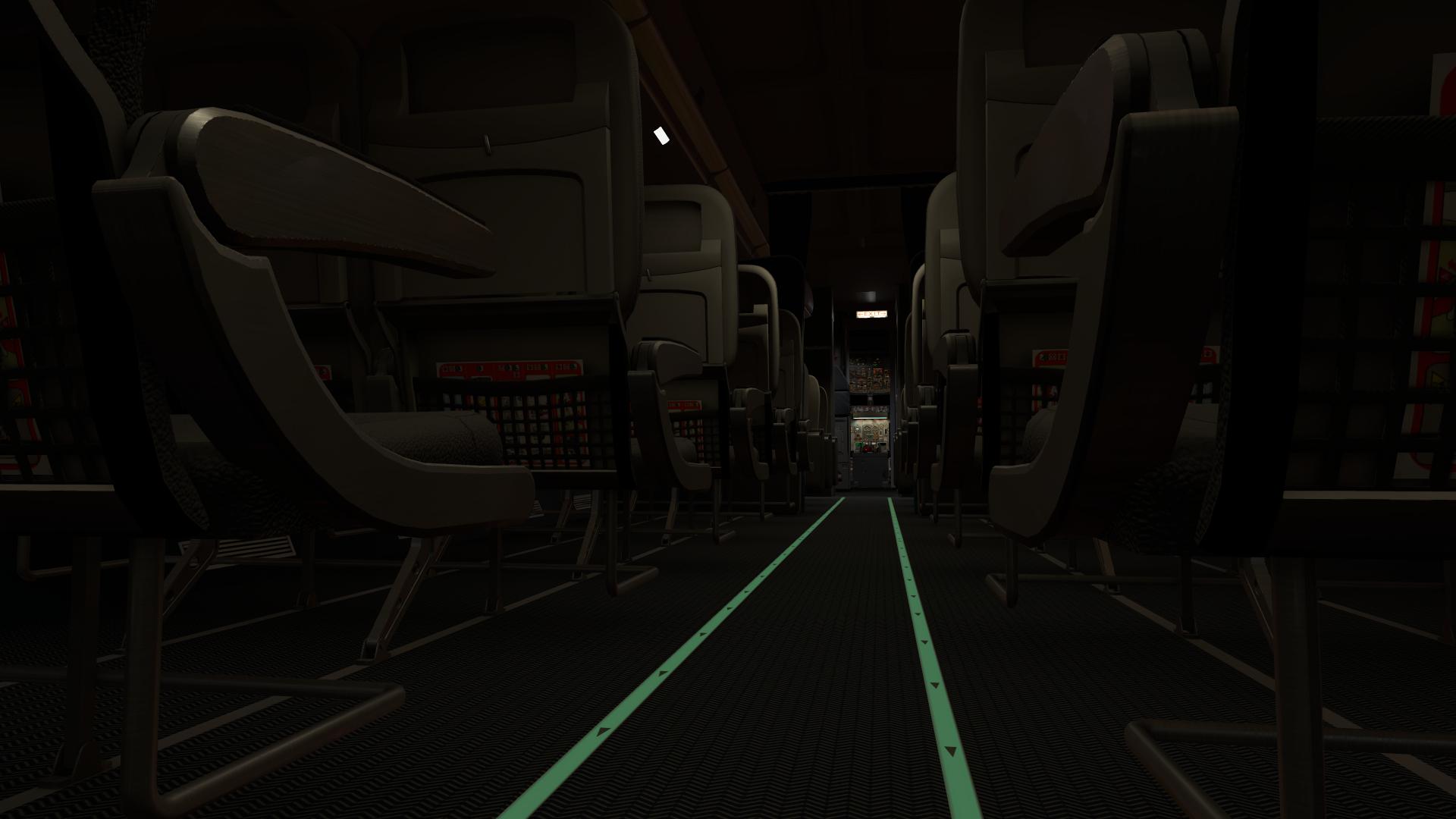
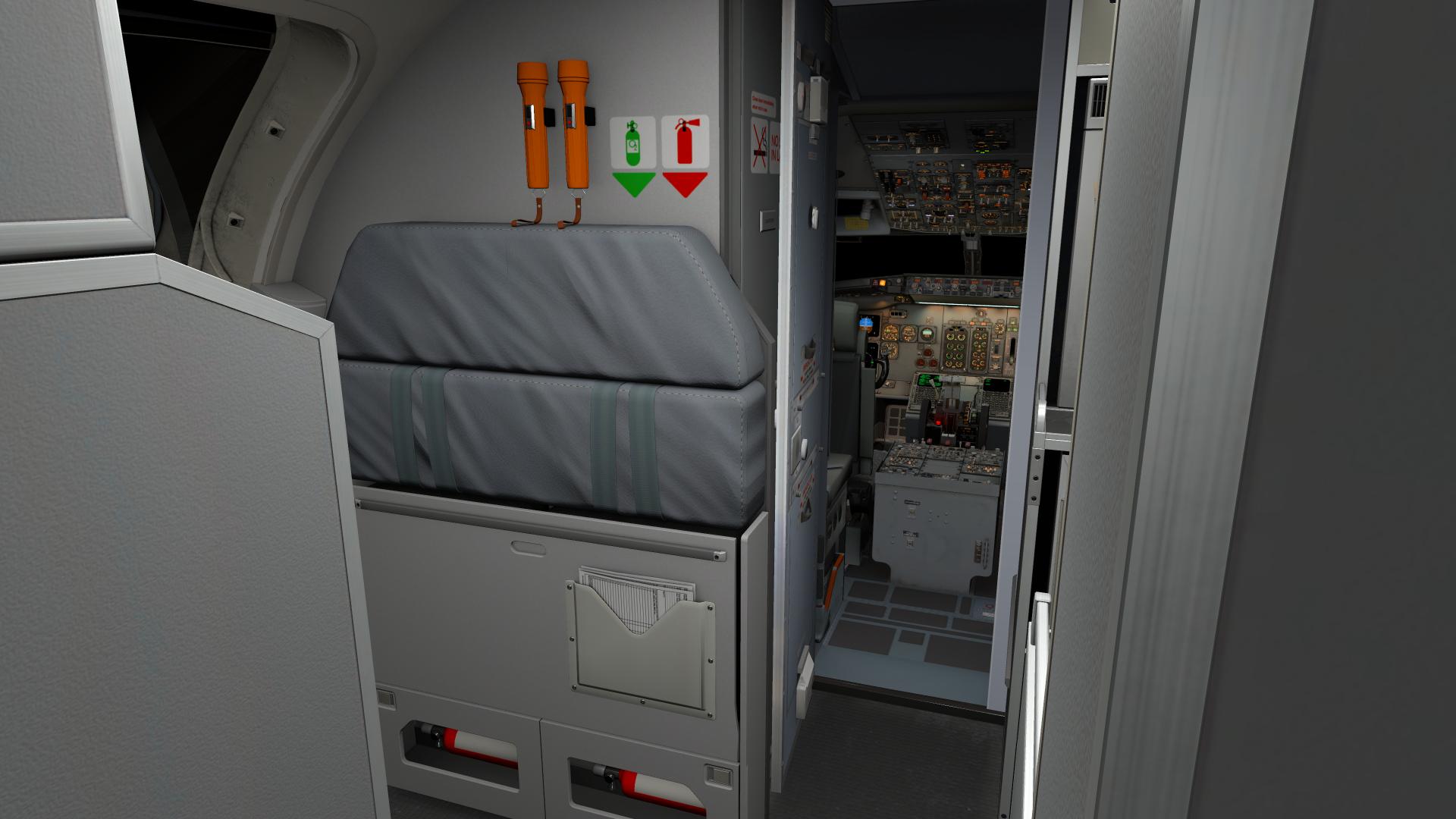
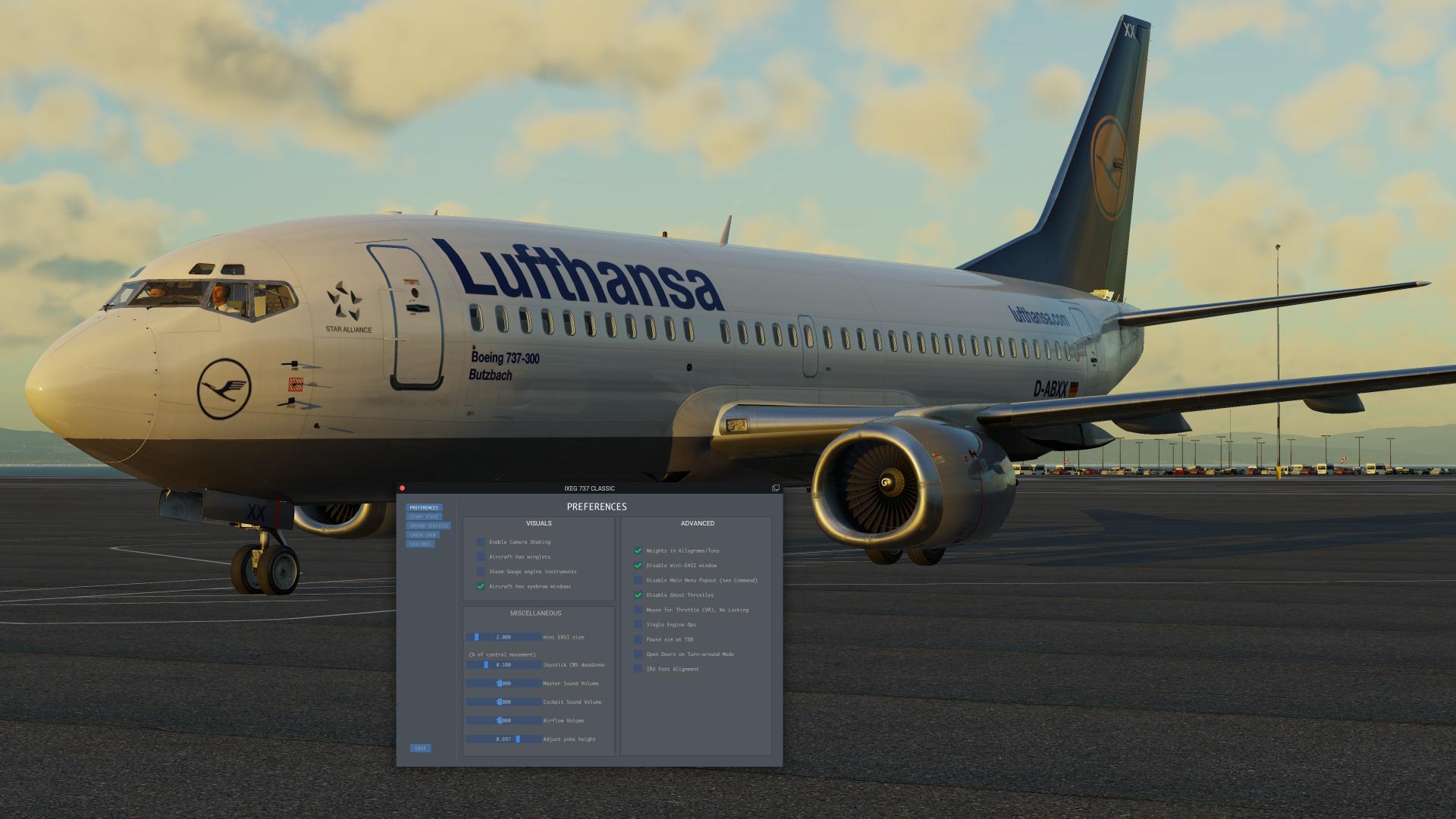
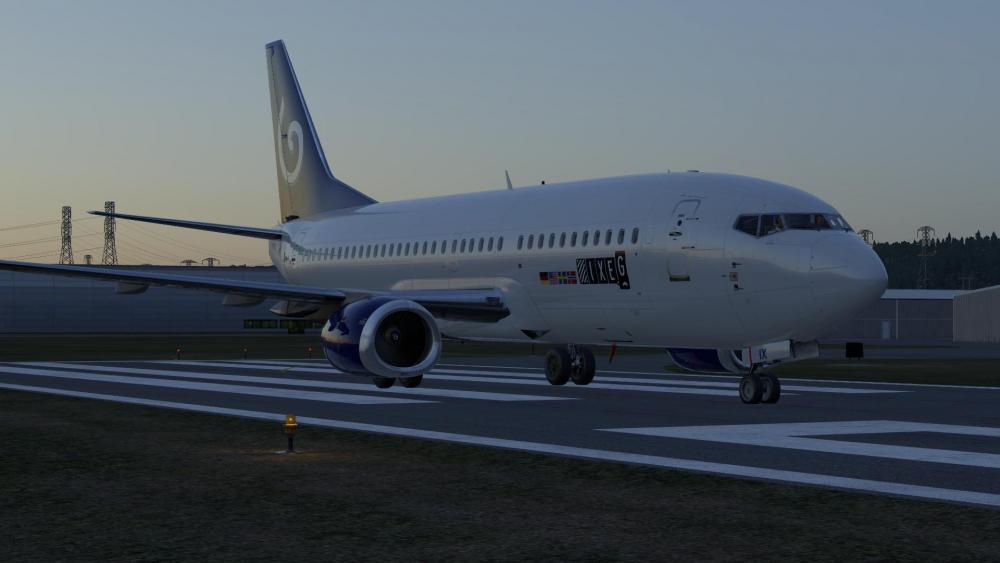
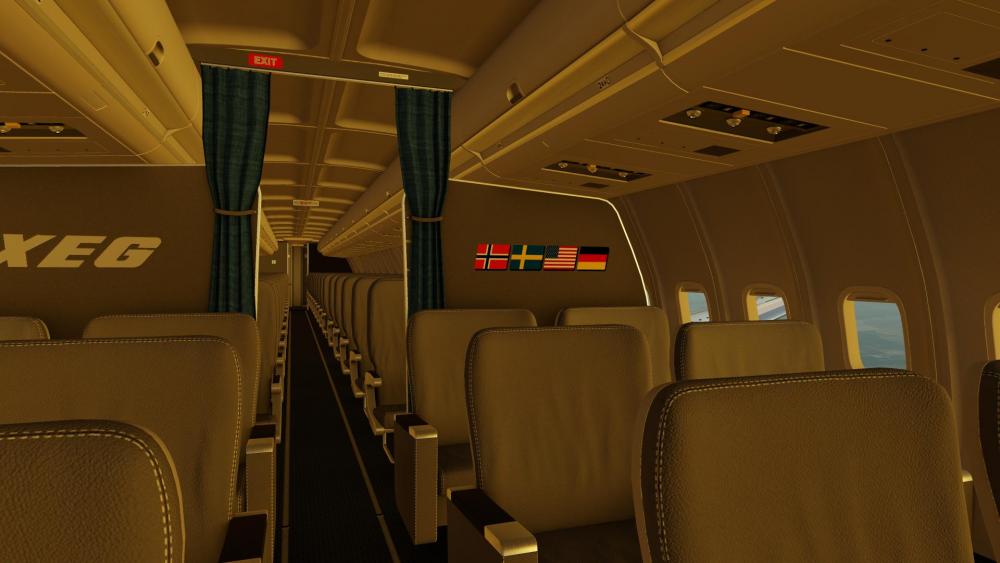
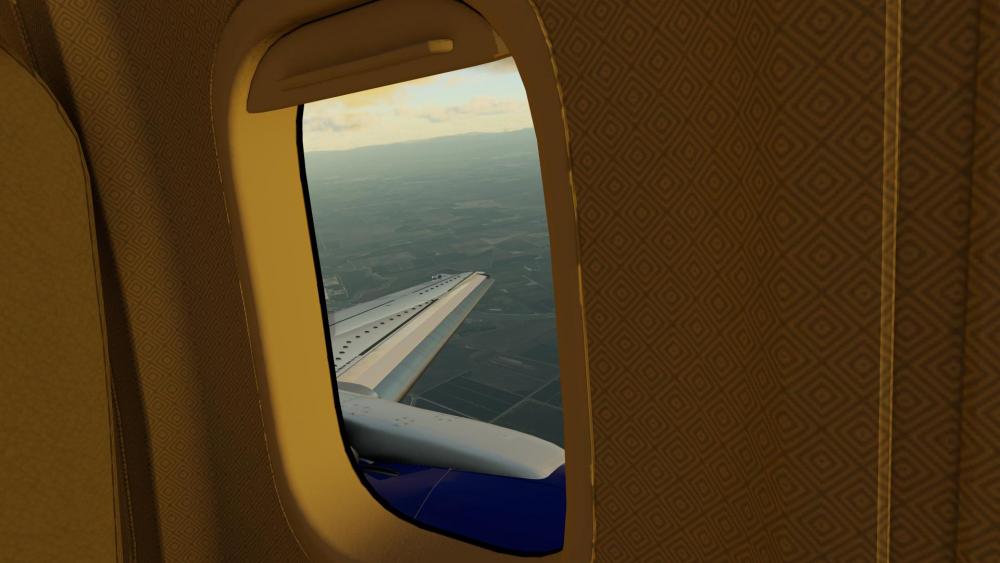
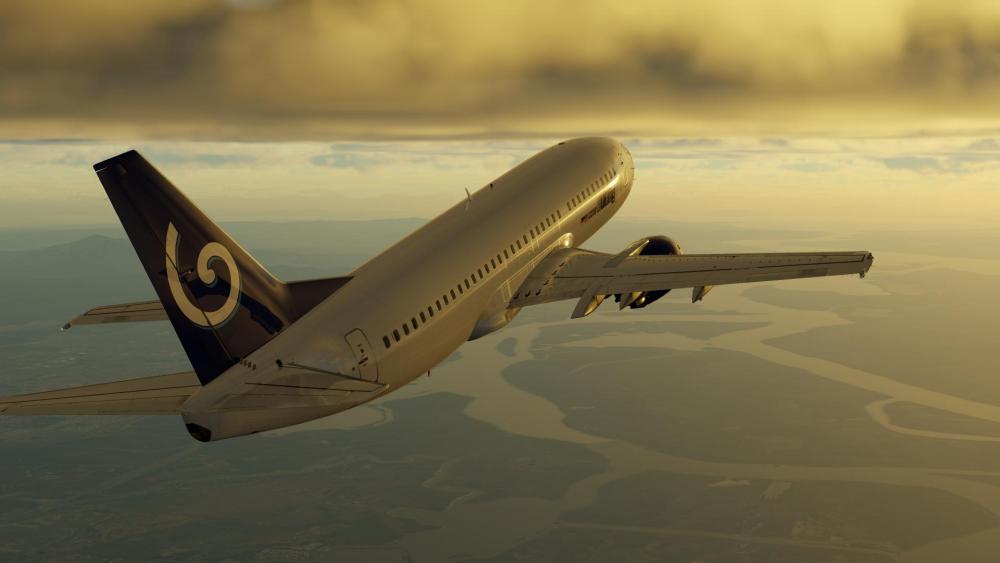
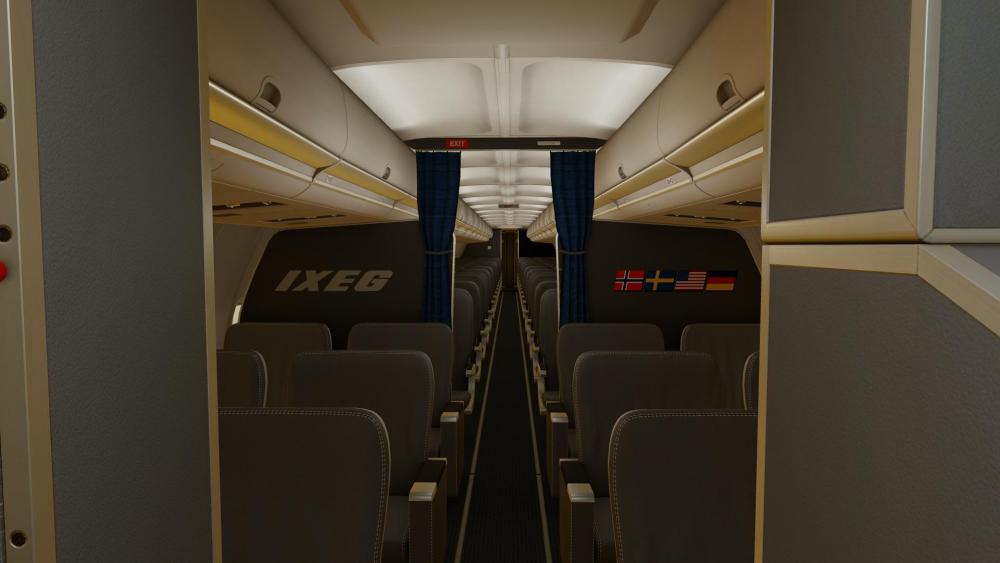
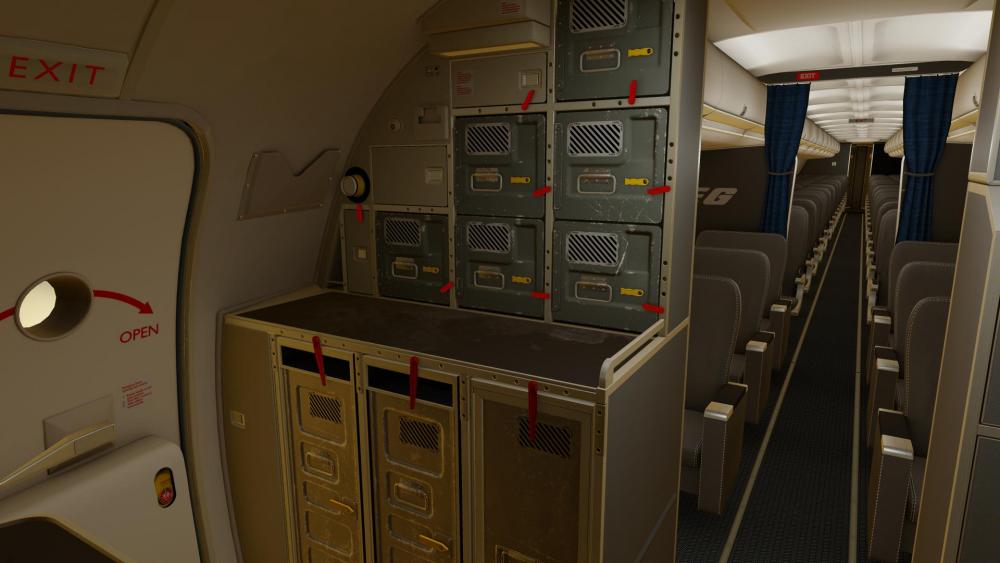
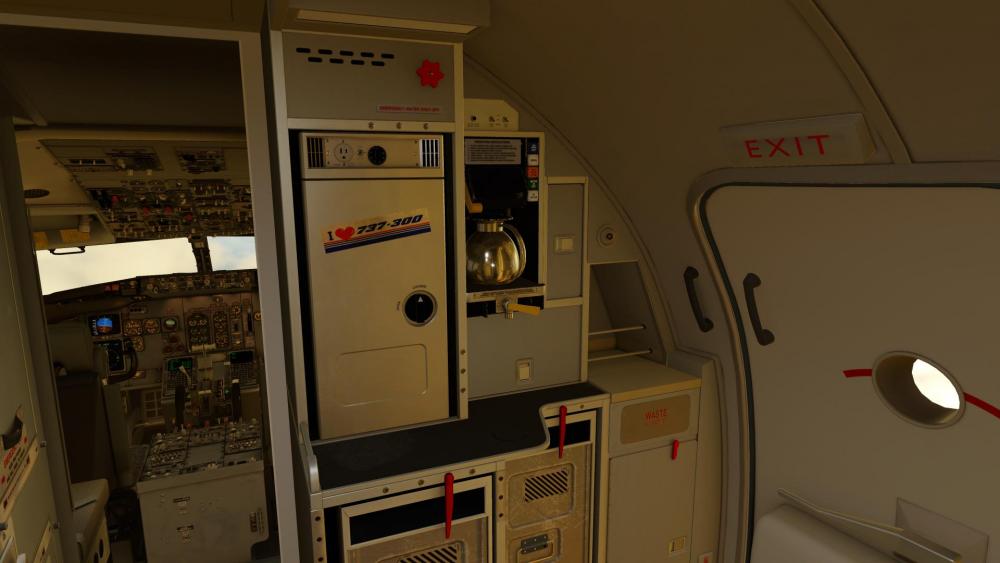
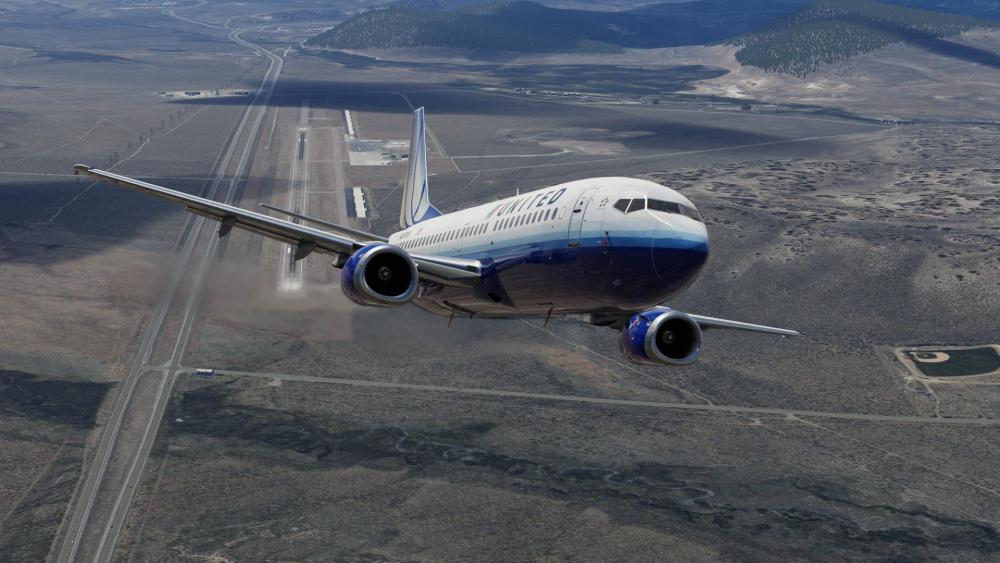
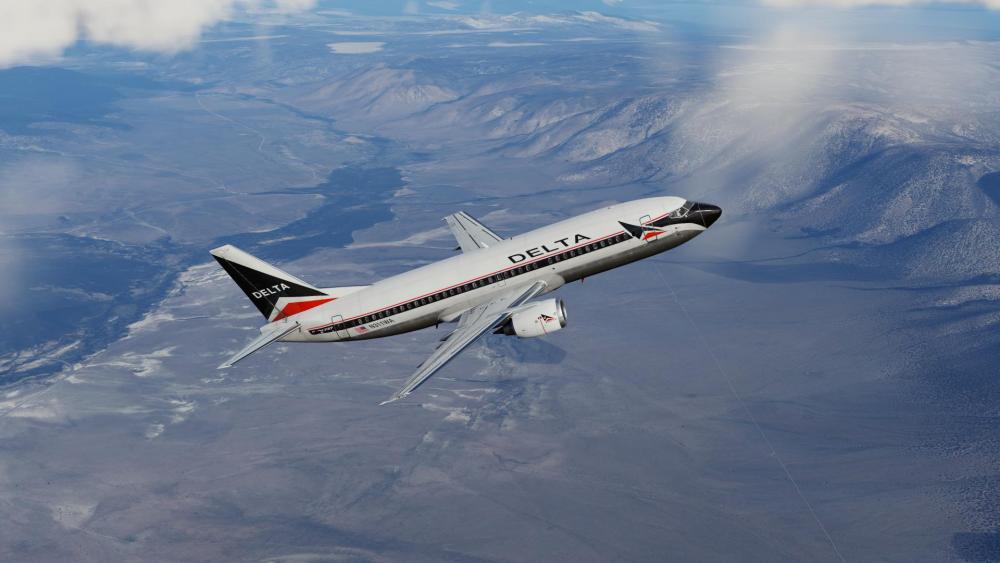
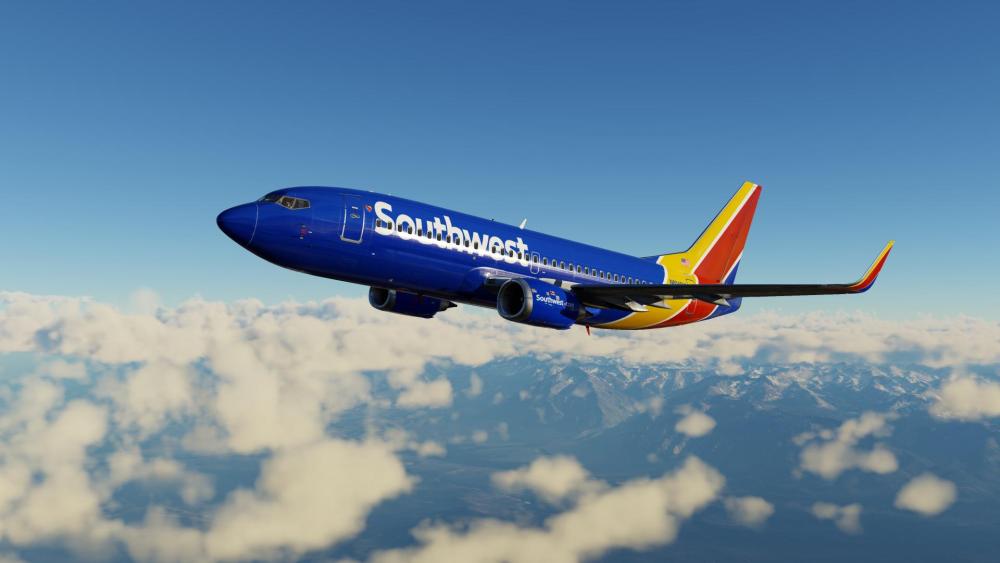
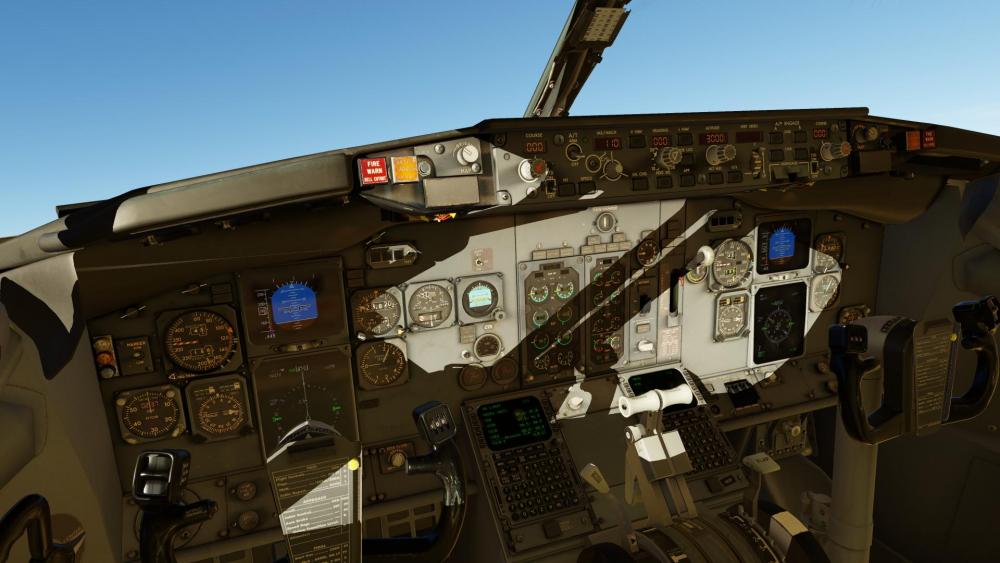
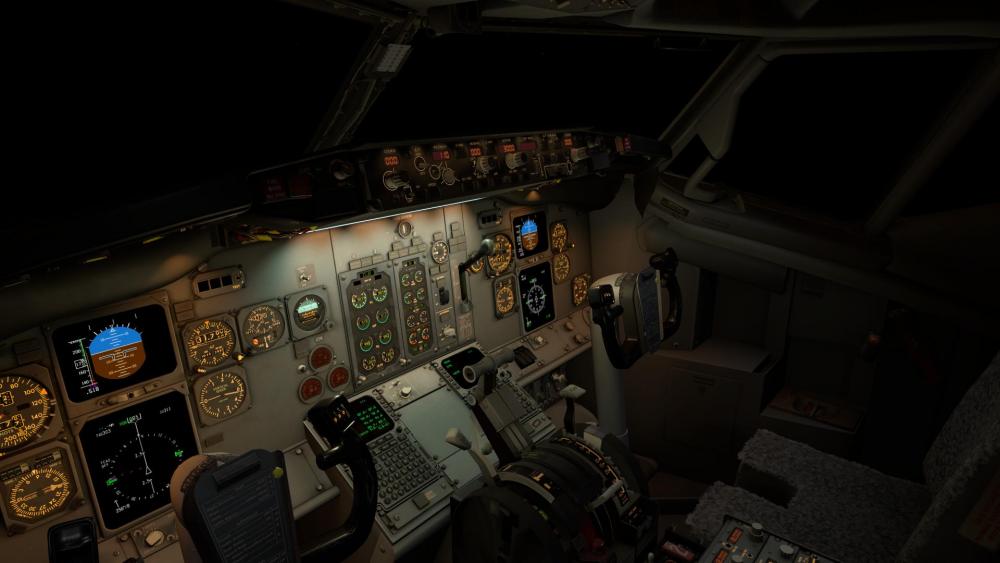
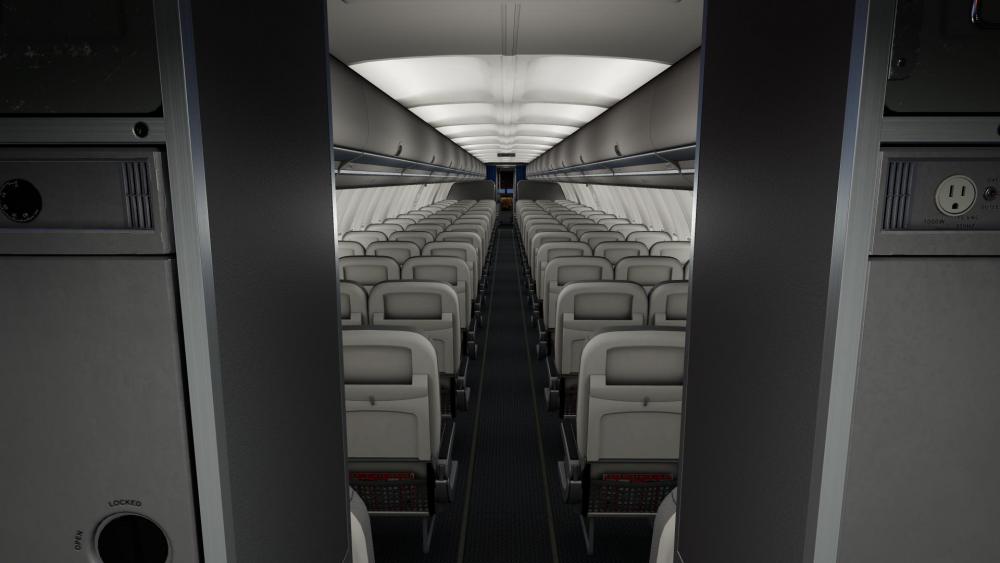
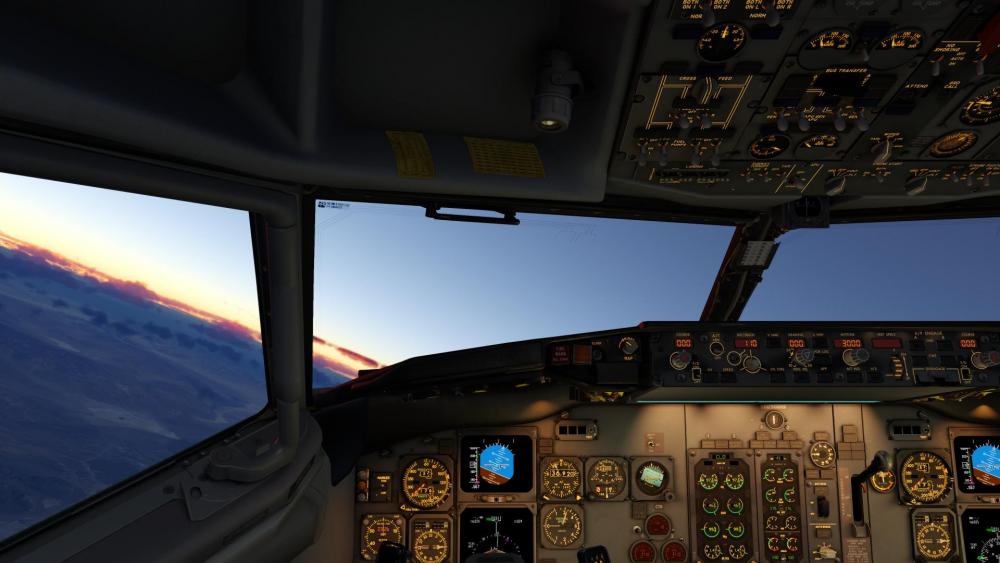
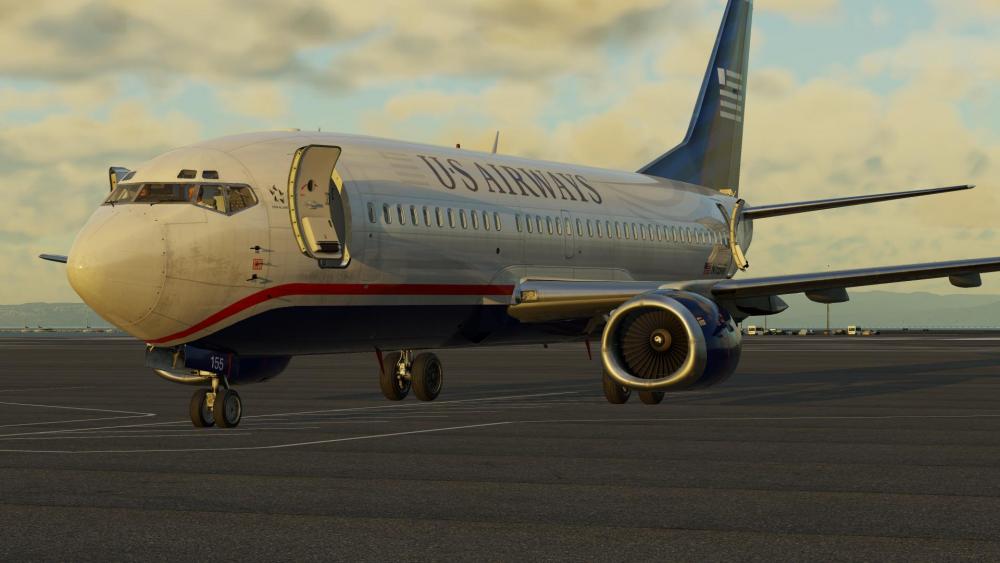
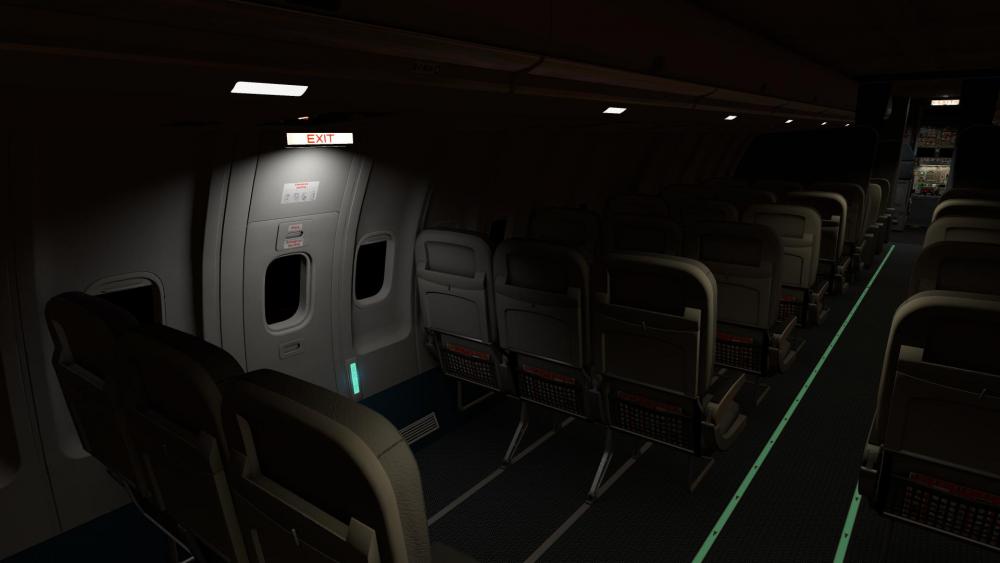
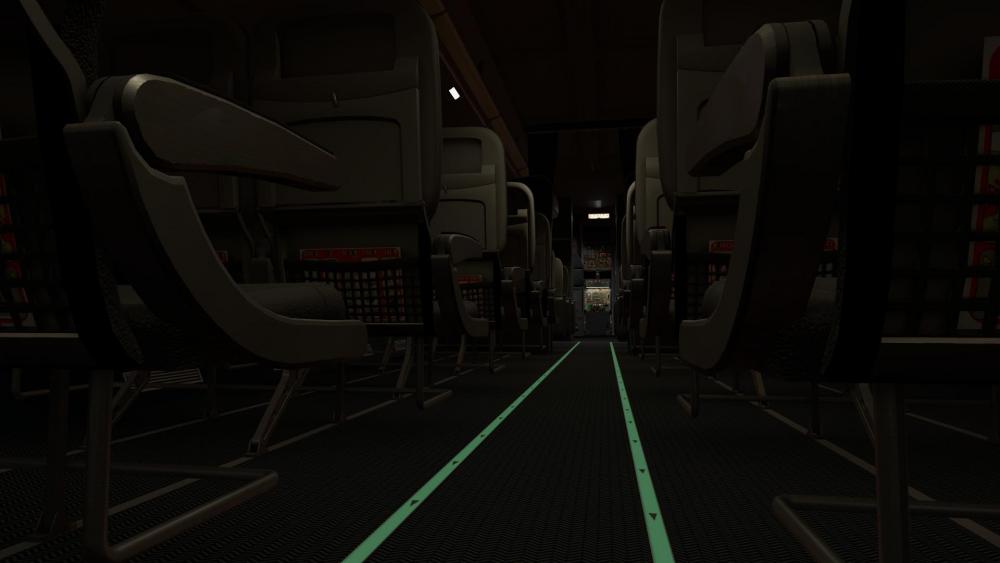
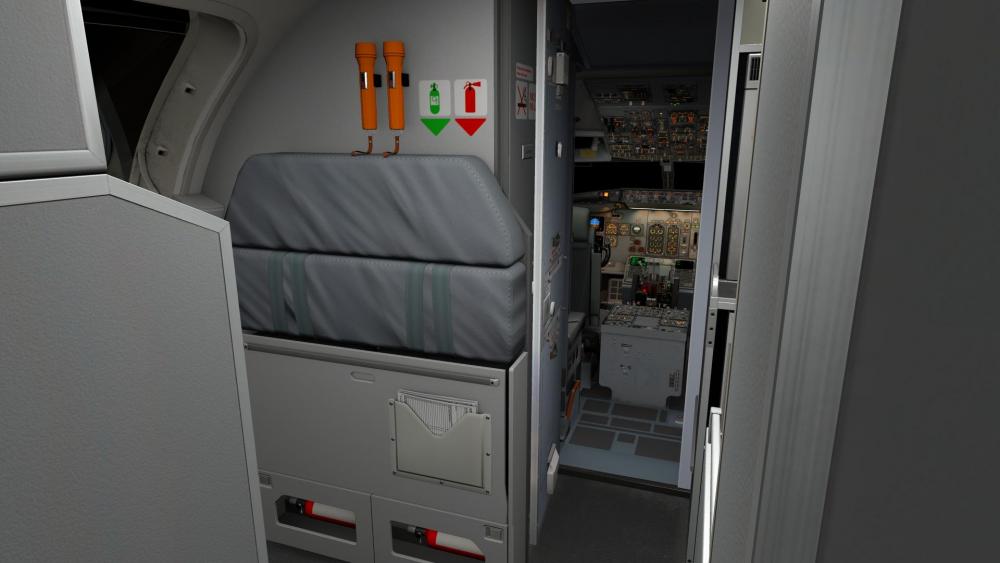
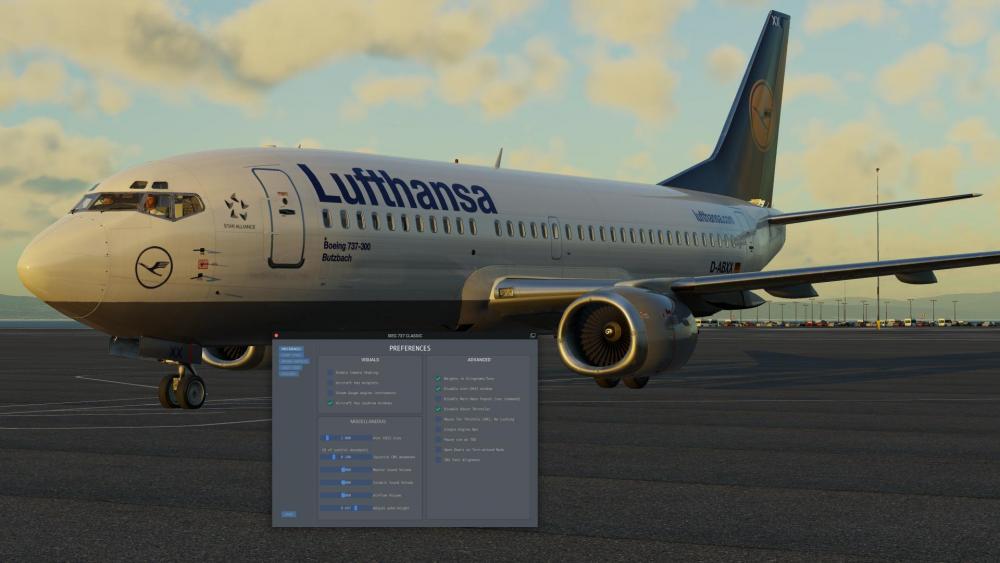
Captains, Mark your calendars! This Friday, September 15th, we're releasing the IXEG 737 Classic Plus! This is a next era re-brand for what the IXEG 737 Classic has become after many months of labor. The primary goal in this endeavor was to bring full X-Plane 12 compatibility to this amazing aircraft, squeeze in a few new features, and set the stage for improvements in the future. To us, it's a rebirth of a classic, tailored for X-Plane 12. Truly, stepping into the cockpit feels so good in the new X-Plane 12 environment! A Special Note on Pricing: For our customers who acquired the IXEG 737 Classic on or after February 7th, 2022, this update is for free for you to honor our promise of a free update at the time you made the purchase. As for our dedicated pilots who've been with us since the beginning and purchased the IXEG 737 Classic on or before February 6th, 2022, the upgrade to the Classic Plus version will be available at a nominal fee of $14.95 USD. We believe this price point offers tremendous value, and you'll have 60 days to take advantage of this upgrade offer once the product is released. The IXEG 737 Classic Plus doesn't just bring new features; it rejuvenates the entire flying experience, making this aircraft feel brand new. Here's a quick rundown of what's been brewing over the past 9 months: Fixes & Enhancements (from the XP11 version): Engine Bleed Configuration: Now accurately impacts Takeoff N1. FMS PERF Page: Resets to blank entries post-landing and deceleration below 60kts. Code Optimization: Streamlined and revamped for quicker future updates. Brand New Features for the XP12 Version: Wingflex: Experience the subtle flex of the 737's sturdy wing in our 3D model. 3D Cabin: Dive into a fully detailed cabin, complete with operational galleys (Fancy a cup of coffee?). Moving Cabin Doors: Open and close each cabin door, influencing differential pressure just like the cockpit windows. Loading Stations Concept: Assign weights to specific seat rows and cargo holds for accurate physical effects on the aircraft. Cockpit & Cabin Lighting: Updated for XP12's lighting engine, including interactive cabin lights. X-Plane GUI Integration: Set up your load and fuel seamlessly. GUI Enhancements: A fresh look for the IXEG interface, now VR-accessible. Hide Yoke: With default XP12 key assignment. FOV Slider: Added to preferences for a tailored viewing experience. Cockpit Windows: Upgraded to XP12 tech, showcasing rain and ice effects. Outside Lighting: Balanced for an immersive XP12 photometric experience. Aerodynamics & Engine Tuning: Optimized for XP12's advanced modeling. To our loyal customers transitioning from the X-Plane 11 version, we've poured countless hours into this upgrade, ensuring it's worth every penny. We're confident you'll find the enhancements enjoyable, and with the help of full X-Plane 12 compatibility, transformative! We can't wait for you to take to the skies with the IXEG 737 Classic Plus this Friday. Clear skies and happy flying! IXEG and X-Aviation
- 485 replies
-
- 36
-

-

-
Tom furthered that with, "I have no control over that. ...see below". The customization of numerous buses in the Moo does not allow for the simplified options available on the RXP products. As far as Tom could tell, this is a selection within RealityXP's plugin by the user. It is NOT in the ini file. If you know of a way, by all means, speak away.
-
Hello, Thank you for reaching out with your concerns about RealityXP integration. In order to assist you more effectively, I would appreciate some further details. When you mention the autopilot is "broken," could you elaborate on the specific issues you're encountering? For instance, are certain buttons or functions not responding, or are there discrepancies in the autopilot behavior compared to what you expect? Your feedback is essential, and the more specific you can be, the better positioned we are to assist or look into any potential problems. Looking forward to your detailed response.
-
Douglas DC-3 v2 Release Announcement!
Cameron replied to Cameron's topic in Douglas DC-3 v2 - Released!
This particular problem has been documented multiple times on our forum. It's currently a known bug with X-Plane 12, and Laminar Research is aware of it. The resolution for this will need to come from them. In the meantime, as you've observed, starting with another aircraft and then switching to the DC3 seems to be a viable workaround. I understand this is not ideal, but it's a temporary solution until the issue is addressed by Laminar Research. We appreciate your patience and understanding regarding this matter. -
Activate State not working (Airplane in general not usable)
Cameron replied to Rhinozherous's topic in Douglas DC-3 v2
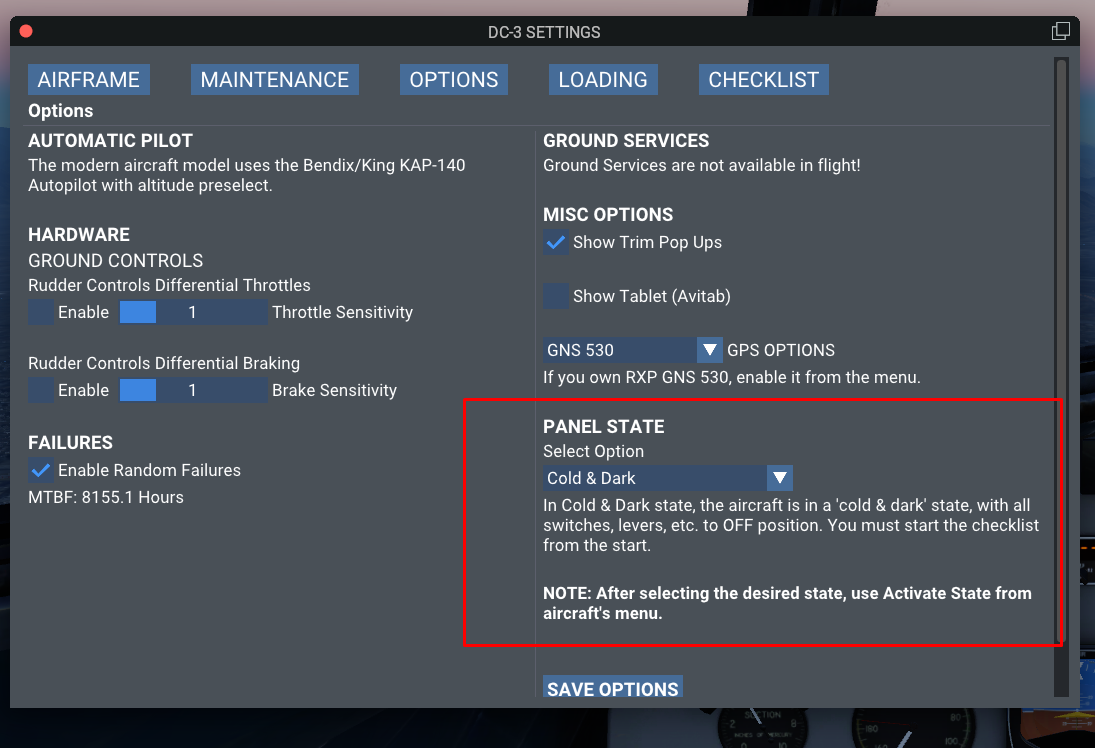
After activating and reloading the sim, can you please also make sure this panel state option was on and saved? We've seen a potential bug where it's defaulting to "After Start". Make sure to select the right option and save it. Even if it's selected, 'save' it for good measure!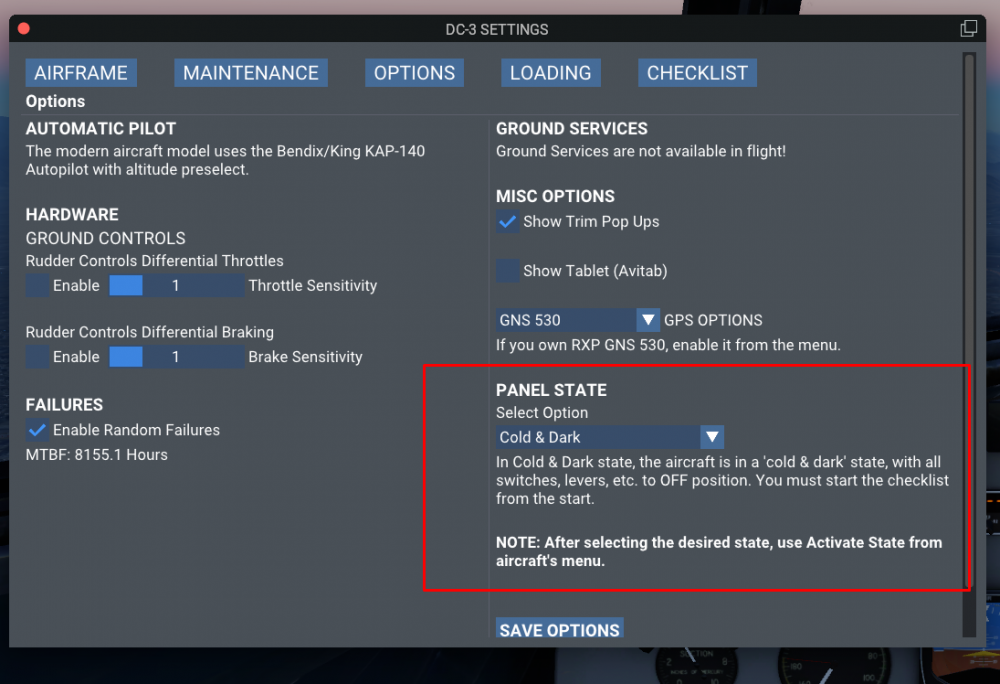
-
@alexcolka, Thank you for bringing this to our attention. We are aware of the missing switch sounds in the DC-3 modern variant. Rest assured, we have identified this bug and are currently working on a fix. We appreciate your patience and will release an update as soon as it's resolved. Thank you for your understanding!
- 1 reply
-
- 3
-
-
Douglas DC-3 v2 Release Announcement!
Cameron replied to Cameron's topic in Douglas DC-3 v2 - Released!
We are actively working towards full ARM compatibility for all the products we offer. We're in a transition phase at the moment, and there's a significant amount of code re-factoring underway. Please stay tuned for our official announcements regarding the ARM-friendly stuff! As a side note, there's a lot of incentive for this. Goran, myself, Coop, and Tom are all on Apple ARM chips. This won't get left behind. -
Douglas DC-3 v2 Release Announcement!
Cameron replied to Cameron's topic in Douglas DC-3 v2 - Released!
Absolutely! It's coming, I promise. -
The issue you're experiencing is a known bug with X-Plane 12, where certain aircraft freeze upon load-up. Laminar Research is aware of this problem. As an interim solution, I recommend loading a default aircraft first when you start X-Plane 12. Once that aircraft is fully loaded, you can then switch to the DC-3. This workaround has been effective for many users experiencing the same issue. We appreciate your patience and understanding as the developers work on a fix for this problem.
-
Hello, It seems from your description that the aircraft might be in a de-activated state. Typically, these kinds of issues arise when there are network-related barriers, such as firewalls or antivirus programs, that might be preventing the simulator from connecting to our servers for activation. Having checked the server log on our end, I don't currently see any attempt from your computer to reach out for activation. I would recommend you ensure that any firewalls or antivirus software are temporarily disabled or set to allow X-Plane and the associated aircraft to connect without hindrance. Once you've done that, please try the to use/activate the aircraft again. If you continue to encounter issues, don't hesitate to reach out.
-
Douglas DC-3 v2 Release Announcement!
Cameron replied to Cameron's topic in Douglas DC-3 v2 - Released!
It is an entirely new product. There is no shared 3D or code from the previous version. -
Douglas DC-3 v2 Release Announcement!
Cameron replied to Cameron's topic in Douglas DC-3 v2 - Released!
The product supports the RXP 430 or 650, not the 750 at this time. -
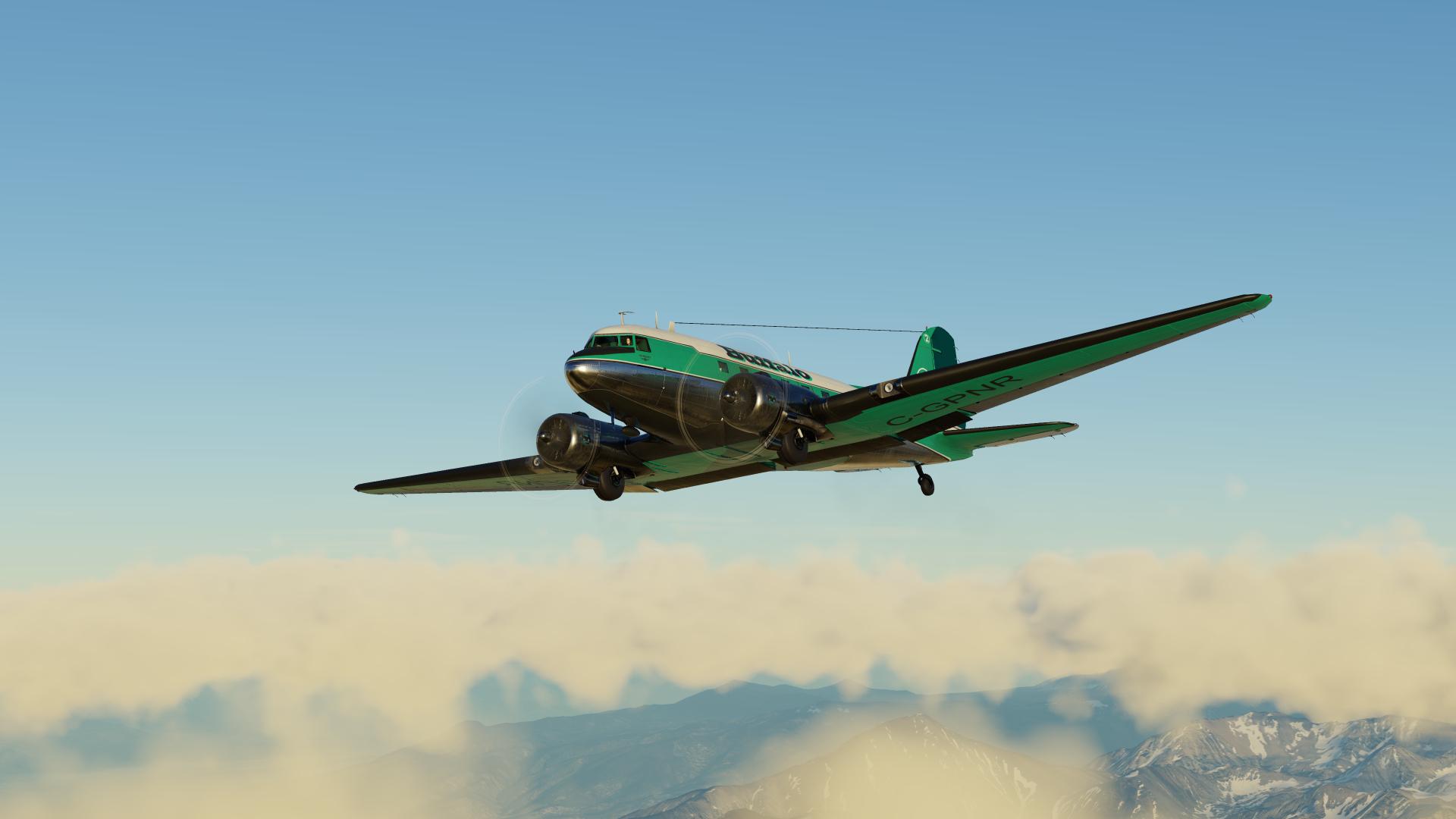
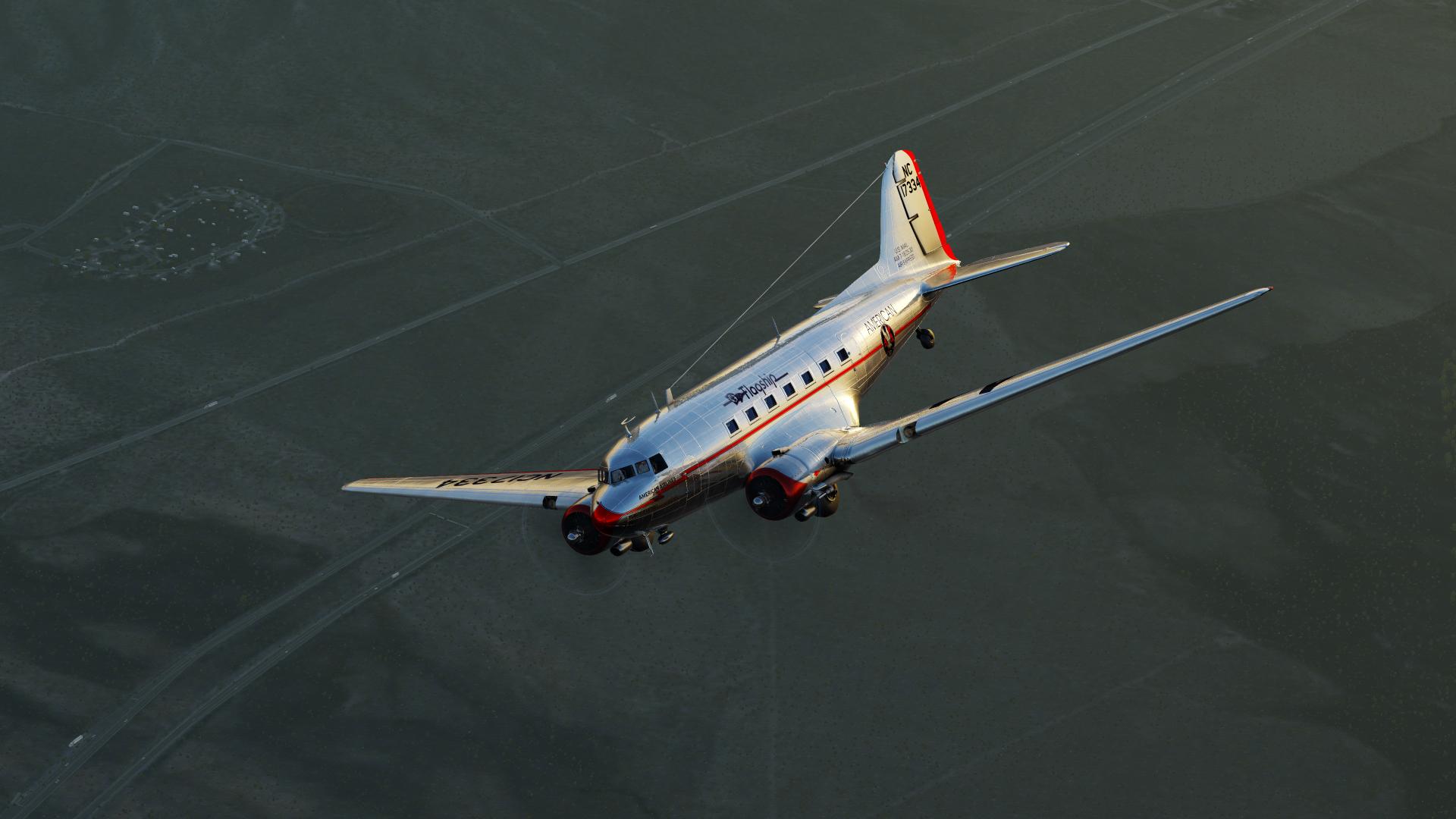
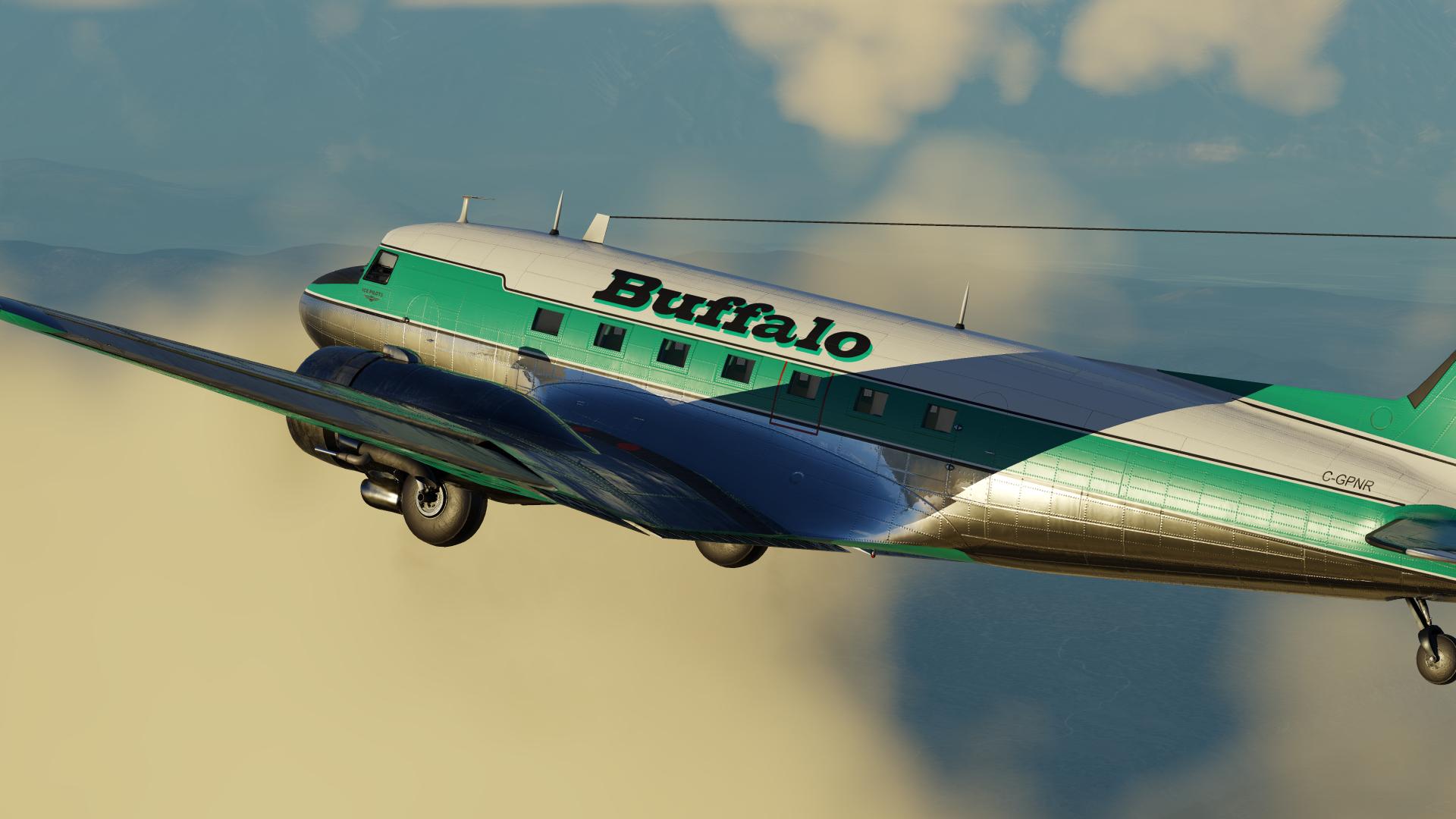
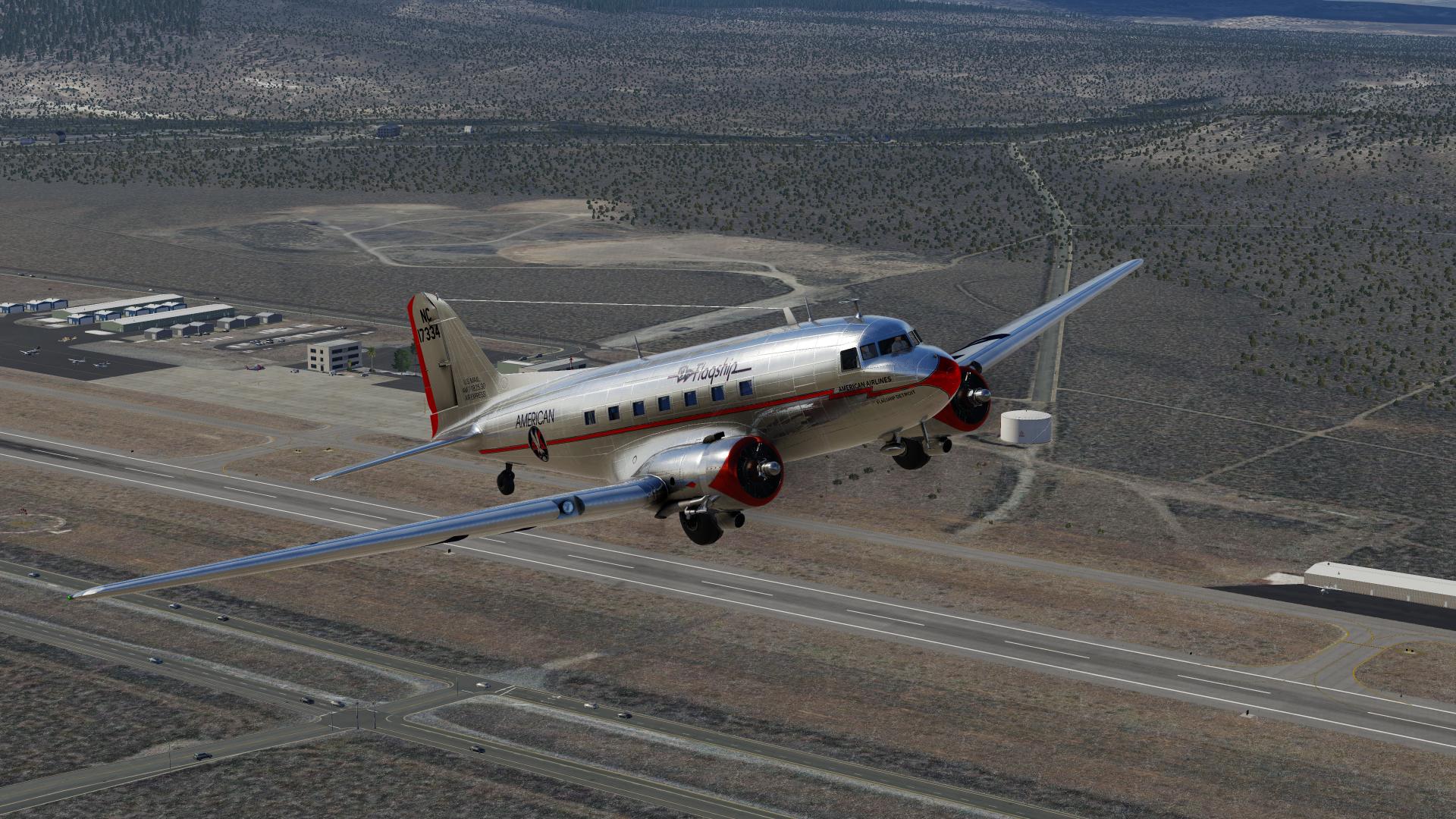
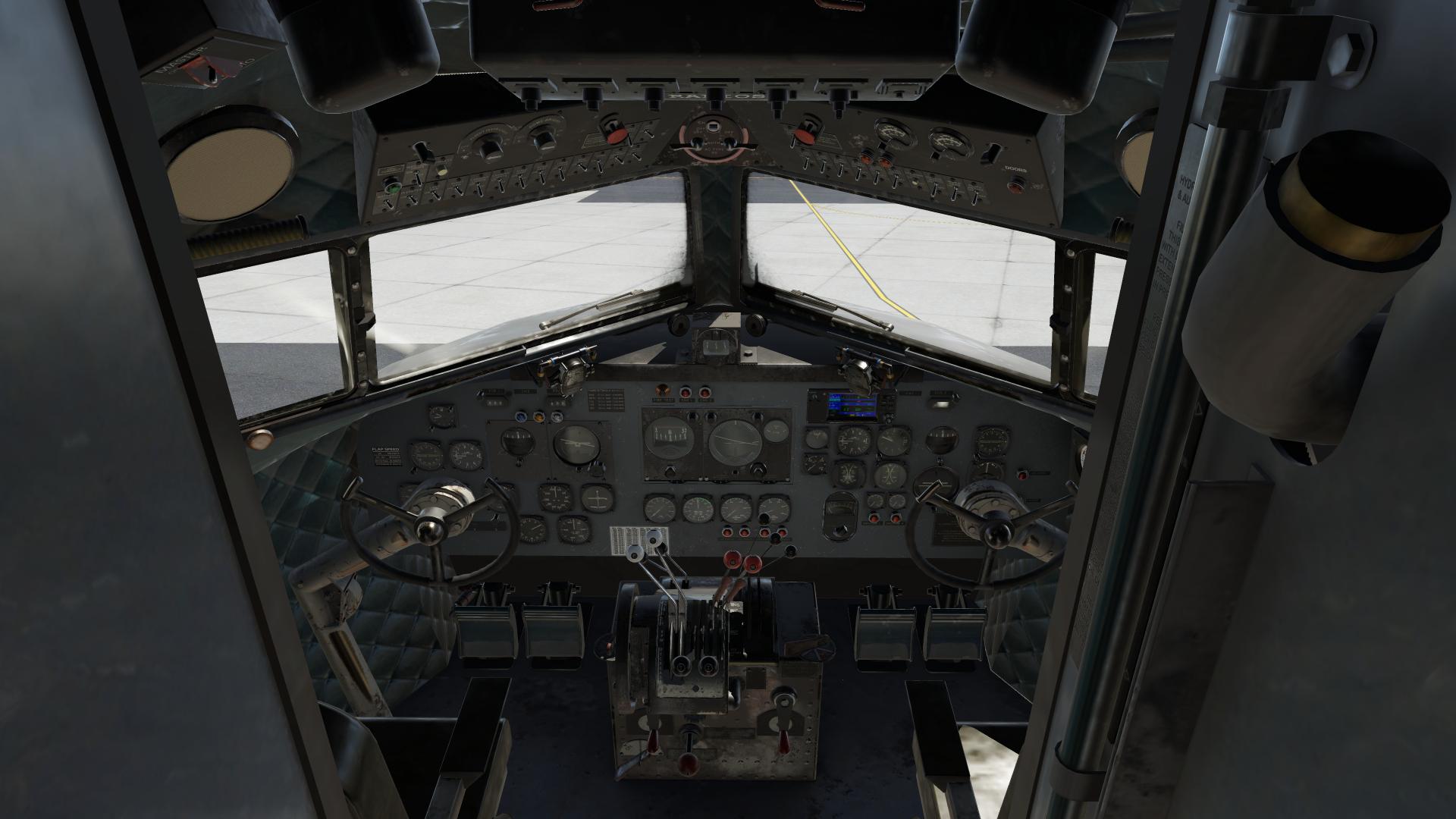
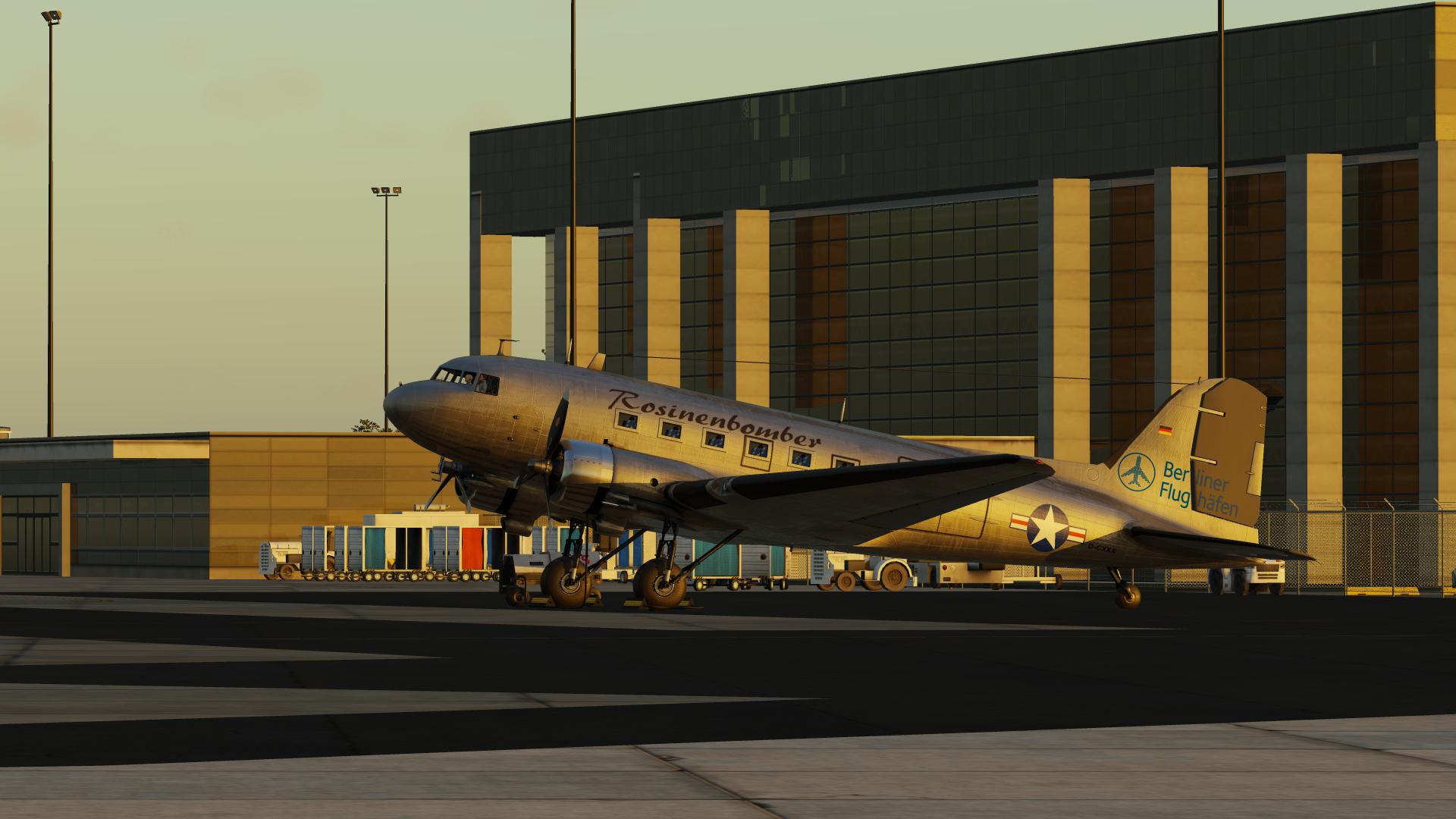
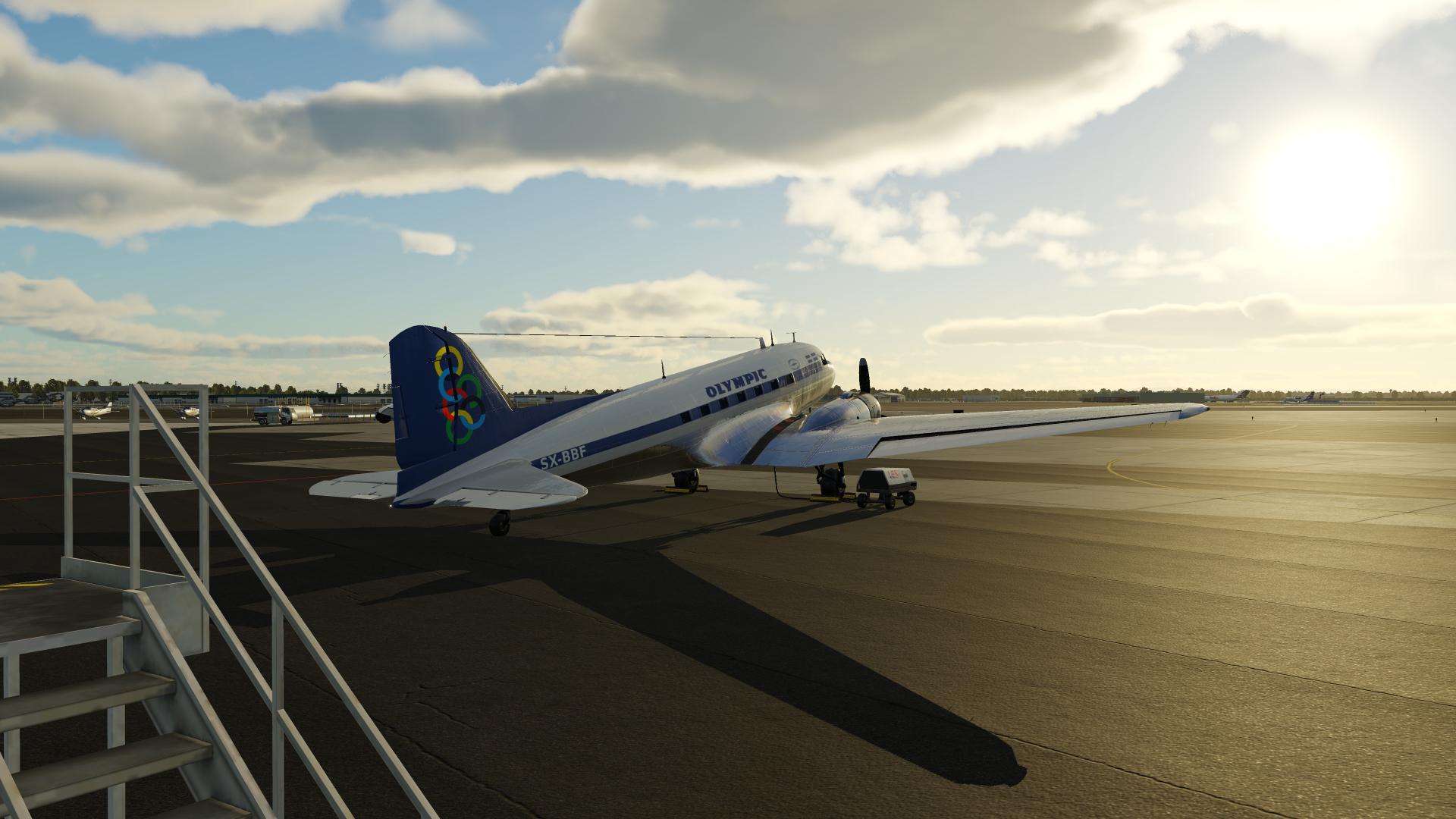
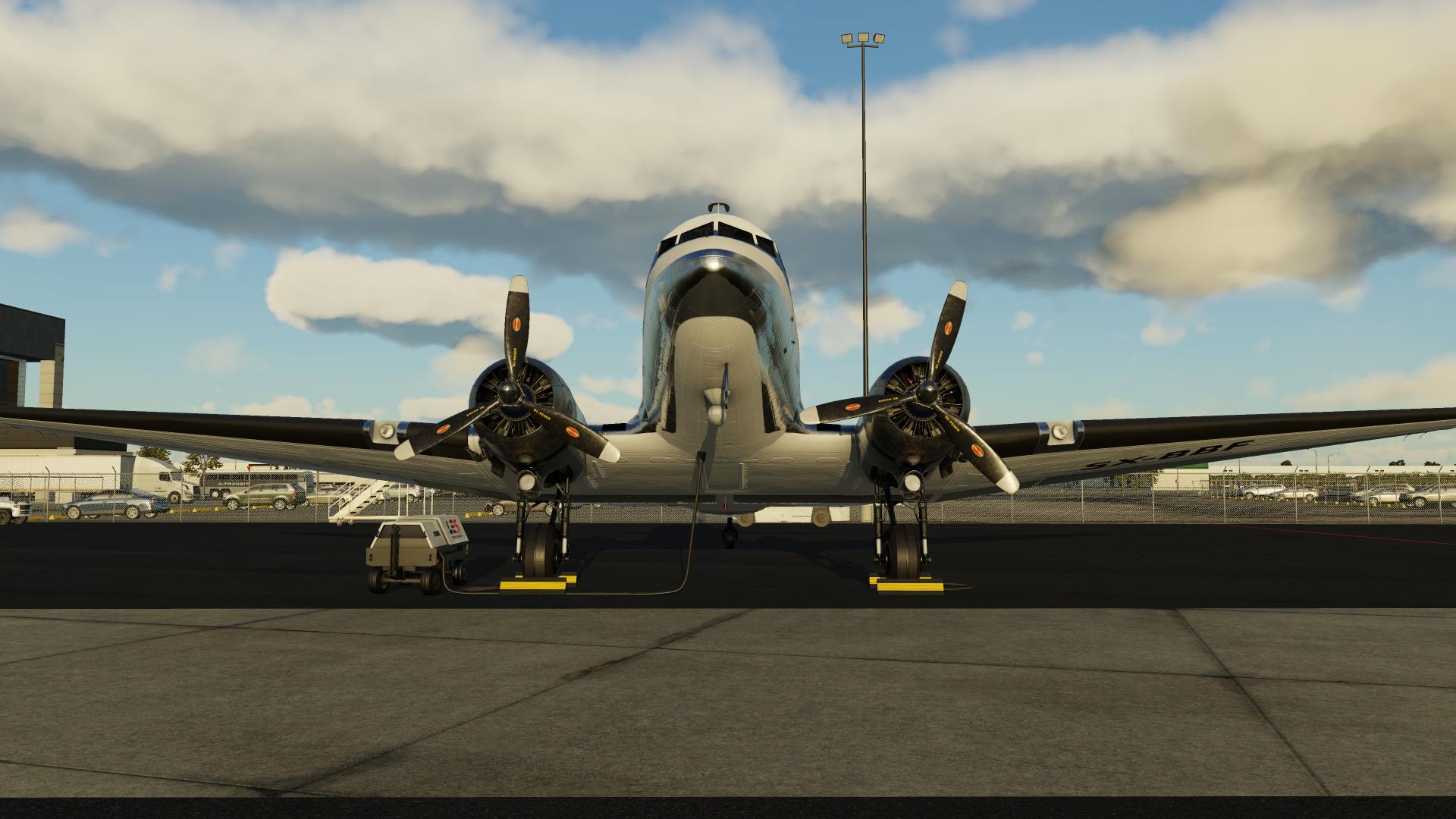
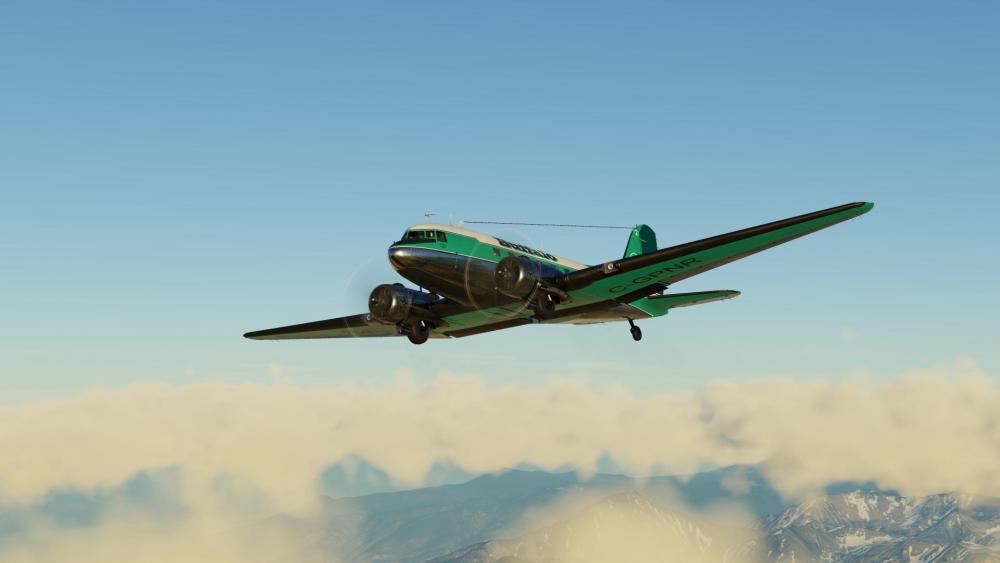
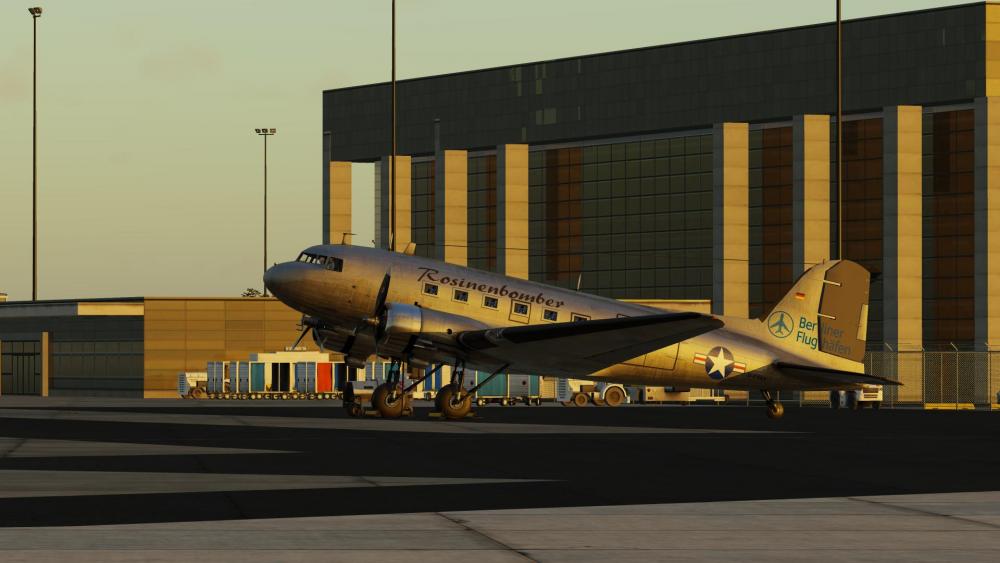
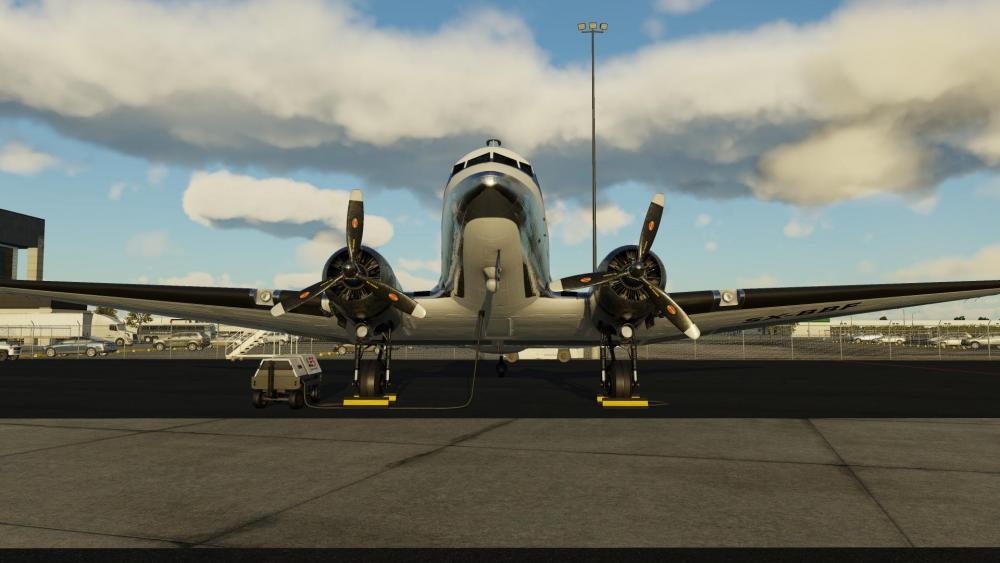
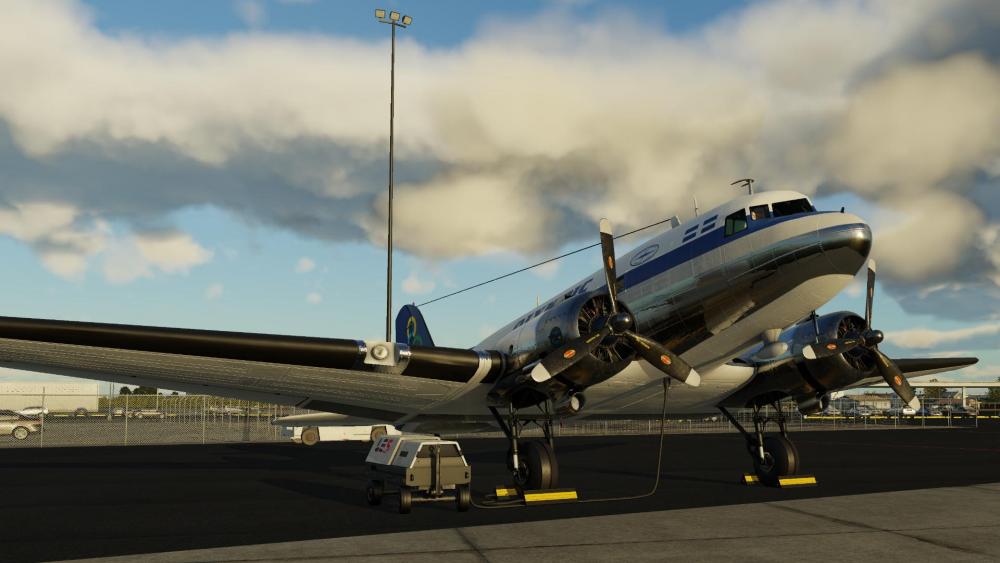
Greetings, fellow aviators! We're beyond thrilled to announce that on September 7th, 2023, we will be launching the Leading Edge Simulations DC-3 v2. This is an all-new aircraft compared to v1, and truly expands on the fidelity of the systems compared to v1. A perfect blend of history's elegance and modern simulation marvel, this aircraft is a testament to the golden age of aviation, now meticulously crafted for your virtual skies! Special Upgrade Offer for Our Loyal v1 Customers: To show our gratitude, all v1 customers will receive a 35% discount on the new DC-3 v2. This discount will be valid for 60 days from release, so be sure to get in on the offer before that time is up. We value your continued support and want to ensure you enjoy the evolution of this classic beauty. From its intricate 3D details, authentic systems and the duality of classic and modern variants, the Leading Edge Simulations DC-3 v2 promises an unparalleled experience. Whether you're a seasoned pilot or just starting out, this iconic bird offers something for everyone. Go to Product Page So, mark your calendars for September 7th, and prepare to traverse the virtual skies like never before. History awaits! Be sure to check out the new product page for the Leading Edge Simulations Douglas DC-3 v2! Blue skies and safe landings, X-Aviation



-
Hi @Fidiii, I apologize for the inconvenience you're facing. In order to assist you further, could you please provide your support ticket number that you received when you contacted X-Aviation via email? Once we have that, we'll be able to better assist and look into the issue.
-
I'm glad to hear that it worked! DataRefEditor is a plugin created by Laminar Research, the team behind X-Plane. It's not required for regular flying in X-Plane and is primarily useful for developers or those building custom cockpits. If you ever find a need to access or modify DataRefs within the simulator, that's the plugin you'd want to use.