
giacer
-
Posts
71 -
Joined
-
Days Won
2
Content Type
Profiles
Forums
Latest X-Plane & Community News
Events
Downloads
Store
Everything posted by giacer
-
No one here can help you. You need to contact support, open a ticket, and indicate the problem, probably by providing your documents, assuming it's a valid option and accepted. Two-factor authentication is to prevent identity theft, and email is your responsibility. These are not things you can fix by posting new email addresses in a forum
-
-
You bought a study level plane and would like it arcade? we are really incontentable
-
Anyway, this BN-2T needs updating. I can sense trouble ahead in the future ---------------------------------------------------------------------------------------------- | WARNING: A plugin has called X-Plane SDK functions before the simulation was fully loaded! | SDK functions should not be called before receiving XPluginStart() | | IMPACT: The plugin may work normally, but could cause unexpected behavior or crashes. | | ACTION: If you experience ANY problems with this plugin, please contact the | plugin developer and share this warning with them. | | PLUGIN: X:\X-Plane 12/Aircraft/X-Aviation/TorqueSim BN-2T Islanders/TorqueSim BN-2T Turbine Islander/plugins/is_systems/win_x64/is_systems.xpl --------------------------------------------------------------------------------------------
-
It works for me...maybe if you attach the log, someone will be able to help you This happens to me too! Unfortunately, I can't tell you which version it stopped working on. I mostly fly during the day and hadn't noticed
-

IXEG 737 Tribute and report of a CTD outside view
giacer replied to meshboy's topic in General Discussion
inside Gizmo folder is called OpenAL32.dll, but no issue @meshboy How did you install 2° 737 ? If you did copy and paste, maybe you dragged this error with you from your other computer -
IXEG 737 Tribute and report of a CTD outside view
giacer replied to meshboy's topic in General Discussion
only difference I have seen You Me Don't take it for granted, it might make sense, it' only an input. OpenAL might crash the sim -
IXEG 737 Tribute and report of a CTD outside view
giacer replied to meshboy's topic in General Discussion
I had never seen this before, it basically gives you a plugin error without naming it ...it's hard Are you sure it is related to this aircraft, have you tried with a default aircraft? -
BN-2T Islander mit G500 crasht x-plane12
giacer replied to stevebiker's topic in BN-2B Piston Islander
Yes the same concept, I have both levers on toggle thrust reversers but I think works #1...#2 also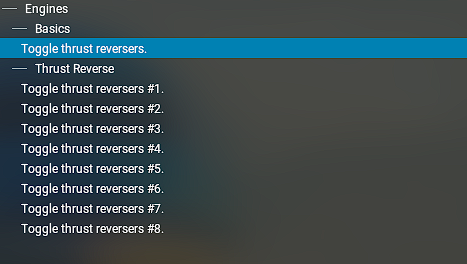
-
BN-2T Islander mit G500 crasht x-plane12
giacer replied to stevebiker's topic in BN-2B Piston Islander
I don't know with Bravo throttle, but I have this with Pro Flight Quadrant.
-
Probably in a couple of weeks, someone will have another question about the 717.
-
It seems to be an fmod problem, maybe the cause of the crashes comes from xnavmap, which is from x-craft.
-
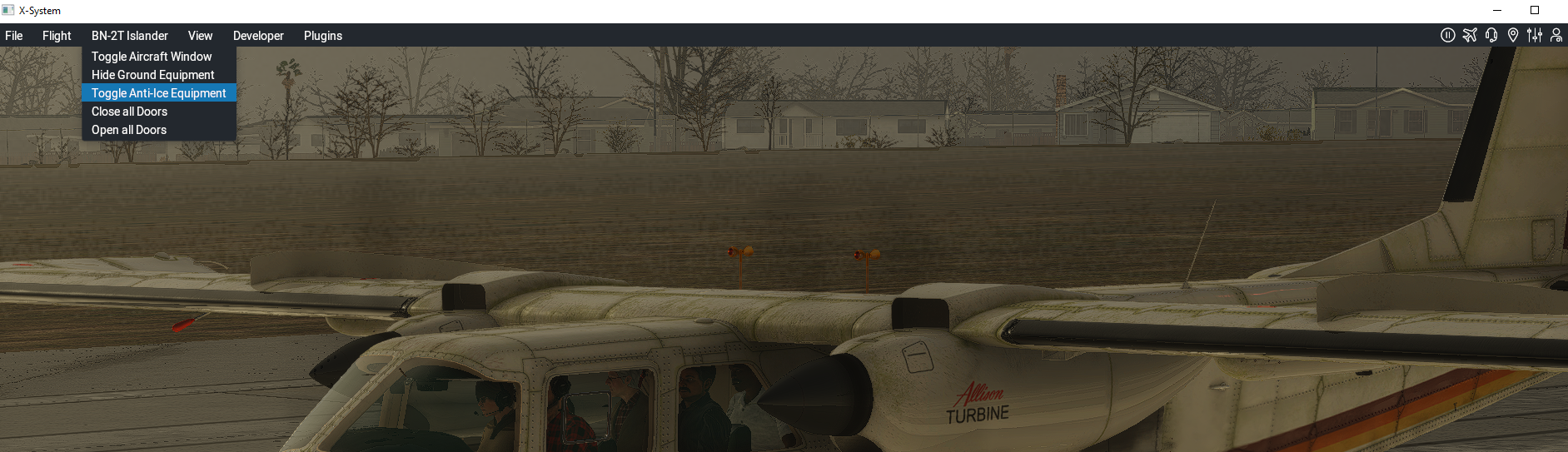
Does the Turbine Islander have deice boots?
giacer replied to Leviathan's topic in BN-2T Turbine Islander
Visually yes, never tried if they really work, I like the sea and the heat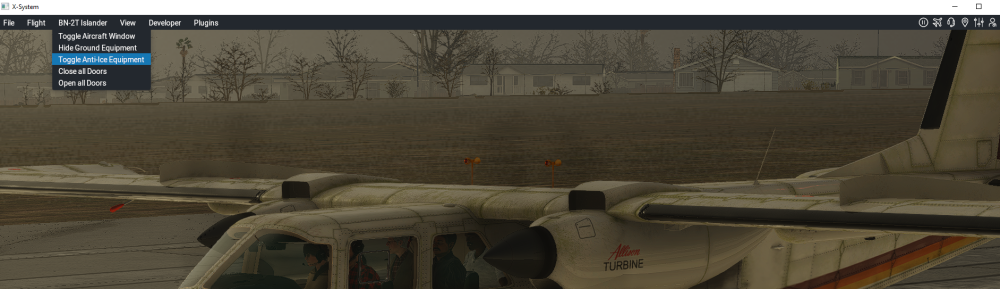
-
Hi, maybe this is not the problem, but renaming the folder could create strange problems Rename X-plane folder X-Plane 12.09 to X-Plane 12 I meaning from log You have Try default also check if you have this folder /Resources/plugins/X-Aviation/ Good luck
-
Hi there, only few thing however I have found from log this typo inside BN-2T Islander.snd Quote 0:00:04.065 E/SOUN: snd error in file: Aircraft/X-Aviation/TorqueSim BN-2T Islanders/TorqueSim BN-2T Turbine Islander/fmod/BN-2T Islander.snd line 1231 0:00:04.065 E/SOUN: The sound event event:/switches/METALSW_08 has an invalid command trigger afm/islander/cmd/climate/vent_Toggle 0:00:04.065 E/SOUN: snd error in file: Aircraft/X-Aviation/TorqueSim BN-2T Islanders/TorqueSim BN-2T Turbine Islander/fmod/BN-2T Islander.snd line 1261 0:00:04.065 E/SOUN: The sound event event:/switches/METALSW_02 has an invalid command trigger afm/islander/cmd/lights/util_R_Toggle Remove "_" character from "vent_Toggle" and remove space characters after Toggle: "afm/islander/cmd/climate/vent_Toggle " Must be : "afm/islander/cmd/climate/ventToggle" Remove space characters after Toggle : "afm/islander/cmd/lights/util_R_Toggle " Must be : "afm/islander/cmd/lights/util_R_Toggle" Same thing for the others .smd
-
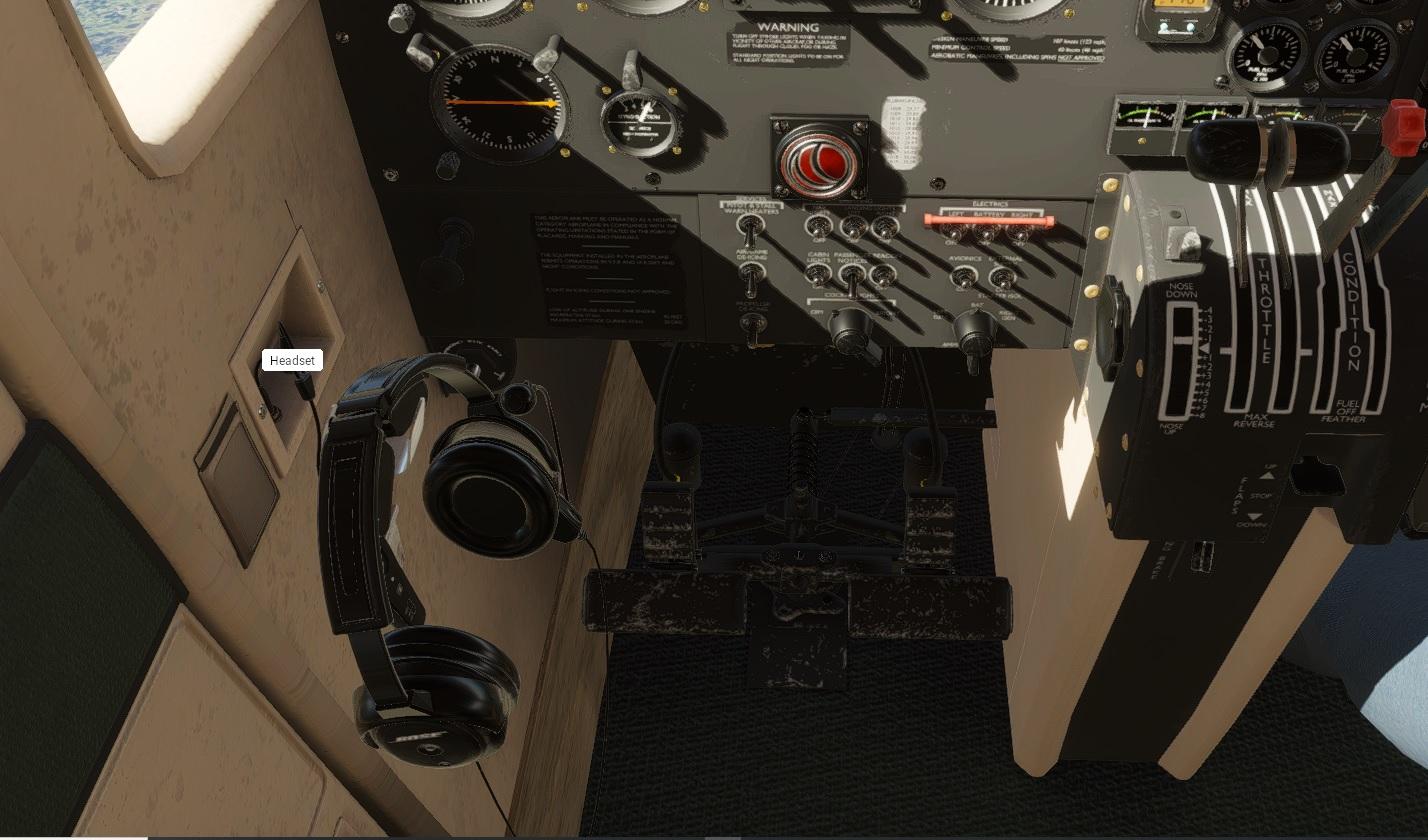
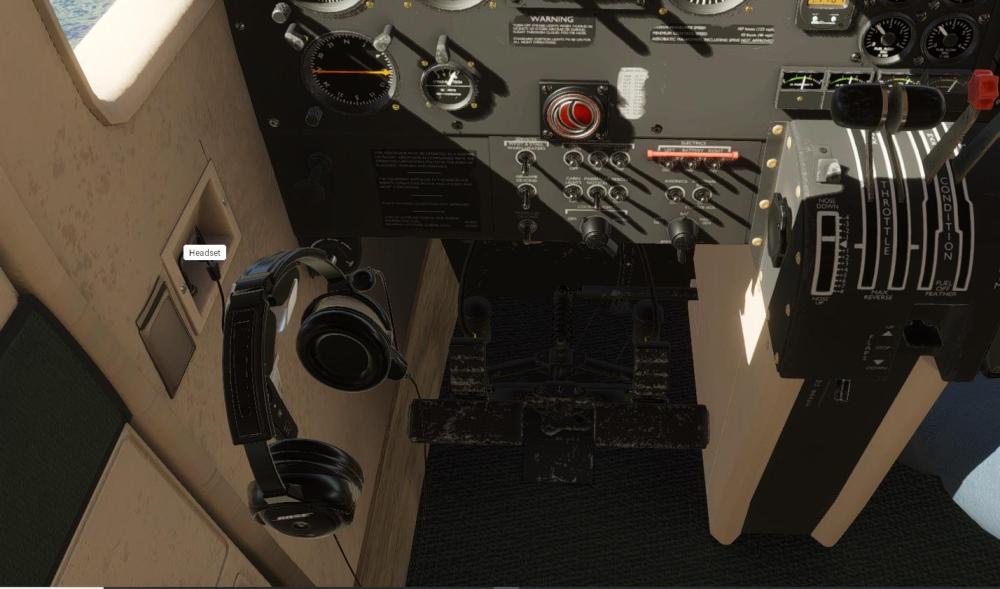
Put your headphones
-
Hi, your error made me curious for two reasons 1- You really don’t need to start x-plane as admim and it is not recommended by Laminar 2- Your errore is not related to the acf --=={This application has crashed! }==--- (Art controls are modified.) 1- check privilege and or if antivirus/firewall block for any reason the sim 2- if you have any active tweak programs (riva tuner, GPU tweak, etc.), or shaders, those can cause this type of crashes.
-
Hi, there are some plugins that can put the chocks to the wheels, for example, Simple Ground Equipment & Services do this job, if you don't remove there is no way to move
-
BN-2T Turbine Islander v2.1.0 Update Released!
giacer replied to Cameron's topic in BN-2T Turbine Islander
Successful migration, thanks! I hope that others will do the same soon -
It works with the beta, but I had a similar experience. Try to temporary move out all plugins except GIZMO and restart X-plane, maybe works.
-
+1 try this XPUIPC Download Page (schiratti.com) maybe you encounter an error with this version of XPUIPC for other things. Let us know if it works
-
Maybe this video can be useful?
-
I haven't reported it yet, but I can confirm that it manifested even before the beta. To temporarily restore FMC, just tap on the left menu or gizmo menu Then the problem comes back. I always fly always with Zink, I think Zink is the problem
-
Hi, reading only one part of the log is always a challenge! However this error is related to an airfoil that is missing. There are two possible reasons for it: a plane that you use , or one that was flown by AI. If you are using AI, verify the type of aircraft used
-
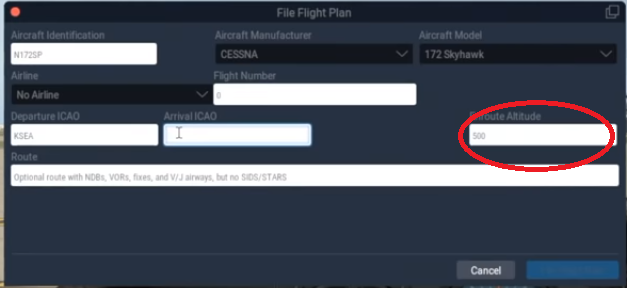
Are you sure the cruising altitude on the X-Plane flight plan is the same as the 650?