DxDiag
-
Posts
13 -
Joined
-
Last visited
DxDiag's Achievements




-
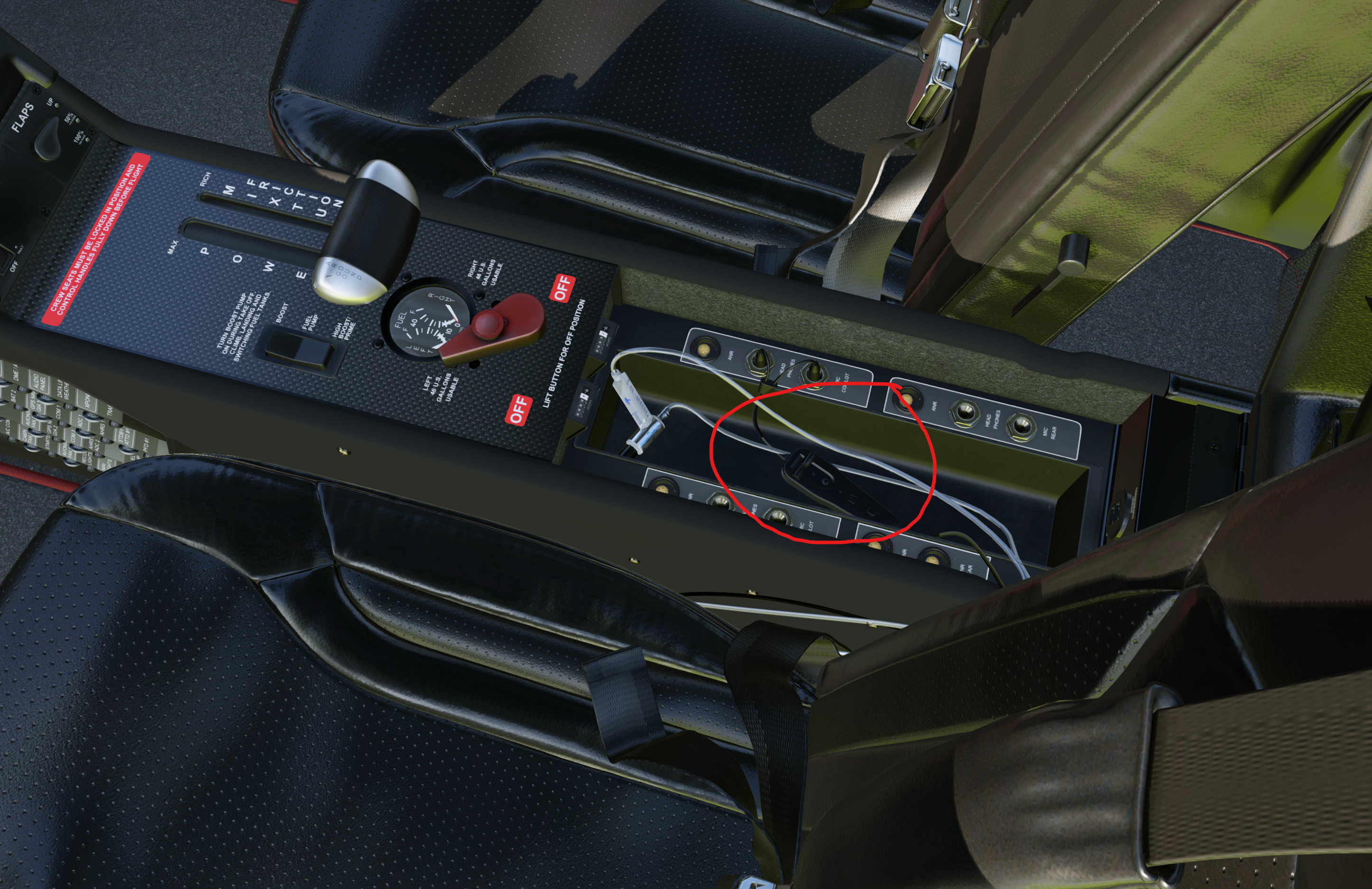
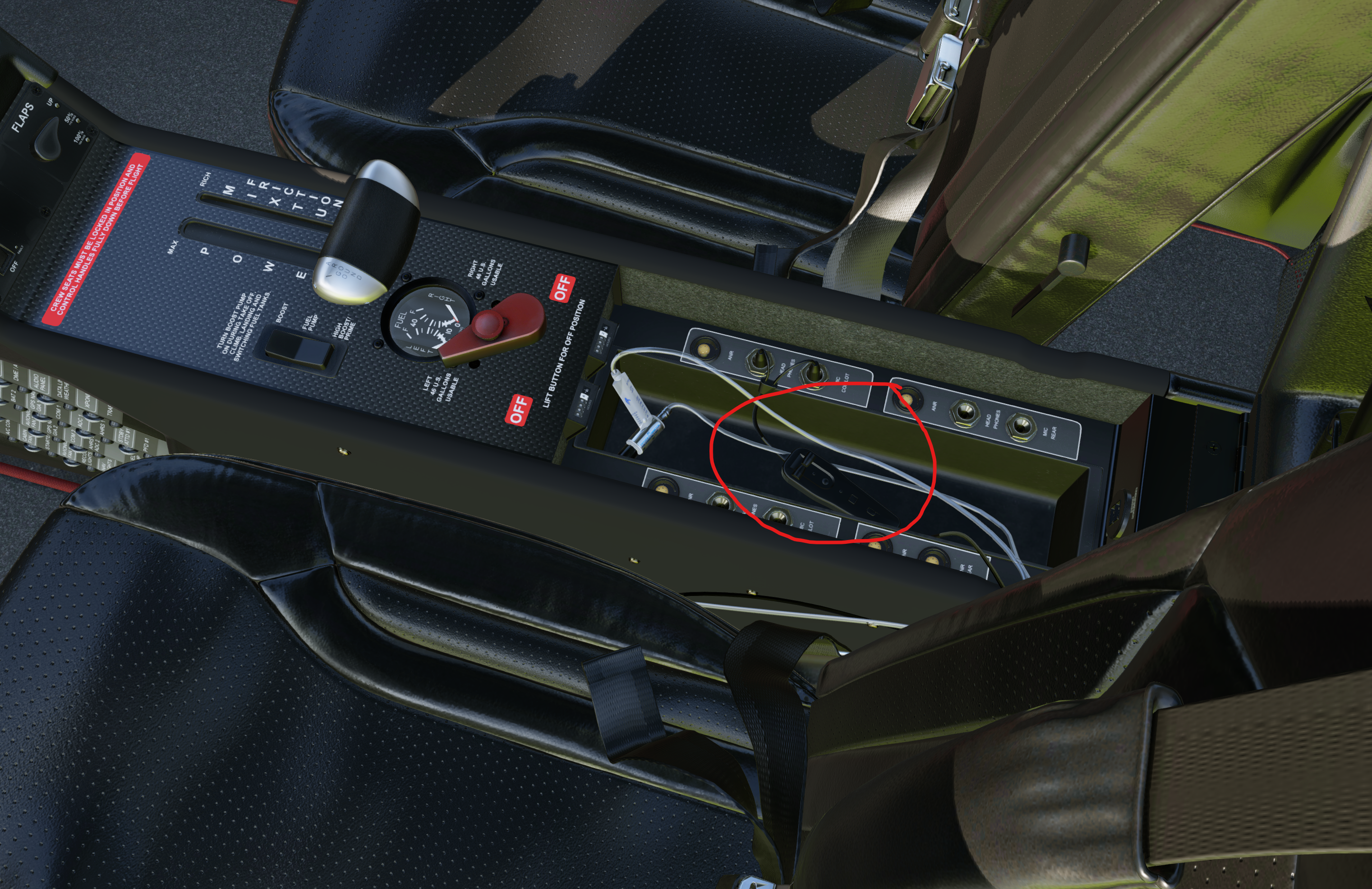
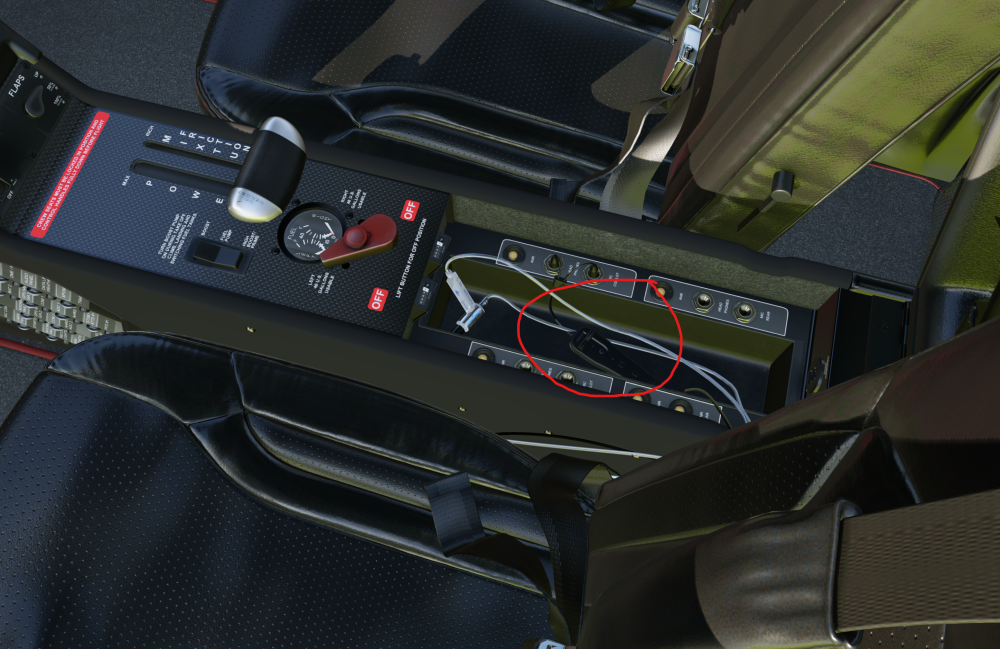
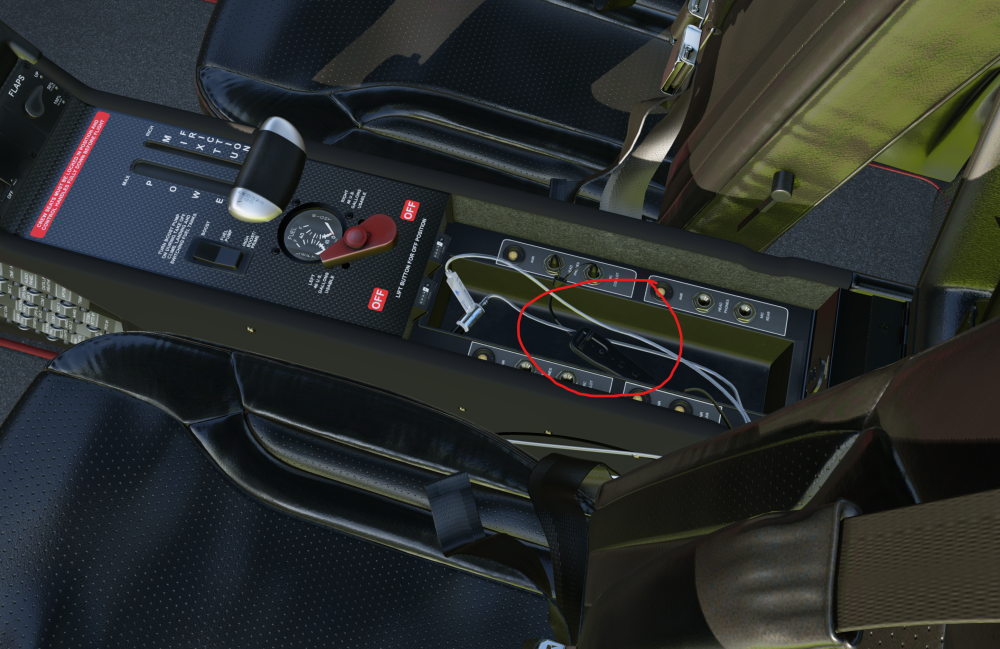
Hi everyone, I just installed the Take Command!: SR22 G1000 Series and I’m absolutely blown away by the visuals, performance, and overall quality. It looks and feels fantastic! However, I am encountering a frustrating issue with the headset volume controls in the center console (armrest compartment). When I try to adjust the headphone volume knobs (scrolling left or right as indicated by the mouse arrows), the sound behavior breaks completely. Instead of a smooth volume adjustment, the volume immediately jumps to what feels like 100% or completely cuts out. Basically, it acts like an on/off switch or soft-locks the audio, making it impossible to fine-tune the cockpit/headset sound. Is this a known issue with the latest v2.1.1 update, or is there a specific setting or plugin conflict I should look out for? Any help or a potential fix would be greatly appreciated! Thanks in advance!
-
Hi everyone, I just installed the Take Command!: SR22 G1000 Series and I’m absolutely blown away by the visuals, performance, and overall quality. It looks and feels fantastic! However, I am encountering a frustrating issue with the headset volume controls in the center console (armrest compartment). When I try to adjust the headphone volume knobs (scrolling left or right as indicated by the mouse arrows), the sound behavior breaks completely. Instead of a smooth volume adjustment, the volume immediately jumps to what feels like 100% or completely cuts out. Basically, it acts like an on/off switch or soft-locks the audio, making it impossible to fine-tune the cockpit/headset sound. Is this a known issue with the latest v2.1.1 update, or is there a specific setting or plugin conflict I should look out for? Any help or a potential fix would be greatly appreciated! Thanks in advance!
-
yep, thats true. I removed it and the aircraft is loading as it should. Thanks for support.
-
After checking my Log.txt, I also noticed a few warnings related to the DA40NG plugin and sound configuration. For example, the log shows: WARNING: A plugin has called X-Plane SDK functions before the simulation was fully loaded PLUGIN: rsg_da40ng.xpl There are also FMOD sound warnings such as: snd error in file DA40NG.snd (around line 744) invalid command trigger Additionally, I saw warnings like: Warning: unknown line BEGIN_SOUND_ATTACHMENT I’m not sure if these are related to the missing ignition key issue, but they appear every time the aircraft is loaded.
-
Oh no Thank you for telling me what the issue is. Have to see, how to workaround it. At least we know what the issue is.
-
A lot of errors in the log! Log.txt
-
If it were possible, I would insist on a refund. I uninstalled and restored this mod a lot of times. After uninstalling, it works for some time. One day i start it and key is not there, and its not working. Sorry guys, this sucks. I have a lot of aircraft, i had never ever any issues, some are updated 3-4 years ago and still working like charm. Thats simply bad. Not going to buy any other aircraft from this dev. Sorry. This is the 4th or 5th time i uninstall it...
-
Okay, i uninstalled it and then reinstalled it, with no luck. Then i followed those steps and after all, now it works, the key is there and also everything seems fine. Learned something new.
-
Here my Video: The Key isnt there! G1000 does not work etc. Recording 2026-02-04 200456.mp4
-
Hello guys, i was enjoying flying the DA40NG, after i updated X-Plane to 12.4.0 the aircraft stopped working. Issue: The key isnt showing up. I can rotate the ignition without the key, the G1000 will not power up Screens are black, but can hear the fans running Hope to see a update, its a awesome aircraft at the end. Thank you
-
Thank you, to suggest to the team, could work! Let see if... Big thanks
-
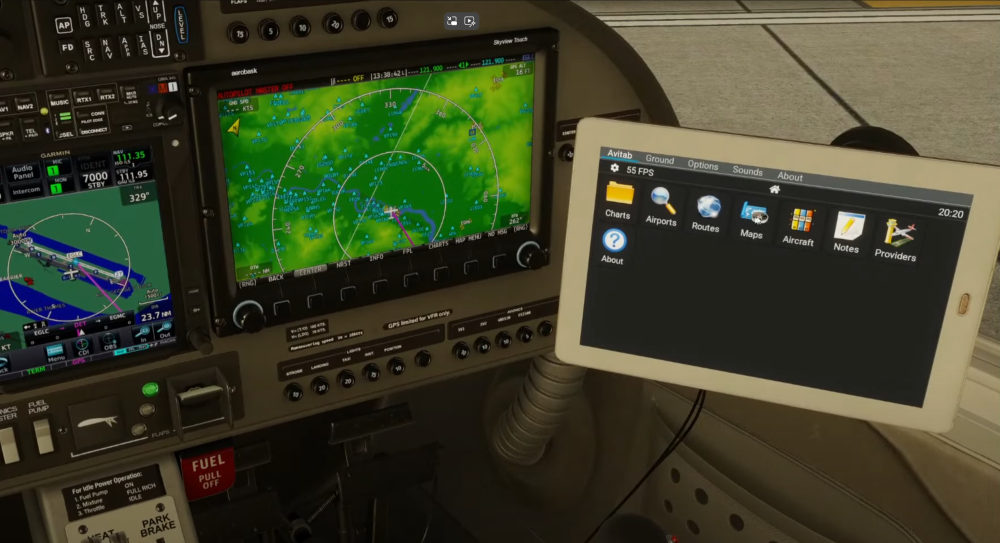
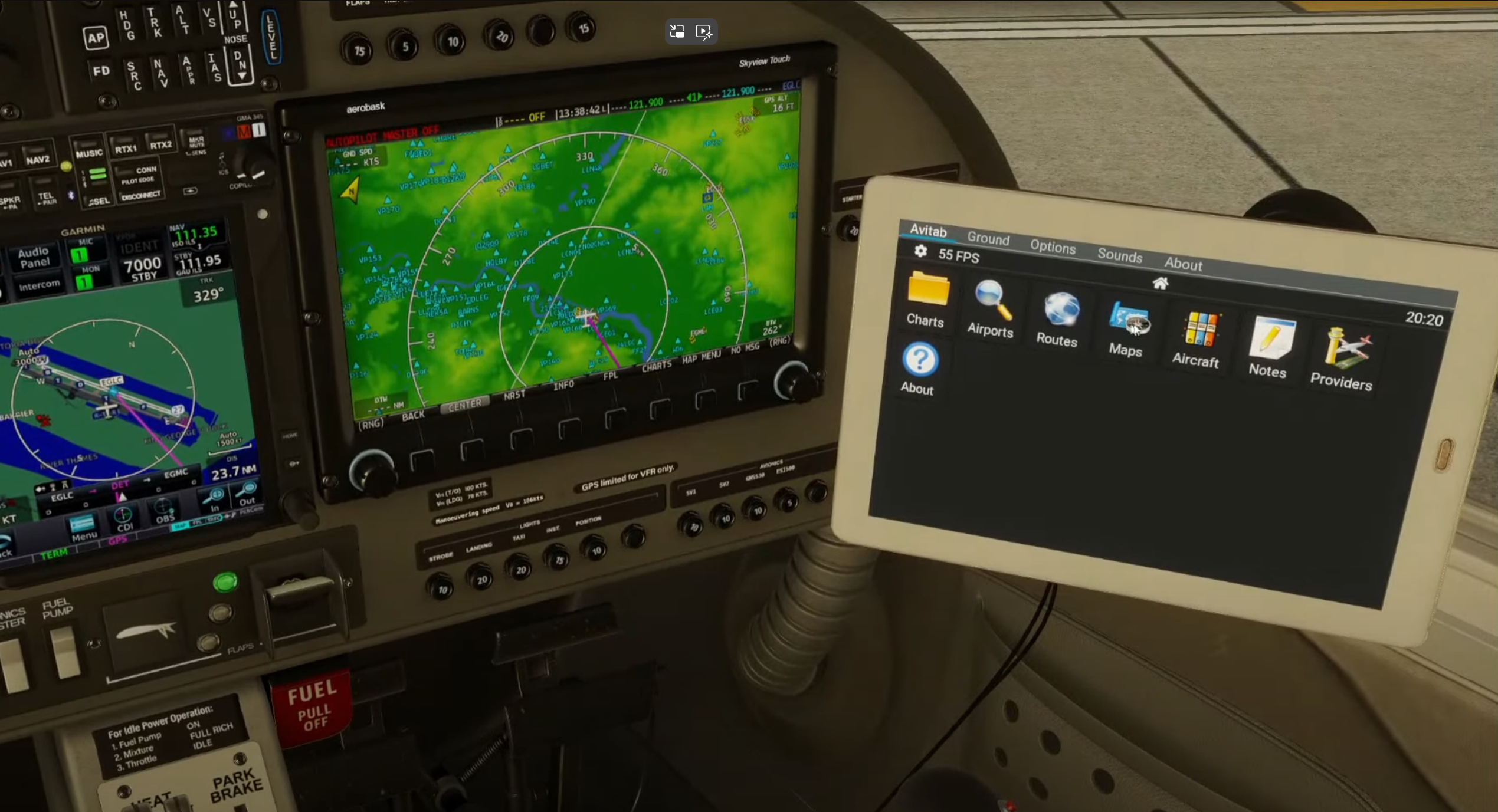
Hello there, I bought the DA40NG, and it's simply such a great aircraft. I can't believe how good it feels, from the engine to the ground handling. I appreciate the work has been done in this mod. No wonder IRL pilots use this for training. Very impressed. Big thanks! Anyway, i own like +8 another payware aircraft and all of them have the AviTab integrated in their cockpit, it's like a must-have thing and increase the immersion without opening a popup. When i realized that this DA40NG does not have that, i thought WHY? Look at this masterpiece, they simulated everything, and how much time would need to add the AviTab? I tried it by my own, found even a how-to manual, but I failed LOL. I don't have the know-how for such things, but as I got through the manual, it would take less than 20 minutes or so. If you guys could integrate the AviTab there, that would complete everything. And if you guys don't plan to add it, like official. I would also pay for the integration. OR if somebody here knows how it works, that could be pretty much awesome. Else, i can't complain about the aircraft. Big thanks from my side. Ok, so that's it from my side for now. AircraftIntegration.zip Avitab-Tutorial.pdf