Search the Community
Showing results for tags 'sr22 g1000 series'.
Found 1 result
-
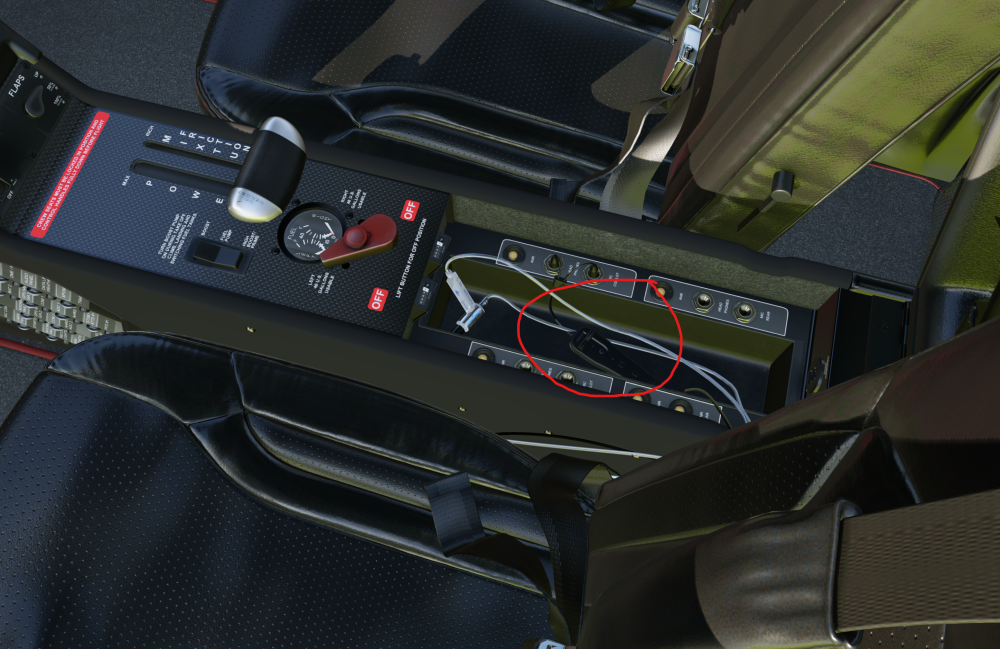
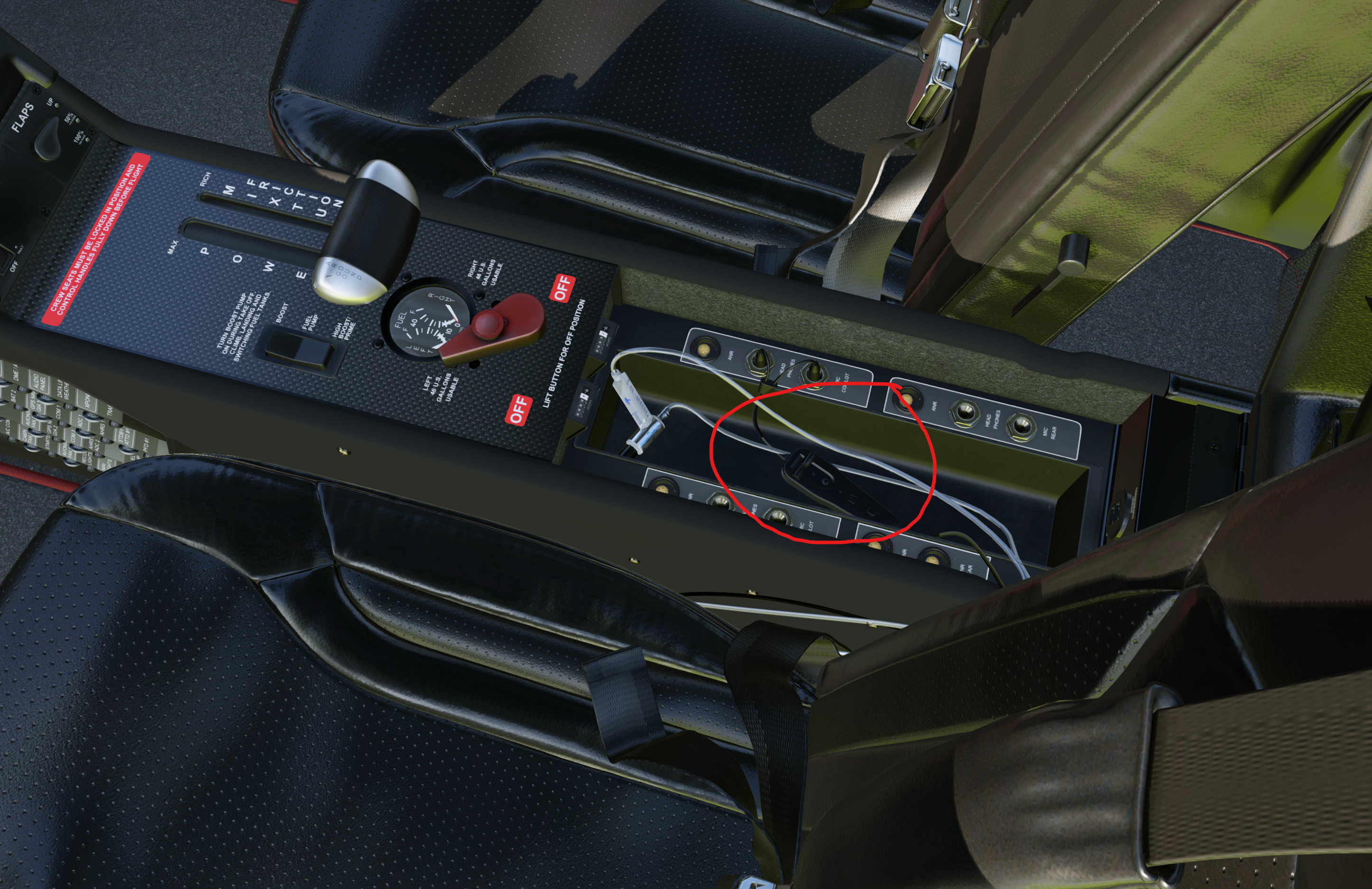
 Hi everyone, I just installed the Take Command!: SR22 G1000 Series and I’m absolutely blown away by the visuals, performance, and overall quality. It looks and feels fantastic! However, I am encountering a frustrating issue with the headset volume controls in the center console (armrest compartment). When I try to adjust the headphone volume knobs (scrolling left or right as indicated by the mouse arrows), the sound behavior breaks completely. Instead of a smooth volume adjustment, the volume immediately jumps to what feels like 100% or completely cuts out. Basically, it acts like an on/off switch or soft-locks the audio, making it impossible to fine-tune the cockpit/headset sound. Is this a known issue with the latest v2.1.1 update, or is there a specific setting or plugin conflict I should look out for? Any help or a potential fix would be greatly appreciated! Thanks in advance!