



Goran_M
-
Posts
5,657 -
Joined
-
Days Won
235
Content Type
Profiles
Forums
Latest X-Plane & Community News
Events
Downloads
Store
Everything posted by Goran_M
-
it shouldn't be doing that, but I will look into it and adjust if needed.
-
You're welcome!
-
The best I can offer is everything you've mentioned will be looked at, and if they can be easily fixed, they will be.
-
Much appreciated, iandiss. Douglas49, before I reply, if memory serves, if you purchased XP11 when it was released, you would have been given XP10 for free. Now, I can definitely appreciate your situation, and for that reason I have agreed to implement some fixes in the XP10 version. But they can't take too much time away from what we are working on for XP11. End of the day, we are a business. And we need to stay profitable, and that means going where the market is. The small stuff shouldn't be a problem. Markers on the volume dials for the radios...RMI indicators...things like that should be fine, and I'll have those done within days. Bigger things will be reserved for V2. I hope you can understand my stance on this, just as I have understood yours. Regards Goran
-
 All good. The DC3 was never intended to be a "procedure level" add on. It was actually just a side project while I was waiting on Theo (my texture artist back then) to texture the Duchess. I never expected it to do as well as it has. By all means, keep the ideas coming. But as for fixes, please communicate them with me in private, as it may be about something I had to do to make something work a particular way. Thanks for sharing the photos.
 -
Because of it's simplicity, I'll do this one for you. But keep in mind, as Ben said, most of the community has moved on to XP11. The DC3 was originally made for XP9 with an update to bring it into XP10. Updating it beyond that was never the initial plan. The XP11 version (V2) will have all the other suggestions I've seen. By all means, keep the suggestions coming, but keep in mind that what you do suggest will be considered for the new XP11 version.
-
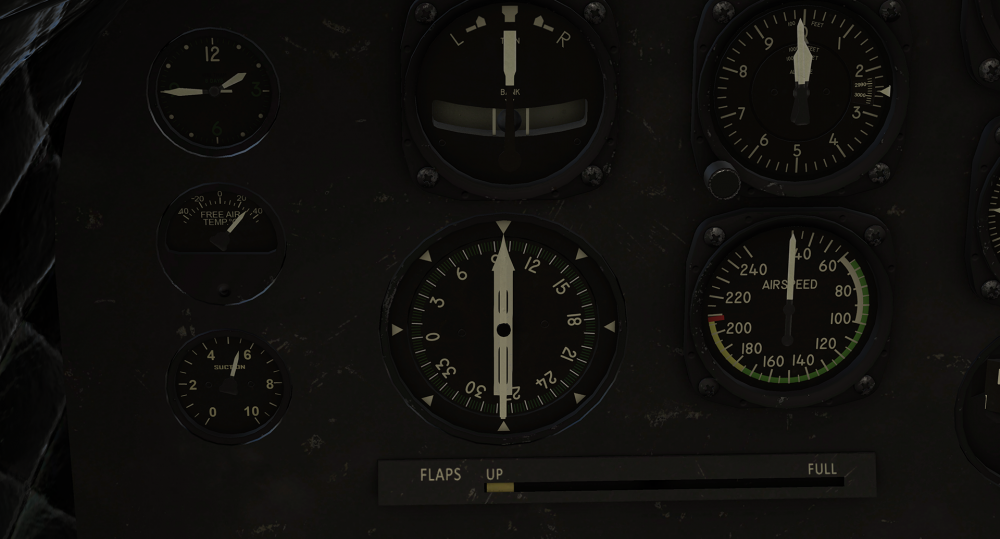
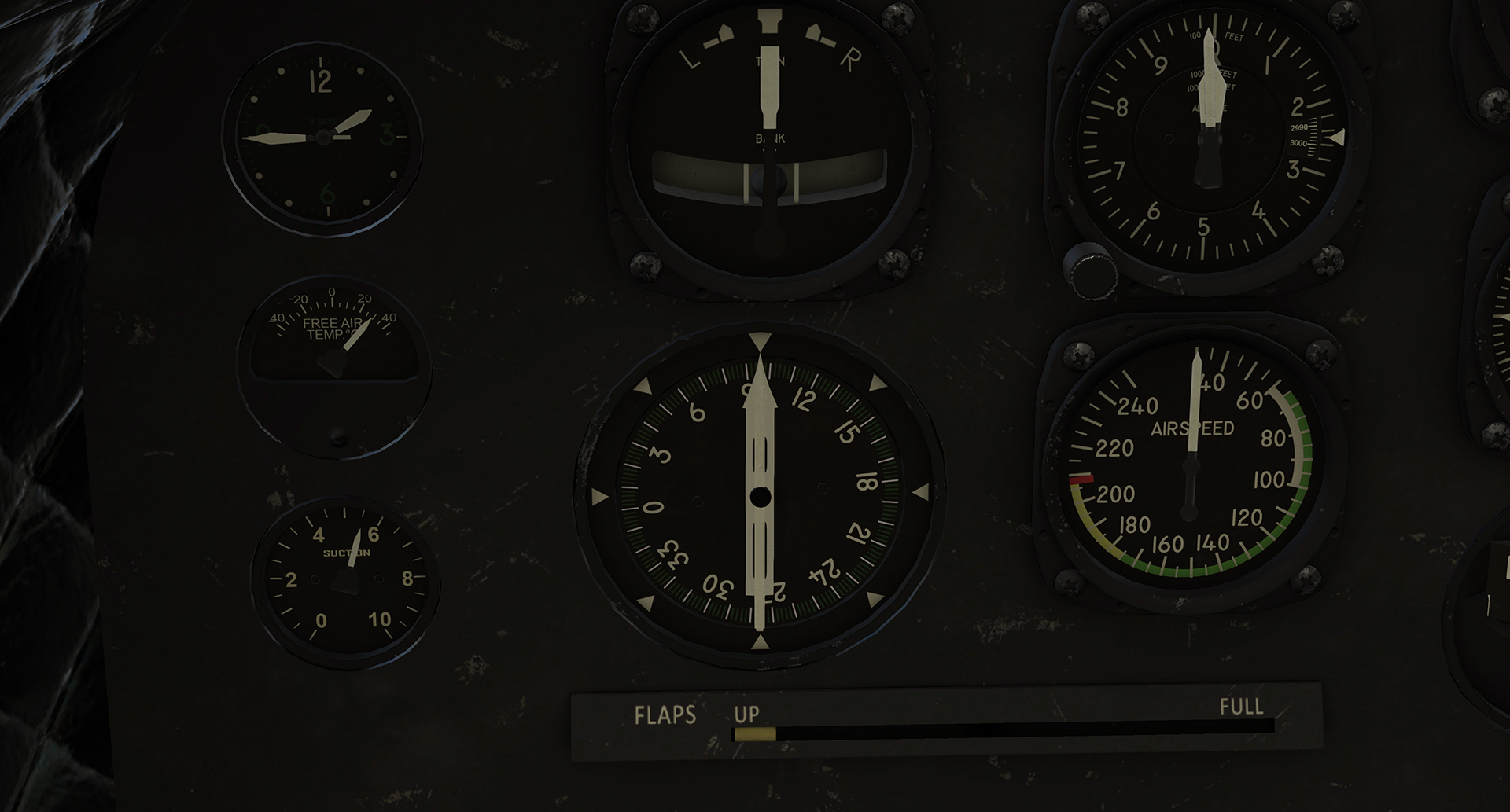
XP11 In Sim with PBR
-
Bob, just a friendly piece of advice, and please don't take wrong what I'm about to say. You admitted yesterday that you never went into planemaker before, and now you're giving advice on what to do to "fix" things in the DC3. You pointed something out, that you thought was incorrect in the flight model (engine numbers and locations) when it turned out to be something on your end, and I had to open Planemaker to check this. Now we have this landing gear issue. The tail wheel in our version of the DC3 does not retract. I didn't set it to retract. And again, I had to open Planemaker to check what I have compared to what your claiming. There are things in the acf that have been done for a reason. Nothing was overlooked. Furthermore, making any changes in any of the files, especially the acf file, will void all support from X-Aviation and us. Please, do not offer advice to people in these forums on any "fixes" you might have, without at least discussing it with me in private first. For me, It takes time away from working on the XP11 update. I'm all for constructive feedback, but not when it hasn't been thoroughly explored and tested. All the best
-
Might want to check your hardware. In the image, Engine 1 (left engine) moved forward.
.thumb.png.b32d59c215c608a996a4af07e8b4c570.png)
-
Nothing to reset. Unlimited downloads should be available under the new system.
-
Because of the heavy use of plug ins, X Plane doesn't allow for a "save state" of the aircraft.
-
I'll let Jim know, but you must keep in mind, as this is in X Plane 11, any issues that should come up are unsupported at this time.
-
Don't worry, Bob. It's all being noted.
-
Not sure about the modern cockpit yet. There's quite a lot of work involved in making panels that are significantly different. So much so, that it may have a price tag attached to it.
-
Correct. As with the Saab, the DC3 will get a free compatibility update to make sure it can run in XP11, along with fixing any existing issues. This update will only allow the XP10 version to work in XP11, so we can say it is officially supported. This update will NOT have any new mesh or PBR textures. The paid update will be for XP11 only and will feature optimized mesh, in many cases, brand new mesh, more code and full PBR textures. By full, I mean the entire aircraft is being re-textured from scratch, with all appropriate PBR texture maps. All current owners of the DC3 will receive a substantial discount on the XP11 PBR updated version.
-
1. New texture available soon 2. Refined in the coming update 3. Next update. 4. Next update 5. That SHOULD be working, but I'll take a look. If it needs anything extra, It'll be in the update. 6. This was a casualty of possibly too much friction on the ground in the XP9 ground friction. It's on the list for the XP11 update. 7. I'll take a look and see what can be done about it. The paid upgrade will have new functionality in that.
-
Autopilot Operation - Two issues
Goran_M replied to Bob Denny's topic in Douglas DC-3 (no longer in use)
I'll take a look at it and get back to you. It should be working, though. But I'll double check. -
Autopilot Operation - Two issues
Goran_M replied to Bob Denny's topic in Douglas DC-3 (no longer in use)
Autopilot turned on? -
I'll be taking a look at the manipulators for the XP11 compatibility update and making the necessary adjustments. Shouldn't be long.
-
DC-3s in Southern California 2 weeks ago
Goran_M replied to Bob Denny's topic in Douglas DC-3 (no longer in use)
Nice! Thanks for sharing! -
I'll take a look and see what I can do.
-
What follows is all unofficial and you are to proceed at your own risk! MAKE BACK UPS!!!!!! The DC3, in it's current state, is unsupported in XP11. Although, for the most part, it appears to be working. You definitely need Gizmo to run the DC3. Removing it will disable, as you say, engine start and various gauges. I wouldn't change anything in the obj files just yet. Even if it is just making changes to get shine and reflection. If you're getting ideas from other people, then proceed carefully! To open an aircraft in Planemaker, Open Planemaker and load the .acf file. Then hit "File" and "Save". Then Exit. FYI...An update is coming and is getting very close to completion.. Good luck.
-
DC3 download and installation
Goran_M replied to Print744's topic in Douglas DC-3 (no longer in use)
We're getting into an area where I have no control. Installers and activation's are to be handled using the X Aviation contact page, which can be found at the link I provided. -
DC3 download and installation
Goran_M replied to Print744's topic in Douglas DC-3 (no longer in use)
I've only had 1 other case of this happening, that I know of. Definitely unusual. We'll get you straightened out. -
DC3 download and installation
Goran_M replied to Print744's topic in Douglas DC-3 (no longer in use)
In that case... http://www.x-aviation.com/catalog/contact_us.php?osCsid=daf5b9bc281fb361628d1ef71f156626

.png.e5fc63ccb1333db4cb9141146c8dd353.png)