



GolfCharlieTango
-
Posts
31 -
Joined
-
Last visited
GolfCharlieTango's Achievements



-
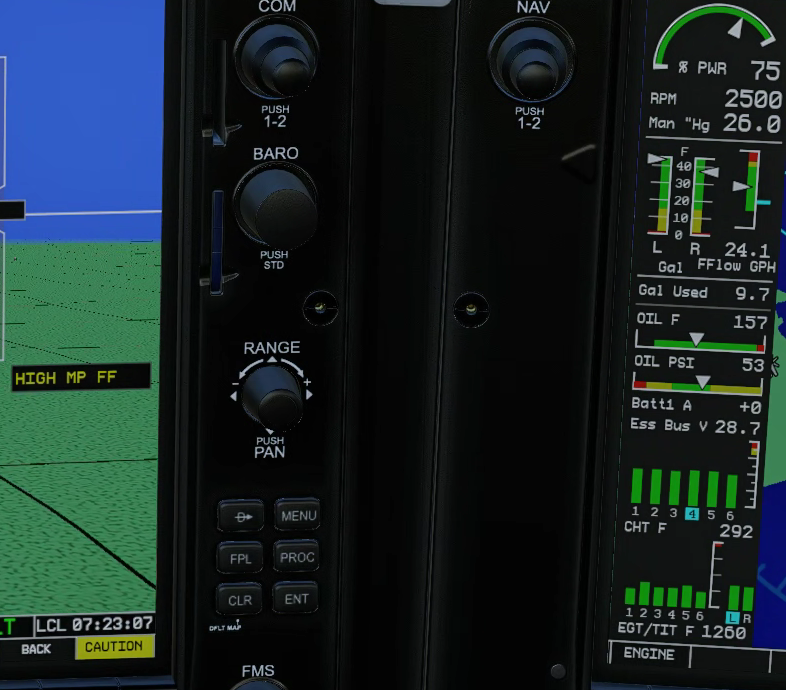
It's been a while since I've flown the SR22, but with the new update, I figured I'd give it a try. 1 - The CAPS cover and pin can both be removed with no problem. The pin can not be replaced, the cover can be replaced no issue. If I hover mouse over the pin in the center console. the pointer goes 'live', but clicking does nothing. If I go into the dataref tool, and toggle afm/sr/caps/pin, the pin gets removed/replaced fine, just with the mouse click it does not work. 2 - Any power setting over 26", I'm getting a high MP/FF alert. That seems very low. A bug? Or more likely, am I doing something wrong? Thanks, GolfCharlieTango
-
Take Command: CitationJet 525 v1.1.0 Update Released!
GolfCharlieTango replied to Cameron's topic in CitationJet 525
Setting the radar alt to 0 solved the minimum call out, at least for me. Now if I could just figure out the volume issue with the pass briefings Thanks for the help, much appreciated -
Take Command: CitationJet 525 v1.1.0 Update Released!
GolfCharlieTango replied to Cameron's topic in CitationJet 525
2 other very minor things I noticed. - When you turn the avionics switch on, you hear the "minimums" call out. Not sure if that's normal. - Passenger briefing volume is extremely low, almost nothing. I've tried all sound sliders, and the volume slide control on the left console, nothing helps -
Take Command: CitationJet 525 v1.1.0 Update Released!
GolfCharlieTango replied to Cameron's topic in CitationJet 525
The above fix worked like a charm, thanks! -
Worked great. Thanks for posting.
-
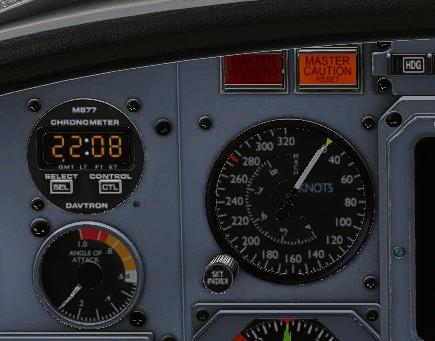
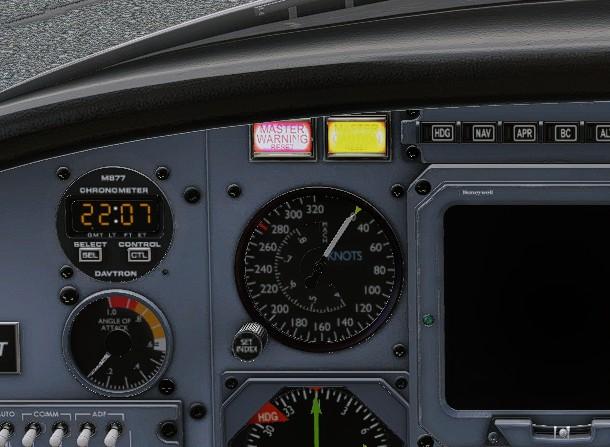
I've also noted, that when "off', that caution light looks lit, compared with other aircraft I have. Until you look at it when it is really lit. Then it makes sense. Had me confused for a while.
-
Thanks Coop. I found the issues. The stdby gyro circuit breaker had popped for some reason. I reset that, and just completed a 3 hr flight with no issues. I did verify that the pitot/aoa covers only show failed when those covers were in place. Thanks.
-
I just went thru all the failures, and also noticed these (and yes, I did have the pitot heat on) autopilot servos marker beacons aoa indicator pitot tube 1 & 2 blockage I can clear all failures, and it will happen again next flight. Log.txt
-
Standby gyro keeps failing, I can turn it off, and back on, and it'll be good for maybe 10 minutes, and fail again. I've turned all de-ice on, but it didn't help. It's gotta be something I'm doing wrong. Any ideas?
-
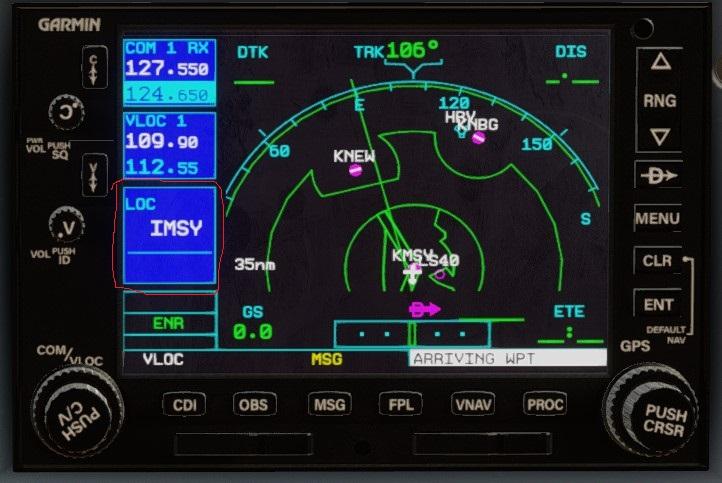
Thanks. You got me thinking. I just checked several other aircraft, the gns530 is working fine in those. Could it be a switch I'm missing? Anyone else see this? What I'm expecting to see.
-
Next flight item 1 is resolved, no idea why? Still issue with gns530.
-
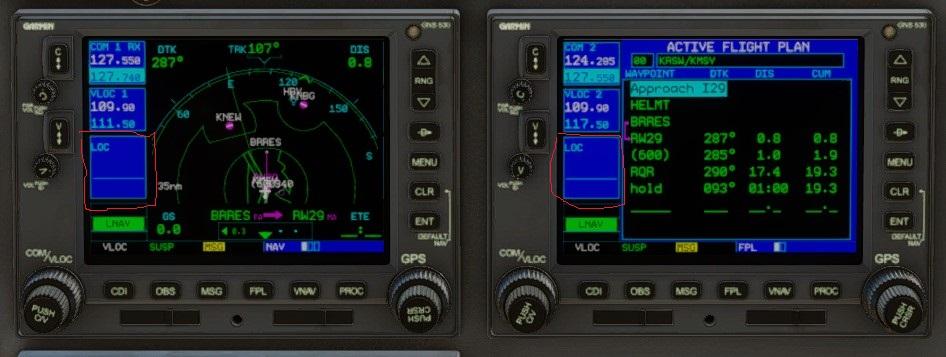
listening to atis on com2, works fine. When I turn com2 off, I can still just barely still hear atis. Only way to eliminate it, is to change freqs. getting ready to set up an ILS approach, dialed in the appropriate freq on the gns530 1 & 2. All the way to the airport, I never saw the localizer ID on the gns530. It did capture the ILS, and followed the GS down with no problem. Is there a switch I'm missing?
-
cool, thanks
-
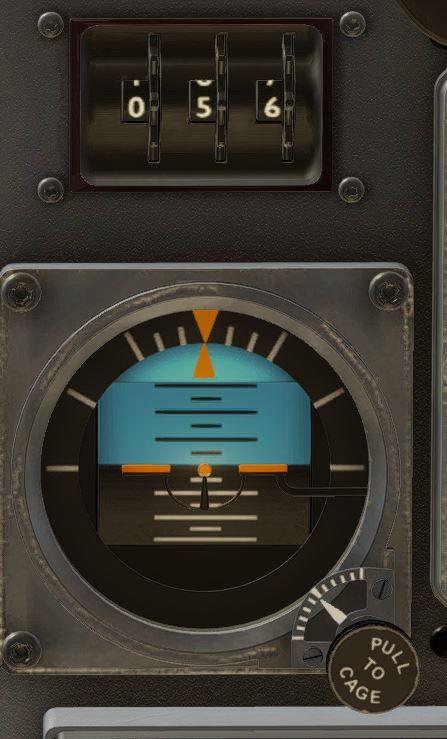
Great plane.. Any idea what these 3 dials are for above the standby gyro?
-
SR22 G1000 v2.0.0 won't load ** RESOLVED **
GolfCharlieTango replied to GolfCharlieTango's topic in G1000 SR22 Series
Problem is resolved. I upgraded my PC. Not because of this issue, just because it was time. Gigabyte Z790 Master, I9-13900K, DDR5 ram, new SSDs. Plane loads and flies fine now. I don't know if it was the hardware, or a new install of Windows 10. But I'm flying now......
