



birdy.dma
-
Posts
508 -
Joined
-
Last visited
-
Days Won
12
Content Type
Profiles
Forums
Latest X-Plane & Community News
Events
Downloads
Store
Everything posted by birdy.dma
-
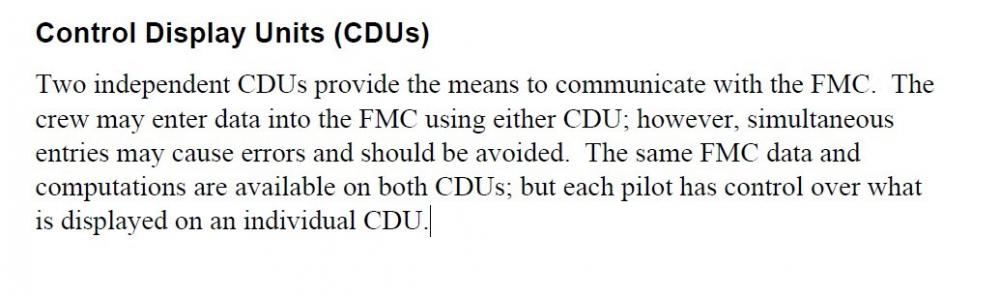
1- Same AIRACS (same provjder, same cycle). 2- If you load a coroute flight plan, you must have the exact same flight plan in both folders. 3- The pilot entering the flight plan is too quick, and/or his computer is much faster than the other one (+ internet lag): the exec light was enlightened in one cockpit only when the pilot entering the route hit on exec. 4- Our sim is perfect for a crew of 2: cross check (see pictures), and hit exec only when your receive exec ready or something else from your copilot. 5- In the 1.4.9 zip are procedures i have printed and hooked. I use them with success.

-
I have received complains from other friends about the 1.4.8 release. When slave have commands on ground, even with full throttle, the plane(s) don't move. My bad. Here is the 1.4.9:
-
May be an answer here:
- 2 replies
-
- 1
-

-
- smartcopilot
- copilot
- (and 2 more)
-
Here is an idea of MadMckMax: I have done a part of the job. If there is any interest, please modify and share. At some point in case of consensus, i should add the procedures in the smartco.zip. Claude. Procedures for a shared cockpit.zip
-
Not sure. Ask to my wife.
-
I did a successful long flight with the 1.4.8 (post 1 updated just now).
-
Better or worse?
-
Does this occurs with the 1.4.5 file? Autopilot or flying by hand? Edit: i have found something. if i am right, i will publish something tomorrow (12 H zulu).
-
just tested with the 1.0.7 release. Nothing special. Limitations are descibted in the readme. Happy landings. Claude.
-
Skymaxx + RWC + FSGRW +Smartcopilot_without weather works. Of course, each pilot must have and launch Skymaxx + RWC + FSGRW
-
Yes Sir.
-
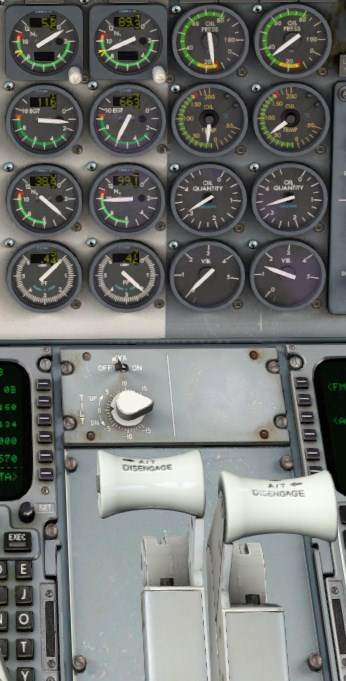
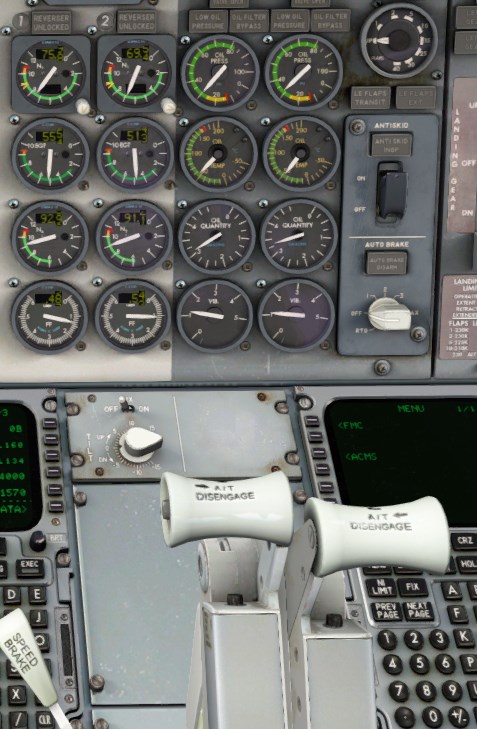
Hey Mister FO, have you ever restarted an engine during a real flight ? No Sir, only on ground in our company’s sim. It’s the third rotation today. A boring flight. I close the fuel valve of engine 1. (we are at crz level). Autothrottle remain engaged, both levers move forward, the left one a little more Engine 1 restarted, left lever is always a little forward. The speed remain at exact same value all along the process. Edit: not true at a higher level and speed. Now, during approach, and for some reason, we have to join our alternate. Mister FO please, punch on OTHER DEP, and insert the waypoints of the SID in our current flight plan. Damned Sir, it is not implemented (and not on the todo list). Ok, ask for a vector or a DCT TO. Captain, it’s late, the IVAO controler is going to bed. Ok, it’s time for us also. Disconnect and good night. Claude. Engine 2 only 2 engines 2 engines again

-
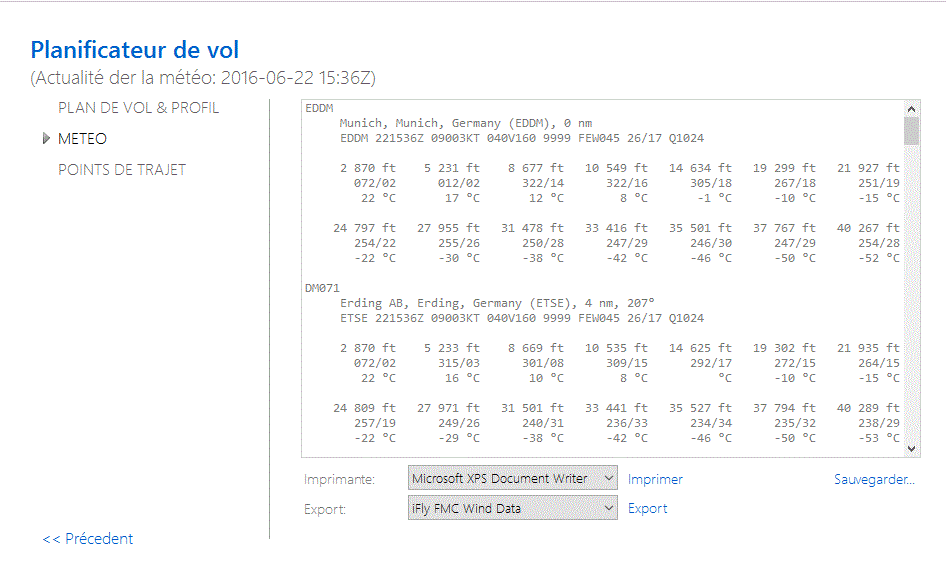
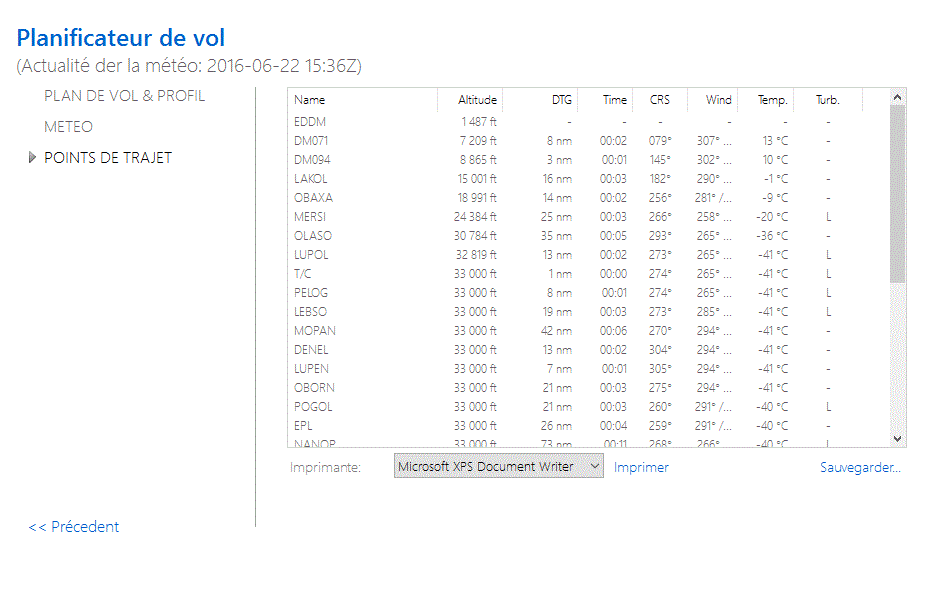
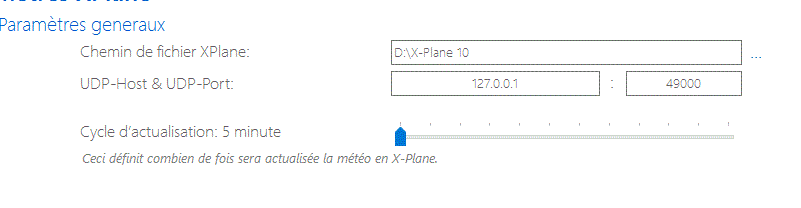
X Plane weather is refreshed each hour. With FSGRW, you have the choice between 5 and 60 minutes. You have the weather all along your flight plan. If your are too lazy to calculate the ISA Deviation, you can enter the Top of Climb OAT as you have the knowledge of this value. (Classic / perf init page). After the 10.50 release, it will manage the turbulence, and probably the troposphere as there are 2 new datarefs for that. Over oceans, FSRGW create virtual weather stations (interpolate weather between 2 very distant stations). Some pictures in French, but English and Deutch are available. FSRGW is friend with the Sundog's plugins. But, it's not free.

-
New tips here:
-
Here: http://fsgrw.freeforums.org/x-plane-10-50b1-t541.html and here: http://forums.x-plane.org/index.php?/forums/topic/104910-inject-weather-fsgrw/ claude.
-
Hi jatar, If connection is lost (a quirk of internet), quickly pause both sims. Try to reorder you pits (fms, mcp etc), connect and leave the pause. If you are lucky, you will land. If not, it will be a disaster movie.
-
Hi M4cD, It's a VOR. Set it on NAV1 or 2.
-
New files available in the first post.
-
I don't know. We could may be find something in your logs.txt. Post both.
-
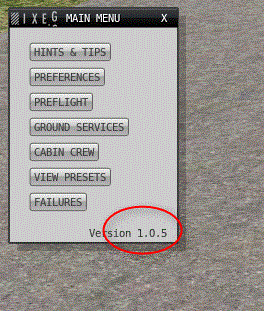
Here is the problem: 2016-08-06 15:49:23.995 ERROR UPDATE FAULT - DR's are not equal I am out of ideas. Check your version of the plane, and of course the smartcopilot file. You must have the exact same file. Smartco read the DataRefs.txt and the Commands.txt (In Ressources / Plugins). They should not be different, but, in case, delete them (back up), and launch the updater. It will recreate them with a fresh copy from Laminar. But, as the Baron is OK,, and nobody modify those files, there will be probably no difference.
-
Update failed: there is something different between your sims : 1.0.4 vs 1.0.5, X Plane 10.36 vs X Plane 10.45, xjoymap.ini vs no xjoymap.ini, lua script, or something else creating commands or datarefs. Can't find DataRef: this is only a warning in the log file Waiting for a readme included in the .zip, here is a checklist: Before the connection Same state of the plane. fuel, payload, CG, Cold and dark, Turn Around, Ready to fly. After the connection If cold and dark, don't use the carts, APU only. Elevator trim with joystick button only (no mouse). Airbrakes with mouse, joystick button, keyboard (no axis). Guards and gear door are not synchronized. Each pilot have to open/close them. smartco 1.4.3.zip
-
Thank you. Just send you an email.
-
Wind noise sudden cutoff in cockpit with windows open
birdy.dma replied to Zeke*Earl's topic in Bug Reports
Good day Litjan, With the next version can we expect some improvements for the shared cockpit? Claude. -
Good idéa.. I can also join a read_me in the .zip. I just need a help, as my English is sometimes unclear. cmbaviator are you with me for o proper translation?
-
Probably better with FSRGW, and depend of the settings of SMP, as they are probably différents.
