alstr
-
Posts
36 -
Joined
-
Last visited
Content Type
Profiles
Forums
Latest X-Plane & Community News
Events
Downloads
Store
Everything posted by alstr
-
The 'terrain, terrain' warning in this aircraft sounds like it is spoken by some text to speech engine. It sounds a bit odd, though I can't say what the real deal sounds like either, so I'm just guessing here. Just wondering what the situation was and if it can be improved. (Yes I know you can just not fly near terrain).
-
I'm guessing TorqueSim is aware of this. Will it be fixed in the next release?
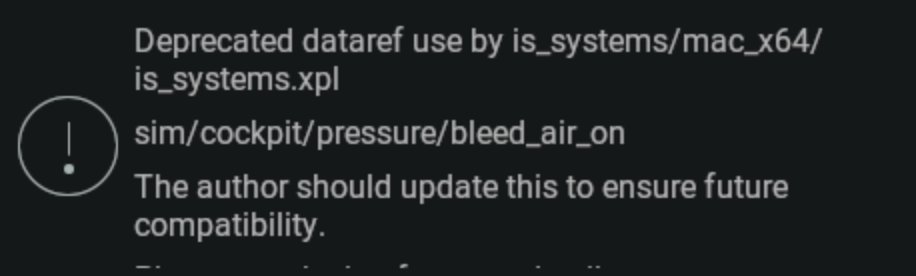
-
I can cope with it, but that's good news about the update. It periodically crashed under the same circumstances with older versions anyway, just not as much.
-
Here. It always crashes at the same time. Log.txt
-
Hmmm... the crashing has returned. Is anyone able to elaborate on what 2026-01-21 14:40:23 CL650[cabin.c:322]: assertion zone->T_air < ((2500) + 273.15) failed (128882698720.679611 < 2773.150000) relates to exactly, so I can maybe experiement with ways to avoid it? I've tried checking datarefs for crazy values.
-
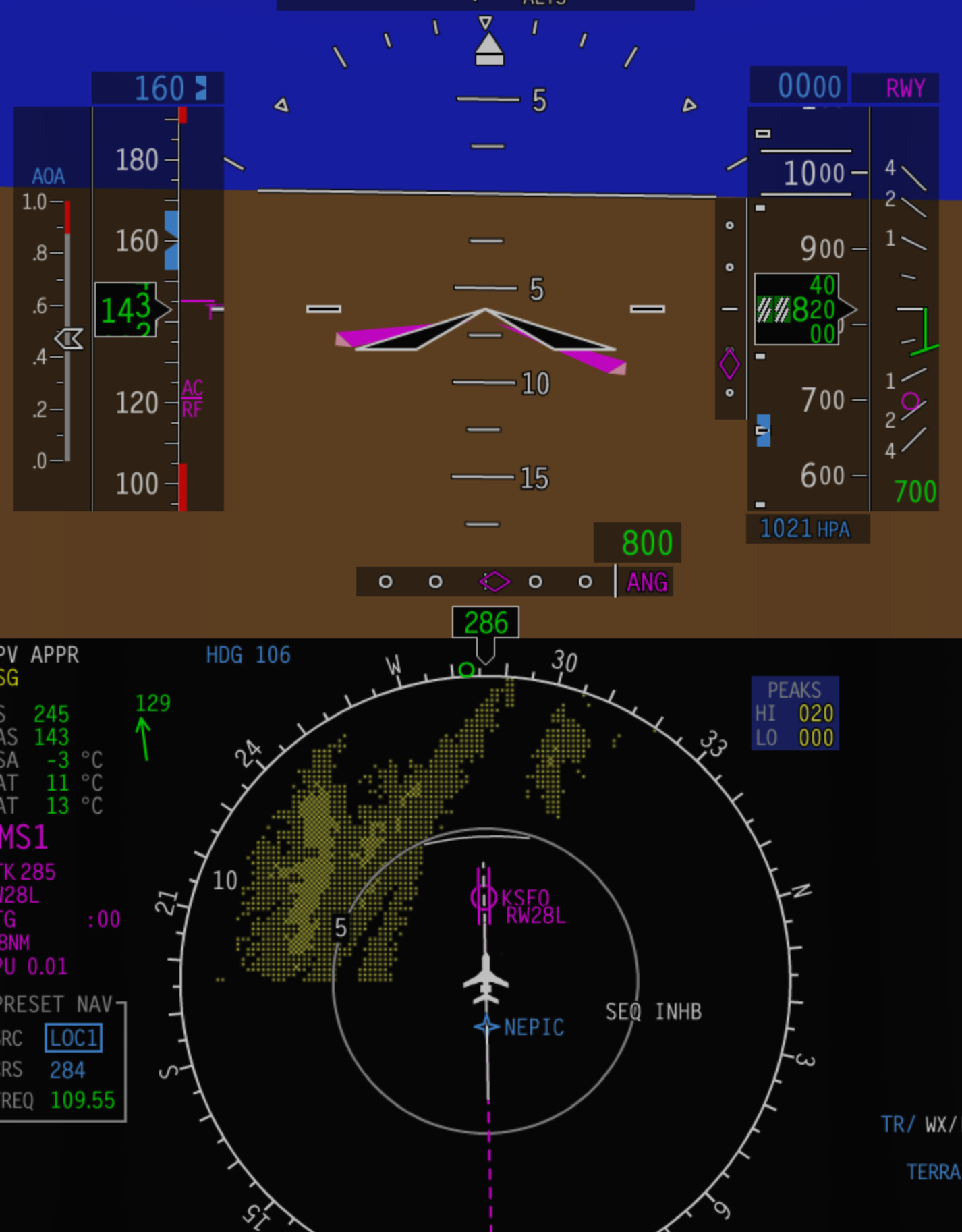
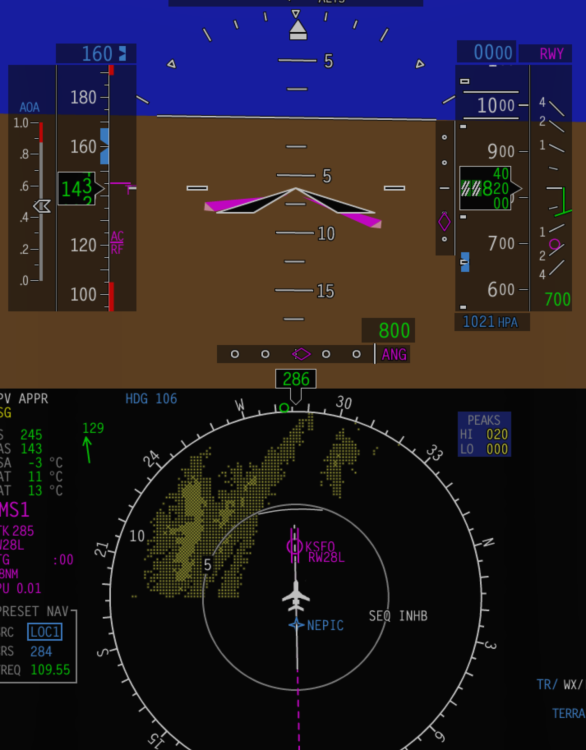
Not sure if this is the aircraft or X-Plane, but it's a bit weird. You can load up a save on final approach and get warnings about 100kt winds (as below).
-
Update: I have had no crashes since removing Traffic Global, when they were previously a frequent occurrence, so there is a problem somewhere related to that. Whether it’s TG directly or how it interacts with this aircraft I don’t know.
-
Yes, I believe so. It looks like there’s a ridge at the top of the runway that seems to trigger these warnings unless you go over it at reduced speed. I think most of these issues, bar the loading issue, are mesh related. Shame because the default X-Plane airport has many problems and visually this payware one looks great. It has been relayed to the developer. I'm still not sure whether any tyre was actually blown, because like I said the aircraft landed fine.
-
The tyres blowing I do believe is particular to this airport's mesh. Going over a ridge in the runway seems to set off a chain reaction. It doesn't happen with any other aircraft I've tried though, and the Challenger doesn't show it as a failure.
-
That's what I've done. So far no crashing. But also no traffic obviously, and I would ideally like to keep it. I've already been through the support process with Just Flight and the logs always reference the Challenger so thought there must be something on that side causing it.
-
Crashing has definitely escalated recently. It crashed twice again today in a short flight. Both times seemed to be triggered when changing or moving the camera. I would post the crash log but it's the same kind of thing as above so I never saved it. I'm not sure if there's a conflict with Traffic Global somewhere. I've read of others having issues under the same circumstances. Since I added that things have gotten worse (though it still crashed before).
-
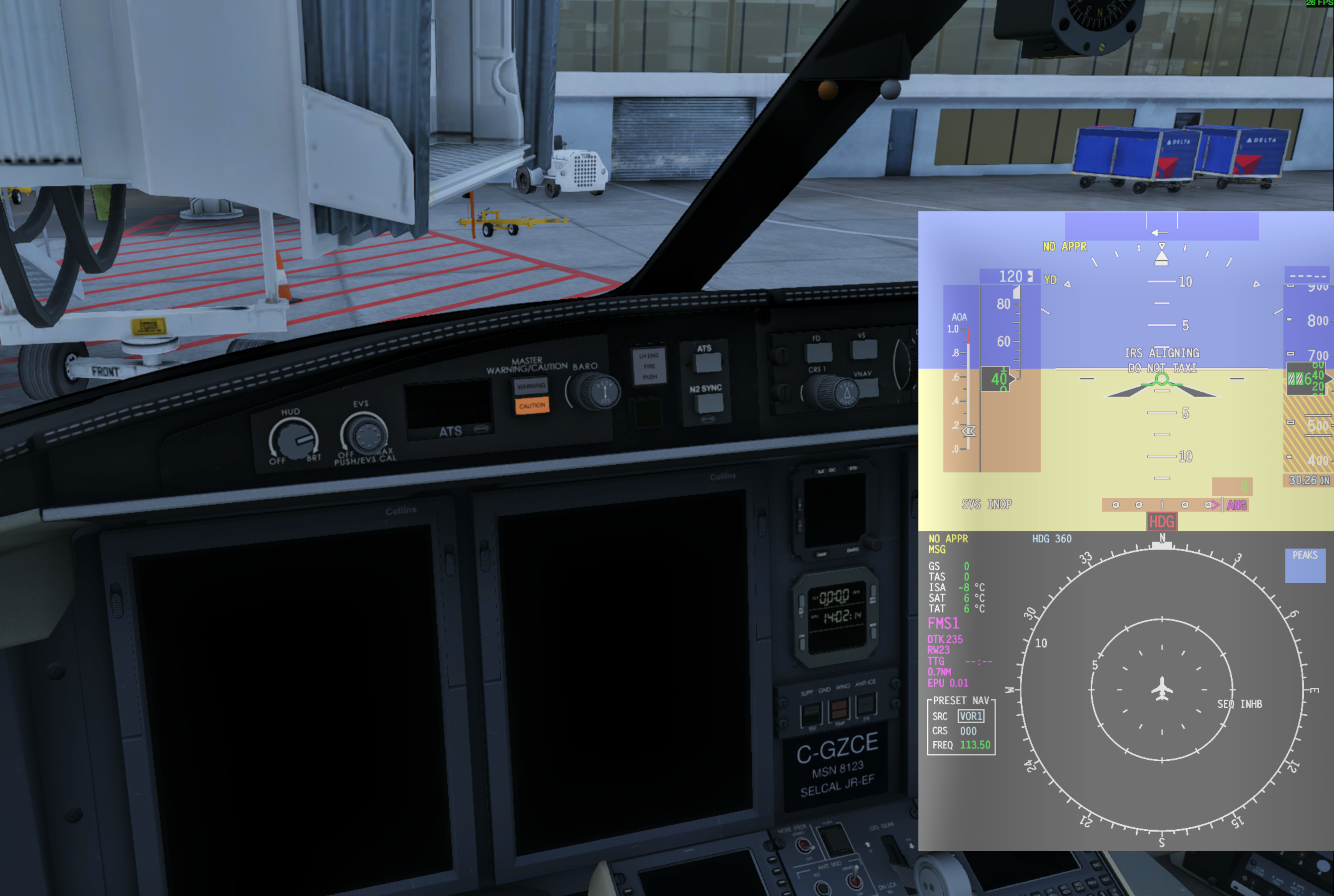
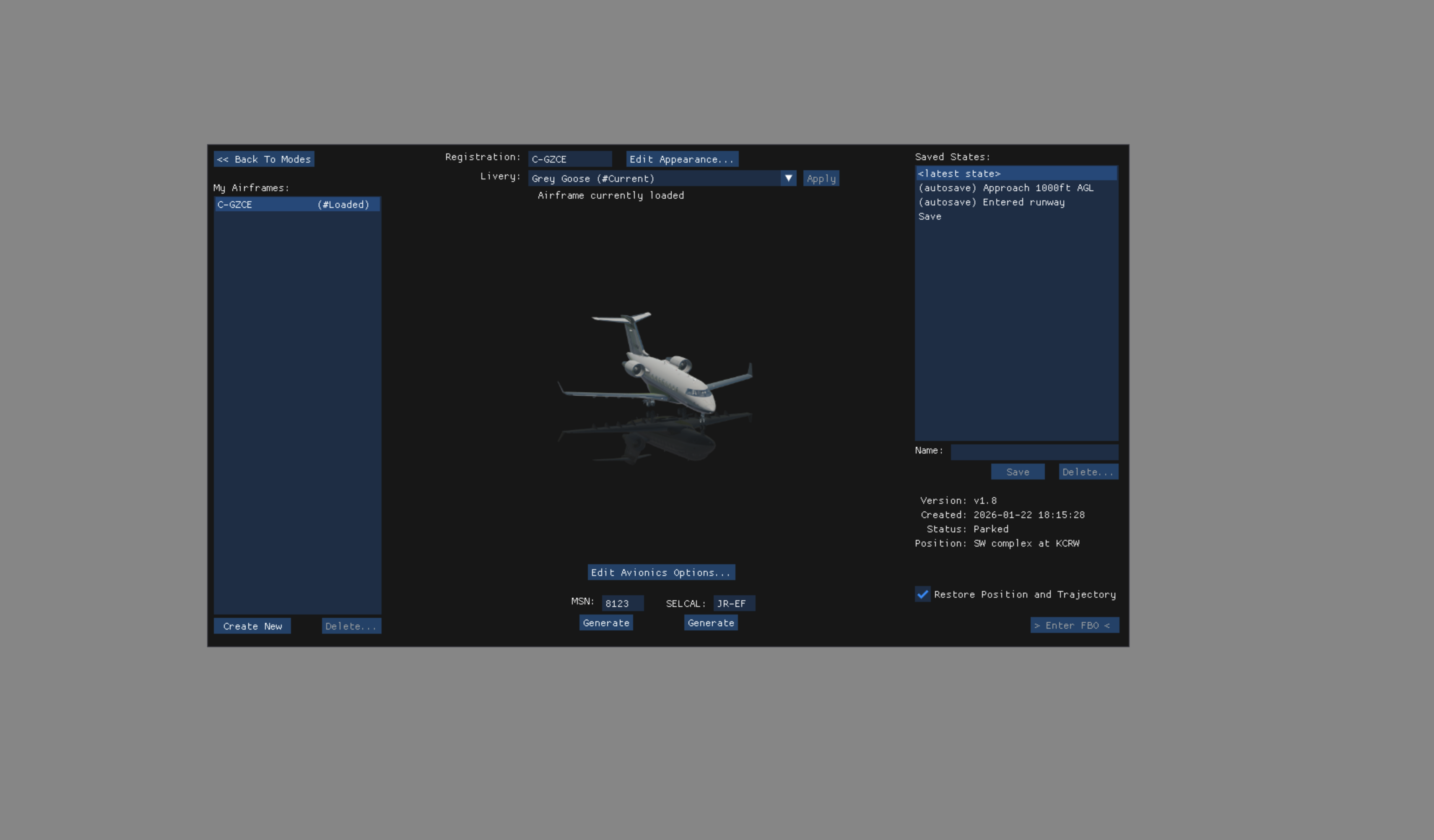
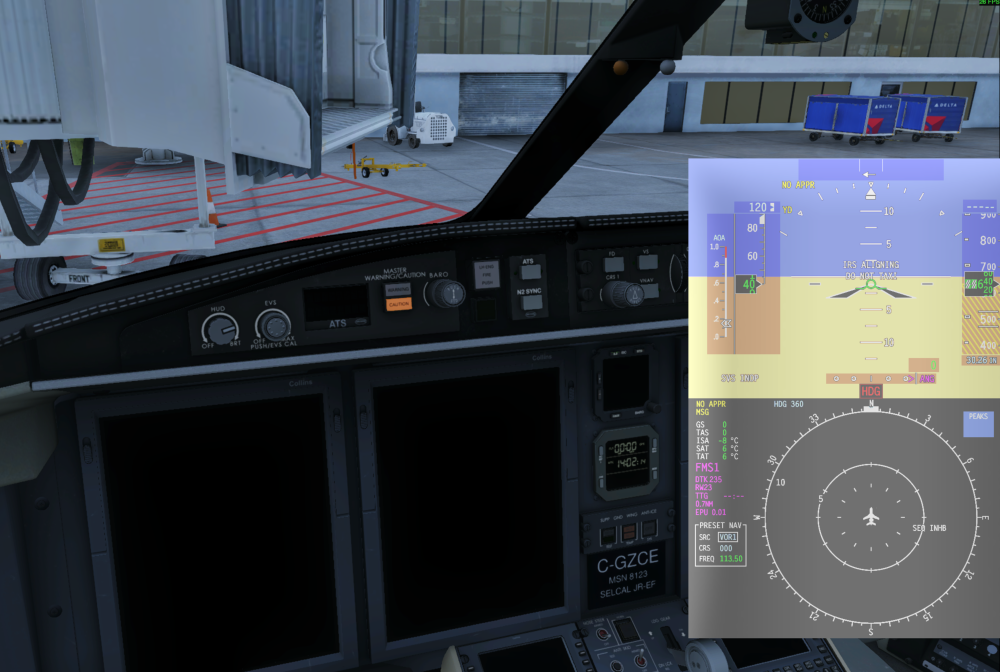
New one today. I started up the battery and APU and I got nothing on the cockpit displays, despite the pop out one working fine. It could be a brightness bug, as it went overcast dark outside, but I cranked the brightness and still nothing. The AviTab brightness was definitely darker than normal but I could still see it on max. Everything else though was impossible to see. I reloaded and the exact same problem. In the end I had to create a completely new airframe.
-
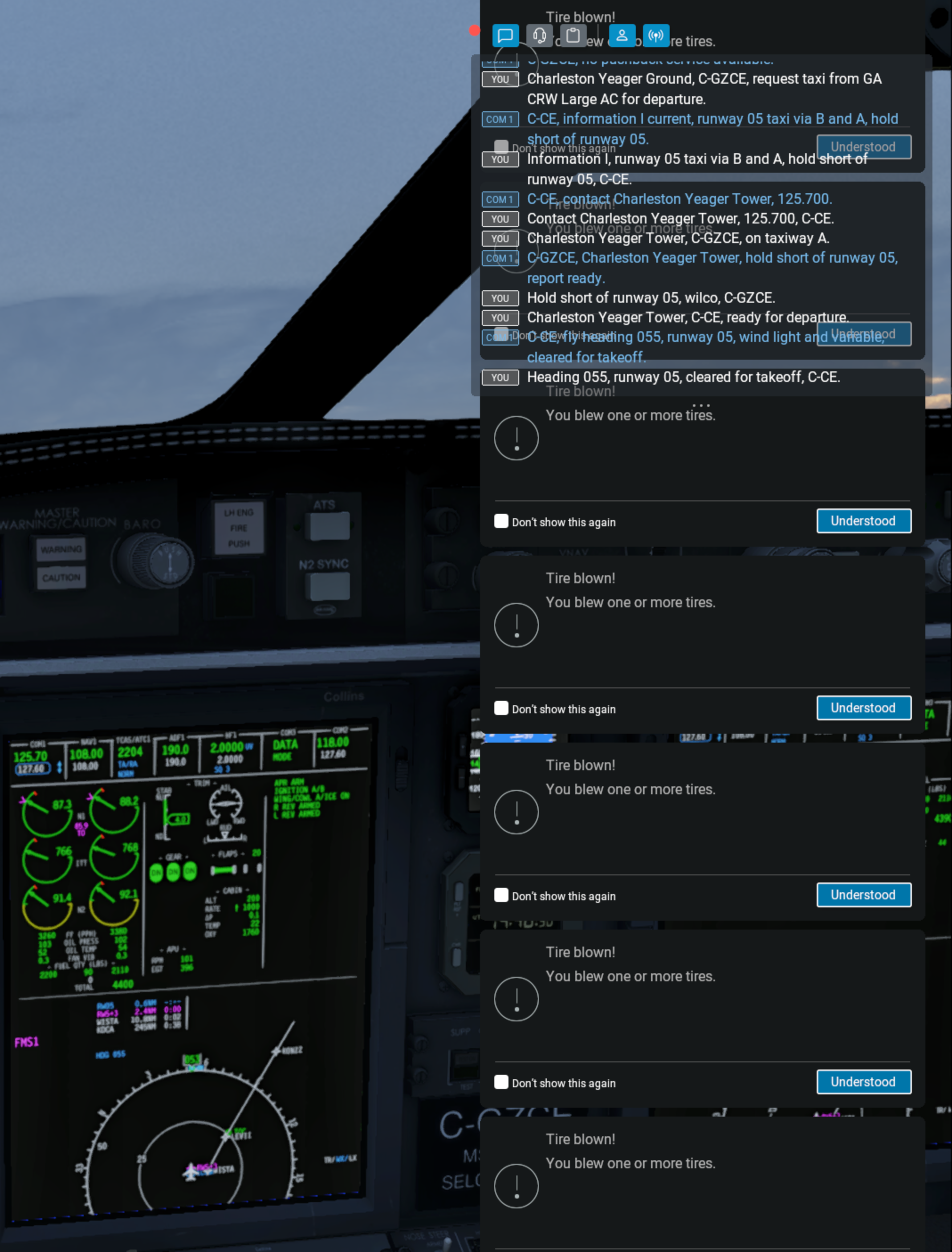
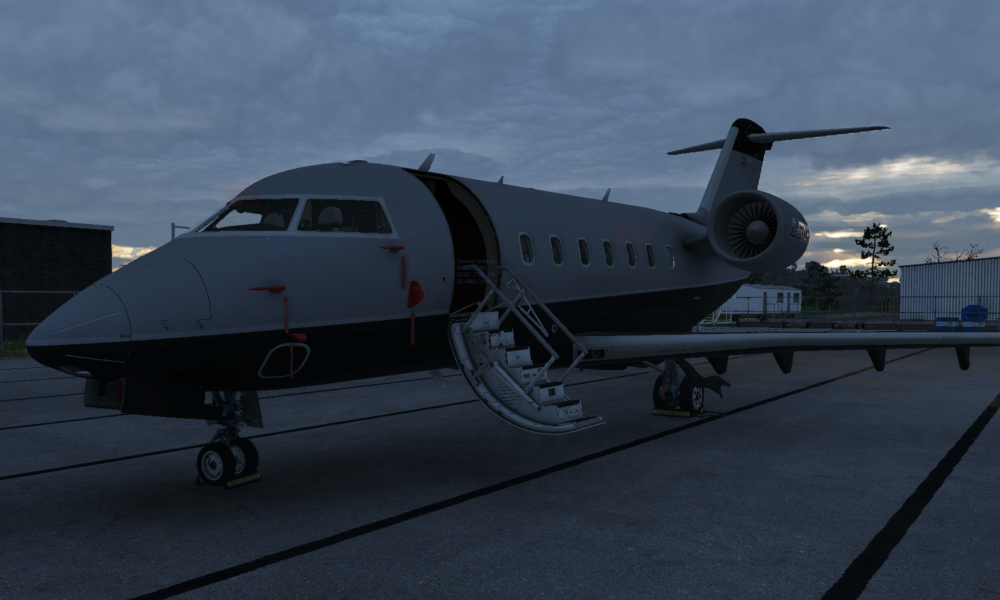
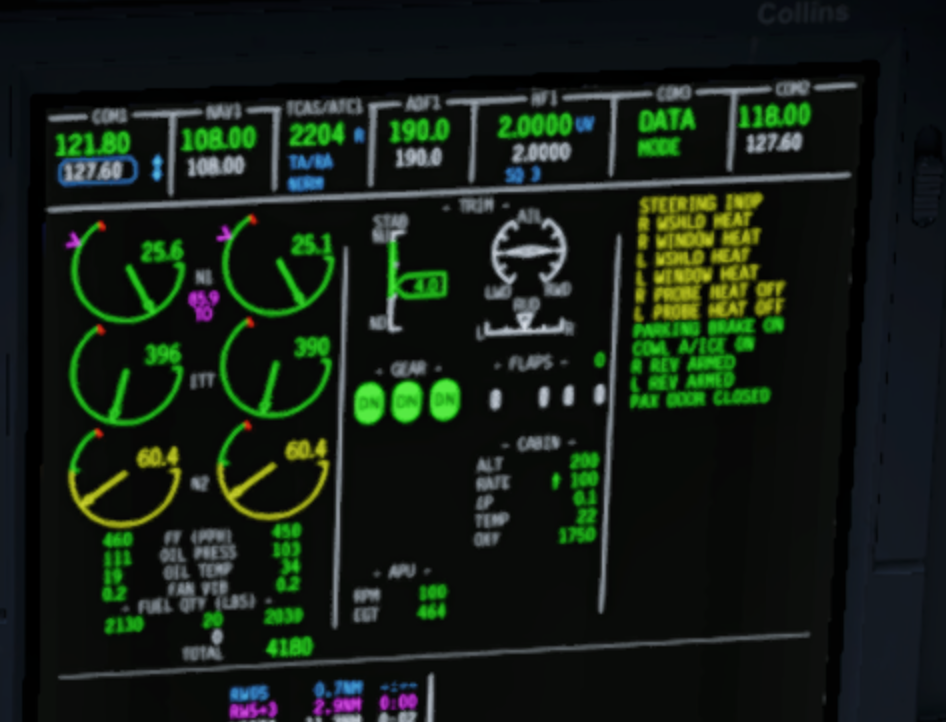
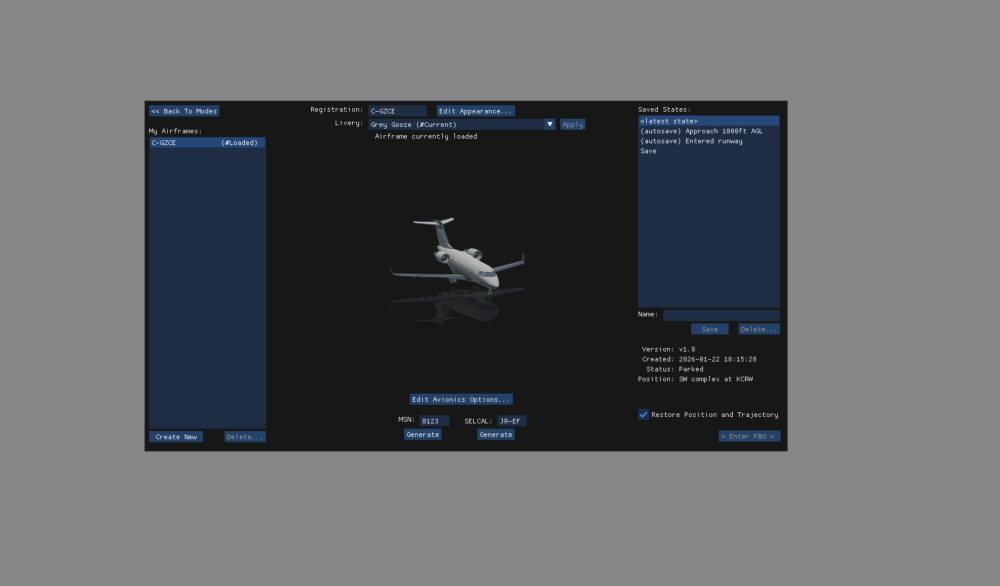
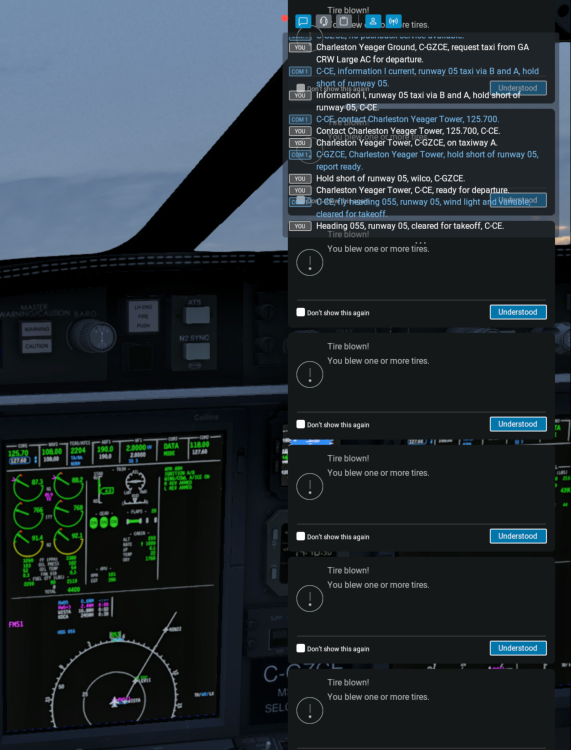
Incredibly weird series of events today. What should have been a short hop on a Saturday afternoon between KCRW and KDCA turned into hours of restarting and weird bugs. First, when I loaded up the sim I noticed the landing gear looked very strange, with the nose gear at a 90 degree angle and the main gear twitching. I didn't leave it like that. This was a new scenery I had loaded, Yeager, which has quite a detailed custom mesh, but I don't know if that was the problem. I think the aircraft seemed to think it was in flight. gear.mov I tried reloading the aircraft, but when you reload aircraft, it is impossible to spawn because the button is greyed out? So I had to completely quit X-Plane. In any case, I created a completely new airframe, that must solve it surely, and I spawned at different location in the same airport. Again the gear was screwed up. When I started taxiing I had a 'steering INOP' message and nose wheel steering didn't work until I re-toggled that switch. On takeoff, I blew every tyre, losing control quite a bit, and X-Plane produced about 100 popup windows to tell me, which took about 3 minutes to clear off the screen. I reloaded it to before takeoff and the exact same thing happened so I just had to takeoff. I checked failures and there was nothing listed... takeoff.mov (The front gear missing was just X-Plane's replay mode not showing it for some reason). When I landed the tyres were fine. I am not saying all of these are the fault of the CL650, but it was odd.
-
I had it happen again just now before taking off, I've attached a log. The first time was maybe a rounding error but the differences being referenced here are absurdly large: 128882698720.679611 < 2773.150000 Log.txt
-
Another crash when getting ready to taxi for takeoff; X-Plane 12.3.3. Presumably same diagnosis. 2026-01-21 14:40:23 CL650[cabin.c:322]: assertion zone->T_air < ((2500) + 273.15) failed (128882698720.679611 < 2773.150000) 2026-01-21 14:40:23 CL650[except.c:120]: Caught SIGABORT: abort (0x18203b5b0) Backtrace is: 2 libsystem_platform.dylib 0x000000018207f744 _sigtramp + 56 3 libsystem_pthread.dylib 0x0000000182075888 pthread_kill + 296 4 libsystem_c.dylib 0x0000000181f7a850 abort + 124 5 systems.xpl 0x00000003543da494 asn1_check_version + 335736 6 systems.xpl 0x000000035363024c XPluginReceiveMessage + 241644 7 systems.xpl 0x0000000353630f4c XPluginReceiveMessage + 244972 8 systems.xpl 0x000000035362feb8 XPluginReceiveMessage + 240728 9 systems.xpl 0x000000035398c27c XPluginReceiveMessage + 3764252 10 systems.xpl 0x0000000353c9b98c wfETC1_DecodeImage + 341304 11 libsystem_pthread.dylib 0x0000000182075c08 _pthread_start + 136 12 libsystem_pthread.dylib 0x0000000182070ba8 thread_start + 8 --=={This application has crashed!}==-- (Art controls are modified.) 2026-01-21 14:40:23 CL650[except.c:117]: Caught SIGSEGV: segmentation fault (0x1e0) Backtrace is: 2 libsystem_platform.dylib 0x000000018207f744 _sigtramp + 56 3 systems.xpl 0x000000035372545c XPluginReceiveMessage + 1245692 4 systems.xpl 0x00000003537255c4 XPluginReceiveMessage + 1246052 5 libsystem_c.dylib 0x0000000181f2942c __cxa_finalize_ranges + 480 6 libsystem_c.dylib 0x0000000181f291ec exit + 44 7 systems.xpl 0x0000000353c71490 wfETC1_DecodeImage + 167996 8 libsystem_platform.dylib 0x000000018207f744 _sigtramp + 56 9 libsystem_pthread.dylib 0x0000000182075888 pthread_kill + 296 10 libsystem_c.dylib 0x0000000181f7a850 abort + 124 11 systems.xpl 0x00000003543da494 asn1_check_version + 335736 12 systems.xpl 0x000000035363024c XPluginReceiveMessage + 241644 13 systems.xpl 0x0000000353630f4c XPluginReceiveMessage + 244972 14 systems.xpl 0x000000035362feb8 XPluginReceiveMessage + 240728 15 systems.xpl 0x000000035398c27c XPluginReceiveMessage + 3764252 16 systems.xpl 0x0000000353c9b98c wfETC1_DecodeImage + 341304 17 libsystem_pthread.dylib 0x0000000182075c08 _pthread_start + 136 18 libsystem_pthread.dylib 0x0000000182070ba8 thread_start + 8 --=={This application has crashed!}==-- (Art controls are modified.)
-
I will take a look, thanks. Side note, another weird camera issue has started the last couple of flights. These last two times just before takeoff the camera has gone really janky, where any joystick input or braking makes the camera shake around like crazy. Again there’s a chance this is just X-Plane rather than the aircraft. I couldn’t get it to stop despite switching views multiple times, so I had to restart (which then turned my engines off for some reason). I’m currently mid way through a flight where this juddery movement started and I didn’t want to restart so we’ll see how landing goes. Also I just discovered the fuel guy bangs on the door if you lock him out. Nice touch.
-
Looks like I was red lining the engines.
-
I bought this today and really like the look of it. The only problem is I haven't been able to get beyond a 1 mile radius of the airport yet... I've followed the checklist exactly, getting everything set up and ready for takeoff. Shortly after I take off though the left engine loses torque and fails, followed by the right. I have enough fuel, battery power, etc. What stupid thing am I doing wrong? replay_compressed.mov
-
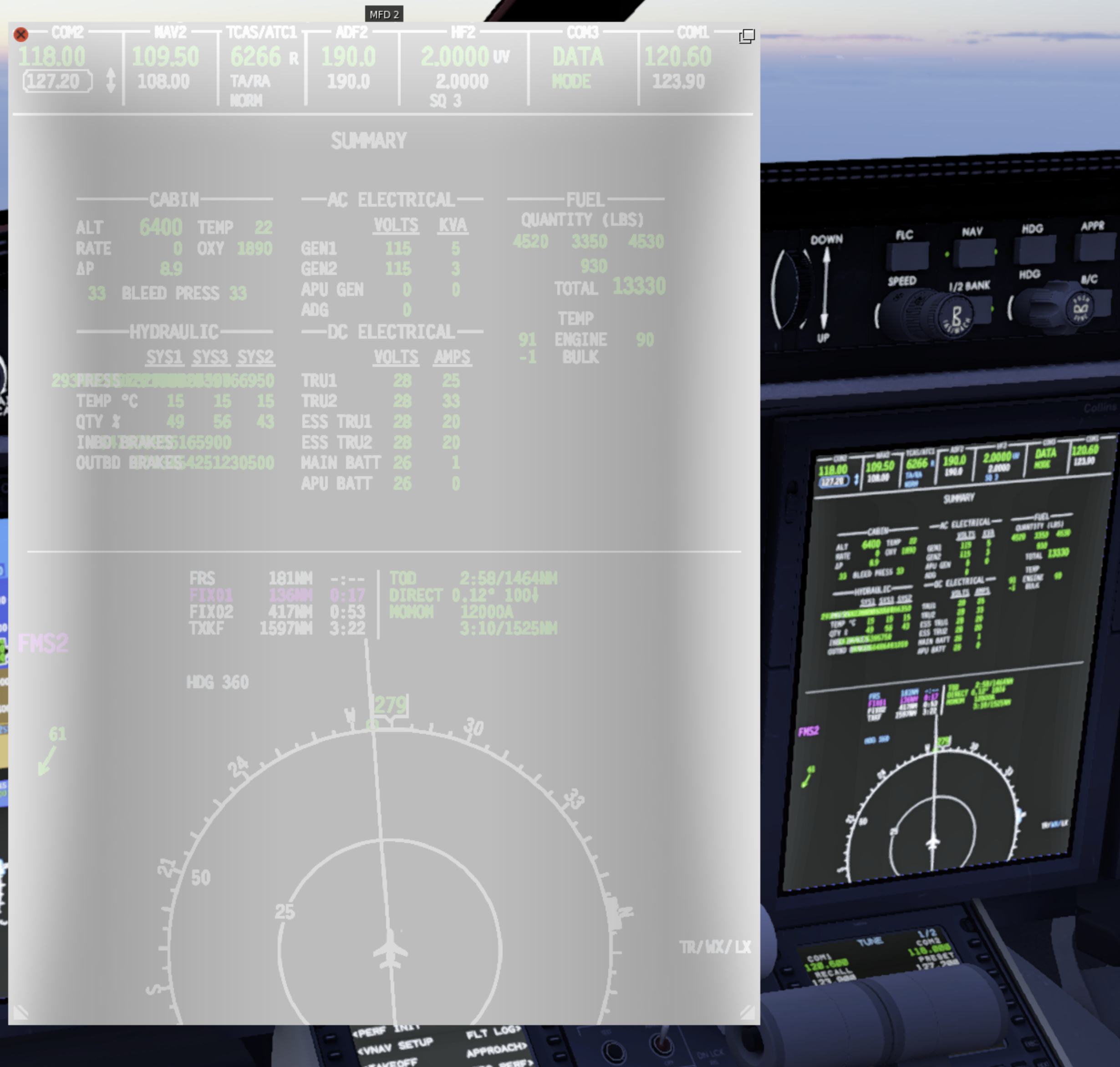
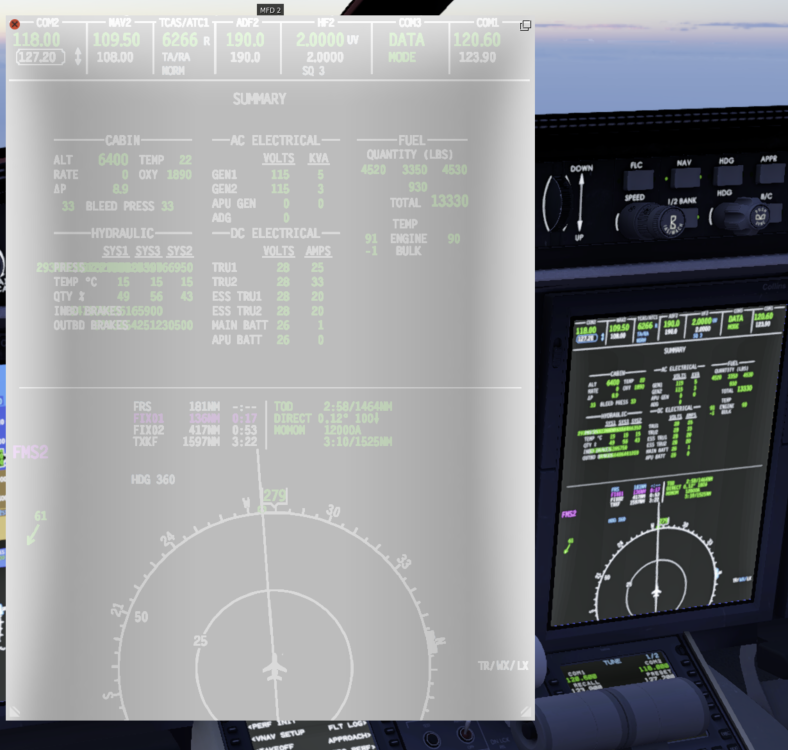
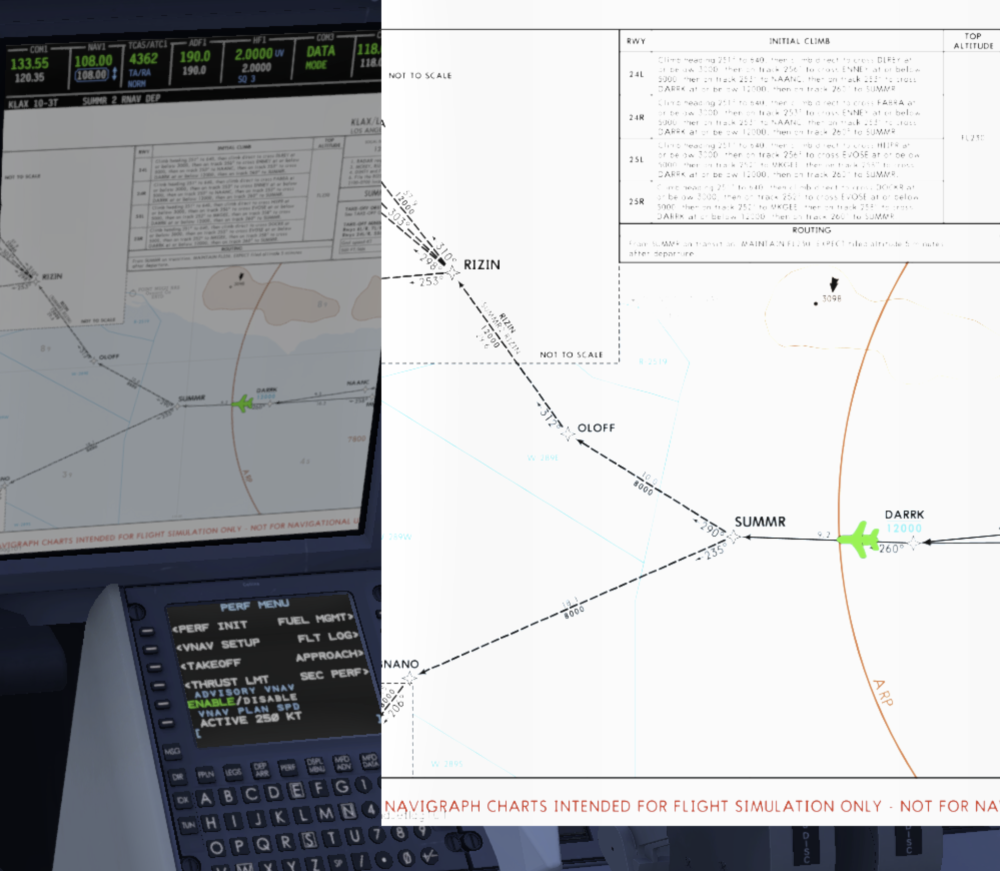
Is there meant to be a discrepancy between the brightness of the cockpit screens and the pop-out ones? It makes reading difficult without excessively fiddling around with brightness controls. (And of course this screenshot shows the now regular issue of the hydraulic summary having gone crazy). Maps in particular are very difficult to read at times. I find brightness of displays/lighting quite a challenge to manage in general compared to other aircraft. The overhead panel lights on bright look like the aurora borealis. I'm sure some of this is X-Plane.
- 1 reply
-
- 1
-

-
I thought I tried that and it didn't work, but I'll see next time.
-
I have noticed on a number of occasions that walkaround goes into a weird state where it is constantly moving and you can't stop it. Moreover, the directions seem to get inverted, to the point that whatever you're looking at you're actually moving away from. Take a look at the attached video. That's not me walking drunk; that's the sim going crazy, with me just spinning the camera around trying to find some semblence of control (thankfully walls do stop you). You can see I immediately backed out of the FBO on entry, because of it moving in the opposite direction. It's a battle to get any kind of control, and the only solution I've found is restarting the whole sim. When I reach the FBO exit to main menu, you can see the camera keeps moving. X-Camera is disabled. This admittedly may be a Laminar camera bug, but thought I'd see. It seems to randomly trigger when leaving the captain seat. 80% of the time walkaround is fine, but this does happen every few flights. walkaround_compressed.mp4
-
Fair enough. Hoping for full native Mac support one day.
-
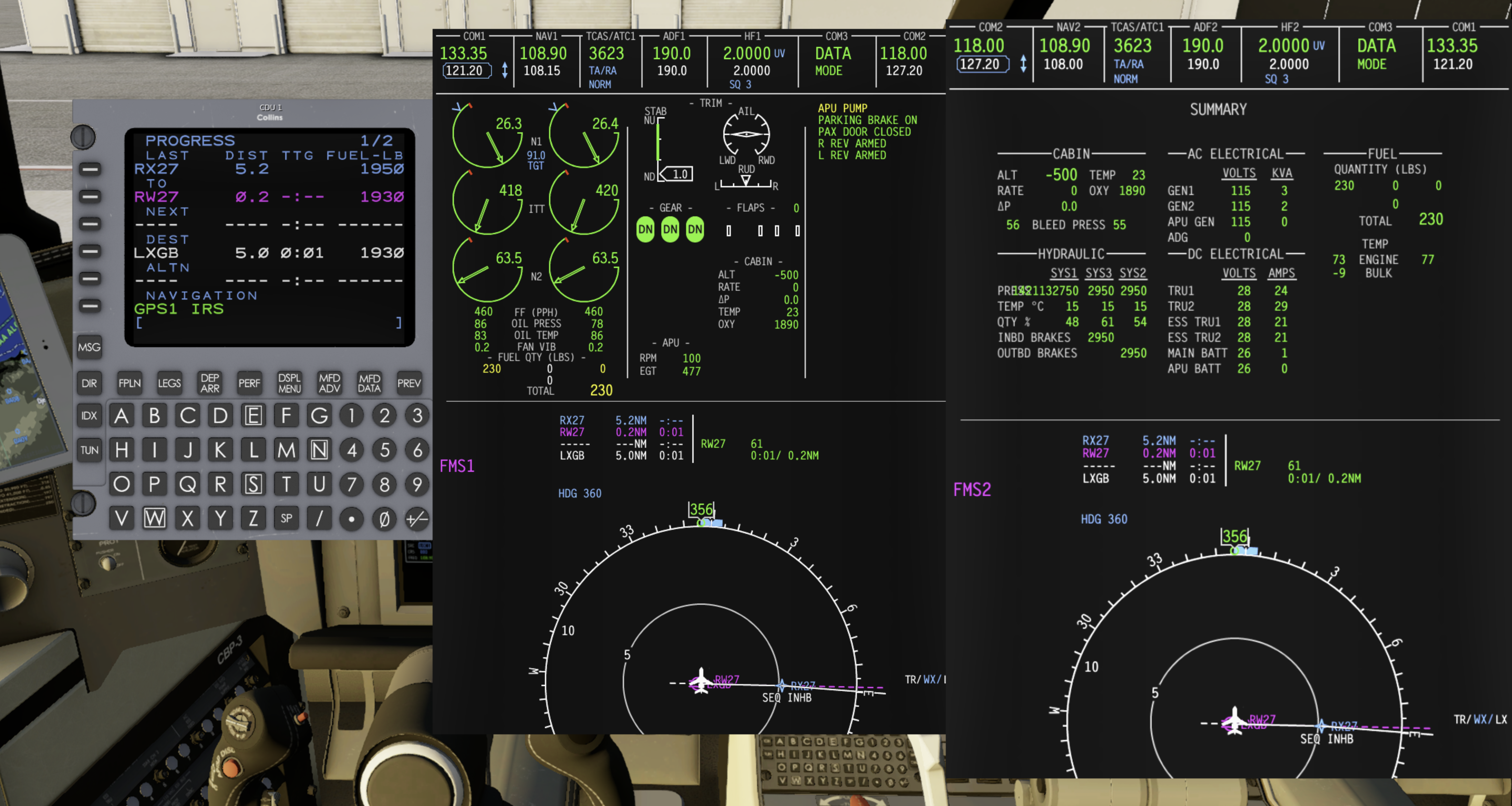
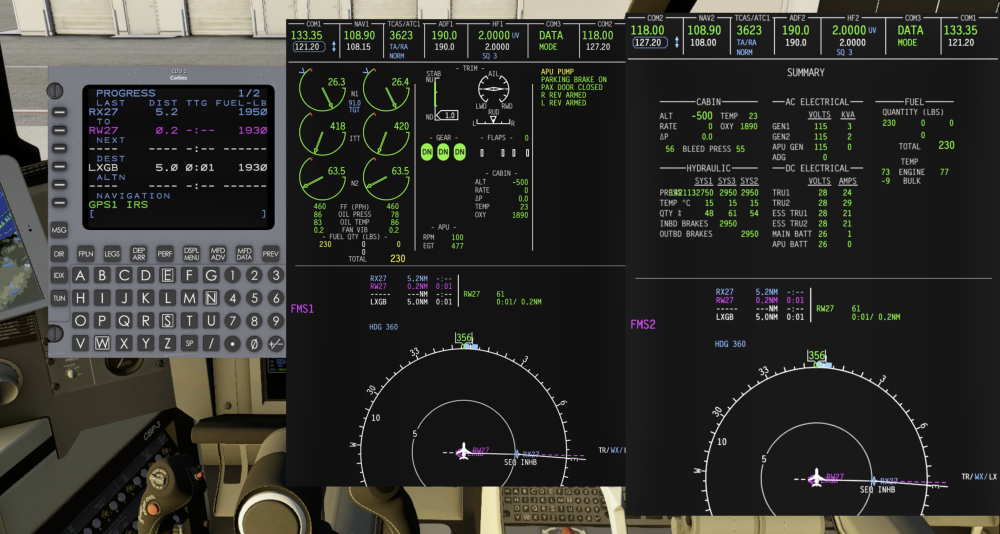
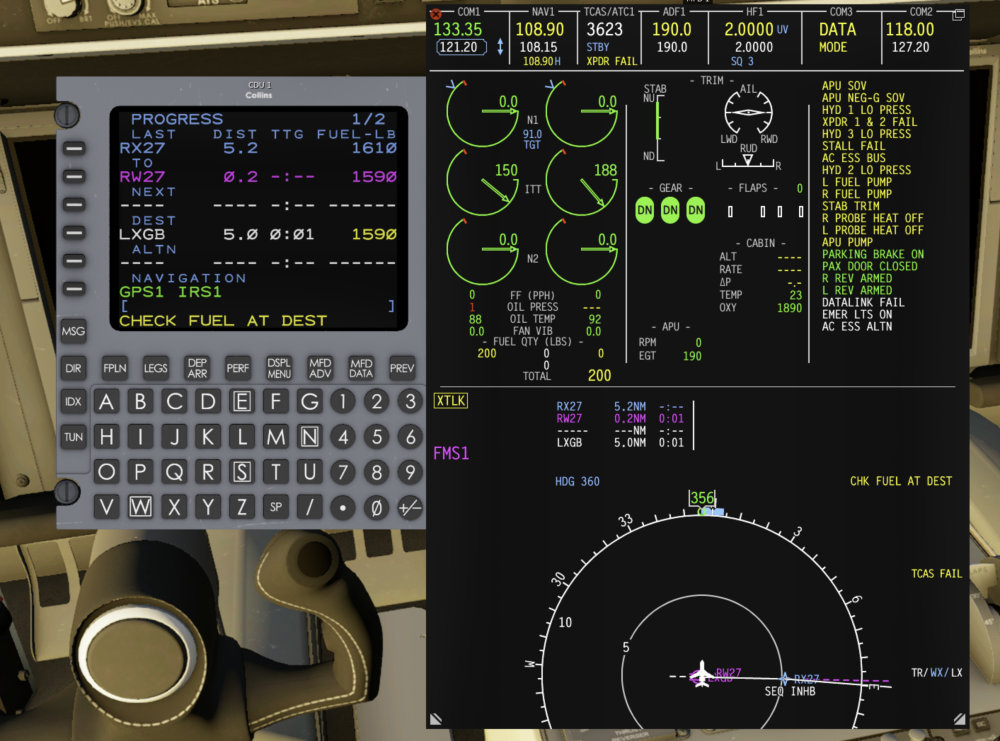
I just did a flight LSZA - LXGB with 7,000lb of fuel which exceeds the block fuel stated in Simbrief. I paused for a short while mid flight, but not a huge amount of time. When I came back, I nudged the X-Plane flight config time backwards to carry on from where I left off. I flew a little longer, and I noticed it looked like I had a lot less fuel than I remembered on the summary screen. The prog page of the FMS was still showing a roughly correct number though. Shortly after landing I got APU pump fail and mid way through the shutdown everything just went. I have no idea what happened. Screenshots below. Also see the crazy hydraulic numbers that seem to happen every other flight now. (Extra weirdness: after switching back from replay mode I fell through the floor into outer space. The aircraft livery also reset mid flight). Edit: looks like calc fuel was wrong, I thought it was sensed fuel. My mistake. This is resolved.
-
I'm not using Rosetta, I'm using https://benrussell.gumroad.com/l/gizmo64-lts
-
By the way, to anyone who looks at this thread in future, I figured out a way to resolve the hydraulics issue. If you keep pressing the brakes until the brake pressure values match the system pressure value shown above (~3000) then they stay that way. You could probably use a Lua script to repeatedly toggle them to resolve it quicker.