



JohnMAXX
-
Posts
1,607 -
Joined
-
Last visited
-
Days Won
76
Content Type
Profiles
Forums
Latest X-Plane & Community News
Events
Downloads
Store
Posts posted by JohnMAXX
-
-
1 hour ago, FlyAgi said:
Is there a way to hack this using a dataref?
It’s going to be fixed

-
Overcast just under a cirrus layer pre dusk or post dawn....
The lighting change hits the cirrus layer first as the sun is near the horizon...
-
1 hour ago, xZone said:
I don't understand, John
Look, for example : I fly the YaK 3.It's using fmod, but I don't really like that sound
I'm mostly focused on internal / engine sound, but external, also
I never fly LR aircrafts.
So, if I purchase the add-on, would that help ?
Does the SoundMaxx has some jet fighter engine sounds, as well ?
Like F16, MiG15, Me 262.....
Thank you, again
No I don’t feel you’d be happy with SoundMAXX for that, other third parties focus on individual sound pack that may be for you!
-
1 minute ago, xZone said:
Okay, thanks
I thought it's designed for XP 11
It works quite well in xp11, I was just explaining how it works in 11
-
5 minutes ago, seth said:
11.50b6 SMP at night ( 60.000 sq.km)
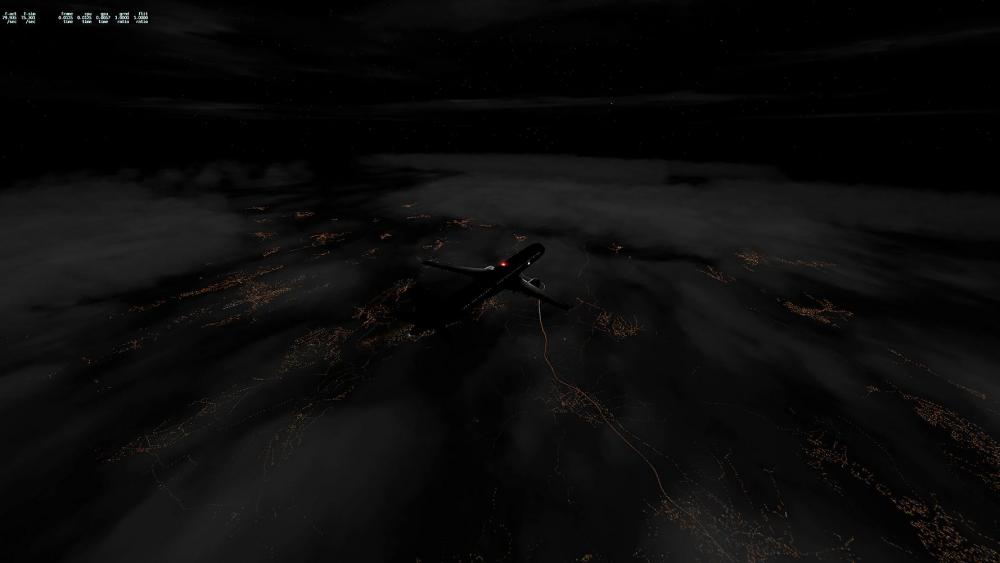
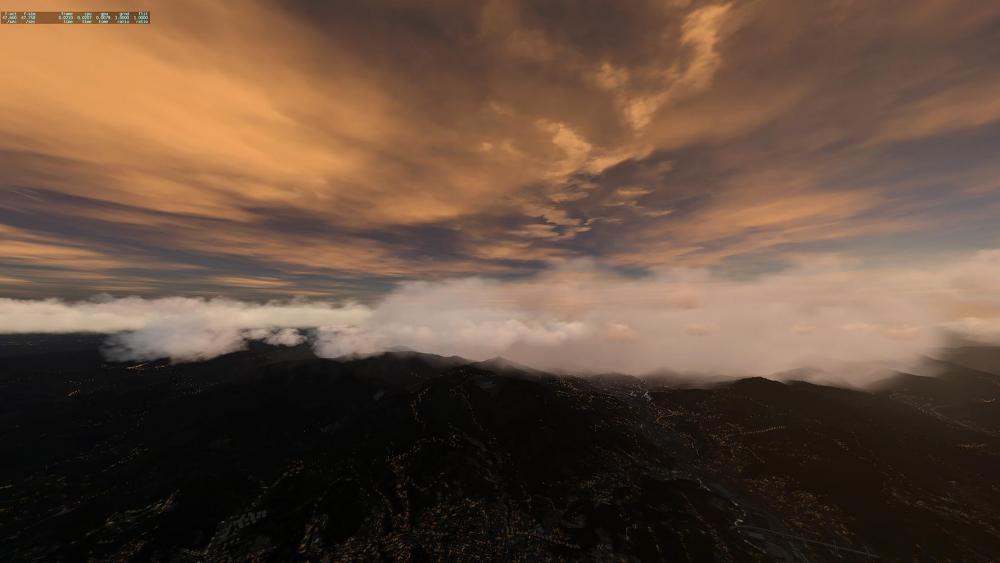
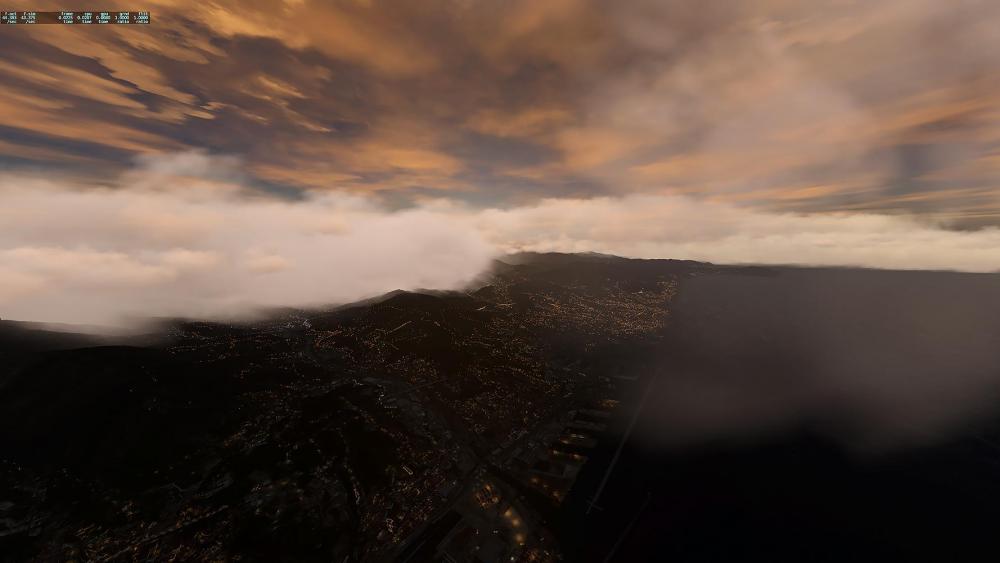
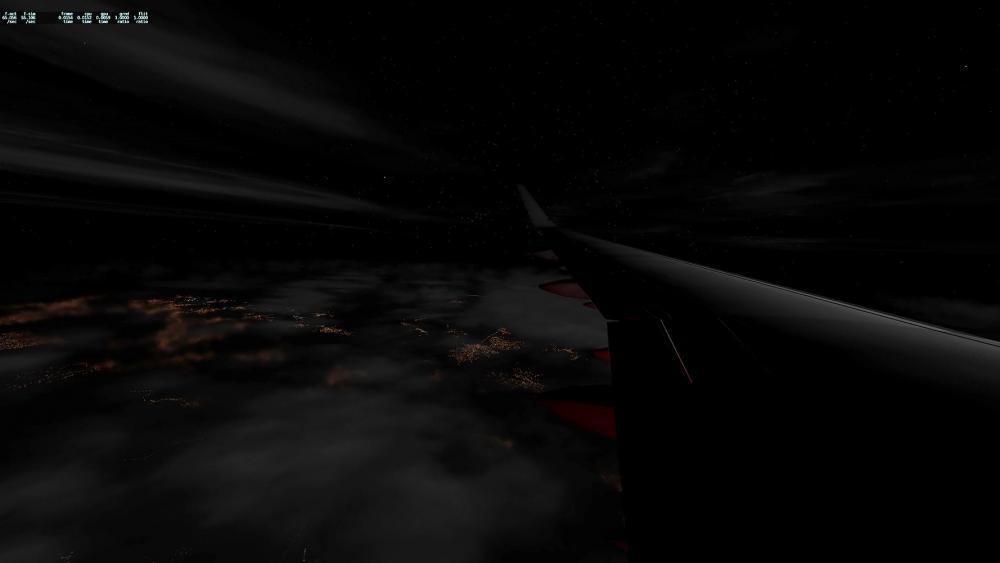
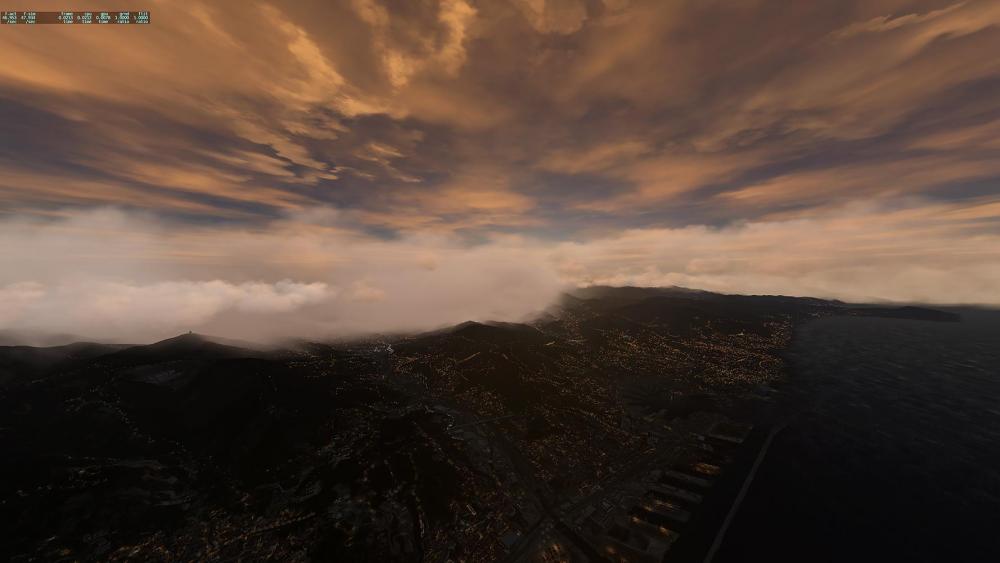
Fire in the sky! Seth you’re gonna love the subtle changes in 4.9.3.....soon
-
 3
3
-
-
1 hour ago, xZone said:
I'd like to purchase this add-on but I want to ask if it's working with military aircrafts as well
I did read the description and I'm a bit confused
"Replaces engine sounds with real recordings for the default Cessna 172SP, B747, Bell 206, and Robinson R22 Beta"
I do fly F16, MiG15, L29, YaK1, Me 262....
Are they compatible with the add-on ?
Thank you very much
LE : Sorry, I should open the thread on SoundMaxx subforum
No need to be sorry.
We designed Soundmaxx in XP10, in XP11 Laminar introduced FMOD, we do not replace FMOD sounds. As a result some default aircraft do not utilize our sound sets. If any aircraft uses the older legacy sound system, Soundmaxx will replace those sounds.
With that said, Soundmaxx offers way more, 3D positioning of lightning strikes when used in conjunction with SMP/RWC, environment sounds, and airport sounds. It adds “life” to the sim....
-
-
57 minutes ago, xZone said:
my second printscreen look great, imo
that was a " mixture" between ASXP high resolution clouds, and another X-Plane 11 weather engine
The cloud to the right, look amazing.
Honestly I think SMP looks way better than those 2 screen shots.....
Of course you can say I am biased, but that looks like early FSX clouds....
1 hour ago, seth said:Already sent those previews to Active Sky, its clear that Fsgrw works much better with SMP+RWC.For sure they must cooperate but is it possible? especially if they are working on their own visual addon
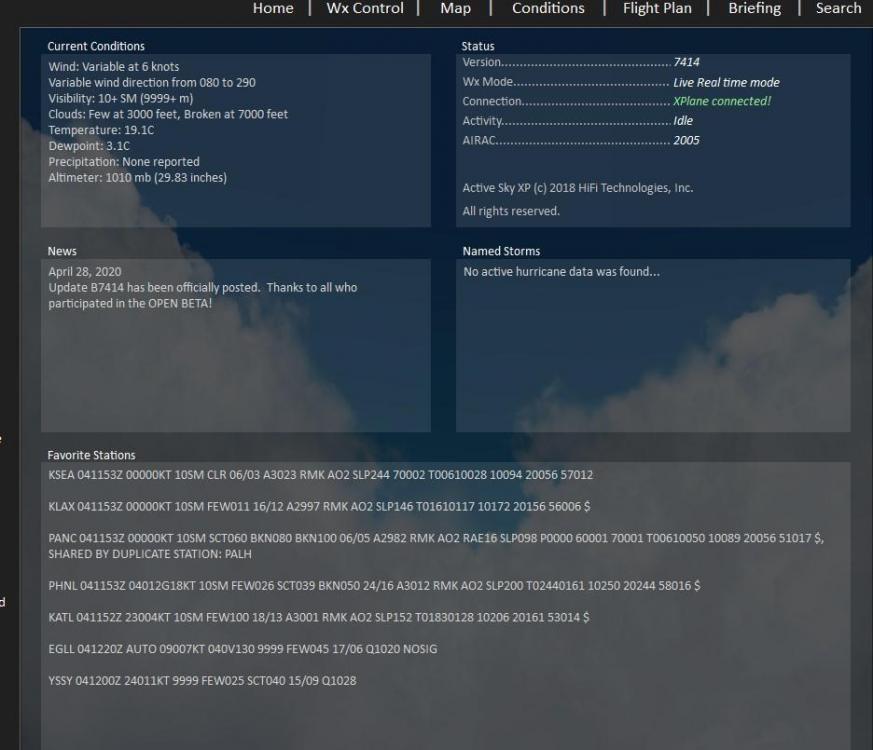
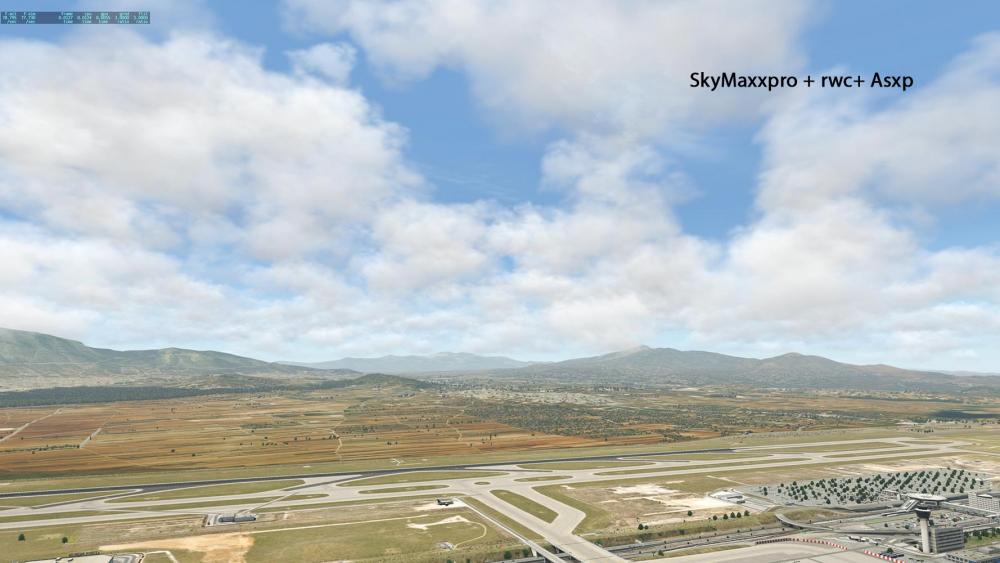
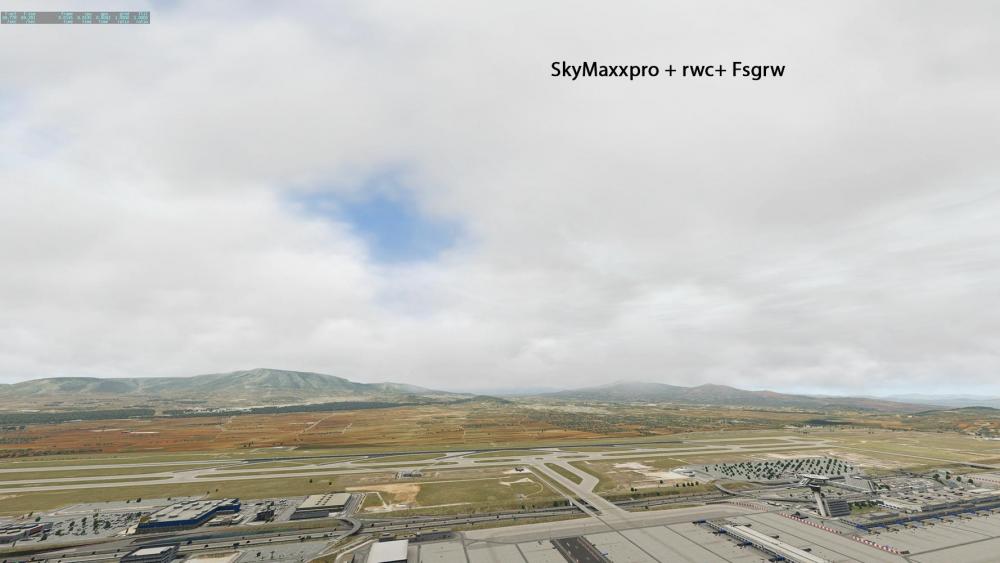
Cooperation is totally up to them, any cloud add on of their own is still vaporware as far as I’m concerned....
We are open arms here, and it would only benefit them to work with us.....
-
1 hour ago, alexcolka said:
Hi John, knowing that there is full integration between SMP and FSGRW, could you say if integration between SMP and default XP real weather is better than SMP and ASXP?
BTW I don't have FSGRW but I'm curious to know, thanks.
It’s tough to say, I think turbulence is modeled a bit better in ASXP, other than that it’s probably similar to default weather....
But both should present more than three layers when used in conjunction with Real Weather Connector....
-
1
-
-
Thanks for your kind words Seth!
As far as ASXP is concerned, we’re willing to collaborate. Working with the guys at FSGRW we were able to provide them what they needed for a deep integration with SMP....
Without the collaboration we are stuck unfortunately....
-
At 5.51 it looks like some geometry issues, this post was made Feb 1st, didn’t we tackle this?
-
4 hours ago, Wokie042 said:
Yes, I can relate to the time of the day observation. That seems to be true from what I experienced.
Good to hear that this is worked on! Looking forward to the update!And thank you for helping us out

-
44 minutes ago, Wokie042 said:
The problem is, that I have to dial down the shadow intensity almost all the way to get "almost" rid of it, which bathes the landscape in sunlight under cloud cover that's at least how I experience it.
The only other suggestion I have is permanently tone down the haze in X-Plane. If you do a web search the resources are out there to accomplish this.
We have no control on how haze is drawn...
-
The cloud shadows are just contrasting against the hazy terrain, I would turn down the cloud shadow intensity until you get a desired result....
-
Report it to LR....
-
54 minutes ago, jarcelus said:
First, I did what you indicated in your previous suggestion and it did not work, as I mentioned in a previous post, (see attached) without answer from you.
Second, I do not know whether I am being impatient. What is is a fact is that I bought a product that is not working. What is necessary is that it works.

Have you tried a vanilla installation of XP running only smp?
There is something specific to your setup we need to narrow down.....
-
2 minutes ago, chriskingdom said:
I have tried that, unfortunately the smp ui will only show up on the main monitor,when I move it to the left or right monitor it disappears.
I will try tomorrow on a single monitor and let you know.
Thank you! Its a weird one I’d like to track down
-
22 minutes ago, chriskingdom said:
Your not alone, I also purchased Sky Maxx Pro just the other day, I am also experiencing exactly the same problem. I am able to move the slider on the sky colours menu, but when i try to select one of the templates for example red dawn high contrast, i am unable to select it, it wont select with the mouse click, it does not even highlight. All the other sliders work fine. I have multiple monitors x 3 could this be the issue ?
Every other feature works fine, just cant change the sky colours from the default option.
Kind Regards
Chris Kingdom
Can you do me a couple favors? Try moving the smp ui to each monitor and try selecting a sky color on each. Also can you revert to a single monitor and give it another try...
-
It doesn’t say, the last entries are in regards to the Toliss ac you have installed....
-
Sorry I missed that, once I zoomed in it was clearer.....
Try running the xp updater and disable plugins not associated with smp....
im not seeing this issue either, maybe we can narrow it down....
-
33 minutes ago, Normandee said:
Hi Frank
Thanks for your response. I have being installing and reinstalling, I have also just downloaded the new update and installed that, but no luck. I have also noticed that my plug-in Plane Command does not work, although that has nothing to do with Sundog software, This is a new install so does not have any plug-ins which you will see from the log file i am attaching plus two screen captures, one showing how the slider can be moved but i am unable to select and change the temp-lets, X plane runs fine and quick so i am total at a loss why this should not run correctly.
Regards
Norman
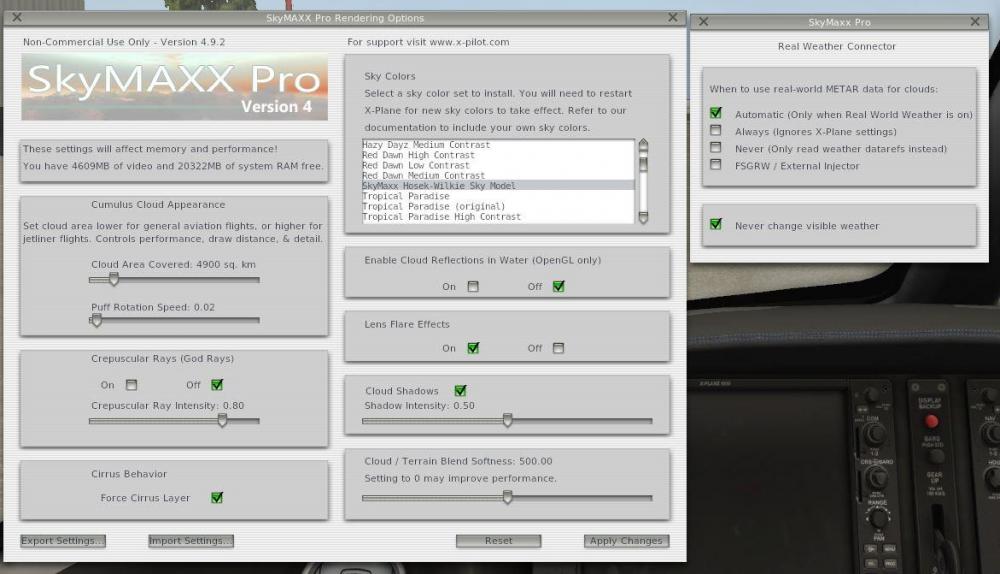
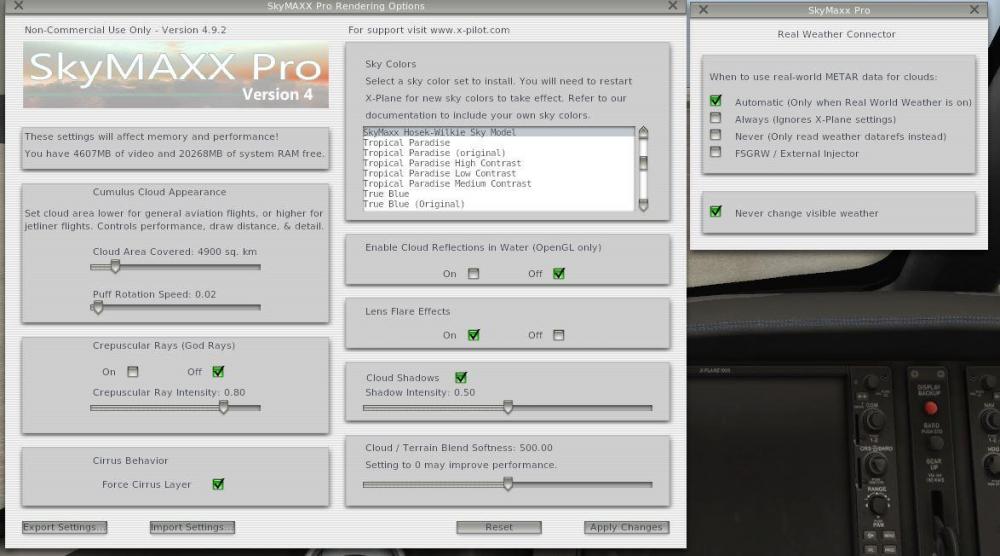
After you select the sky color you will need to manually load them....
I’d walk you through it but I’m not in front of XP, it is outlined in the manual....
-
Submit a log.txt for us to look at
-
Give this a try,
1. Uninstall Soundmaxx
2. Run the X-Plane updater and pay attention to see if it installs missing sound files
3.Re-Install soundmaxx
Looking at the log it appears some sounds haven’t installed, the 747 and skid sound stand out....
A couple things to consider,
1. Some default aircraft use FMOD sounds and soundmaxx will not override these aircraft
2. Ambient sounds are not heard inside the cockpit.
3. You may need to adjust settings inside the soundmaxx UI from the plugins menu to your taste
4. Some airports aren’t complete in default x-plane and soundmaxx will not provide airport sounds(rare but it does happen)
-
Bye bye


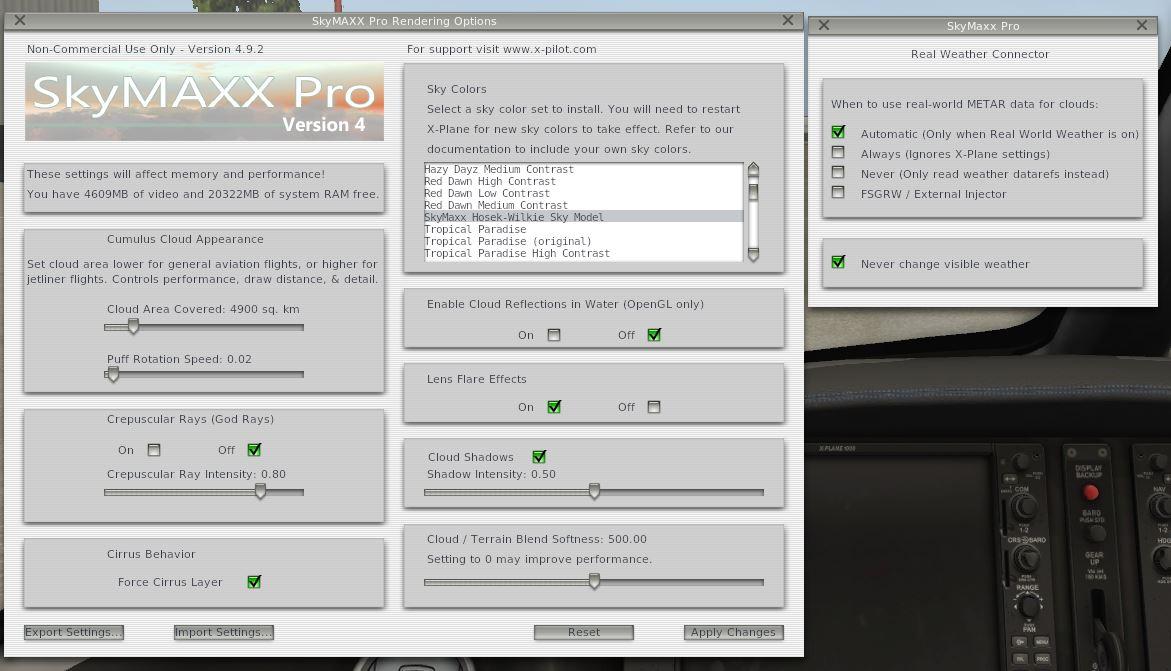
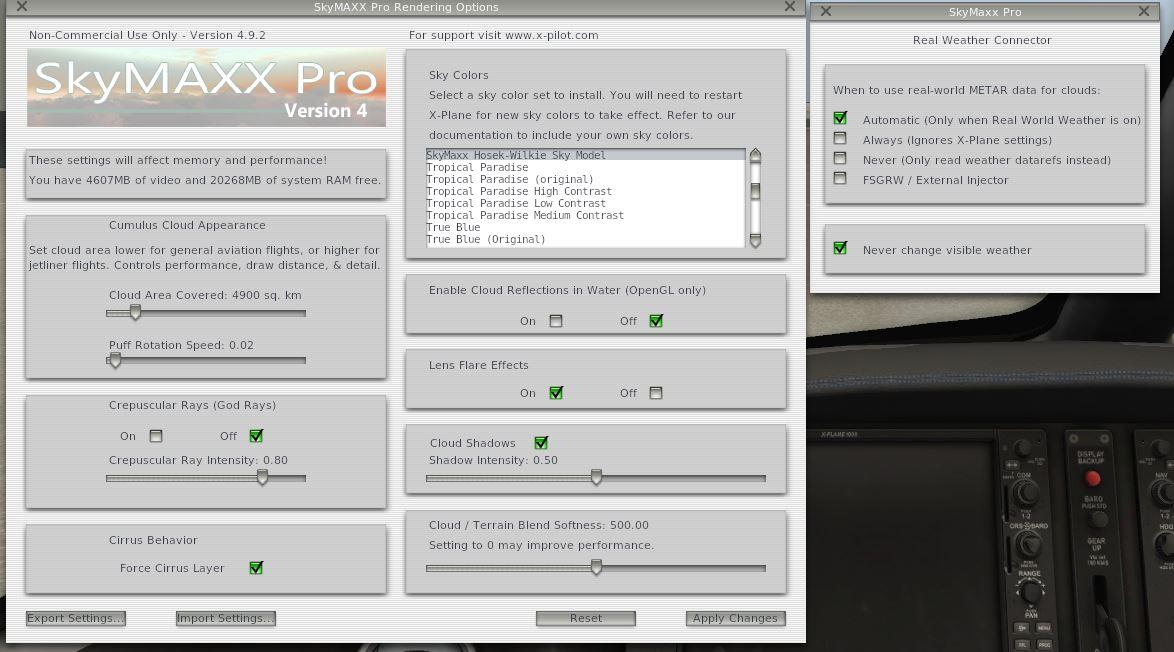
cumulus needs to improve!
in SkyMaxx Pro v4
Posted
Give it a try, as Sundog said the lighting model is more complex.
One screenshot under specific conditions doesn’t tell the whole story.
Sundog made these changes and I tested under many conditions and I was blown away in regards to the added depth.