


JohnMAXX
-
Posts
1,607 -
Joined
-
Last visited
-
Days Won
76
Content Type
Profiles
Forums
Latest X-Plane & Community News
Events
Downloads
Store
Posts posted by JohnMAXX
-
-
9 minutes ago, xZone said:
The issue is back, JohnMAXX
Is way less than 2 months ago, but it's there
I tried everything possible.
Maybe the latest Vulcan ( 10 and 11 ) are the culprit
I don't blame your product.
Don't really know how to fix it
We will look into it with LR, and report it using the bug reporter....
-
Oh another thought, try exploring our cloud art maybe when you updated it reverted back to our low Rez clouds....
-
32 minutes ago, xZone said:
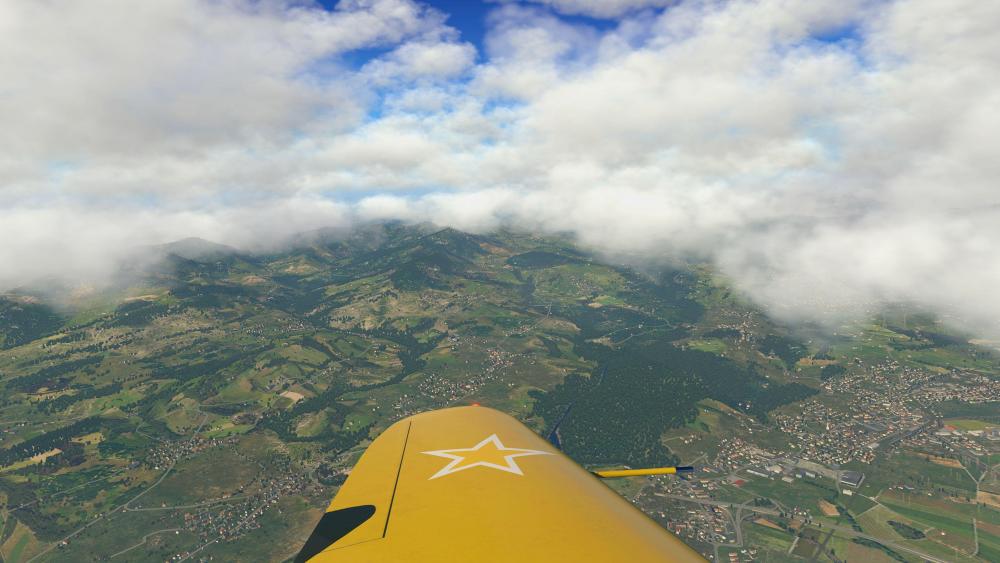
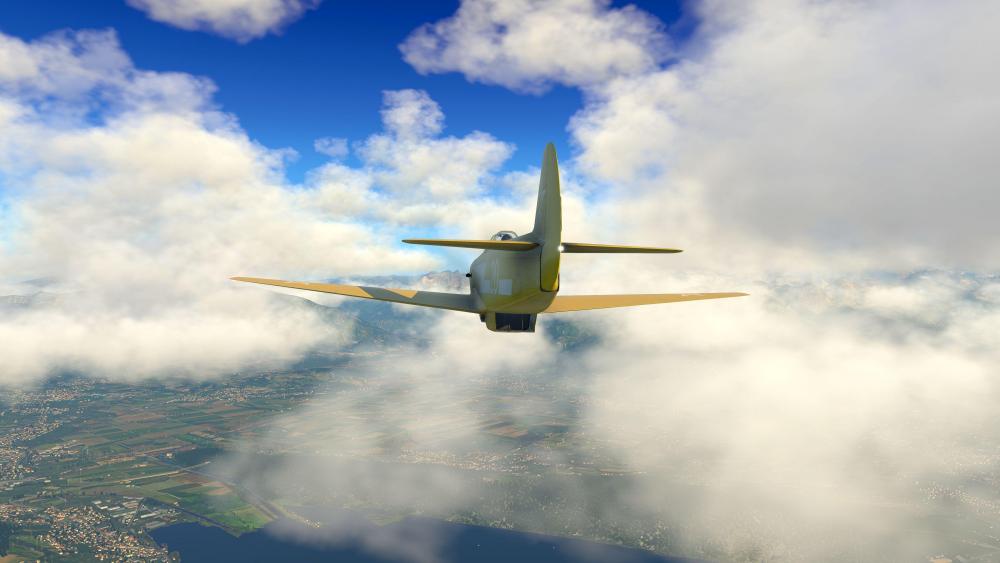
I don’t see any over saturation in these shots....This looks like the new cloud lighting we intitally released with 4.9, no change at all in the update....
The only thing I notice is the high contrast sky colors. Try our procedurally drawn sky, it should blend better....
-
27 minutes ago, akatham said:
The vanishing overcast happens with all 6 overcast settings of SMP.
Experimented a bit with Active Sky custom weather. If the overcast is composed of Cumulus clouds the layer does NOT vanish, if i set it to Stratus or CumuloNimbus it WILL vanish.
Next question is it specific to ASXP? Could you try running default weather under overcast conditions?
using SMP and the default clouds for a comparison...
-
11 minutes ago, robvalkyrie said:
Recently updated Skymax Pro to 4.9.4. I installed it fine, activated it fine, but when I start XPlanbe I get a pop up window saying remove or update plugin...I see the plug in, in the plug ins menu on top and see SkyMax Pro, but everything is un clickable..I goto developers enable, disable plug in and se the box is unchecked and I am un able to enable it?
Try downloading the installer again and reinstalling....
I think Cameron updated the installer....
-
1 hour ago, jamesie said:
If those clouds are not to your taste try different cloud art. from the SkyMaxx Menu, until you are happy....
-
47 minutes ago, seth said:
I think it’s a beta issue for XP I’ve seen it reported before by users using the default clouds....
-
Keep in mind this X-Plane Beta run has a lot going on under the hood especially memory usage optimizations....
It’s possible you may be pushing your install to hard, on our side try sliding our cloud draw distance back until you get better performance...
Im running silky in beta 10 with pretty high settings across the board...
-
Thanks for taking the time to test, we will investigate...
Quick question AMD or nvida gpu?
-
@sundog
It looks as if he is using ortho tiles I’m wondering if it’s possibly a draw order issue?
-
8 minutes ago, event3horizon said:
Sorry if this is a "known issue", but with Skymaxx I am getting occasional freezing of the sim for a full 3-4 seconds assuming it is checking weather or something. I've tested on and off and it does not happen without skymax. Running xplane 11.50 b9 with vulkan.
Personally, during hours of testing I’ve never seen a pause of 3-4 seconds, I Vulkan I haven’t seen any pauses as weather transitions....
With that said, I believe you but chances are it has to do with the beta, possibly your hardware in the beta....
As 11.50 progresses if using RWC, try switching to “never change visible weather” from the rwc menu to see if that works..
-
25 minutes ago, marpilot said:
Too much plugins.
Me John me need to know what you mean?
-
Hello all you Kats and Kittens,
Before we go updating the product page for Maxx-XP...
I need your help testing Maxx-XP in Vulkan and in VR to see if it functions. Word on the street is LR did us another solly and somehow fixed this with the OpenGL bridge.
Your help will be greatly appreciated.....
-
I think results with Vulkan will vary from system to system during the beta run.
-
Looking at what FSGRW is providing your visibility is at 7 meters which is odd giving the weather conditions. We do not touch how X-Plane handles visibility we also do not touch the fog layer.
What I think you are seeing here is a result of how X-Plane presents low visibility and an error in the METAR that FSGRW fetched. If the visibility were to fall to 7M typically the cloud cover would match and you wouldn't get that strange result.
@sundog Please correct me if I am wrong.....
-
3 hours ago, FlyAgi said:
Awesome shots... do you think it's save to increase cloud coverage distance now? I still have it on 10.000...
BTW: May I share those screens in some german forums?
I’ve got my slider pegged
 safe to say you can increase it....
share away!
-
Its funny you say that, when Sundog shipped over the lighting update I was blow away by the increase in depth and motion. Thanks for the kind words, we are happy you are enjoying it!
-
Beautiful shots, and we are happy you enjoy the update.....
-
 1
1
-
-
Id run the installer that way GIZMO sits properly inside the new install of XP, GIZMO is required for SMP to function......
-
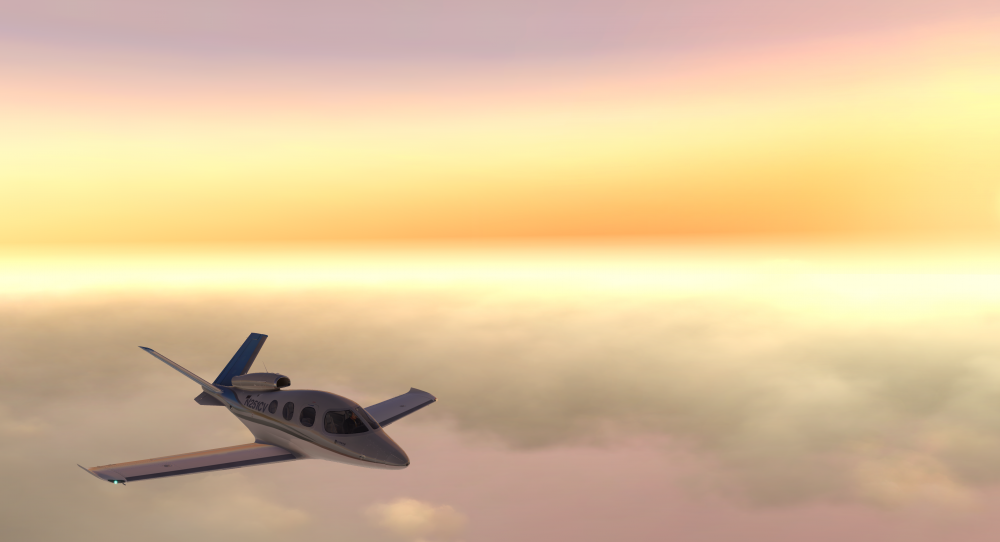
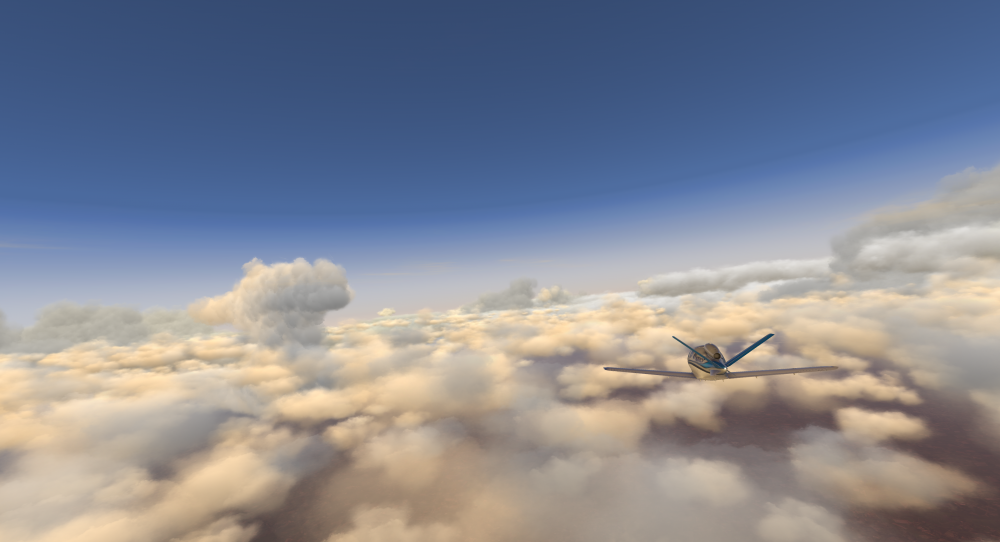
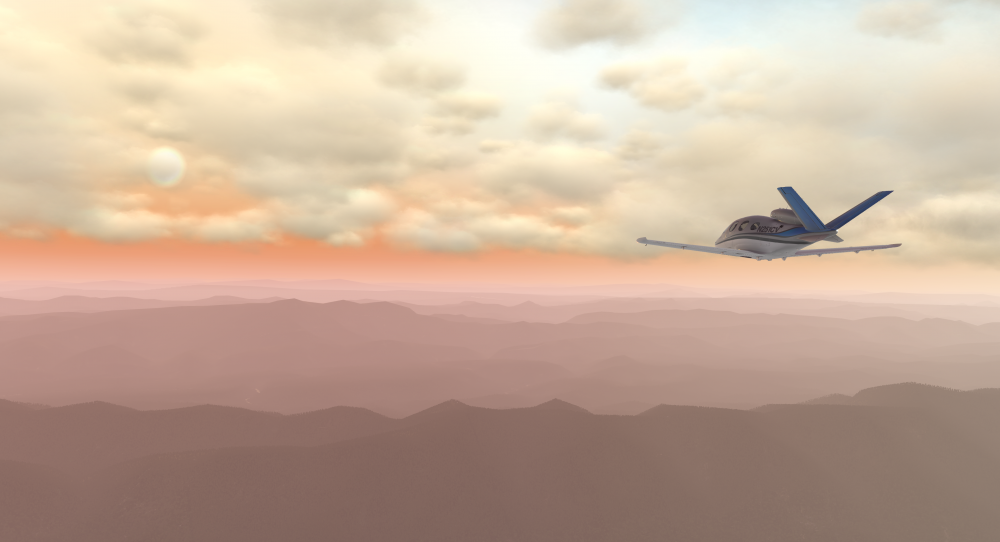
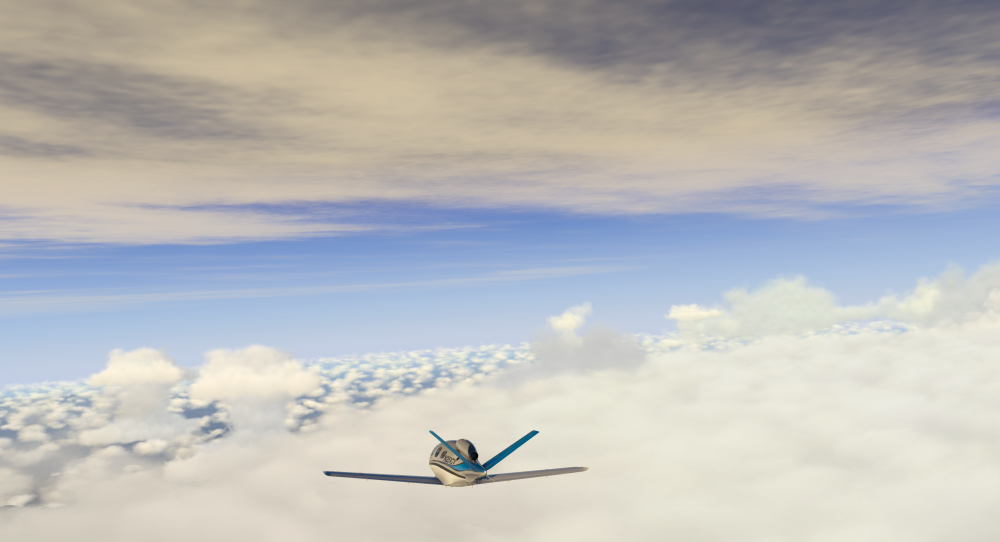
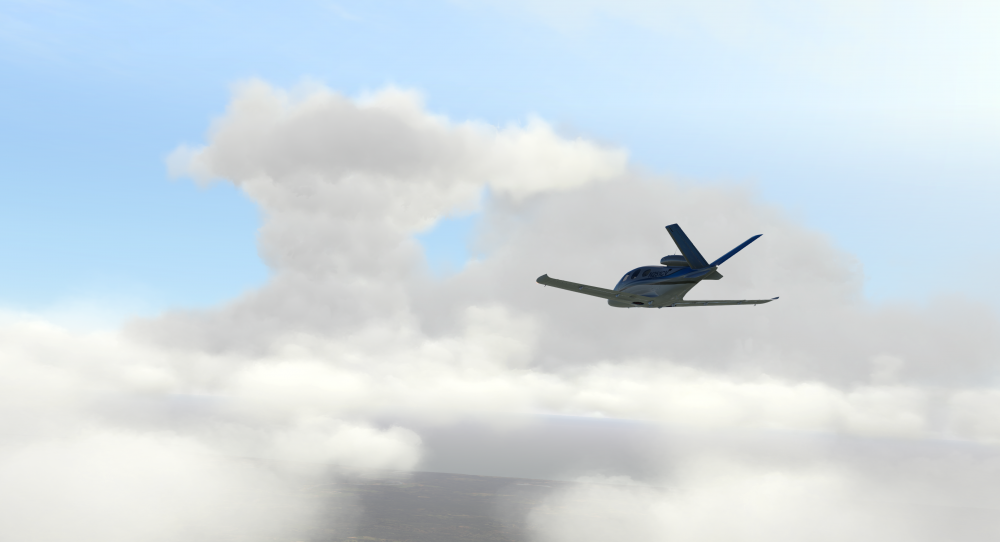
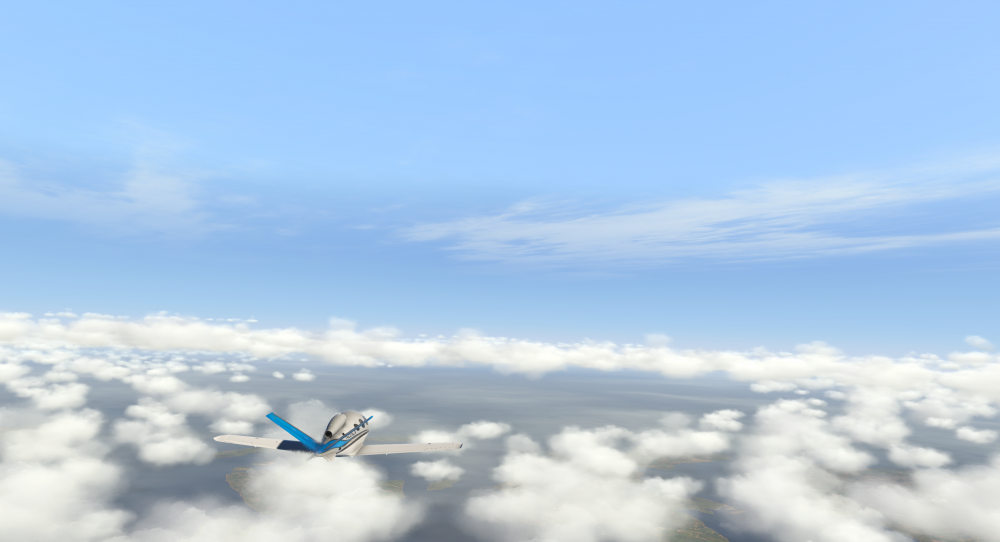
We are seeing some great feedback in regards to the latest 4.9.3 release, I want to thank everyone and we are very happy you are enjoying it! Also how about that Vulkan? Sliders can be pushed forward finally and users can see what SMP can really do!
We're done yet, one thing I think needs attention are the Cumulonimbus and Thunderheads, unlike the majority of SMP, which uses an algorithm to place clouds, Cumulonimbus and the Thunderheads use individual 3d models. Im in the process of working those as we speak. Some of the new "Thermal Development" is in these shots.......
-
3
-
 1
1
-
-
You can activate as many copies of SMP and RWC on the pc as you want....
-
16 minutes ago, xZone said:
Okay, I'll try it again
Thanks!
The colors of the clouds have always been subjective along with all visual aspects be it either X-Plane or our initiatives....We develop visual improvements carefully
MaxxFX was developed, to allow users, to fine tune the whole scene to their liking due to the subjectivity.....
-
4 minutes ago, philmurfin said:
I've had this problem from the get go with smp and Vulkan including all the up-dates.
Phil
Disregard what I said, definitely file a bug report with LR. I haven’t had this issue but Sundog has......Safe to say we looked at it throughly.....
-
Get us over a log.txt.....
Have you tried disabling smp from the plugins menu?
Drivers up to date?
AMD or Nvidia gpu?
Any overclocking? Allow the pc to cool for awhile run things again, artifacts gone?


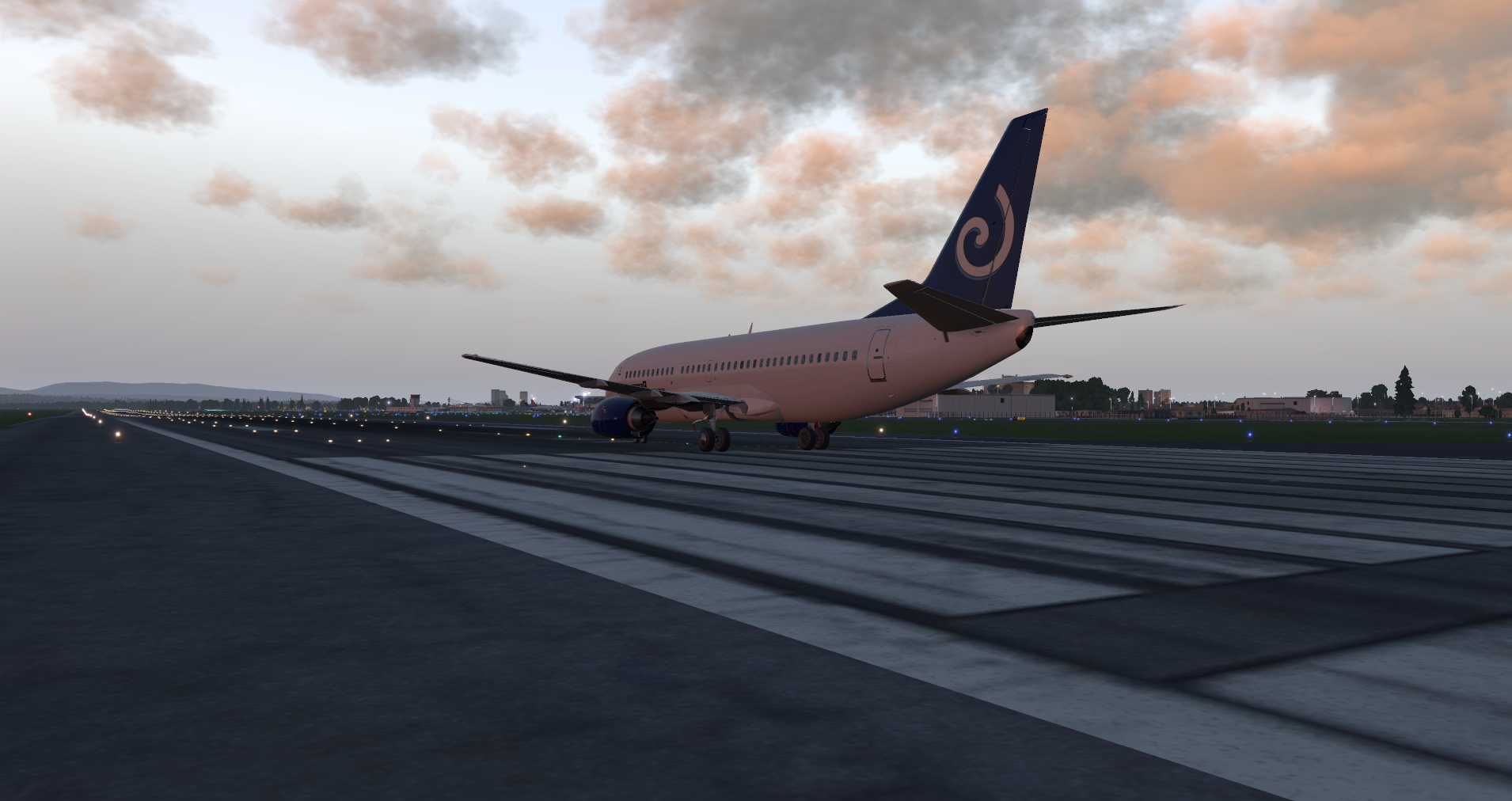


Skymaxx Pro & Vulcan
in SkyMaxx Pro v4
Posted
I’m with Frank the more I test...I’m not seeing any changes from the previous version....
Are you running any type of post processing effect? Is there something I’m not seeing in a picture? Would a video give more insight?