
stevebiker
-
Posts
63 -
Joined
-
Last visited
Content Type
Profiles
Forums
Latest X-Plane & Community News
Events
Downloads
Store
Everything posted by stevebiker
-
Thank you very much, all right. Aaalso import the LNM plan via Datalink. Regarding the errors, I have deleted the CL650 file and excluded X-plane from the virus scan. Now I have to see how it works. Log.txt
-
Well, here is the log file from the crash. I was not interested in creating the flight plan using LittleNavMap, I can do that and I have also read the documentation. I was only concerned with the correct loading of the plan to the aircraft. It probably won't work with FPLN RECALL. Log.txt
-
Now it has worked after all! I don't really know what the problem was. But I updated the AIRAC's in all programs via Navigraph FMS Data manager, then created a new flight plan in Simbrief from a new location, deleted the VIN number, corrected the aircraft ID, which simbrief stubbornly defended, to the current one. Then created the plan and imported it. It worked, but the sim crashed when testing the routes in FMS Primer. One more question, how can I import a route created in LittleNavMap?
-
Unfortunately, the same result.
-
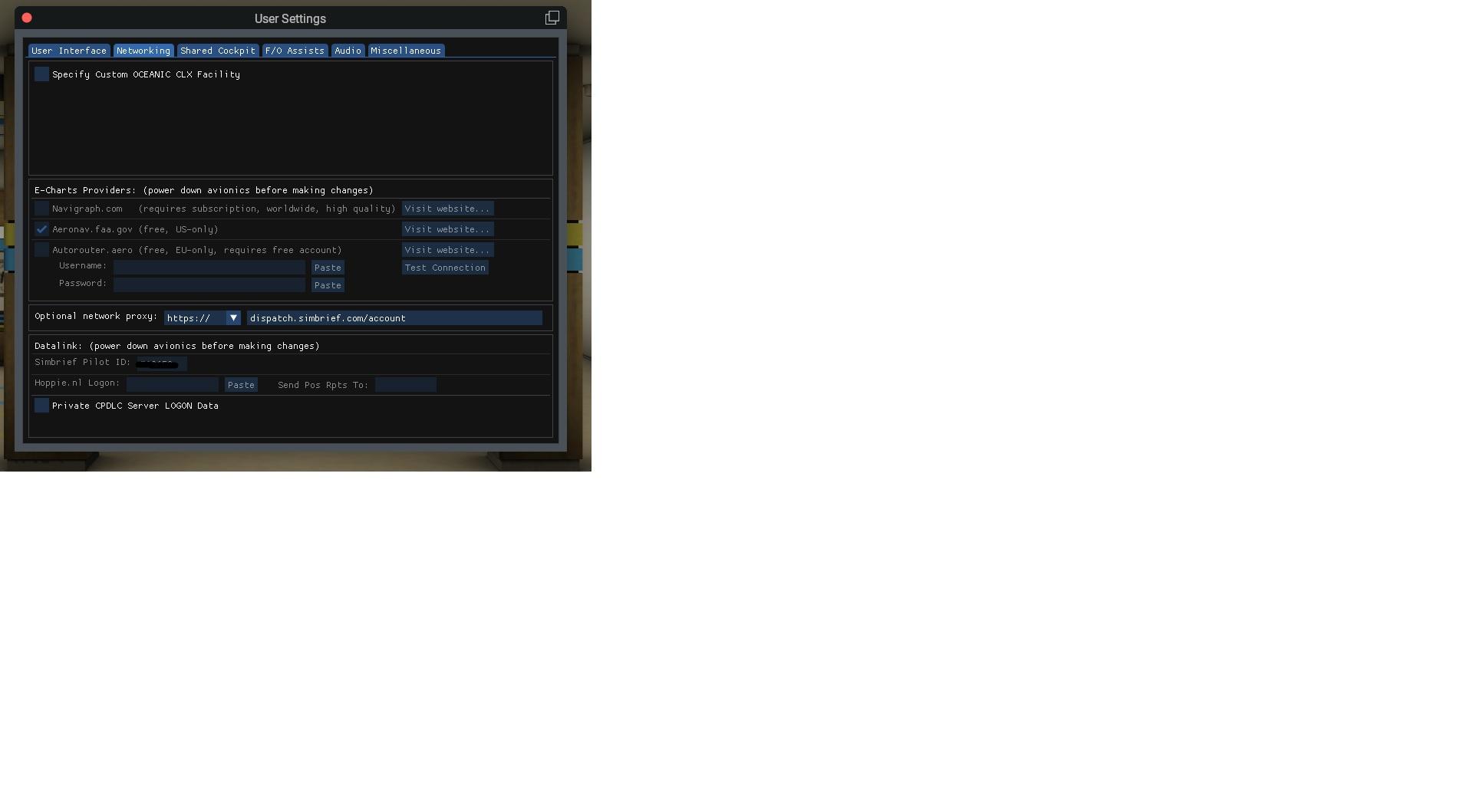
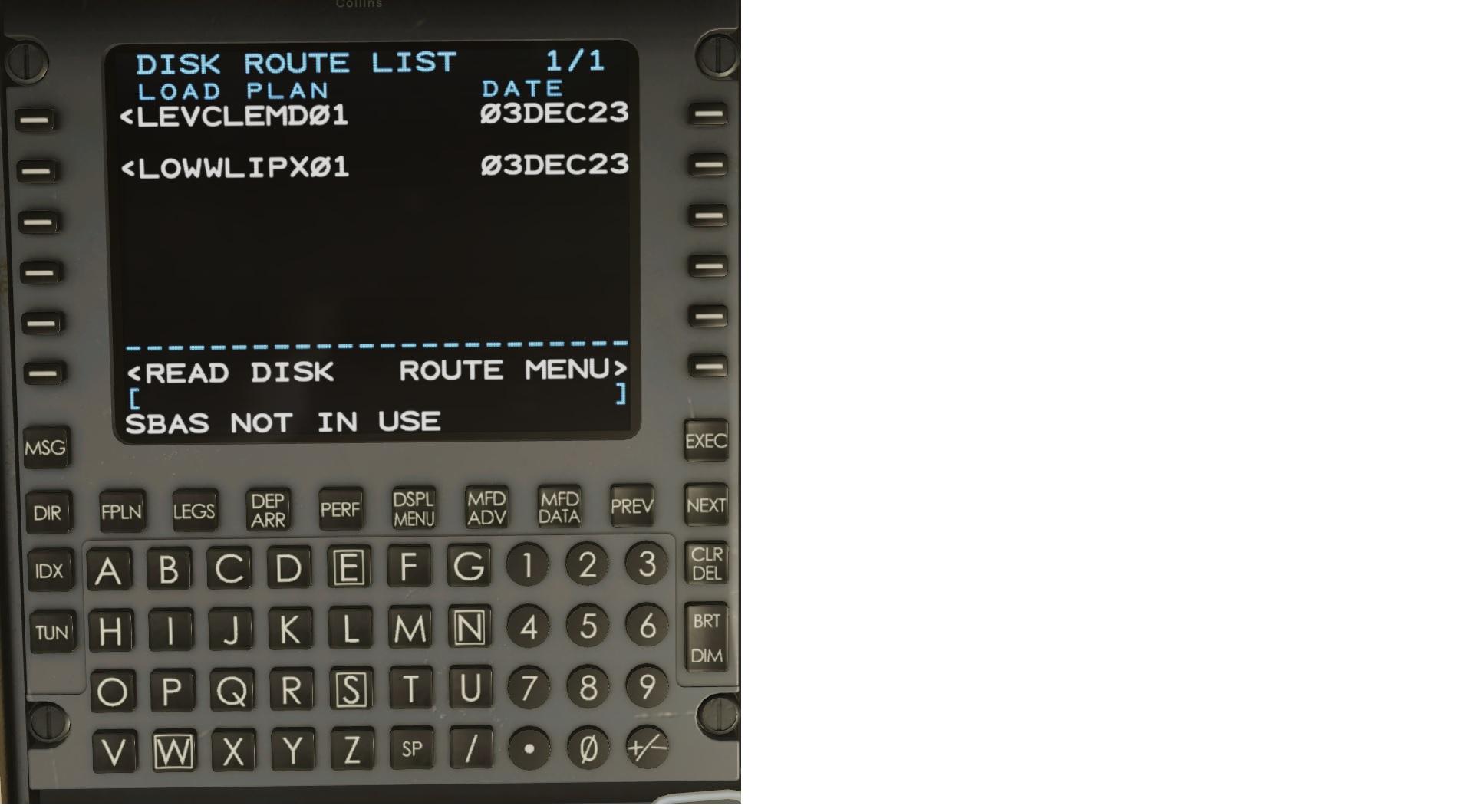
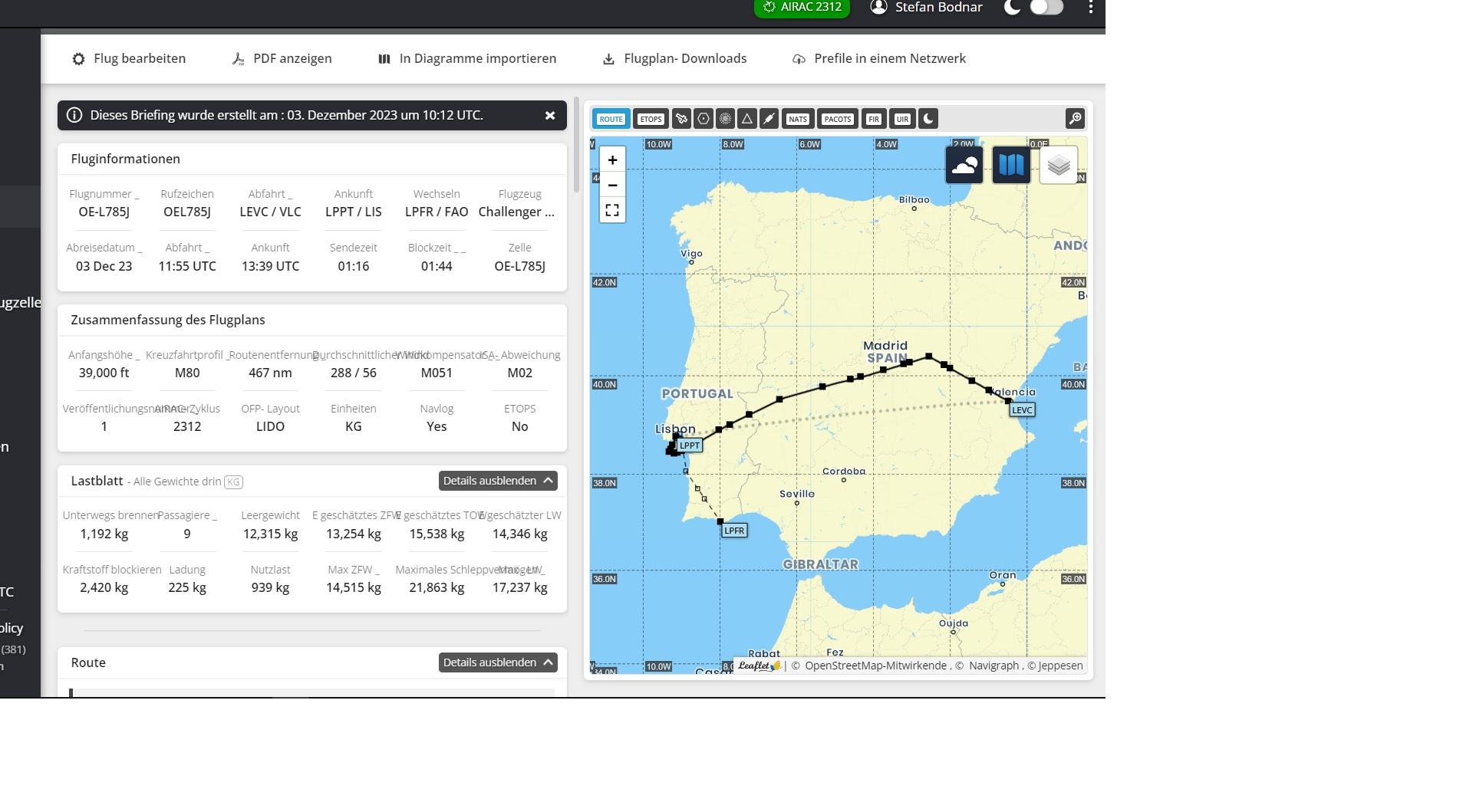
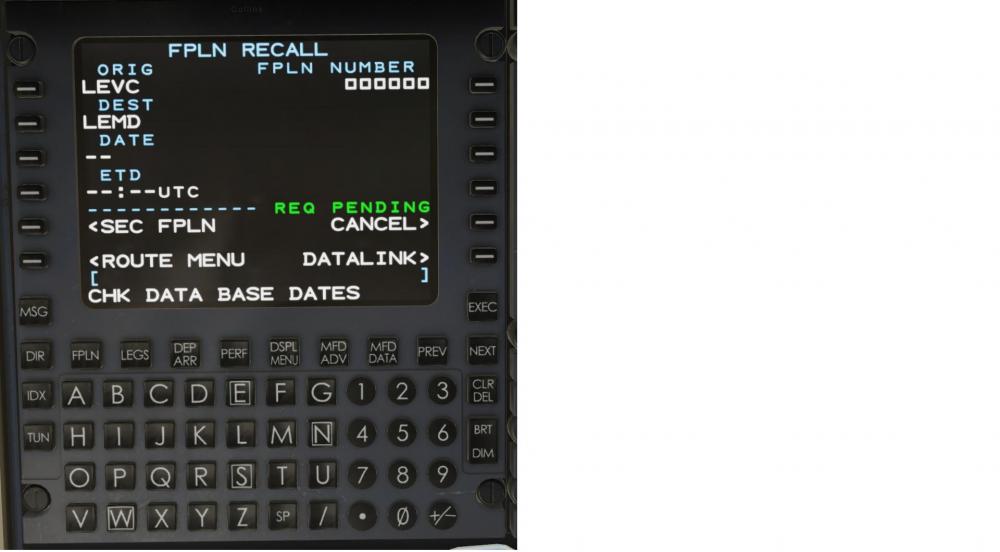
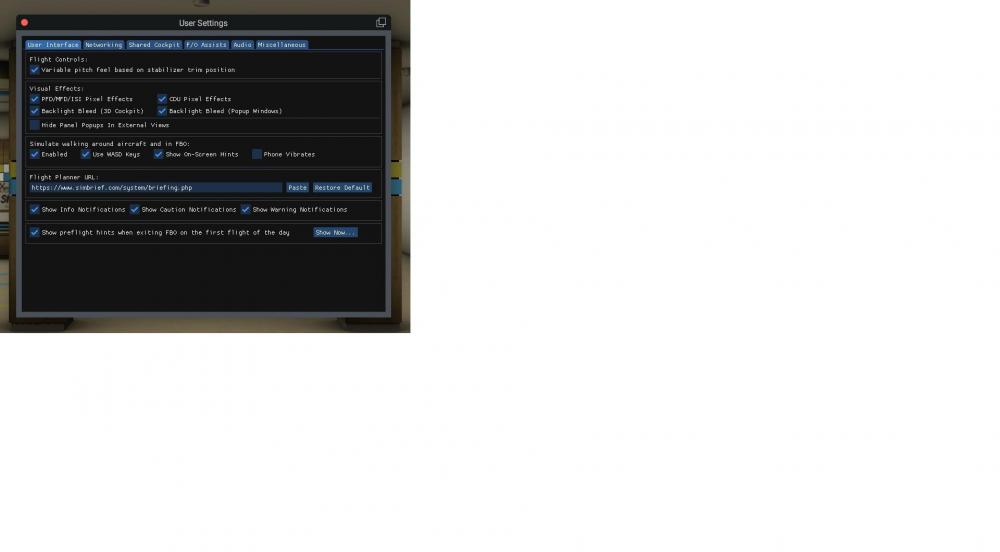
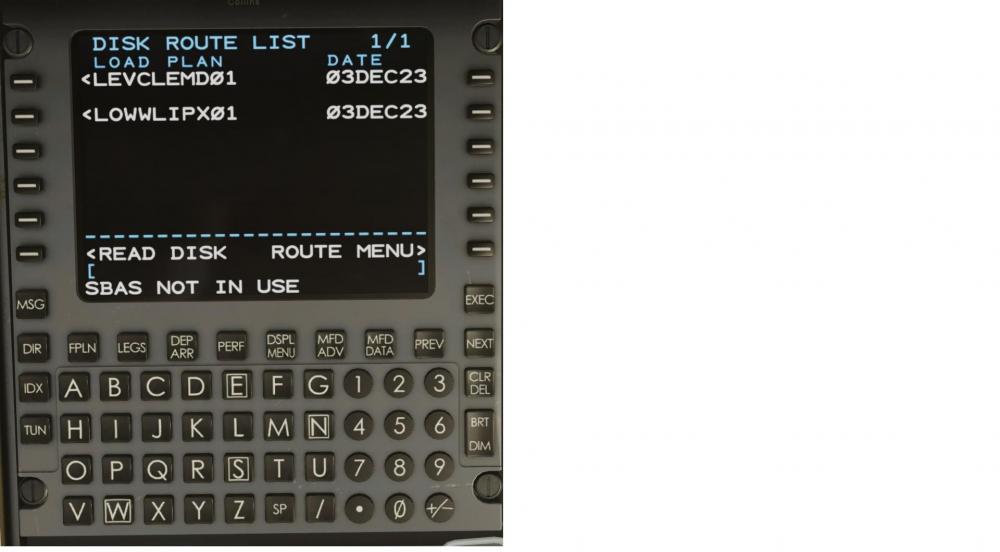
I have a new flight plan and have now entered the pilot ID in the user settings. But in the log file I see a number of warnings, some of them: 2023-12-03 20:37:28 CL650[gps_png.c:105]: Download of failed: SSL peer certificate or SSH remote key was not in order Something still seems to be missing in my user settings! Let me show you the log file and the new plan. I also despaired of the user settings I am desperate! Oh well, the other method I tried , under Index/Route menu/Disk Route List. When I click on the plan LEVCLEMD01 there, the message Bad Route Parse! LEVCLEMD01.fms Log.txt
-
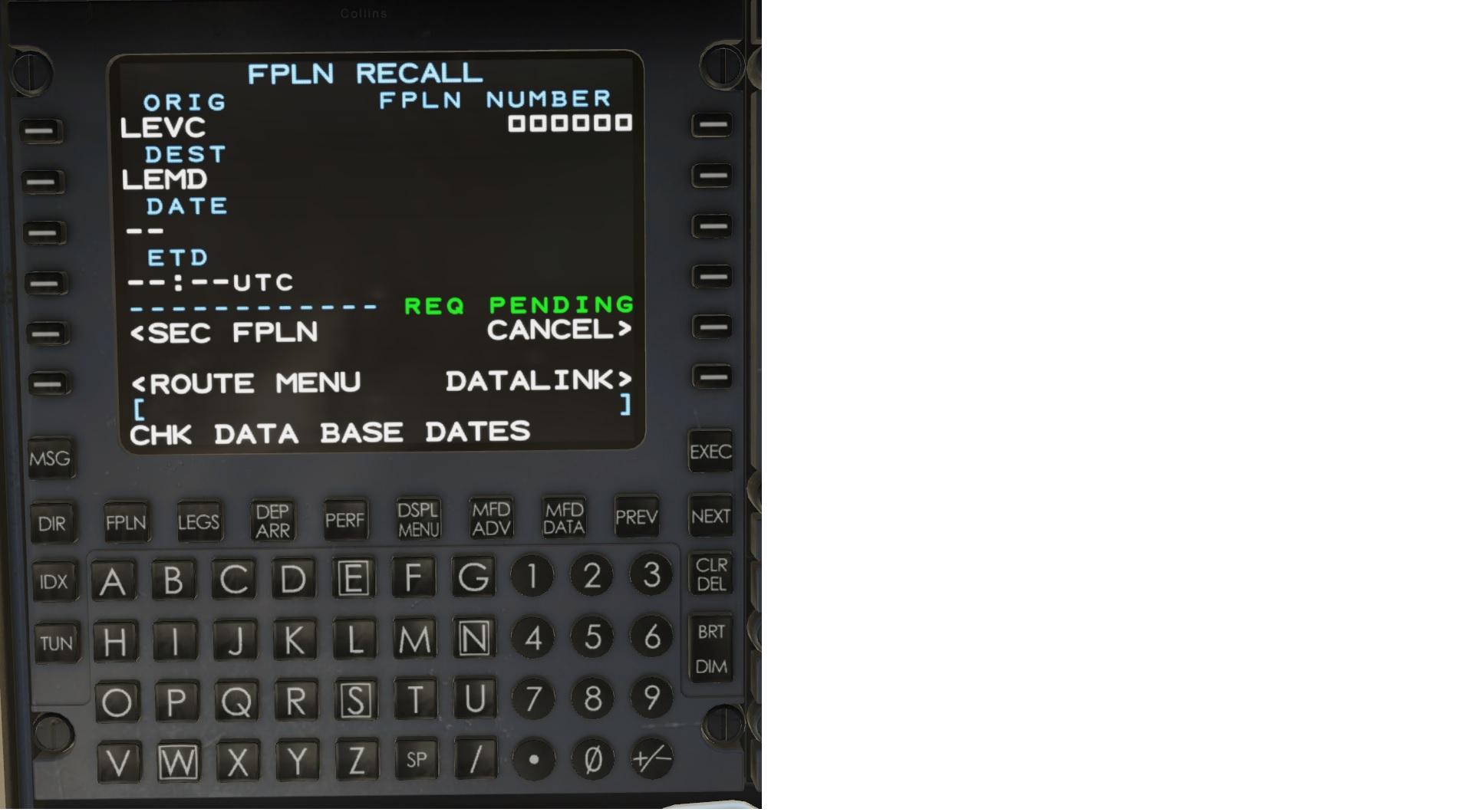
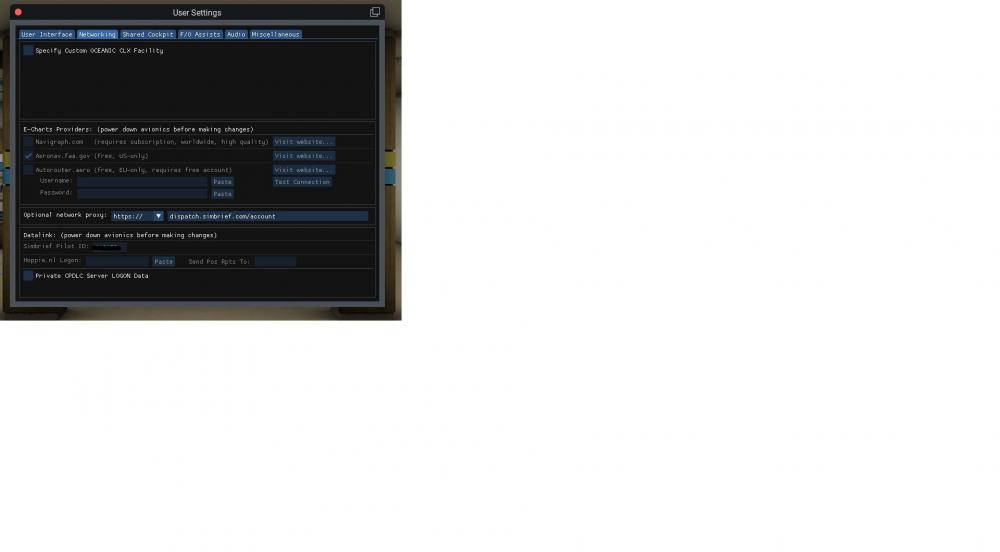
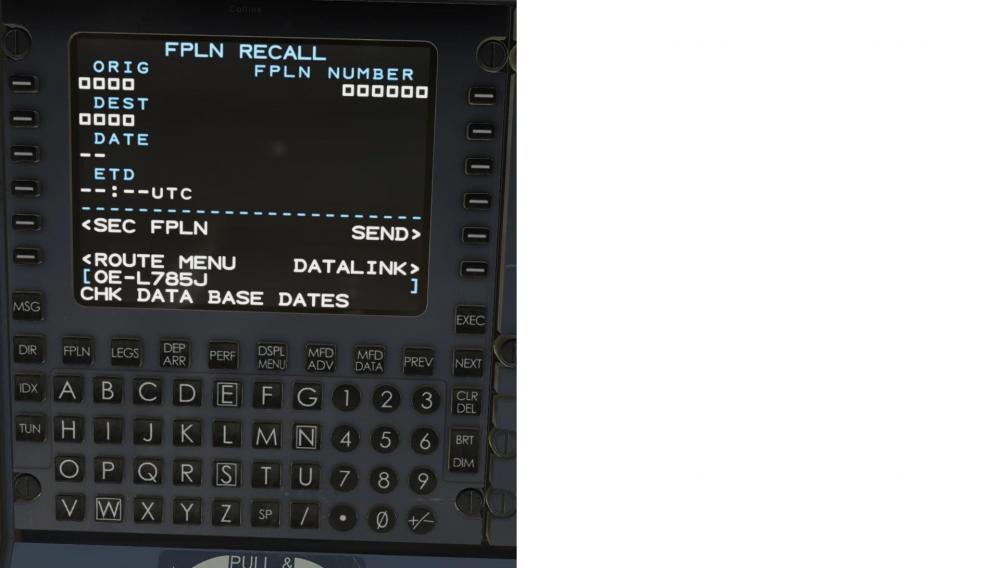
Not a chance! I enter all the data, click on Send and it says REQ PENDING forever, but nothing happens. If I enter it using the other method, it says bad flight plan again.
-
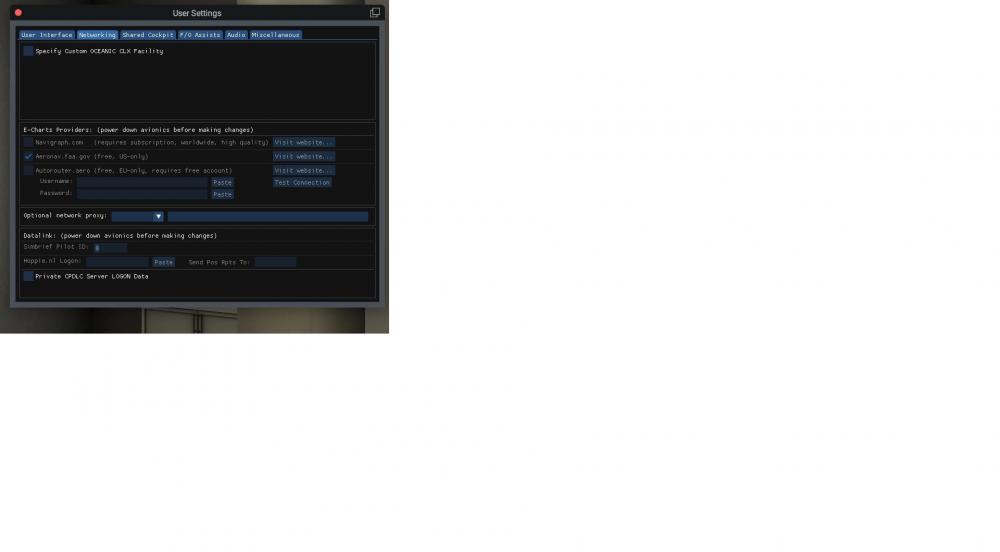
I thought only the link to Simbrief was needed! Unfortunately, I haven't read anywhere that I need to enter any other data. What else is necessary? Under Networking, for example, I can't even check the box for Navigraph, where I have a paid account. Aeronav.faa.gov is checked, but I haven't even heard of it! At the bottom of Datalink, what should I enter for Pilot ID? Or rather, I can't enter anything there. O.k., I have switched off the airplane. Then I was able to enter the pilot ID. Now I'll try my luck again!
-
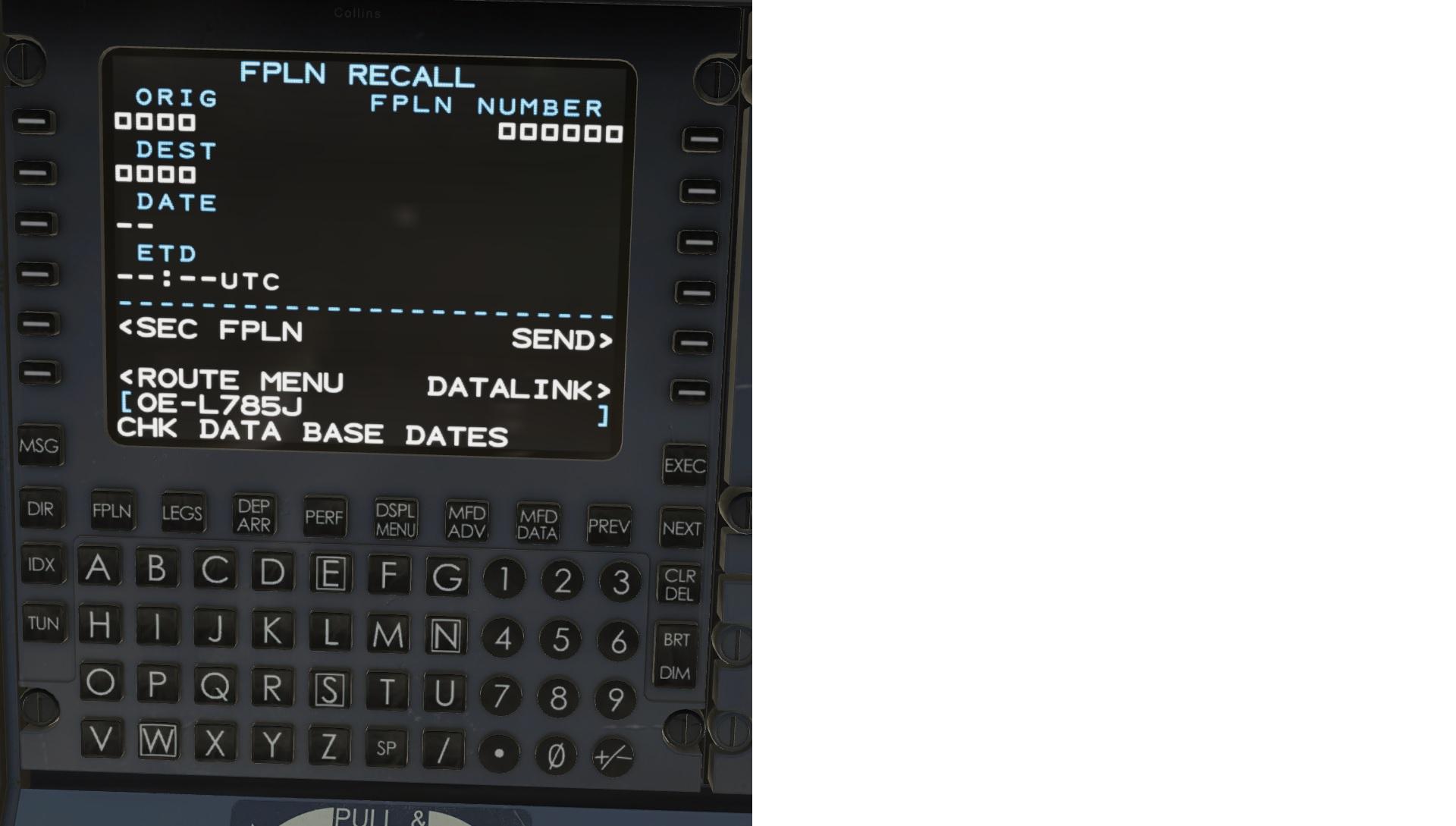
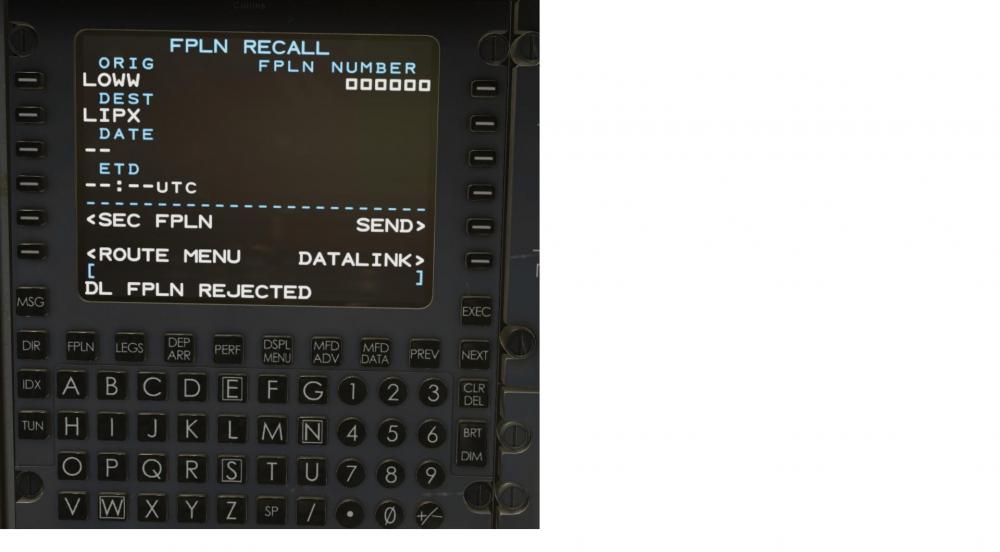
I have tried again. I enter the aircraft ID, then the two airports, start and destination and, poof, the aircraft ID disappears! See screenshot. But even a plan created with LittleNavMap was not accepted. I don't understand it anymore. The ID is now OE785 Where I find the fms plan file? Log.txt
-
Thank you very much for your answer. I have created a new aircraft, new identifier, OE785, flight number 232, created a new flight plan from another airport, exported it and tried to import it via Datalink. Again the same error message, "bad flightplan", or similar. I am at the end of my knowledge.
-
Where do I switch off the avionics? So, just the avionics?
-
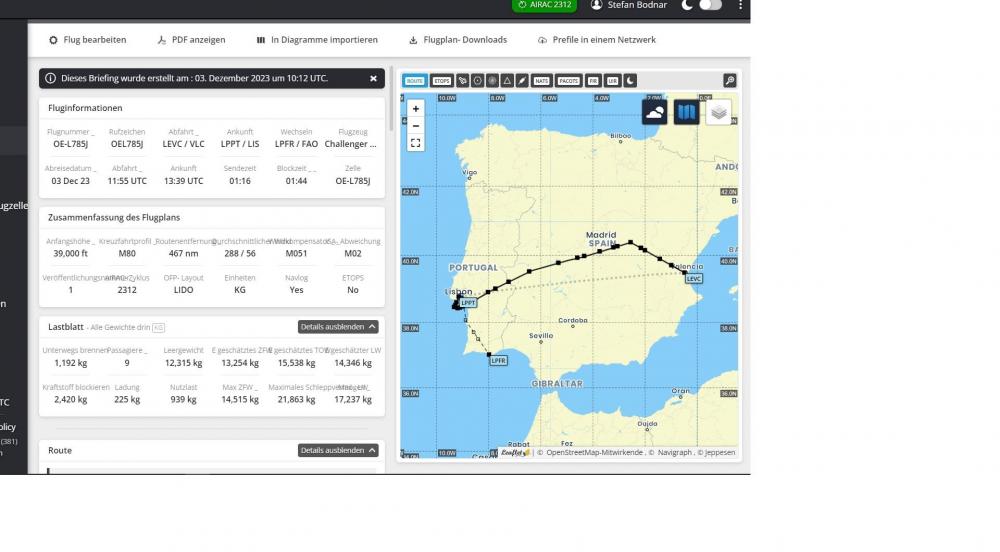
Hm, now I have created a new flight plan. The aircraft ID is identical to the newly created aircraft. But when I try to enter this ID in the FMS, I get the message "Invalid entry"! So I can't get to my flight plan entry again! Ich lade mal das aktuelle Log file hoch. Log.txt
-
Thank you very much, I followed the documentation and also entered the aircraft ID. But it led to the result mentioned. I will try a new flight plan. I haven't worked with Simbrief for a long time, I prefer to fly at lower altitudes with small airplanes. I don't need a flight plan for that.
-
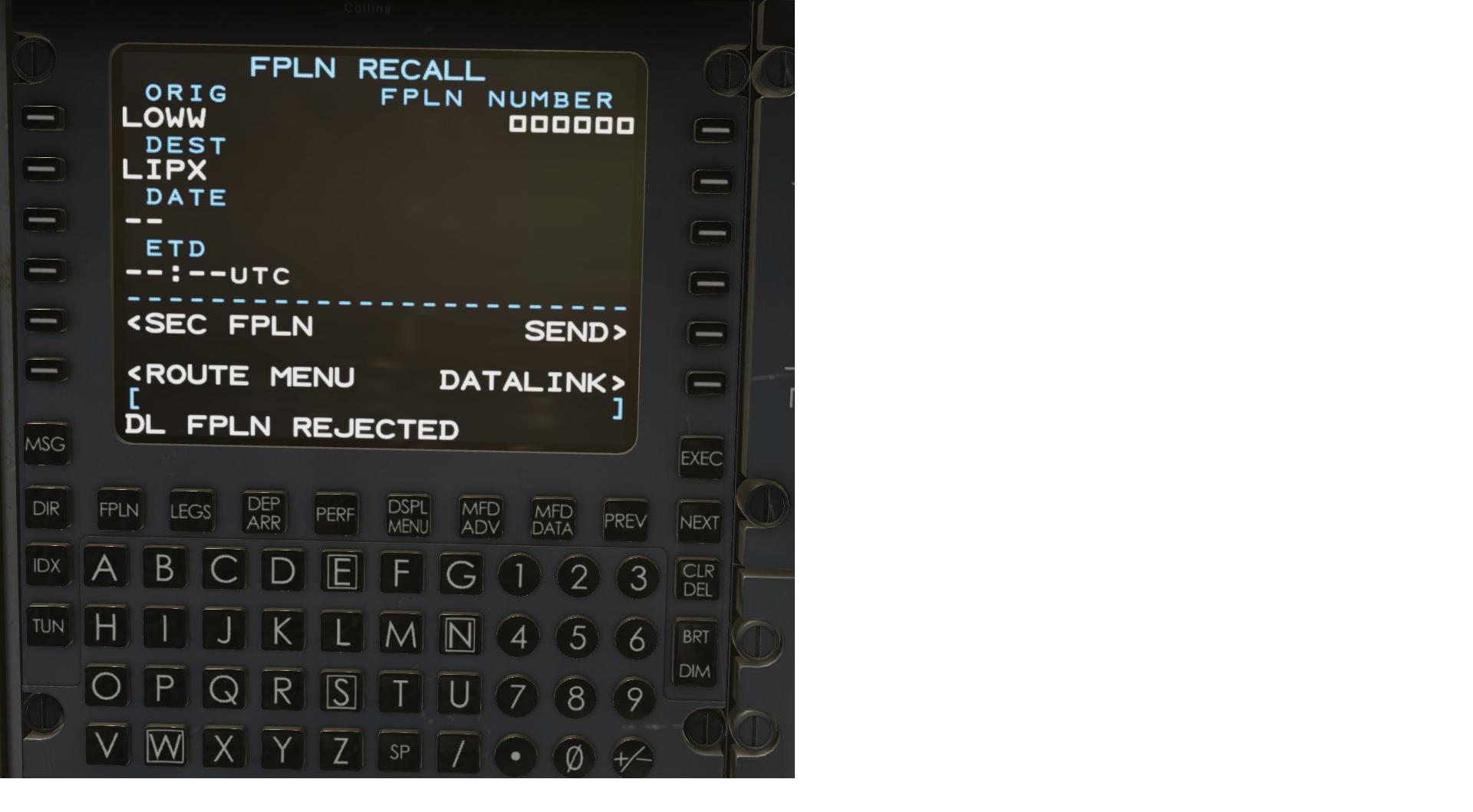
Hello, I have now tried to send a flight plan created via Simbrief to the airplane using the FMS Primer instructions. The method "Load a route vis Datalink." Unfortunately, after clicking on "Send" I do not get the hoped-for message "DL FPLN LOADED", but "FPLN rejected"! Now I don't know what to do again! How does loading a flight plan work if I already have it in the Output/FMS plans folder? I have tried, but I get the message "Bad route parse"! Had created it via simbrief, what could be the cause?
-
Exactly, thank You!
-
Thank You,then I'll see where to activate it and which unit I can assign it to on the HoneycombThrottle Quadrant.
-
Now it works, thank you very much! One more question, as no manual is available, I have read that the Challanger can also be supplied with thrust reverser. Does the model animated here have a thrust reverser?
-
Oh well, I was already wearing that. Then, after restarting X-plane, I overlooked it! Thank you very much.
-
-
Which detail of the cockpit?

-
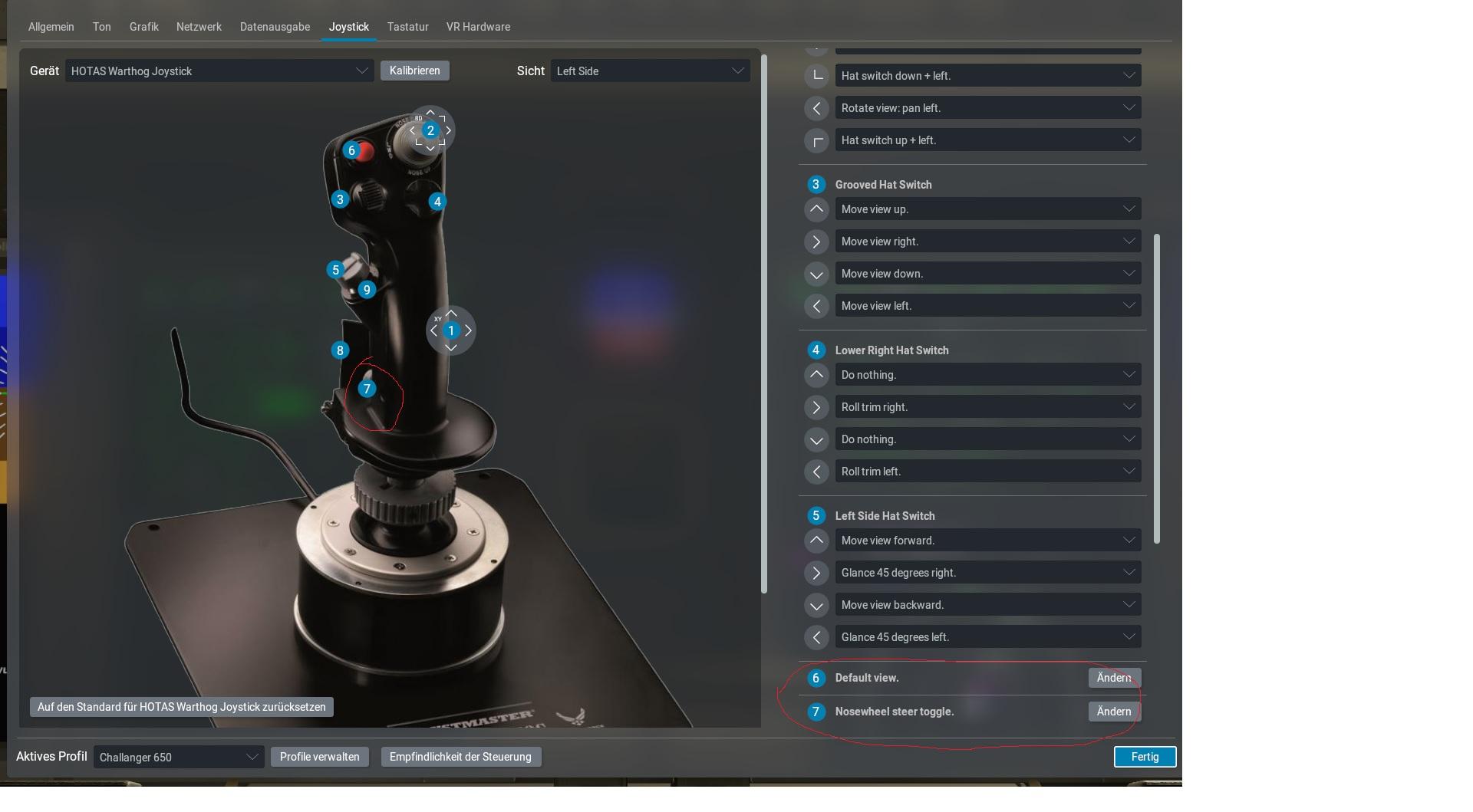
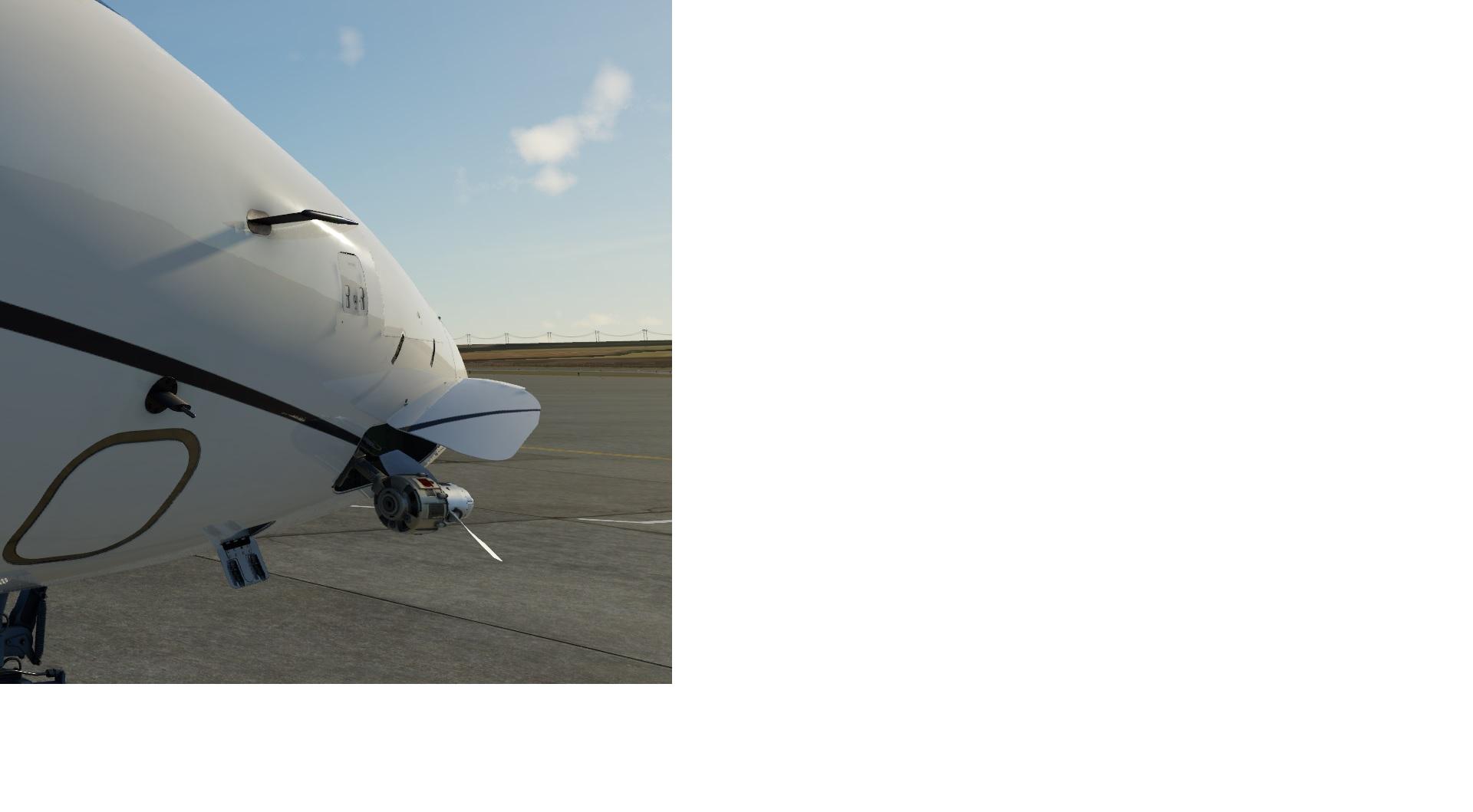
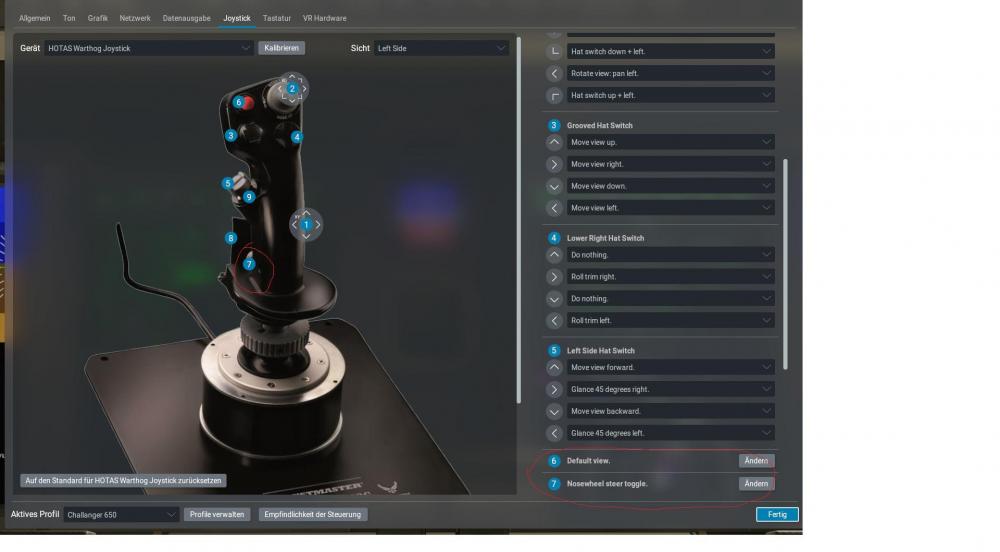
Hello, unfortunately I can't steer while rolling! I have assigned the command "Nosewheel steer toggle" to a button on the joystick. Unfortunately the Challanger, by the way the only airplane with nosewheel steering, ignores the command! It doesn't work with the keyboard either! Now I don't know what to do.
-
Apparently I'm blind! Sorry!
-
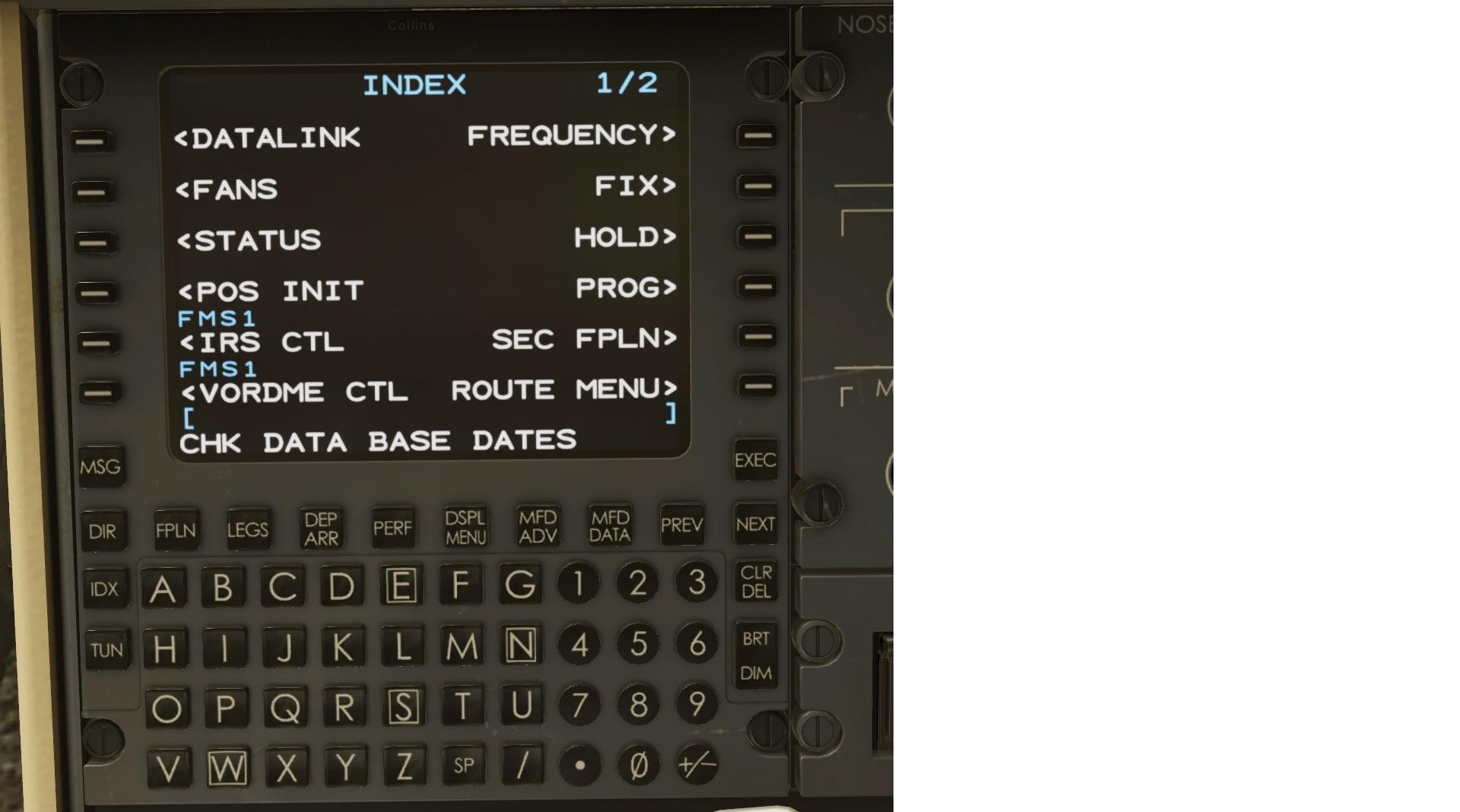
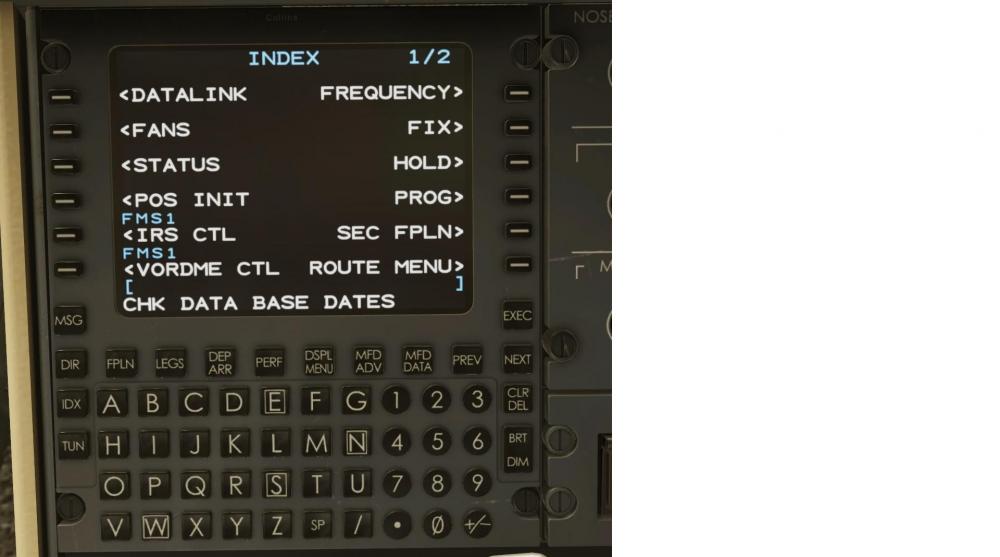
Many thanks for the advice. However, there is no ROUTE MENU under Index. But, I have completely forgotten about the FMS Primer manual. Must read it. It will probably take some time, my English is a little weak.
-
Hello, I have seen a video on how to import the flight plan in the airplane. Unfortunately, I can't get it to select in the display. I copied the flight plan to X-plane12/Output/FMS plans. But when I click on Index -Status the plan is not visible. So how do I load a Simbrief plan correctly?
-
Mercy! That was it!
-
A quick question, I have, unknowingly, extended the air driver gen. How do I get it back in?