All Activity
- Past hour
-
 curry_sean joined the community
 -
I downloaded the Challenger Hotstart 650, extracted in the main X-Plane folder, restarted X-Plane and it does not show in the available aircraft.
- Today
-
In flight it should work! Let me know if it does not for you, we will troubleshoot together then.
-
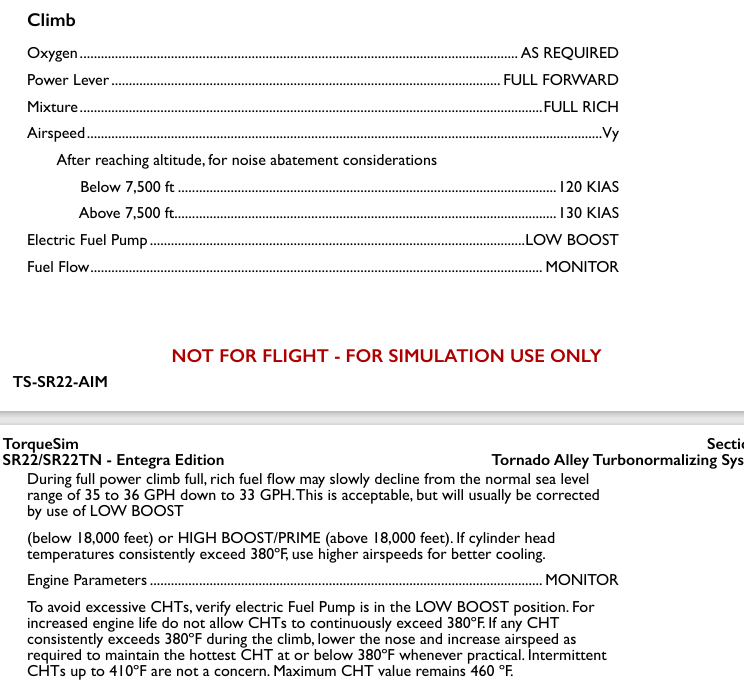
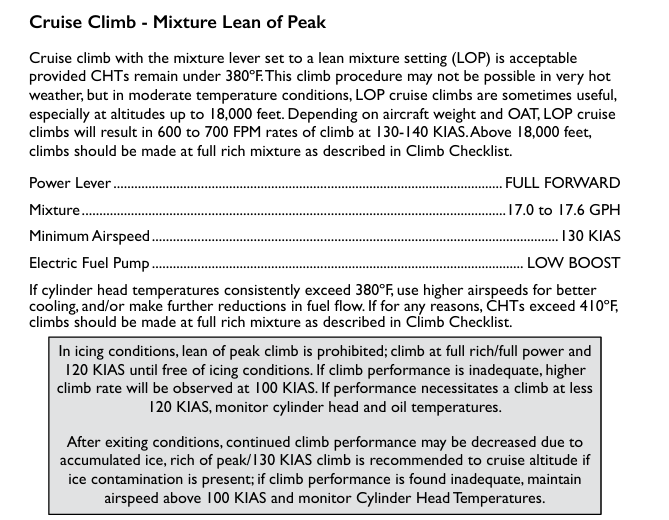
Hello guys, I've been trying to fly the Entegra SR22. They are wonderful models and, having flown one time in real life in one, I can see the amount of work put into them. I am following the AFM procedure for takeoff and climb on the SR22TN but I keep getting two cylinders go bad on my flights. I've kept the engine running according to the manual (full power/mixture for TO and climb, and LOP for cuise, boost pump on) with no success. Any thoughts?
-
Thanks for the clarification.
-
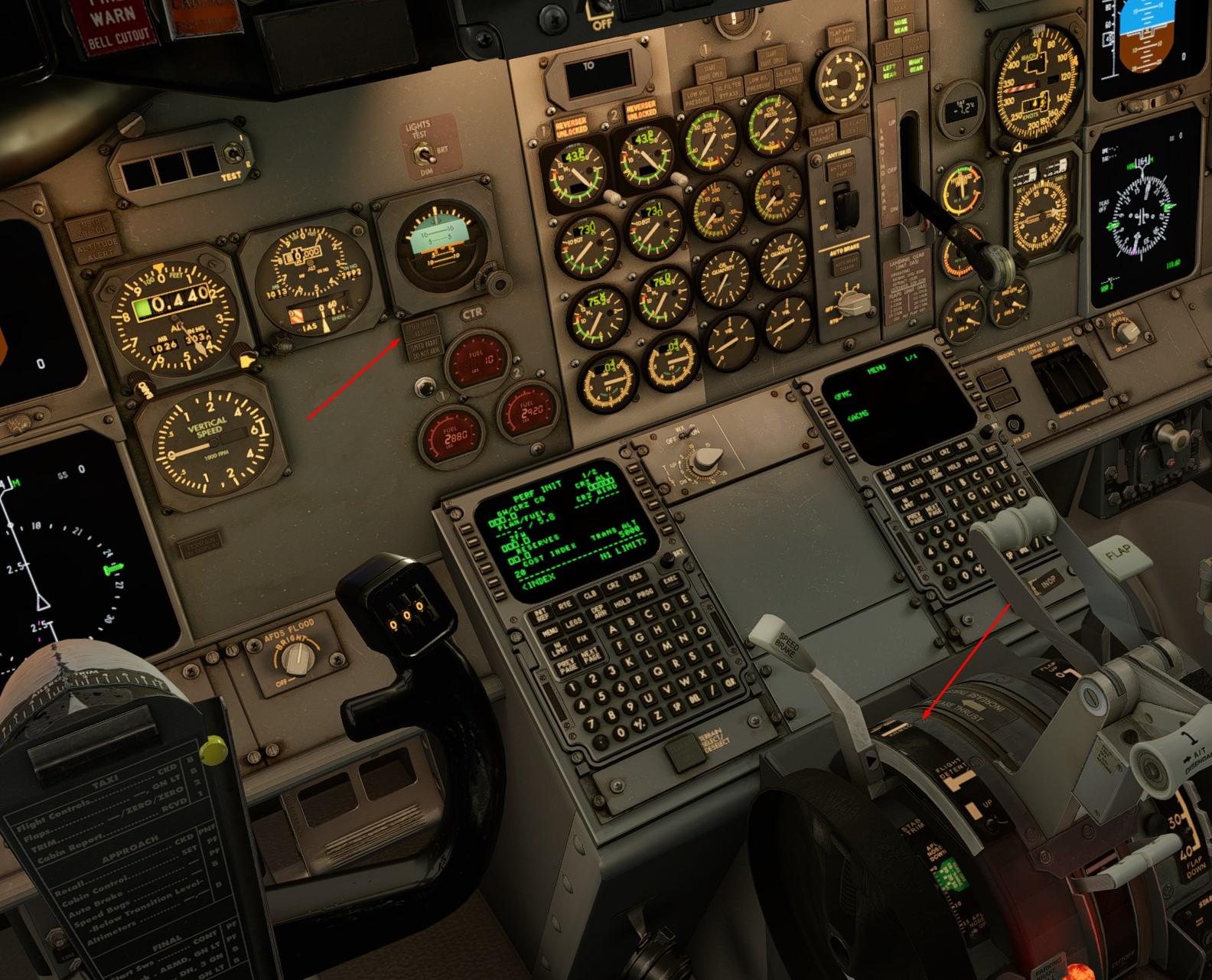
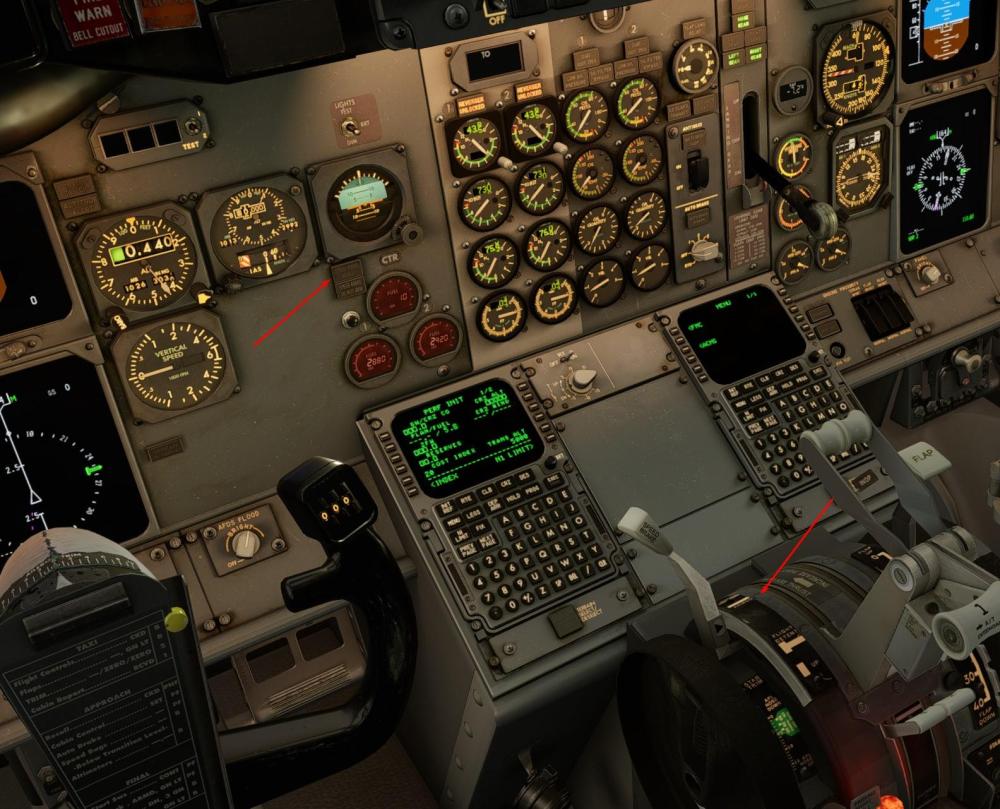
Thank you, I'm trying exactly this way I assigned the button to "Speedbrakes toggle between arm/disarm". But it was to no avail. This screenshot was taken on the ground as an example. But the problem also manifested itself in flight. We'll try the recommended one on our next flight.
-
 yukinami joined the community
 -
 nacho1232 joined the community
 -
 Kevin LM joined the community
 -
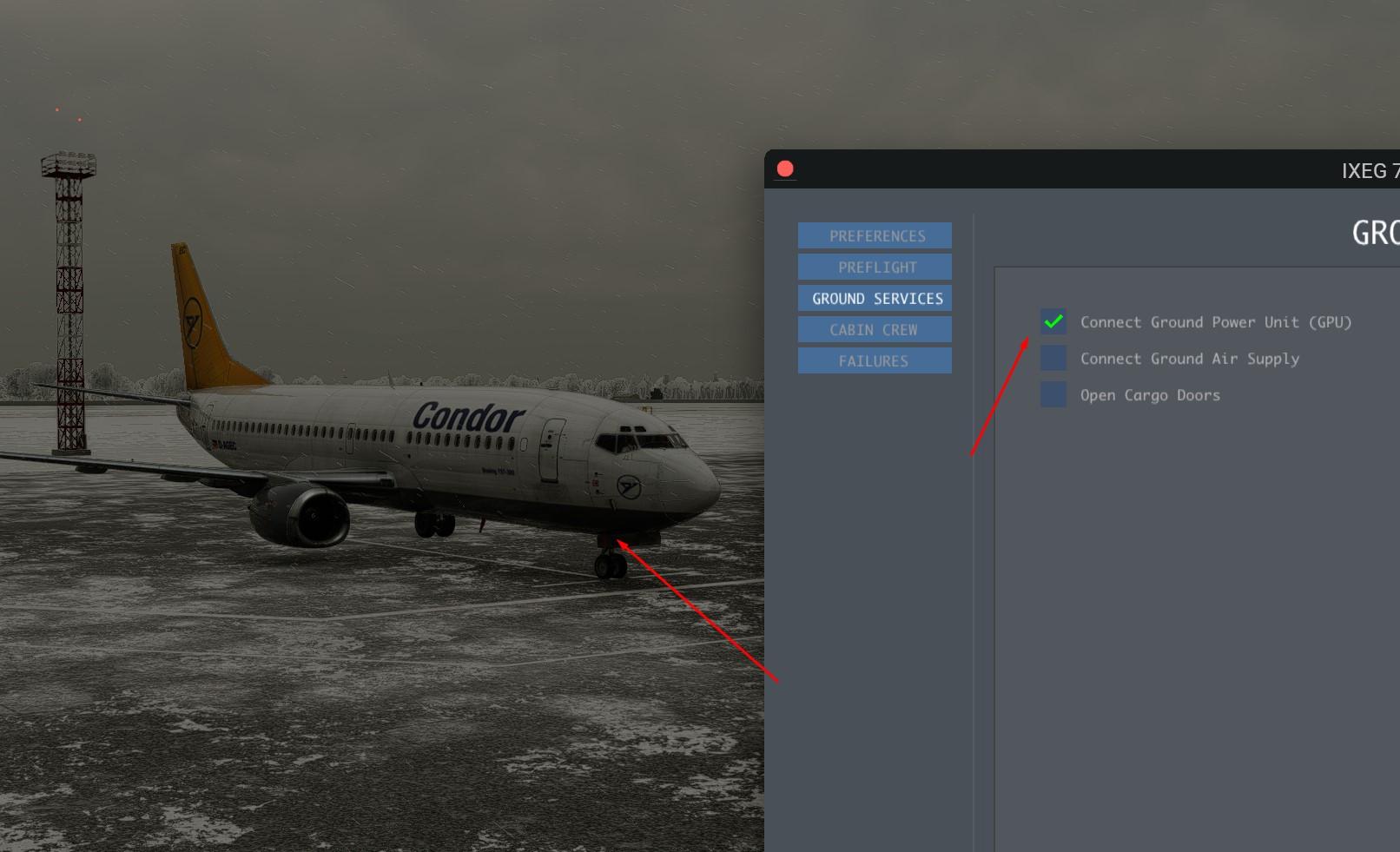
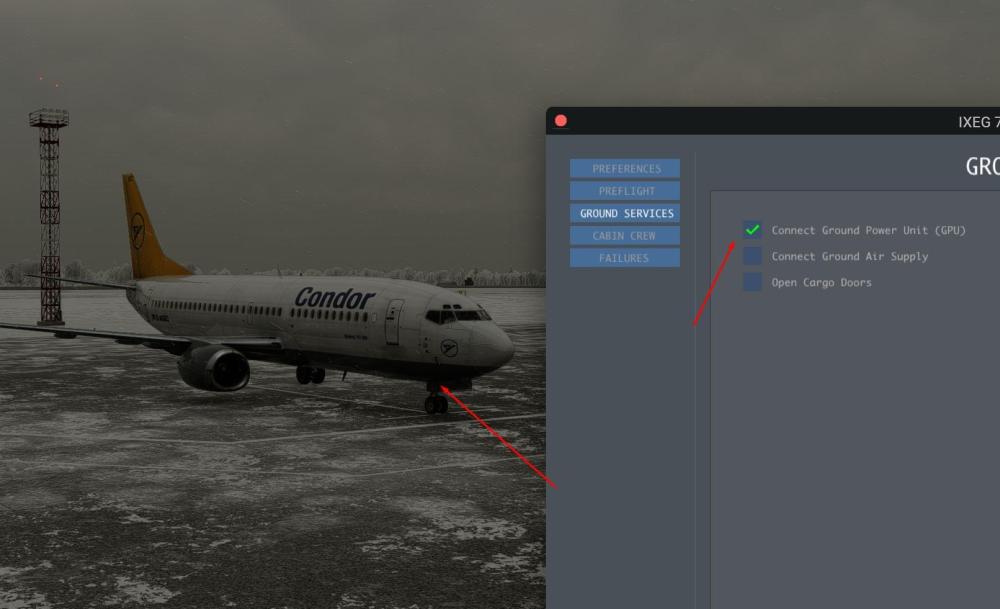
That is correct - we have removed the GPU cart object because it would clash with the "dynamic" GPU cart that X-Plane provides now (at many airports). In addition, a lot of airports have ground power that comes either "out of the ground" or "from the jetway", so seeing a GPU cart is not always appropriate. Laminar has further tweaked their GPU functionality in recent months - but we feel that it is not always perfect (i.e. they won´t allow GPU while the plane is on the runway because that is "not realistic" - which is nonsense, of course, because in theory nothing would preclude the GPU to enter the runway and plug in). So for now we will simply "turn on the GPU" when you use that option, if you want to role-play it, you can also call up the "ground services" window (shift-g is the default key) and call up a GPU cart to make it look nicer.
-
Try to assign a button to "extend speedbrake one notch" and then try again - even in the real 737 the positioning of the lever is "finicky" and it is easy to misplace it and either not arm the speedbrake or actually start extending it. And of course you are not trying to arm the speedbrake while on the ground, are you?
-
 A21N joined the community
 -
 tim885 joined the community
 -
 brent289 joined the community
 -
 Lucas7878 joined the community
 -
The SPEED BRAKE is not arming when the handle is set to the ARM position
-
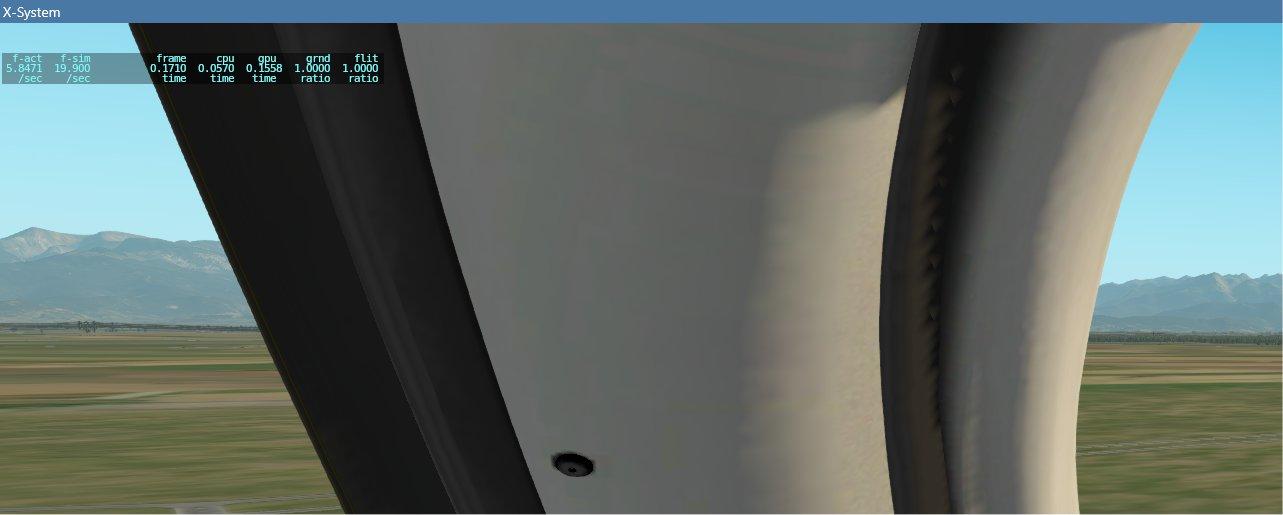
When connecting the GPU, it is not displayed, only the socket cover is open
-

IXEG for X-Plane 12, Version 1.5 Whats new
mjrhealth replied to tkyler's topic in General Discussion
Might jump in, but i think most dont realize this was almost lost, but thanks to @Litjan with a far smaller team, its being kept going. I do understand the FMS is requiring a whole rework to use XPLANE nav data saves an extra down load with a few bug fixes, but also sound bein redone to FMOD as the current sound engine causes some users issues. I believe Litjan was also temporarily helping Laminar, so there you have it, just takes a little research. Thanks cant wait -

GNS 530 problem, and DME too
UncontrolledAirSpace replied to diamonddriller's topic in CitationJet 525
Hi there, The GNS530s are hard-coded into X-Plane 12, meaning it would require access to X-Plane 12's source code to fix this, something that TorqueSim doesn't have access to. The only thing you can do is report it to Laminar and hope that it is addressed in a future XP update. -
 Hi All. My X-P12 also crashes when I load the BN-2T R500 version. I have no problems loading and flying the normal avionics version, and it is a great model that I enjoy. I tried the suggestion: In the Islander -> plugins/is_systems/settings/settings.cfg, try setting "disable_mtuploader" to 1. ...but that has not solved the issue. So any other suggestions would be very welcome. Regards, Neil Log.txt Log_ATC.txt
 -
 goobington joined the community
 - Yesterday
-
 Team-Lufthansa-Collector joined the community
 -
Thanks....I guess Zibo will be 737 of choice on Linux.
-
I completed half a flight today without issue but had to stop before I could finish it. I created a manual save but also left the game paused with the monitor turned off. When I came back to it, several hours later, I first tried to pick it up from the paused state, but the plane had seemingly lost its current position and I couldn't set POS INIT again. I reloaded the save instead, but then the route on the PFD had disappeared, as had my location on the Navigraph charts, even though the FMS route was still correctly populated and I could see my location in AviTab and Navigraph Charts externally. I reloaded again, and this time, I had the route back. Everything proceeded normally until a 'MAIN BATT OFF' warning popped up, despite the battery still being on. Landed, then tried to get out of the seat, but the camera was stuck in free move mode and it refused to snap to the corridor and go into walking mode. When I tried to set my position via the menu it put me inside the overhead panel, then back to where I was. I thought I'd try reloading a recent save to see if that would fix things again, but I couldn't reload the last autosave as the button was greyed out. Presumably because it was the 'current state' (technically slightly earlier), but even when I reloaded the aircraft I still couldn't pick up from that. I reloaded an earlier save, it warned me about loading the position/trajectory, so not fully understanding what the alternative was, I tried loading without, and it put me below the earth with alarms going off. I'm assuming most of this relates to or stems from leaving the flight part way through. It was all a bit weird. Not really expecting a fix, just reporting my findings. (Side note, started a new flight, then got caught up in the left hand side of the stairs and couldn't get out without changing position from the menu).
-
Yes, of course, all in good time.
-
Are there any planes to update the challenger 650 to have weather radar? Seems everything is simulated, it would be disappointing not to have the weather radar.
-
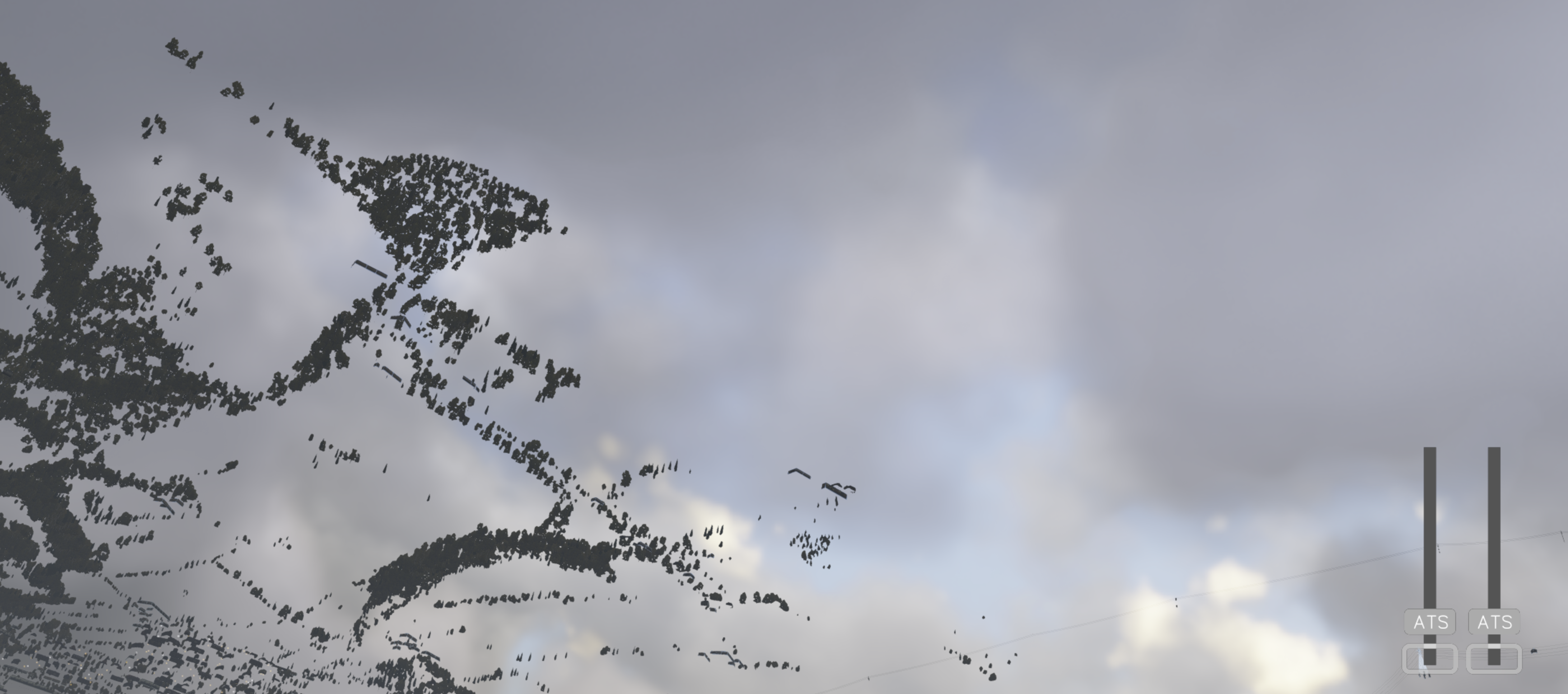
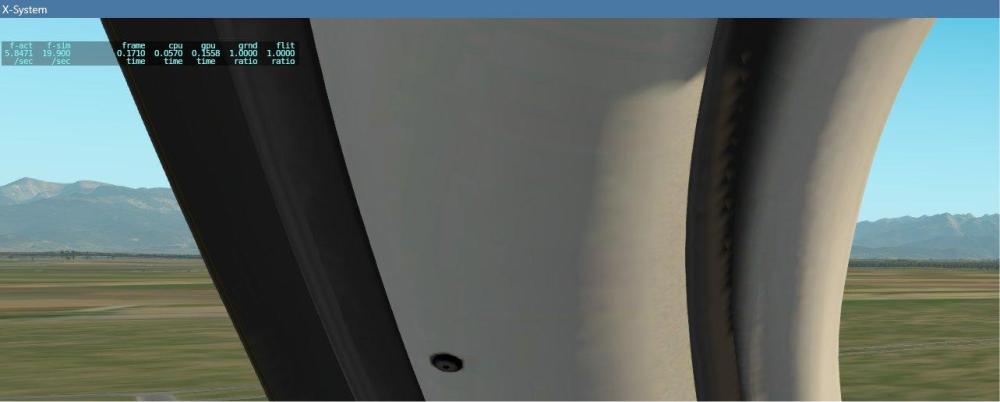
this is the indication when it happens
-
-
What frame rate are you seeing as this happens?
-
I get this CAS msg now every time I use anti ice of any level. Is this a general wear situation that maintenance should fix or am I missing something? If not mistaken there is also a speed limit of around 120 kts, correct?
-
any help???
-
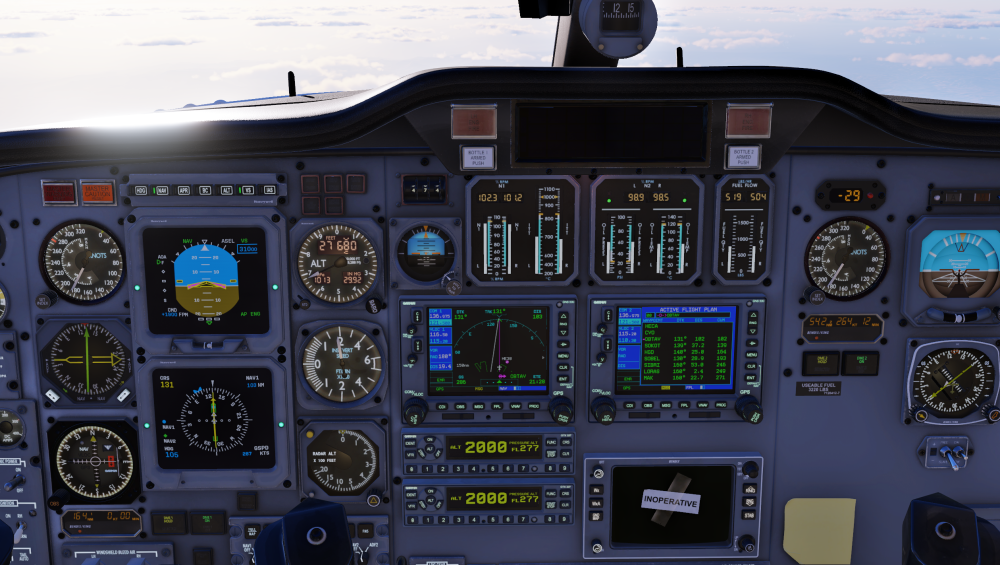
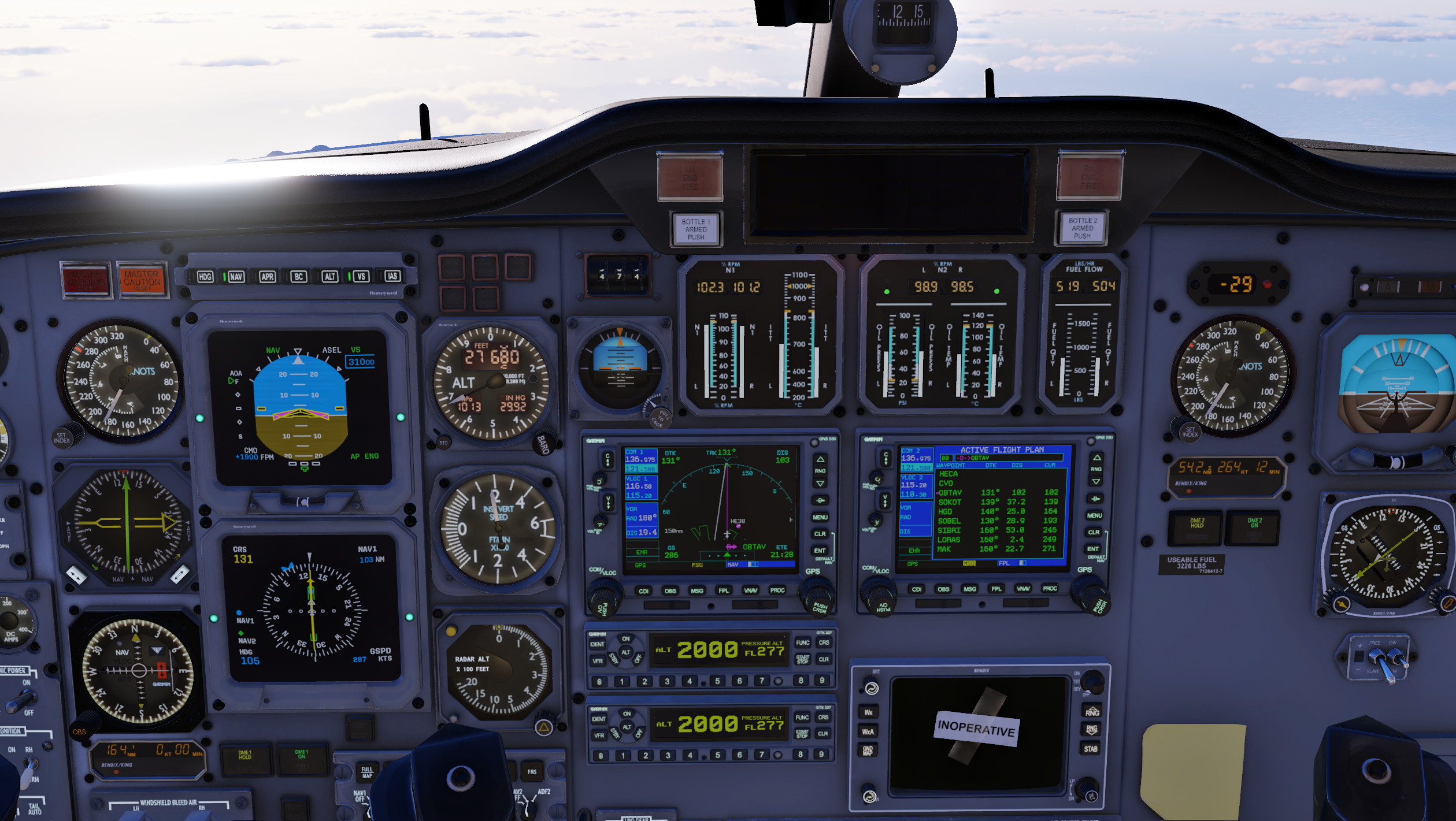
Because they are fed from different static sources, and the standby altimeter is not corrected by the air data computer, but essentially works like the one in a Cessna would. A discrepancy of even 150 feet is perfectly normal, especially at higher speeds.
-
Hi team, I was wondering why there is a distinct difference in Baro pressure reading between the active and backup altimeter.

-
A known issue. I think with Macs only.
- Last week
-
@Cameron